



12 Best Runway Alternatives for AI Video Generation I Tried and Loved
Runway isn’t the best fit for everyone. You may have trouble getting the exact output video you desire, for example. Or you might feel that the pricing doesn’t exactly offer value for money.
I’ve tried a bunch of other AI video generators, and I want to share the 12 best ones I found to be Runway's alternatives.
These tools are easy to use and can help you create amazing videos, even if you’re just starting out. Whether you want to make fun clips or professional-looking videos, these Runway alternatives have something for you!
Pollo AI - Best Runway Alternative Overall
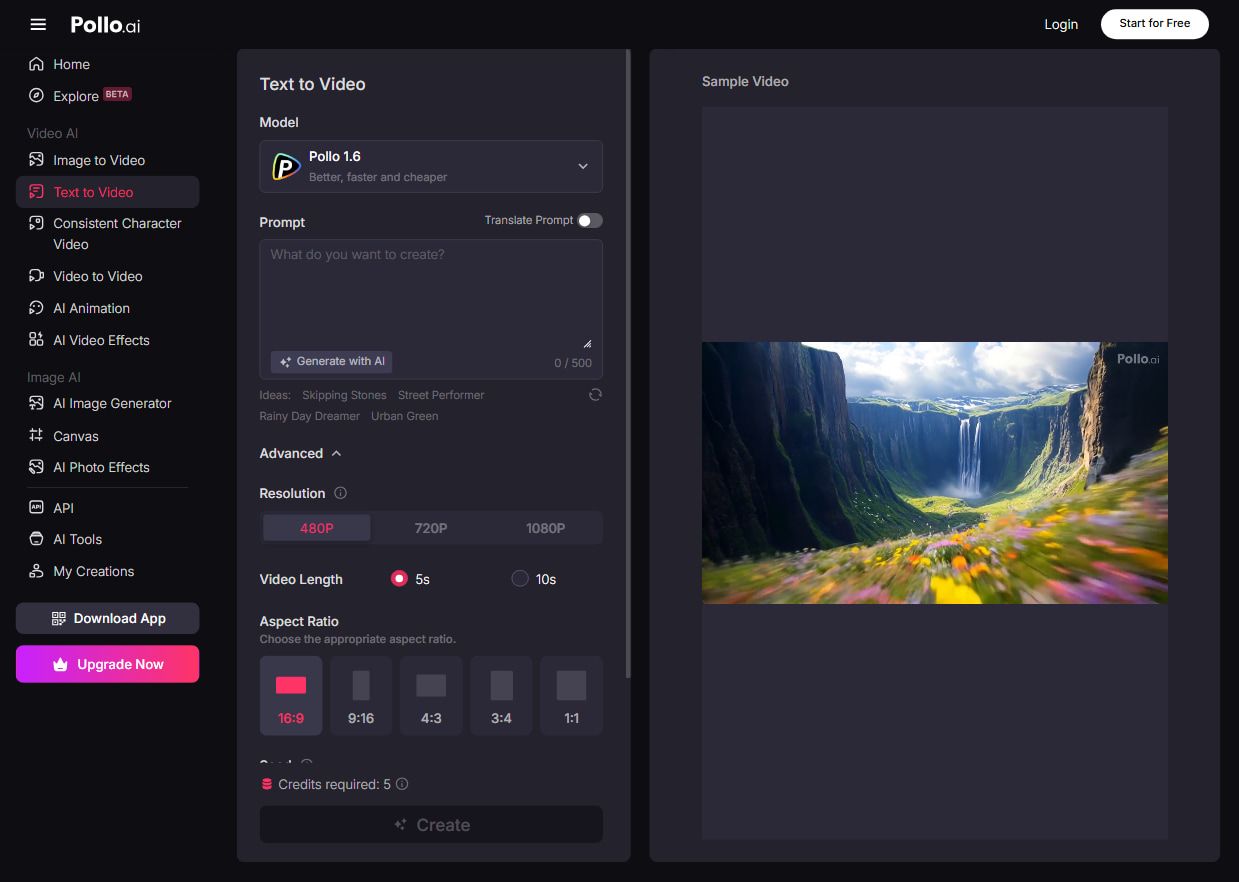
Pollo AI is my most recommended Runway alternative. What makes it stand out is how it combines many powerful AI models in one place, including Veo 3, Runway, Hailuo AI, Seedance, Kling AI, PixVerse AI, and Luma AI. So you don't have to jiggle different tools to try their capabilities.
With this AI video generator, you can try video generation features such as image to video AI, text to video AI and video to video AI. It also comes with a powerful infinite tool called mimic motion. It flawlessly maps human motion onto your chosen images, ensuring every frame remains sharp and anatomically accurate.
On Pollo AI, you can even create AI avatar videos. Its AI avatar video generator allows you to create avatar videos from just photos. That means no pre-recorded video uploads or pretraining needed. And you can also create AI product avatars, which are specifically for product promotion.
It even offers multiple video effects to create specialized fun videos. For example, you can create AI hug and AI kissing videos.
Pros
- Combines multiple AI models for diverse video styles
- Supports text-to-video, image-to-video, and video transformations
- Offers useful templates and customization options
Cons
- Free plan has watermarks and limited credits
Google Veo 3 - Best Runway Alternative for Natural Audio Integration
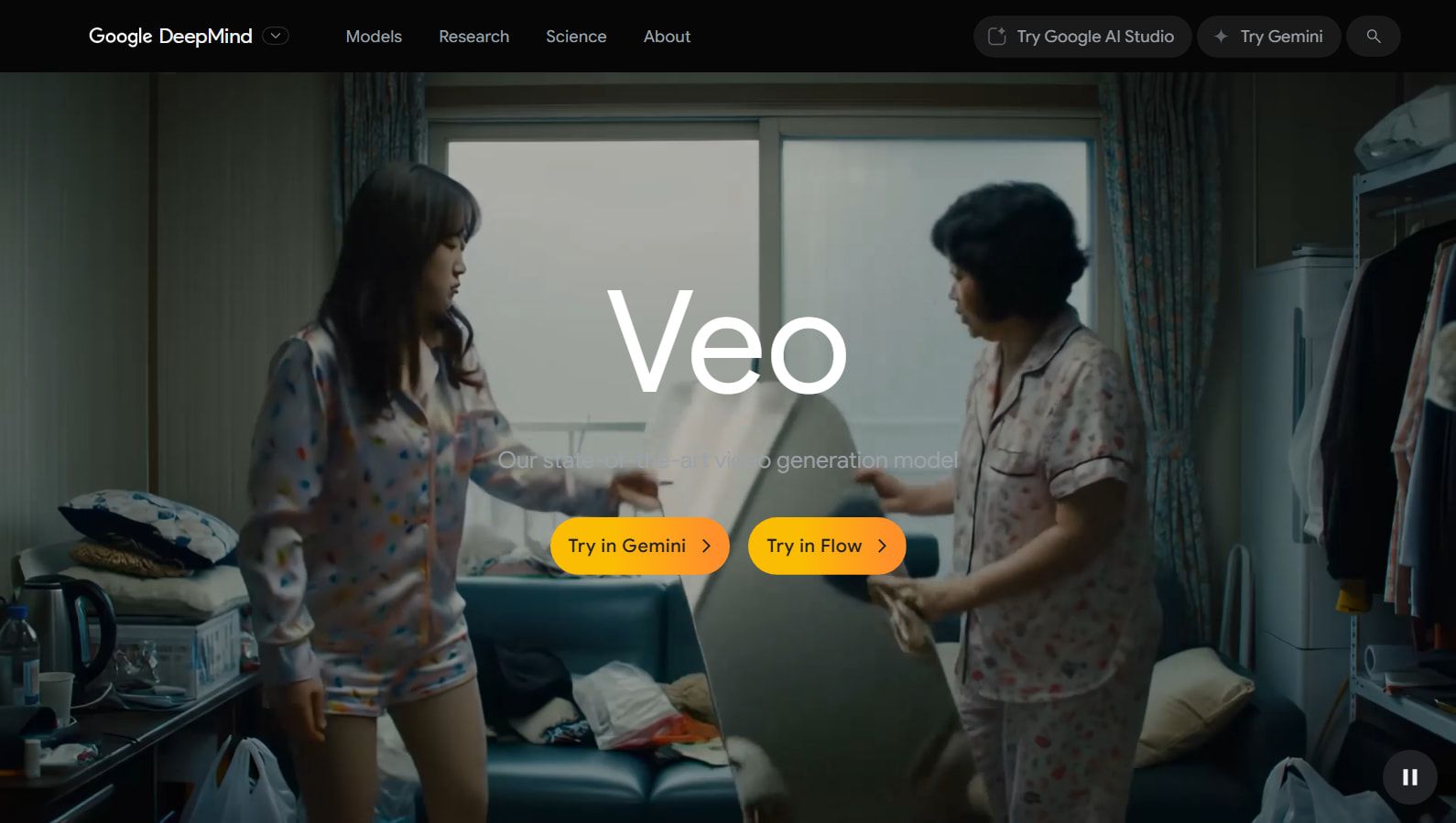
Google Veo 3 is one of the most exciting AI video generators I’ve tried recently. What really blew me away is how it can create realistic videos with matching sounds just from simple text prompts.
For example, if you ask it to make a video of a busy subway, it not only shows the scene but also adds background noises like chatter and traffic, making it feel super real. The videos look sharp and natural, with smooth movements and realistic lighting.
Plus, it’s easy to use even if you’re new to video making because it has ready-made templates and lets you add your own voiceovers or images. It’s like having a smart video assistant that helps you finish projects faster without needing to be a pro.
That said, Veo 3 isn’t perfect. I noticed sometimes the audio or subtitles don’t come out exactly right, and there are occasional glitches in the video. Also, the subscription is quite pricey, which might not work for everyone.
Pros
- Generates video and audio together from text prompts
- Realistic visuals with smooth motion and lighting effects
- Adds natural background sounds for more realism
Cons
- Expensive subscription fee
- Audio and captions can be inconsistent or hard to control
- Some glitches and visual quirks appear occasionally
Kling AI - Best Runway Alternative for Performance
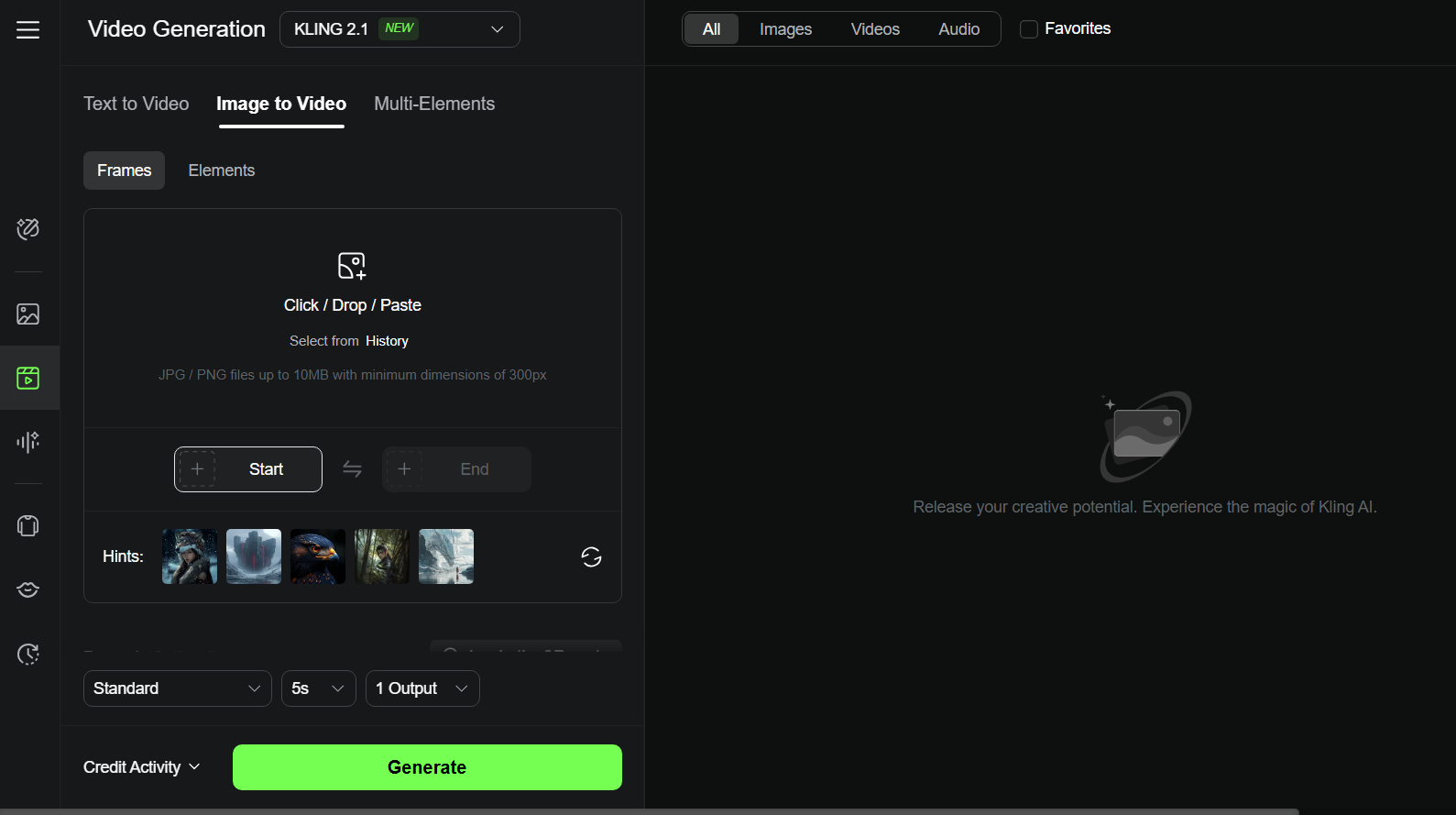
Kling AI is an AI video generator, boasting some of the most powerful levels of performance. It really impressed me with how detailed and smooth its videos look.
It can turn simple text or images into short videos with realistic movements, cinematic lighting, and cool camera effects like zoom and pan. It’s a great choice if you want high-quality videos that look professional but don’t require complicated editing skills.
However, the videos it makes are short. And this might feel limiting if you want longer clips. And some features, like lip-syncing, are still missing, and the pricing can be a bit high if you want to create a lot of videos.
Pros:
- Creates high-quality, realistic videos with smooth motion and cinematic effects
- Supports text-to-video and image-to-video generation
- User-friendly interface with advanced camera controls
Cons:
- Pricing may be high for heavy users
Toki AI - Best Runway Alternative for AI Avatar Video Generation
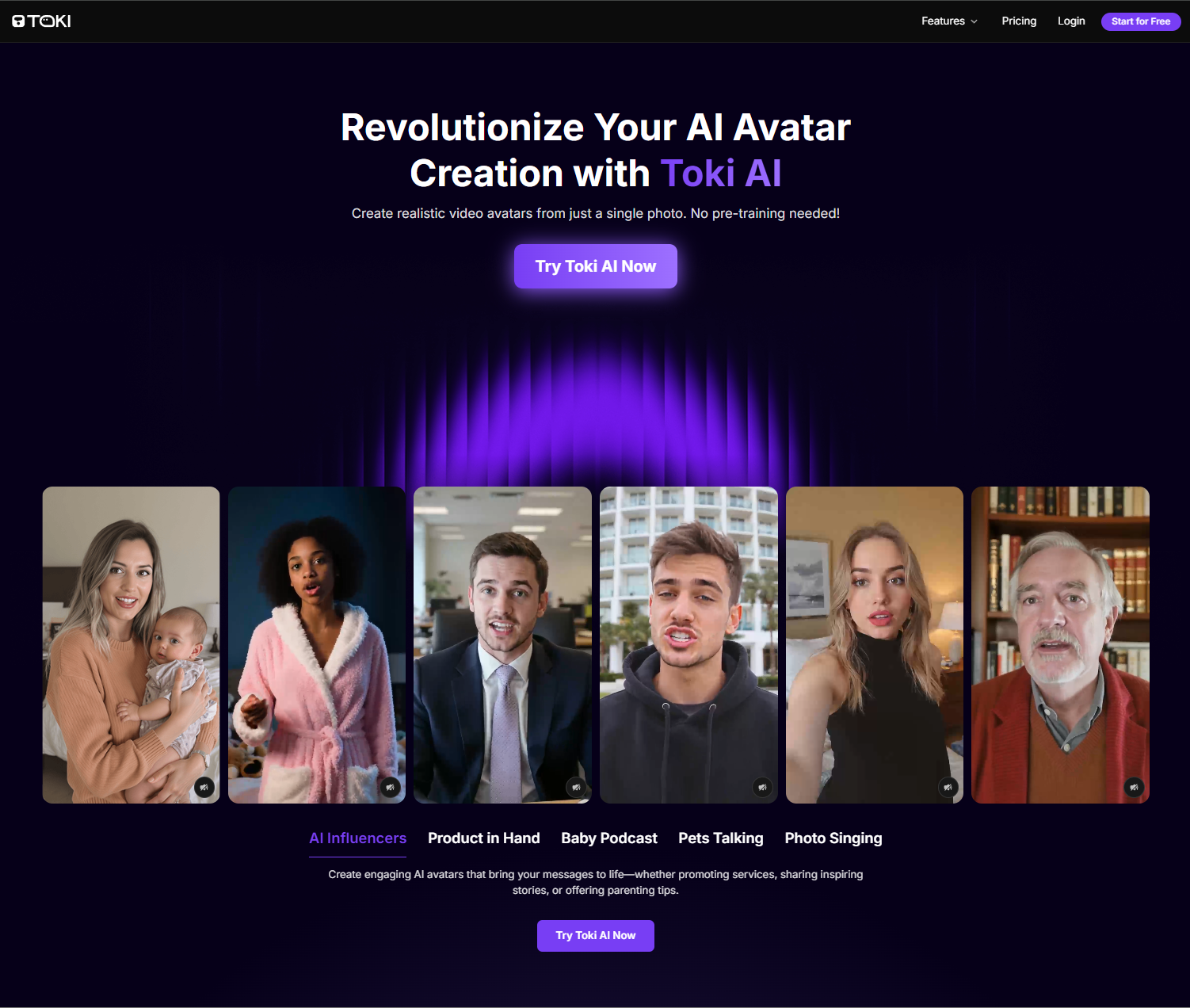
Toki AI is my top pick for creating lifelike AI avatar videos from a single photo. What sets it apart is its ability to generate realistic, talking avatars with natural expressions, perfect lip-sync, and authentic emotions without any pre-training.
Powered by advanced AI models, Toki AI offers a seamless way to bring any face to life for ads, entertainment, or personal projects.
With Toki AI, you can transform photos into engaging videos for product demos, social media, or even fun pet and baby podcast videos. Its vast voice library and customizable avatars make it a versatile tool for creators and marketers alike.
Pros:
- Creates lifelike avatars from a single photo with no pre-training
- Supports diverse content like ads, tutorials, and entertainment videos
- Offers a rich voice library and customizable gestures
- Generates videos up to 2 minutes for detailed storytelling
Cons:
- Free plan includes watermarks and limited video duration
Luma AI - Best Runway Alternative for Speed
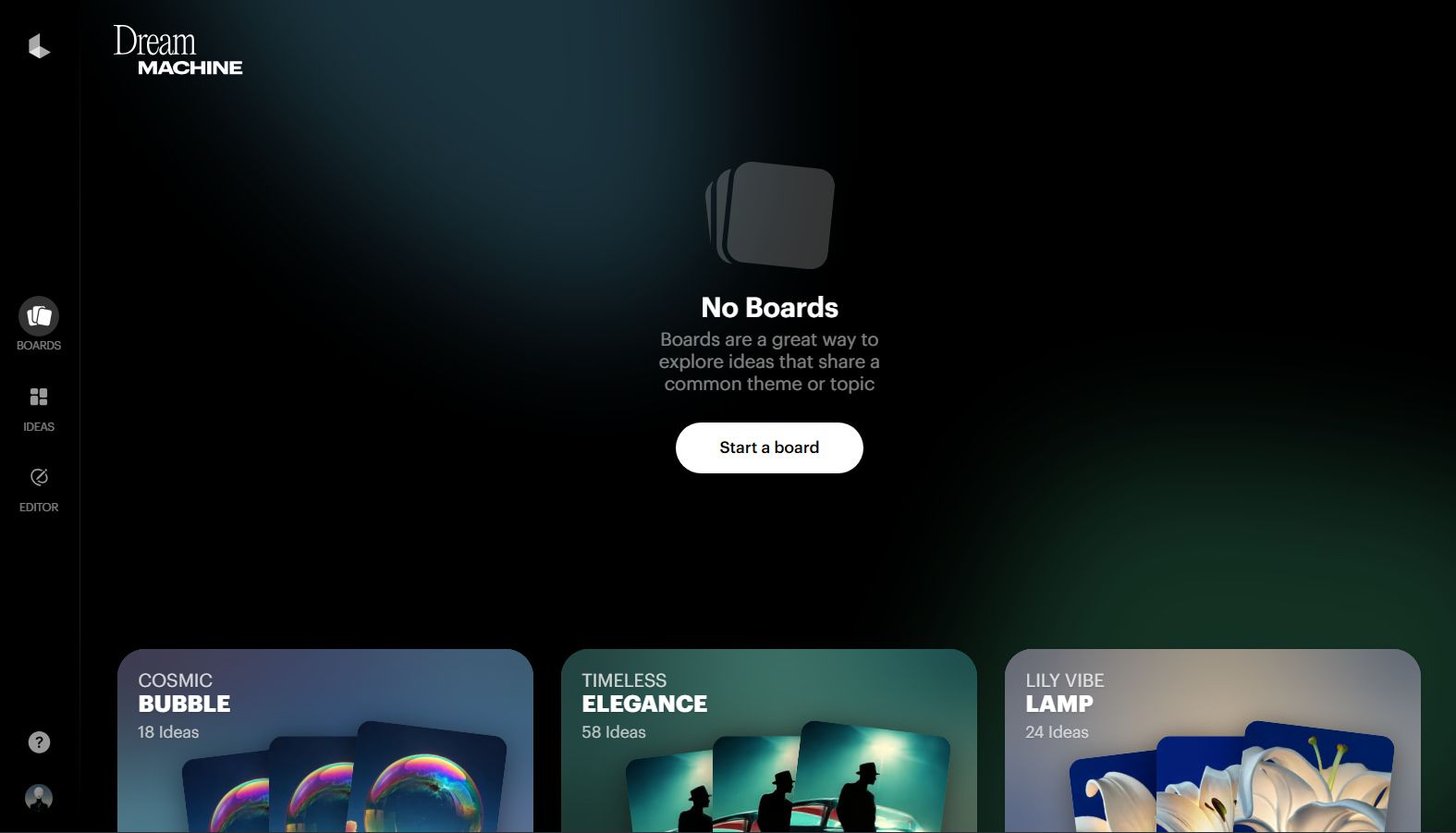
Luma AI is one of the fastest and most powerful AI video generators I’ve used. It can generate 120 frames in just 120 seconds! The videos look super realistic thanks to its physics-based motion, which means everything moves naturally like in a real movie.
Plus, Luma AI uses smart camera controls to add smooth zooms, tracking shots, and even 360-degree views. It supports multi-scene videos, so you can create longer stories with smooth transitions.
But some features might feel advanced if you’re just starting out. And, it doesn’t offer as many built-in editing tools as some other platforms.
If you want a fast, realistic, and professional AI video maker that can handle complex shots and longer videos, Luma AI is a great Runway alternative to try.
Pros:
- Super fast at generating AI videos
- Can create videos in various styles
- Supports multi-scene videos with smooth transitions
Cons:
- Its advanced functionalities may present a steep learning curve for some users
- Many videos often have a lack of movement or energy
AdsDrive - Best Runway Alternative for UGC Avatar Video Ads

AdsDrive is my go-to for creating high-converting UGC ad videos with AI avatars. Its cutting-edge AI transforms any photo into lifelike, expressive avatars that move naturally, emote authentically, and sync perfectly with your voiceover.
Unlike other platforms, AdsDrive lets you customize gestures with simple prompts, making your ads stand out.
Perfect for e-commerce, agencies, apps, and gaming, AdsDrive helps you scale ad production, reduce costs, and boost ROI with engaging, tailored videos. Create product demos, testimonials, or social media ads in minutes.
Pros:
- Generates unique, emotion-rich avatars for authentic UGC ads
- Customizable gestures and voices for brand-specific campaigns
- Supports long-form videos up to 2 minutes for deeper engagement
- Enables rapid A/B testing to optimize ad performance
Cons:
- Free plan has watermarks and basic features
Pika - Best Runway Alternative for Special Effects
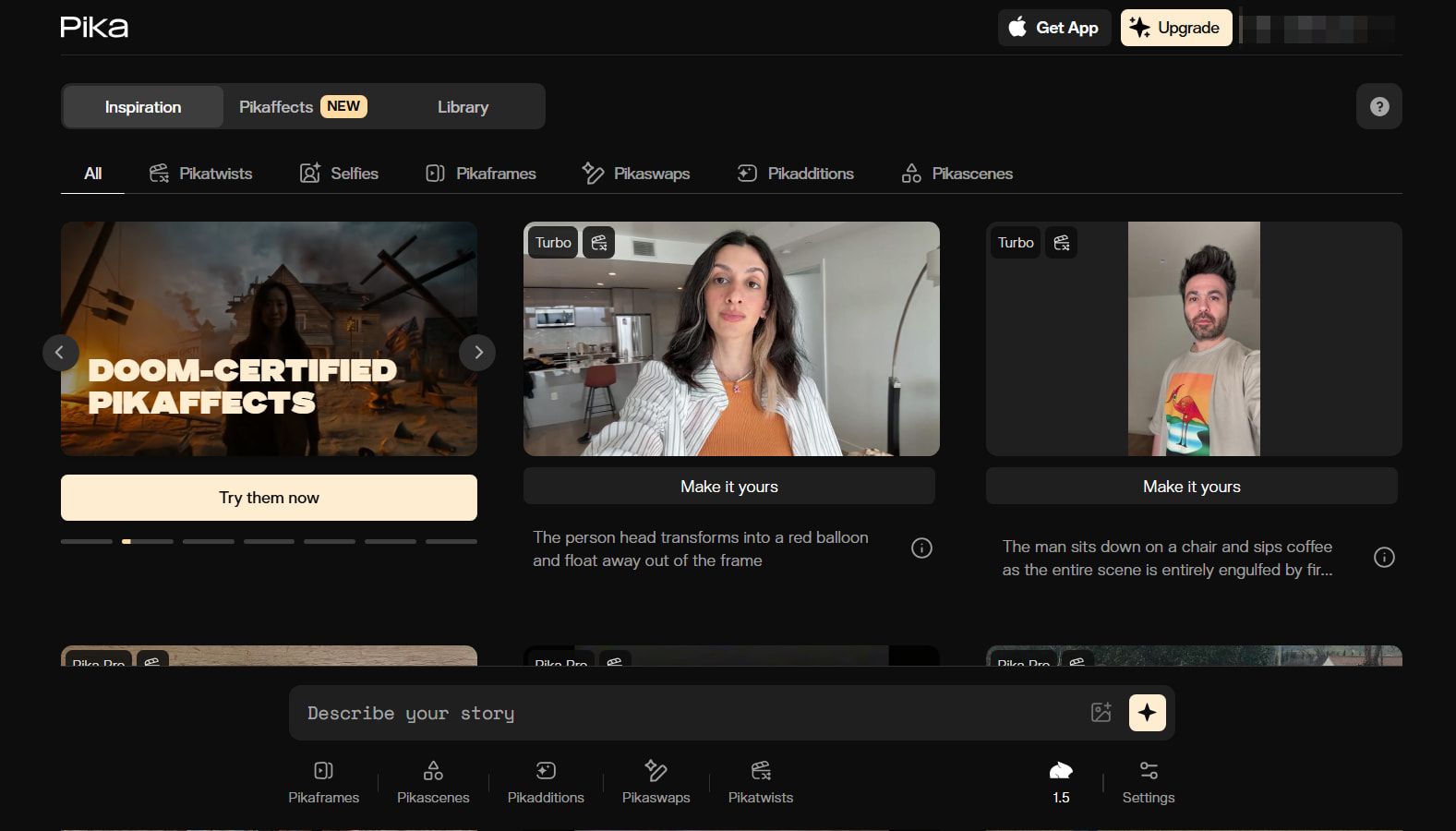
Pika is one of the most fun Runway alternatives to use. It lets you create smooth, cinematic videos up to 10 seconds long in full 1080p HD.
What I love most about this tool is its interesting special effects. It works by taking images (that you can upload directly to the platform) and then animating them into creative videos.
There are various fun effects you can apply with Pika. For example, you can turn something into a cake and see it get sliced open in the video. You can even make videos of items being crushed, crumbled, or inflated. It's best for short, punchy content rather than long films.
Pros:
- Lots of interesting, entertaining Pikaffects to apply with
- Easy to work with – make videos in a few clicks
- Use your own photos to make customized content
Cons:
- The output quality may not be consistent
- Only a limited range of video types available
Hailuo AI - Best Runway Alternative for Cinematic Quality
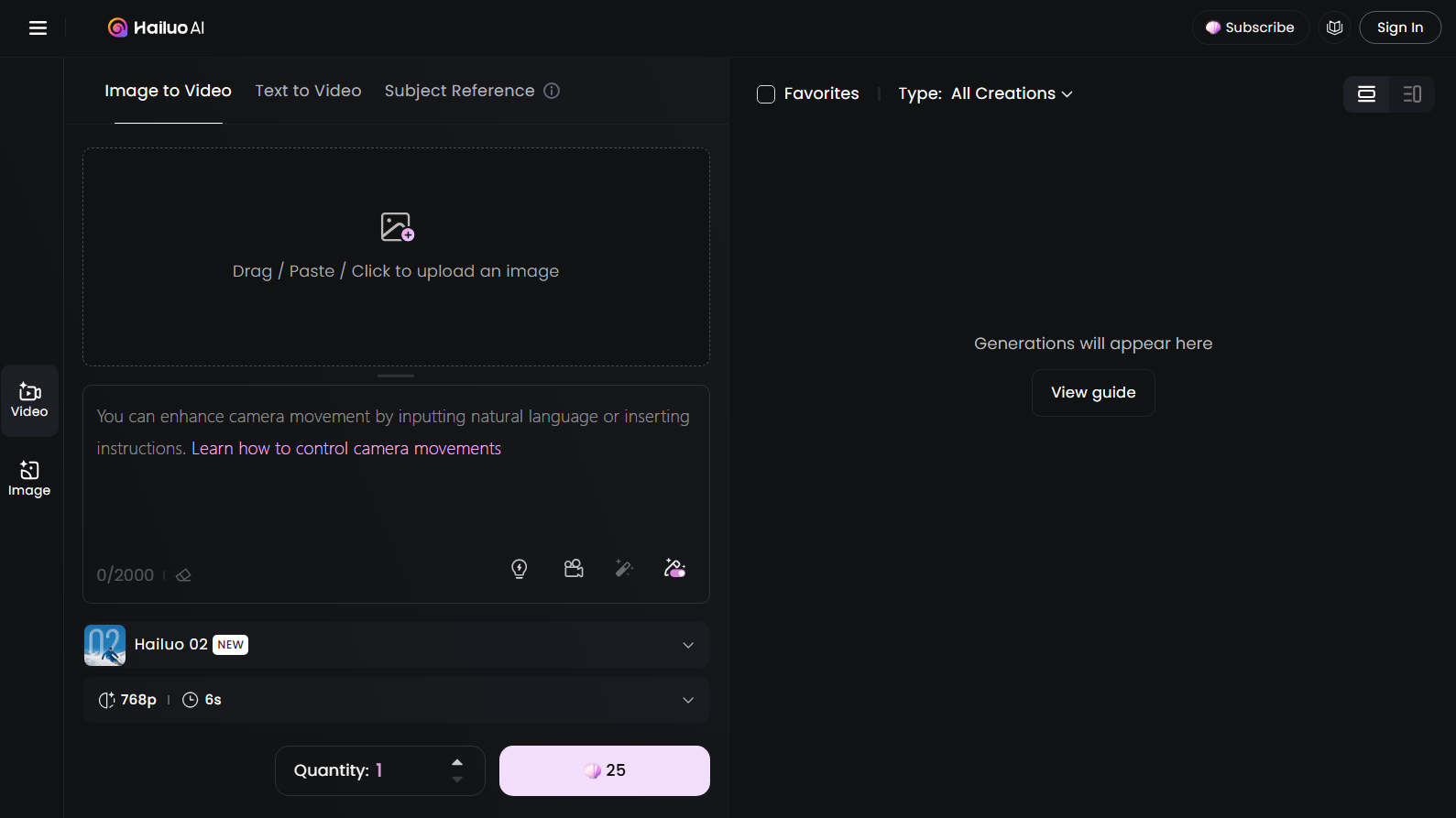
Hailuo AI is one of my top picks for creating short, cinematic-quality videos.
What I loved most is how it turns simple text prompts or images into 6 to 10-second videos with smooth camera moves like tracking shots and pans. It's perfect for beginners or anyone who wants to create cool videos without complicated editing software.
The videos look sharp and professional, with consistent characters that keep their facial features and outfits across scenes. Plus, it supports high resolutions up to 1080p, so your videos don’t lose detail.
But you should note that some of its outputs, especially with lots of movements, can look a little unnatural or glitchy.
Pros:
- Multiple AI video generation modes
- Creates good quality content with lots of color and energy
- Suitable for content creators, influencers, and other users
Cons:
- Can be quite slow at making AI videos
- Sometimes struggles to comprehend detailed text prompts
Haiper AI - Best Runway Alternative for Lively Animations
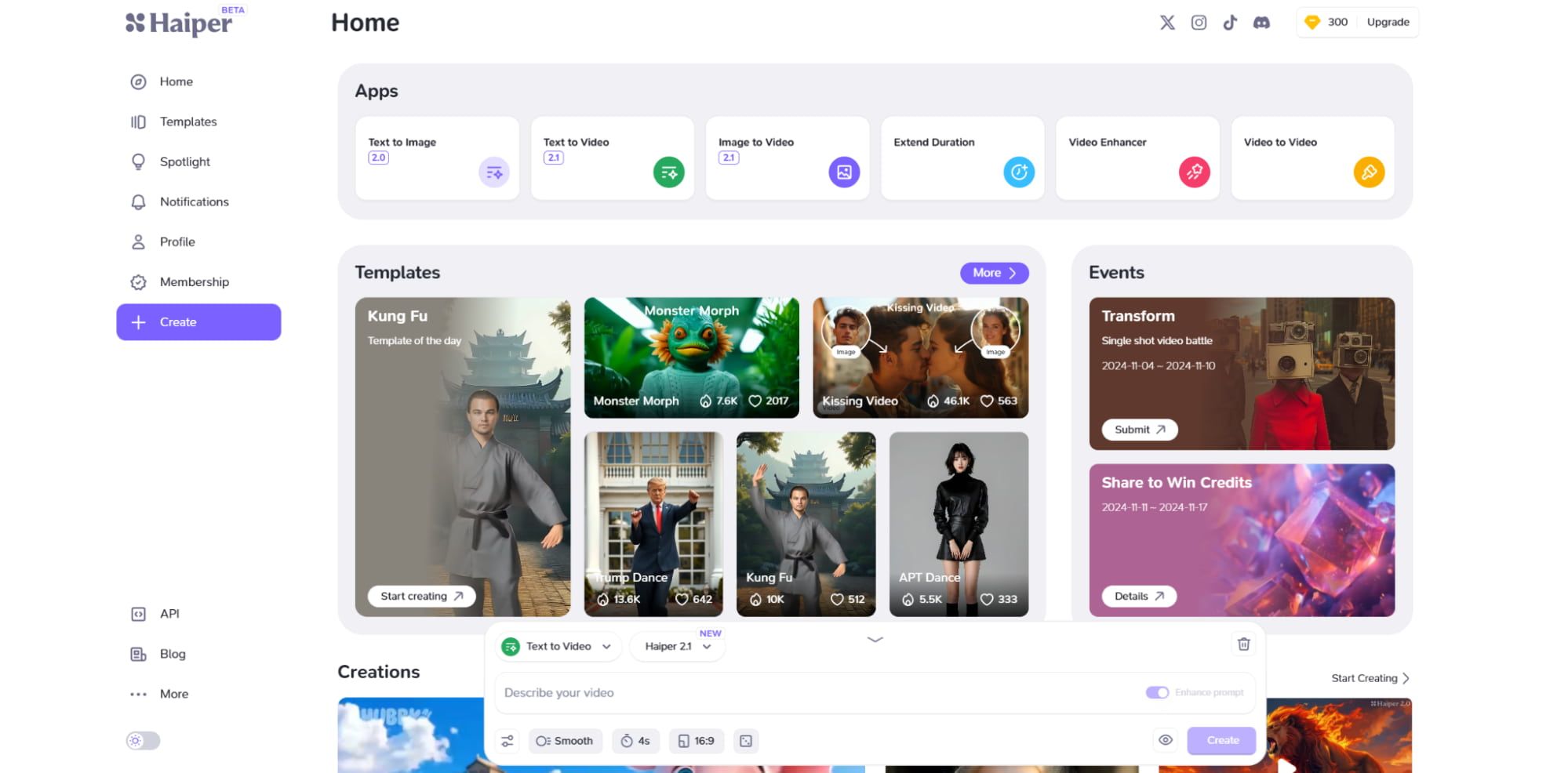
Haiper AI is a powerful AI video generator that makes creating videos from text and images really easy and fun.
My favorite feature of Haiper AI is how it can turn simple text prompts into lively, colorful videos with smooth motion and realistic details. It also lets you animate still images, adding movement and effects that make your pictures come alive.
I found Haiper AI was usually very accurate at interpreting my prompts and realizing my ideas. It can also generate video content with very realistic physics.
If you want a versatile, easy-to-use AI video maker that produces high-quality results, Haiper AI is a solid Runway alternative worth trying.
Pros:
- Capable of creating lifelike videos from text prompts or images
- Powerful animation technology
- Completely free to try
Cons:
- Some users have reported experiencing bugs with this generator
- Lacks customization options compared to other tools
Vidu AI - Best Runway Alternative for Customization
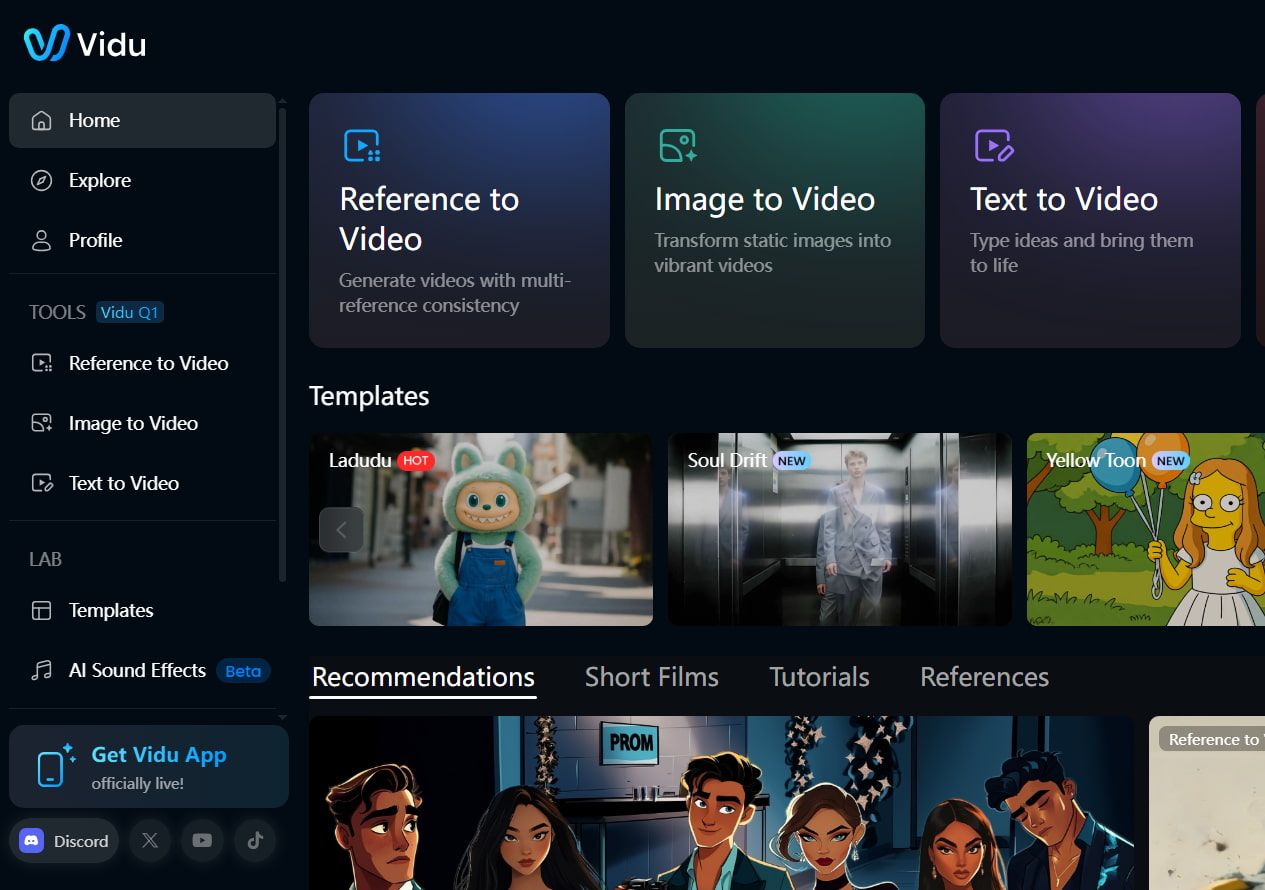
If you're looking to create videos with a cool touch, Vidu AI is definitely worth checking out.
I've had a chance to play around with it, and I found that it does a great job of making videos look really good, and it responds pretty quickly when you give it commands.
One of the best things about Vidu AI is how it lets you customize your videos. Whether you want a dramatic cinematic feel or a more artsy look, it can do that! I was impressed by how well it handled detailed instructions, and the animations felt smooth and realistic. Plus, you can even turn images into videos or use existing characters from your drawings, which is pretty fun!
Pros:
- Multiple AI video generation modes
- Creates detailed and deep video content
- Offers almost limitless customization and creativity
Cons:
- Sometimes can be struggled with video details
- Occasionally yields inconsistent results
PixVerse AI - Best Runway Alternative for Advanced Users
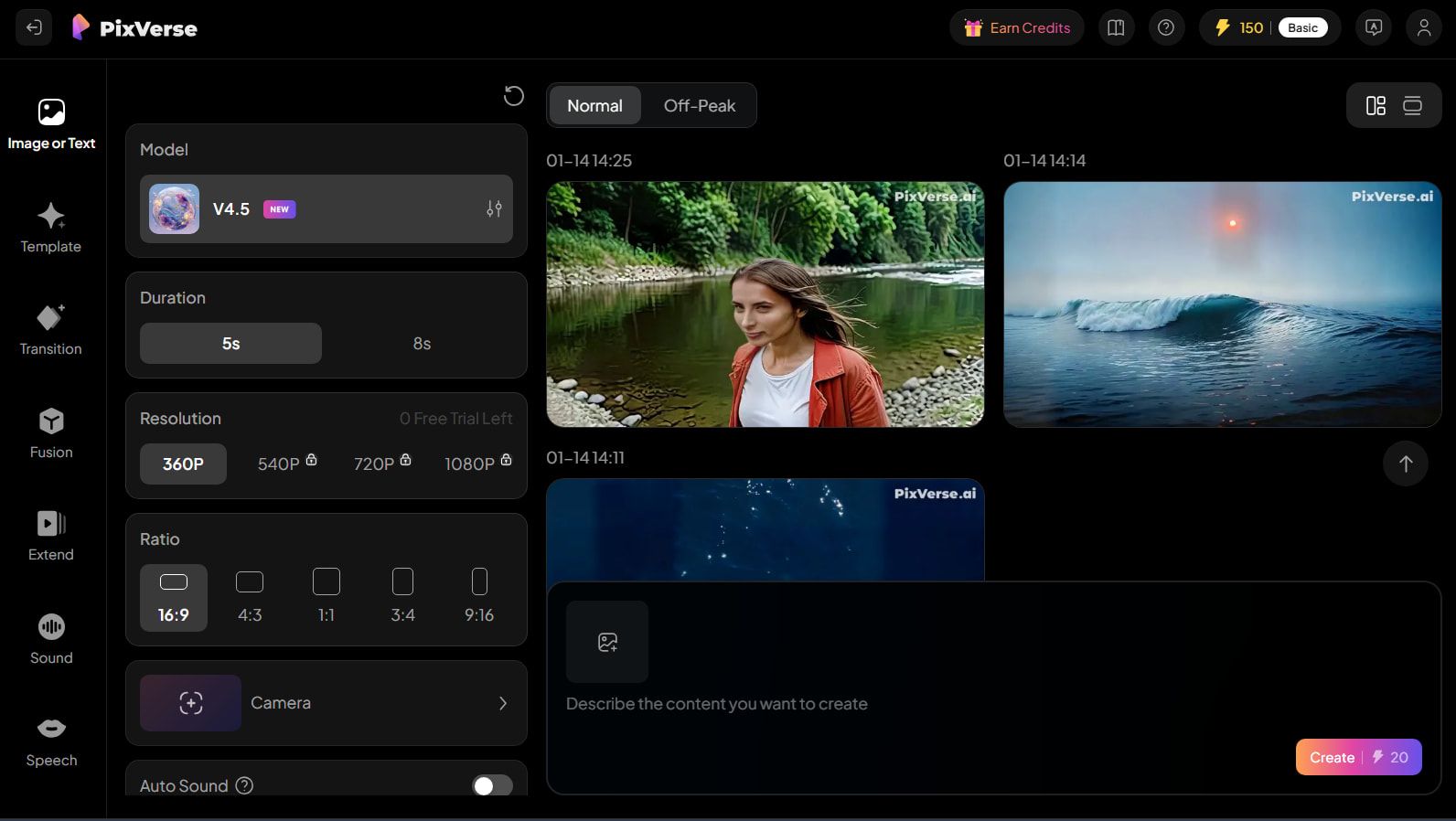
For those who have a bit more experience with AI video generators, PixVerse AI can be a great tool to explore.
I found it a bit tricky at first because it has a lot of settings, which might overwhelm someone just starting out. But if you're already familiar with video making, you'll probably enjoy the challenge!
But PixVerse AI offers extensive customization options. You can change the length of your videos, choose different styles, and even add special effects to make your project stand out.
I experimented with various aspects of my videos, like the aspect ratio, to see how it would change the look, and it was really satisfying to see the different options available.
However, I did notice that the camera controls felt a bit limited, which might be something they could improve in the future.
Pros:
- Produces high quality animations
- Lots of customization options to play around with
- Ideal for more advanced AI video makers
Cons:
- Interface can be cluttered and confusing
- Beginners may struggle to make the most of this tool
KREA - Best Runway Alternative for Beginners
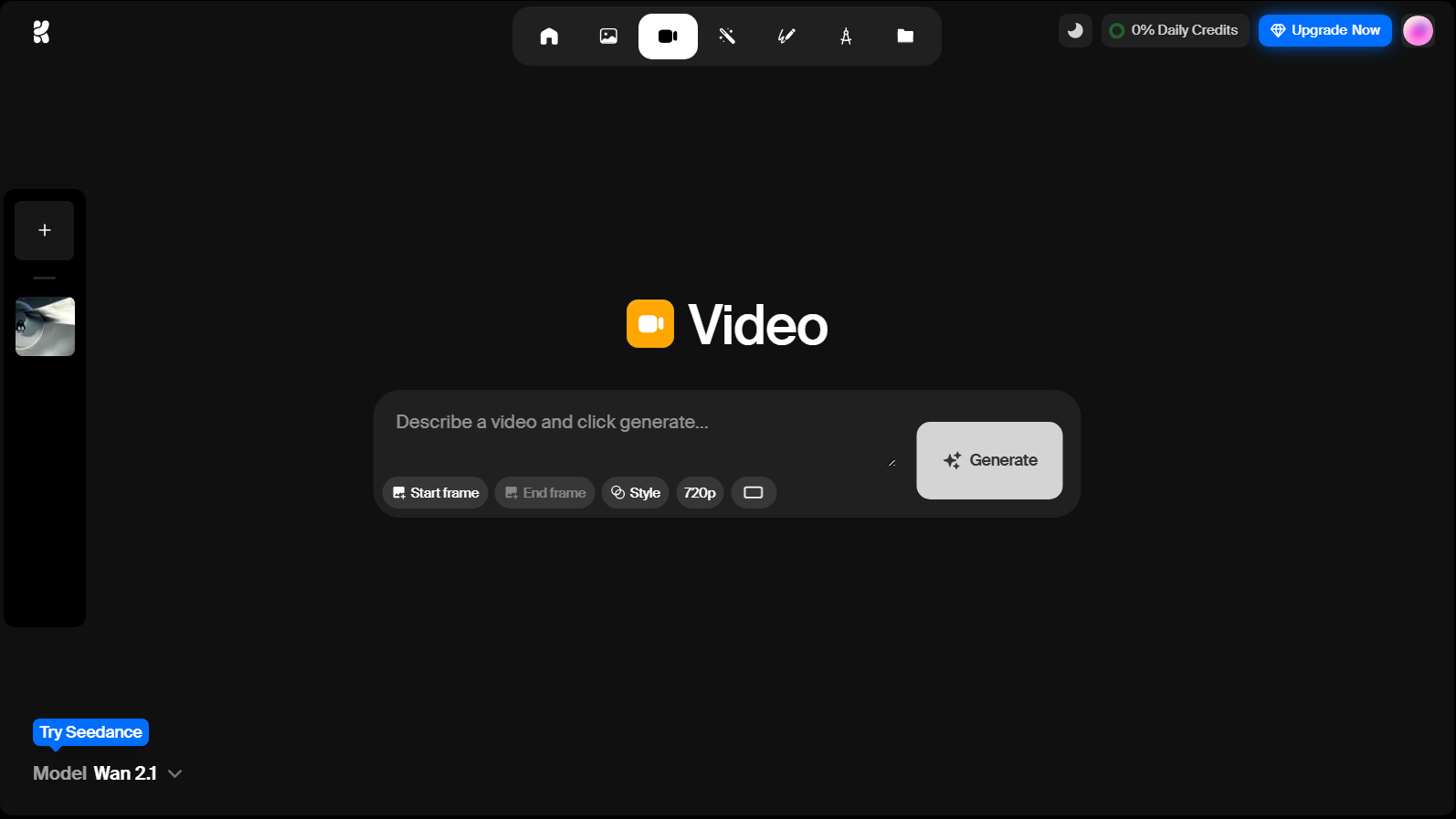
If you’re just starting out with AI video making, KREA is a fantastic choice. I tried it out, and I found its simple design really helpful. Everything is laid out neatly, making it easy to navigate.
KREA focuses on making video generation quick and straightforward, which is great for beginners like me. It even has a feature that lets you enhance the quality of your videos! You can switch between different models to see various styles, which is a fun way to experiment.
Plus, there's a free plan to start with, though it does have some limits. Overall, KREA is a solid starting point for anyone new to creating videos with AI.
Pros:
- Easy to work with
- Quite fast processing times
- Also supports video enhancements
Cons:
- May feel a bit basic to some professional users
- Free plan is quite restrictive
Conclusion
After trying all these AI video tools, I can honestly say there’s no one-size-fits-all answer. Each Runway alternative has its own standout features. Whether you want something super simple or a tool with lots of options, one of these will fit your style.
If you’re not sure where to start, I recommend Pollo AI for its extensive model support, powerful AI, fast speeds, and many clever customization features.