



10 Best Pictory AI Alternatives for Video Generation (Hands-On Review)
I like Pictory AI for quickly turning scripts, blog posts, URLs, PPTs, and long recordings into simple videos. It is useful when I want captions, stock visuals, and a faceless video without learning a full editor.
But when I pushed it for more serious campaign work, its generic visual matching, voice/avatar limits, and cleanup steps started slowing me down. So I tested and compared these Pictory AI alternatives for creators and teams that need more flexible AI video workflows.
TL;DR
If you want the strongest Pictory AI alternative overall, I would start with Pollo AI. It gives you AI video generation, AI avatars, editing tools, leading models, and scenario-nased studio workflow in one place.
For voice-led faceless videos, Fliki AI is the closest simple replacement. For business avatars, Synthesia and HeyGen are stronger than Pictory. For editing existing footage, VEED, Kapwing, OpusClip, and Vmaker AI are better fits.
Why I Looked for Pictory AI Alternatives
Pictory AI is easy to learn, and I still think that is its biggest strength. But once I wanted more visual control, better presenter options, and outputs that felt less assembled, it stopped feeling like enough.
I saw the same issue in third-party criticism, too. On Trustpilot, one negative review says the tool had too many glitches for professional use, especially because the premium voiceover feature kept producing strange noises that made the videos sound unprofessional.
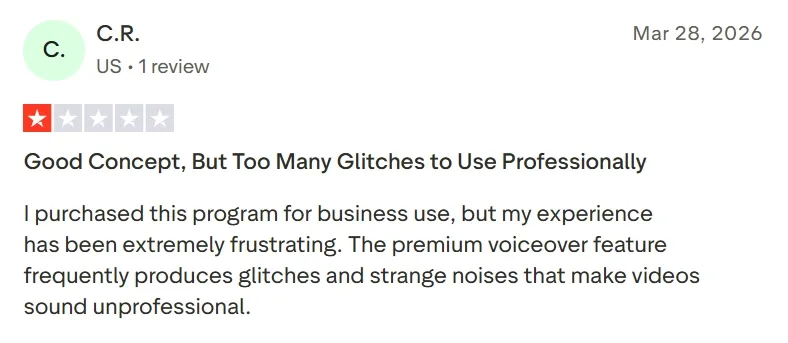
That matched my own experience. Pictory AI can get me to a workable draft quickly, but not always to a distinctive finished video. If you want the deeper background first, read the Pictory AI review.
Pictory AI Alternatives at a Glance
| Rank | Alternative | Best for | Watch point |
|---|---|---|---|
| 1 | Pollo AI | Best overall AI video workflow | May feel broader than needed for one narrow task |
| 2 | InVideo AI | Prompt-led marketing videos | Output can still need quality checks |
| 3 | Fliki AI | Blog to video and voice-led faceless clips | Visuals may not feel as advanced as newer generative tools |
| 4 | Synthesia | Corporate avatar videos | Less ideal for cinematic or social-first creative videos |
| 5 | HeyGen | Lifelike avatar and localization videos | Pricing and credit usage can feel complex |
| 6 | Steve AI | Beginner script to video | Less advanced for high-end generative visuals |
| 7 | VEED.IO | Browser-based editing and captions | Larger projects can feel less smooth |
| 8 | OpusClip | Long video to Shorts | Not a full original video creation suite |
| 9 | GoEnhance AI | Short-form social clips | Better for existing social clip transformations |
| 10 | Kapwing | Collaborative social editing | More manual than agent-led video generation |
1. Pollo AI - Best Overall Pictory AI Alternative for Finished AI Videos
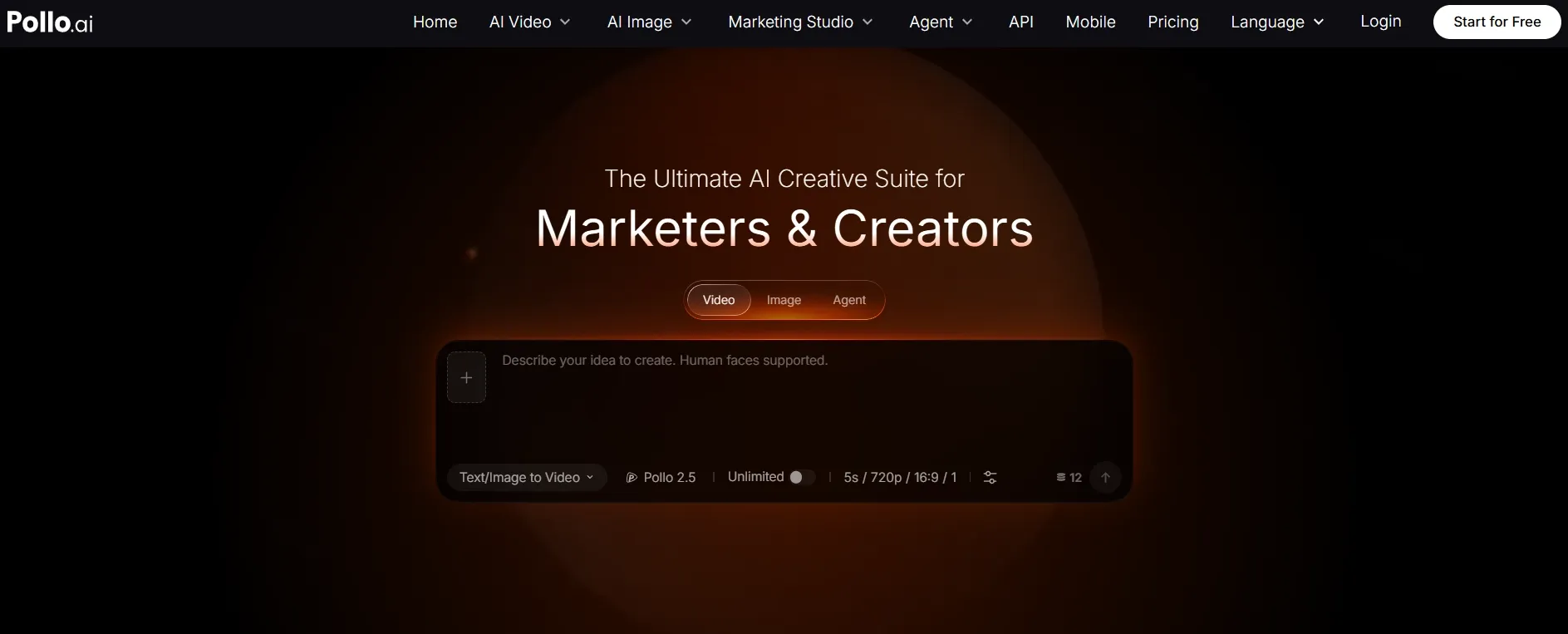
Pollo AI is my top pick because it solves the biggest issue I had with Pictory AI: I did not just want a fast draft. I wanted a workflow that could take an idea, script, blog, product angle, or campaign brief closer to a finished video.
The biggest difference is Pollo Agent. Instead of handing me a rough first pass that I still need to rebuild, it can turn an idea, a URL, or a set of assets into a more structured video, then let me revise it through a chat-style workflow.
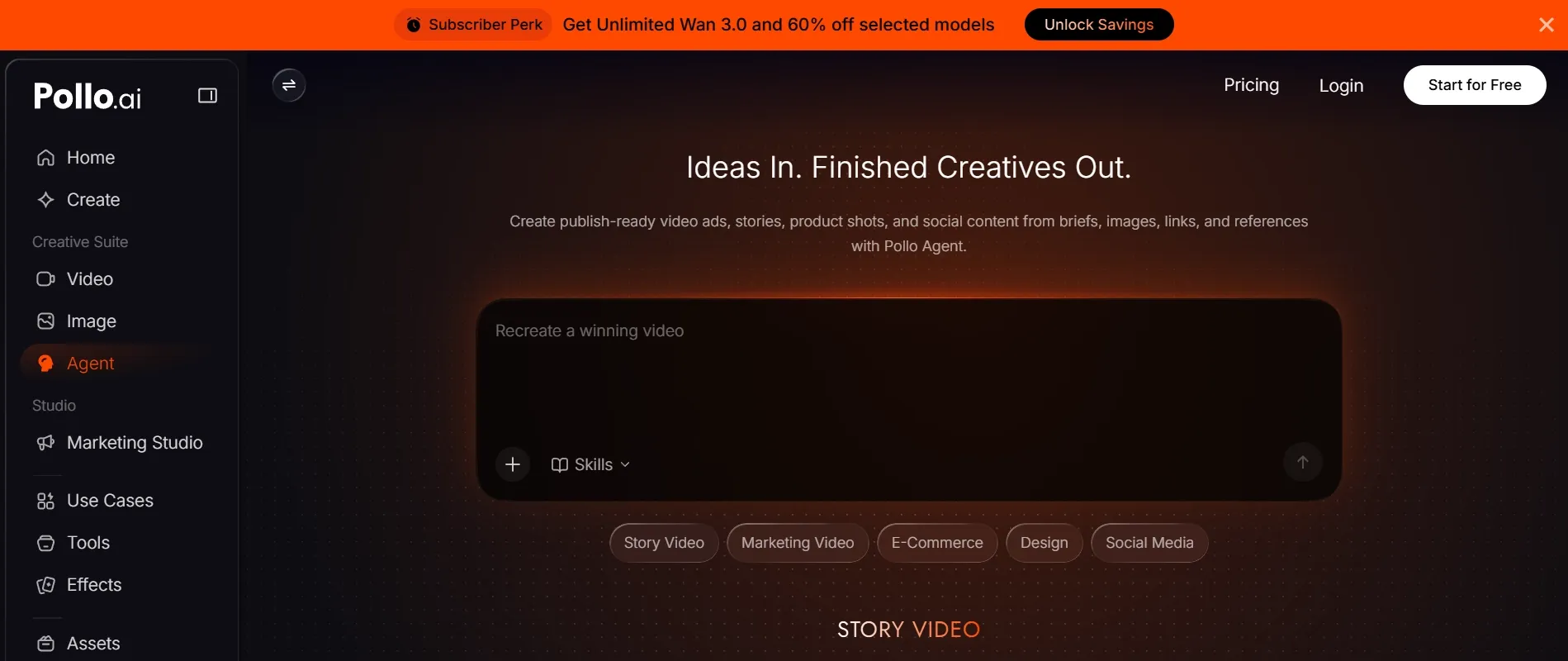
What makes that broader workflow feel practical is Pollo AI's Studio setup. Marketing Studio is better for ad and campaign work, and more useful when the project is tied to products and seller content.
When the goal is performance content rather than a one-off draft, users can turn a simple concept into UGC video ads or test faster campaign variations with bulk clone viral videos for paid social campaigns.
And this is the part that feels more useful than Pictory AI for seller and brand workflows. If I needed product-focused content, I could turn stills into a product showcase video for stores, banners, and paid social campaigns in minutes, without arranging a studio shoot.
Key Features:
- Pollo Agent for post-ready, end-to-end AI videos.
- Script to video and blog to video workflows for repurposing written content.
- AI video generator for text, image, and reference-led generation.
- AI avatar support for presenter-style and spokesperson videos
- Ad-focused workflows like Marketing Studio
Pros:
- Best all-in-one replacement when Pictory AI feels too narrow.
- Pollo Agent reduces the need to stitch separate clips together.
- Good fit for creators, marketers, e-commerce sellers, and small teams.
- Access to multiple leading AI models in one platform.
Cons:
- The toolset is broad, so beginners may need a little time to choose the right workflow.
- If you only need basic captions on existing footage, a simpler editor may be enough.
My Verdict
Pollo AI is the best Pictory AI alternative if your real goal is not just "turn text into video" but "turn an idea into content I can actually publish." It is especially useful when you want campaign-ready videos, social assets, avatar clips, and visual generation without jumping between tools.
2. InVideo AI - A Pictory AI Alternative for Prompt-Led Marketing Videos
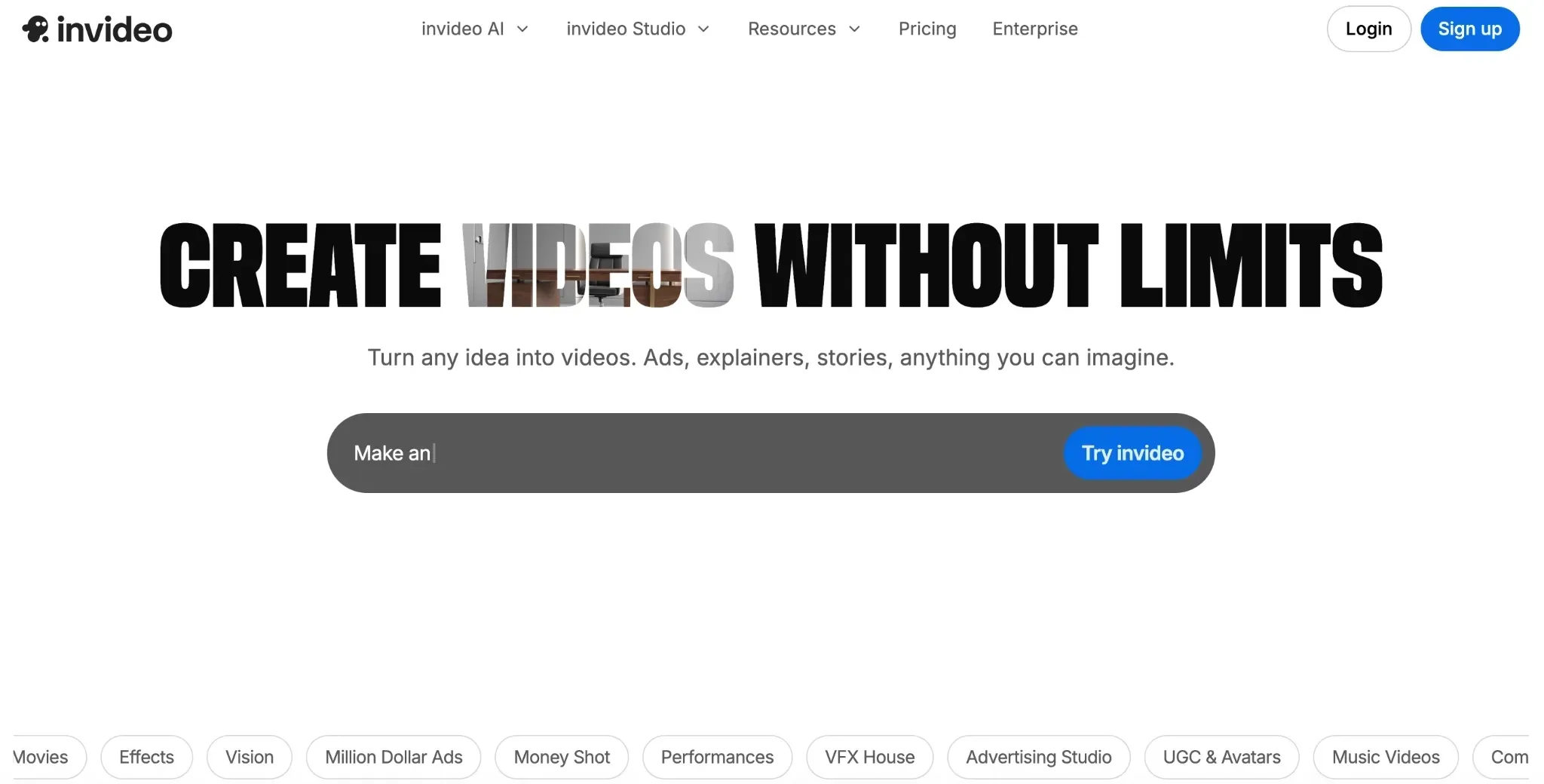
InVideo AI is one of the closest alternatives to Pictory AI for people who want to describe a video and get structured results. I found it useful for explainers, promos, and social clips because it combines prompts, stock media, voice, music, and templates.
It is especially good when you want a fast marketing draft and do not want to arrange every scene manually.
It felt stronger than Pictory AI when I needed the tool to interpret a short campaign brief, not just convert a fixed script. The tradeoff is that I still had to check scene choices, pacing, and brand tone before exporting.
Read the InVideo AI review for more details.
Pros:
- Strong prompt-based video creation workflow.
- Useful templates for ads, explainers, promos, and social videos.
- Natural language editing makes revisions feel simple.
- Stock assets and voice options help speed up production.
Cons:
- Output quality can vary by prompt and project type.
- Some videos still need manual review before publishing.
My Verdict
I would choose InVideo AI for fast marketing drafts and prompt-led social videos where speed matters more than precision. But it feels less dependable when I need highly consistent outputs, because polish can still vary from project to project.
3. Fliki AI - A Pictory AI Alternative for Blog to Video and Voiceovers
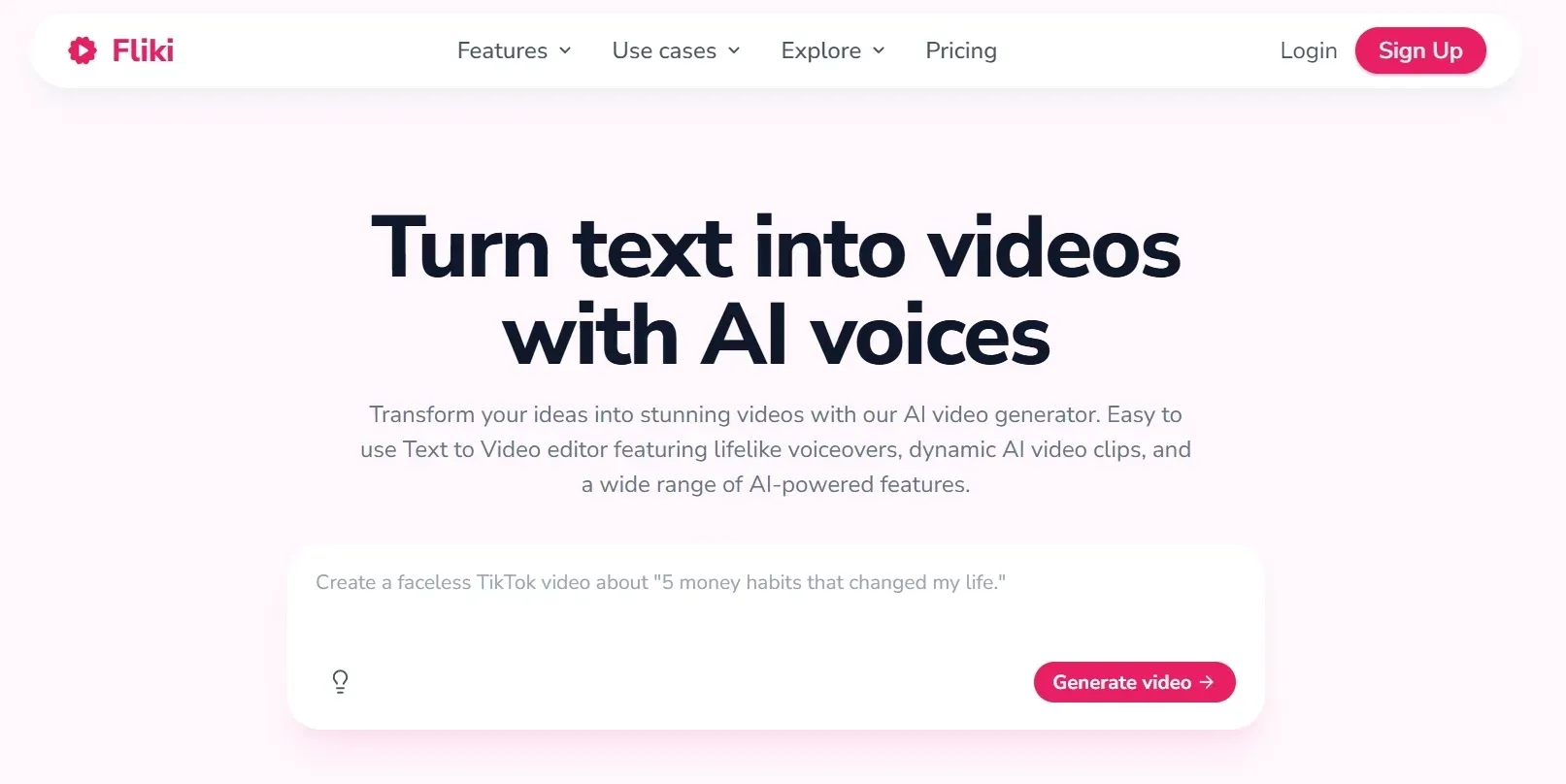
Fliki AI is the alternative I would test first for faceless, voice-led content. It is strong at turning blog posts, newsletters, product links, and scripts into narrated videos with AI voices, subtitles, and a simple storyboard editor.
The voice library is the real draw. If Pictory AI's voice quality is one of your pain points, Fliki AI gives you more room to experiment with tone, accent, and narration style.
Compared with Pictory AI, Fliki AI felt more comfortable when the voice carries the video. I still had to adjust visuals and pacing, but the narration side gave me more usable options from the start.
Read the Fliki AI review to know more.
Pros:
- Strong AI voiceover options.
- Good blog to video and URL-based workflows.
- Useful storyboard editor for quick scene changes.
- Helpful for faceless YouTube, TikTok, and training videos.
Cons:
- Visual generation may feel less flexible than newer multi-model platforms.
- Avatar workflows are useful, but not as deep as dedicated avatar tools.
My Verdict
I would use Fliki AI when my main priority is quickly turning blog posts, scripts, or product pages into narrated, faceless videos. However, it feels less complete when I need stronger visual control or more advanced avatar workflows.
4. Synthesia - A Pictory AI Alternative for Corporate Avatar Videos
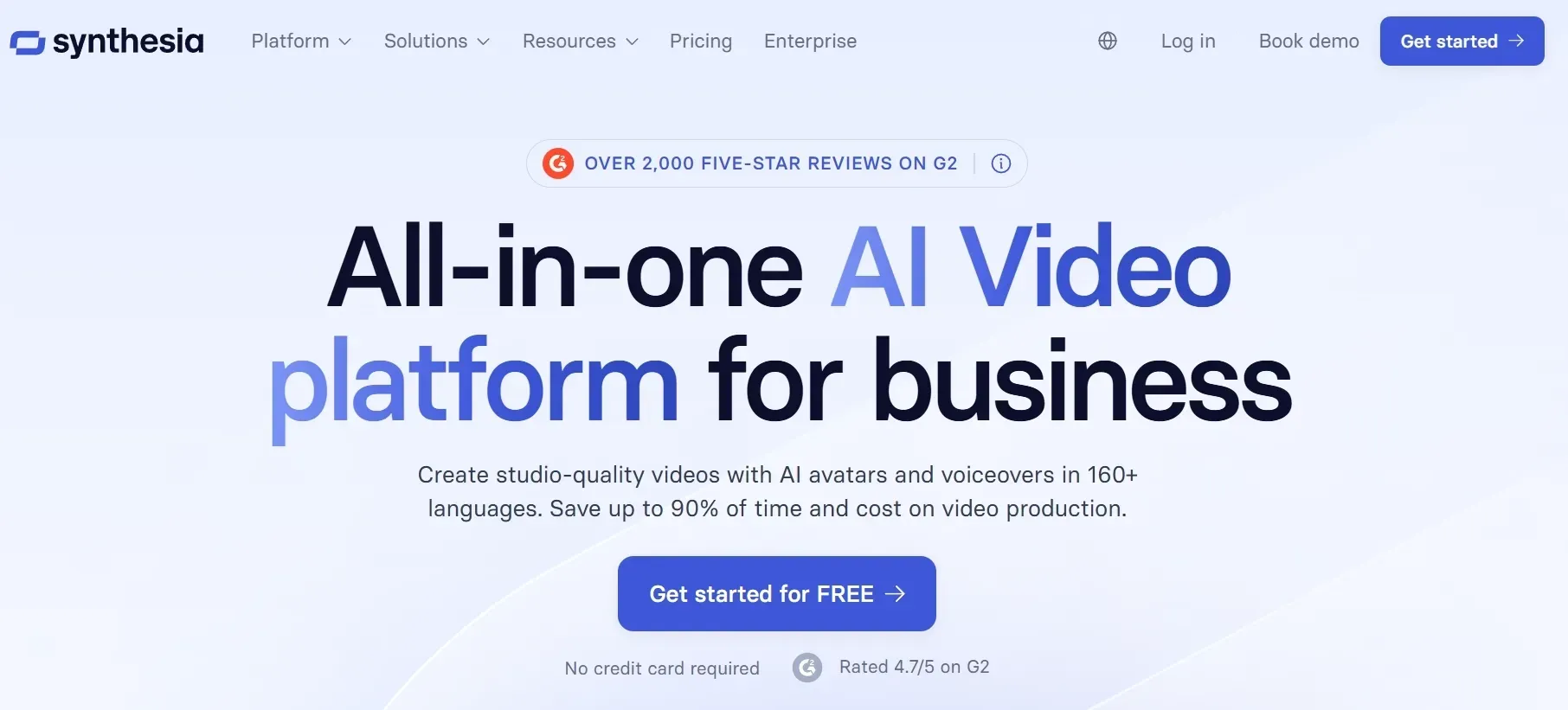
Synthesia is not a direct one-to-one Pictory AI replacement for every creator, but it is much better if your videos need polished AI presenters. I found it most useful for onboarding, training, sales enablement, help docs, and internal communication.
It can turn documents, links, or ideas into avatar-led videos with brand styling, multilingual delivery, and structured layouts.
The tradeoff is creative range. Synthesia feels intentionally controlled, which helps brand-safe training videos, but it is not where I would go for experimental social edits or fast-moving ad concepts.
See our hands-on Synthesia AI review for more details.
Pros:
- Strong AI avatars for business and training videos.
- Good multilingual support.
- Useful document-to-video and link-to-video assistant.
- Brand kits help teams keep videos consistent.
Cons:
- Less suited to dynamic social clips or cinematic AI scenes.
- Avatar-led videos can feel too formal for creator content.
My Verdict
I would use this for training, onboarding, product education, and other presenter-led business videos where consistency matters more than creative range. But, it feels less compelling when the project needs a more casual, social-first, or visually dynamic style.
5. HeyGen - A Pictory AI Alternative for Avatars and Localization
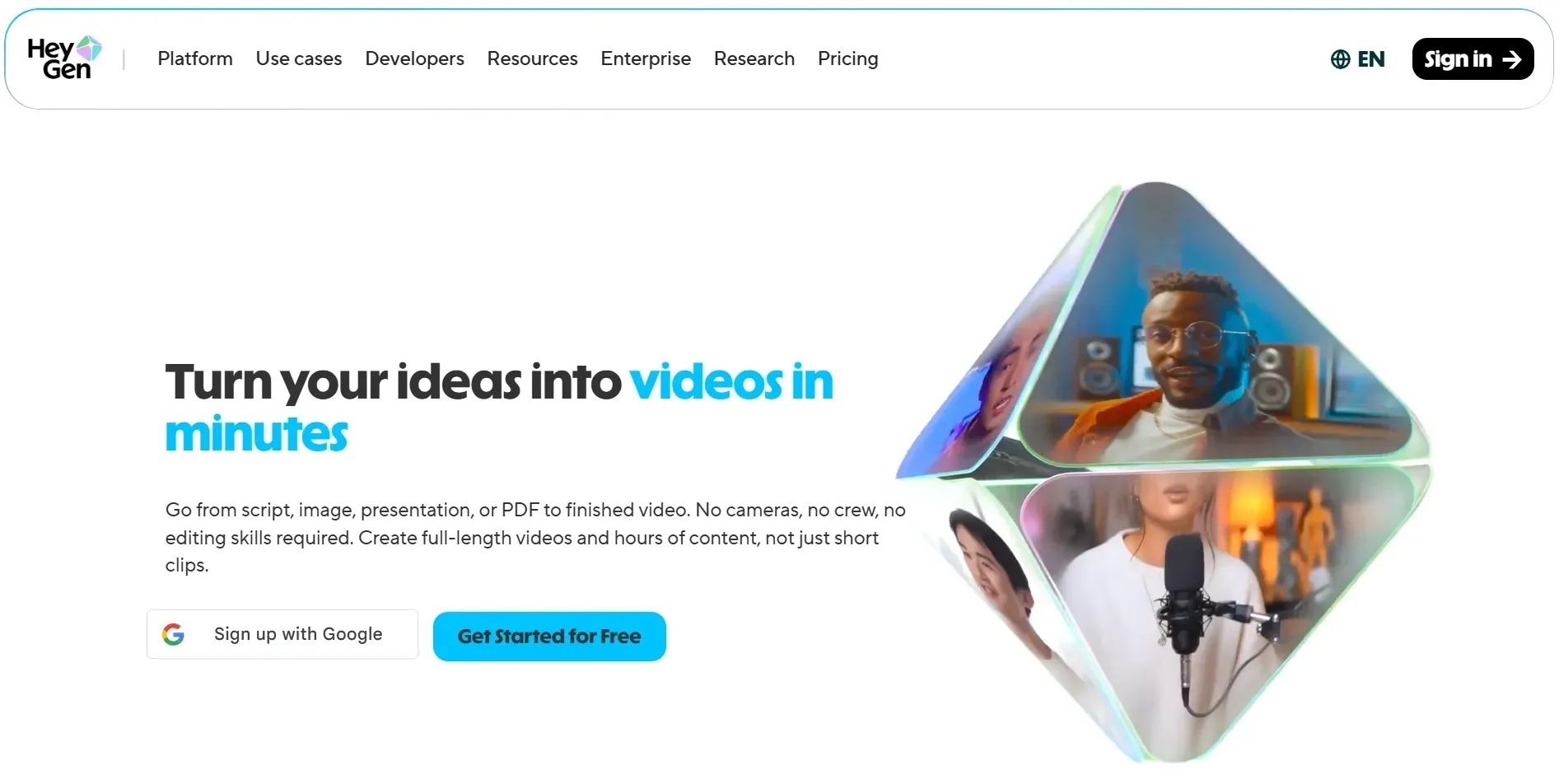
HeyGen is another strong option when Pictory AI's avatar and voice tools feel limited. It is best known for lifelike avatars, talking photos, video translation, voice cloning, and personalized video workflows.
I would not use it for every kind of AI video, but for avatar-led marketing, sales outreach, and localization, it is one of the strongest tools in this list.
Compared with Pictory AI, HeyGen feels more specialized. It gives you better presenter output, but I would pair it with another editor or generator when the project needs varied scenes, effects, or broader story structure.
Open our HeyGen AI review if you want the details.
Pros:
- Excellent avatar realism and lip sync.
- Strong video translation and voice cloning.
- Useful for sales, product demos, and localized campaigns.
- Talking-photo workflows are quick and practical.
Cons:
- Not as broad as an all-in-one creative suite.
- Pricing and credit systems can take time to understand.
My Verdict
I would use this when the main need is avatar-led communication, translation, or replacing repeat filming and dubbing work. But it feels less complete when I need a broader video workflow or tighter cost control at scale.
Try Pollo AI for Free Now
Join 10M+ creators using Pollo AI to generate scroll-stopping videos and images — all in one place, with every top model.
Start Creating Free
6. Steve AI - A Pictory AI Alternative for Simple Script to Video
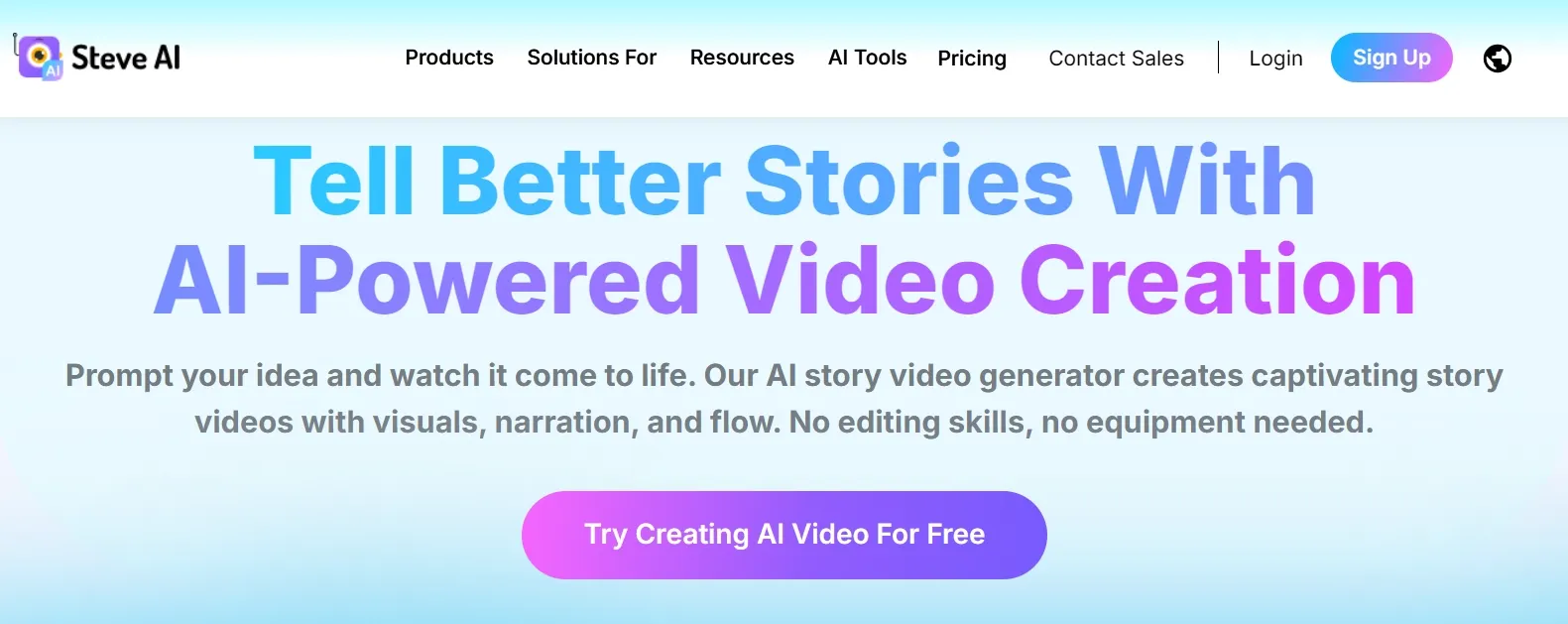
Steve AI feels closest to Pictory AI for beginner-friendly script to video creation. It can build scripts, match scenes, add voices, and create animated or faceless content without much editing experience.
I found it useful for explainers, education videos, small business promos, and quick social content where speed matters more than cinematic control.
The main advantage is approachability. I could see solo founders, teachers, or small teams using Steve AI when they need a simple explainer quickly, even if the final style needs polishing to avoid looking generic.
Want more details? Read our Steve AI review.
Pros:
- Easy script to video workflow.
- Helpful AI prompter and scene builder.
- Multi-voice storytelling works well for explainers.
- Beginner-friendly for faceless videos.
Cons:
- Less flexible for advanced visual generation.
- Final videos can feel template-driven if you do not customize them.
My Verdict
I would use this for simple explainers, training-style videos, and beginner-friendly script to video work. However, it feels less strong when I want more polished visuals or a workflow that moves beyond templates.
7. VEED.IO - A Pictory AI Alternative for Editing, Captions, and Teams
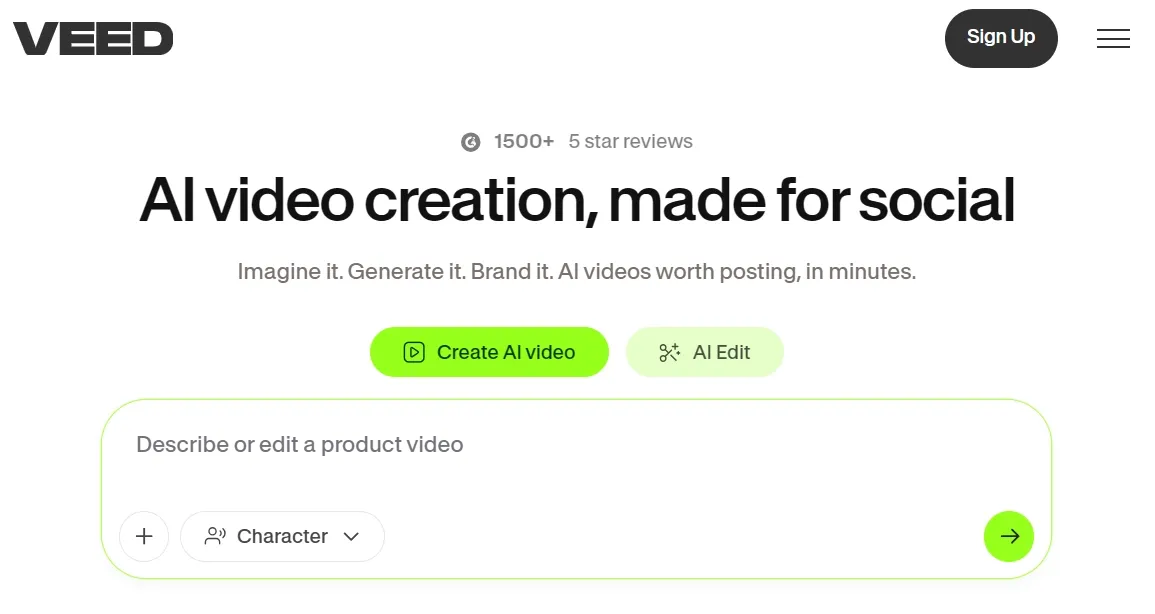
VEED.IO is a better choice if your main problem is not generating a video from text, but cleaning up, captioning, recording, translating, and publishing videos in a browser. It feels more like a practical editing workspace than a pure generator.
I would use it for social clips, tutorials, webinars, team videos, and branded content that needs subtitle and editing control.
Compared with Pictory AI, VEED.IO gives me more control after the raw video exists. The tradeoff is that it asks me to think like an editor, so it is less hands-off than a pure text-to-video workflow.
Check our VEED review for the full notes.
Pros:
- Strong browser-based video editor.
- Useful subtitle, translation, recording, and cleanup tools.
- Good for teams that need comments, assets, and brand kits.
- Includes avatars and AI video tools.
Cons:
- Larger projects can feel slower or less smooth.
- AI-generated outputs may still need manual cleanup.
My Verdict
I would use this when I already have footage and mainly need editing, subtitles, cleanup, and team collaboration in one browser workflow. But it feels less suitable for projects that depend heavily on full AI-first video generation.
8. OpusClip - A Pictory AI Alternative for Turning Long Videos into Shorts
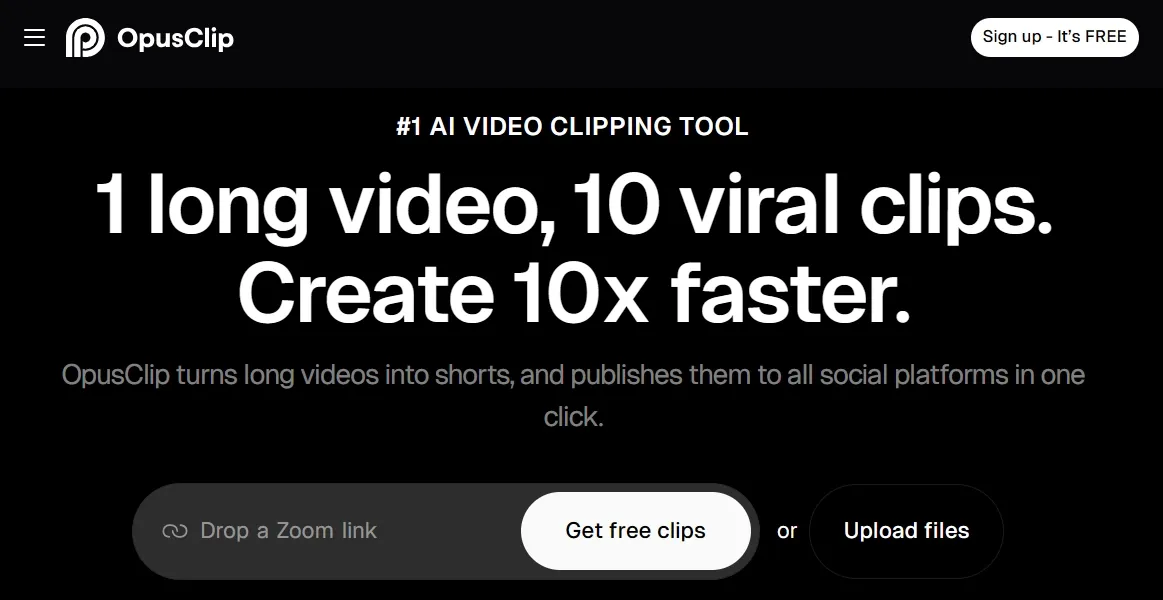
OpusClip is the best choice here if your source material is already video. It is built to analyze long-form content, find strong moments, reframe speakers, add captions, and turn podcasts, webinars, interviews, and YouTube videos into short clips.
This is different from Pictory AI's script or blog workflows. OpusClip shines when you already have valuable long-form video and want more output from it.
I would treat it as a repurposing tool, not a complete replacement for Pictory AI. If your content engine starts with recordings, it can save hours; if it starts with scripts, choose another tool first.
Pros:
- Excellent for long video to Shorts repurposing.
- Finds hooks, clips, captions, and speaker framing automatically.
- Strong fit for podcasts, webinars, interviews, and creator channels.
- Helps increase output without recording more content.
Cons:
- Not ideal for creating original videos from scratch.
- Some clips can lose context or still need manual review.
My Verdict
I would choose OpusClip when I already have long-form video and want to turn it into YouTube shorts quickly. It feels less flexible when I need original video creation or more control over context and final framing.
9. GoEnhance AI - A Pictory AI Alternative for Stylized Video Generation
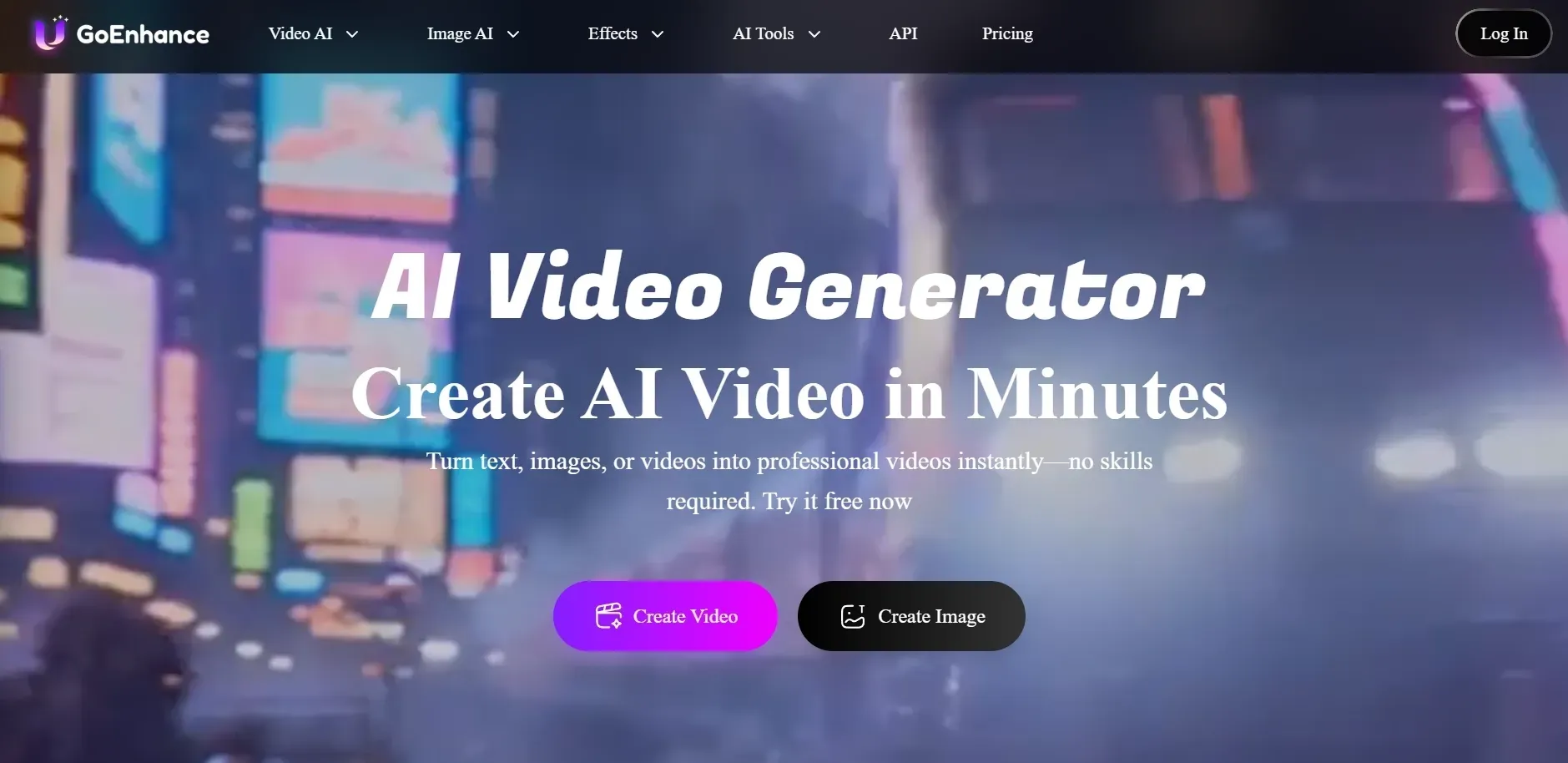
GoEnhance AI is designed primarily for transforming and refining existing source material. It is highly effective for restyling videos, enhancing clips, and converting raw footage into polished or animated versions.
In comparison to Pictory, GoEnhance AI serves as a video transformation tool rather than a general creative planner. It is best utilized when there is already a specific clip to improve, rather than during the initial concept-building stage.
Explore our GoEnhance review to know more details.
Pros:
- Strong for stylized AI video generation
- Better fit for creators who want more visual identity than stock footage drafts
- Useful for short-form experiments and eye-catching social clips
- Supports multiple ways to start a generated video idea
Cons:
- Less suited to structured business repurposing workflows
- Not the strongest option for team collaboration or presentation-style publishing
My Verdict
I would use this when I want stylized AI video generation and short clips that feel more visually distinctive than a typical stock-footage draft. It feels less satisfying when I need cleaner business repurposing, stronger collaboration, or a more structured publishing workflow.
10. Kapwing - A Pictory AI Alternative for Collaborative Social Editing
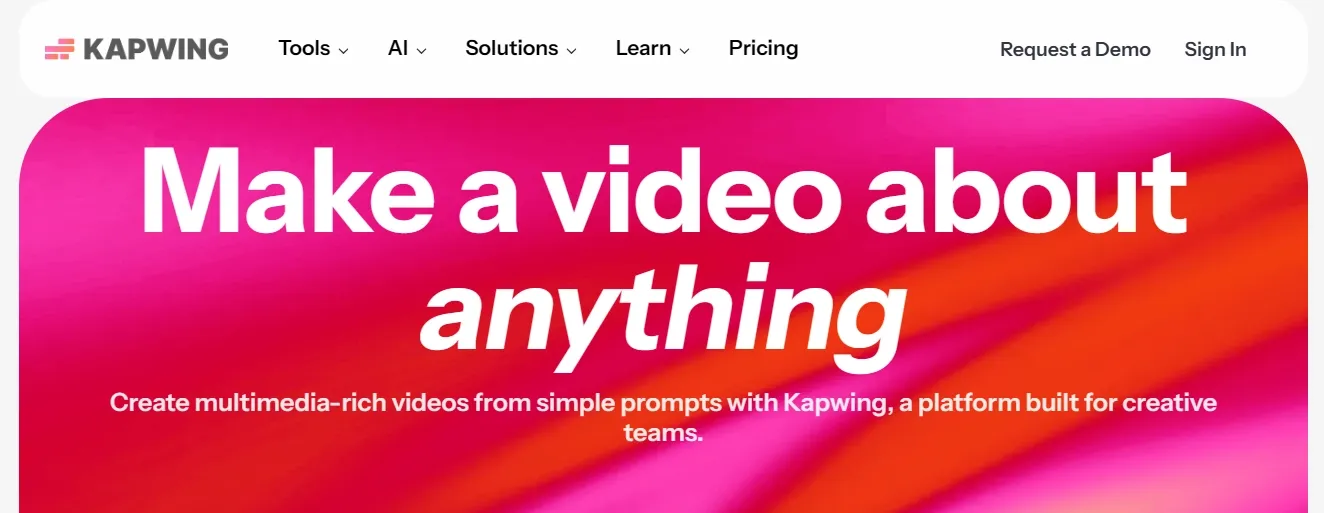
Kapwing is a strong alternative when you want a fast online editor with AI assistance. It is especially useful for subtitles, silence removal, templates, social resizing, simple effects, and team collaboration.
It does not feel as automated as Pollo AI or as avatar-focused as Synthesia, but it is practical for teams that need to edit together in the browser.
Compared with Pictory AI, Kapwing gives more hands-on control after the draft exists. I liked it most when a team needed to trim, caption, resize, and approve social edits together.
Pros:
- Simple browser-based editing workflow.
- Good auto-subtitles, silence removal, and templates.
- Collaborative workspace works well for small teams.
- Useful for social posts, lessons, and marketing clips.
Cons:
- More manual than agent-led video creation tools.
- Not the best choice for generating full original videos from one prompt.
My Verdict
I would use this for fast browser-based editing, subtitles, resizing, and collaboration on everyday social content. It feels less efficient when I want a more automated workflow or a tool that can generate a fuller first draft on its own.
How I Reviewed These Pictory AI Alternatives
I ranked these tools by how well they replaced Pictory AI's core jobs: turning scripts, URLs, blogs, presentations, recordings, and long videos into publishable content.
I also looked at how much cleanup each workflow seemed to need. A tool ranked higher when it helped move from idea to finished video, not just from prompt to rough clip.
The main criteria were:
- Text to video and script to video quality.
- Blog, URL, or document repurposing.
- AI voice, avatar, caption, and translation support.
- Editing workload after the first AI draft.
- Short-form video and social publishing usefulness.
- Brand, team, and marketing workflow support.
- Flexibility for different creator and business use cases.
Which Pictory AI Alternative Should You Choose?
| Use case | Best choice | Why |
|---|---|---|
| Best Pictory AI alternative overall | Pollo AI | It covers generation, scripts, blogs, AI avatars, ads, effects, and post-ready workflows. |
| Fast marketing video drafts | Pollo AI | It is strong for prompt-led campaign videos and quick creative iterations. |
| Blog posts to faceless videos | Fliki AI | It has strong voiceovers and a simple article-to-video workflow. |
| Corporate training videos | Synthesia | Its avatars and brand controls fit business communication. |
| Lifelike spokesperson videos | HeyGen | It is strong for avatars, localization, talking photos, and voice cloning. |
| Beginner script to video | Pollo AI | It keeps the workflow simple for explainer videos. |
| Editing and captions | VEED.IO | It is practical for browser-based editing, subtitles, and team workflows. |
| Long video to Shorts | OpusClip | It is built for repurposing podcasts, webinars, and interviews. |
| Tutorials and demos | Pollo AI | It connects recording, captions, and screen-video workflows. |
| Collaborative social editing | Kapwing | It is easy for teams that need a shared browser editor. |
Final Verdict
After comparing these tools, I would not say every Pictory AI user needs the same replacement. If Pictory AI already gives you simple videos fast enough, you could keep on using it.
But if you are looking for the best overall upgrade, Pollo AI is the strongest choice. It handles the Pictory-style jobs, such as script to video and image to video, while also giving you more room for ads, avatars, visual effects, and production-ready creative workflows.
Start with Pollo AI today and test it on one script, one image, and one campaign idea. That is the fastest way to see whether it saves you more editing time than your current workflow.