



8 Best Leonardo AI Alternatives for AI Image Generation (Tested & Ranked)
Many creators like Leonardo AI for characters and concept art, but outgrow it when they need cleaner details, stronger commercial visuals, or more flexible creative workflows.
So I tested 8 Leonardo AI alternatives across image generation, design assets, social content, ecommerce visuals, and creator workflows. These are the tools I’d actually use.
Best Leonardo AI Alternatives: TL;DR
The best Leonardo AI alternative is Pollo AI because it gives you more than character-focused image generation. It combines image creation, editing, style testing, and commercial image workflows in one place.
Leonardo AI is still useful for characters, game assets, and concept art. But if you need product visuals, brand assets, social content, or broader creator workflows, the tools below give you more room to work.
Why Look For A Leonardo AI Alternative?
Leonardo AI is powerful, but it can feel uneven when the image depends on small details.
On Reddit, the feedback is mixed in a familiar way. As noted in my Leonardo AI review. Users like its stylized art quality, character tools, and creative presets. But creator communities also mention distorted fingers, mismatched eyes, style drift across angles, and credits being used on failed generations.
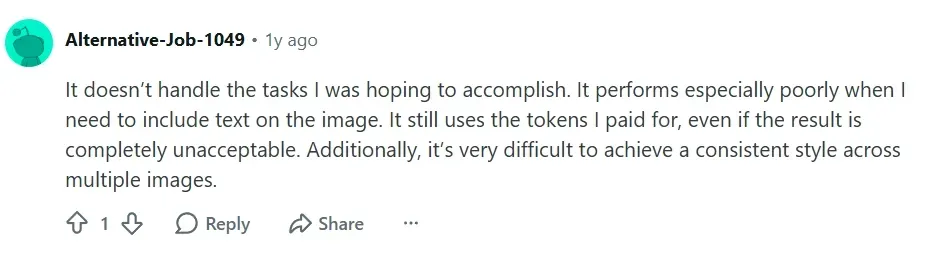
That is why I would look for a Leonardo AI alternative, I needed more predictable details, broader creative options, or image outputs that feel closer to real commercial use.
8 Best Leonardo AI Alternatives At a Glance
| Tool | Best For | Why I’d Use It Instead Of Leonardo AI |
| Pollo AI | Best overall image workflow | Broader model choice, 100+ image tools, and stronger commercial image use cases |
| Dreamina | Best for fast creative image generation | Useful for creators who want quick, polished visual ideas without a heavy workflow |
| Adobe Firefly | Best for design-friendly editing | Better fit for brand visuals, layout-ready images, and design workflows |
| Freepik | Best for stock-style design assets | Stronger if you want templates, mockups, and ready-made creative resources |
| Artlist | Best for creator asset workflows | Better for creators who need visuals, media assets, and production-ready content support |
| VEED.io | Best for social content teams | More useful when visuals need to fit a broader content creation workflow |
| Pictory | Best for content repurposing | Better for creators turning ideas and assets into structured marketing content |
| Invideo AI | Best for marketing content workflows | Stronger for users who want AI-assisted creative production beyond static image generation |
1. Pollo AI: Best Overall Leonardo AI Alternative
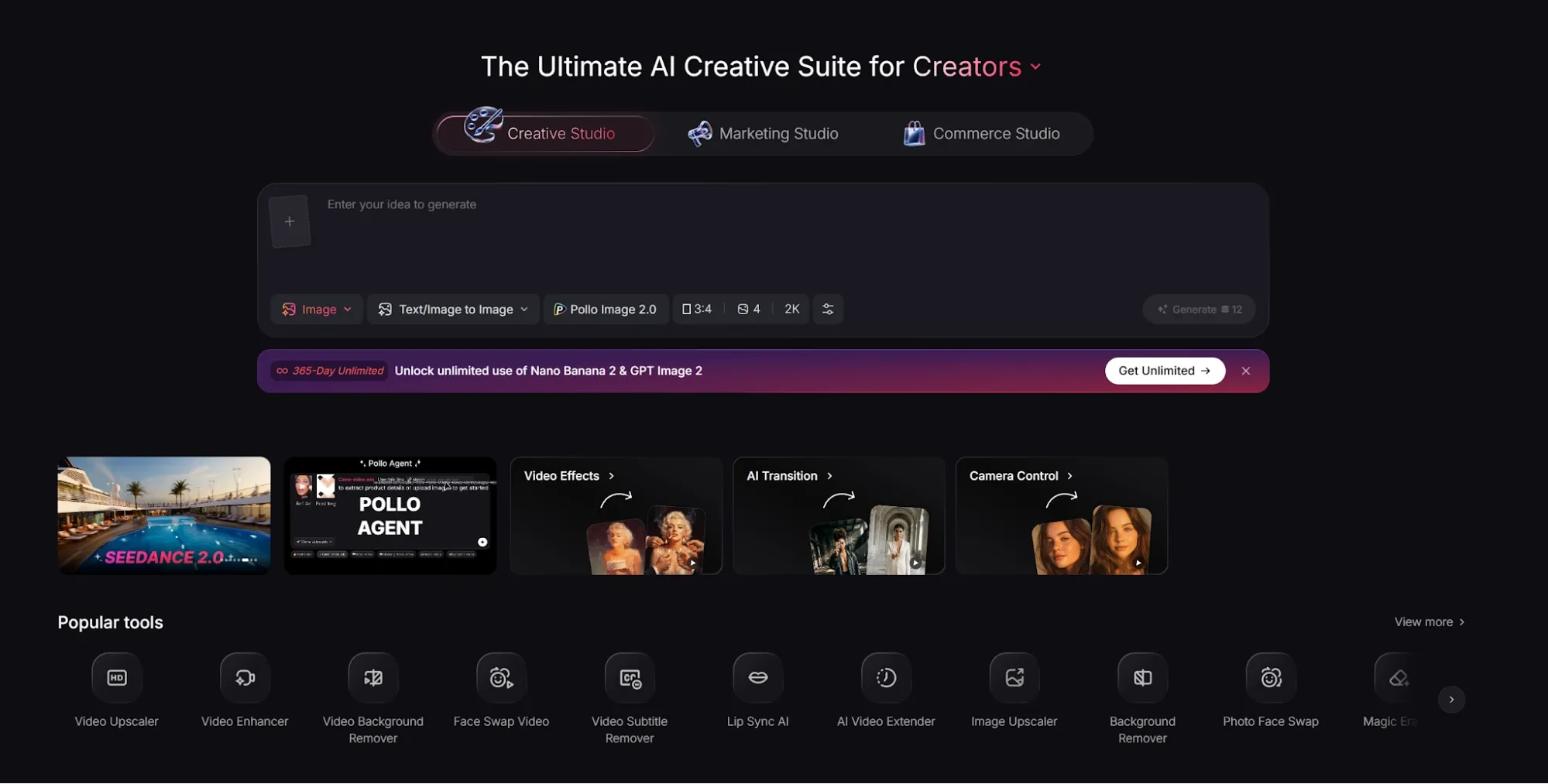
Pollo AI is the best overall Leonardo AI alternative because it gives you more ways to create usable image assets, not just explore styles.
Pollo AI feels broader. It gives you access to multiple leading image models in one place, including models like GPT Image 2 for detailed prompts and Nano Banana 2 for polished, high-detail visuals. Pollo AI covers more of that workflow without making you rely on one model style.
I also like that Pollo AI workflow. Pollo AI’s Creative Studio is built for AI image generation, editing, and style testing, while its Commerce Studio is more practical for sellers and brands. That makes it useful when a character idea, product concept, or campaign direction needs to become a real visual asset.
Pros:
- Model flexibility: Access multiple leading image models in one platform.
- Commercial image tools: Strong fit for product visuals, posters, brand graphics, and ecommerce images.
- Creative range: Useful for characters, art styles, product scenes, and marketing visuals.
- Practical output: Images feel easier to turn into real creative assets.
Cons:
- Model choice takes a little testing: Some prompts naturally fit one model better than another.
- More options than casual users may need: Great for real creative work, but bigger than a simple character generator.
Best For: Creators, marketers, sellers, and brands that need more than character or concept art.
Bottom Line: Pollo AI is the strongest Leonardo AI alternative if you want broader model choice and commercial-ready image creation in one workflow.
2. Dreamina: Best For Fast Creative Image Ideas
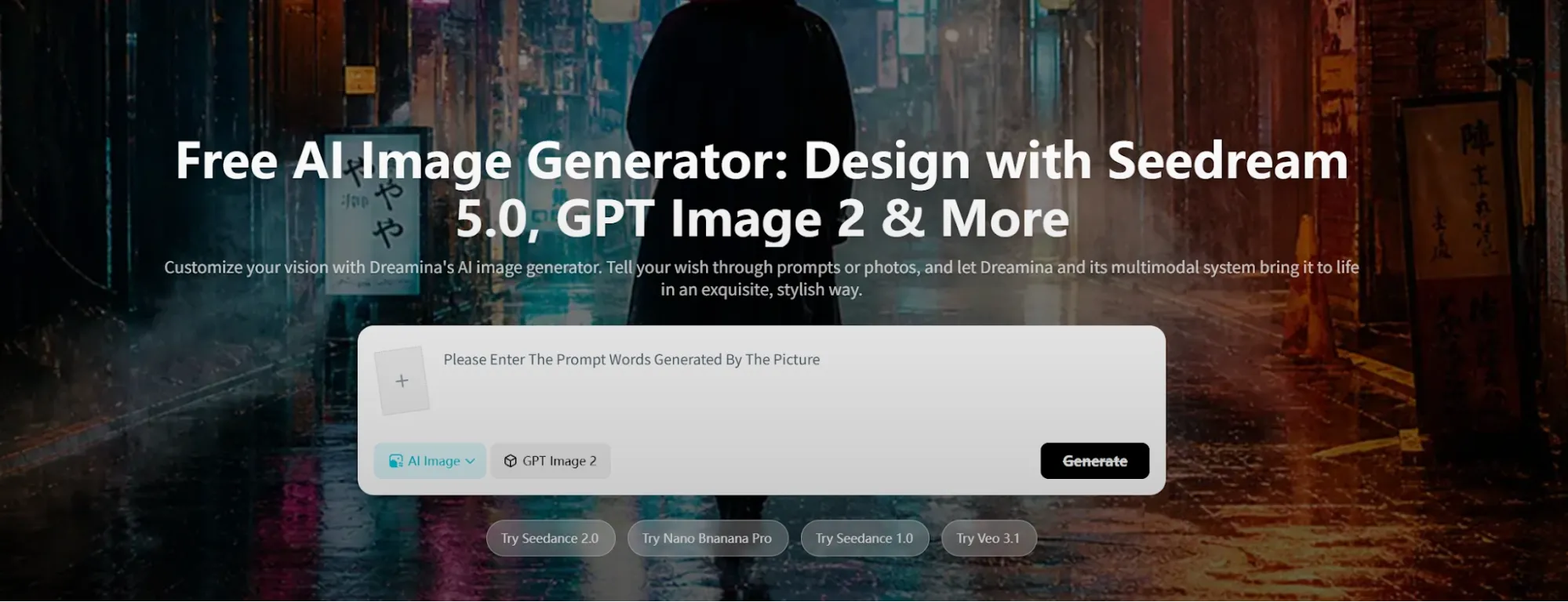
Dreamina is a good Leonardo AI alternative if you want fast creative visuals without a heavy setup.
I would use it when speed matters more than deep control. It works well for quick image ideas, concept directions, and polished-looking visuals for social posts or early campaign planning. Compared with Leonardo AI, Dreamina feels less focused on game-style asset building. It is better when you want to move quickly from an idea to a usable visual direction.
Pros:
- Fast ideation: Good for quick creative directions.
- Creator-friendly output: Useful for social visuals and early concepts.
- Lower friction: Easier when you do not want a complex image workflow.
Cons:
- Less deep control: Not my first pick for highly specific character systems.
- Better for ideas than asset systems: Strong for quick visuals, less ideal for long-term consistency work.
Best For: Creators who want fast visual concepts and polished creative ideas.
Bottom Line: Use Dreamina when Leonardo AI feels too involved and you want faster visual exploration.
3. Adobe Firefly: Best For Design-Friendly Editing
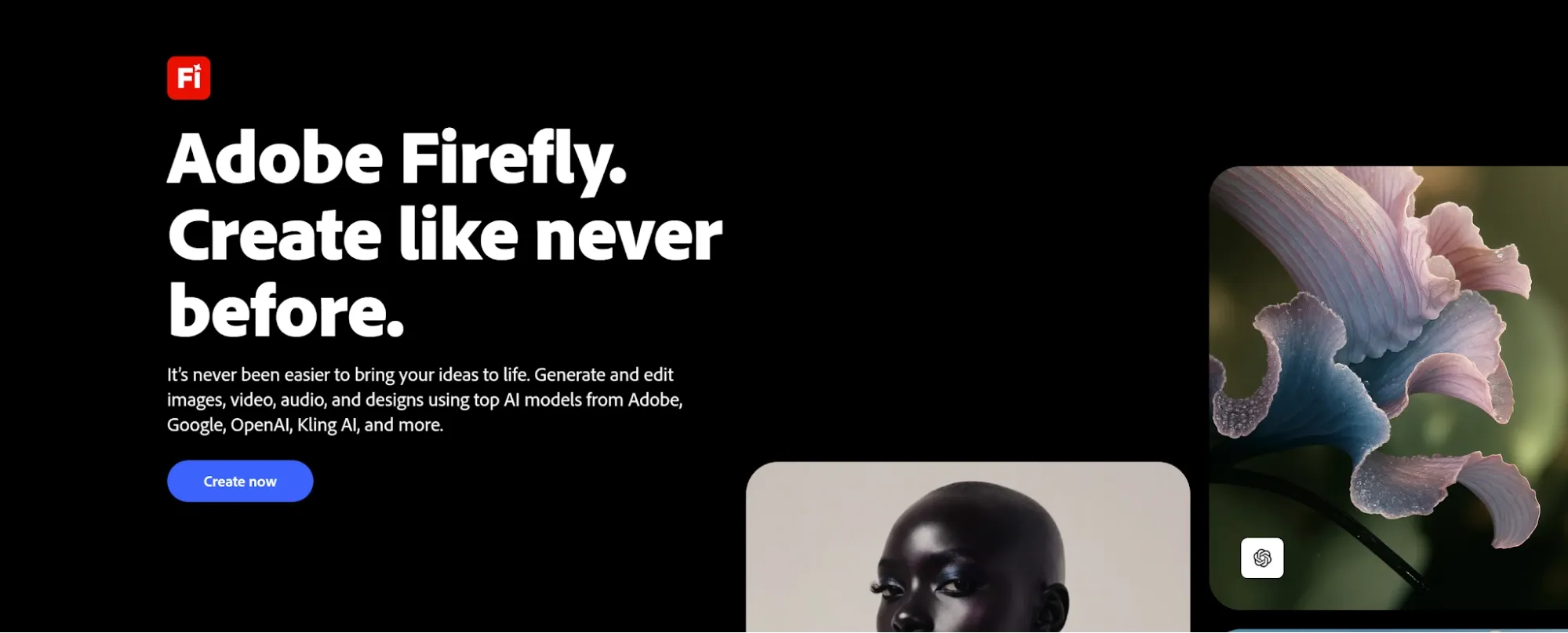
Adobe Firefly is a better Leonardo AI alternative if your images need to fit into a design workflow.
Leonardo AI is stronger for style exploration and concept art. Firefly makes more sense when the image needs to support a brand layout, campaign visual, poster, or design-ready asset. That difference matters for teams. If the final output needs to match a brand system or sit inside a polished creative project, Firefly feels more practical.
Pros:
- Design workflow: Strong fit for brand and campaign visuals.
- Layout-ready output: Useful when images need to support larger creative projects.
- Commercial use: Better for polished design work than pure character exploration.
Cons:
- Less character-focused: Not the strongest pick for fantasy or game assets.
- Best inside design workflows: Casual creators may not need its full value.
Best For: Designers, marketers, and brand teams that need polished visual assets.
Bottom Line: Use Adobe Firefly when Leonardo AI feels too concept-art focused and you need design-ready output.
4. Freepik: Best For Stock-Style Design Assets
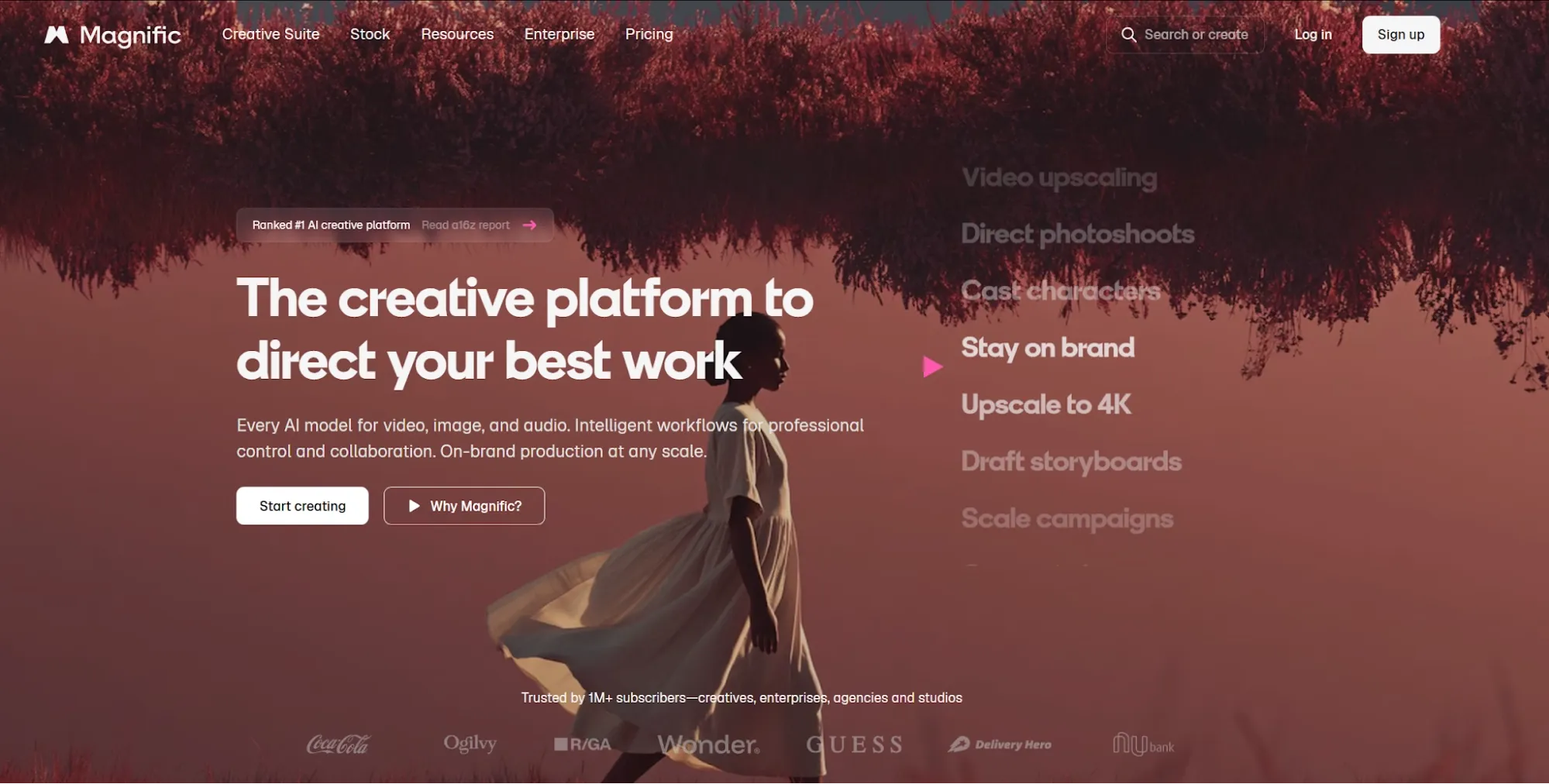
Freepik, now rebranded as Magnific, is a strong Leonardo AI alternative if you need fast access to design resources, templates, mockups, and stock-style visuals.
Leonardo AI is better for creating original concepts from scratch. Freepik is better when you want to find usable design assets quickly instead of building every image manually.
The tradeoff is originality. Freepik feels more asset-driven, while Leonardo AI feels more generation-driven.
Pros:
- Asset library: Useful for templates, mockups, and ready-made visuals.
- Fast workflow: Good when you need something usable quickly.
- Design support: Helpful for social, marketing, and brand work.
Cons:
- Less original by default: It can feel more like browsing than creating.
- Not as character-focused: Better for design assets than concept art systems.
Best For: Designers and marketers who need quick visual resources.
Bottom Line: Use Freepik when Leonardo AI gives you creative control, but you need faster design assets.
5. Artlist: Best For Creator Asset Workflows
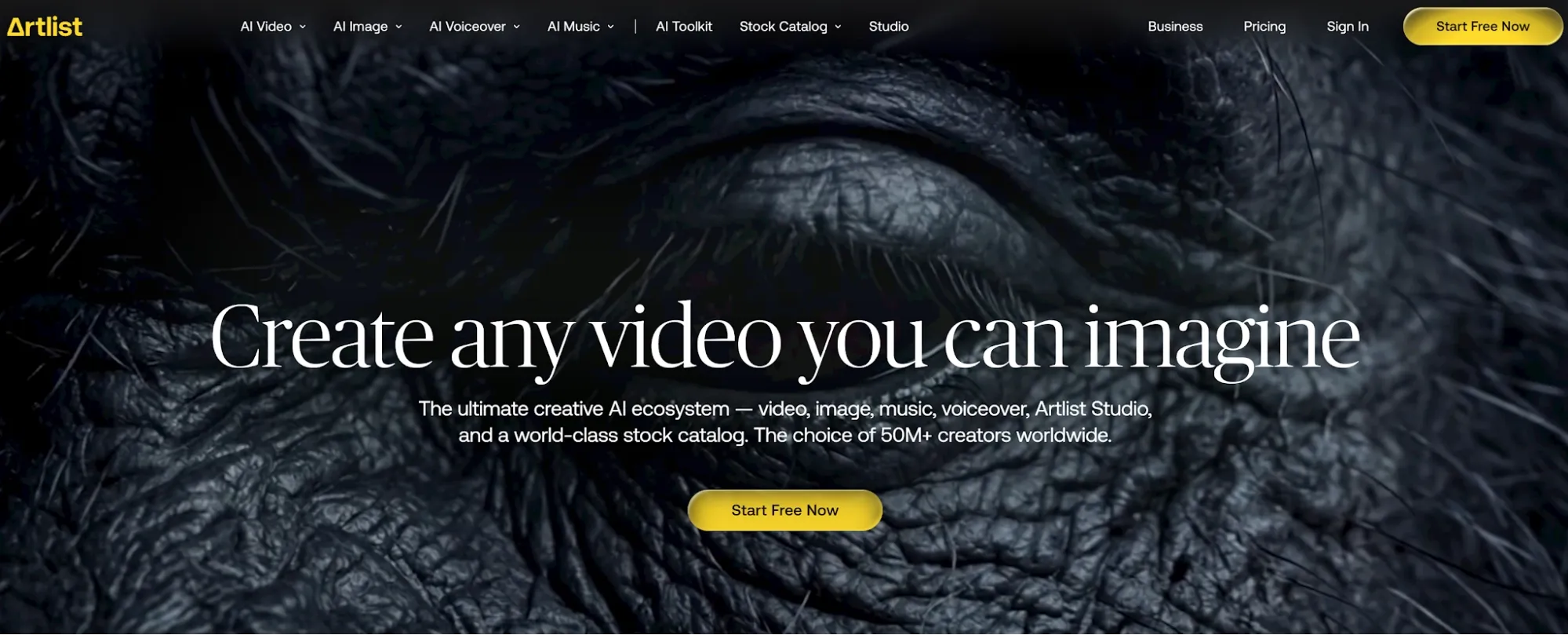
Artlist is a useful Leonardo AI alternative if your creative work goes beyond image generation.
It is not a direct image generator replacement. It makes more sense for creators who need visuals, media resources, music, footage, and production-ready assets around the final content. Leonardo AI helps you generate concept visuals. Artlist is stronger when those visuals are part of a larger creator project.
Pros:
- Creator workflow: Useful when visuals are part of a larger content project.
- Production support: Better for creators who need more than image generation.
- Media asset fit: Good for branded content and creative campaigns.
Cons:
- Not a direct image generator replacement: Better for wider creator workflows.
- Less focused on image control: Not ideal if you only need detailed image generation.
Best For: Creators who need broader asset support around their visuals.
Bottom Line: Use Artlist when Leonardo AI is too image-specific and you need a wider creator asset workflow.
6. VEED.io: Best For Social Content Teams
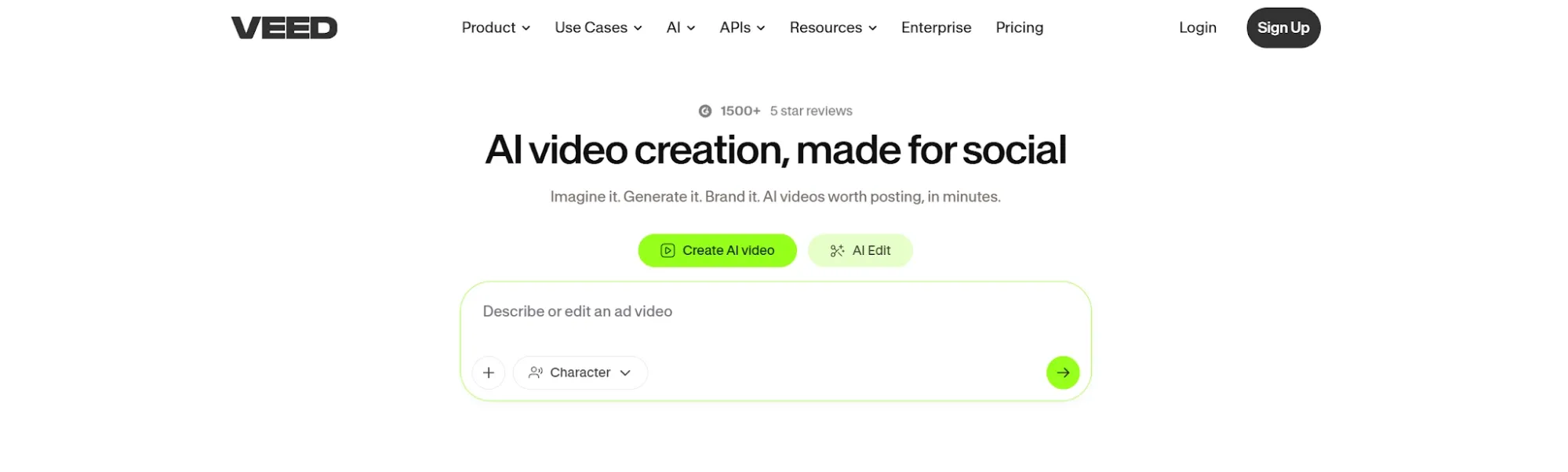
VEED.io is a good Leonardo AI alternative if your images need to become part of social content.
Leonardo AI is strong at image creation. VEED.io is stronger when the visual is only one piece of a larger content workflow, such as social posts, ads, or short-form content. That makes it useful for creators and marketing teams that care more about finished content than standalone image generation.
Pros:
- Social workflow: Good for teams creating content across formats.
- Creator-friendly: Useful when visuals need to support social publishing.
- Fast production: Better when you need finished content, not just images.
Cons:
- Not image-first: It is not the best choice if you only need image generation.
- Less style control: Not designed for deep character or concept art workflows.
Best For: Social media teams, creators, and marketers.
Bottom Line: Use VEED.io when Leonardo AI creates the image, but you need a broader content workflow around it.
7. Pictory: Best For Content Repurposing
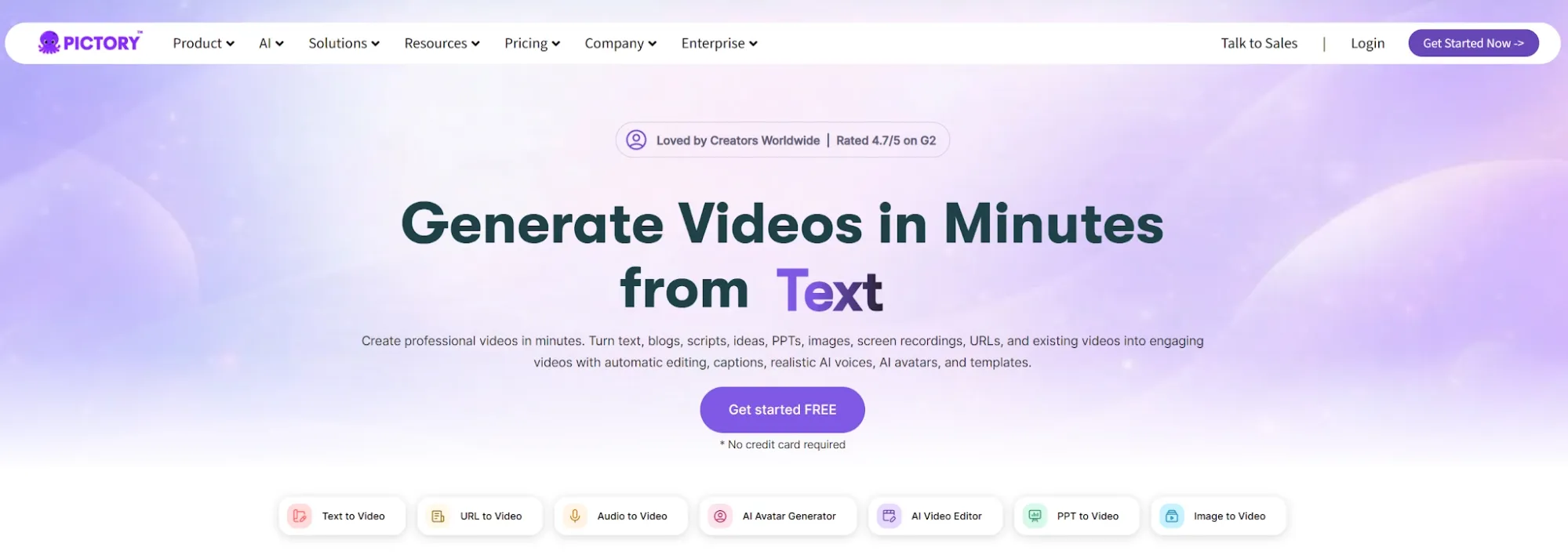
Pictory is a better Leonardo AI alternative if your main goal is turning ideas into structured content.
Leonardo AI is image-first. Pictory is more useful when visual ideas need to support marketing content, educational materials, summaries, or repurposed assets. I would use it when I already have a script, article, or content idea and need help shaping it into a more usable format.
Pros:
- Content repurposing: Stronger for turning ideas into structured assets.
- Marketing fit: Useful for teams that reuse content across channels.
- Workflow support: Better when images are part of a larger content plan.
Cons:
- Not image-generation focused: It is not a replacement for character or concept art work.
- Less visual control: Better for content structure than detailed image creation.
Best For: Marketers, educators, and content teams repurposing ideas into assets.
Bottom Line: Use Pictory when Leonardo AI is too visual-first and you need content workflow support.
8. Invideo AI: Best For Marketing Content Workflows
Invideo AI is a good Leonardo AI alternative if your final goal is marketing content, not just images.
Leonardo AI helps you create visual ideas. Invideo AI is stronger when those ideas need to become part of campaigns, product storytelling, or branded content. It will not replace Leonardo AI for character art or concept images. But it can be more useful when image work is part of a broader marketing workflow.
Pros:
- Marketing workflow: Useful for campaign and branded content creation.
- AI-assisted production: Helps move from idea to structured content.
- Broader use case: Better when static images are not enough.
Cons:
- Not image-first: Less useful if you only need image generation.
- Limited for character work: Not designed for deep concept art creation.
Best For: Marketers and creators building AI-assisted content workflows.
Bottom Line: Use Invideo AI when Leonardo AI feels too narrow for marketing content production.
How I Tested These Leonardo AI Alternatives
I tested each tool by looking for the places where Leonardo AI can feel unpredictable.
Detail Quality: Do hands, faces, eyes, and small objects hold up?
Prompt Control: Can the tool follow a specific creative brief?
Style Consistency: Can it keep the same character or visual direction across outputs?
Commercial Fit: Can the image work for product visuals, posters, brand assets, or ecommerce images?
Workflow Depth: Does it help me create usable images, not just interesting experiments?
Which Leonardo AI Alternative Should You Choose?
If Leonardo AI feels too narrow, start with the kind of creative work you actually need to finish. For most creators, marketers, and sellers, I would start with Pollo AI. It gives you the broadest image workflow: multiple image models, 100+ image tools, and stronger support for commercial-ready visual assets.
If you still want image-first tools, choose based on the output. Dreamina AI is better for quick creative ideas, Adobe Firefly is better for design-ready assets, and Freepik is better when you need stock-style design resources.
If your work goes beyond images, go broader. Artlist, VEED.io, Pictory, and Invideo AI are better when visuals need to become part of a larger creator, social, or marketing workflow.
Turn Concepts Into Usable Assets
Create characters, product visuals, posters, and brand images with broader model choice.
Try Pollo AI for Free
My Personal Take
Pollo AI is the one I’d switch to first if Leonardo AI starts feeling too narrow or inconsistent. Leonardo AI is still useful for characters, game assets, and concept art. But if I need broader model choice, stronger commercial image tools, and more practical creative outputs, Pollo AI feels like the better workflow.
Leonardo AI is great for exploring visual styles. Pollo AI is stronger for turning image ideas into usable assets.
Best Leonardo AI Alternative For Commercial-Ready AI Images
Pollo AI is the best Leonardo AI alternative if you want AI images that feel closer to finished creative assets, not just visual experiments.
Its strength is the range of image tools behind the workflow. Beyond the core AI image generator, Pollo AI offers 100+ image tools to create product visuals, relight images, change photo angles, and build branded graphics.
That makes it useful for marketing, ecommerce, and creative production. Product teams can create sharper commercial visuals with image shots.
Final Verdict
The best Leonardo AI alternative is Pollo AI because it gives you broader model choice, stronger commercial image tools, and a more flexible path from prompt to usable image asset.
Start with Pollo AI if you want the strongest all-around replacement. If your needs are more specific, use Dreamina AI for fast creative ideas, Adobe Firefly for design-ready assets, Freepik for stock-style resources, and Invideo AI for broader marketing content workflows.