



8 Adobe Firefly Alternatives for AI Image Generation: Tested & Compared
Adobe Firefly works well inside Adobe’s ecosystem, but many creators outgrow it when they need stronger model choice, better text handling, or more flexible commercial image workflows.
So I tested 8 Adobe Firefly alternatives across product visuals, posters, image edits, text-in-image, and brand assets. These are the tools I’d actually use.
Best Adobe Firefly Alternatives: TL;DR
The best Adobe Firefly alternative is Pollo AI because it gives you more than Adobe-style image generation. It combines image creation, editing, model testing, and commercial image workflows in one place.
Adobe Firefly is still useful for simple design edits and Adobe users. But if you want more control over product visuals, text-heavy graphics, social assets, characters, or ecommerce images, the tools below give you more room to work.
Why Look for Adobe Firefly Alternatives?
Adobe Firefly is useful, but it can feel limited if you want more than Adobe-friendly image edits.
Its biggest strength is also its limitation as I found in my Adobe Firefly review. Firefly fits neatly into Adobe’s design ecosystem, but creators may want broader model choice, stronger prompt control, better text inside images, or more flexible commercial image workflows.
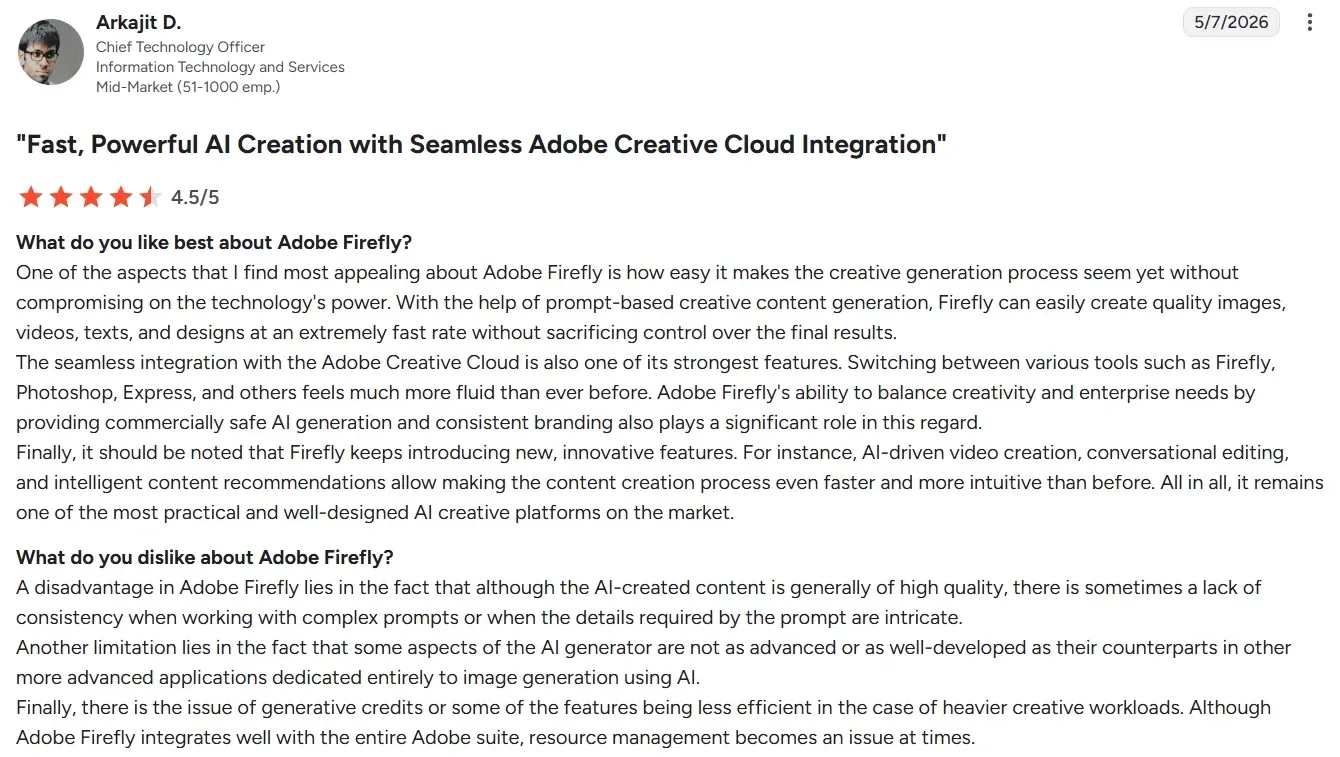
That is why I would look for an Adobe Firefly alternative. If I am creating product visuals, campaign graphics, brand assets, ecommerce images, or character concepts, I want a tool that gives me more creative control from the first prompt to the final usable asset.
8 Best Adobe Firefly Alternatives At A Glance
| Tool | Best For | Why I’d Use It Instead Of Adobe Firefly |
| Pollo AI | Best overall image workflow | More model flexibility, image editing, and commercial-ready image tools |
| Ideogram | Best for text inside images | Stronger for posters, labels, slogans, and typography |
| Recraft | Best for graphic design visuals | Better for design-style illustrations and brand graphics |
| Canva AI | Best for social layouts | Easier to turn generated images into finished posts and banners |
| Leonardo AI | Best for characters and concepts | More control for stylized assets and creative worlds |
| Freepik | Best For Stock-Style Design Assets | Better when you want templates, mockups, and ready-made creative resources |
| Fotor AI | Best For Quick Photo Edits | Better when you need simple retouching, enhancement, and everyday image adjustments |
| Dreamina | Best For Fast Creative Image Ideas | Better when you want quick polished visual concepts without a heavy design workflow |
1. Pollo AI: Best Overall Adobe Firefly Alternative
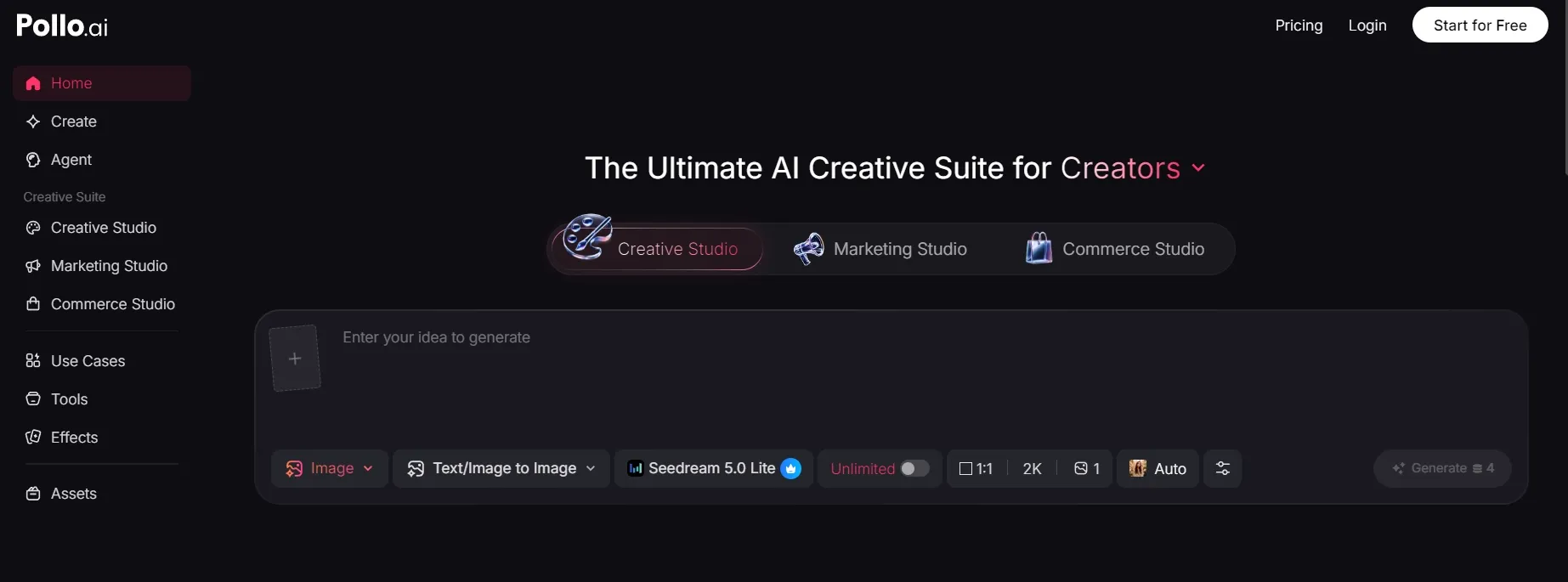
Pollo AI is the best overall Adobe Firefly alternative because it gives you a broader image workflow, not just another image generator.
Adobe Firefly works well when you want a design-friendly image tool inside the Adobe world. Pollo AI feels more flexible when you want to test different image models, refine an existing visual, clean up details, and create images that feel closer to finished commercial assets.
The biggest difference is workflow. I could start from a prompt, improve an existing image with image to image AI. It also makes more sense for sellers and marketers. Pollo AI’s Creative Studio is built for image creation, editing, and style testing, while its Commerce Studio is more useful for sellers and brands. A rough product concept can become cleaner AI product photo.
Pros:
- Image workflow: Generation, refinement, and editing photo sit in one place.
- Model flexibility: You can test different image models for different visual styles.
- Commercial output: Strong fit for product visuals, social images, posters, and brand assets.
- Less post-editing: Outputs feel easier to polish without rebuilding the whole image.
Cons:
- Model choice takes a little testing: Some prompts work better with one model than another.
- More options than casual users may need: Helpful for real work, but bigger than a simple one-prompt tool.
Best For: Creators, marketers, sellers, and brands that need cleaner AI images for real creative work.
Bottom Line: Pollo AI is the strongest Adobe Firefly alternative if you want to generate, edit, and finish commercial-ready AI images in one workflow.
2. Ideogram: Best For Text Inside Images
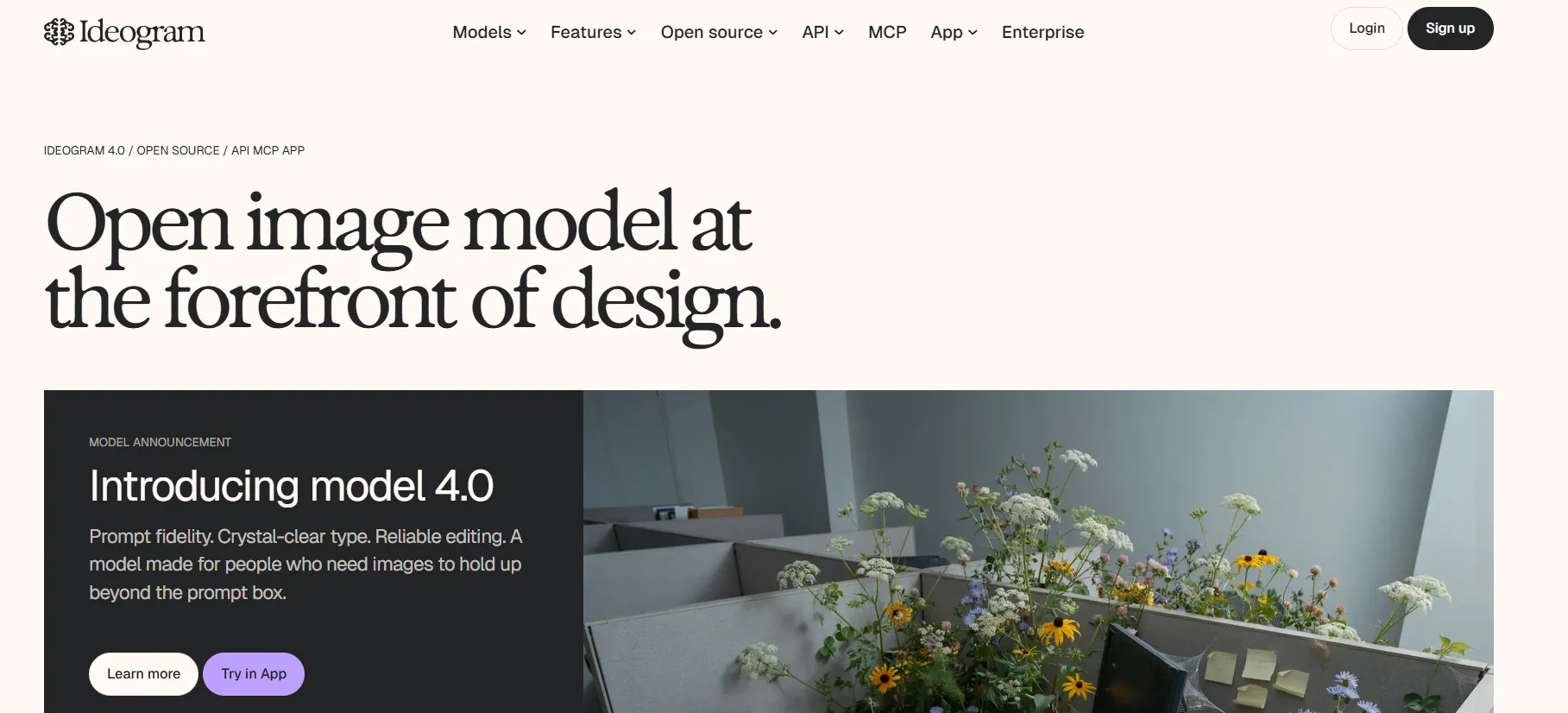
Ideogram is the best Adobe Firefly alternative when your image needs readable text.
This is a real pain point in AI image generation. Posters, packaging mockups, labels, slogans, thumbnails, and brand graphics can fall apart if the text is wrong. In my testing, Ideogram gave me a better starting point for typography-heavy visuals.
I would use it for poster concepts, social graphics, logo directions, product labels, and campaign visuals where words are part of the image. Adobe Firefly can help with design edits, but Ideogram feels more focused when the text itself matters.
Pros:
- Text rendering: Better for readable slogans, labels, and poster copy.
- Graphic concepts: Good for layout-style visual ideas.
- Marketing use: Useful for campaigns, thumbnails, and brand directions.
Cons:
- Prompt precision matters: Text placement still needs clear instructions.
- Some cleanup may be needed: Better with words, but not perfect every time.
Best For: Posters, labels, thumbnails, slogans, and text-heavy image concepts.
Bottom Line: Use Ideogram when Adobe Firefly cannot give you clean enough text inside the image.
3. Recraft: Best For Graphic Design Visuals
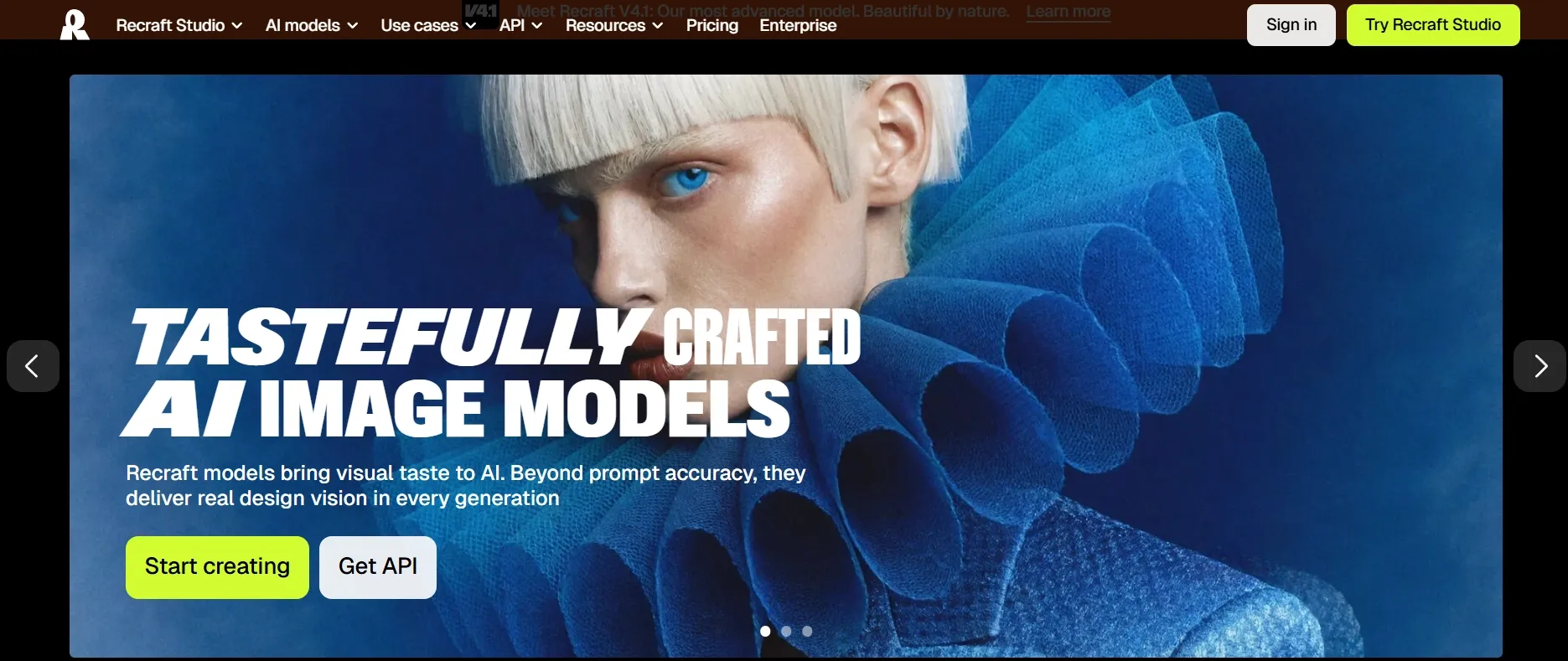
Recraft is the best Adobe Firefly alternative for design-style visuals, illustrations, and brand graphics.
I liked Recraft most when the image needed to feel more like a graphic asset than a random AI picture. It is useful for digital illustrations, icons, 3D-style visuals, product-style concepts, and brand-friendly compositions.
Compared with Adobe Firefly, Recraft feels more focused on generating design-ready visual directions. If you are making campaign graphics, product visuals, or brand illustrations, that focus helps.
It is not always the tool I would pick for cinematic realism. But for cleaner, graphic-led output, it earns its place on this list.
Pros:
- Design-style output: Strong for illustrations, icons, and brand graphics.
- Commercial feel: Useful for visuals that need to look intentional.
- Creative control: Good for polished, non-photographic styles.
Cons:
- Less ideal for realism: Not always my first pick for lifelike scenes.
- Style direction matters: Better prompts lead to more usable design assets.
Best For: Designers, marketers, and brands creating graphic-style visuals.
Bottom Line: Use Recraft when you want Adobe Firefly alternatives that lean more toward design-ready graphics.
4. Canva AI: Best For Social Media Layouts
Canva AI is the best Adobe Firefly alternative when your final output needs to become a social design.
Adobe Firefly can help generate and edit visuals, but Canva is often faster when the image needs to become a post, banner, thumbnail, carousel, or simple ad layout. The canvas around the image is the real advantage.
In my testing, Canva worked best when speed mattered more than deep model control. You can generate a visual, drop it into a layout, add text, resize it, and export something that feels ready to use.
For quick brand and content work, that matters. Not every visual needs a complex editing workflow. Sometimes you just need a clean post that looks decent and ships fast.
Pros:
- Social layouts: Great for posts, thumbnails, banners, and simple graphics.
- Template workflow: Easy for non-designers.
- Fast output: Strong when you need a finished asset quickly.
Cons:
- Less model control: It is not as deep as dedicated image model tools.
- Template feel: Some outputs can look familiar if you rely too much on presets.
Best For: Social media managers, creators, small businesses, and content teams.
Bottom Line: Use Canva AI when you need finished layouts faster than deep image model control.
5. Leonardo AI: Best For Characters And Concept Art
Leonardo AI is the best Adobe Firefly alternative for character design, game-style assets, and concept art.
It gives you more creative control when you are building a visual world. I found it useful for fantasy characters, stylized portraits, environments, props, and creative directions that need multiple variations.
Adobe Firefly is easier to fit into design workflows. Leonardo AI is better when the goal is creative production: characters, settings, moods, and style consistency.
If you are creating a brand mascot, game concept, or entertainment-style visual, the extra control is useful. One image is rarely enough. You need a direction you can repeat.
Pros:
- Character creation: Strong for stylized characters and concept visuals.
- Style control: Better for repeatable creative directions.
- Asset workflow: Useful when you need multiple related images.
Cons:
- More setup than Adobe Firefly: It takes time to learn the controls.
- Not the fastest casual option : Better for creative projects than quick mockups.
Best For: Concept artists, game creators, character designers, and creative teams.
Bottom Line: Use Leonardo AI when Adobe Firefly feels too general for character-led creative work.
6. Freepik: Best For Stock-Style Design Assets
Freepik, now rebranded as Magnific, is a useful Adobe Firefly alternative if you need fast access to templates, mockups, stock-style visuals, and ready-made design resources.
Adobe Firefly is stronger when you want to edit or generate visuals inside a design ecosystem. Freepik is better when you want to browse, adapt, and use existing creative assets quickly.
I would use it for social graphics, mockups, campaign references, and quick brand visuals. It is less focused on deep image editing, but it works well when speed and asset variety matter.
Pros:
- Asset library: Useful for templates, mockups, and ready-made visuals.
- Fast workflow: Good when you need design resources quickly.
- Design support: Helpful for social, marketing, and brand work.
Cons:
- Less original by default: It can feel more like browsing than creating.
- Less editing-focused: Not as strong when you need detailed image adjustments.
Best For: Designers, marketers, and creators who need quick design assets.
Bottom Line: Use Freepik when Adobe Firefly feels too editing-focused and you need faster access to stock-style creative resources.
7. Fotor AI: Best For Quick Photo Edits
Fotor AI is a good Adobe Firefly alternative if your main need is simple photo editing and everyday image enhancement.
Adobe Firefly works better for design-driven image generation. Fotor feels more practical when you already have a photo and want to retouch it, enhance it, remove a background, or make a quick visual adjustment.
It is not the deepest creative workflow on this list, but it is easy to understand. That makes it useful for casual users, small businesses, and creators who want fast edits without a complex setup.
Pros:
- Quick edits: Good for simple retouching and photo improvements.
- Beginner-friendly: Easy to use without much setup.
- Photo-focused: Better when you start with an existing image.
Cons:
- Limited creative depth: Not ideal for complex image production.
- Better for edits than full workflows: Practical, but not as flexible as an all-in-one creative suite.
Best For: Casual users and creators who need fast photo edits.
Bottom Line: Use Fotor AI when Adobe Firefly feels heavier than what you need for quick image improvements.
8. Dreamina: Best For Fast Creative Image Ideas
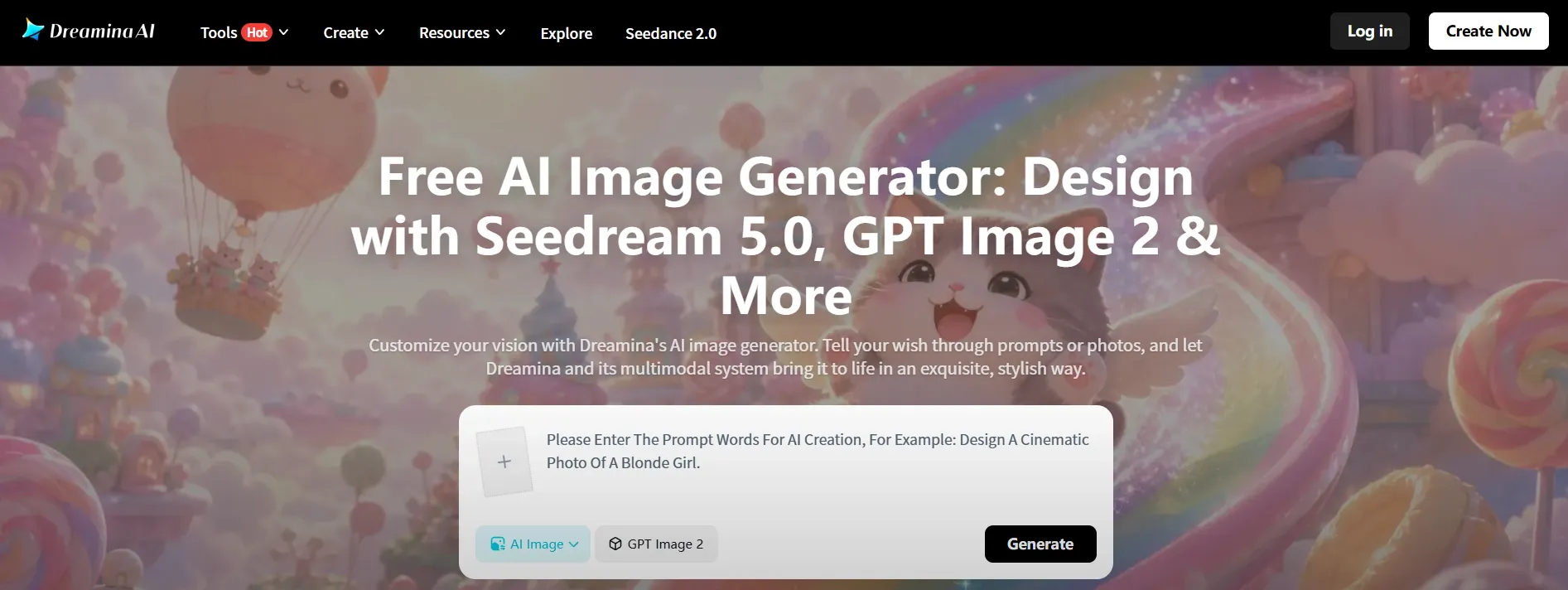
Dreamina is a useful Adobe Firefly alternative if you want quick creative image ideas without spending too much time inside a design workflow.
Adobe Firefly is better when the image needs to connect with Adobe-style editing. Dreamina feels better when you want to move quickly from a prompt to a polished visual direction.
I would use it for moodboards, social concepts, poster ideas, and early campaign visuals. It is not as design-system focused as Firefly, but it is helpful when speed and fresh ideas matter most.
Pros:
- Fast ideation: Good for quick creative directions.
- Creator-friendly output: Useful for social visuals and early campaign ideas.
- Lower friction: Easier when you do not want a complex editing workflow.
Cons:
- Less design-workflow depth: Not as strong for structured brand editing.
- Better for ideas than finished systems: Strong for quick concepts, less ideal for complex production.
Best For: Creators who want fast visual ideas and polished image concepts.
Bottom Line: Use Dreamina when Adobe Firefly feels too workflow-heavy and you want faster creative exploration.
How I Tested These Adobe Firefly Alternatives
I tested each tool by looking for the places where Adobe Firefly can feel limited.
Image Quality: Does the output look usable without heavy cleanup?
Prompt Control: Can it follow specific visual direction without drifting?
Editing: Can I refine the image without restarting the whole prompt?
Text Handling: Can it create readable words inside the image?
Commercial Fit: Can the output work for product images, brand visuals, posters, or ecommerce creatives?
Which Adobe Firefly Alternative Should You Choose?
If Adobe Firefly feels too limited, start with the kind of image you actually need to make.
For most creators, marketers, and sellers, I’d start with Pollo AI. It gives you the broadest image workflow: generate the image, refine it, edit it, and turn rough ideas into cleaner product, brand, or ecommerce visuals.
If your biggest problem is text inside images, Ideogram is easier to trust. If you need graphic-style brand visuals, Recraft makes more sense. If your final output is a social post or layout, Canva AI is faster.
For more specific needs, Leonardo AI is better for characters and concept art, Freepik is better for stock-style design assets, Fotor AI is better for quick photo edits, and Dreamina is better for fast creative image ideas.
My Personal Take
Adobe Firefly is fine if you already use Adobe. It is clean, familiar, and good enough for basic image generation and quick edits.
But I would not use it as my main AI image tool. For better model choice, stronger text handling, and more commercial-ready product visuals, I’d switch to Pollo AI first. Firefly feels like an Adobe feature. Pollo AI feels like a fuller image workflow.
Create More Flexible AI Images
Test top AI image models and build commercial-ready images without staying locked in one design ecosystem.
Try Pollo AI for Free
Best Adobe Firefly Alternative For Commercial-Ready AI Images
Pollo AI is the best Adobe Firefly alternative if you want AI images that are easier to use in real creative work, not just quick visual drafts.
Instead of stopping at basic AI image generation, Pollo AI makes it easier to create polished visuals for social posts, product images, posters, brand assets, and ecommerce creatives. The biggest advantage is that the output feels more practical.
For ecommerce teams, this also makes Pollo AI more useful than a general image generator. You can create product visuals, test model shots with AI virtual try-on, or build richer product page visuals with the AI A+ content generator without starting from scratch each time.
Final Verdict
The best Adobe Firefly alternative is Pollo AI because it gives you more model flexibility, better image editing control, and a smoother path from prompt to usable commercial image.
Start with Pollo AI if you want the strongest all-around replacement. Use Ideogram for text-heavy images, Recraft for graphic-style visuals, Canva AI for social layouts, Leonardo AI for characters, Freepik for design assets, Fotor AI for quick edits, and Dreamina for fast creative ideas.