



10 Best Pixlr AI Alternatives for Image Generation (Hands-On Tested)
I like Pixlr for quick AI image work. It is fast, browser-based, and useful for generating, expanding, filling, and editing images without opening heavy software. But its basic AI features just couldn't keep up with my evolving creative demands.
After comparing it with other image-first AI tools, I found a few alternatives that offer better model choice, stronger editing control, or more reliable commercial visuals.
TL;DR
Pollo AI is my most recommended Pixlr alternative for most image creators. Its AI image generation, image to image workflow, prompt-based photo editing, model variety, and specialized image generators give me more room to reach a polished result.
Why I Looked for Pixlr Alternatives
I still like Pixlr for quick browser-based image work. It is useful for fast generation, generative fill, image expansion, and simple edits. But for campaign visuals, product images, and polished social assets, I wanted more control after the first output.
A Reddit thread from r/pixlr resonated with me. One user called the UI "buggy" and said Pixlr was chasing AI. I felt that when my workflow slowed down compared to my image idea.
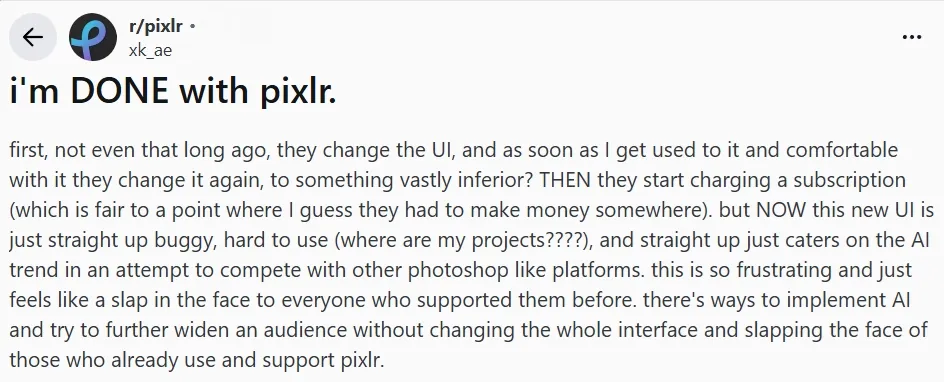
For me, the bigger issue was marketing work. After checking Pixlr review, I focused on image-first gaps: repeatable campaign visuals, subject consistency, product scenes, stronger image-to-image control, and ad-ready variations.
Top Pixlr Alternatives at a Glance
Rank | Pixlr Alternative | Best For | My Quick Take |
|---|---|---|---|
| 1 | Pollo AI | Best overall AI image suite | Best mix of model choice, image editing, style range, and use-case-based generators. |
| 2 | Canva AI | Template-based visual design | Best when the image needs to become a social post, slide, or branded layout. |
| 3 | Adobe Firefly | Adobe design workflows | Best for designers who want generative editing inside a pro design environment. |
| 4 | Leonardo AI | Concept art and game assets | Best for stylized exploration, characters, props, and visual worlds. |
| 5 | Getimg AI | Canvas-level control | Best for inpainting, outpainting, expansion, and hands-on refinement. |
| 6 | Magnific | Marketing visuals | Best when AI generation and stock-style creative assets need to work together. |
| 7 | Fotor AI | Casual image creation | Best for simple styles, AI image avatars, and beginner-friendly edits. |
| 8 | PixAI | Anime art | Best if anime characters and stylized 2D art are the main goal. |
| 9 | Meta AI | Social image generation | Best for fast social visuals, not serious editing control. |
| 10 | Craiyon AI | Rough brainstorming | Best for quick idea sketches, not polished final images. |
1. Pollo AI - Best Pixlr Alternative for AI Image Generator Overall
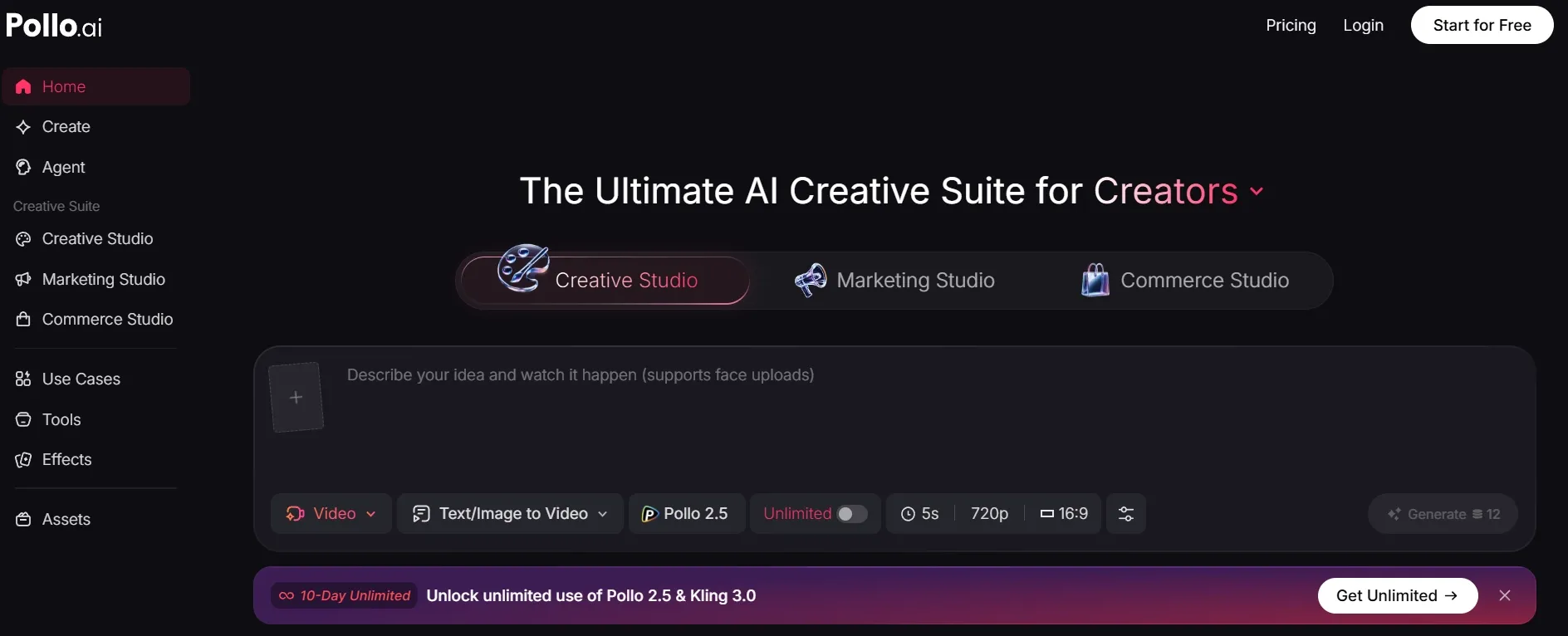
Pollo AI is my top Pixlr alternative because its images look more finished to me. Pixlr is convenient for quick outputs, but Pollo AI gives me cleaner detail, better style range, and more control when I need a visual that can actually be used.
The model variety made the biggest difference. Pollo AI integrates more leading AI models than Pixlr. I could switch among models like GPT Image 2, Nano Banana 2, and more for detail, style, or prompt control.
The 100+ specialized image generators matter when I want a look to repeat. For branded images, character sets, or stylized campaigns, that extra style control helped more than Pixlr's simpler generation flow.
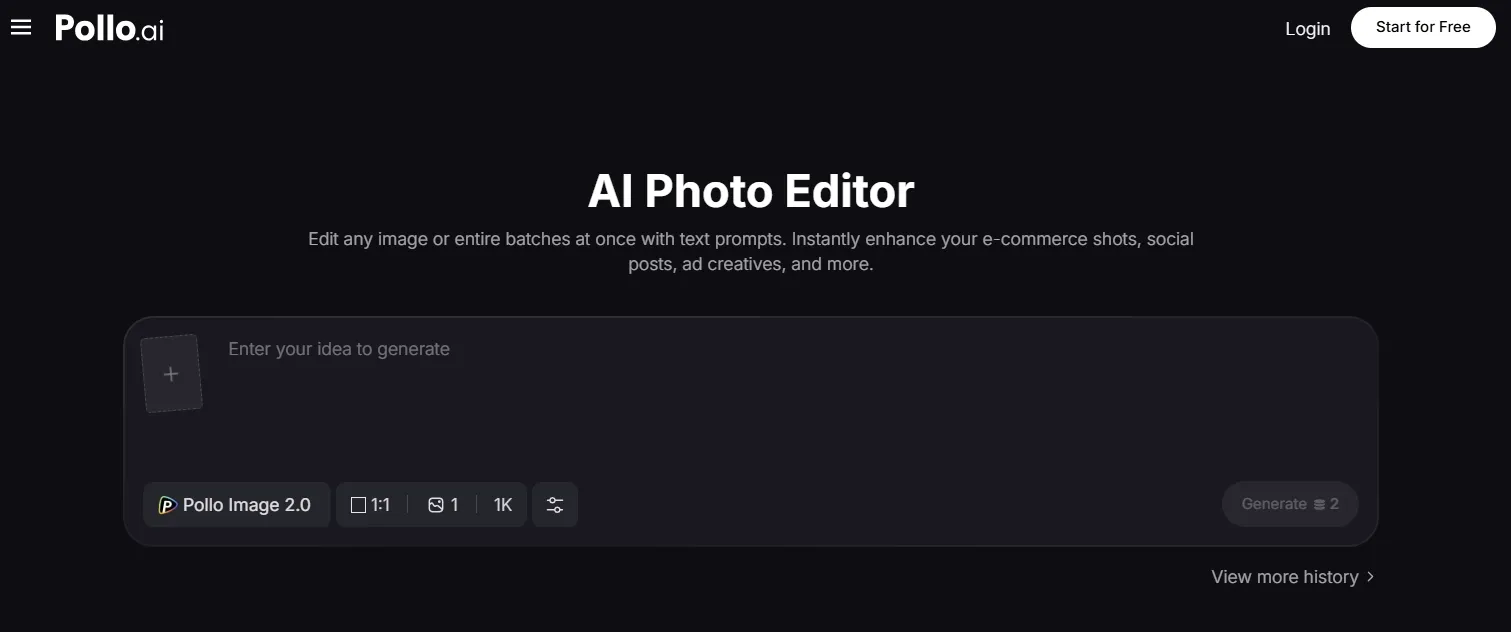
Another thing I liked is the AI photo editor. It is one of the biggest reasons I would keep using it. After generation, I can remove objects, adjust backgrounds, change styles, and clean up weak details with prompts instead of starting over.
For my marketing work, Marketing Studio helped me turn the generated image into a UGC-style campaign instantly. I love this scenario-based workflow. Pixlr did not give me that next step.
Key Features:
- Multi-model AI image generation: Test different image models when one output misses the target style.
- Scenario-based image generators: Create ad-ready images such as brand logos faster.
- Image to image workflow: Use a reference or base image to guide the next visual direction.
- AI photo editor: Clean up objects, backgrounds, and style details with prompt-based edits.
- Marketing Studio: Extend finished images into ads, UGC-style campaigns, and product demos.
Pros:
- Stronger model choice than Pixlr.
- Prompt-based editing for cleanup, object removal, and background changes.
- Strong subject consistency for product, character, and campaign variations.
- Better fit for ads, posters, product visuals, and social images.
Cons:
- It may feel too broad for a tiny retouch.
- Best results still depend on choosing the right model or generator.
My Take
Pollo AI beats Pixlr on image generation and editing because it gives me more ways in just one platform to recover weak outputs and generate post-ready results.
2. Canva - Better Pixlr Alternative for Template-Based Design
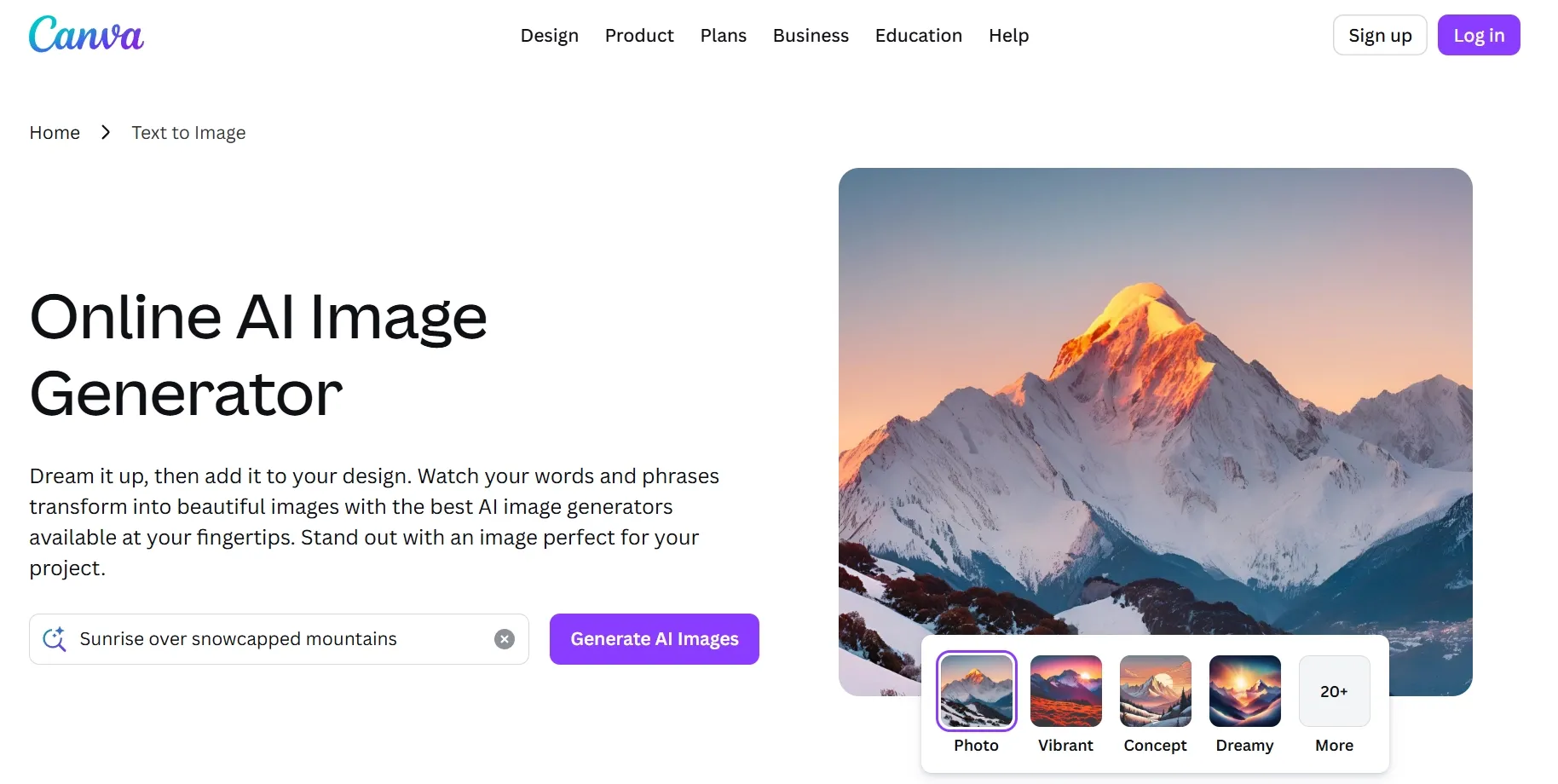
Canva AI is the Pixlr alternative I would use when the final image needs to sit inside a layout. Pixlr is better for direct editing. Canva is better when I need a finished social post, presentation image, poster, thumbnail, or branded graphic.
The AI image tools are useful, but the real advantage is the design environment around them. Magic Edit, image inpainting, Dream Lab, templates, and brand tools make Canva feel practical when the image has to become a complete design.
Pros:
- Templates save time for non-designers.
- Magic Edit helps with quick visual changes.
- Dream Lab is useful for reference-led image ideas.
- Strong for social, education, and business visuals.
Cons:
- Complex prompts can lose detail.
- Original images may start to feel template-heavy.
- Less flexible than Pollo AI for image model choice.
My Take
Canva AI is excellent for turning an image into a designed asset. I would not choose it over Pollo AI for deeper AI image generation, but I would choose it for fast branded layouts.
Read our Canva AI review to know more.
3. Adobe Firefly - A Pixlr Alternative for Adobe Users
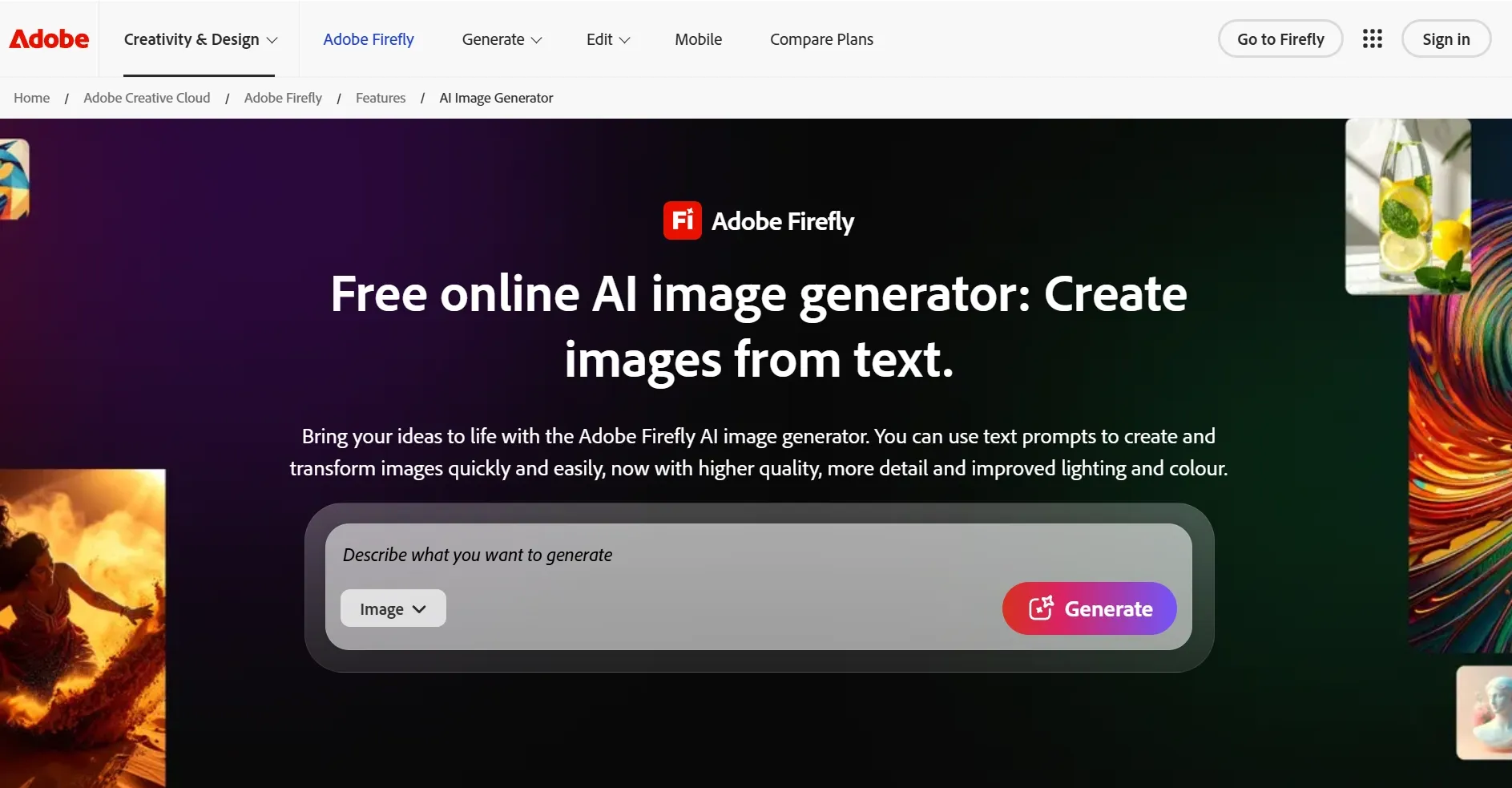
Adobe Firefly is a strong Pixlr alternative if you already work inside Adobe tools. It is especially useful for designers who want AI image generation and generative editing to fit into an existing professional workflow.
Generative Fill is still the feature I trust most here. For extending backgrounds, changing small scene details, or removing unwanted objects, Firefly feels more design-oriented than Pixlr's lightweight browser flow.
Pros:
- Generative Fill is strong for practical image edits.
- Smart color styling helps guide visual direction.
- Show Similar is useful when a result is close but not final.
- Good fit for professional design workflows.
Cons:
- Best value comes if you already use Adobe.
- Less flexible than a multi-model image platform.
- Many outputs still need a designer's final pass.
My Take
Firefly is a better Pixlr alternative for Adobe users than for casual creators who want broad image experimentation.
Check Adobe Firefly review for more details.
4. Leonardo AI - Better Pixlr Alternative for Concept Art
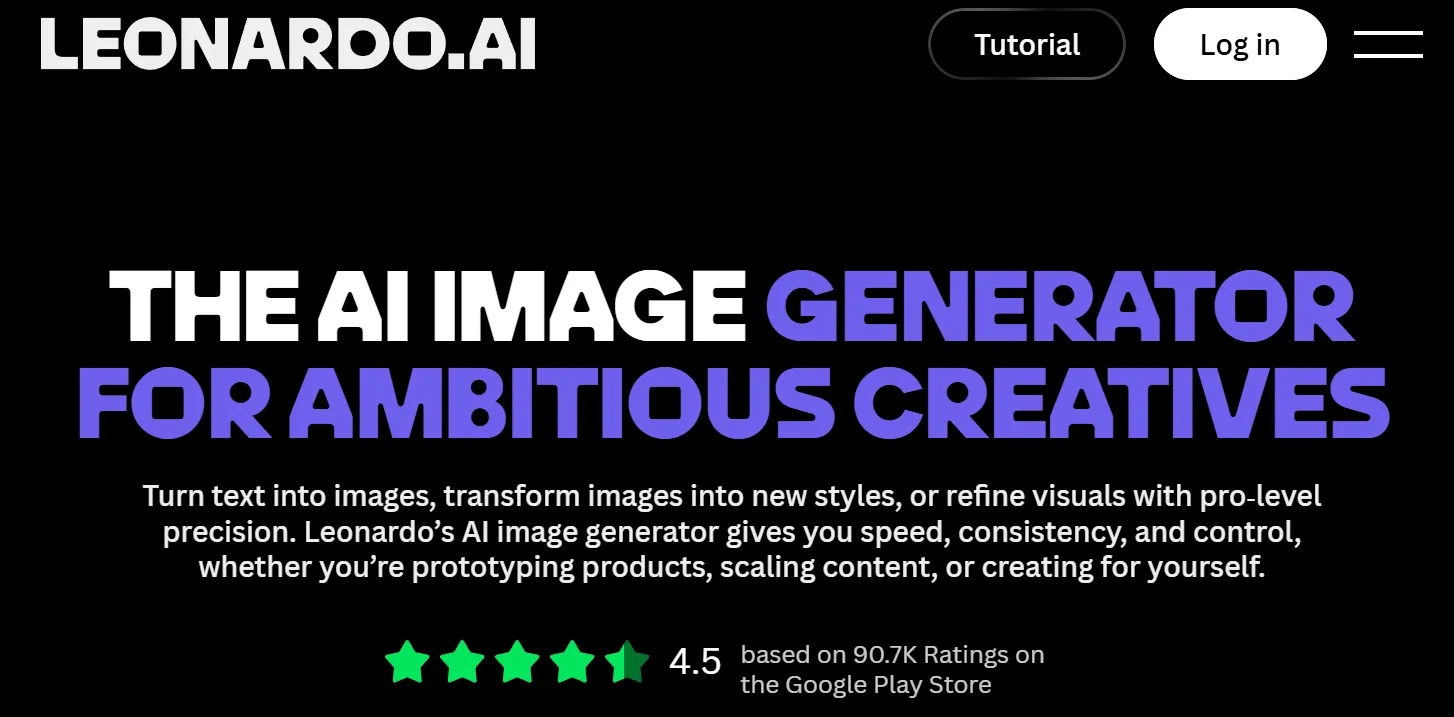
Leonardo AI is the Pixlr alternative I would open when I need to explore a visual world. It is stronger for characters, props, environments, product concepts, and game-style art than for simple photo touchups.
What makes it stand out is AI art creation. Flow State, image guidance, blueprint templates, and editing tools make it easier to move through many visual directions. Pixlr edits images well; Leonardo helps me discover what the image could become.
Pros:
- Strong for stylized image exploration.
- Image guidance gives more control than plain prompting.
- Flow State helps me browse directions quickly.
- Good for characters, props, and fantasy scenes.
Cons:
- Anatomy and tiny details can drift.
- Style consistency may take repeated prompting.
- Failed generations can waste credits.
My Take
Leonardo AI is one of the best Pixlr alternatives for image generator users who care about concepts, worlds, and stylized direction.
Open our Leonardo AI review if you want the details.
5. Getimg AI - Best Pixlr Alternative for Canvas Control
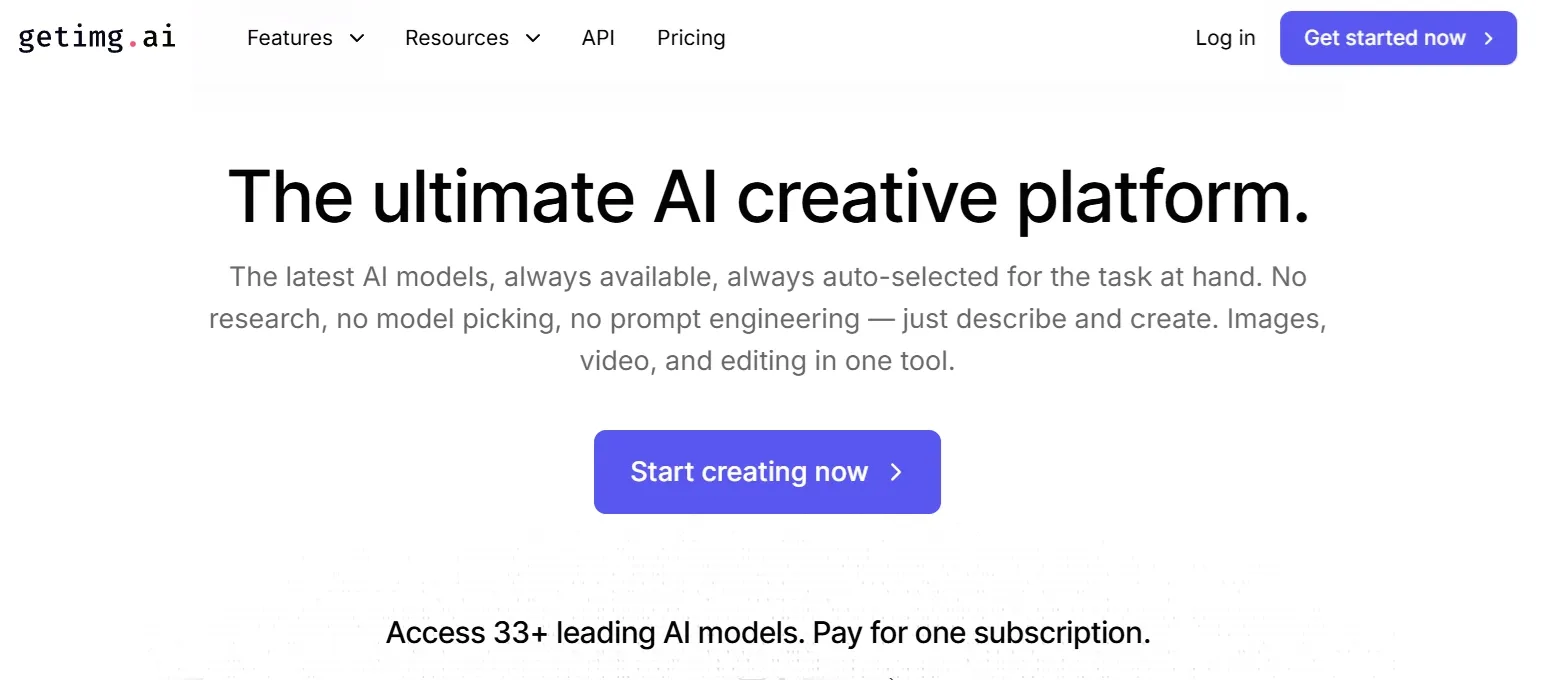
Getimg AI is the Pixlr alternative I would recommend to people who want more hands-on image control. It is useful for generation, inpainting, outpainting, expansion, object edits, and scene cleanup.
Compared with Pixlr, Getimg feels more AI-native. I would use it when I want to reshape an image step by step, including jobs like removing a background.
Pros:
- Outpainting and expansion are useful for composition.
- Inpainting helps fix or replace weak areas.
- Object editing and background removal support cleanup.
- Good for hands-on AI image creators.
Cons:
- The workflow can feel more technical than Pixlr.
- Credits can feel frustrating when outputs fail.
- Polished results may take several passes.
My Take
Getimg AI is a good Pixlr alternative if you enjoy controlling the canvas. I would not recommend it as the easiest option, but it is strong for detailed image refinement.
Check our Getimg AI review for the full notes.
6. Magnific - Best Pixlr Alternative for Marketing Visuals
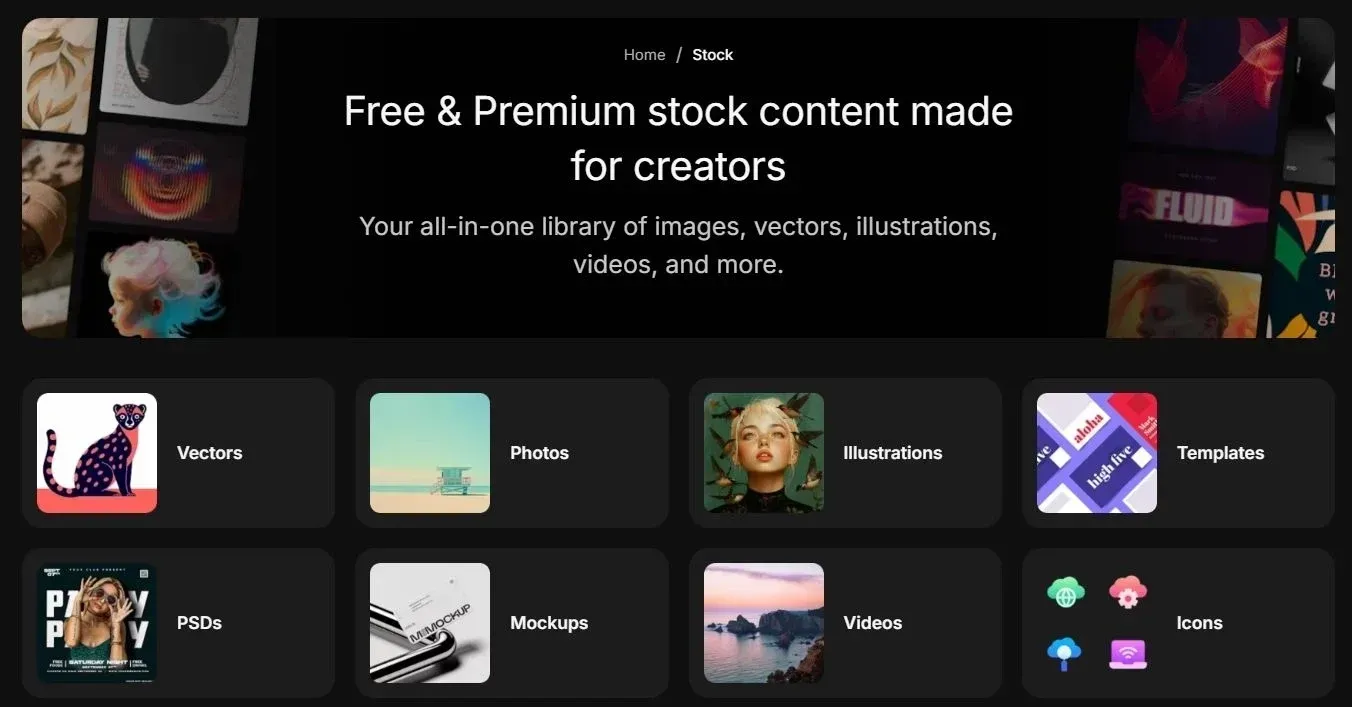
Magnific is the Pixlr alternative I would use when I need a quick marketing image and do not want to start from a blank canvas. It combines AI generation with preset styles, visual modes, mockups, and creative assets.
That asset-library angle matters. Sometimes I do not need a completely original image. I need a campaign banner that looks good enough to use quickly. Magnific does a better job than Pixlr.
Pros:
- Asset library makes AI generation more practical.
- Preset styles speed up visual direction.
- Mockups help with marketing and product contexts.
- Approachable for content teams.
Cons:
- Less focused on deep subject consistency.
- Not my top pick for detailed prompt control.
- Output quality depends heavily on style choice.
My Take
Magnific is a practical marketing tool. I would use it for fast visual production, while Pollo AI is stronger when I need broader image generation and editing flexibility.
7. Fotor AI - Best Pixlr Alternative for Casual Creators
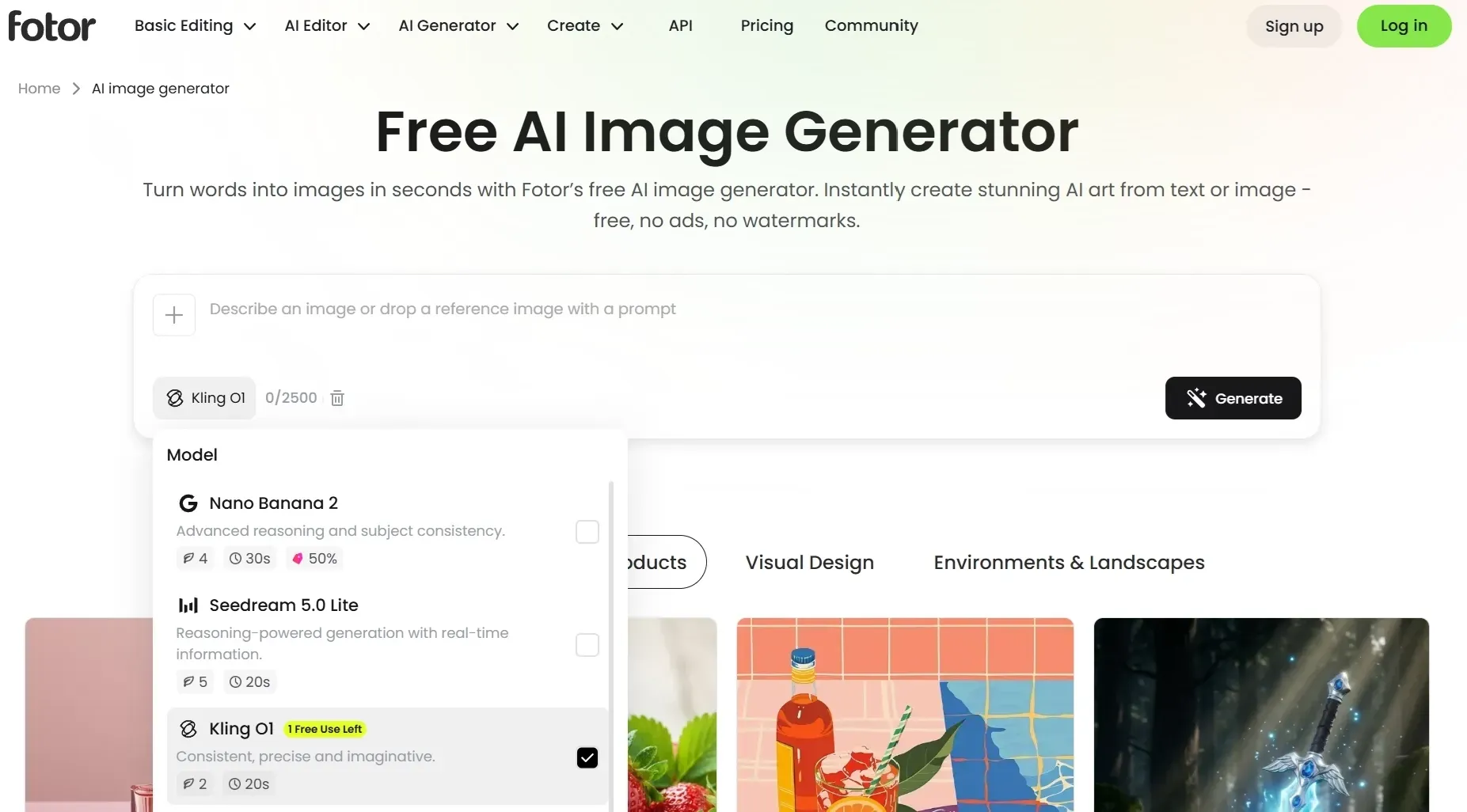
Fotor AI is a friendly Pixlr alternative for users who want simple AI image generation, quick edits, AI image avatars, and style presets. It is not the deepest tool here, but it is easy to understand.
That simplicity is valuable. If someone is new to AI images, Fotor feels less demanding than tools built around models, seeds, references, and advanced controls.
Pros:
- Easy for beginners to start using.
- Style options work for everyday visuals.
- Image avatars help with profile and branding visuals.
- Community library gives prompt inspiration.
Cons:
- Detailed prompts can come back slightly off.
- Some useful features may require credits.
- Not ideal for strict brand consistency.
My Take
Fotor AI is a comfortable Pixlr alternative for casual image work. I would use it for simple creative needs, not for high-control commercial visuals.
See our Fotor AI review to know more.
8. PixAI - Best Pixlr Alternative for Anime Art
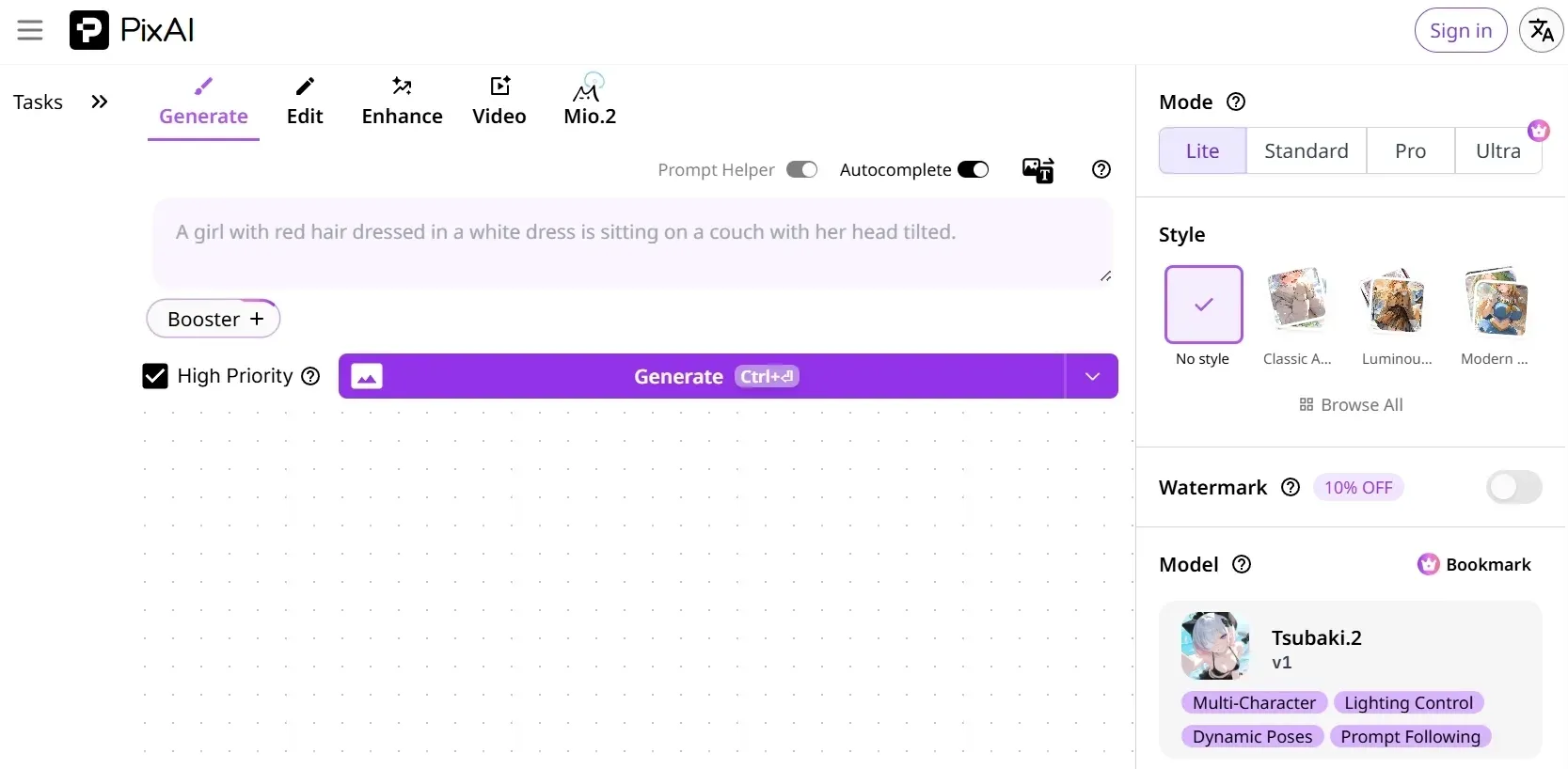
PixAI is the Pixlr alternative I would choose when the image brief is clearly anime-first. It focuses on anime characters, stylized 2D visuals, custom models, references, batch generation, editing, and upscaling.
That focus is its biggest strength. If I wanted a manga-style avatar, cartoon character, or anime illustration, I would rather use PixAI than force a general image editor into that job.
Pros:
- Strong focus on anime-style image creation.
- Custom models help guide character style.
- Batch generation is useful for variations.
- Upscaling and one-click edits help polish outputs.
Cons:
- Narrower than Pixlr or Pollo AI.
- Not ideal for product images or business graphics.
- Commercial usage needs a terms check.
My Take
PixAI is easy to recommend if anime is the main use case. If anime is only one style among many, I would choose a broader image platform.
Click through to our PixAI review for more details.
9. Meta AI - Best Pixlr Alternative for Social Images
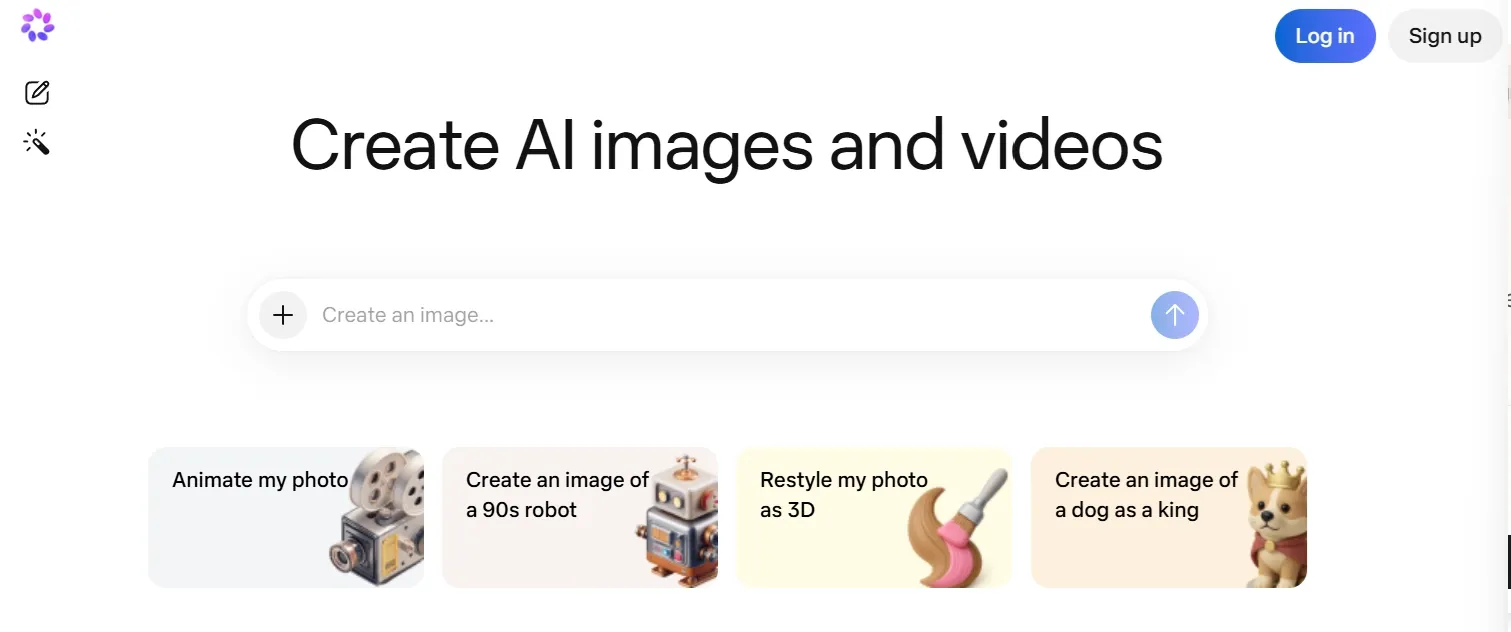
Meta AI is the Pixlr alternative I would use for fast social visuals, not serious image editing. Its strength is convenience inside familiar Meta apps.
For casual posts, chats, and quick visual ideas, that convenience is nice. But when I need prompt precision, controlled composition, or repeatable brand logos, Meta AI feels too limited.
Pros:
- Convenient for casual social image generation.
- Works inside familiar social environments.
- Style editing is fun for quick posts.
- Low barrier to trying it.
Cons:
- Fine-detail control is limited.
- Output consistency can vary.
- Not built for professional image systems.
My Take
Meta AI is useful when speed matters more than control. I would not use it as a serious Pixlr replacement for image editing or commercial visuals.
Read our Meta AI review for the full details.
10. Craiyon AI - Best Free Pixlr Alternative for Brainstorming
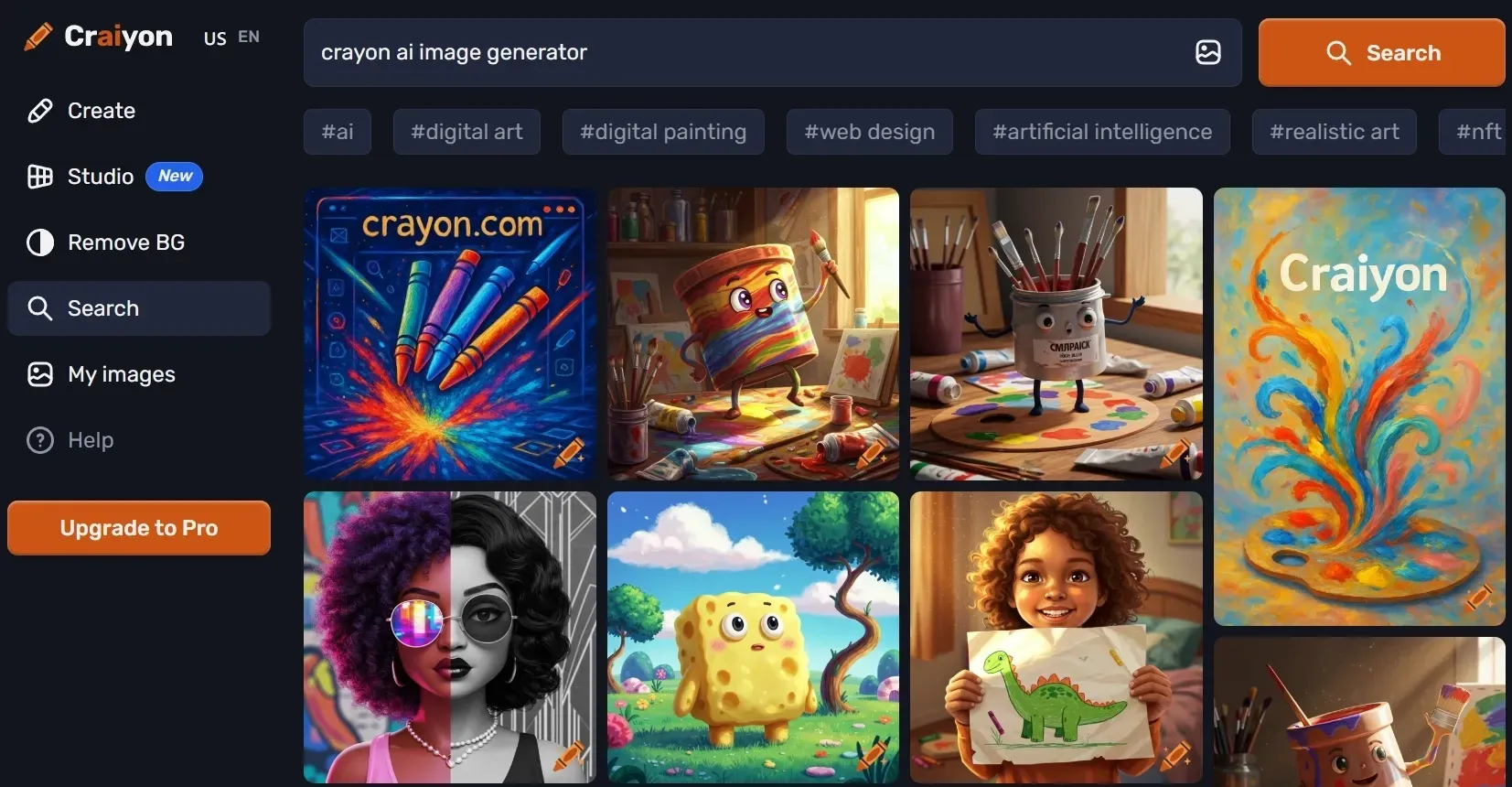
Craiyon AI is the Pixlr alternative I would treat as a rough sketchpad. It is simple, fast, and useful for testing a loose visual idea before moving into a stronger tool.
I would not expect polished commercial quality from Craiyon. Its best use is early ideation: funny memes, cartoon avatars, visual metaphors, and quick style experiments.
Pros:
- Very low-friction for quick ideas.
- Multiple variations help with brainstorming.
- Negative prompts add some control.
- Basic cleanup tools give it extra range.
Cons:
- Image quality can be inconsistent.
- Complex prompts often need several retries.
- Not for high-resolution final visuals.
My Take
Craiyon AI is useful at the messy beginning of a project. I would use it for ideas, then move to Pollo AI or another stronger image tool for final output.
Check our Craiyon AI review if you want more details.
How I Reviewed These Pixlr Alternatives
I ranked these Pixlr alternatives by image-first criteria. I looked at image generation quality, prompt control, editing depth, model or style flexibility, reference support, commercial usefulness, and how much manual repair I expected before publishing.
I also considered ease of use. A tool can be powerful but still frustrating if it takes too long to get a clean image. The best options helped me move from a rough prompt to a usable visual with fewer dead ends.
Which Pixlr Alternative Should You Choose?
The easiest way to choose is to start with the image job. For designed social layouts, Canva AI makes sense. For anime, PixAI is more focused. For broad image generation, editing, model choice, and commercial-ready outputs, I would start with Pollo AI.
Use Case | My Pick | Why |
| All-in-one AI image creation | Pollo AI | Best balance of model access, editing depth, and specialized image generators. |
| Prompt-based image editing | Pollo AI | Strong AI photo editor when you want to edit, restyle, remove, and refine with prompts. |
| Social graphics and templates | Canva AI | Best for layouts, presentations, brand kits, and social content. |
| Adobe design workflows | Adobe Firefly | Best for designers already using Creative Cloud. |
| Anime art | PixAI | Purpose-built for anime characters and stylized 2D art. |
| Game and concept art | Leonardo AI | Strong for characters, props, environments, and visual exploration. |
| Casual image generation | Fotor AI | Easy for beginners and small teams. |
| Free creative brainstorming | Craiyon AI | Useful for rough ideas and playful experiments. |
| Social-first images | Meta AI | Convenient inside Meta apps. |
| Strong campaign visuals | Pollo AI | Helpful Marketing Studio and AI generation belong together. |
A Separate Note on Video Features
I did not use video generation as the primary reason for ranking Pollo AI above Pixlr. Pixlr is an AI image tool, so the fair comparison is image generation and image editing.
But after careful comparison, Pollo AI's video tools are still worth mentioning as an extra extension. Once an image is ready, you can continue into image to video and broader creative workflows without starting over elsewhere.
Final Verdict
Pixlr is still useful. But for a stronger image-first upgrade, I would pick Pollo AI. It gives me broader model choice, better image refinement options, more specialized generators, and a workflow that feels better suited to polished ads, product visuals, posters, and social images.
That difference matters most when the image has a real job. For product visuals, social images, and ad-ready campaign assets, I felt that Pollo AI gave me a cleaner path from a rough idea to a usable final image.
If you want a Pixlr alternative that handles everything, try Pollo AI today to instantly streamline your workflow!