



7 Best Seedance 2.5 Alternatives for AI Video Generation
Seedance 2.5 is a capable AI video model for longer video output, richer reference input, and more controllable video editing. But it is not always the easiest model to use well.
In this article, I compare 7 Seedance 2.5 alternatives that can help with cinematic scenes, story videos, character motion, product clips, stylized videos, reference-based videos, and fast social content.
Quick Answer: What Is the Best Seedance 2.5 Alternative?
Pollo AI is the best Seedance 2.5 alternative overall because it helps me create and finish AI videos in one workflow. I can create videos from text, images, or references, then refine them with editing, audio, avatars, effects, and motion tools.
Besides, I can use more AI models than Seedance 2.5, including Veo AI and Kling AI. It also gives me Pollo Agent and specialized Studios for ads, product videos, talking avatars, and more.
Why Look for Seedance 2.5 Alternatives?
Seedance 2.5 supports native 30-second single clips, high-quality video extension, multi-modal input with up to 50 assets, and more controllable video editing. So it is useful for richer scenes, complex references, and videos that need further refinement.
It can be a strong AI video model when I need longer, more complete video output. You can have a clearer idea of where the model fits best through our Seedance 2.5 use cases.
But that is also where the main drawback appears. To get the most from these advanced features, I usually need to prepare clearer prompts, stronger references, and more detailed scene direction.
Surely, if you already have a clear visual imagination, you can improve your prompt via our Seedance 2.5 best prompts.
But most of the time, we users only start with a loose idea. In this case, Seedance 2.5 may feel less beginner-friendly because good results depend heavily on how well I describe the subject, motion, camera behavior, timing, and visual style.
For a fuller hands-on baseline, read our Seedance 2.5 review before comparing the alternatives below.
7 Best Seedance 2.5 Alternatives at a Glance
Alternatives | Best For | Starting Price |
|---|---|---|
| Pollo AI | Creators, marketers, sellers, and brands that need multi-model AI video generation and a complete creative workflow. | $10/month |
| Veo 3.1 | Filmmakers, marketers, and creators that need cinematic realism and premium scene quality. | Varies |
| Sora 2 | Storytellers and creative teams that need narrative scenes with stronger audio-video direction. | $20/month |
| Kling 3.0 | Character creators and brands that need expressive movement, performance, and cinematic short clips. | $6.99/month |
| Runway Gen-4 | Creative teams that need stronger production control and visual consistency across shots. | $12/month |
| Wan 2.6 | Artists and creators that need stylized motion, anime-style visuals, and expressive video concepts. | $5/month |
PixVerse V6 | Short-form creators that need fast cinematic clips, transitions, and social-ready video ideas. | $10/month |
Pollo AI: Best AI Creative Suite for Full Workflows with More Flexibility
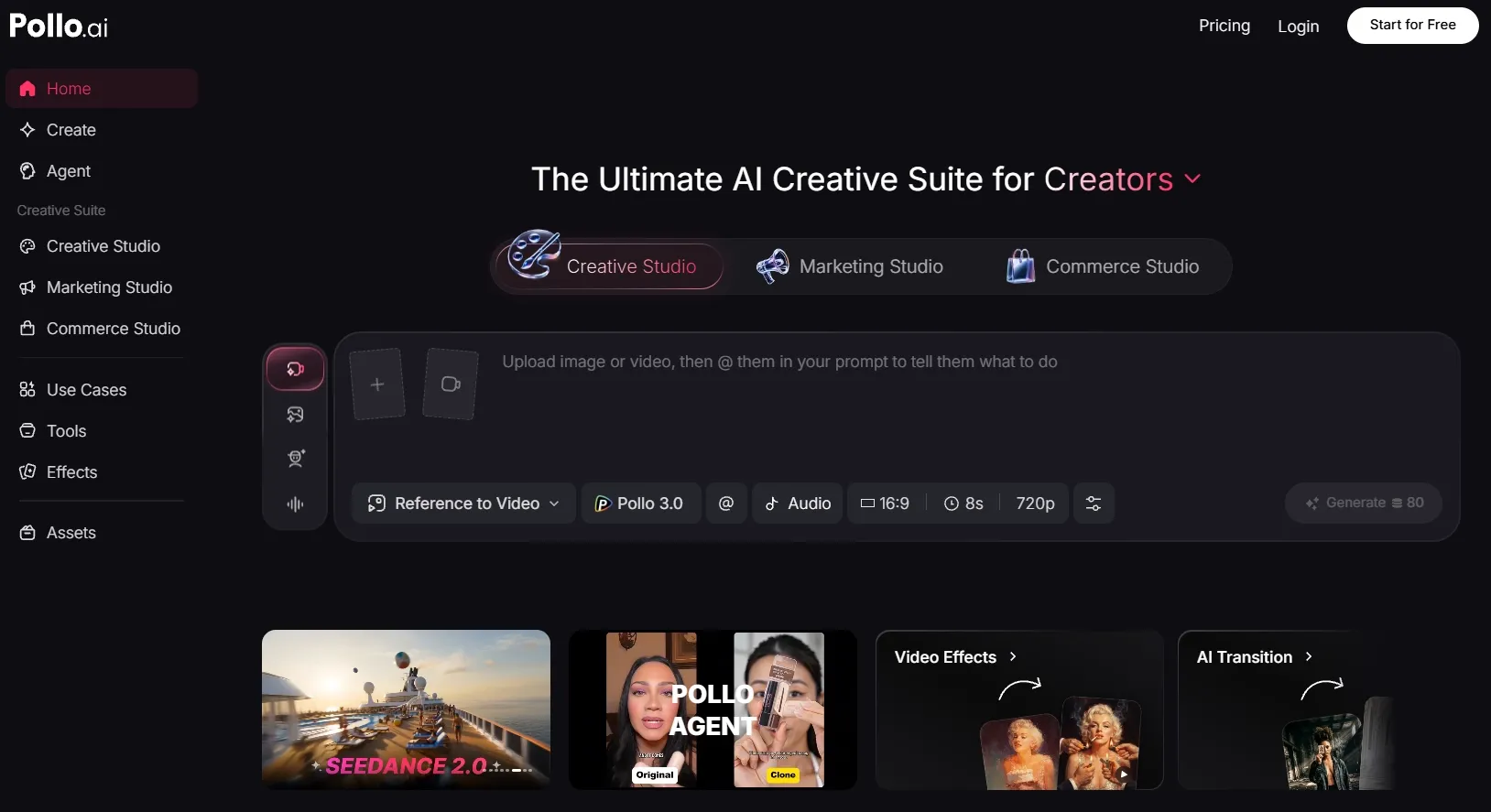
Pollo AI is the best Seedance 2.5 alternative overall because it gives me more workflow flexibility and more ways to finish a video.
I picked Pollo AI first because Seedance 2.5 is still a single-model experience. When I use Pollo AI, I can test different AI video models based on what the project needs, including Pollo AI’s own Pollo 2.5, which gives me a native option for everyday video creation.
I may use Veo 3.1 for cinematic realism, Sora 2 for story-driven scenes, Kling 3.0 for character motion, Runway for production control, or PixVerse for fast social clips.
What makes Pollo AI more useful is that it is not just a model access point. It is built as an AI creative suite for marketers, creators, sellers, and brands. I can move from generation to editing, AI voiceovers, AI avatars, effects, and specialized video workflows without having to rebuild the project across different tools.
The main thing to watch is that Pollo AI gives users a lot of options. Beginners may need a little time to understand which model, Studio, app, or workflow fits their project best. But that learning curve is easier to accept because the platform gives me more ways to move from idea to publish-ready content.
Key Features
Multi-model AI video generation: I can compare models like Sora 2, Veo 3.1, and more, and I can use them for different styles and projects.
Pollo Agent: Helps create structured, production-ready videos from ideas, scripts, images, or URLs with less manual editing.
Marketing Studio: Helps marketers move from a script, product link, or campaign idea to ready-to-use video ads faster.
Full creative workflow: Brings video generation, AI avatars, voice cloning, effects, and video editor into one connected workspace.
Best For
Marketers that need ready-to-use video ads without building a full production workflow.
E-commerce sellers that need 360° product showcase videos, product posters, and commercial visuals.
Creators that want to test multiple AI video models in one place.
Brands and teams that need generation, editing, audio, and effects in one workflow.
Pros:
- More flexible than a single model because I can switch models based on the project.
- Stronger workflow depth with editing, audio, avatars, effects, and specialized apps.
- Useful for real content tasks such as ads, product videos, explainer clips, and story videos.
- Better path to publish-ready output than tools that only generate raw clips.
Cons:
- Many options can feel complex at first for users who are new to AI video.
- Model choice requires judgment because different models work better for different tasks.
- Advanced workflows may take testing when the project needs a polished final result.
One Platform for Every AI Video Idea
Start with your idea, test the best model for the job, and use Pollo AI to turn your output into a polished video faster.
Try Pollo AI for Free Now
Veo 3.1: Best Seedance 2.5 Alternative for Cinematic Realism
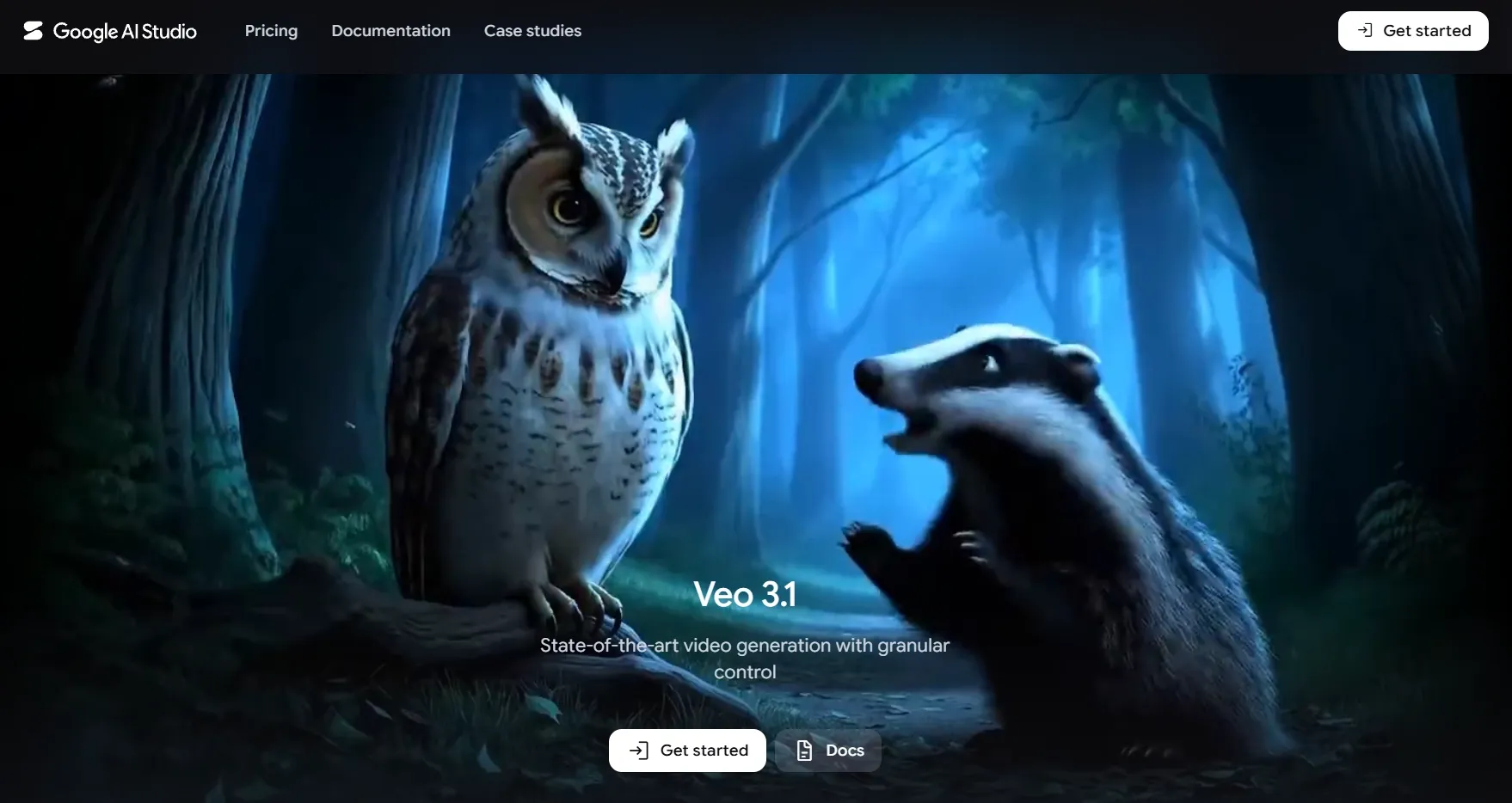
I would use Veo 3.1 when the final video needs to feel polished enough for product launches, cinematic brand scenes, mood-led social ads, or realistic short films. It is a better fit for projects where lighting, composition, and camera direction matter more than quick output.
What stood out to me was its ability to carry a scene with more visual depth. When I describe the environment, atmosphere, physical details, and subject behavior clearly, Veo 3.1 can make the video feel closer to a planned visual concept instead of a simple generated clip.
The main drawback is its higher prompt requirement. I need to give it clear direction on camera movement, lighting, subject action, scene mood, and timing, so it may not feel very casual for users who only want to start with a short idea. If you want a clearer structure before comparing models, a Seedance 2.5 prompt can help you understand how to direct timing, motion, and visual intent more precisely.
Key Features
Cinematic realism: Creates polished scenes with stronger lighting, depth, and film-like composition.
Text to video generation: Helps build realistic scenes from detailed written prompts.
Image to video generation: Animates product images, portraits, or concept frames with a clearer visual starting point.
Reference-based control: Helps guide characters, objects, or visual ingredients with stronger creative direction.
Upscaling support: Makes it more useful when I need cleaner output for higher-quality presentation.
Best For
Brand marketers that need cinematic product teaser videos.
Filmmakers that need realistic concept scenes before production.
Creative teams that need polished story videos.
Agencies that need premium campaign visuals.
Pros:
- Strong cinematic polish for realistic scenes.
- Good fit for premium video concepts where visual quality matters.
- Useful for visually serious projects that need strong mood and atmosphere.
- Better for campaign-style videos than quick effect-first models.
Cons:
- Needs detailed prompting for the best camera, mood, and lighting control.
- May feel too advanced for users who want quick one-line prompts.
- Pricing should be checked before publishing.
Sora 2: Best Seedance 2.5 Alternative for Story-Driven Videos
Sora 2 works best for videos that need a clear chain of events instead of one attractive scene. I see it as a strong option for narrative clips, surreal ideas, cinematic moments, character situations, and story scenes where movement needs to support the plot.
What I like most is how it handles ideas that need action, timing, and scene logic to work together. The result feels more useful when I want a scene to unfold with purpose, rather than simply create a visually impressive frame.
The challenge is prompt clarity. A vague prompt is usually not enough for a strong narrative clip, so I need to define the action, timing, character intent, and scene progression more carefully.
Key Features
Story-driven generation: Helps create scenes with action, characters, and narrative movement.
Audio-connected video creation: Supports videos where dialogue, sound effects, or atmosphere matter.
Physical scene direction: Helps movement feel more connected to the scene.
Creative scene building: Works well for imaginative concepts and visual storytelling.
Prompt-based direction: Lets users shape story, mood, action, and camera behavior through text.
Best For
Story creators that need narrative AI video clips such as bedtime story videos.
Creative directors that need visual concept tests.
Educators that need scenario-based explainer videos.
Social creators that need imaginative short scenes.
Pros:
- Strong narrative potential for idea-led videos.
- Audio support adds more context to scenes with dialogue or sound.
- Useful for imaginative prompts that need more than realism.
- Better fit for story scenes than simple effect generators.
Cons:
- Availability should be checked before publishing.
- Requires clear story direction for action, timing, and scene logic.
- May still need editing if the final video needs tight pacing.
Kling 3.0: Best Seedance 2.5 Alternative for Character Motion

Kling 3.0 is useful for AI character videos, creator-style clips, dynamic product scenes, AI avatar videos, and short ads that need stronger body movement or camera energy.
What stood out to me was the way it can turn specific action details into a more directed performance. When I describe the gesture, pacing, camera distance, and emotional reaction clearly, the scene feels easier to shape around a particular character moment.
The less convenient part is the workflow around the motion. Kling 3.0 usually needs precise movement direction, and it may not replace tools built specifically for reference to video generation, mimic motion, or repeated motion reuse across clips.
It can also take extra attempts if I need the same character movement to stay consistent across several video versions.
Key Features
Character motion control: Helps create expressive movement for people, avatars, and performance-led scenes.
Storyboard direction: Makes it easier to guide short scenes with clearer structure.
Audio-visual output support: Adds value when sound and motion need to feel connected.
Cinematic short generation: Fits social clips, character videos, and ad-style scenes.
Semantic response accuracy: Helps the model follow more detailed creative instructions.
Best For
Character creators that need expressive motion videos for gestures, reactions, poses, dance moves, and character-led performance clips.
Social media teams that need cinematic short clips for faceless video, B-Roll video, and more.
Ad creators that need story UGC ads, or lifestyle scenes where characters show, use, or react to a product.
Avatar users that need stronger movement and performance for talking videos, virtual presenters, and character-led clips.
Pros:
- Strong motion energy for characters and action scenes.
- Useful storyboard control for more structured clips.
- Good fit for performance-led videos with gestures and camera movement.
- Works well for short cinematic ideas where motion is central.
Cons:
- Needs clear movement direction for body action, timing, and camera behavior.
- May not cover deeper reference-to-video or mimic motion workflows by itself.
- Requires extra attempts when the same motion needs to stay consistent across multiple clips.
Runway Gen-4: Best Seedance 2.5 Alternative for Production Control
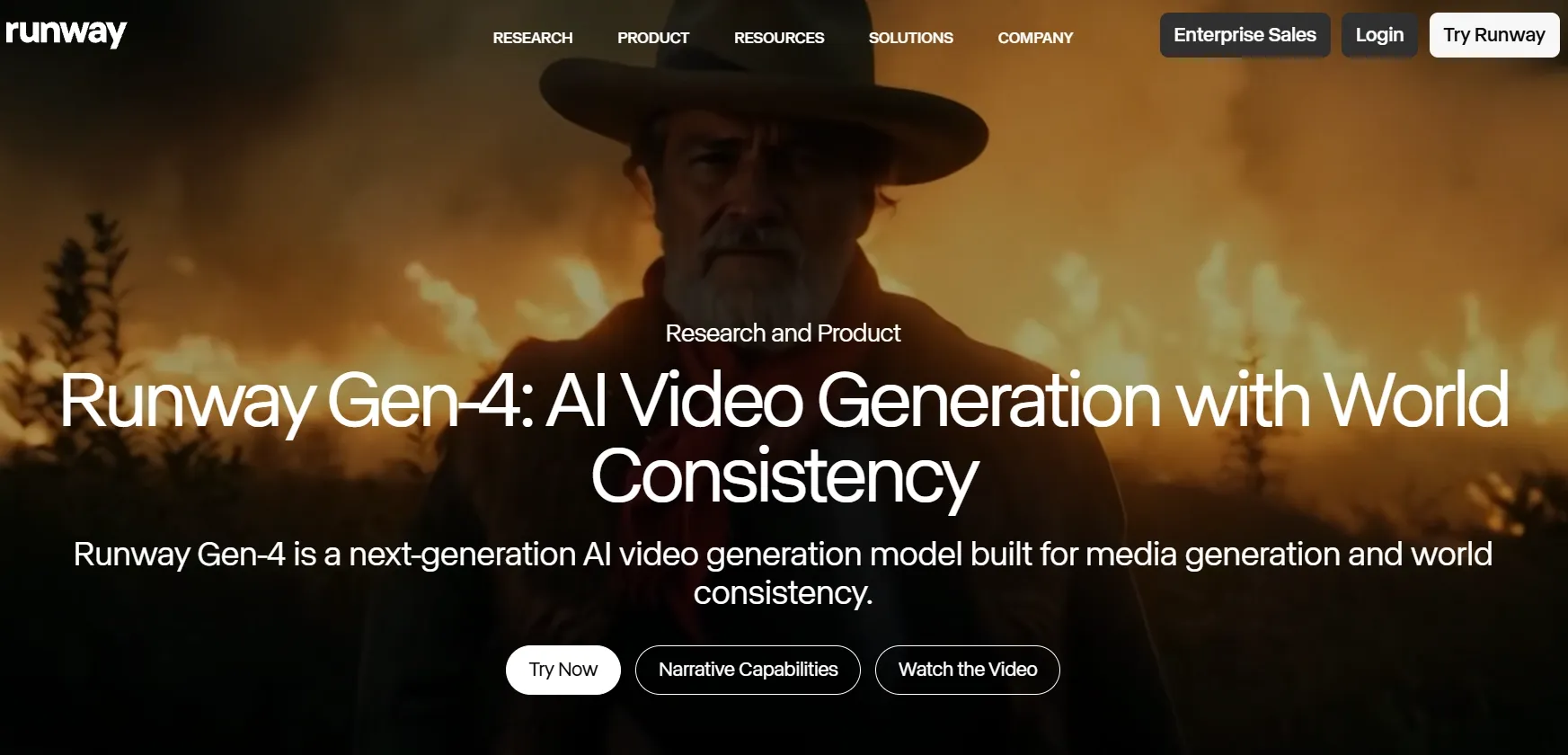
Runway Gen-4 makes more sense when the project needs connected shots instead of one isolated AI video. It fits brand films, concept videos, character campaigns, and visual sequences where the same person, object, location, or style needs to carry across multiple scenes.
Its biggest value is production control. When I already have references, a shot structure, and a visual direction in mind, Runway Gen-4 feels better suited to building a controlled creative sequence than generating a quick standalone clip.
The workflow can feel heavy for casual users. Runway Gen-4 usually asks for more planning around references, shot order, continuity, and revisions.
It also may not be the fastest option for quick social variations, especially when repeated testing, higher-quality outputs, or credit usage become part of the process.
Key Features
World consistency: Helps maintain characters, objects, and locations across multiple shots.
Reference-based generation: Uses visual references to guide repeated subjects and styles.
Production-focused workflow: Fits projects that require planning, revision, and shot continuity.
Creative editing ecosystem: Supports more post-generation work than a simple model-only workflow.
Team-friendly structure: Works well for creators and teams that need repeatable production steps.
Best For
Creative teams that need consistent characters, settings, and visual style for concept videos and story experiments.
Filmmakers that need connected scenes for movie trailers and teaser videos.
Agencies that need controlled drafts for client pitches and training videos.
Brands that need repeated product visuals for different platforms such as YouTube shopping ads and Pinterest shopping ads.
Pros:
- Strong continuity value for multi-shot projects.
- Useful reference workflow for characters, products, and locations.
- Better for production planning than quick single-clip generators.
- Good fit for team workflows that need revision and control.
Cons:
- Works better for users who already understand references, shot planning, and continuity.
- May feel too complex for quick one-prompt video creation.
- Repeated testing can become slower or more credit-sensitive than lightweight social video tools.
Wan 2.6: Best Seedance 2.5 Alternative for Stylized Video Generation
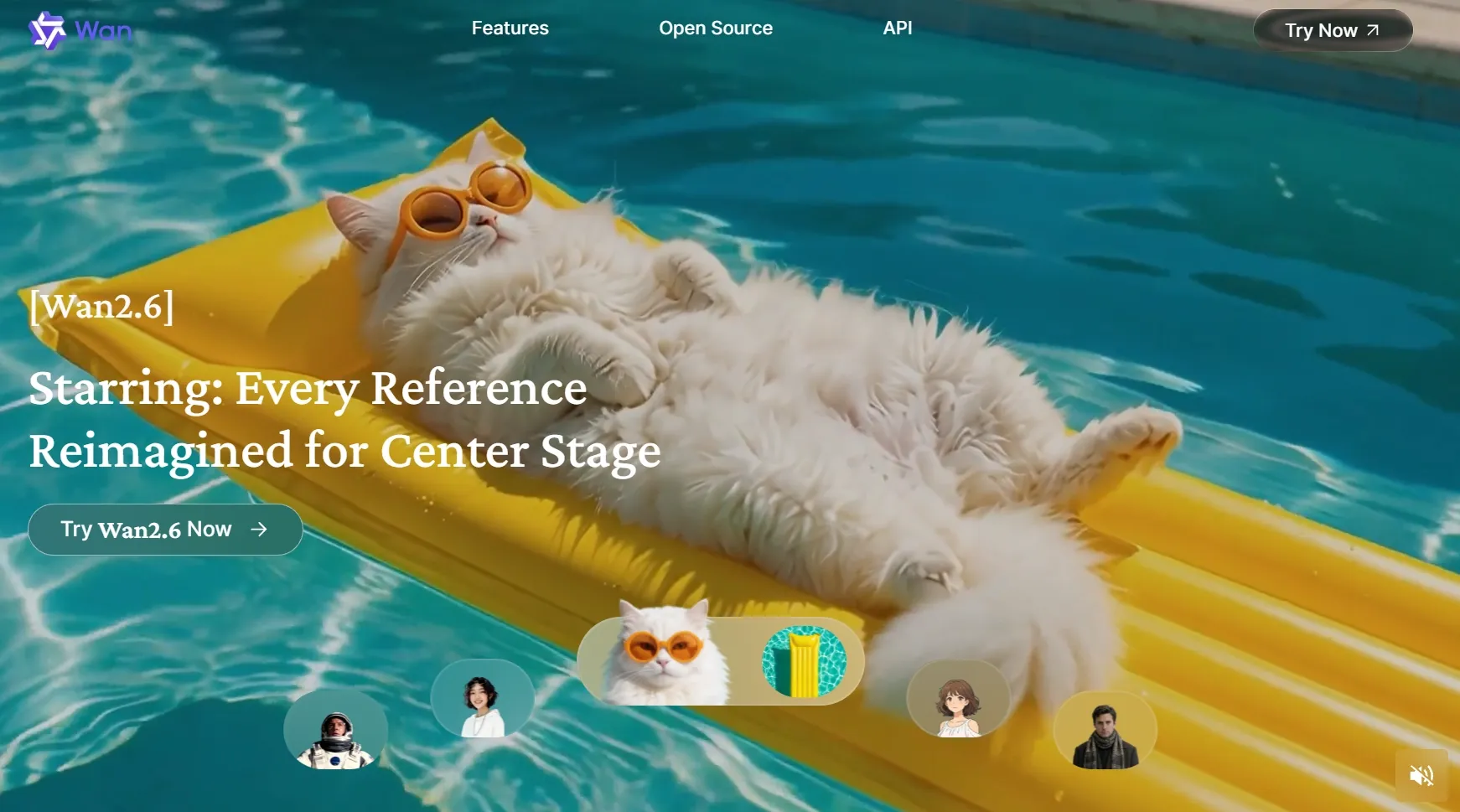
Wan 2.6 is a better fit when the video needs a strong visual identity rather than pure realism. It works well for anime videos, fashion visuals, music videos, dramatic social clips, and experimental creator projects where style matters as much as motion.
What makes it worth testing against Seedance 2.5 is the way it opens up a less realism-focused direction. Instead of only aiming for clean, believable footage, Wan 2.6 gives me more room to explore exaggerated movement, stylized atmosphere, and visually distinct scene design.
The challenge is that Wan 2.6 may require more visual preparation before it feels efficient. I usually need to define the style, subject behavior, camera feel, and atmosphere carefully.
Key Features
Stylized video generation: Helps create anime, fashion, artistic, and dramatic visual clips.
Reference-to-video direction: Gives users a stronger starting point for characters and visual style.
Multimodal visual creation: Supports flexible image and video generation workflows.
Character scene support: Helps place human or human-like figures into new visual settings.
Creative motion range: Fits users who want expressive visuals instead of only realistic scenes.
Best For
Anime creators that need stylized motion scenes for anime dance videos and action anime videos, helping characters feel more dynamic and visually engaging.
Music video creators that need dramatic concepts for narrative music videos to make their songs gain stronger visual mood and storytelling appeal.
Fashion marketers that need expressive visual ideas for outfit check videos, helping outfits look more stylish, memorable, and social-ready.
Artists that need experimental AI video drafts for mini world videos and pixel art story videos, so their creative ideas become easier to visualize, test, and develop.
Pros:
- Good creative range for stylized video ideas.
- Useful for anime and artistic scenes where realism is not the only goal.
- Reference support helps guide direction when starting from a visual anchor.
- Strong fit for expressive creator projects with mood and visual identity.
Cons:
- Needs a clearer visual direction for style, movement, camera feel, and atmosphere.
- May require stronger references when the desired look is very specific.
- Less complete as a standalone workflow if I also need editing, audio, avatars, or motion reuse.
PixVerse V6: Best Seedance 2.5 Alternative for Fast Social Videos
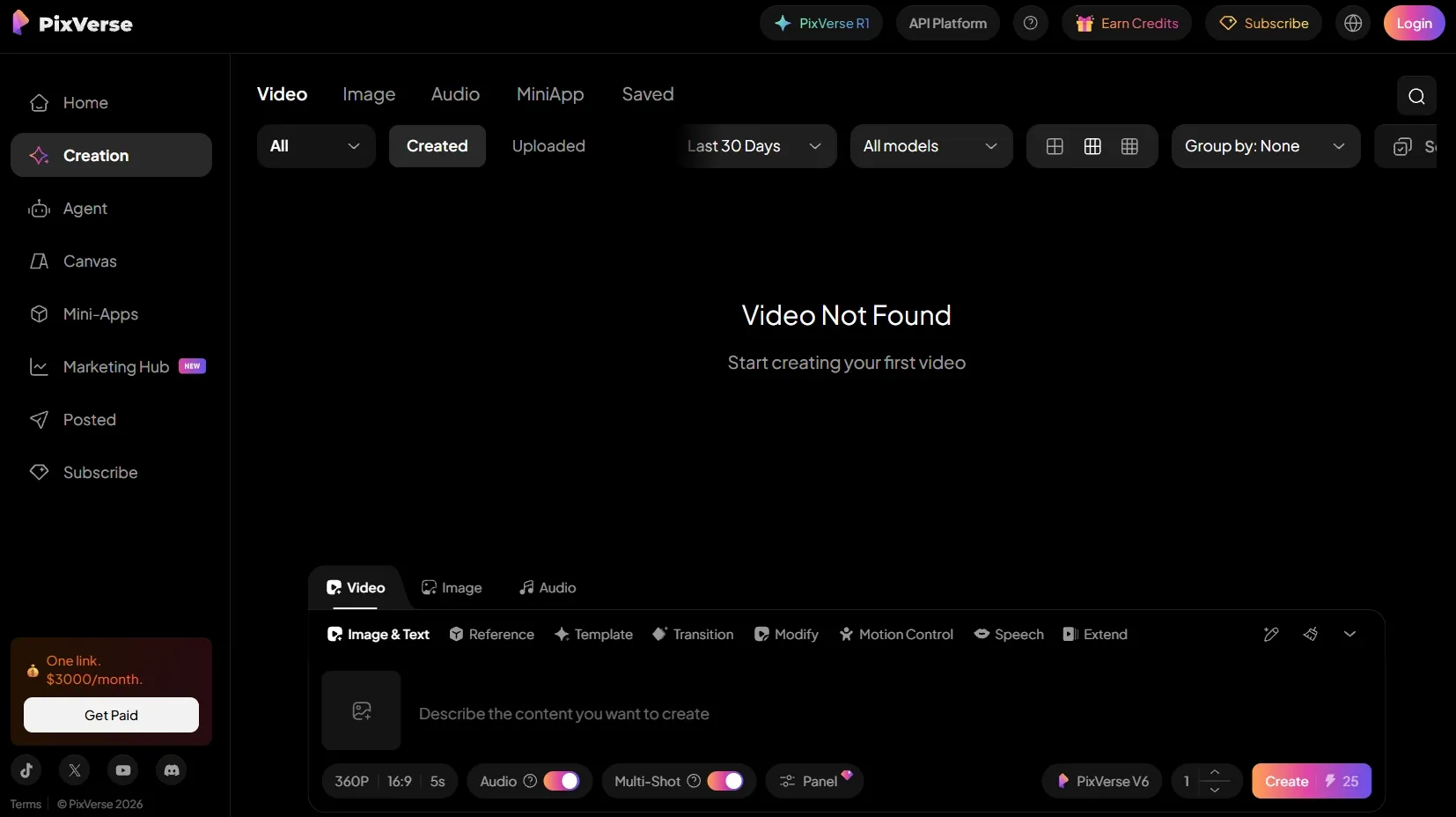
PixVerse V6 is strongest when speed and short-form usability matter. It fits TikTok clips, Reels, Shorts, meme videos, reveal videos, and quick campaign tests where I need a fast visual idea rather than a full production sequence.
What makes it useful is how low the testing cost feels at the idea stage. I can try different hooks, visual angles, transitions, or image-based concepts before deciding whether a clip deserves a more polished production workflow.
The trade-off is depth of control. PixVerse V6 may not give me the same production planning, detailed reference control, or mimic motion that I would want for a more polished campaign video. It is fast, but that speed can feel limiting when the project needs more structured refinement.
Key Features
Fast short-form generation: Helps create quick clips for TikTok, Reels, and Shorts.
Text-to-video and image-to-video: Gives users two simple ways to begin a short clip.
Transition tools: Useful for reveal videos, before-and-after clips, and social edits.
Reference-to-video support: Helps guide subjects, styles, or visual directions with input images.
Native audio: Adds value for short clips that need more complete presentation.
Best For
Short-form creators that need quick social videos such as boomerang video, helping them test playful motion ideas faster.
Influencers that need trendy daily vlogs, making their personal moments feel more engaging, natural, and shareable.
Marketing teams that need fast campaign tests for flash sale video ads, helping them launch timely promotions with less production work.
Small businesses can create bundle offer video ads to promote offers without managing a heavy creative workflow.
Pros:
- Fast and flexible for daily short-form content.
- Good range of social formats including transitions and extensions.
- Useful for quick testing before making a polished version.
- Better for creator workflows than slow production-heavy models.
Cons:
- Offers less production depth than models or platforms built for controlled multi-shot work.
- May not be enough for projects that need detailed reference control or mimic motion.
- Fast output can still need extra refinement when the clip has to feel campaign-ready.
How to Choose the Right Seedance 2.5 Alternative for Your Use Case
The comparison table above gives you a quick overview, but the best choice depends on the type of video you want to create. Here is how I would match each video category to the right Seedance 2.5 alternative.
For Marketing and Ad Videos
For marketing videos, Pollo AI is the strongest overall choice because it gives me Veo AI, Sora AI and 70+ other leading AI models and a fuller production workflow. I can create white background product videos, comparison UGC ads, and other campaign-ready content without relying on a single model.
Veo 3.1 is also a strong pick when your ad needs a premium visual style. I would use it for cinematic brand scenes, polished product teasers, and mood-led social ads where lighting and camera quality matter.
For Story and Cinematic Videos
For story videos and cinematic scenes, Sora 2 and Veo 3.1 are the strongest options to test. Sora 2 is better when the video needs narrative flow, scene logic, and character-driven action, such as science videos.
Veo 3.1 is better when the scene needs cinematic realism, stronger lighting, and a more polished visual atmosphere. So I would use it for movie trailer videos and visually serious story concepts.
For Character and Avatar Videos
For character and avatar videos, Kling 3.0 is the better choice. It is useful for talking avatars, character-led clips, performance scenes, and videos where body movement, gestures, reactions, or camera interaction matter.
Pollo AI is also worth using here if I need more than motion generation. I can combine AI avatars, sound effects, effects, and editing features to make the final character video feel more complete.
Bring AI Characters to Life with Pollo AI
Create talking avatar videos, add effects, refine the motion, and finish your character videos in one Pollo AI workflow.
Make Expressive AI Avatars FreeFor Anime and Stylized Videos
For anime, fashion, music, and stylized creative videos, Wan 2.6 is a better fit. It works well when I want expressive motion, artistic atmosphere, exaggerated visual style, or a less realism-focused direction.
I would choose Wan 2.6 for anime videos, music videos, fashion try-on videos, mini world videos, and other creative formats where visual identity matters more than natural realism.
For Social Media Videos
For social media videos, PixVerse V6 is a practical option for faceless videos, boomerang videos, daily vlogs, and first-person POV videos. It fits creators who need lightweight, social-ready video ideas with clear motion and quick visual impact.
Pollo AI is stronger if I want to turn those social clips into a broader content workflow. I can test different models, add audio, use effects, create ad versions, and refine the result before publishing.
How Did I Test These Seedance 2.5 Alternatives?
I focused on whether these Seedance 2.5 alternatives could turn text, images, or references into AI videos that felt usable beyond a simple demo.
I also checked what happened after the first generation. Most AI video outputs still need some refinement, whether that means testing another prompt, improving motion, adding audio, resizing the clip, editing pacing, or choosing a different model before publishing.
Testing Criteria | What I Checked |
|---|---|
| Prompt Understanding | I checked whether the model followed the subject, action, scene, mood, style, and camera direction. |
| Motion Quality | I watched whether movement felt smooth, intentional, and connected to the prompt. |
| Scene Stability | I looked for flicker, identity drift, shaky objects, distorted faces, and inconsistent hands. |
| Visual Quality | I compared sharpness, lighting, composition, texture, realism, and overall polish. |
| Control Options | I checked whether the model let me guide duration, aspect ratio, references, camera movement, or audio. |
| Workflow Value | I looked at whether the model fit ads, product videos, story clips, avatar videos, social posts, or quick drafts. |
Ready to Test Them All on Pollo AI?
Pollo AI gives me the easiest way to compare all these Seedance 2.5 alternatives in one place. Apart from these best alternatives, I also have access to use other newly launched leading models such as Happy Horse 1.1.
Therefore, I can have more flexibility. Instead of choosing only one model, I can test different options for cinematic realism, story scenes, character motion, stylized visuals, reference-based videos, and fast social clips.
It also helps me go beyond the first generated clip. I can create videos from text, images, or references, then refine them with editing tools, AI audio, avatars, effects, and motion tools inside one workflow.
For real production needs, Pollo AI also gives me more focused paths. Pollo Agent helps create production-ready videos with less manual editing, while Marketing Studio and the full creative workflow support ads, product videos, e-commerce visuals, creator clips, and more.
Start with your idea, test the model that fits your video best, and use Pollo AI to generate, compare, refine, and finish your next AI video in one place.