



PixVerse V6 AI Video Generator
PixVerse V6 delivers precise cinematic control, realistic physical interactions, nuanced emotional depth, high-speed POV shots, and 1080p output. Try PixVerse V6 on Pollo AI for free!
Key Features of PixVerse V6
Master Precise Camera Motion: Execute professional maneuvers like pans, tilts, and zooms with seamless fluidity and narrative tension.Capture Deep Emotional Nuance: Render delicate facial micro-expressions and body language that maintain character and environmental consistency.Simulate Realistic Physical Interactions: Ensure believable object interactions and spatial logic that follow natural laws of physics and collision.Integrate Multi-Language Visual Text: Embed sharp, stylized text in multiple languages with high-precision placement and natural environmental blending.Generate Immersive High-Speed POV: Render intense first-person perspective sequences with smooth motion tracking and a visceral sense of velocity.Streamline Commercial Ad Production: Simplify 1080p workflows for ads, C4D product breakdowns, and multi-scene shorts with one-click professional composition.
Master Precise Camera Motion
Harness complete control over cinematic language with fluid movements like push, pull, pan, tilt, and follow. The V6 engine ensures seamless perspective switching and professional-grade framing that responds accurately to complex camera instructions.
| Image | prompt | V6 effect |
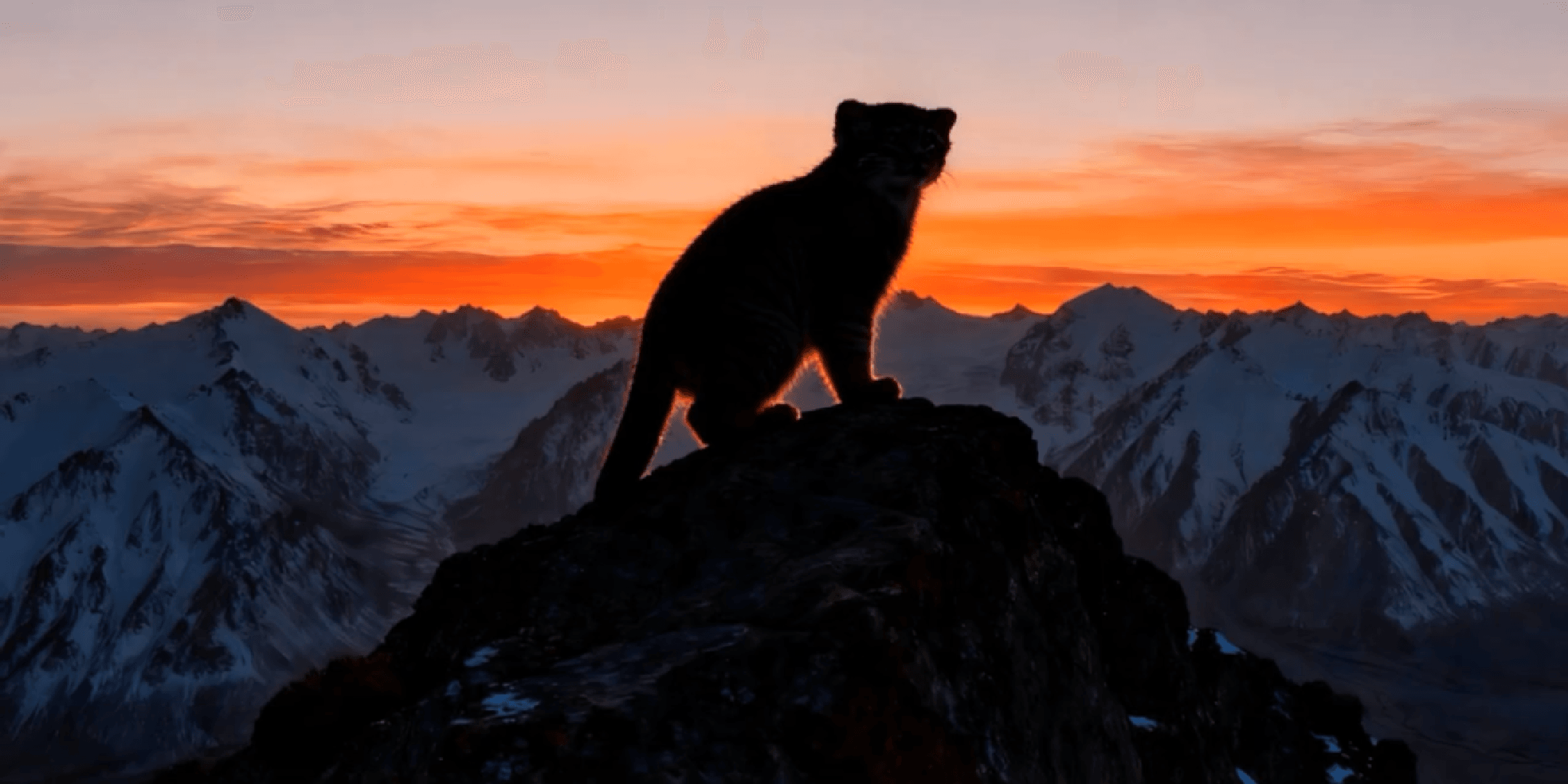 | The camera pulls back rapidly, capturing changes in light and weather. | |
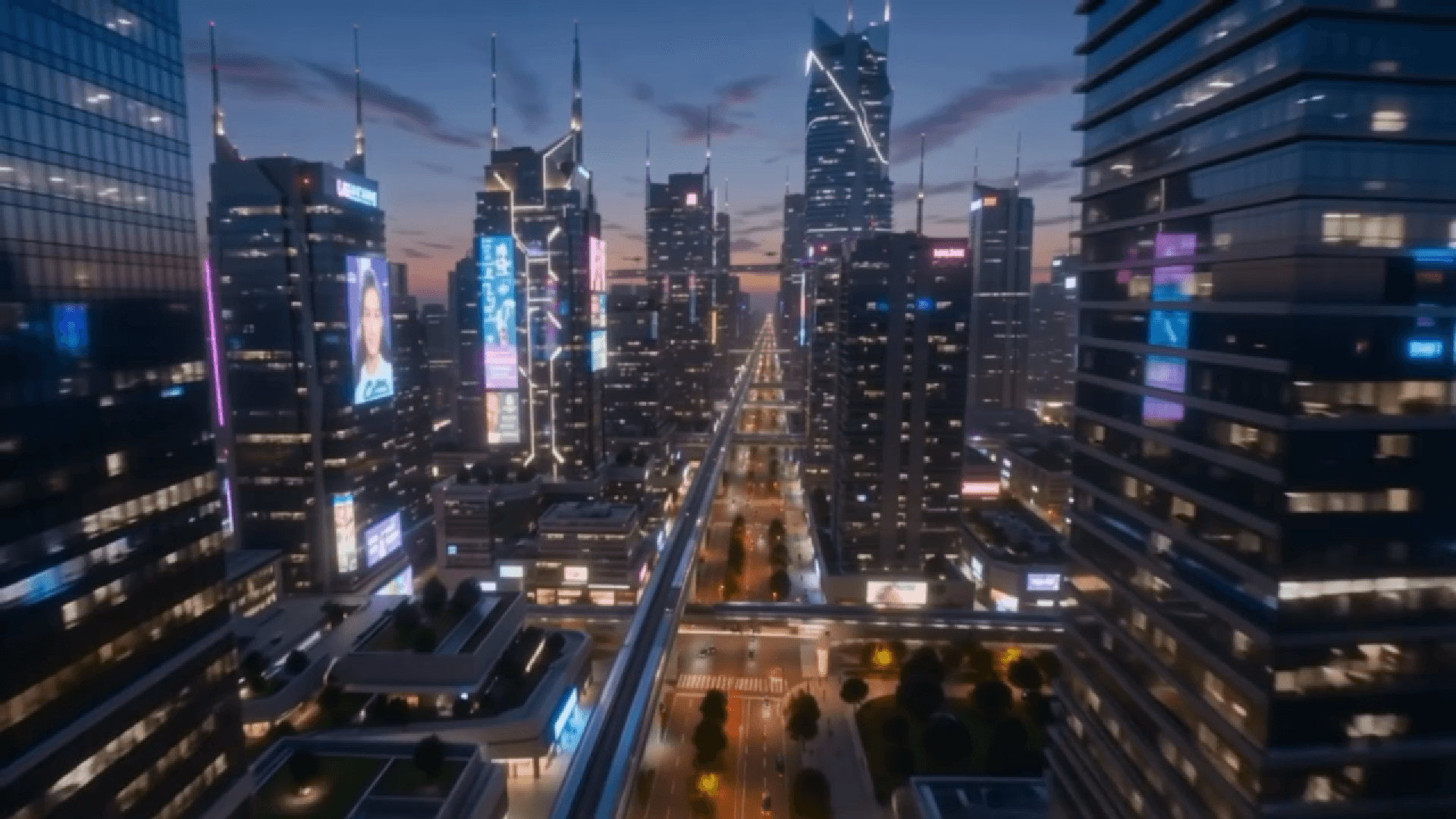 | A future city. The camera zooms out counter-clockwise. | |
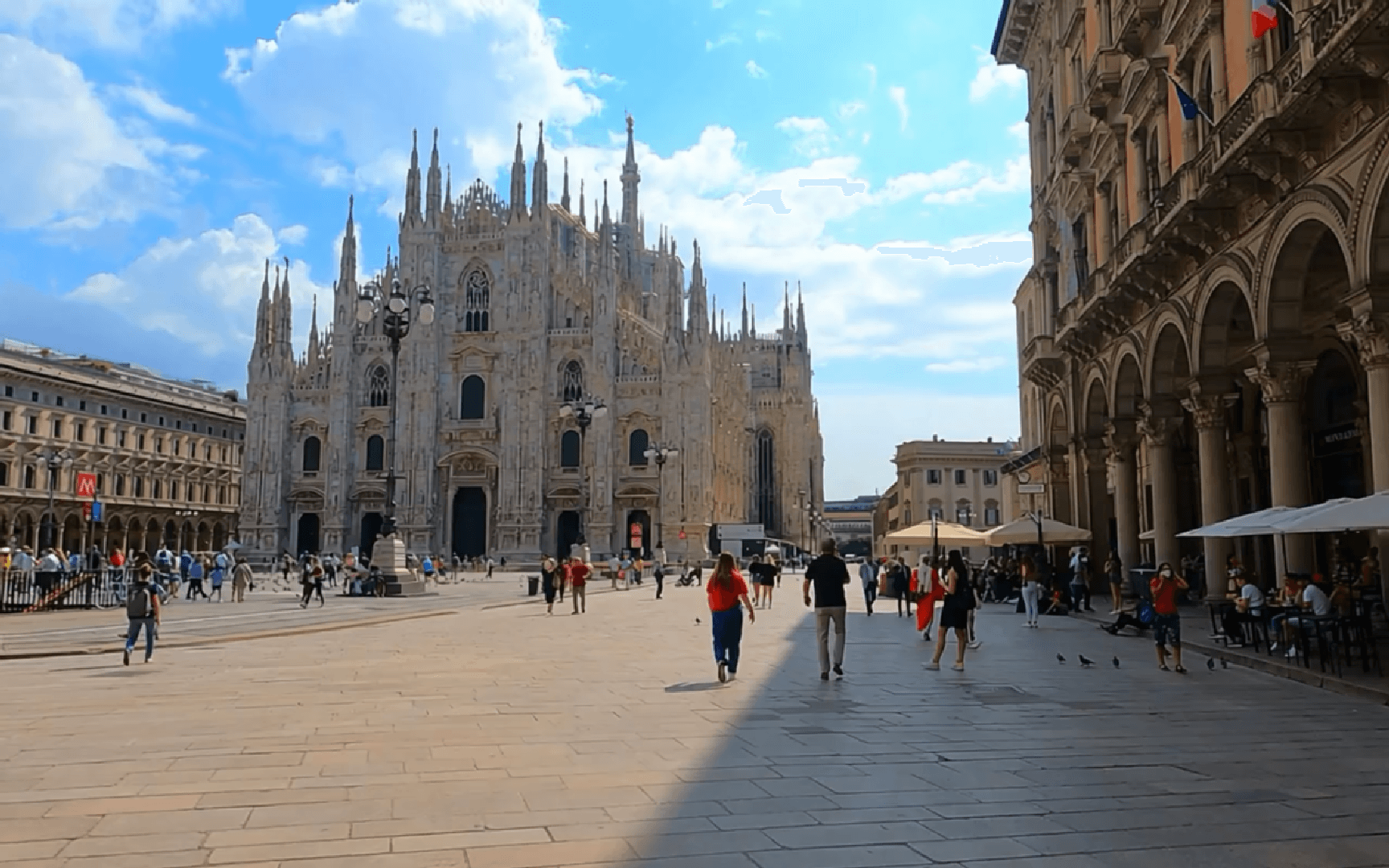 | High-speed camera lens for capturing images of crowded squares. |
Capture Deep Emotional Nuance
Experience a leap in character realism through sophisticated facial expression and body language tracking. From subtle micro-expressions to intense displays of joy or sorrow, characters maintain visual consistency across environments while delivering powerful storytelling depth.
| Image | prompt | V6 effect |
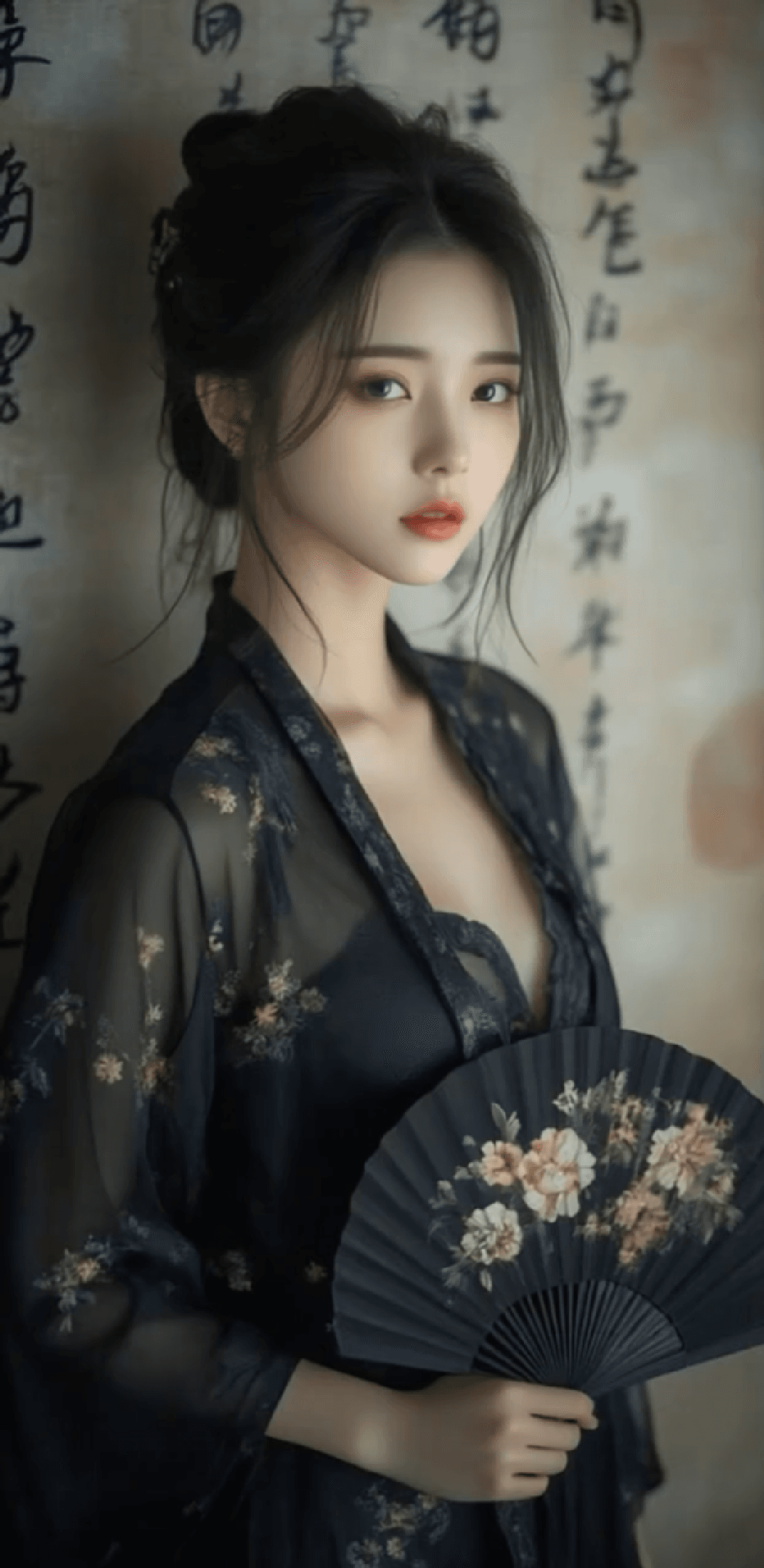 | The girl's brows were furrowed, she was very sad, and tears slowly streamed from her eyes. She covered the lower half of her face with a fan, leaving only her eyes visible. | |
 | The girl stood by the window, her gaze piercing through the glass as she looked out at the world, her eyes slightly red. The camera slowly zoomed in, revealing her slightly rapid breathing, her tightly bitten lip, tears welling in her eyes, and her body trembling with emotion. | |
 | The camera zooms in on the clown's expression, showing him going from shock to maniacal laughter, and finally succumbing to a painful mental breakdown. |
Simulate Realistic Physical Interactions
Achieve high-fidelity motion that adheres to the laws of physics and spatial logic. The model excels at rendering natural object interactions, believable collision feedback, and accurate spatial relationships between characters and their surroundings.
| Image | prompt | V6 effect |
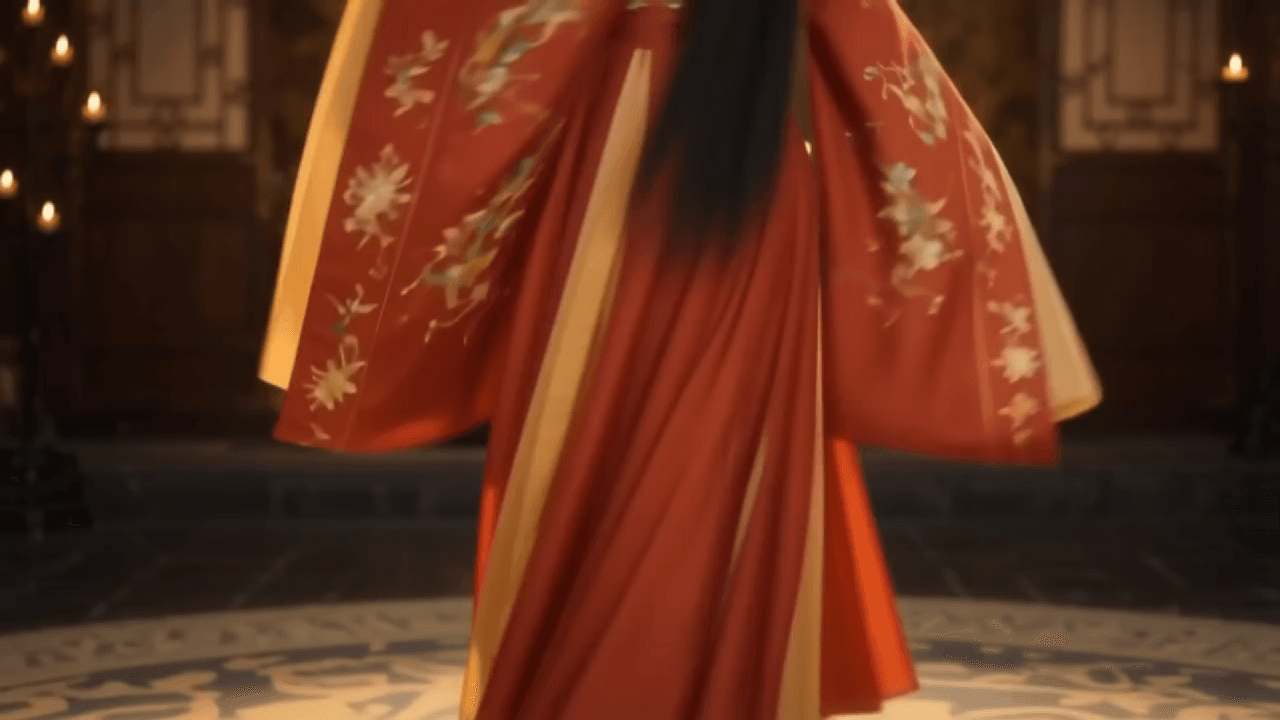 | The camera pans upwards at a low angle, filming a beautiful woman in traditional Chinese clothing dancing a classical dance. The camera zooms in for a close-up of her face, revealing a radiant smile as she winks charmingly at the viewer. | |
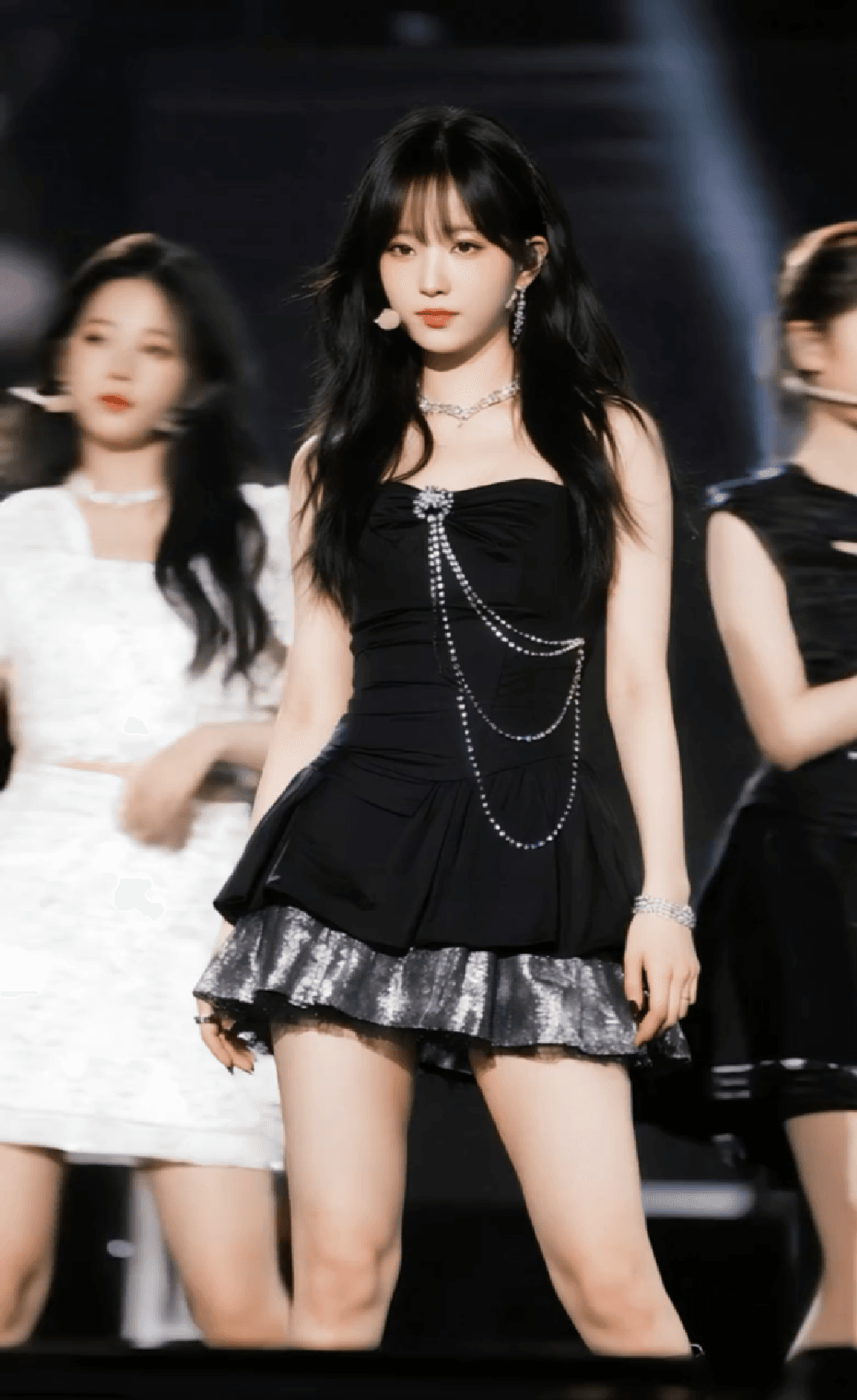 | Focus on a member of a Korean K-pop girl group dancing at a normal pace. In the background, other girls are dancing together, but they appear hazy and blurred with a strobe-like effect, weaving back and forth behind the center girl. The camera slowly zooms in and focuses on the face of the girl with long hair in a black dress, who finally winks at the camera. The lighting is bright and even. |
Integrate Multi-Language Visual Text
Seamlessly embed Chinese, English, and other languages directly into your video frames. V6 offers high-precision placement and stylistic harmony, ensuring that generated text is sharp, legible, and naturally integrated with the visual environment.
| Image | prompt | V6 effect |
 | The camera pulls up into the air as a jet plane flies past, leaving behind the English text "Paris 2026" formed by clouds. |
Generate Immersive High-Speed POV
Produce breathtaking first-person perspective shots with intense speed and dynamic camera following. Perfect for racing, water sports, or action sequences, this feature delivers a strong sense of presence and cinematic immersion at high velocities.
| Use case | V6 effect |
| Motorcycle | |
| Jet Ski | |
| Racing Game Simulation |
Streamline Commercial Ad Production
Create professional-grade marketing content, C4D product breakdowns, and multi-shot short films with a single click. From high-precision e-commerce displays to intricate medical visualizations, V6 maximizes production efficiency while maintaining 1080p high-definition texture.
| Image | prompt | V6 effect |
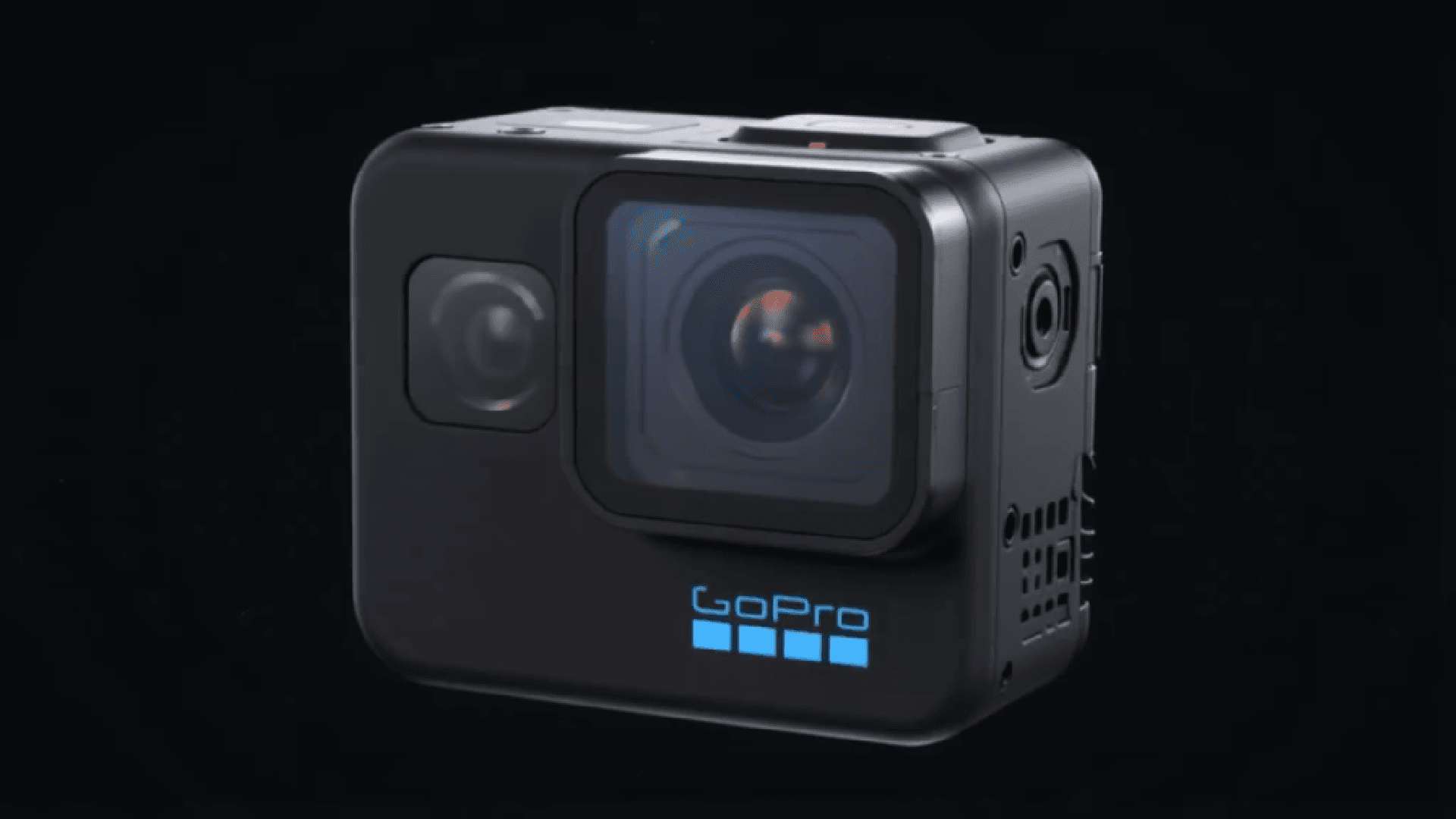 | 3D animated GoPro HERO11 Black Mini rotating, exploding, and reassembling against a black background. | |
 | A medical education video explaining the relationship between DNA and the human body. | |
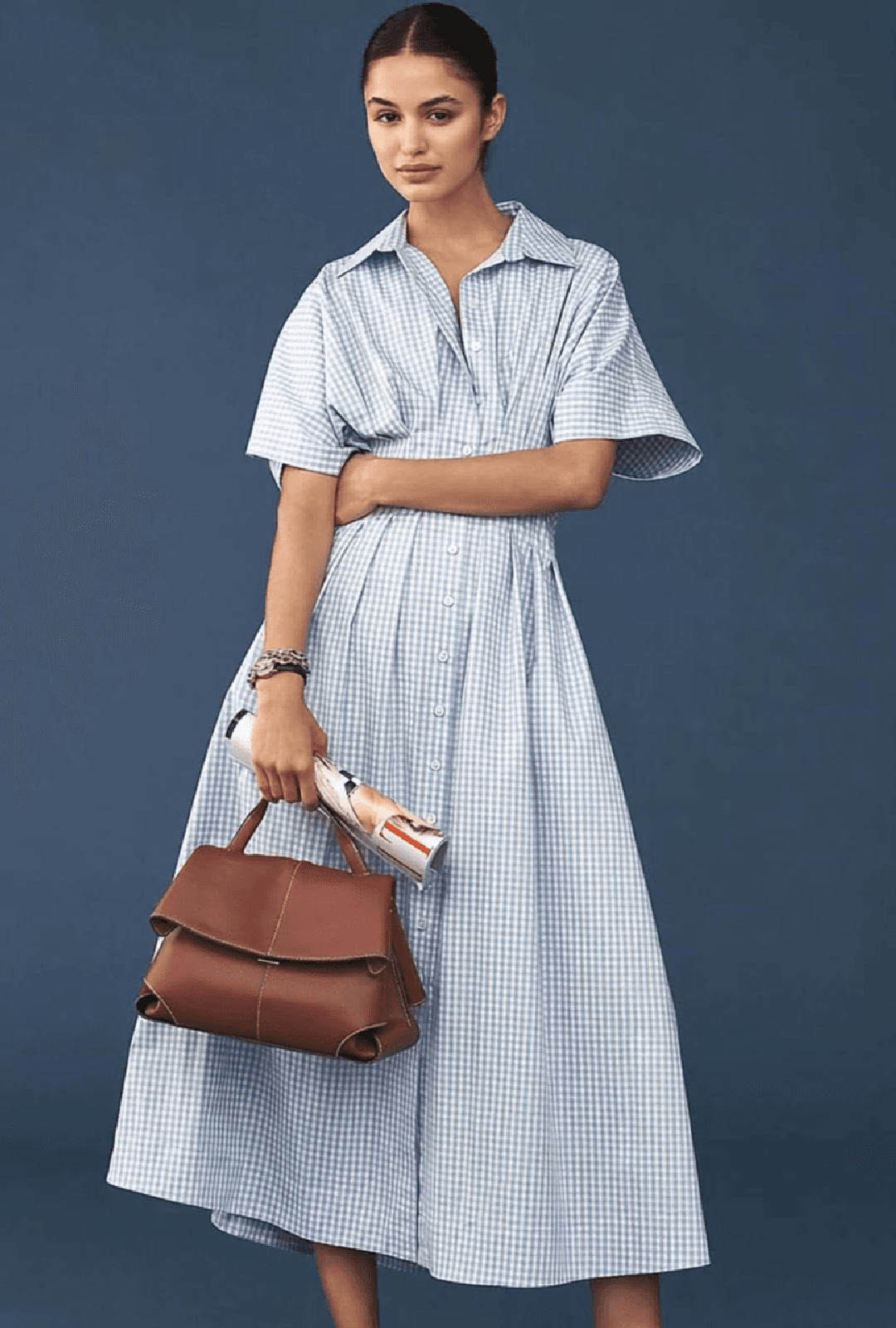 | Shot 1: Reference image start; model walking forward toward the lens in a steady pace. Shot 2: Quick cut to mid-shot; focus on waist silhouette and the refreshing blue-white gingham cotton texture. Shot 3: Long shot; breeze-blown skirt movement, high-key lighting, clean visual style. |
Research
- Native multimodal unified modeling enables end-to-end consistent generation across text, images, audio, and video
- Supports long-horizon streaming generation, maintaining character identity, state continuity, and narrative coherence during interaction
- Instant-response generation mechanism enables real-time 1080P video generation in interactive scenarios
Use Cases of PixVerse V6
- Professional Filmmaking & Cinematography: Replicate complex cinematic language including dolly zooms, orbital shots, and high-speed tracking with fluid transitions and precise narrative tension.
- Narrative Short Drama Production: Generate multi-shot sequences featuring intense character confrontations, synchronized dialogue, and nuanced emotional acting for the "short drama" series market.
- High-End E-commerce & Brand Advertising: Create 3D C4D-style product structural breakdowns, exploded views, and professional promotional videos with expert composition and high-precision textures.
- Immersive Sports & Action Content: Produce visceral first-person perspective (POV) footage for motorcycles, jet skis, and racing simulations with smooth motion tracking and a heightened sense of velocity.
- Medical & Scientific Visualization: Render high-fidelity 3D anatomical demonstrations, surgical simulations (such as minimally invasive procedures), and educational animations explaining complex biological structures.
A Strategic Shift in Production Logic between PixVerse V5.6 and PixVerse V6
| Dimension | PixVerse V5.6 | PixVerse V6 |
| Primary Focus | Stylized short clips and template-driven effects. | Model-driven workflows and sustained image quality. |
| Typical Use Cases | Independent, bite-sized social media content. | Longer narratives and market-ready commercial films. |
| Narrative Continuity | Relies on manual splicing and repetitive prompting. | Stronger multi-camera logic and extended single-shot duration. |
| Audio Integration | Often processed as an independent, secondary step. | Deeply integrated into the core creative workflow. |
How To Use PixVerse V6 on Pollo AI
Enter User Prompt
Input your text prompt in detail to describe the type of AI video you want PixVerse V6 to generate.
Generate Video
PixVerse V6 will then analyze your text before selecting the visuals of the desired subject.
Review Output
Assess the quality of the generated video before downloading/saving it for use elsewhere.










 5000+ reviewsTrustscore 4.4
Loved by 10M+ Creators and Marketers Globally
Thousands of satisfied users have shared their Pollo AI experiences on Trustpilot, rating us as "Excellent." See what they love about our platform.
Liz Cassidy Dec 15, 2025Richard QuickOct 15, 2025armourdudeNov 19, 2025
 DuduJan 14, 2026
 Ray WarnesDec 30, 2025
 lawless clanNov 22, 2025
Explore Other AI Creation Tools on Pollo AI
FAQs
What is PixVerse V6 AI?
Remaker AI is an advanced AI video generator that helps users control focal length, aperture, depth of field, and lens effects directly from your prompt. Push, pull, pan, tilt, track, and follow, replicating real-world cinematography techniques for professional-grade results.
What styles does it support?
PixVerse V6 supports a wide range of visual styles including photorealistic, anime, 3D animation, clay, comic, and cyberpunk. You can specify the style in your prompt or let the model choose based on your description.
How do I maintain character consistency in a Multi-Shot sequence?
V6 follows the physical anchors provided in your prompt. To maintain consistency when the camera cuts from Shot A to Shot B, repeat the core literal descriptors in both shot descriptions.
How does PixVerse V6 support professional and commercial workflows?
The V6 model is designed to bridge the gap between simple creation and professional production. It features a breakthrough capability to generate multi-shot short films with native audio from a single prompt. This means tasks like product advertisements or narrative scenes that previously required manual editing and separate audio syncing can now be completed in one step.
Can PixVerse V6 handle complex physics and action sequences?
Yes. PixVerse V6 shows meaningful gains in handling higher-complexity content, including stylized action sequences and martial arts scenes. The model accurately renders physical interactions between objects, such as collisions and spatial relationships, providing a more realistic and immersive cinematic experience across the entire scene.
