



Pixverse V5.5
PixVerse V5.5 creates multi-shot cinematic videos with hyperrealistic visuals, synchronized audio, advanced physics, and smooth transitions. Try PixVerse V5.5 on Pollo AI for free!
Kling 4.0
Up to 10 keyframes. Impressive performance.
Key Features of Pixverse V5.5 Video Model
Multi-Shot Generation: Create complete sequences with multiple camera anglesHyperrealistic Visuals: Produce cinematic-quality footage with depth of fieldIntegrated Audio & SFX: Automatically align dialogue, sound effects, and musicPixel-Level Control: Adjust detailing, composition, and visual elements with precisionLightning-Fast Processing: Generate 10-clip sequences within seconds with optimized rendering speedMulti-Style Support: Support for diverse visual aesthetics—from photorealistic to stylized cinematic looks
Multi-Shot Generation
Pixverse V5.5 AI video model eliminates the complexity of stitching together multiple scenes. Generate complete multi-shot sequences with dynamic camera work, seamless transitions, and consistent visual logic—all in a single generation.
Perfect for over-the-shoulder shots, close-up details, wide establishing shots, and action sequences, Pixverse 5.5 handles complex shot compositions without visual artifacts or continuity breaks.
| Prompt | Output video |
| A small flower vase on a windowsill, camera drifting around the flowers. Petals sway gently in the breeze, sunlight streams through the window. Smooth pans and zooms capture the vase and surrounding details. |
Hyperrealistic Visuals
Pixverse V5.5 generates videos with exceptional fidelity, featuring cinematic depth of field, realistic lighting, and advanced physics simulation. Characters move naturally, objects respond realistically to forces, and environments feel lived-in and authentic.
Whether you're creating dramatic cinematics or subtle character moments, the model delivers visuals that rival professional production quality.
| Prompt | Output video |
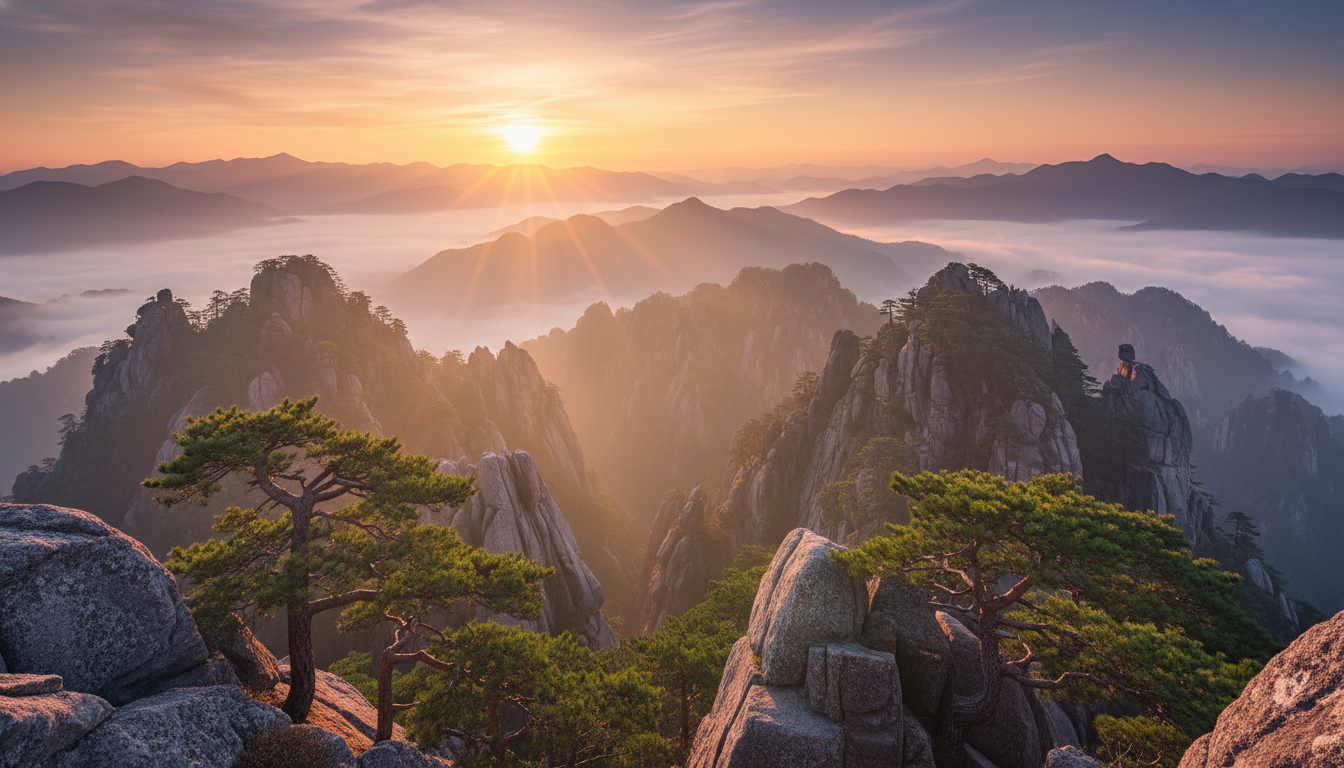 Animate the image with a slow horizontal pan across the mountain valley. Sunlight glances off rocky peaks, morning fog flows subtly, trees and foliage gently sway. Add ambient sounds: soft wind, distant water stream, occasional bird song. Maintain cinematic composition and natural depth of field for a tranquil, immersive experience. |
Integrated Audio & SFX
Pixverse V5.5 synchronizes dialogue, ambient sound, and sound effects with visual action effortlessly. The model understands spatial audio—footsteps echo as characters move, impacts land with precise timing, and background noise contextually matches the scene.
Leverage infinite voice options and tonal variations to match character personalities and emotional beats, creating fully immersive audio-visual narratives.
| Prompt | Output video |
| A small mountain village under a soft snowfall. Footsteps crunch in the snow as people walk along narrow streets, bells ring from distant houses, wind brushes over rooftops. The camera moves along the street, showing the cozy snow-covered cottages in the cold morning light. |
Pixel-Level Control
The Pixverse 5.5 video model grants unprecedented control over every visual element. Refine character positioning, adjust lighting nuance, sharpen specific details, and perfect composition with granular precision.
This level of control means you're never forced to accept AI-generated compromises—you can iterate until the video matches your exact creative vision, down to the finest details.
| Prompt | Output video |
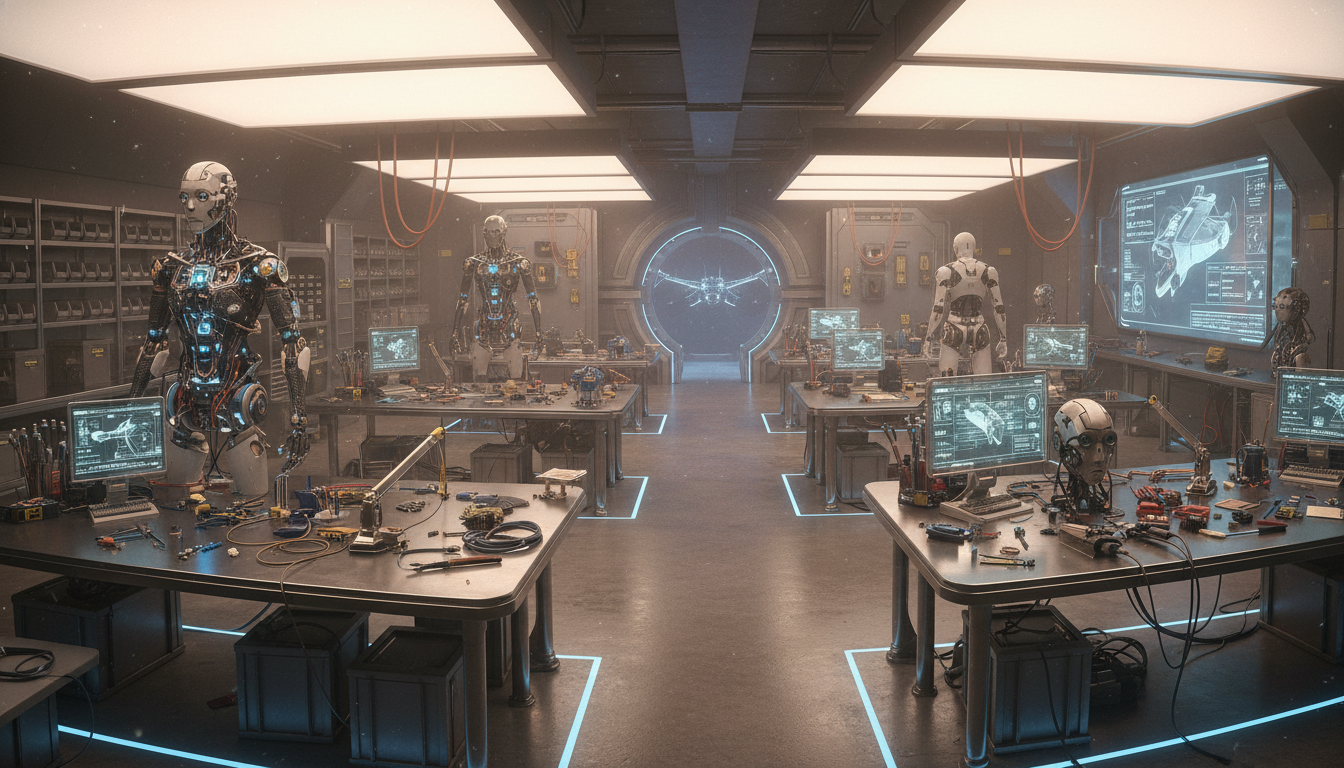 Animate the robot workshop image into a cinematic video. The camera slowly glides through the workshop, focusing on workbenches with mechanical parts and half-assembled robots. Sparks occasionally fly from welding tools, soft overhead lights cast shadows on metallic surfaces, and wires and circuits glint subtly. Gentle zooms and pans reveal the intricate details and craftsmanship, maintaining depth and cinematic perspective. |
Lightning-Fast Processing
Traditional video generation can take hours or days. Pixverse 5.5 breaks that barrier with one-hit generation technology, producing complete 10-clip sequences in seconds.
This speed doesn't compromise quality—you still get hyperrealistic visuals and complex multi-shot narratives, but now you can iterate quickly and explore multiple creative directions without waiting.
Multi-Style Support
Pixverse 5.5 supports diverse visual aesthetics within the same model. Generate photorealistic footage, cinematic fantasy visuals, stylized animation, or period-specific looks—all with consistent quality and coherent storytelling.
Switch between styles seamlessly or blend aesthetics within a single sequence for truly distinctive creative expression.
| Prompt | Output video |
| A mystical anime forest with glowing plants and small magical creatures, camera drifting through the trees and sparkling streams. Soft ambient chimes and bird calls, gentle motion of leaves and magical lights. Smooth cinematic pans and zooms capture the enchanting, vibrant colors and whimsical atmosphere. |
How To Use Pixverse 5.5 AI Video Model for Free

Choose Pixverse V5.5 video model
Go to our image to video generator and select Pixverse 5.5 from the model menu.
Input Your Creative Direction
Describe the video you want to create. Optionally upload reference images for consistent visual rendering.
Generate Your Video
Configure your video settings and preferences, click 'Create' to generate your multi-shot videos.

10M+Users
Using Pollo AI to Create and Inspire


Trusted by 10M+ Creators and Marketers Worldwide
- Liz CassidyDec 15, 2025Easy to use, great results for short videosI’ve been using Pollo AI mainly for short videos and quick image-to-video tests. The interface is straightforward and it works well even with simple prompts, which is a big plus compared to tools that need long, complicated instructions. The results can be really impressive, and it’s honestly been fun to experiment with. I’d love a bit more consistency on faces when there’s movement, but overall it’s been a solid experience for what I needed.
- Richard QuickOct 15, 2025Awesome websiteAwesome website. loads of options and a great way to learn how to work with 'AI' my reasoning for 5 stars is based upon price, versatility and ease of use. Also I would like to add, Pollo AI runs a lot of promos on different AI products as well. I rate their customer service at 5 stars, when I purchased my first subscription my computer crashed the following weekend and I lost all my data and info passwords you name it I lost it, contacted pollo by email they responded quickly and found my info/username and account, and I was able to restore my account.
- armourdudeNov 19, 2025I have been using Pollo AI for short…I have been using Pollo AI for short videos. It is easy to use and works well with simple prompts. Other generators seem to need long drawn out complicated explanations to get even close to what I want.
- DuduJan 14, 2026I'm just amazed by the level of quality…I'm just amazed by the level of quality output that Pollo AI can produce from a simple image. The motion, the realism, It's too good!!
- Ray WarnesDec 30, 2025A fabulous journeyI find Pollo easy to use, it gives me great results and I'd recommend it to anyone. It has been a wonderful experience for me.
- lawless clanNov 22, 2025i tried 220 online img to vid in 2…i tried 220 online img to vid in 2 months, and this is the best online video.I will subscribe for a year; there are many reasons. But freedom is the most important.


Explore Other Pixverse Models
FAQs
What is the Pixverse V5.5 AI video model?
Developed by Pixverse AI, Pixverse 5.5 is an advanced multi-shot video model that generates complete cinematic sequences with hyperrealistic visuals, integrated audio, and seamless transitions. It combines superior visual fidelity with intelligent scene composition for professional-quality storytelling.
Why choose the Pixverse 5.5 video model?
Pixverse 5.5 excels at generating complex, multi-shot narratives with cinematic quality and physics-accurate motion. Its pixel-level control, rapid processing speed, and automatic audio-visual synchronization make it ideal for creators who demand both speed and polish without sacrificing creative control.
Can I access the Pixverse 5.5 video model for free?
Yes. Pollo AI provides a free trial plan with limited credits for first-time users to generate videos with the Pixverse 5.5 model. Sign up to get started, and subscribe to a paid plan for unlimited access.
What types of videos can I generate with Pixverse V5.5?
Pixverse 5.5 caters to cinematic storytelling across all genres—action sequences, dramatic narratives, commercials, character animations, fantasy cinematics, sci-fi visuals, documentaries, and stylized content. The multi-style support means you can create nearly any visual aesthetic you envision.
How does Pixverse V5.5 handle multi-shot sequences?
The model intelligently manages camera transitions, maintains visual consistency across shots, and synchronizes audio cues with scene changes. You describe the sequence you want, and Pixverse 5.5 automatically composes it with proper shot angles, transitions, and pacing.
Can I control the visual style and cinematography?
Absolutely. You can specify camera movements, lighting aesthetics, depth of field effects, color grading, and visual style within your prompt. The pixel-level control allows you to refine and adjust these elements precisely.
Does Pixverse V5.5 support custom audio and voiceovers?
Yes. Pixverse 5.5 integrates dialogue, sound effects, and ambient audio automatically. You can specify voice characteristics, emotional tone, and sound design preferences, and the model synchronizes them perfectly with on-screen action.
How fast does Pixverse V5.5 generate videos?
Pixverse 5.5 can generate a complete 10-clip sequence in seconds, making it one of the fastest AI video models available. This speed enables rapid iteration and experimentation without extended waiting times.
