Step 1
Upload the image you want to add a glitch effect to.
AI Video
Transform text and images into cinematic videos with lifelike avatars and studio-quality SFX.

AI Image
Turn ideas and images into stunning visuals, or perfect any photo with a complete suite of AI tools.

Agent
Create production-ready videos with SFX, consistent characters, and polished scenes. No Editing.

Marketing Studio
Built for marketers and sellers to create winning ads, UGC videos and product visuals faster.

Kling 4.0
Up to 10 keyframes. Unlimited for 10 days with Ultra.
Stop creating glitch effects manually! Pollo AI generates a unique glitch image from your prompt or photo with unique visual textures automatically. Perfect for social posts, profile images, artwork, wallpapers, and personal projects. Create more attention-grabbing visuals, strengthen your visual identity, and make your creative ideas stand out.
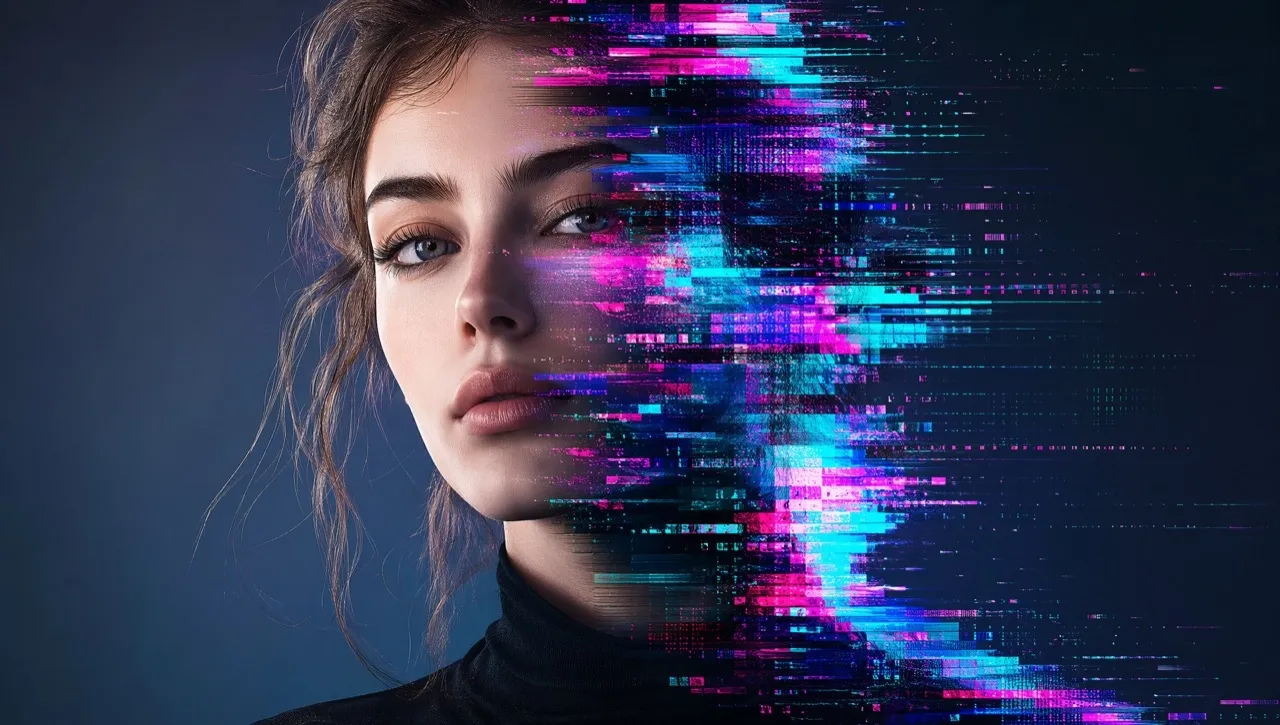
Create glitch visuals for profile images, social posts, wallpapers, and personal projects.
Explore different glitch effects, from digital distortion and retro effects to futuristic visuals.
Create stylized images without manually applying complex effects or any design skills.
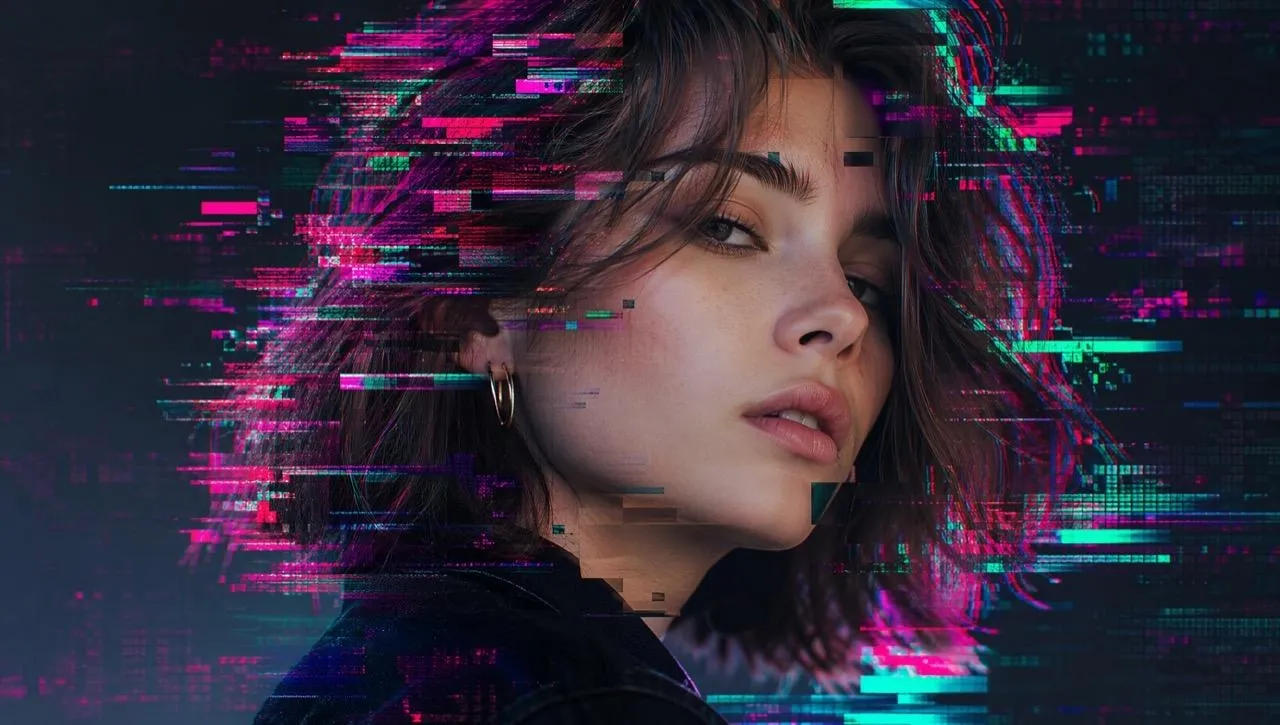
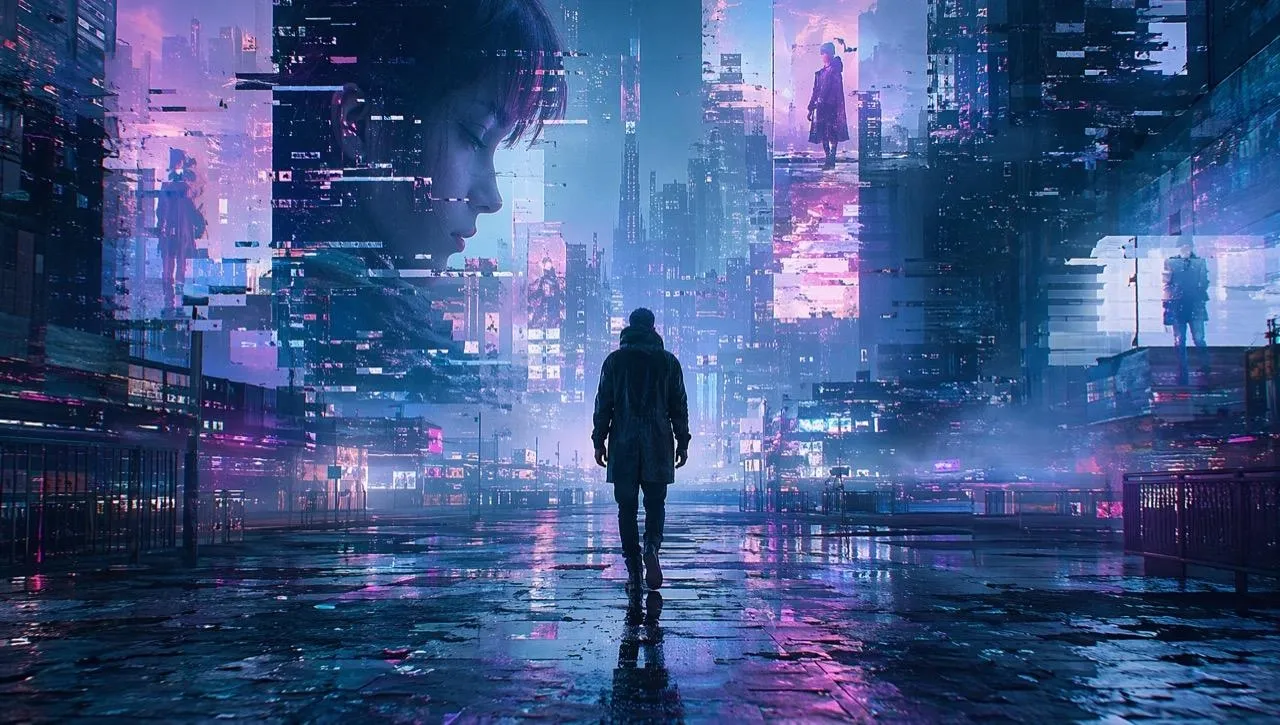
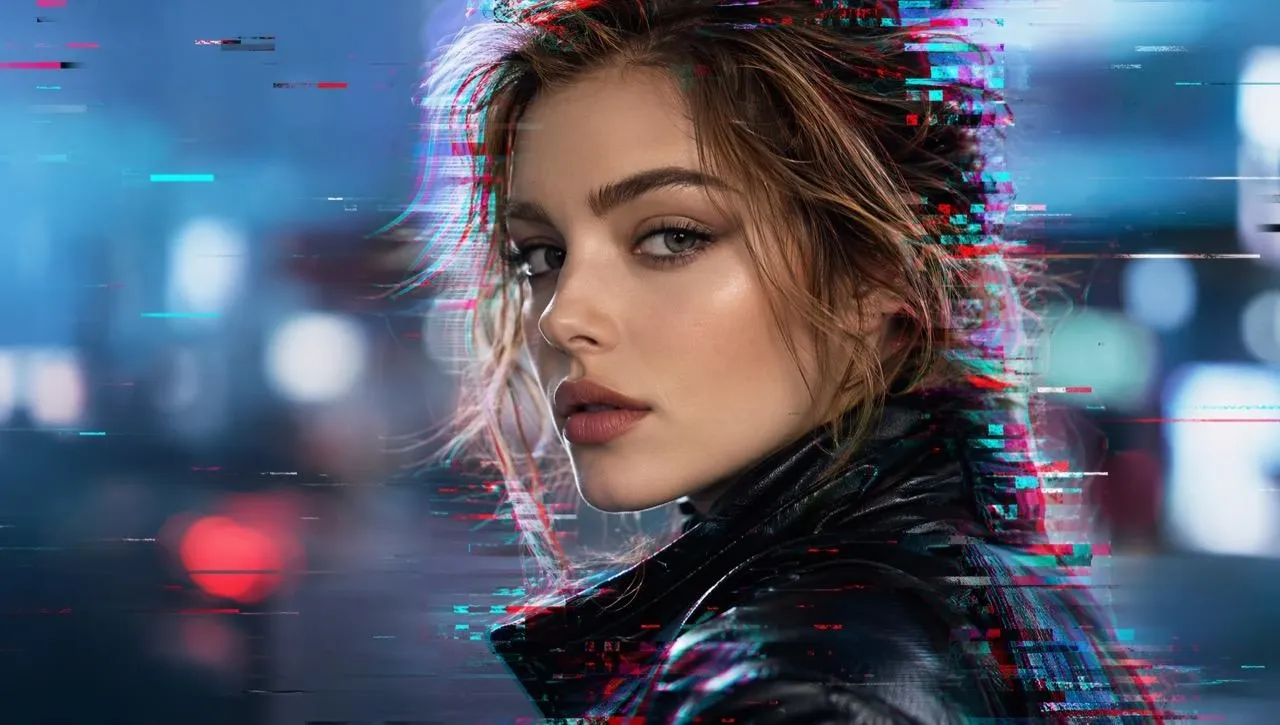
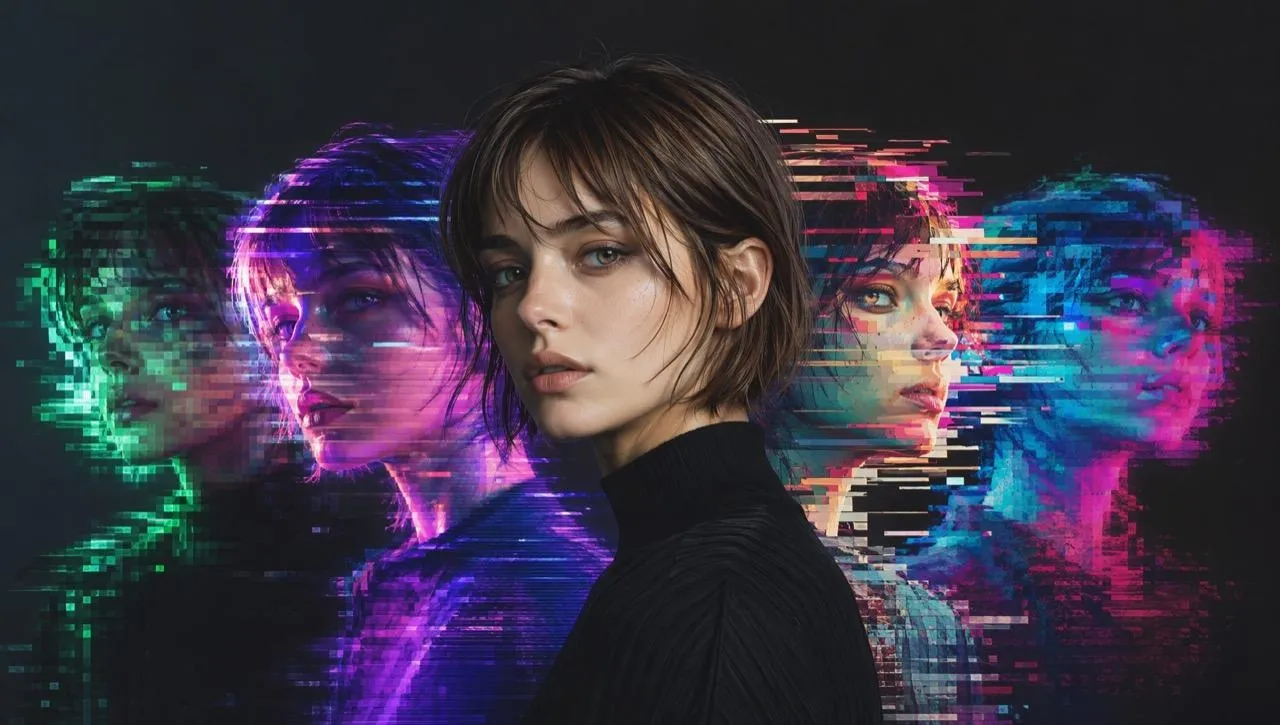
Turn selfies, portraits, or avatar images into glitch pictures with digital noise, color shifts, and retro-tech mood. You can express personality, build a recognizable style, and create images that feel different from ordinary photos.
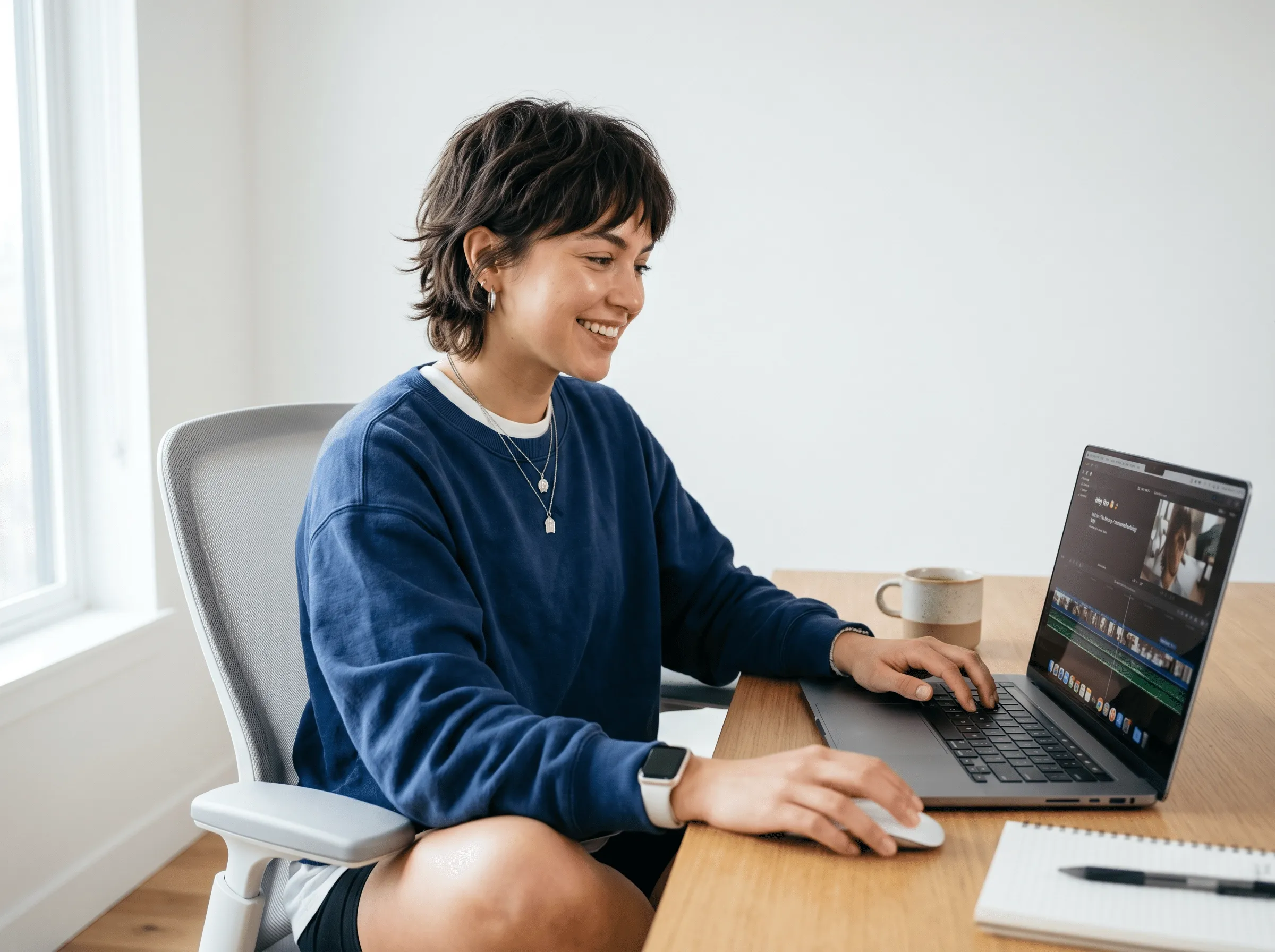
Add a glitch effect for your moodboards, movie posters, album-cover drafts, or experimental layouts. You can explore new design directions, develop stronger concepts, and find fresh ideas quickly.
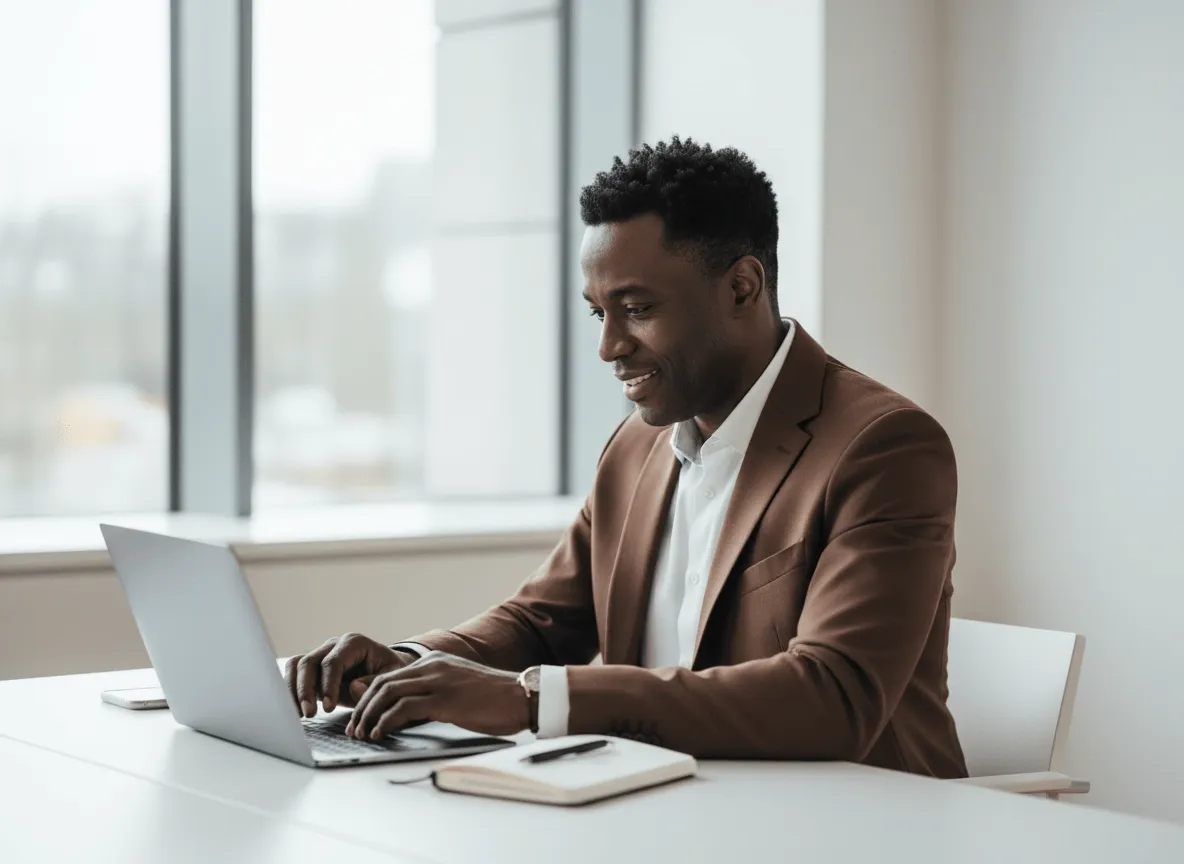
Bring more personality to your digital creations with expressive glitch aesthetics. Explore new combinations of texture, atmosphere, word art and other visual styles to develop artwork with a stronger creative identity.
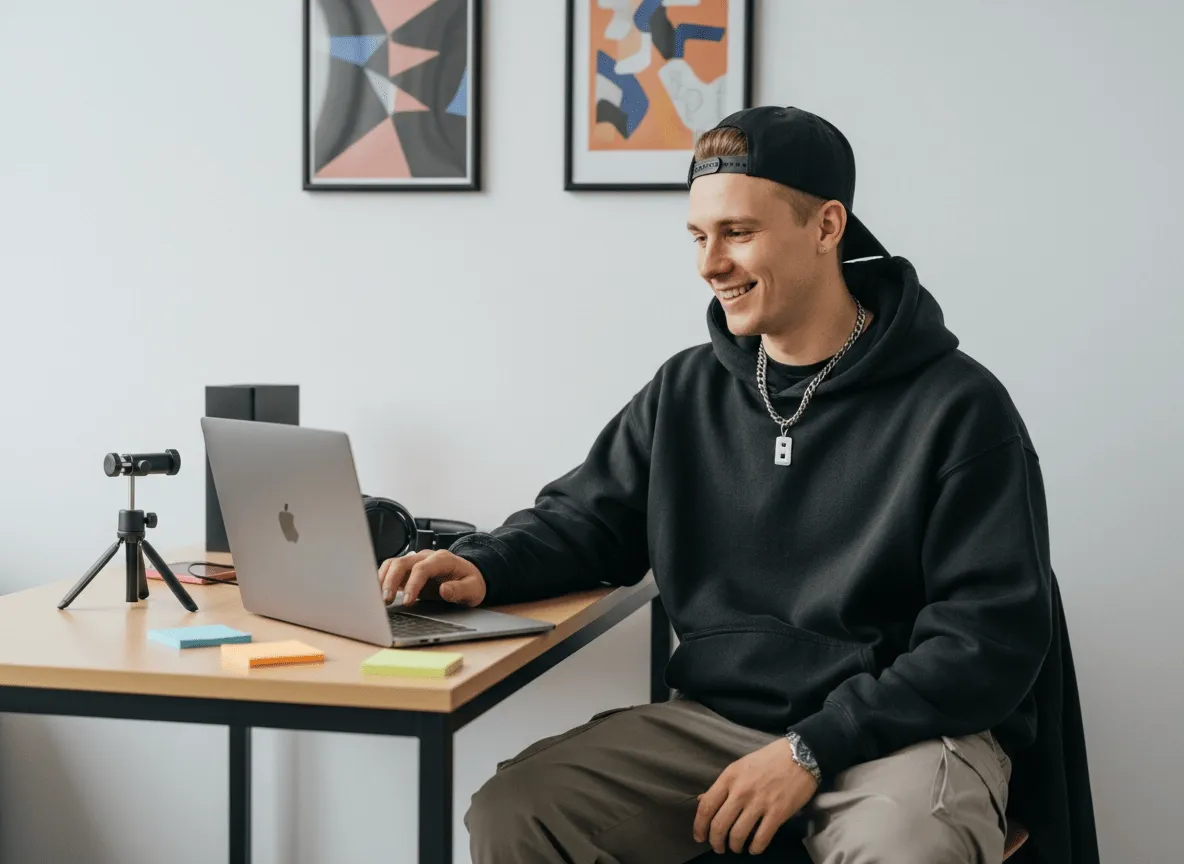
Generate images with a glitch effect for your characters, futuristic settings, dream sequences, or digital worlds. It helps you bring your imagined worlds to life and make your stories more immersive.
Upload the image you want to add a glitch effect to.
Describe the glitch style, mood, colors, and details you want.
Click "Create" to make a glitch picture and share it anywhere you like.
Go from a rough concept to a finished asset in minutes. Generate, edit, enhance, and adapt images with tools built for real creative workflows.
Generate studio-grade visuals from text prompts in seconds, from realistic scenes to clean graphics and in-image text.
Accelerate visual production with hundreds of apps. Instantly design platform-ready Instagram posts, book mockups, and 3D characters.
Recreate, restyle, and upscale photos while preserving the structure and details that matter.
Refine your AI artwork effortlessly. Remove watermarks, seamlessly expand borders, and fix minor details for flawless final compositions in seconds.
Evolve your static scenes into dynamic narratives. Add lifelike motion, camera pans, and fluid transitions to your images with flawless rendering.
Scale your visual output effortlessly. Automate complex design tasks and generate high-volume, consistent assets ready for immediate deployment.









Using Pollo AI to Create and Inspire
AI glitch effect transforms images with digital distortion, color shifts, pixel textures, and futuristic visual elements. You can have artwork, social visuals, and creative designs with a glitchy effect.
Pollo AI is the best AI glitch generator because it combines ease of use, flexible style control, high-quality image generation, and creative freedom. You can generate glitch images from prompts or photos, adjust the direction with natural language, and explore multiple versions without any manual work.
Pollo AI also offers a fuller creative workflow. So if you want to adjust any details like color, lighting, or style, you can use its AI photo editor to make your glitch image more vivid and suit your imagination.
You can enter a text prompt, upload a photo, or use a reference image to guide the result. Pollo AI then generates a glitch effect based on your subject, style, mood, and visual details. You can refine the prompt to create softer, stronger, cleaner, or more chaotic effects.
Yes, Pollo AI's image glitcher can be tried for free, allowing you to explore the tool before creating more images. To apply glitch effects to more images, you may need to upgrade to a paid plan.
You can create glitch portraits, cyberpunk artwork, retro screen images, distorted social posts, profile pictures, posters, thumbnails, wallpapers, and concept visuals. It works well for personal projects, social content, design experiments, story references, and hobby art.
You can describe the glitch effects you want in your prompt, including RGB shifts, scanlines, static noise, pixel displacement, neon colors, dark backgrounds, futuristic lighting, or subtle digital distortion. This gives you more control than applying the same fixed effect to every image.
No. You can create a glitch image by writing a clear prompt or uploading a photo. Pollo AI handles the visual generation, while you guide the style through simple descriptions. It is useful for beginners, casual users, creators, and designers testing ideas quickly.

Turn ideas or photos into glitch pictures, making your images more distinctive, expressive, and memorable.