



How to Turn Photos Into Creative Video Ads with AI
Creating winning video ad campaigns doesn’t always require you to break the bank.
What if you could turn any static image into a creative video ad? Because with Pollo AI, you can do just that, and all it would take is a few simple clicks to get a studio-level result.
In this step-by-step tutorial, we’ll explore how you can use Pollo AI to convert photos into video ads that stop audiences from scrolling. So, let’s get into it!
TL;DR
Pollo AI's photo to video ads tool is the best choice for brands, marketers, and sellers to turn photos into creative video ads. Just upload the subject and/or product image, then describe the type of video ad you want, be it showcases, demos, testimonials, unboxings, and more. All it takes is a few minutes to get a publish-ready video ad with zero manual editing needed!
Tips on Making High-Converting Video Ads That Sell
Want to create winning video ads? What you need to remember is that it is as much a creative process as it is following a tried-and-tested framework.
So, if you want to boost your chances of turning audiences into paying customers, then here are some key tips that you should always keep in mind:
- Add On-Screen Text: Online users are prone to watching muted videos; incorporate on-screen text to reinforce the value proposition and get your message across.
- End with a Clear CTA: Always have a clear call-to-action that directs audiences into making a decision, whether it be to subscribe, make a purchase, click on download, etc.
- Fast & Energetic Pacing: To capture attention and drive instant action from audiences, it often helps to use well-timed scene cuts and energetic audio in your video ads.
- Capitalize on Social Proof: Focus on UGC-style video ads since peer recommendations hold more weight in building trust with audiences than sales pitches.
- Use Relatable Narratives: When crafting a visual narrative for any video ad, try to use real-life scenarios that audiences can see themselves in; the more relatable, the better.
Turn Photos to Video Ads with Pollo AI: A Step-by-Step Guide
With Pollo AI, it only takes a few minutes to turn any static photo into a winning video ad. Just follow the steps we’ve laid out below to get started:
Open Photos to Video Ads Tool
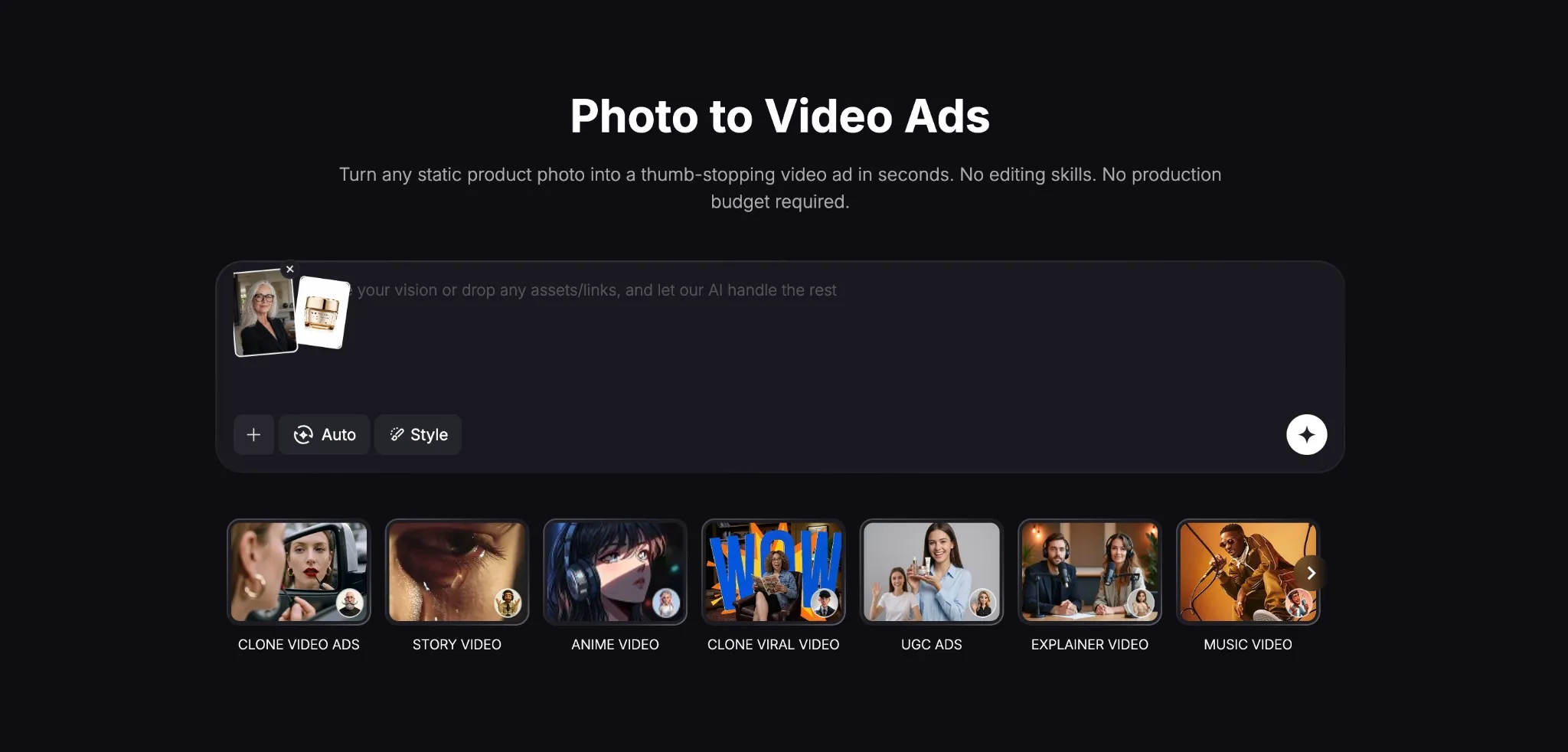
Head to Pollo AI photo to video ads page. From there, you can feel free to upload a subject image of the person you want featured in the video ad, as well as images of the product that you want them to present.
Enter Your Detailed Prompt
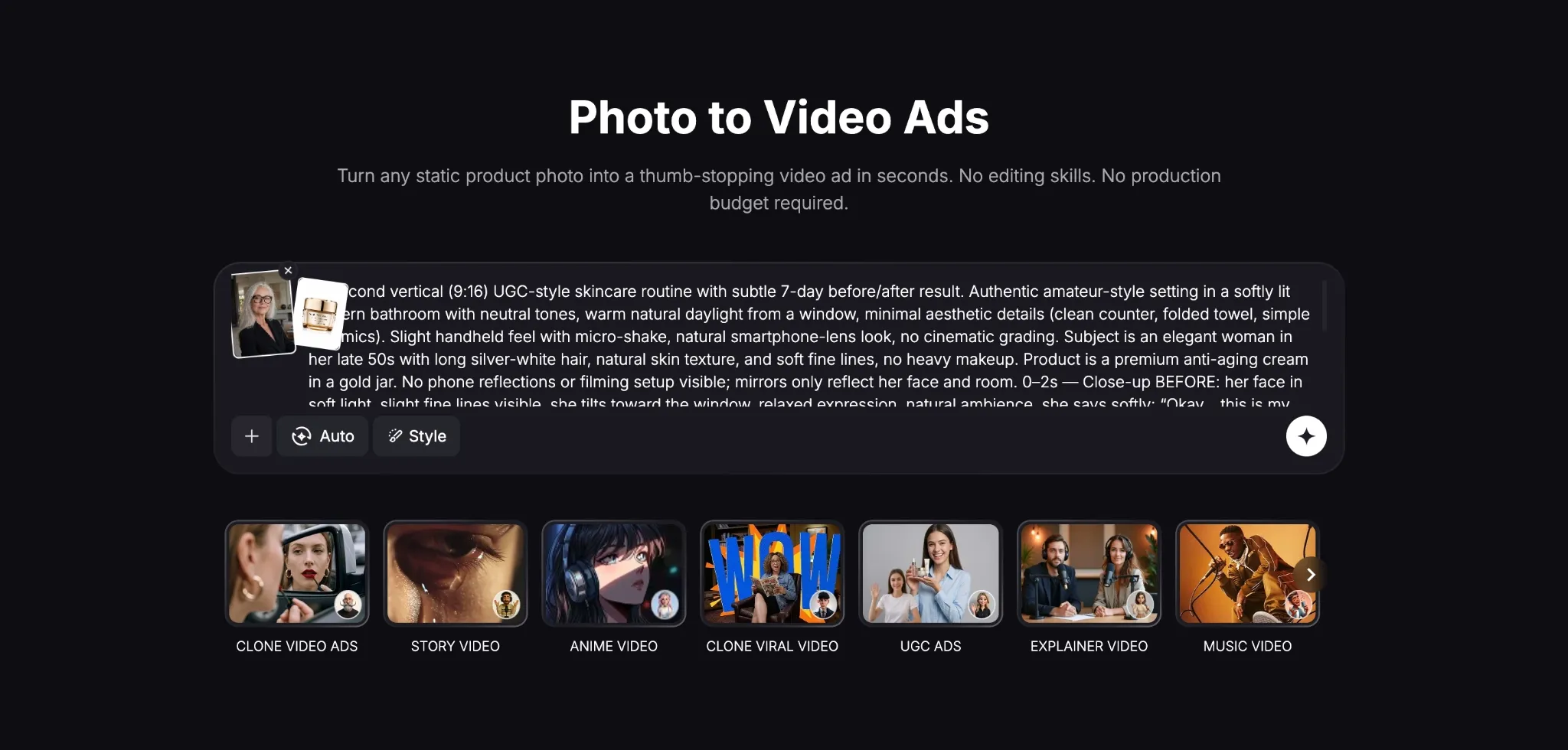
After that, input a prompt that describes what you want from the video ad. It can be a product testimonial, unboxing, showcase, etc, just try to be as detailed as possible by including visual style, camera angles, etc. In our sample test below, we attempted to create a skincare video ad.
Generate Your Video Ad
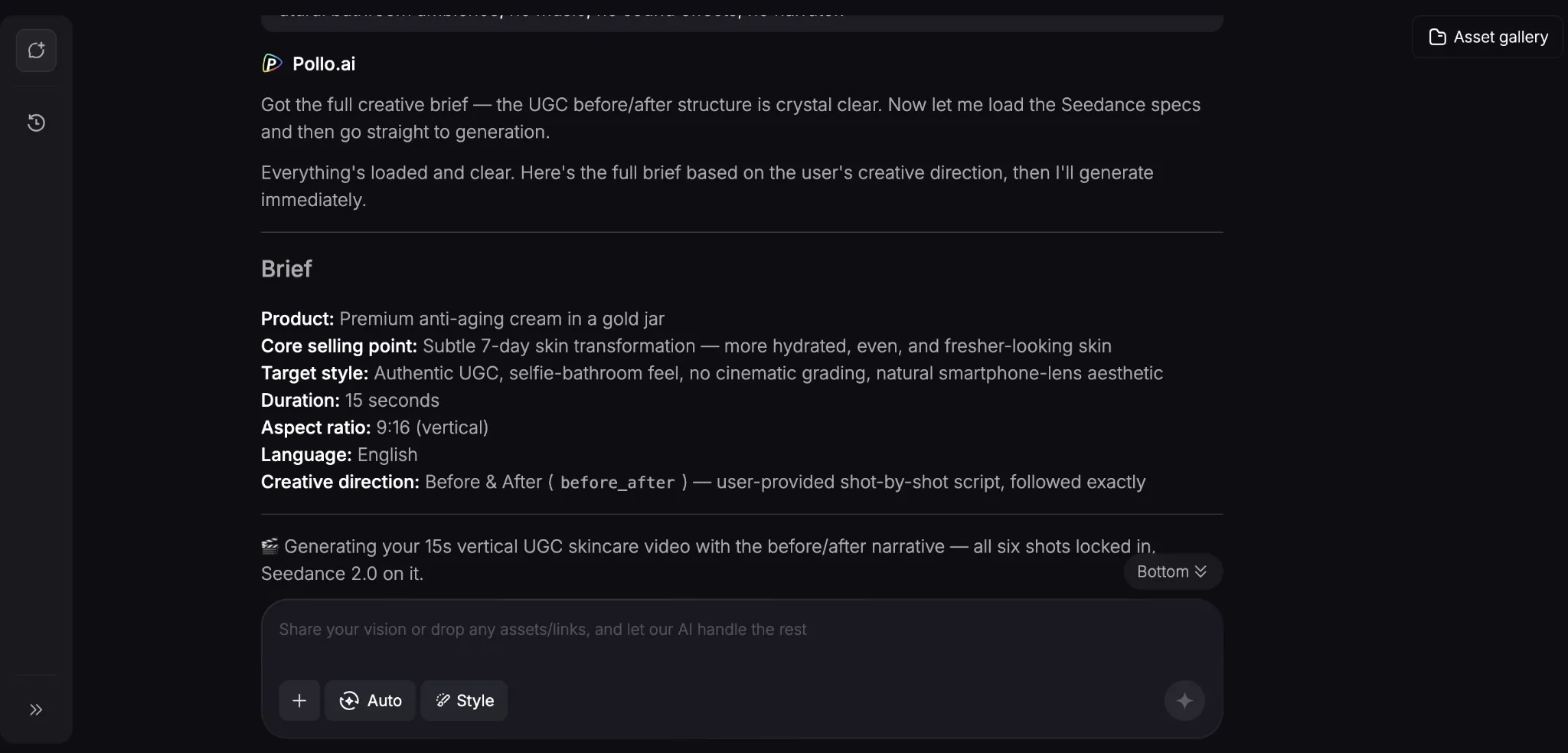
Click "Create", and the AI agent will analyze your prompt and images, extracting all the relevant details to generate a full visual. Within minutes, it will render your video ad based on your intended creative direction.
Review & Download Your Output
Since it’s a chat-based tool, you can continue to refine the video ad until you feel satisfied with it by adjusting the style, tone, etc, or by adding more references, links, details, etc.
You can check out the output of our sample test below:
As you can see, it presented an incredibly lifelike performance of our intended subject’s skincare routine. Everything from the desired visual style to the written dialogue was followed perfectly.
And as a testimonial video ad, the narrative flowed well and even the value proposition was conveyed in a clear and relatable manner. Truly perfect for promotion on TikTok or Instagram!
Popular Use Cases for Converting Photos into Video Ads
Being able to turn images into video ads can open up new possibilities for your ad campaigns in numerous, and most importantly, cost-effective ways. Some of these include:
- UGC-Style Footage: Turn static product images into realistic testimonials, reviews, explainers, etc, giving them much-needed social proof across Instagram, TikTok, etc.
- Multiple Ad Variations: Instantly test and experiment with different video ad campaign ideas to nail the right one without investing significant resources.
- Product Showcases: Present products using dynamic 360° video ads, utilizing multiple camera angles to highlight detail, texture, design, etc, on Shopify pages and other sites.
- Creative Storytelling: Using product and subject images, you can explore unique visual narratives to publish on TikTok and other social pages with minimal time, cost, and effort.
- Immersive Walkthroughs: Create virtual room walkthroughs that act as enticing video ads for potential property buyers without wasting time on physical recordings.
Discover Other Pollo AI Features for Video Production
With Pollo AI, you can do more than just turn photos into video ads. As the ultimate AI creative suite for marketers, creators, sellers, and brands, it’s versatile enough to cater to any use case.
Powered by industry-leading AI models like Seedance 2.0, Veo 3.1, Kling, and GPT Image 2, you can use it to create stylized images and cinematic-level videos in just a few clicks.
But the true highlight of Pollo AI lies in how it’s built to accommodate multiple workflows. For marketers, you can access the “Marketing Studio” to create ready-to-use ads in minutes.
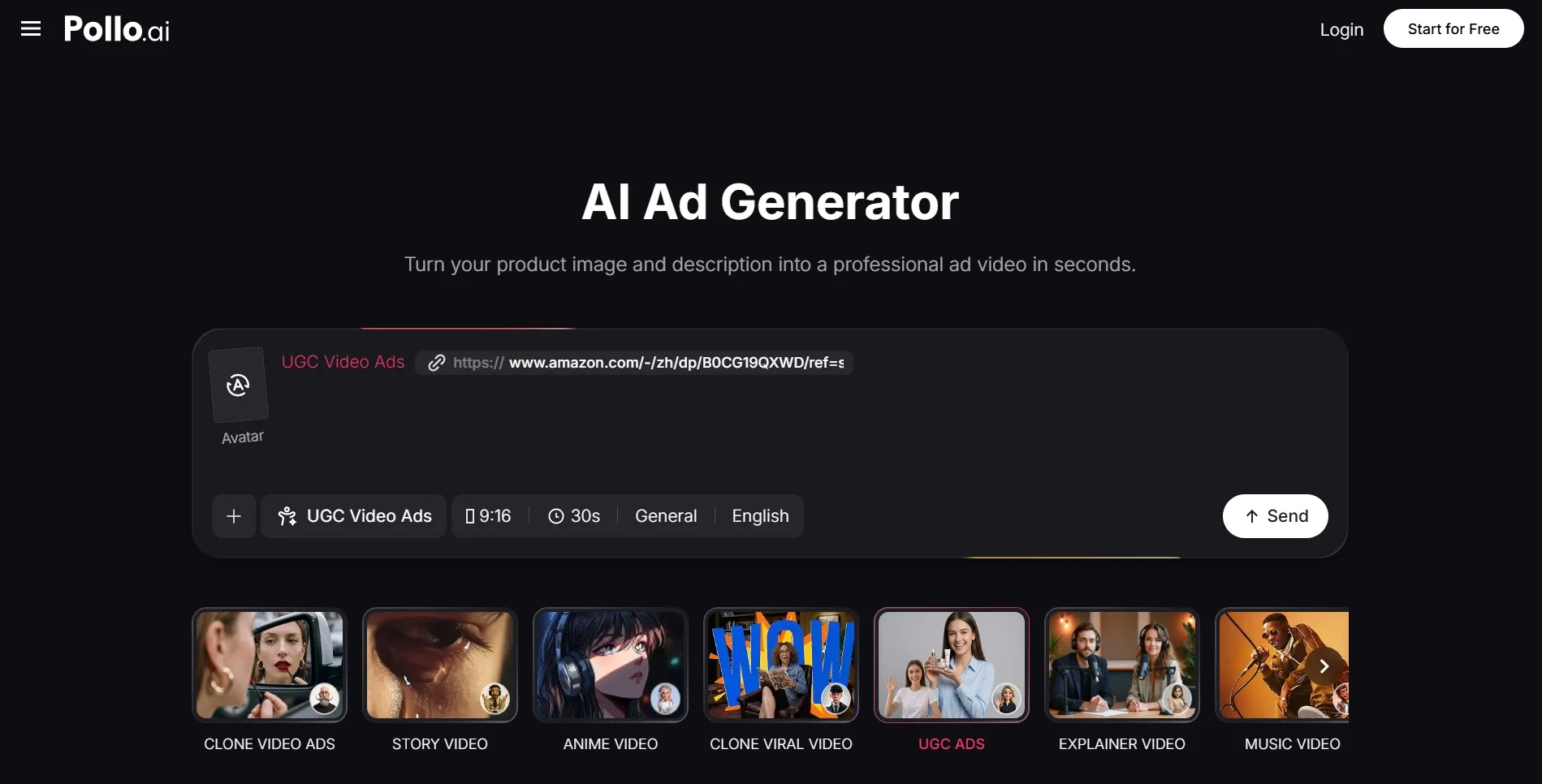
As a brand, you can use the “Commerce Studio” to produce all kinds of commercial content like product showcases, virtual try-on content, and more.
Even creatives have their own workspace via the “Creative Studio”, which lets you generate images, videos, avatars, and audio, all in one place.
On top of that, there’s Pollo Agent, which is an iterative, chat-based tool that you can use to create production-ready videos in minutes. Best part? No manual editing is even required.
Conclusion
Turning static photos into video ads can be the ultimate hack for brands, marketers, and creatives. And with Pollo AI, you’re sure to get professional-grade outputs, so be sure to follow the steps in this tutorial to start elevating your ad campaigns!