Step 1
Add a photo, logo, graphic, or other image with a clearly visible subject.
AI Video
Transform text and images into cinematic videos with lifelike avatars and studio-quality SFX.

AI Image
Turn ideas and images into stunning visuals, or perfect any photo with a complete suite of AI tools.

Agent
Create production-ready videos with SFX, consistent characters, and polished scenes. No Editing.

Marketing Studio
Built for marketers and sellers to create winning ads, UGC videos and product visuals faster.

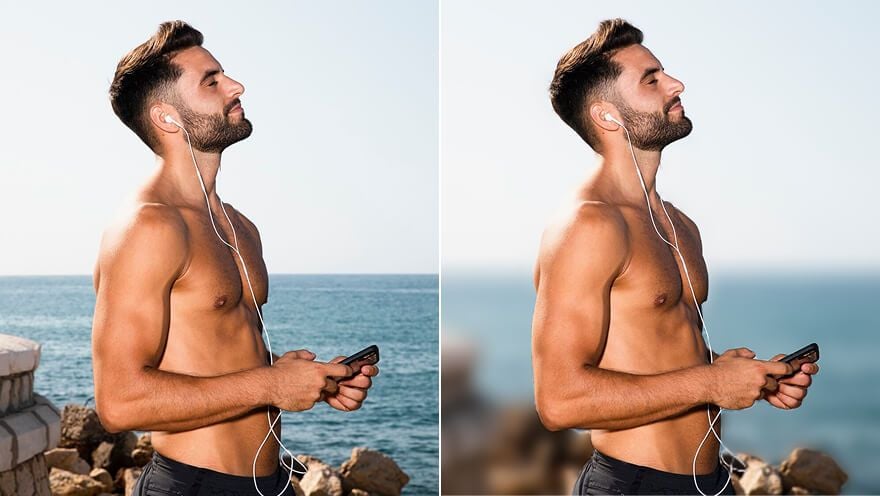
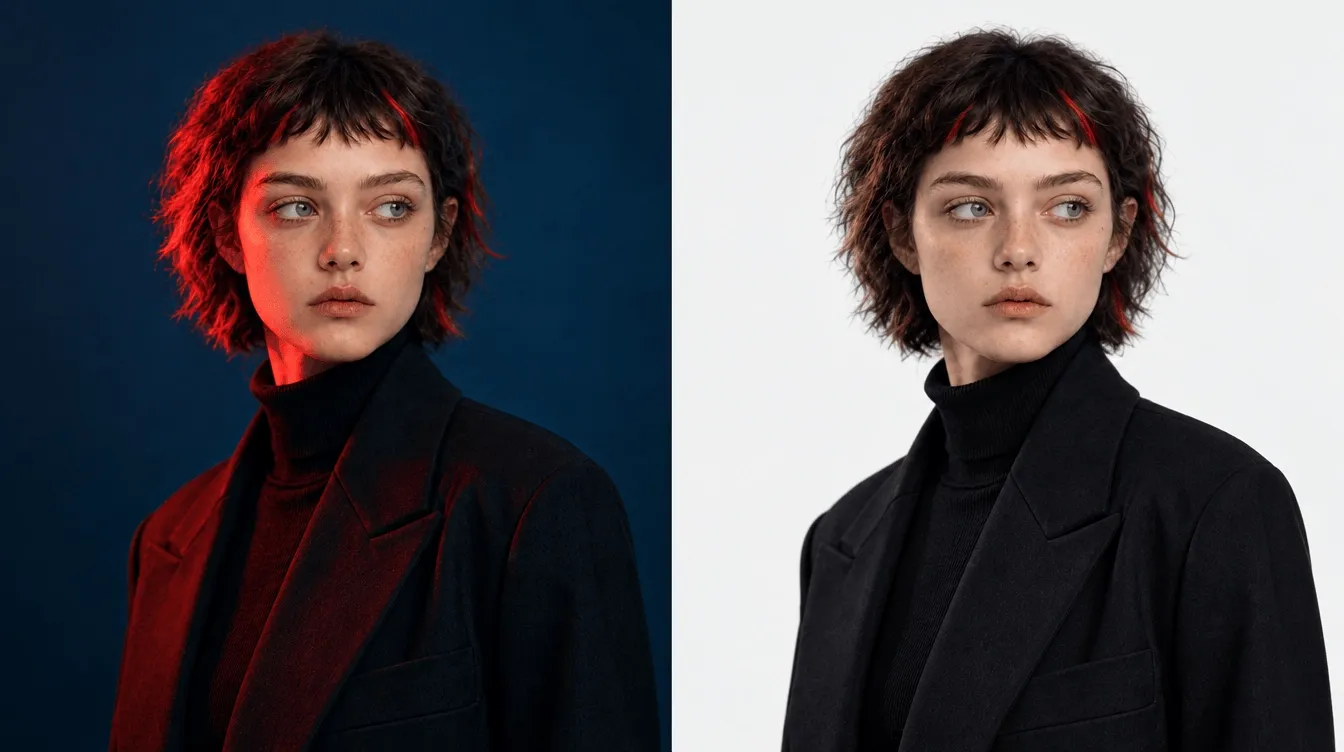
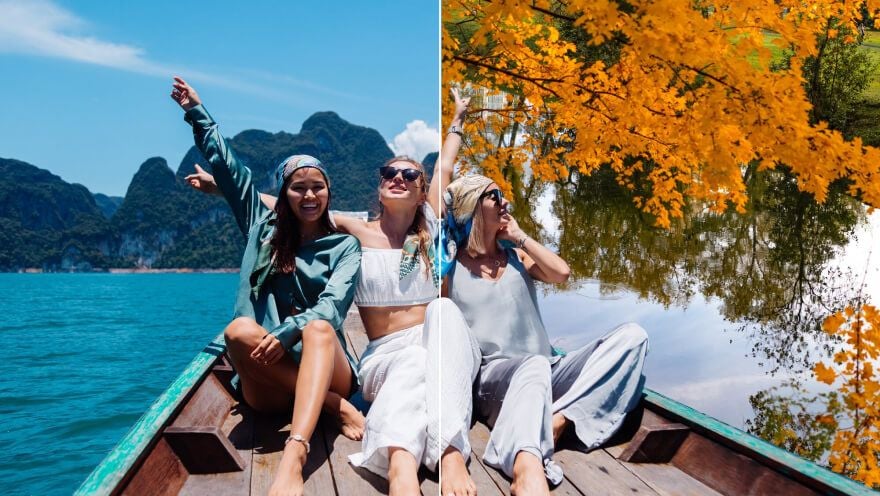
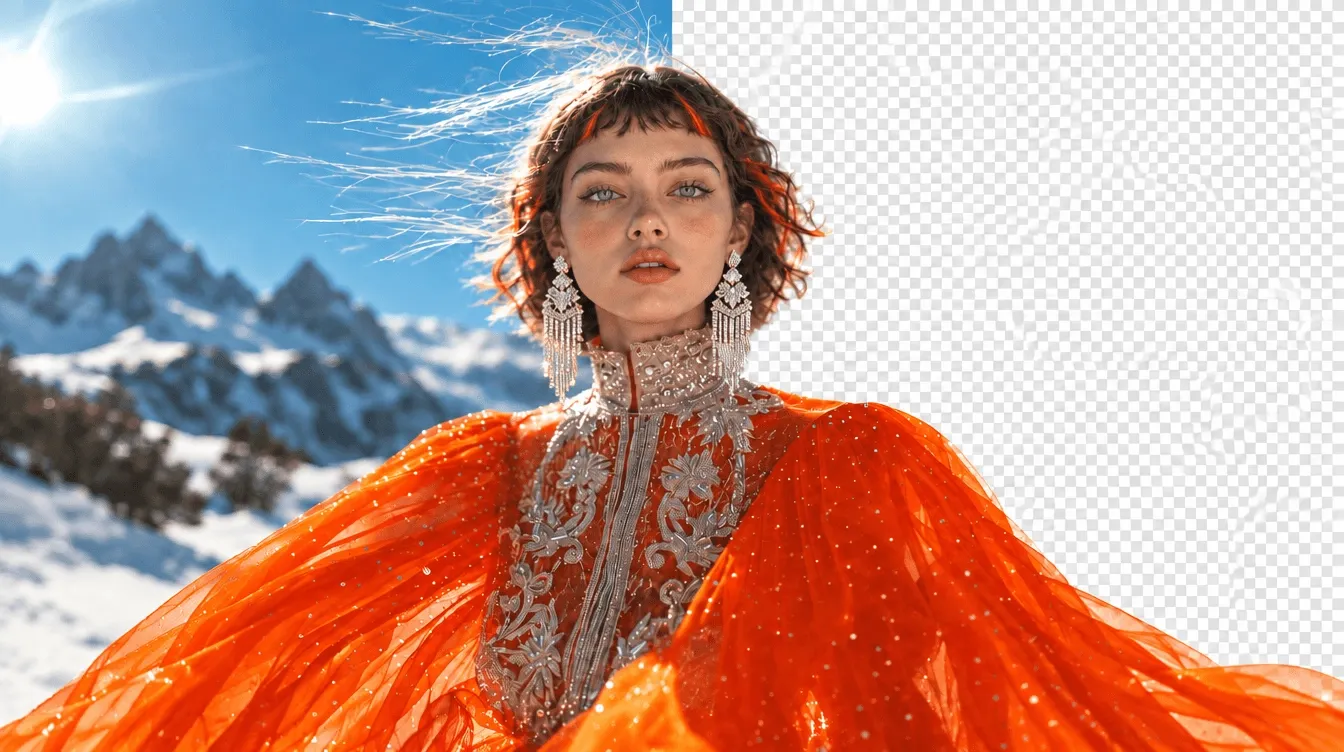
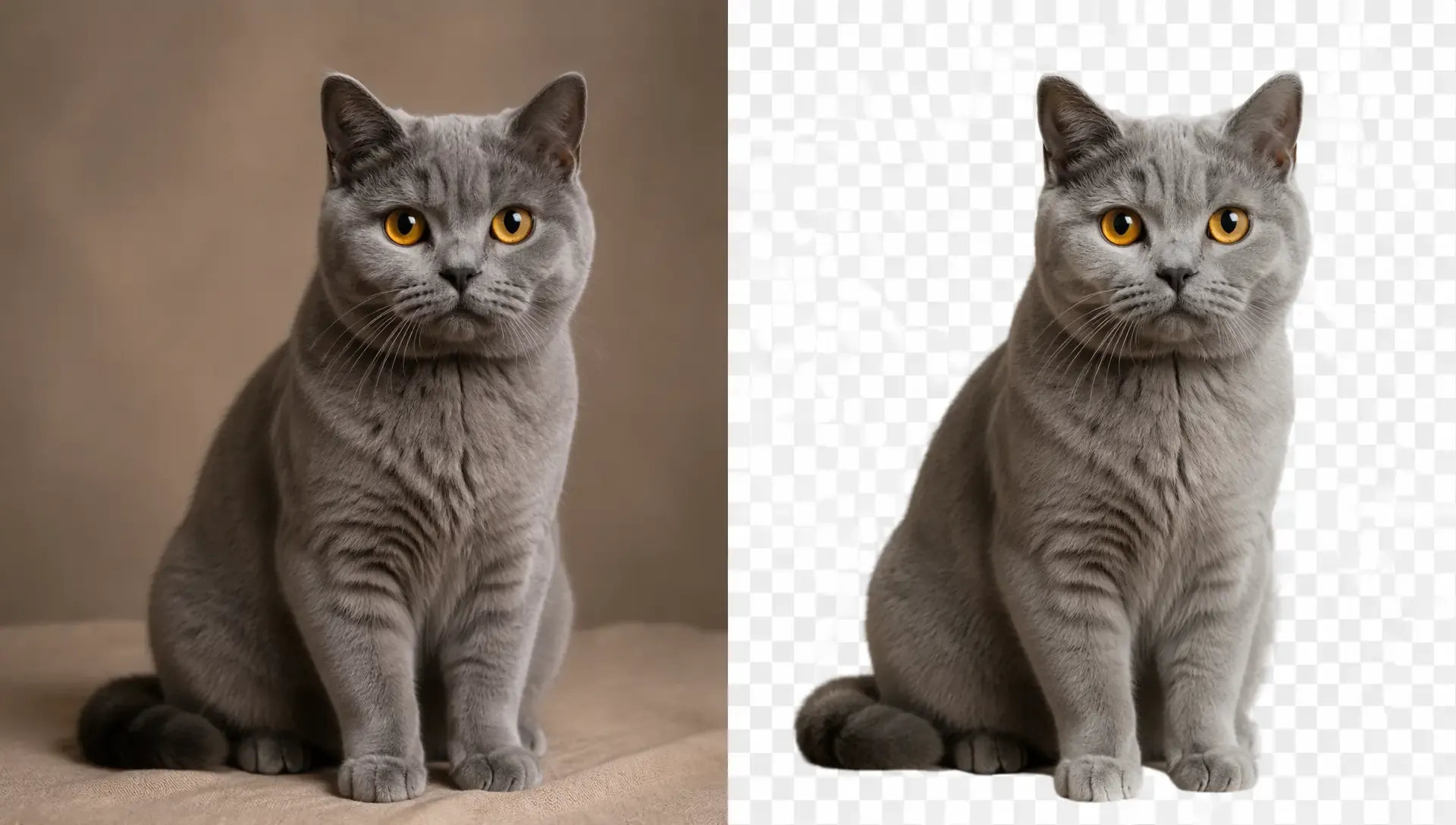
Turn any photo into a clean cutout with a transparent background instantly. No manual editing needed.
Get a polished cutout ready for any design. Upload your image, then let our AI transparent background maker isolate the subject in seconds. Ideal for your posters, profiles, collages, stickers, thumbnails, or personal projects. You can make cleaner compositions faster while keeping your subject easy to reuse and reimagine.
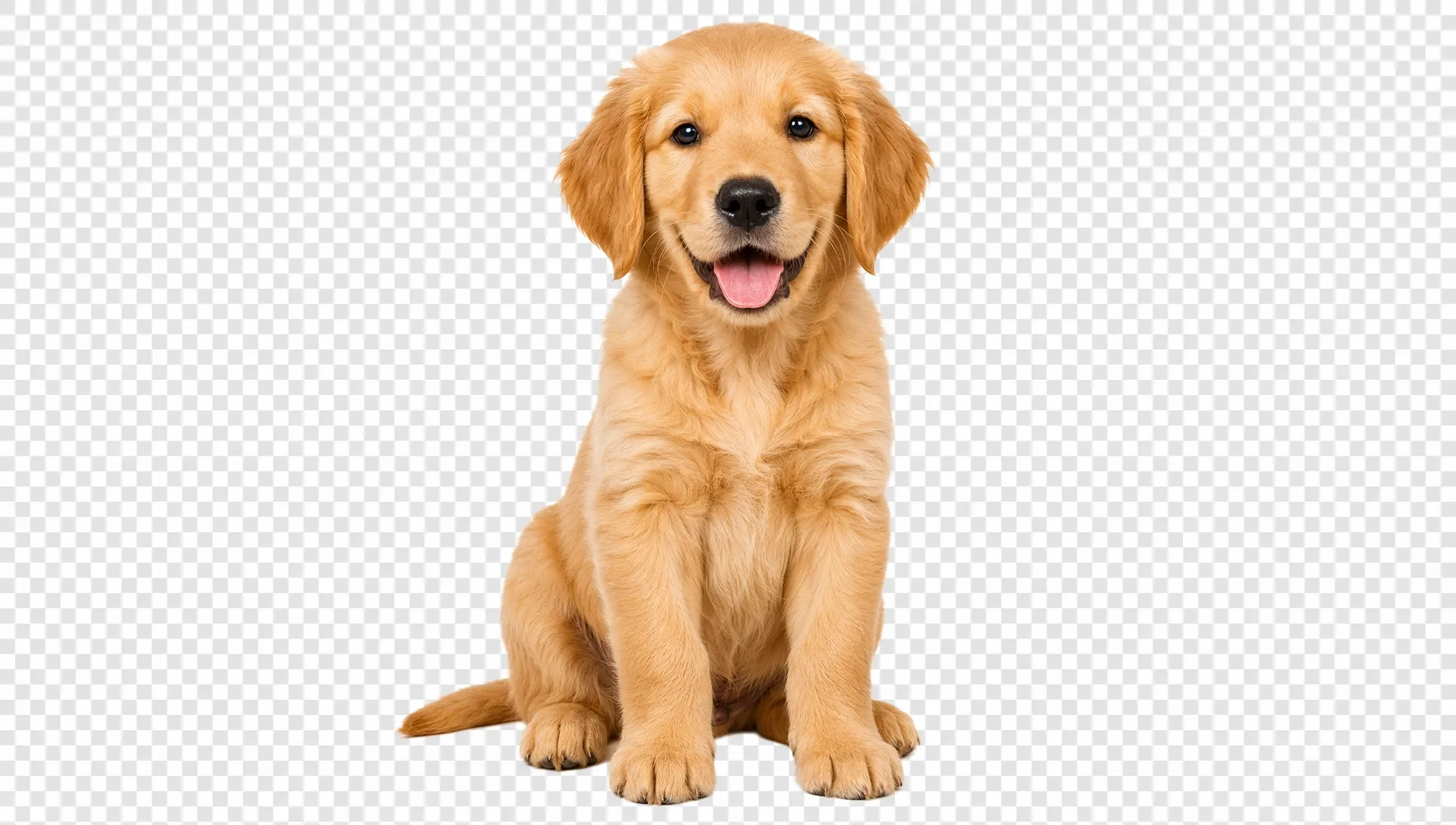
Remove backgrounds quickly without tracing edges or building masks manually.
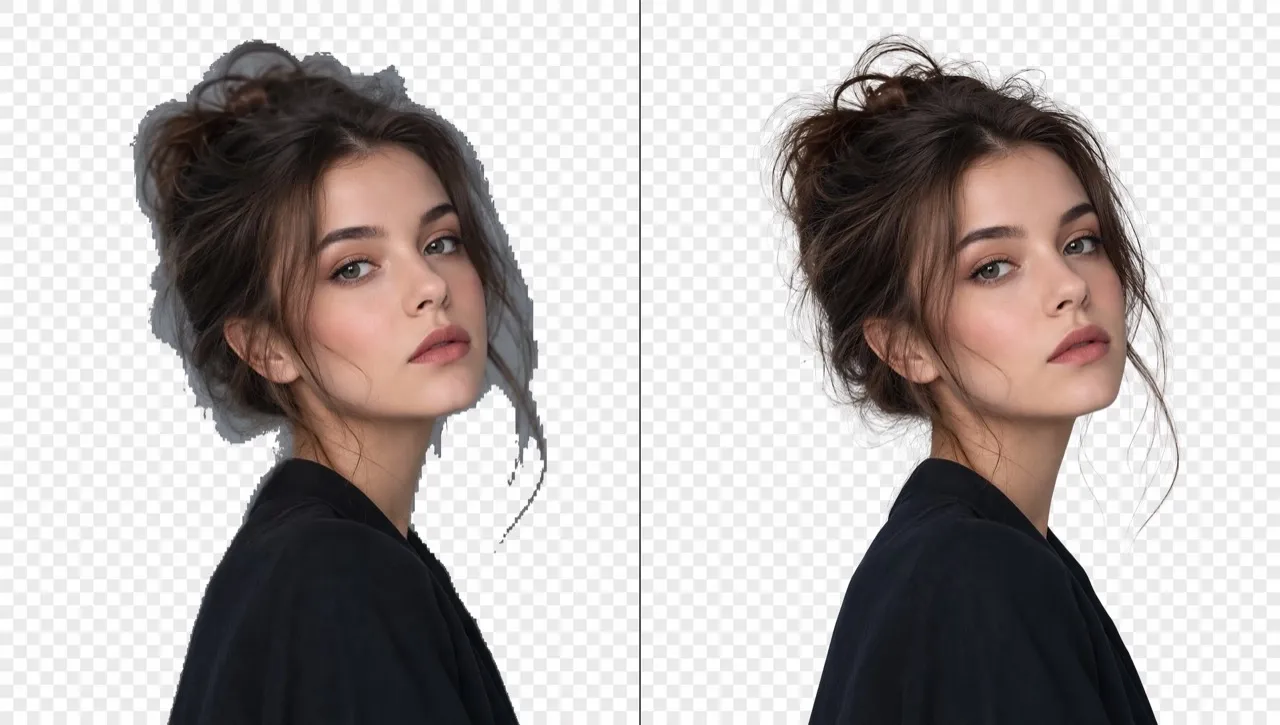
Preserve hair, fur, sheer fabric, and reflective edges without jagged outlines.
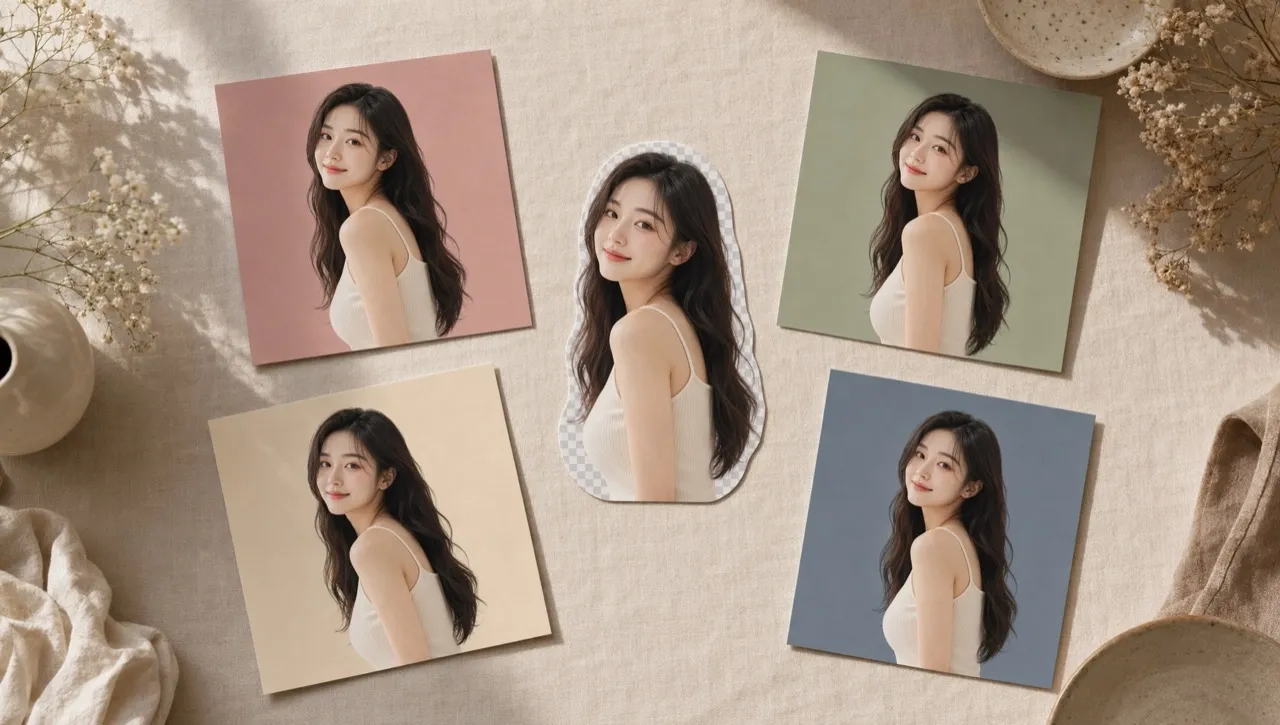
Place isolated subjects into new scenes or posters without unwanted white edges.
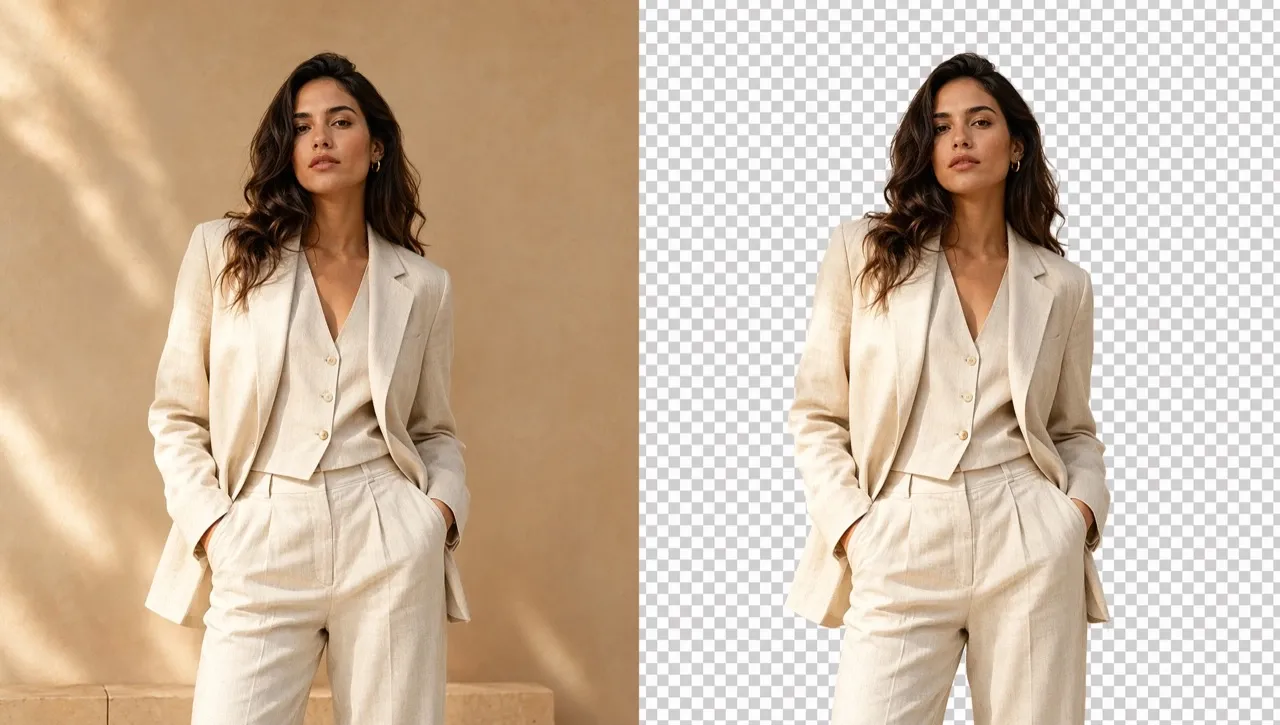
Use this transparent image maker to isolate models wearing different outfits from your virtual try-on visuals. Add each cutout to comparison charts, product pages, or campaign graphics. Make styles easier to compare and help shoppers choose confidently.
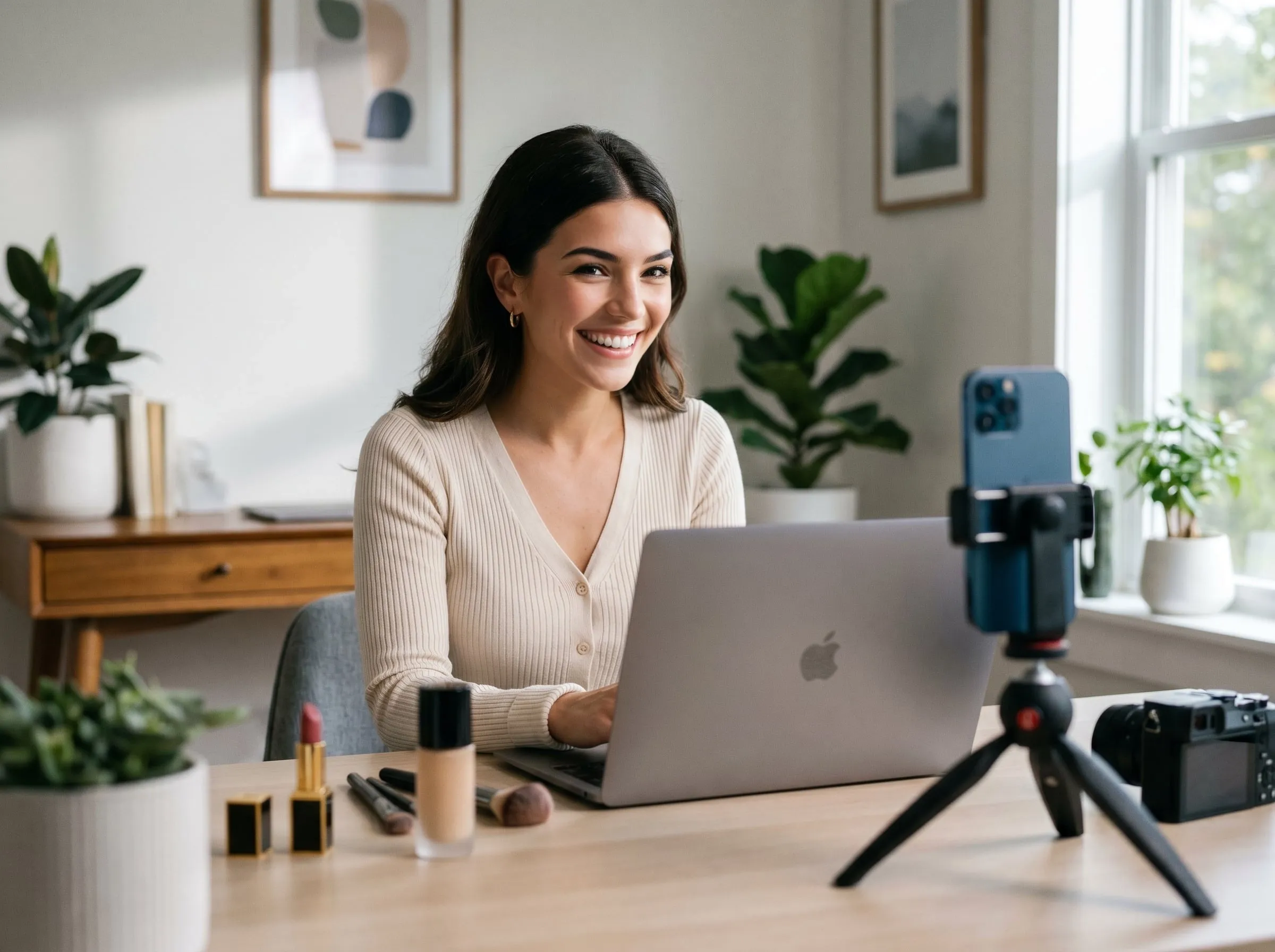
Use Pollo AI to create an image with a transparent background for your thumbnails, profile graphics, and channel banners. Adapt the same subject across formats, maintain a consistent visual identity, and help audiences recognize your content faster.
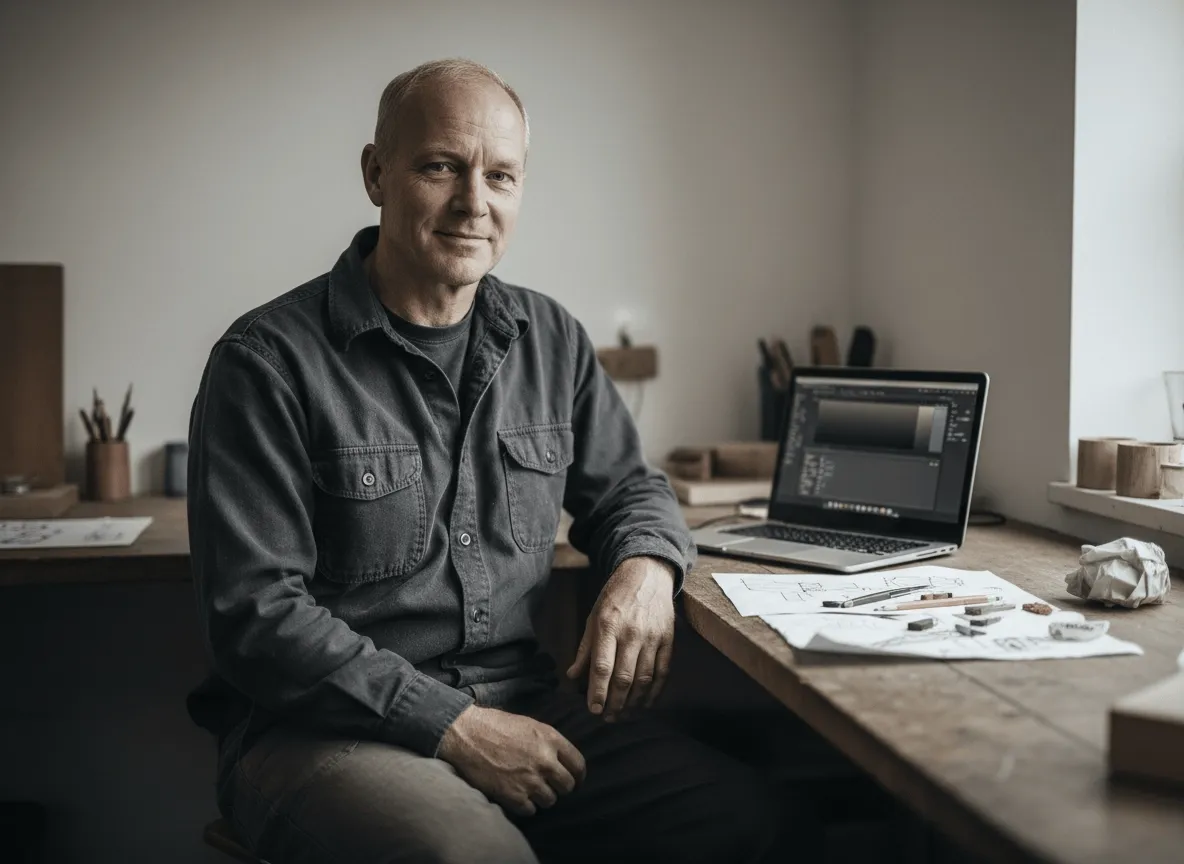
Use our transparent background maker to isolate products from your polished product photos for listings, catalogs, and marketplaces. Fit each clean cutout into different layouts, keep your storefront visuals consistent, and present products more clearly.
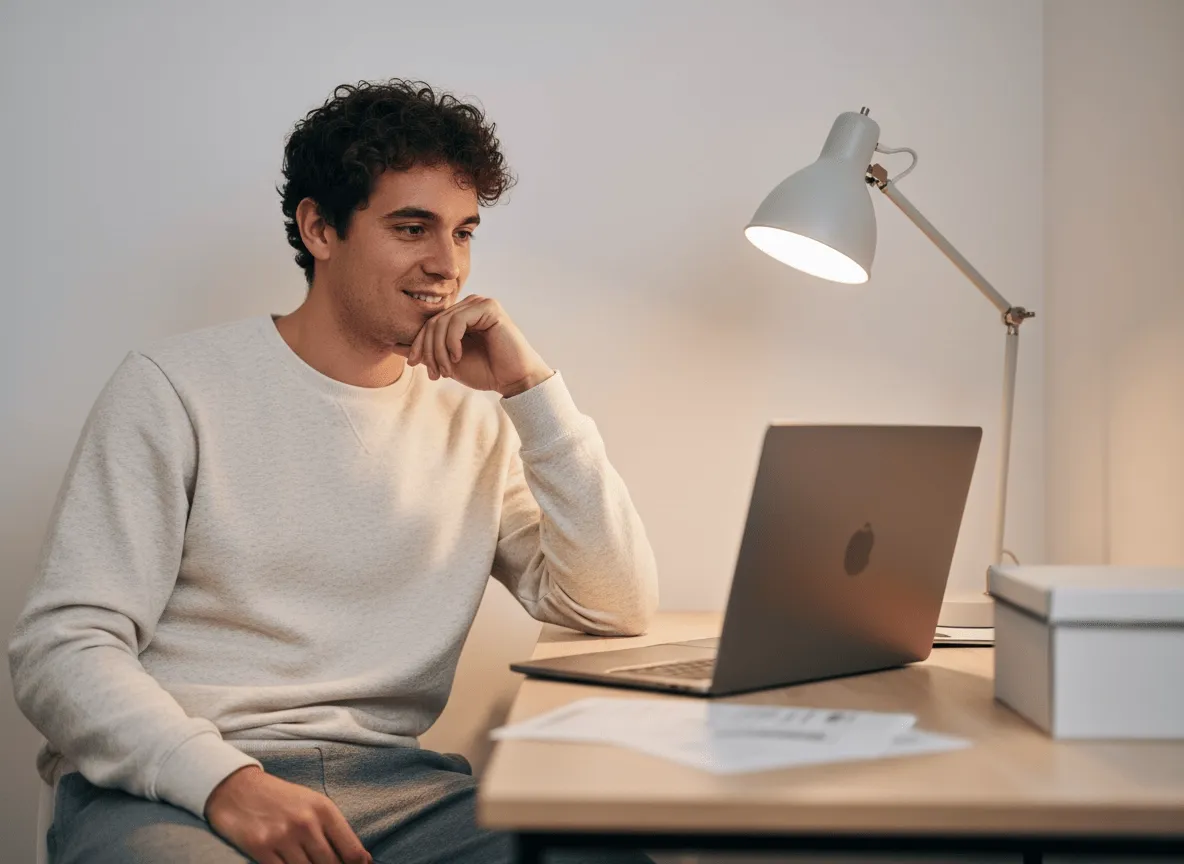
Turn your portraits, pets, or favorite objects into a transparent image for posts with decorative word art. Apply the cutout across different content formats, strengthen your visual identity, and make every post more memorable.
Add a photo, logo, graphic, or other image with a clearly visible subject.
Let Pollo AI detect your subject and make the background transparent automatically.
Save your transparent image, then place it into new layouts or refine it further.
Explore the full range of AI image tools on Pollo AI, built to streamline your entire creative workflow.
Create photorealistic images from text instantly. Achieve cinematic quality and flawless typography with zero photography required.
Create custom pixel art, outfit designs, chibi avatars, and other niche visuals for your audience.
Maintain perfect structural fidelity while recreating photos. Apply cinematic styles and 4K upscaling for production-ready assets.
Clean up images, remove backgrounds, remove objects, and enhance fine details with precise AI editing tools.
Create ready-to-use image assets for business cards, YouTube banners, menus, and other campaign needs with diverse image apps.
Turn a text brief into polished, production-ready visuals with an AI agent that handles the creative workflow for you.









Using Pollo AI to Create and Inspire
 Liz Cassidy
 Richard Quick
 armourdude
 Dudu
Dudu Ray Warnes
 lawless clan
 Istvan LajosSantiago Saenz
 Gen Zee
 萱兒
萱兒 Norma Ponce
 Sarah Stokes
 Sudipta Saha
 Luiz Guyz
 Swishadoptme Swishadoptme
AI transparent background maker detects your main subject and removes everything behind it. This creates a clean cutout with a transparent background, making your portraits, products, pets, logos, and graphics easier to reuse in new layouts.
Pollo AI is the best transparent background maker because it gives you an easy workflow, clean subject separation, reliable results, and creative flexibility. This transparent image maker prepares reusable cutouts for your personal designs, social visuals, presentations, and layered artwork. You can also place your image with a transparent background into image to image generator to create a completely new visual.
Upload the image you want to edit. The transparent image maker identifies your main subject and removes its surroundings automatically. You can then make the background transparent and place your cutout over another photo, color, pattern, or layout.
Yes. You can access Pollo AI through its free trial and make an image transparent before purchasing additional credits. Download the finished image with a transparent background to review its edges, subject separation, and suitability for your project.
No. You do not need to trace edges, create masks, or understand complex editing software. Simply upload your photo and let the transparent background maker isolate your subject automatically, with no manual editing required.

Turn any photo into a reusable cutout with a transparent background for more creative freedom.