Step 1
Upload a portrait, selfie, or prompt, then describe the professional look you want.
AI Video
Transform text and images into cinematic videos with lifelike avatars and studio-quality SFX.

AI Image
Turn ideas and images into stunning visuals, or perfect any photo with a complete suite of AI tools.

Agent
Create production-ready videos with SFX, consistent characters, and polished scenes. No Editing.

Marketing Studio
Built for marketers and sellers to create winning ads, UGC videos and product visuals faster.

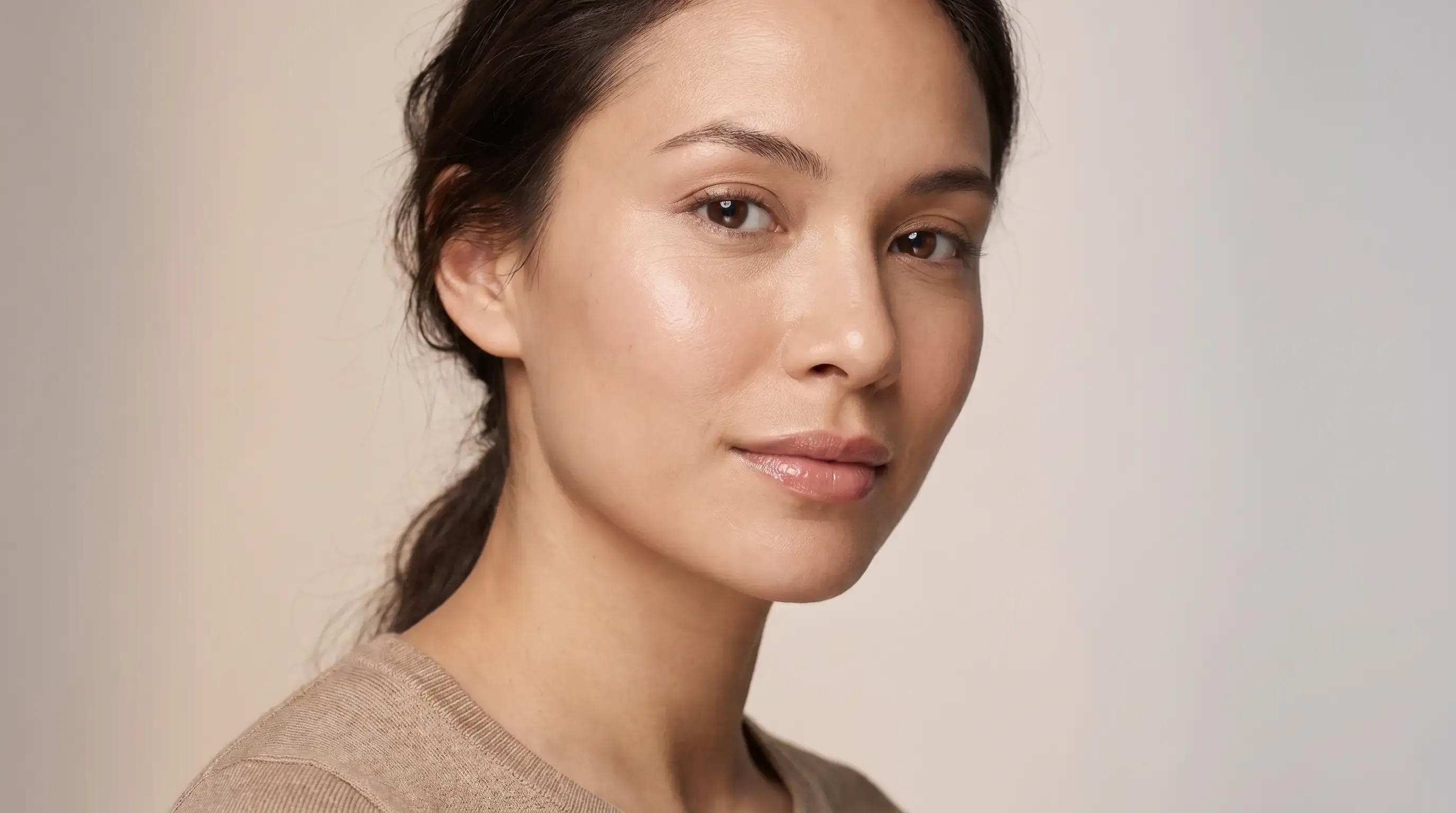
Create polished LinkedIn profile pictures from your photo or prompt, with clean lighting, professional framing, and work-ready backgrounds. No manual editing needed.
Need a stronger first impression? Pollo AI helps you turn a casual photo or prompt into a polished LinkedIn profile picture for job searches, outreach, resumes, and personal branding. Generate clean lighting, smart cropping, and professional background options so your profile looks credible before people read a word.
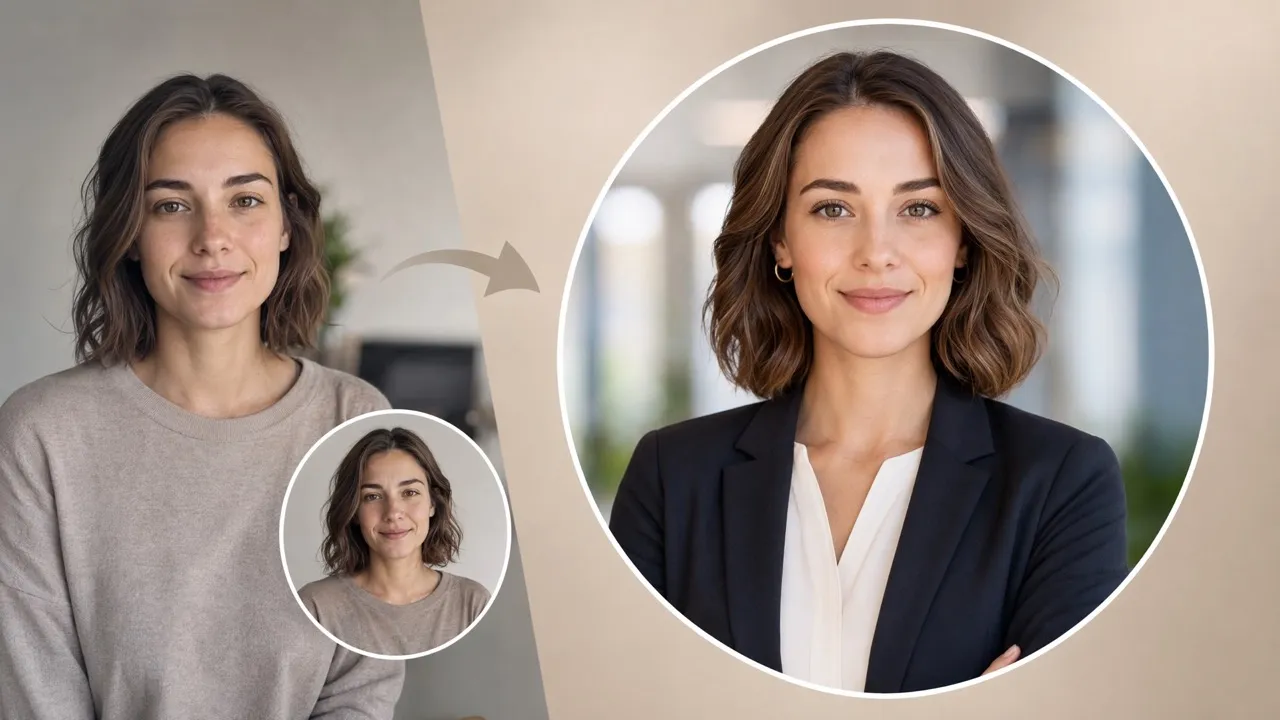
Make a polished LinkedIn profile picture that feels credible, approachable, and on-brand.
Center your face cleanly for the circular crop LinkedIn profile pictures need.
Replace busy scenes with a professional LinkedIn profile picture background in seconds.

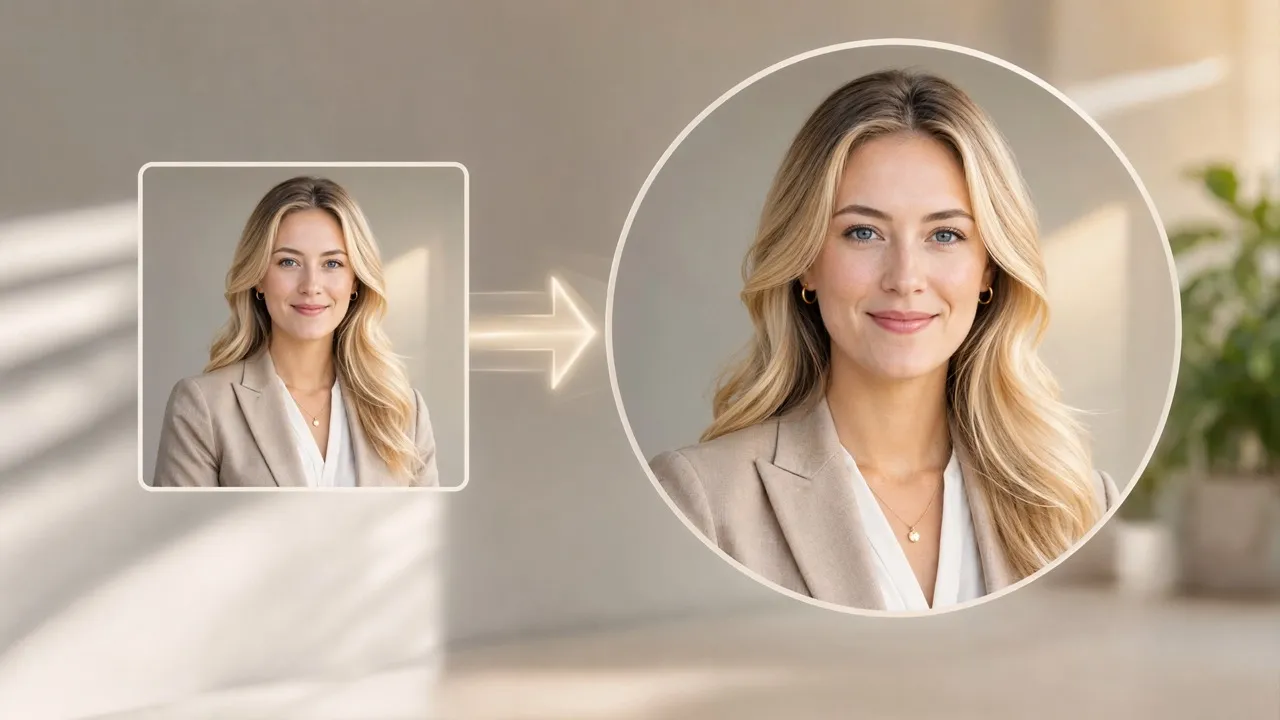
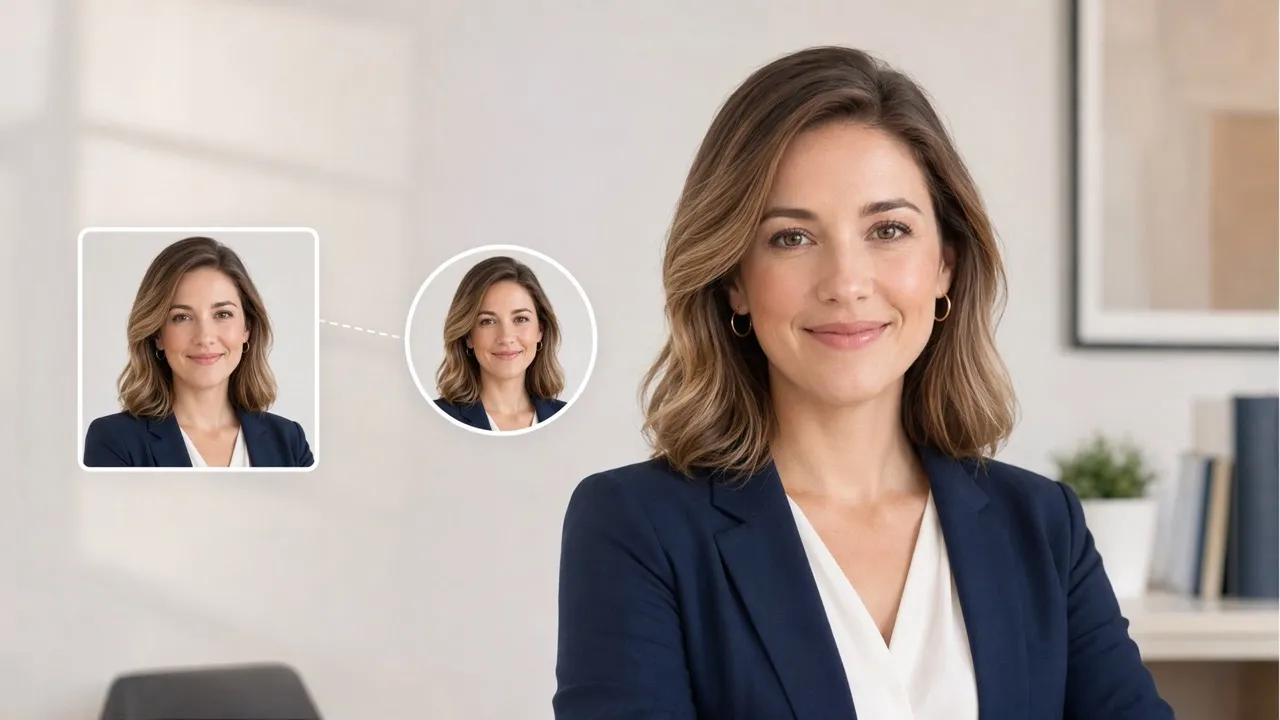
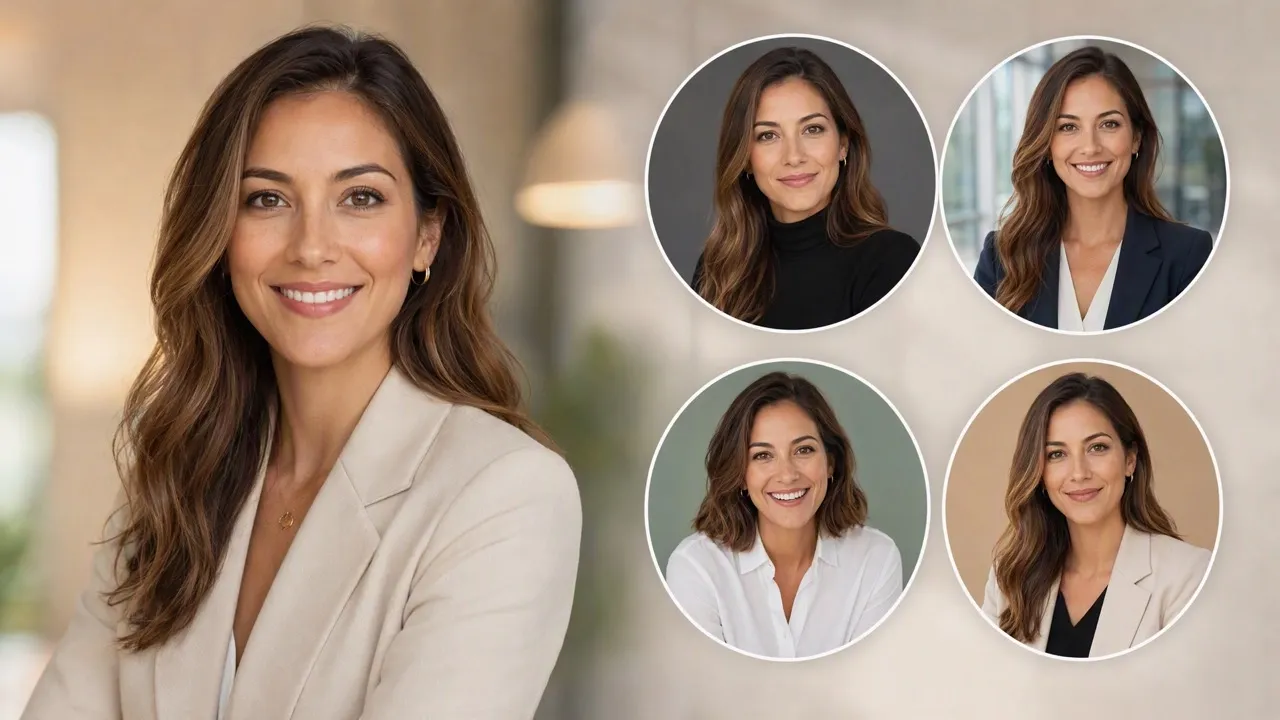

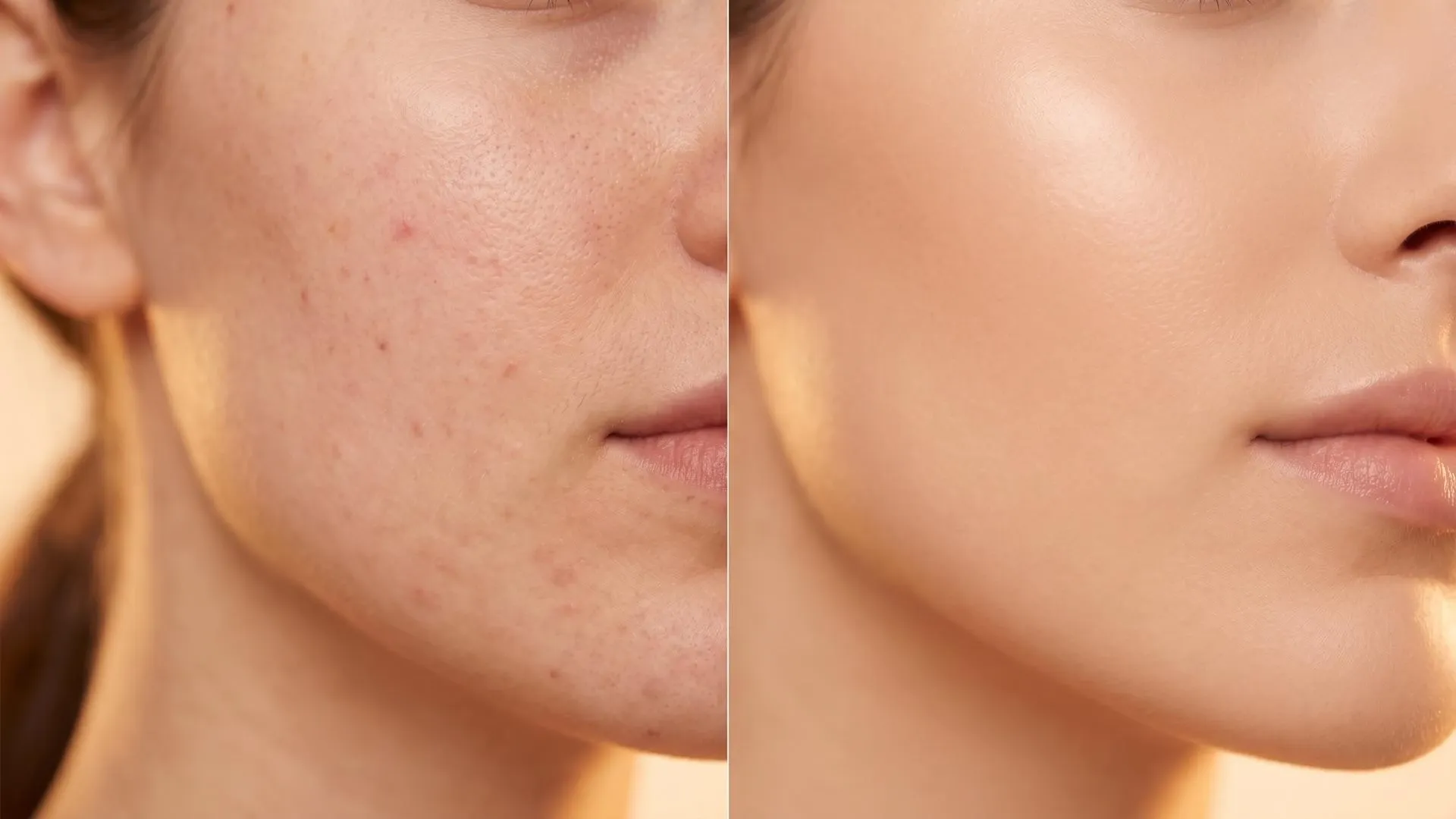
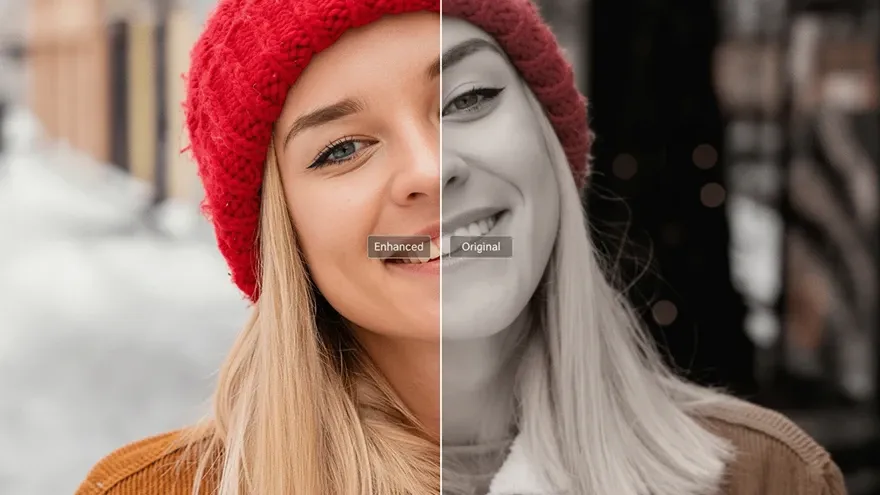
Create a sharper LinkedIn profile picture for applications, referrals, and recruiter messages. Add image enhancement when your source photo needs extra clarity before you update your profile.

Create confident LinkedIn profile pictures for investor decks, media bios, and launch announcements. Use AI portraits as supporting variations when you need a distinctive business-facing image.

Create a polished AI LinkedIn profile picture for service pages, proposals, and client outreach. Clean old photos before generating a more focused profile image with background remover.

Create consistent LinkedIn profile pictures for sales, recruiting, and leadership pages without booking a new photo day. Keep everyone’s images clean and balanced with photo retouching.
Upload a portrait, selfie, or prompt, then describe the professional look you want.
Let Pollo AI generate LinkedIn profile picture options with clean lighting and framing.
Download your favorite image, then upload it as your new LinkedIn profile photo.
Go from initial idea to ready-to-publish designs. Instantly access AI image generators, precise photo editing, and professional image tools.
Turn creative briefs into breathtaking visuals instantly. Generate photorealistic marketing assets, flawless typography, and bespoke art without a camera.
Generate stunning visuals through natural conversation. Simply chat to brainstorm concepts, refine intricate details, and create perfect artwork instantly.
Reimagine your existing photos with advanced style transfer. Protect core subject identity while upgrading lighting, textures, and native 4K details.
Access an all-in-one AI image editing suite for limitless creativity. Retouch details, reimagine entire scenes, and polish visuals into flawless masterpieces.
Bring your static images to life with cinematic motion. Seamlessly transition from AI photos to fluid, high-framerate video sequences in just seconds.
Simplify your design process with versatile utilities. From magic erasers to transparent backgrounds, access everything needed to refine raw assets quickly.









Using Pollo AI to Create and Inspire
A LinkedIn profile picture maker is an AI tool that creates professional profile photos for LinkedIn. Pollo AI helps generate polished, well-framed LinkedIn profile pictures with natural details and a credible business look.
Upload a clear photo or enter a profile photo prompt, choose your preferred professional style, and let Pollo AI generate a polished LinkedIn profile picture you can download and use instantly.
Pollo AI is the best LinkedIn profile picture maker for creating polished AI LinkedIn profile pictures from photos or prompts, with clean backgrounds, natural framing, and no editing needed.
Download your image, open your LinkedIn profile, click or tap your profile photo, choose Edit or Change Photo, upload the new picture, crop it, and save.
Yes. Pollo AI lets you generate professional, creative, or founder-style LinkedIn profile pictures from one prompt or photo. You can also use the AI image generator to explore more portrait styles.
Yes. You can refine lighting, clean small distractions, or adjust the background with Pollo AI’s AI photo editor, then generate a stronger profile-ready version.

Make your profile feel credible before the first message, application, or pitch. Use Pollo AI to create a professional LinkedIn profile picture that fits your work.