AI Face Editor
Retouch portraits, selfies, headshots, and profile photos with natural facial editing. No manual work needed.
Make Every Face Photo Look Naturally Polished
Why let facial flaws distract? With Pollo AI face editor, you can retouch portraits, refine facial details, and polish face pics more easily. Perfect for selfies, headshots, profile pages, social posts, and everyday photos. Try our AI face editor to give each photo a cleaner, studio-polished look!

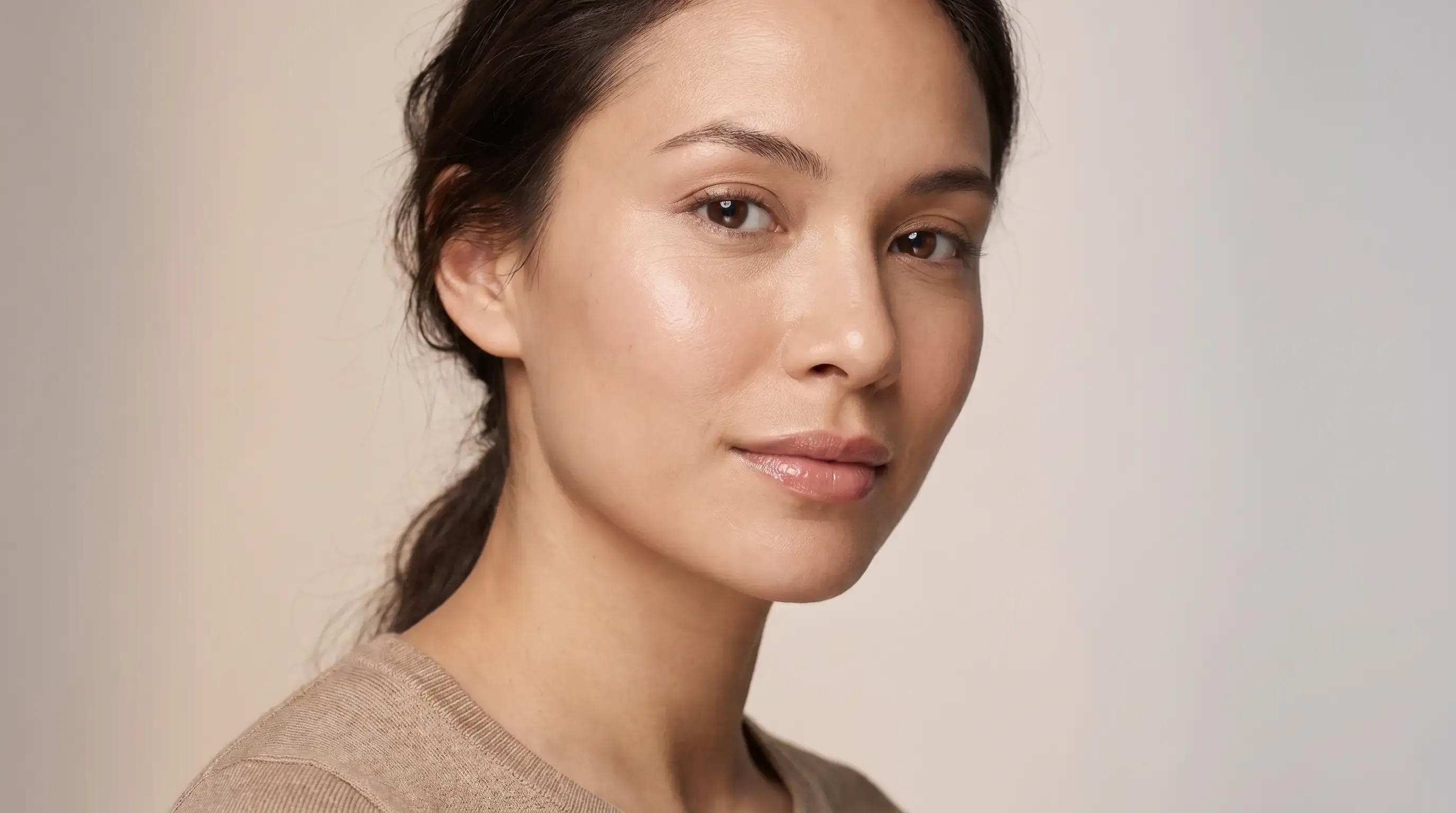
Studio-Quality Portraits
Create clean, polished portraits that look sharper, brighter, and more professional.
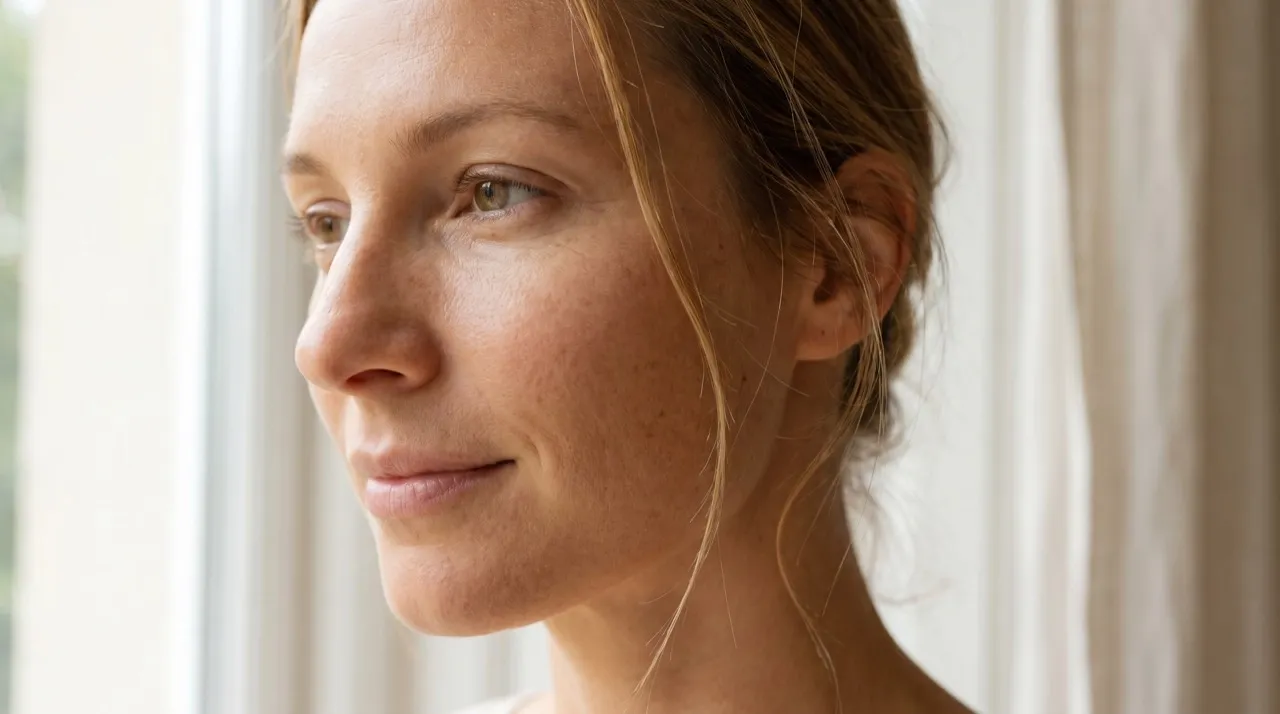
Natural Face Edits
Refine skin, lighting, and details while keeping every face recognizable.
Quick Face Retouching
Clean up selfies, headshots, and face pics in just one click.

Keep Your Real Look While Retouching
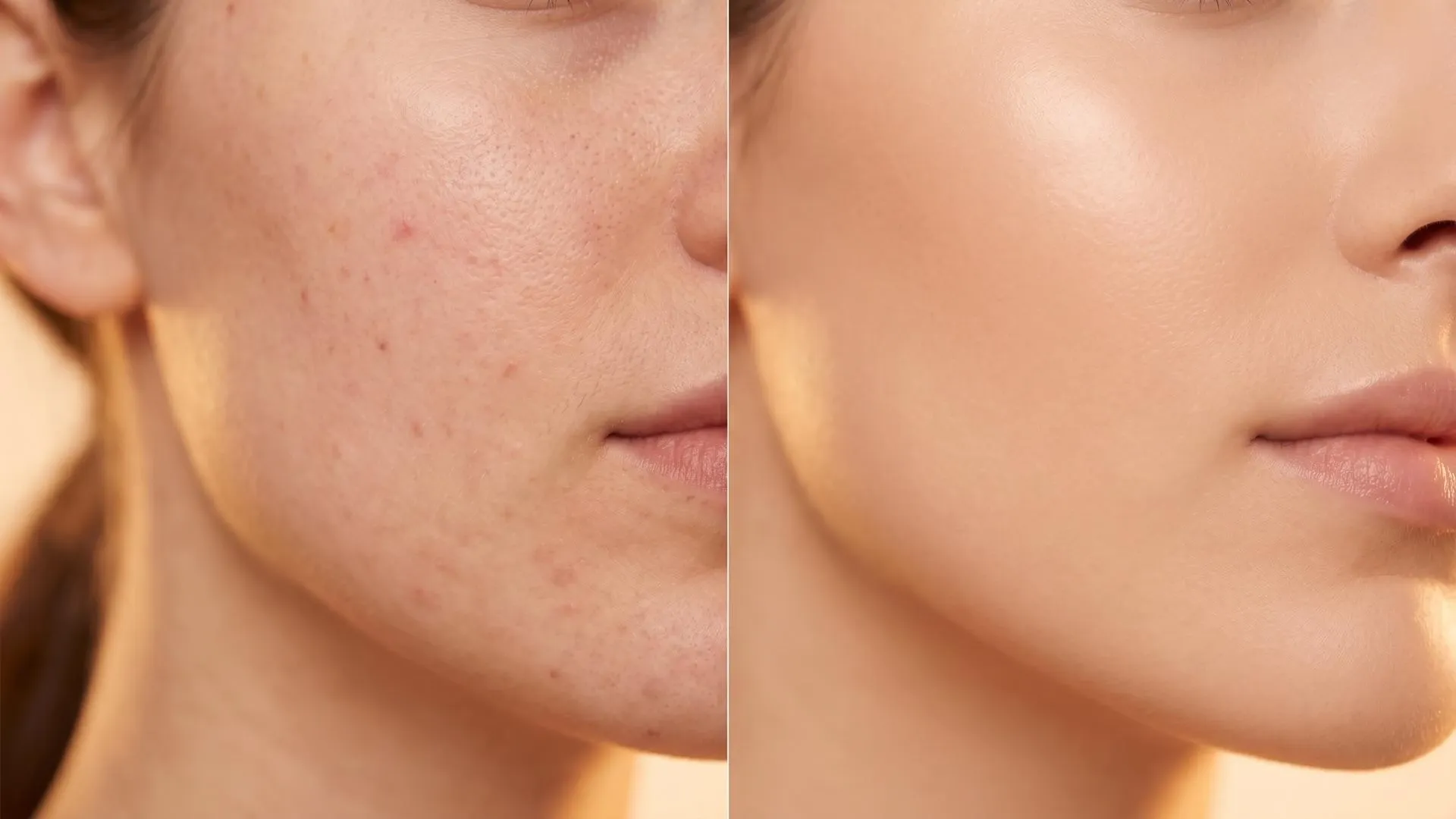
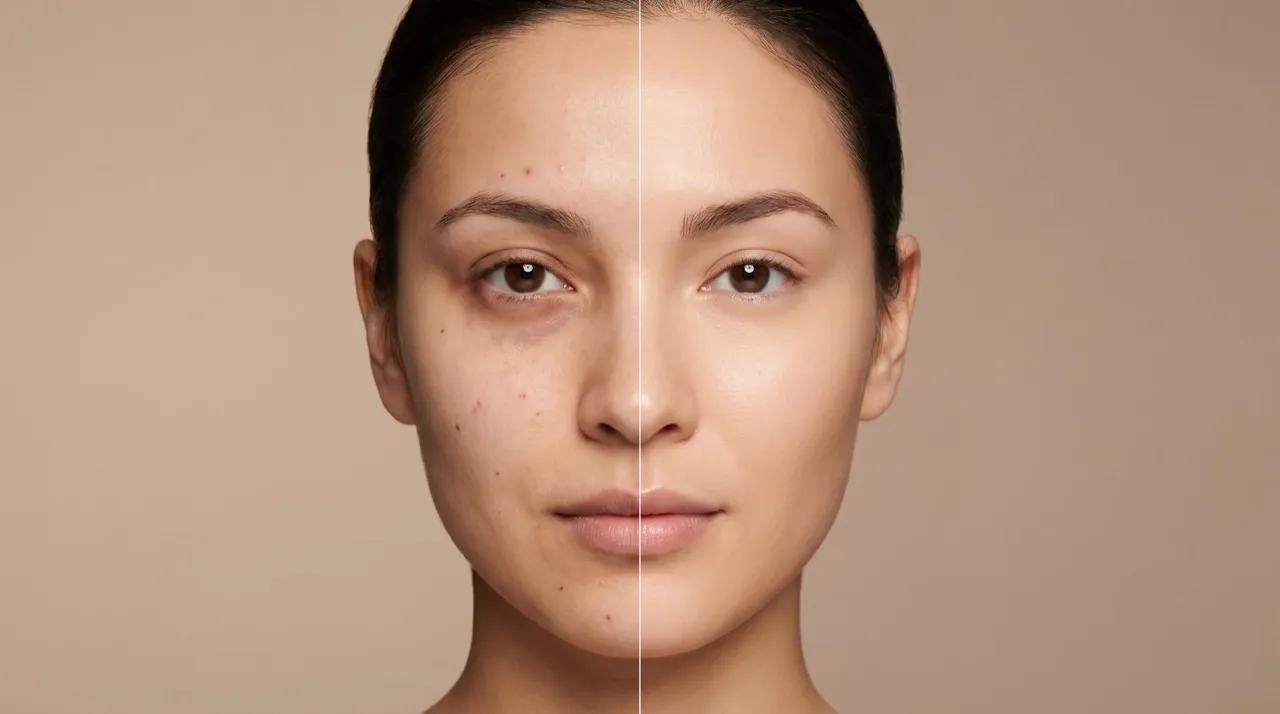
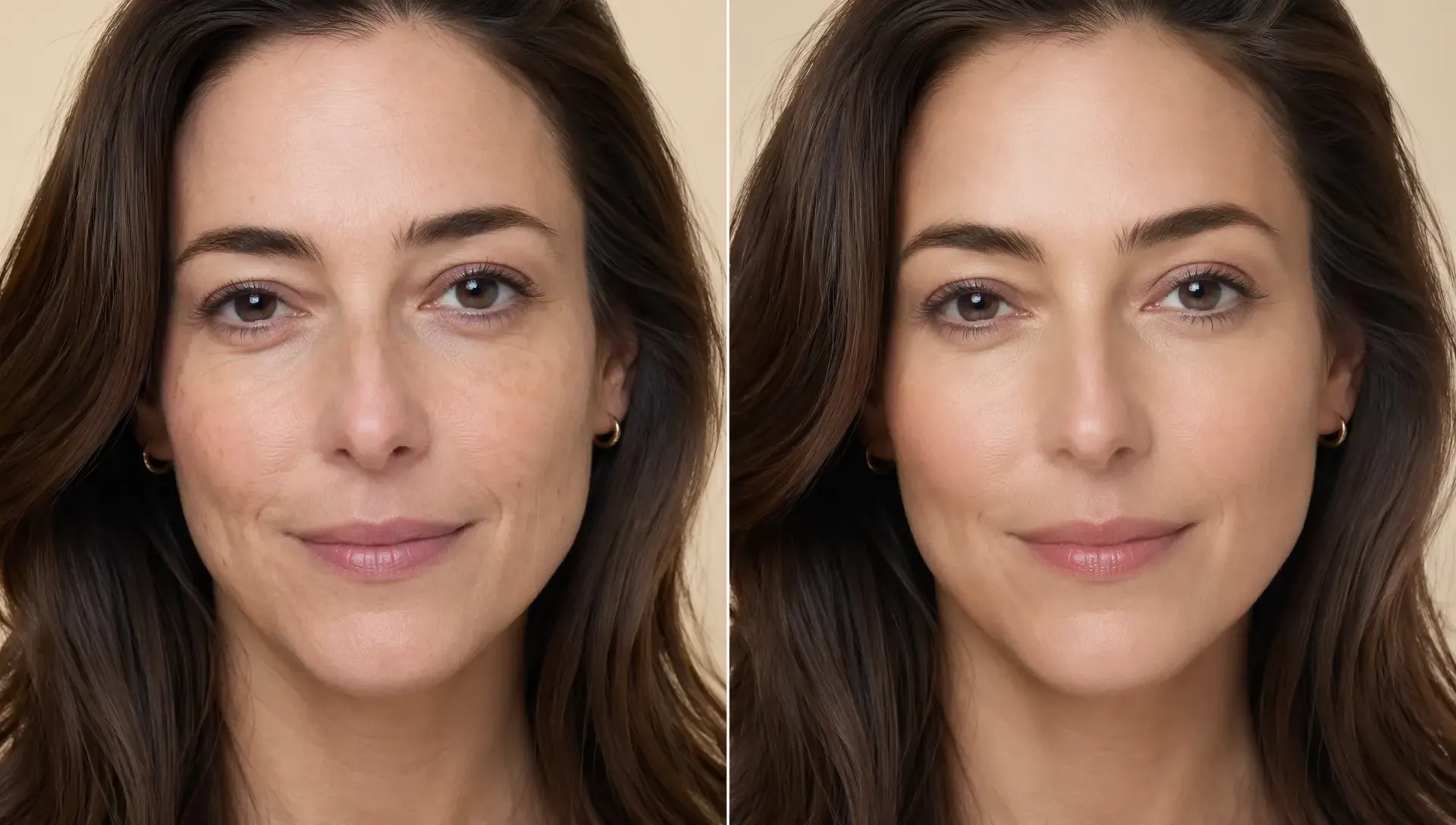
Refine portraits without changing the faces people recognize. The AI face editor helps soften small flaws, balance skin texture, and keep the final photo natural instead of overly filtered or artificial.

Fix Distracting Facial Details Fast
Clean up under-eye shadows, uneven lighting, shine, redness, and small blemishes that pull attention away from the face. It gives selfies, headshots, and close-up photos a cleaner look in just a few clicks.

Make Everyday Photos Feel More Professional
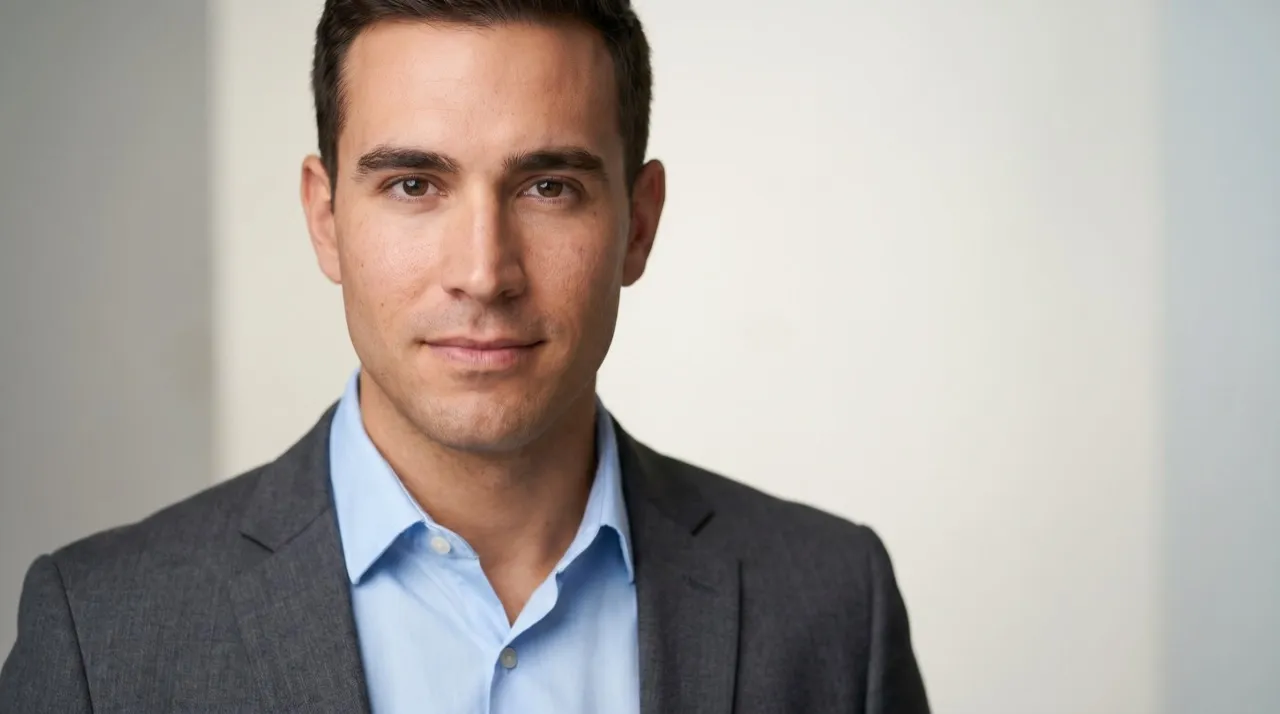
Turn casual face pics into sharper, brighter, more polished portraits. Whether it is a selfie, profile photo, resume image, or creator shot, you can make the photo feel closer to a clean studio-style result.

Edit Face Photos Without Learning Design Tools
Skip layers, brushes, masks, and complicated retouching controls. This face pic editor gives everyday users and creators a simple way to polish portraits for profiles, posts, personal albums, and online presence.
Create Better Photos With Pollo AI Face Editor

Retouch selfies, headshots, and thumbnail portraits so your face stays clear and recognizable across profiles, posts, and creator pages. Turn a polished portrait into a cartoon avatar when you want a more playful profile style.

Retouch model close-ups, try-on photos, and lifestyle portraits before using them on product pages, store banners, or marketplace listings. For apparel shots, change clothing after the face edit to test fresh looks without reshooting.

Polish influencer, founder, customer, and team portraits for landing pages, emails, ads, and brand pages. When the page also needs supporting visuals, generate AI images for banners, backgrounds, or social graphics around the edited portrait.

Fix under-eye shadows, shine, uneven lighting, and small blemishes in resume photos, dating profiles, ID-style portraits, and daily posts. Remove backgrounds when a messy room or busy scene distracts from your face.
How to Use AI Face Editor Online
Step 1
Upload a portrait, selfie, headshot, or face photo you want to refine.
Step 2
Let Pollo AI generate a natural face edit with refined facial details.
Step 3
Download your polished image for profiles, ads, stores, listings, or social posts.
Discover Other AI Photo Creation Tools on Pollo AI
Chosen by 10M+ Creators and Marketers Worldwide
Thousands of satisfied users have shared their Pollo AI experiences on Trustpilot, rating us as "Excellent." See what they love about our platform.
AI Face Editor FAQs
What is the best AI face editor?
Pollo AI is the best AI face editor for creators, marketers, sellers, and personal users who need natural facial editing, realistic retouching, and polished image results.
How to edit a face photo online with Pollo AI?
Upload a portrait, choose the facial edits you want, and let Pollo AI create a cleaner result. Then download the image for profiles, ads, stores, or posts.
Will my edited portrait still look like me?
Yes. Pollo AI face editor is designed to refine facial details, soften distractions, and improve photo quality while keeping the original person recognizable.
Can I use edited face photos for profile pictures?
Yes. You can use edited face photos for profile pictures, resumes, creator pages, social posts, and online stores. If the image looks small or soft, upscale the image before using it.
What kinds of face photos can I improve?
You can edit selfies, headshots, profile photos, resume images, model close-ups, dating profile pictures, creator thumbnails, and everyday face pics.
What if I need to edit more than the face?
AI Face Editor is best for retouching facial details in portraits. If you also want to adjust the background, remove objects, or refine the full image, use the AI photo editor for broader photo edits.
Make Your Face Photos Look Naturally Better Today
Retouch selfies, portraits, and profile photos in just a few clicks. Try Pollo AI face editor today and create a cleaner, brighter look instantly!