Creators & Influencers
Post-ready selfies
Use AI photo retouching to smooth skin, reduce acne marks, and tone down redness before close-up photos go to social feeds, thumbnails, or creator profiles.
AI Video
Transform text and images into cinematic videos with lifelike avatars and studio-quality SFX.

AI Image
Turn ideas and images into stunning visuals, or perfect any photo with a complete suite of AI tools.

Agent
Create production-ready videos with SFX, consistent characters, and polished scenes. No Editing.

Marketing Studio
Built for marketers and sellers to create winning ads, UGC videos and product visuals faster.


Smooth rough texture, reduce blemishes, and balance skin tone so your portrait still looks natural.
Kling 4.0
Up to 10 keyframes. Impressive performance.
Polish your portrait skin before a photo goes live. Smooth rough areas, reduce blemishes, soften visible pores, and balance skin tone while keeping your face natural and recognizable.
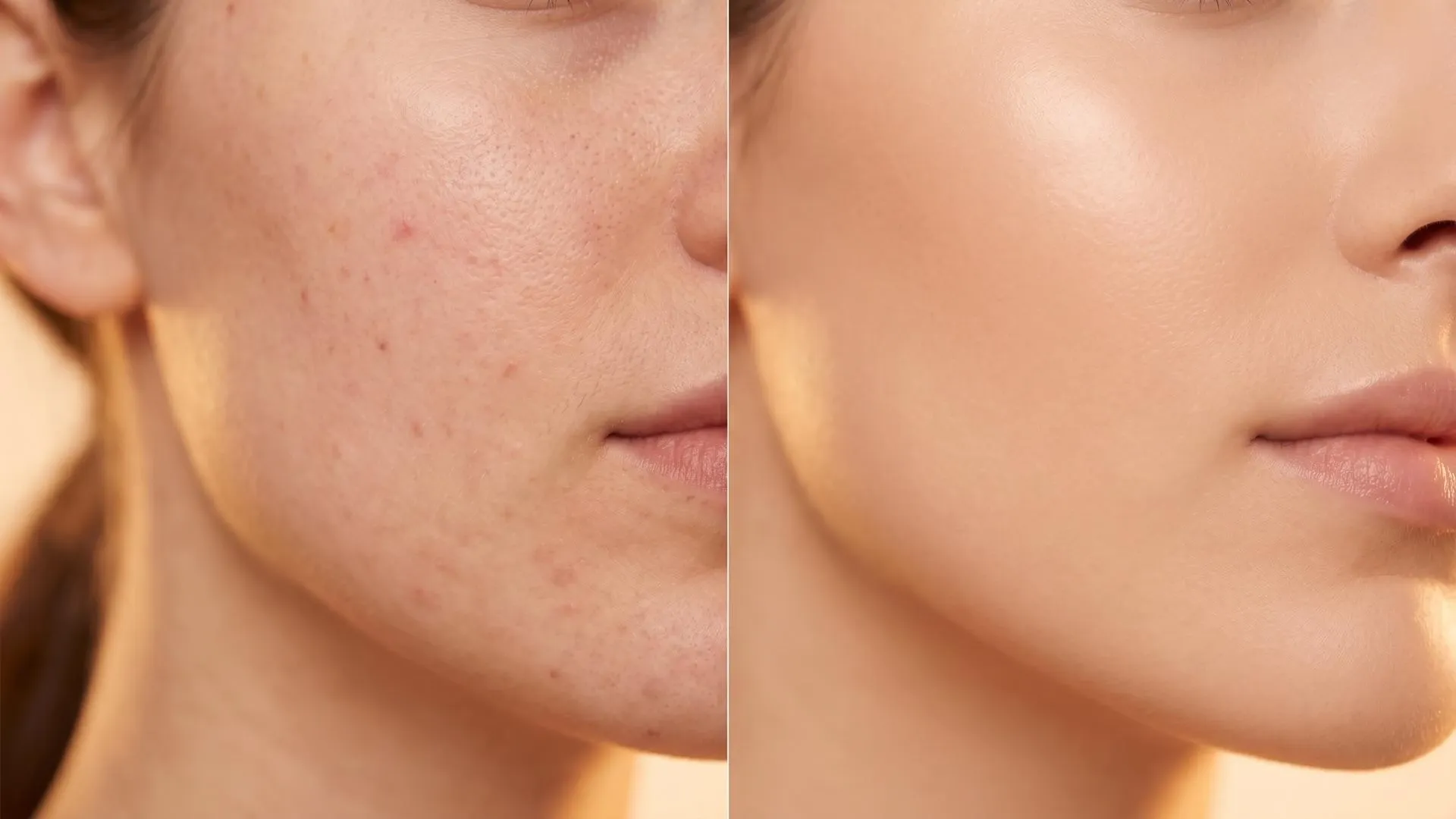
Soften rough patches and visible texture while keeping skin detail natural.
Reduce acne marks, spots, freckles, and small distractions in close-up portraits.
Improve redness, dullness, and uneven tone for a cleaner portrait finish.
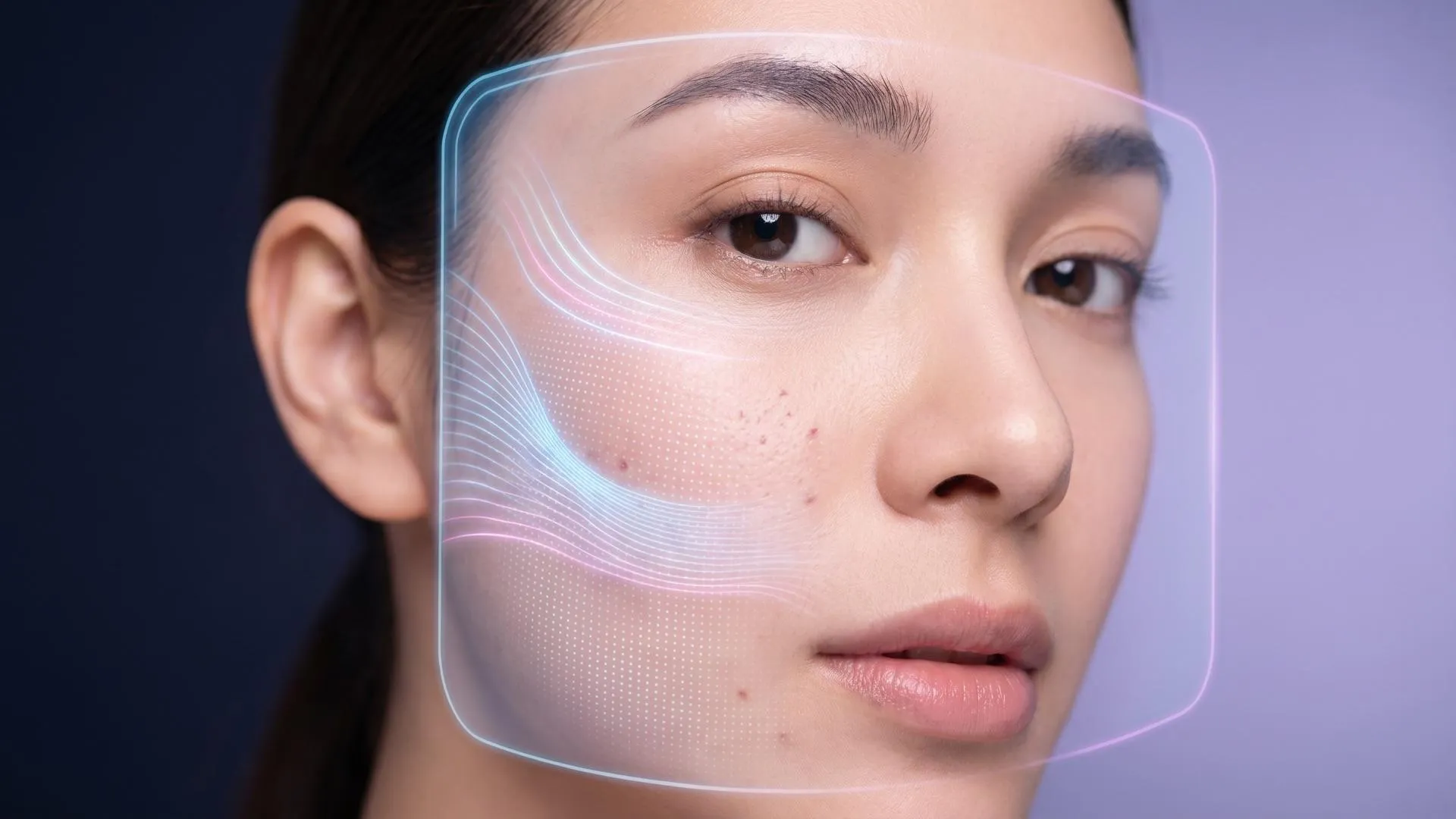
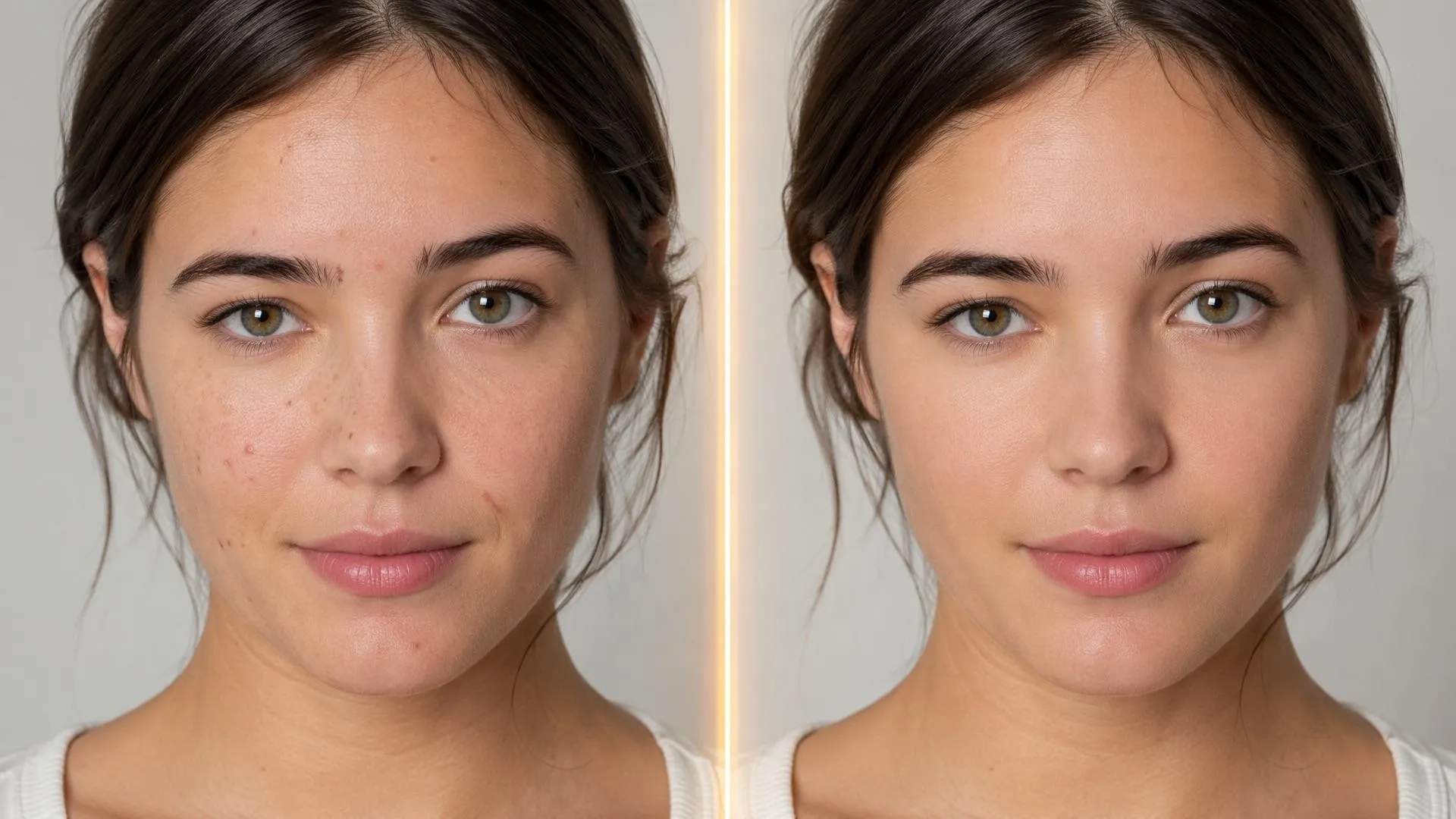
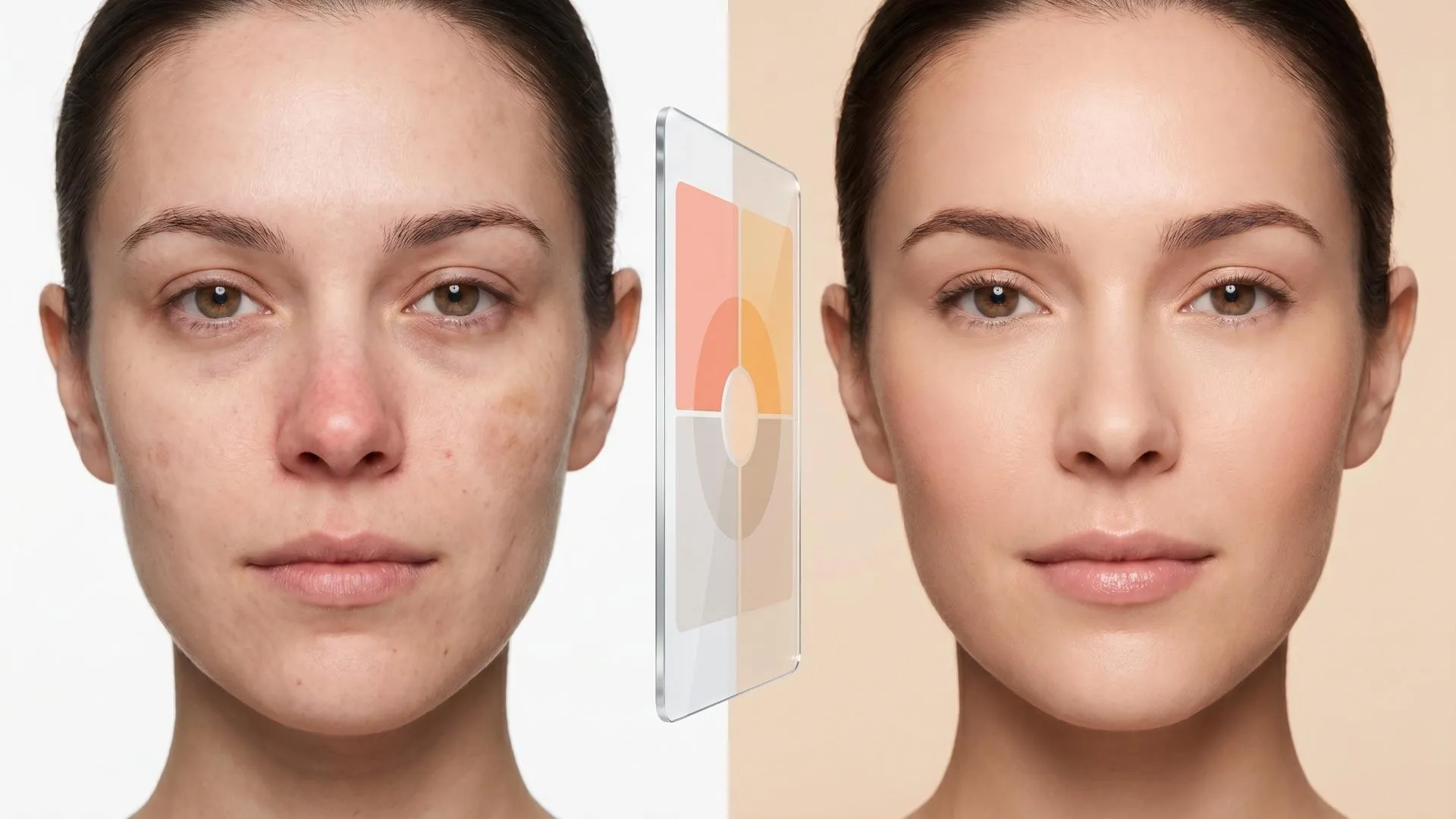
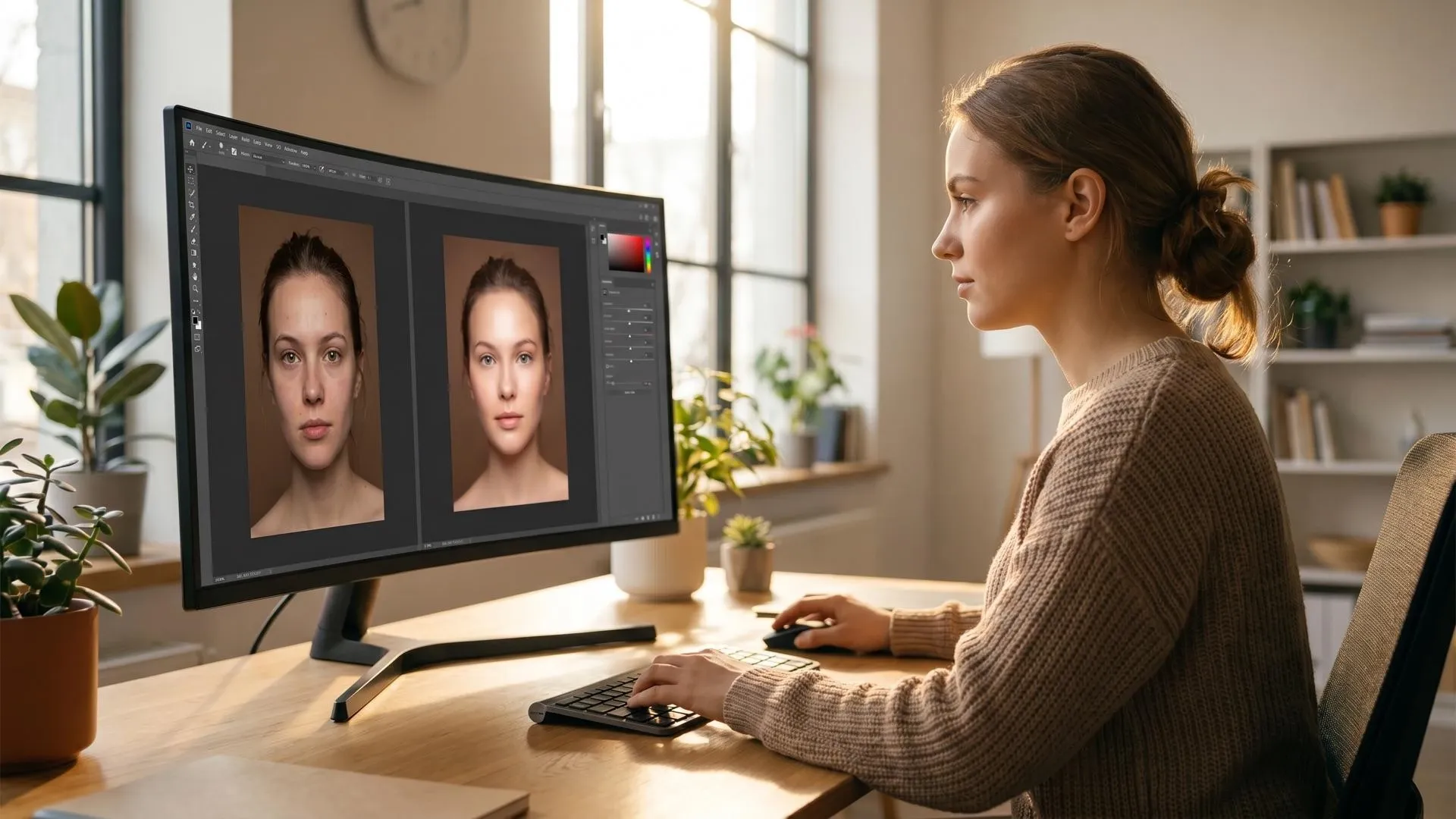
Use AI photo retouching to smooth skin, reduce acne marks, and tone down redness before close-up photos go to social feeds, thumbnails, or creator profiles.
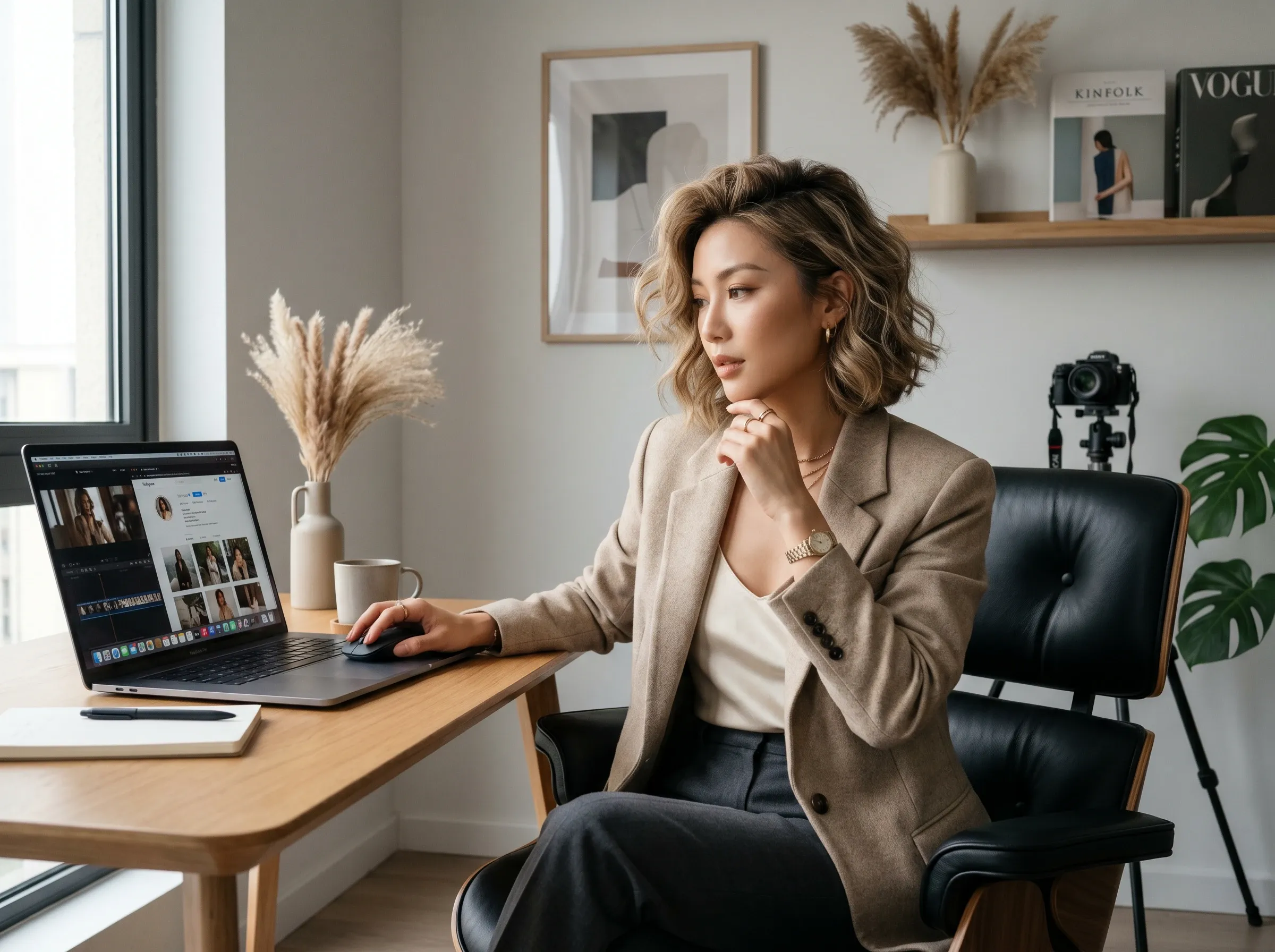
Refresh headshots, bio images, and profile portraits when lighting works but skin needs a cleaner, more confident finish.
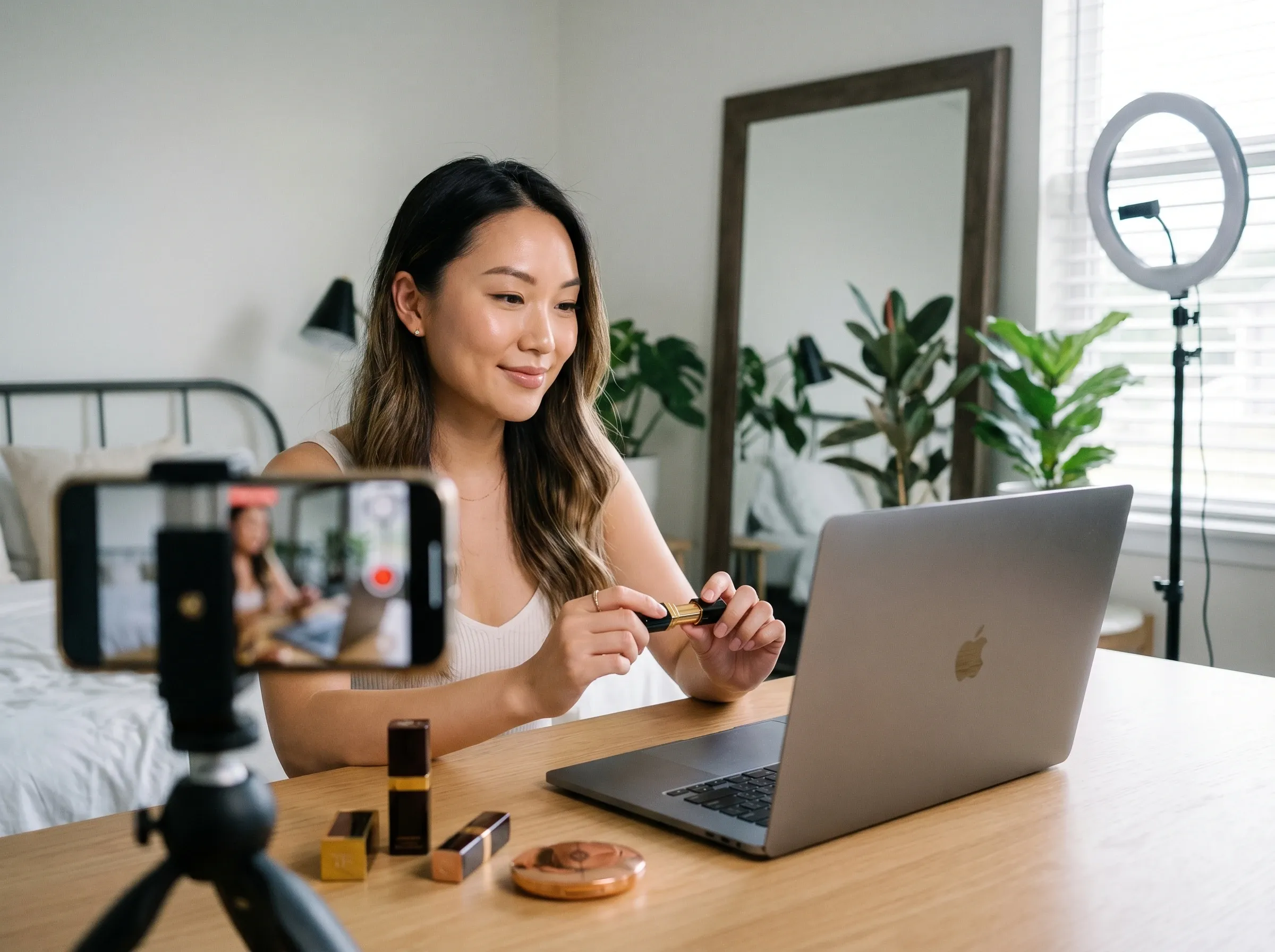
Prepare model photos, creator shots, and lifestyle portraits for ads, landing pages, email headers, or seasonal creative refreshes, then use an image enhancer if the source needs extra clarity.
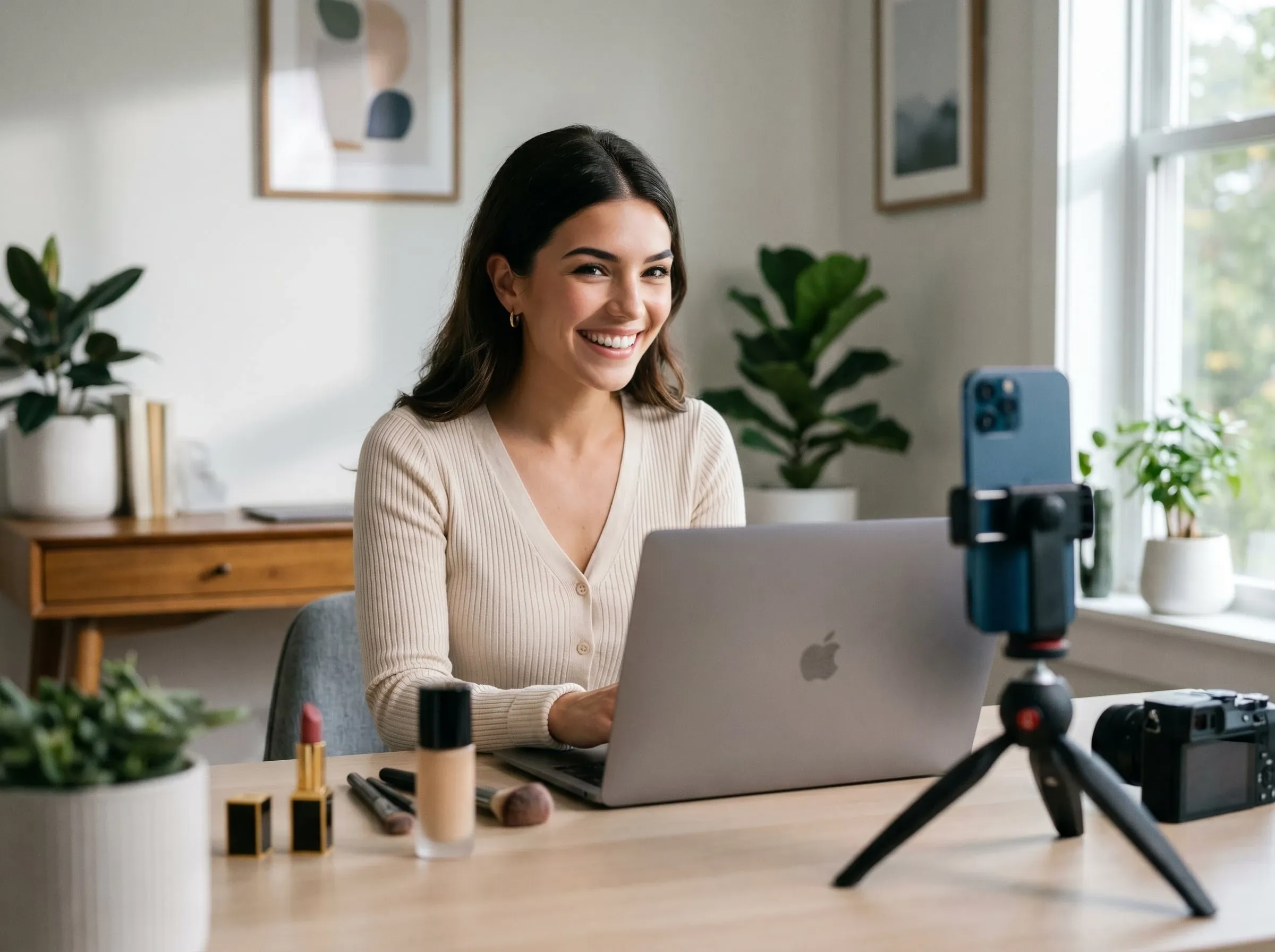
Retouch skin before turning a face into a brand character, creator identity, or AI avatar concept.
Choose a selfie, headshot, beauty image, or AI-generated portrait with skin you want to improve.
Let the AI skin enhancer smooth rough texture, reduce blemishes, soften visible pores, and even skin tone.
Download the polished portrait or continue with background cleanup, background changes, or other image edits.
Go from a rough concept to a finished asset in minutes. Generate, edit, enhance, and adapt images with tools built for real creative workflows.
Generate studio-grade visuals from text prompts in seconds, from realistic scenes to clean graphics and in-image text.
Accelerate visual production with hundreds of apps. Instantly design platform-ready Instagram posts, book mockups, and 3D characters.
Recreate, restyle, and upscale photos while preserving the structure and details that matter.
Refine your AI artwork effortlessly. Remove watermarks, seamlessly expand borders, and fix minor details for flawless final compositions in seconds.
Evolve your static scenes into dynamic narratives. Add lifelike motion, camera pans, and fluid transitions to your images with flawless rendering.
Scale your visual output effortlessly. Automate complex design tasks and generate high-volume, consistent assets ready for immediate deployment.









Using Pollo AI to Create and Inspire
An AI skin enhancer is an image tool for smoothing rough skin, reducing blemishes, balancing skin tone, and making portrait photos look cleaner.
Pollo AI's AI skin enhancer works best when you need fast online skin retouching for blemishes, uneven tone, visible texture, and natural portrait polish.
Yes. You can try the AI skin enhancer online and preview clearer portrait results before using the image in a profile, post, or campaign.
You can retouch skin online by uploading a portrait, applying AI skin cleanup, and exporting the improved image. For broader polish after skin cleanup, continue in an AI photo editor.
Yes. The tool can help reduce acne marks, tiny spots, freckles, and other small skin distractions in close-up portraits.
Yes. The tool is designed to polish rough texture and uneven tone while keeping enough natural detail so the portrait does not look over-filtered. If the background still distracts from the face, use a background remover after the skin edit.

Smooth rough skin, reduce blemishes, and balance tone before your portrait appears in profiles, campaigns, avatars, or creative projects.