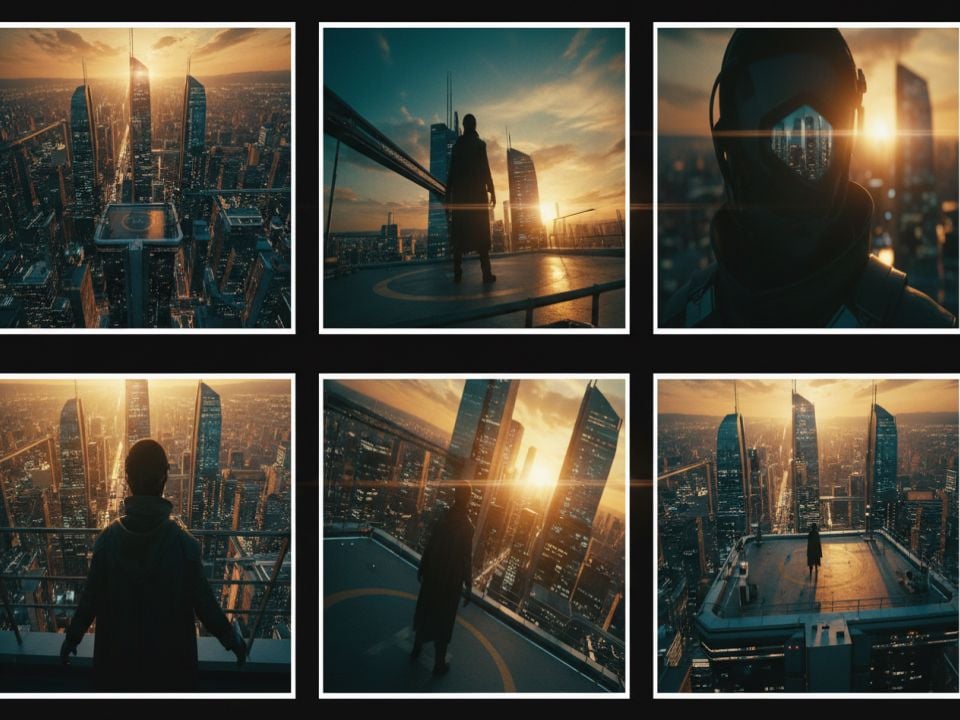
影片重新構圖

社群媒體終極AI影片重構工具

AI 影片調整器簡化了您在社群媒體上重新利用內容的方式。它可以將影片重新調整為任何長寬比,輕鬆應對各種情境,從將 YouTube 教學影片轉換為直式 TikTok 影片到調整橫向廣告以適應 Instagram Stories。
智慧自動重構以實現動態行動

智慧自動重構以實現動態行動

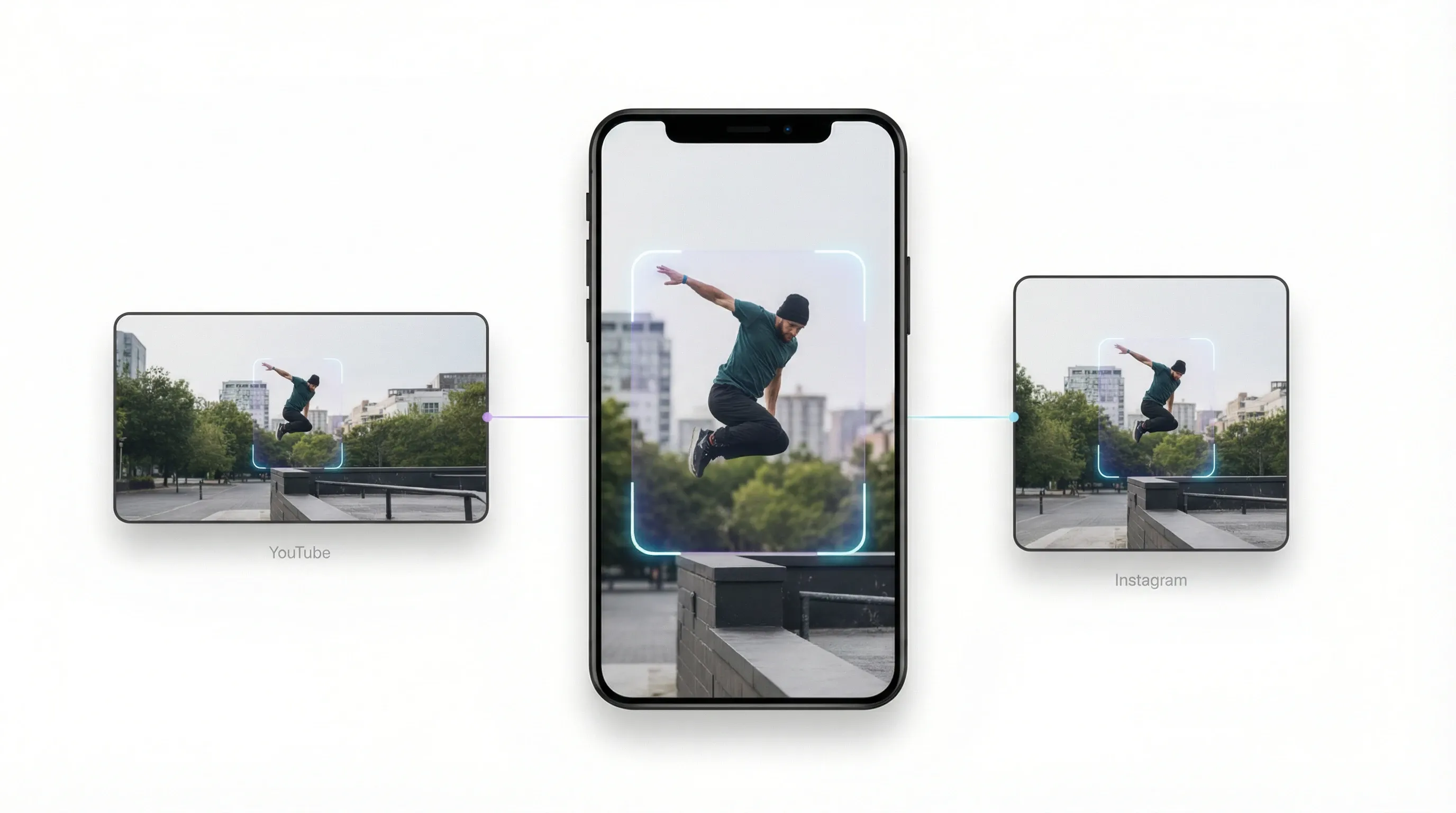
告別手動裁剪的煩惱。無論您是需要調整影片尺寸以適應Instagram Reels,還是將YouTube影片轉換為 TikTok 的垂直螢幕格式,我們的影片尺寸調整器都能完美追蹤影片運動,確保您始終聚焦於主體。

快速社群媒體預設分發

快速社群媒體預設分發

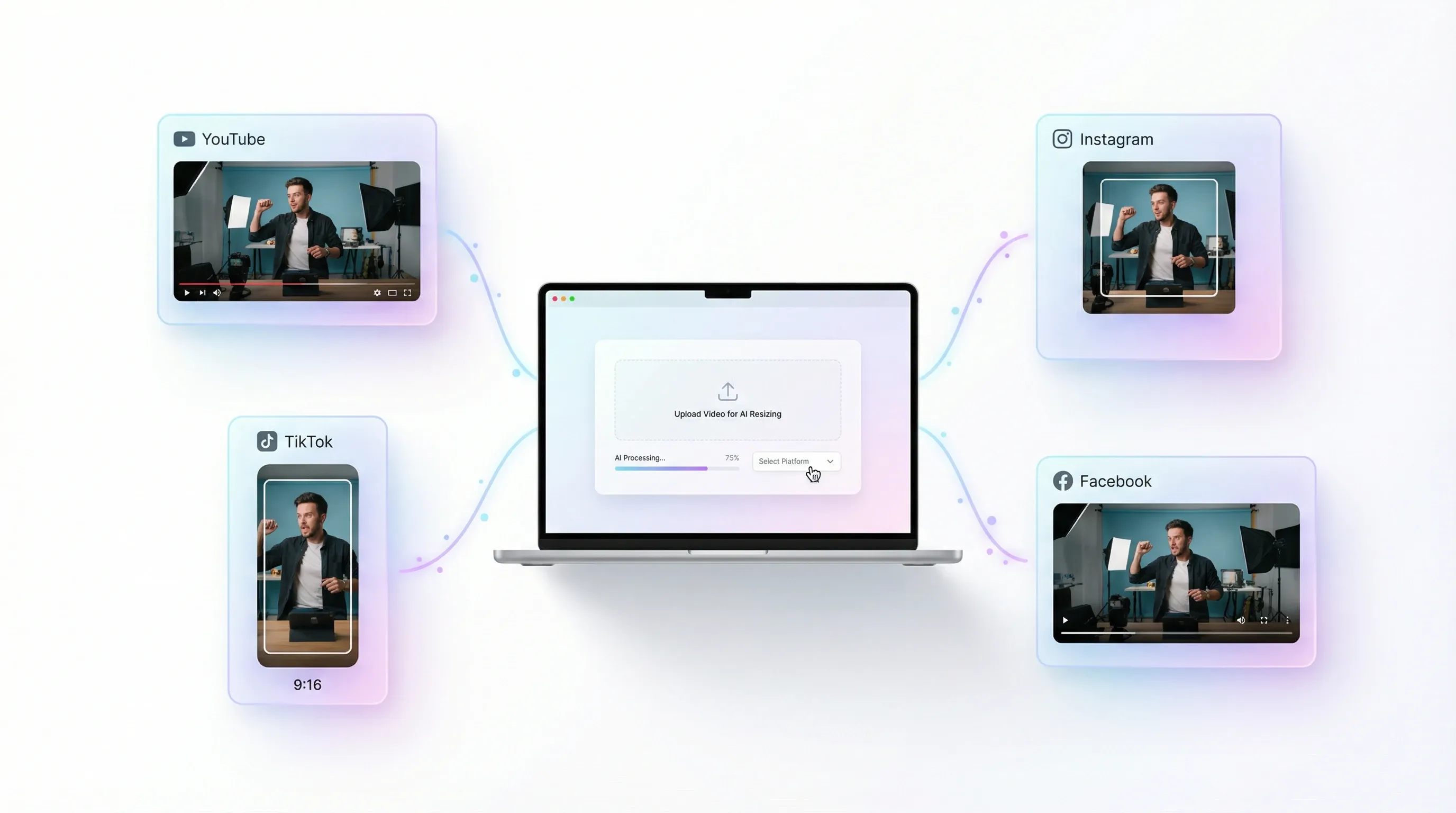
無需再費心記憶不同平台的寬高比。 AI 影片縮放器提供YouTube、 Instagram、TikTok 和Facebook的即時預設。只需上傳影片並選擇目標平台,剩下的就交給 AI 處理。

智慧背景填充,打造精美影片片段

智慧背景填充,打造精美影片片段

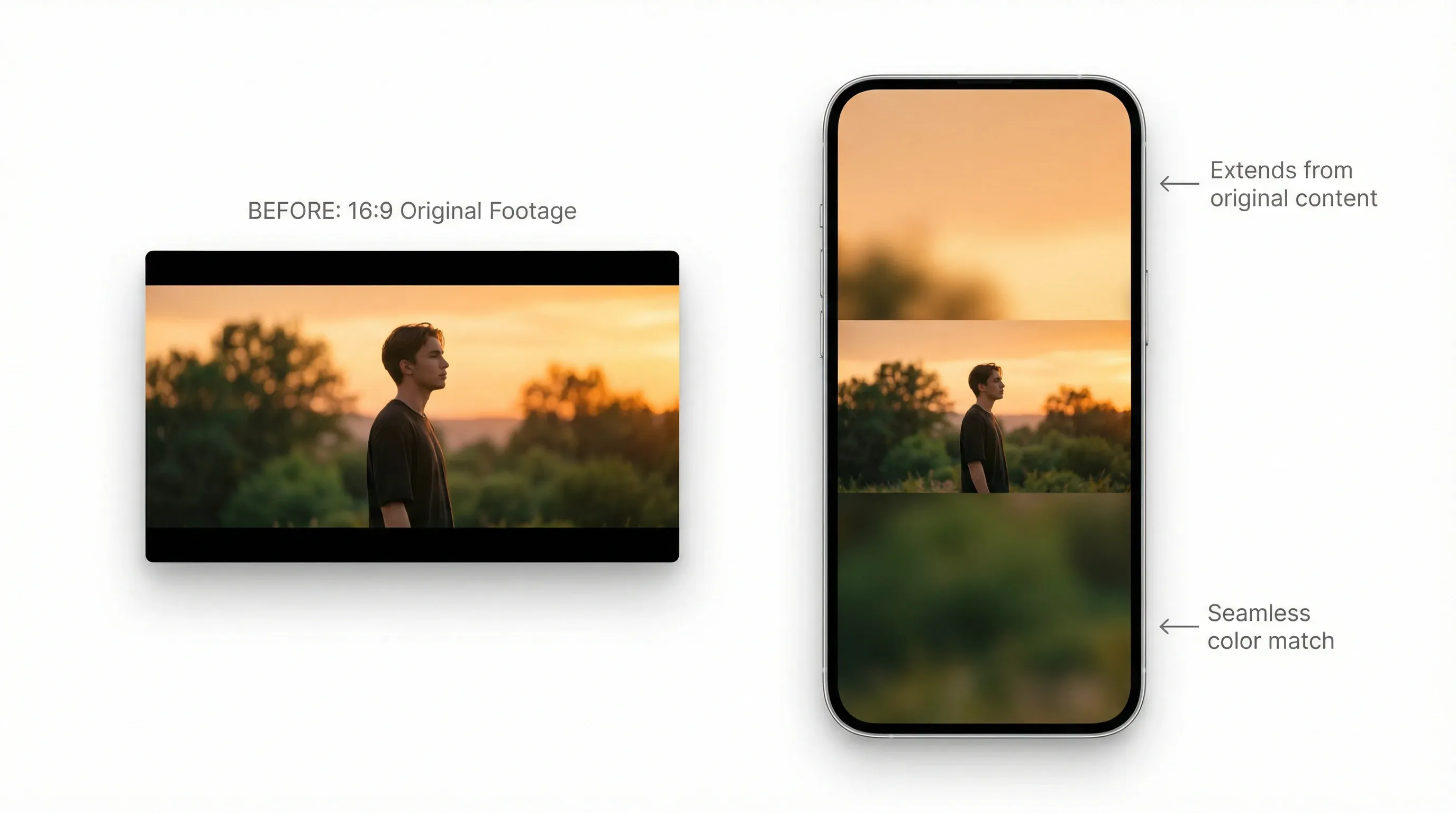
調整影片尺寸時,我們的AI影片縮放器會根據內容智慧地填滿空白區域或使用美觀的模糊效果。無需進行生硬的裁剪,即可將16:9的電影級鏡頭轉換為9:16的垂直螢幕傑作。

更快做好社群媒體準備

更快做好社群媒體準備

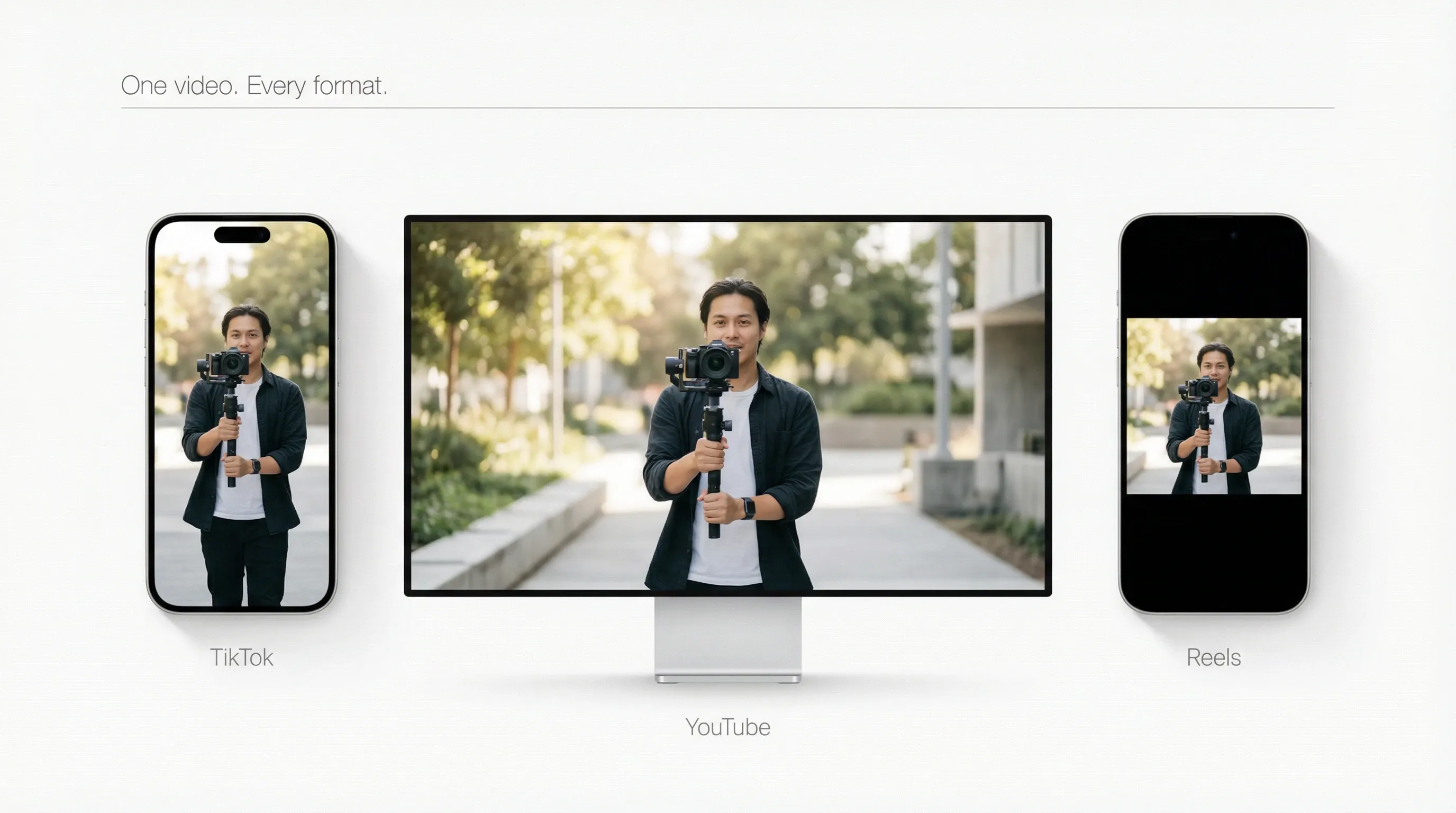
一次創作,全平台發布。我們的AI視頻尺寸調整工具可即時優化您的視頻,適配TikTok、 YouTube和Reels。完美尺寸,完美格式—見證您的影片在各個平台上的影響力不斷提升。

適用於所有平台的AI視訊重構

內容創作者和影響者
電子商務與數位行銷人員
商業與教育
在每個資訊流中倍增您的影響力
在每個資訊流中倍增您的影響力

別讓風景成為白白浪費。輕鬆將長久的YouTube影片轉換成活力四射的 TikTok 和Instagram Reels 短影片。

利用即時適應性擴展廣告活動
利用即時適應性擴展廣告活動

別再浪費時間手動裁剪以適應不同的廣告位了。將單一電影級的產品展示影片轉化為一套針對Facebook Stories、Pinterest 和YouTube Shorts 等平台優化的素材。

將網路研討會內容重新剪輯成簡短精煉的見解

將冗長的簡報和錄製的會議內容轉化為易於分享、簡潔明了的精彩片段。使用智慧背景填充功能,即使改變尺寸也能保持清晰美觀的視覺效果。

如何使用 AI 影片重構工具?

步驟 1

上傳影片並從預設中選擇目標長寬比。

步驟 2

AI 會自動調整影片素材並填滿畫面,以實現無縫接合。

步驟 3

下載影片後,即可直接發佈到您選擇的平台。

在Pollo AI上探索其他 AI 創意工具

動態圖形視頻
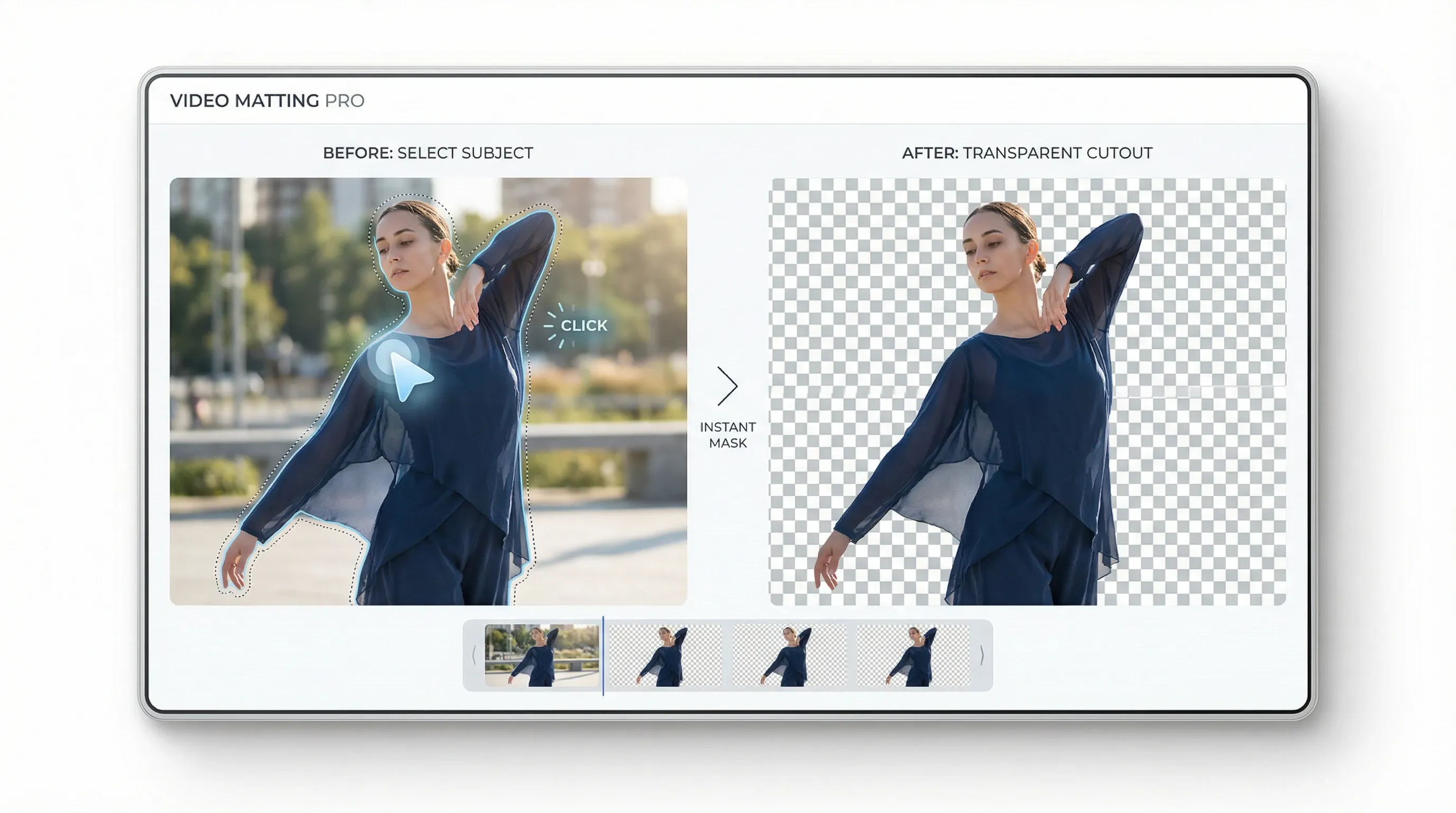
影片摳圖
圖片拍攝
視訊轉場
Liz Cassidy photoRichard Quick photoarmourdude photo3600+ 則評論Trustscore 4.4

深受全球超過1000萬名創作者和行銷人員的喜愛

成千上萬的滿意用戶在 Trustpilot 上分享了他們使用Pollo AI 的體驗,並給予我們「優秀」的評價。看看他們喜歡我們平台的哪些方面。

Liz Cassidy photoLiz Cassidy
Trustpilot 評論Dec 15, 2025
Easy to use, great results for short videos
I’ve been using Pollo AI mainly for short videos and quick image-to-video tests. The interface is straightforward and it works well even with simple prompts, which is a big plus compared to tools that need long, complicated instructions. The results can be really impressive, and it’s honestly been fun to experiment with. I’d love a bit more consistency on faces when there’s movement, but overall it’s been a solid experience for what I needed.
Richard Quick photoRichard Quick
Trustpilot 評論Oct 15, 2025
Awesome website
Awesome website. loads of options and a great way to learn how to work with 'AI' my reasoning for 5 stars is based upon price, versatility and ease of use. Also I would like to add, Pollo AI runs a lot of promos on different AI products as well. I rate their customer service at 5 stars, when I purchased my first subscription my computer crashed the following weekend and I lost all my data and info passwords you name it I lost it, contacted pollo by email they responded quickly and found my info/username and account, and I was able to restore my account.
armourdude photoarmourdude
Trustpilot 評論Nov 19, 2025
I have been using Pollo AI for short…
I have been using Pollo AI for short videos. It is easy to use and works well with simple prompts. Other generators seem to need long drawn out complicated explanations to get even close to what I want.
Dudu photoDudu
Trustpilot 評論Jan 14, 2026
I'm just amazed by the level of quality…
I'm just amazed by the level of quality output that Pollo AI can produce from a simple image. The motion, the realism, It's too good!!
Ray Warnes photoRay Warnes
Trustpilot 評論Dec 30, 2025
A fabulous journey
I find Pollo easy to use, it gives me great results and I'd recommend it to anyone. It has been a wonderful experience for me.
lawless clan photolawless clan
Trustpilot 評論Nov 22, 2025
i tried 220 online img to vid in 2…
i tried 220 online img to vid in 2 months, and this is the best online video.I will subscribe for a year; there are many reasons. But freedom is the most important.

關於 AI 視訊重構工具的常見問題

什麼是 AI 影片重新構圖工具?

AI 影片重構工具超越了簡單的尺寸調整,它能智慧偵測關鍵影片主體,例如臉部或動作,動態調整每個場景的裁切和構圖,並流暢地輸出多種針對垂直、方形或寬螢幕格式最佳化的長寬比。

我可以使用 AI 影片調整器免費調整影片大小嗎?

是的!只需在Pollo AI註冊一個帳號,即可獲得免費點數線上試用。如需無限創作和更多功能,請了解我們彈性的付費方案。

誰將從自動影片調整尺寸中受益?

無論您是為 Shorts 重新製作 YouTube 影片的內容創作者,還是尋求快速多平台發布的社群媒體經理,它都能自動將從講座到廣告活動的所有內容轉換為格式完美、適合行動裝置的短片,從而省去手動操作的麻煩。

為什麼 AI 影片重構器比傳統編輯器更好?

它透過自動化整個調整大小的過程,消除了手動調整時間軸、重新渲染和猜測長寬比的繁瑣負擔。無需專業編輯技能,即可確保主體焦點不失焦,此工具能將您的工作流程轉變為高速、可擴展的系統,比傳統方法快 10 倍且更有效率。

1920 x 1080 和 16:9 是一樣的嗎?

是的,解析度為 1920 x 1080 的影片長寬比為 16:9。這是電視和影片播放器中最常見的長寬比。16:9 是我們線上影片縮放器中預設的尺寸。

立即使用 AI 影片重構器提升您在所有平台上的影片觸及率!

立即使用 AI 影片重構器提升您在所有平台上的影片觸及率!