

無需 API 金鑰。設定簡單。
設定 Pollo MCP 或 CLI,然後透過瀏覽器登入您的 Pollo 帳戶。無需建立、複製或管理 API 憑證。
使用 Pollo CLI 搭配 Claude Code、Cursor 與其他程式開發智能體,從終端機執行你的創意工作流程。你可以直接透過命令列完成影片、圖像與音訊的生成、編輯與匯出,從想法一路到成品專案。
Set up Pollo for image and video generation.
1. Install the Pollo CLI: `npm i -g @pollo-ai/cli` If the global install fails: `curl -fsSL https://raw.githubusercontent.com/polloaiofficial/cli/main/install.sh | sh`
2. Install the Pollo skills: `npx skills add polloaiofficial/skills`
3. Run `pollo account status`. If the token is missing or expired, run `pollo auth login` — it opens a browser, so stop there and wait for me to finish signing in.
4. Show me the availableCredits from `pollo account status`.
Tell me when Pollo is ready.
使用你的 Pollo 帳號登入。接著請 Claude Code 生成與編輯圖像、影片和音訊。
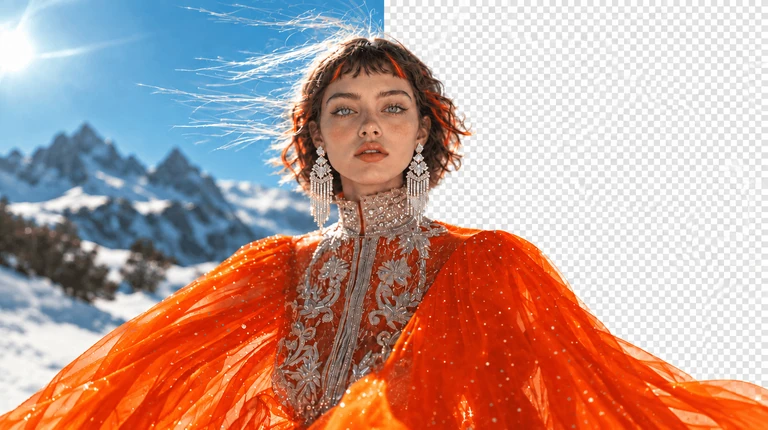
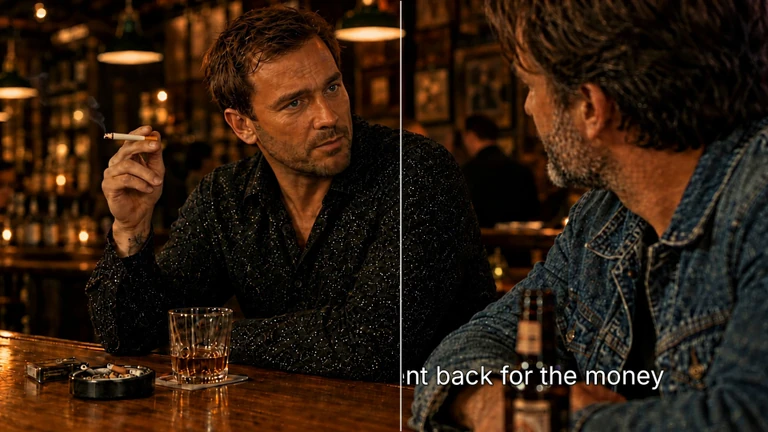
在一次工作階段中完成編輯、加字幕與匯出——讓你的素材在各專案中保持有序、同步且視覺一致。
整理集數、串接鏡頭,並透過修剪、分割與版本歷史優化片段。
從最初構想到精緻匯出,全程在你的 AI agent 或程式介面中完成創意專案。
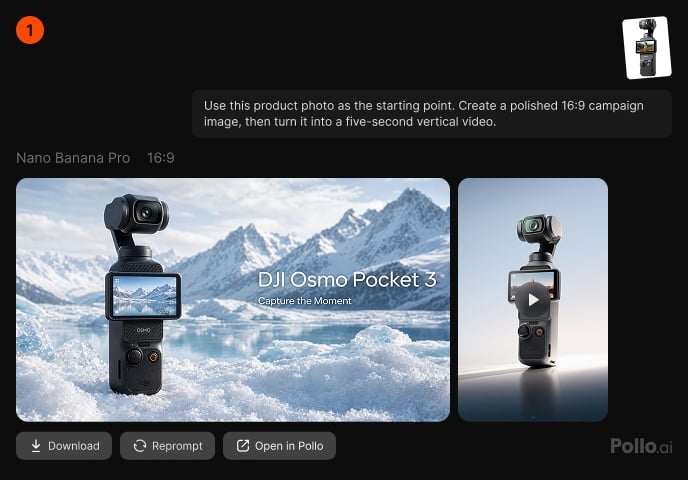
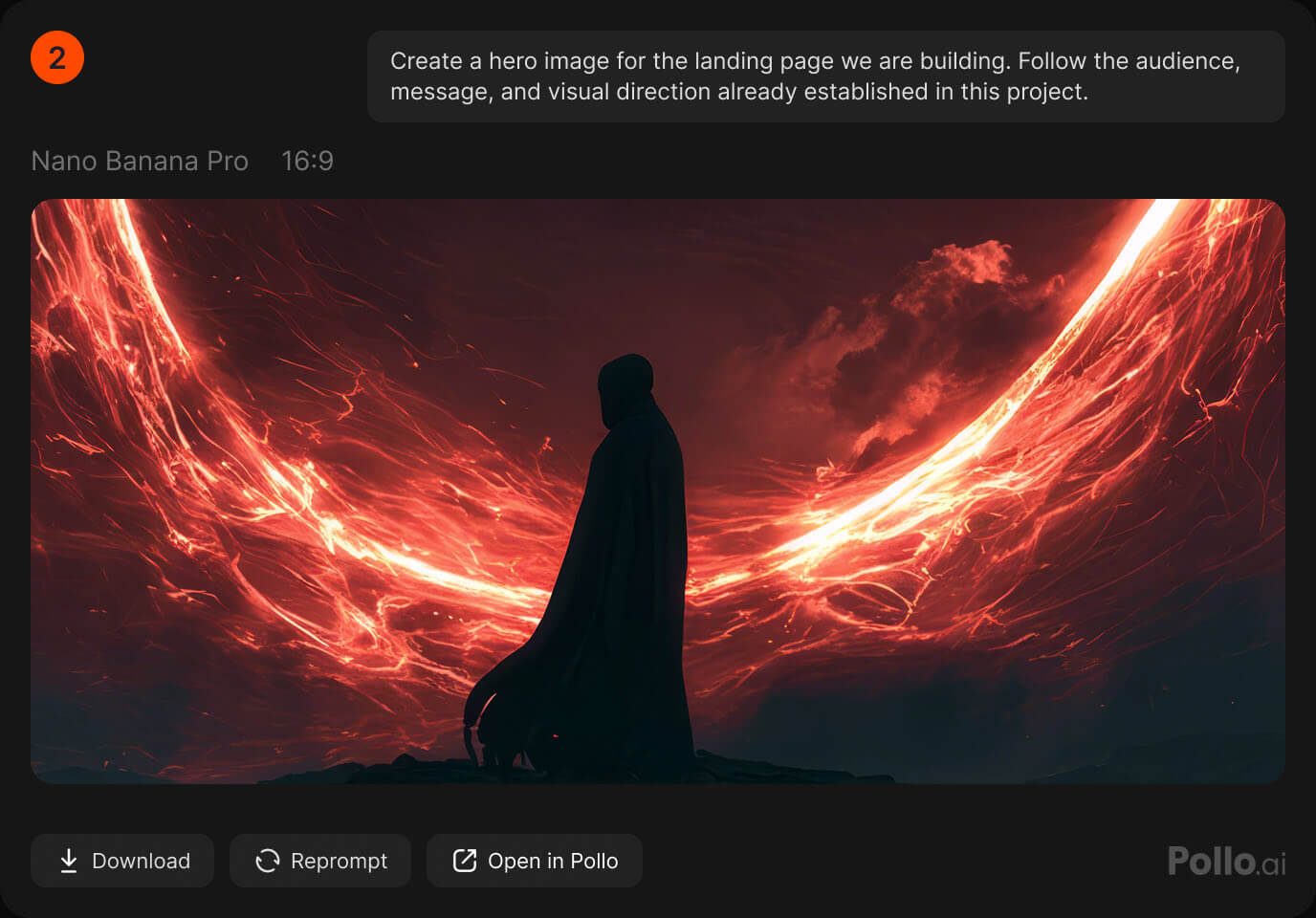
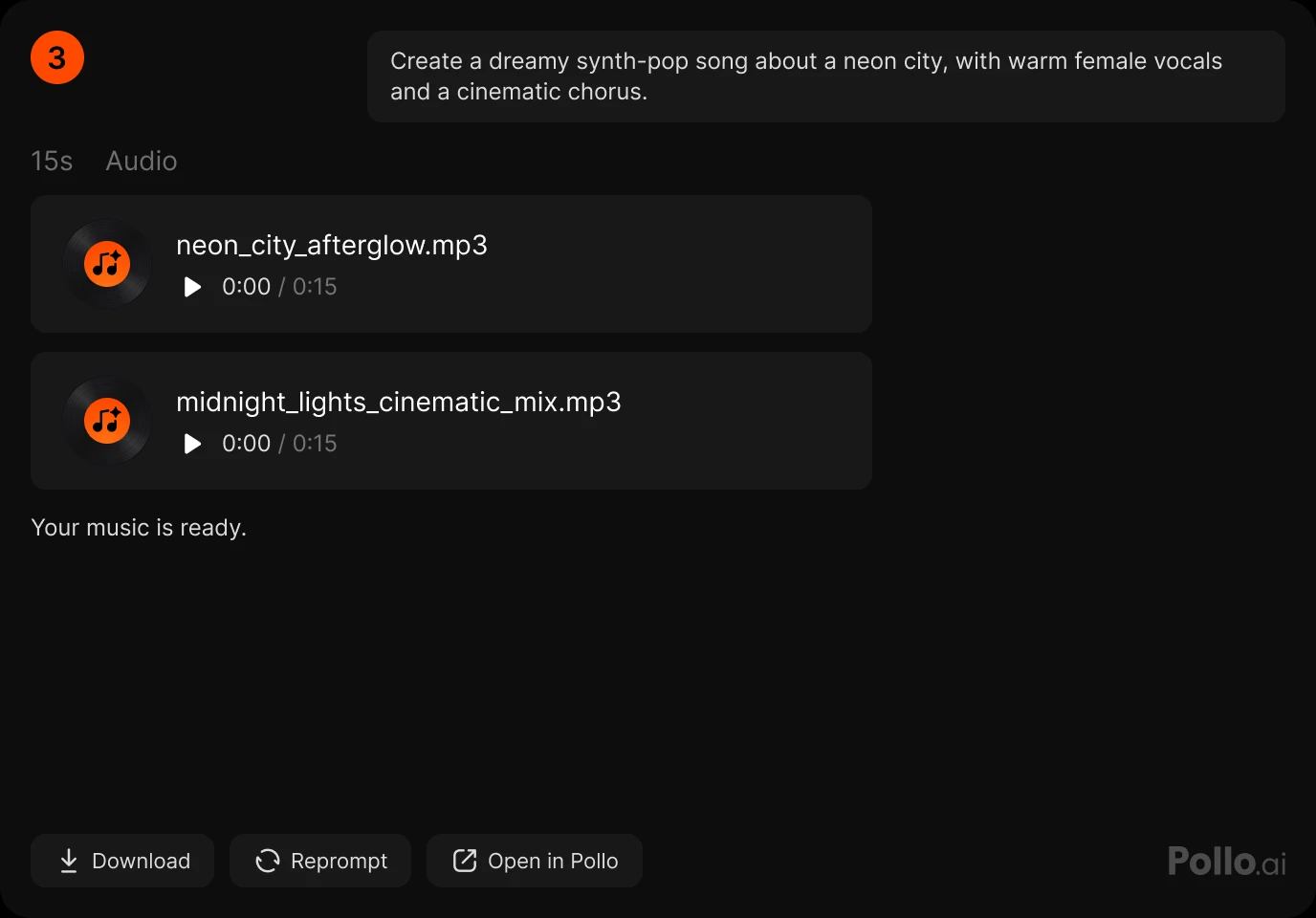
設定 Pollo MCP 或 CLI,然後透過瀏覽器登入您的 Pollo 帳戶。無需建立、複製或管理 API 憑證。
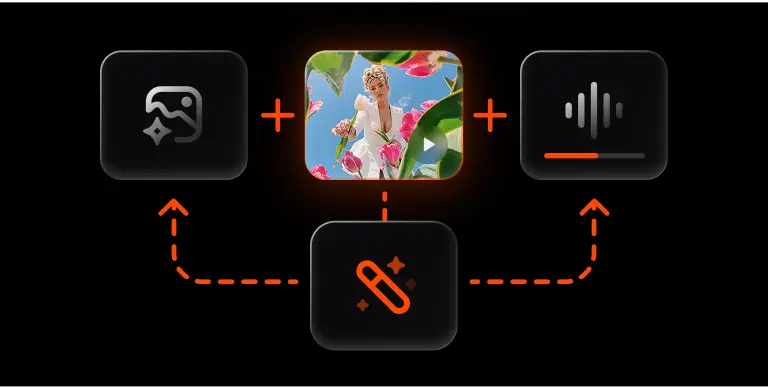
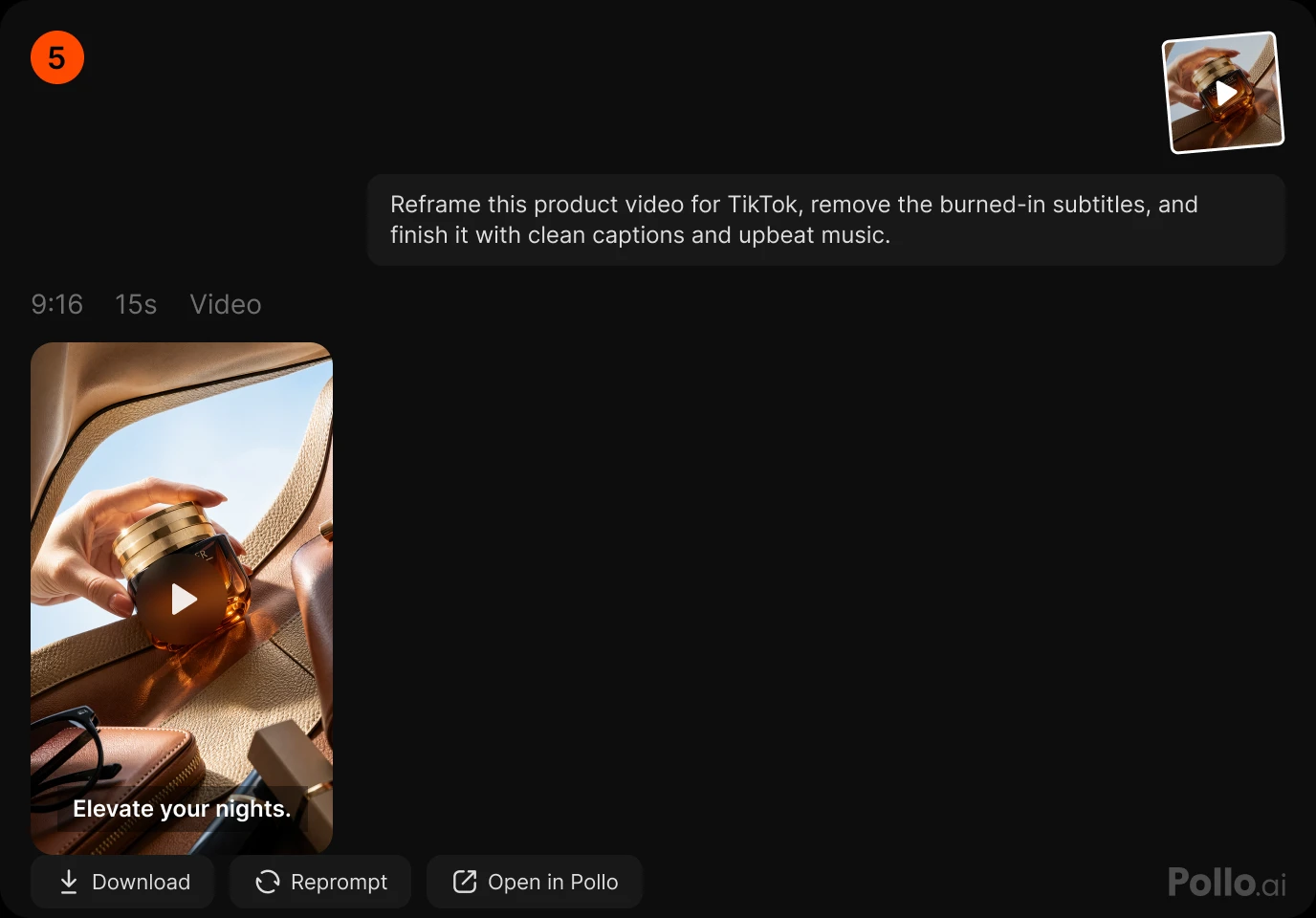
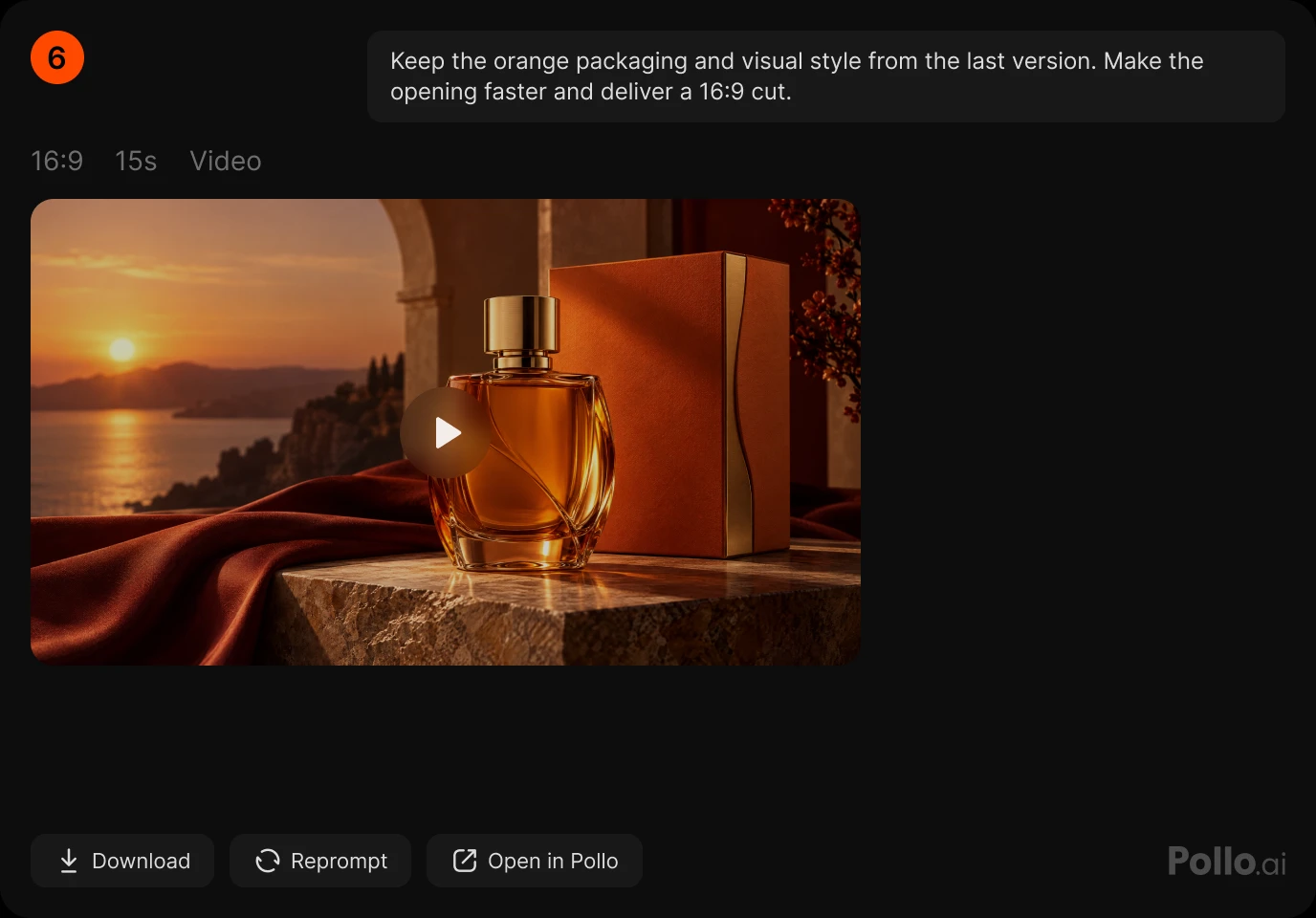
在同一段對話中生成影片、圖像和音訊,接著進行精修或轉換。將每個完成的結果作為你下一步創作的起點。
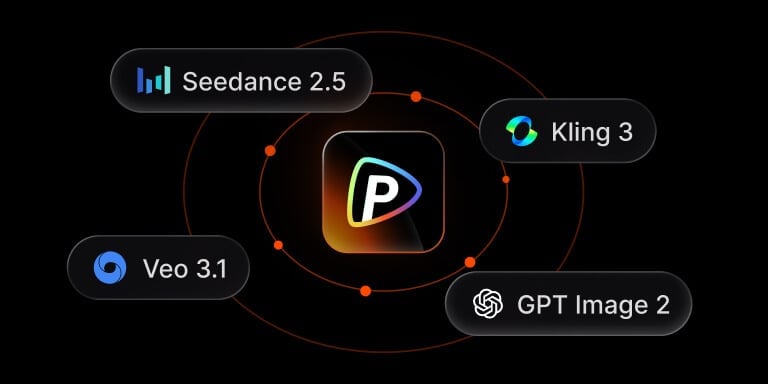
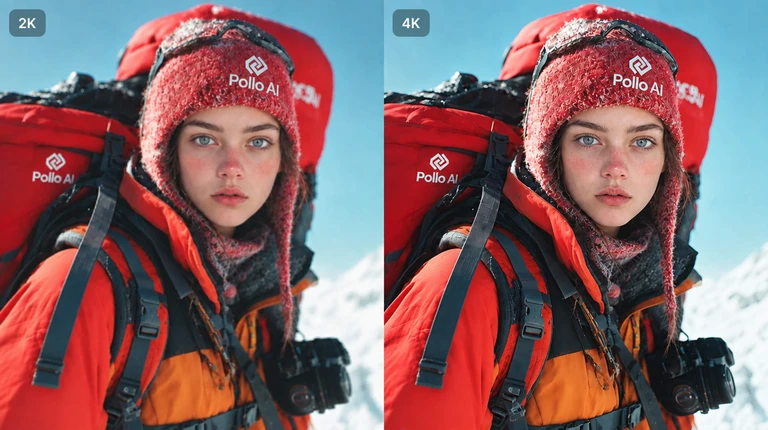
透過一次連接即可存取 100+ 款頂尖影片、圖像與音訊模型。無需額外整合,也能隨時保持最新版本。
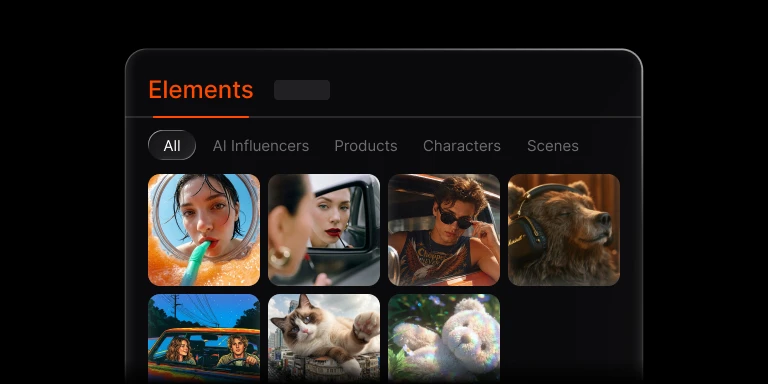
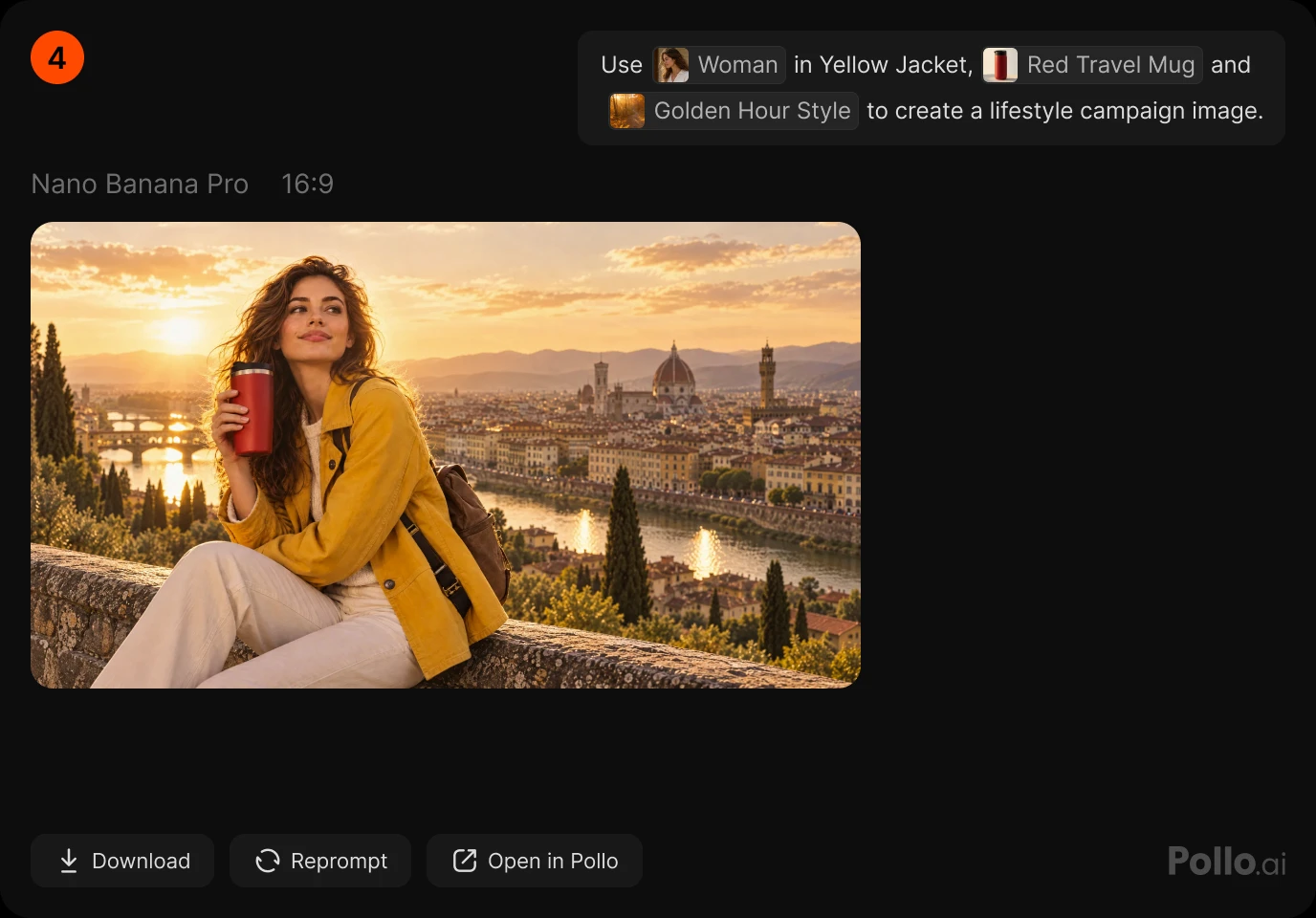
在一次生成中使用同一產品、角色、場景或風格的多張圖像,或將它們儲存為 Elements,在不同專案中重複使用相同外觀。
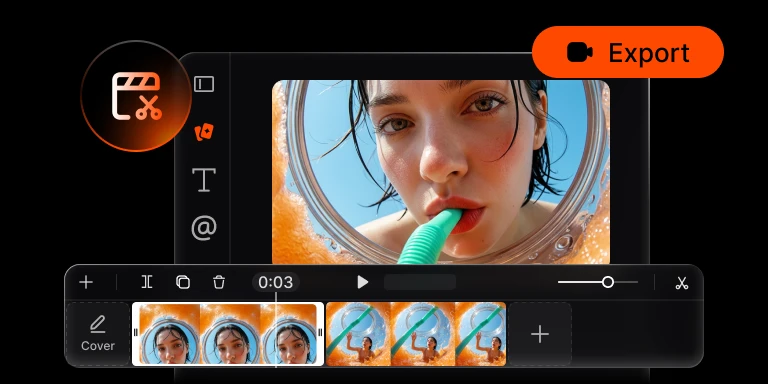
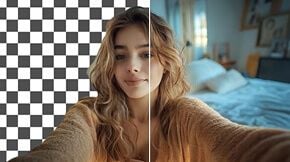
透過你的智能體取得完成的圖像與影片,接著使用內建時間軸編輯器進行裁剪、加上字幕,並匯出完成剪輯,邁向下一步。
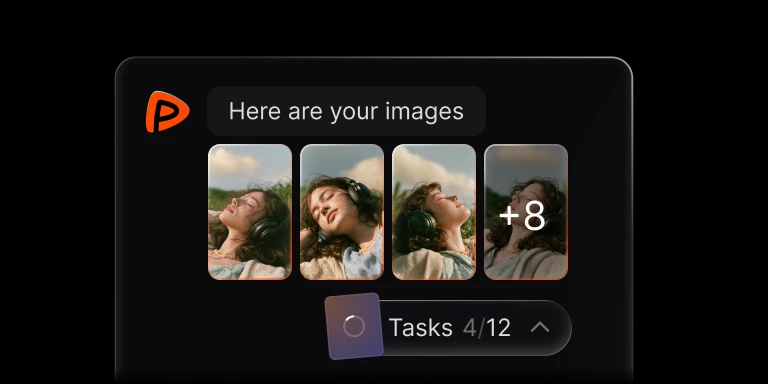
在一個批次中提交 1 到 12 個圖像或影片任務。用更少重複的提示詞探索更多創意方向,然後比較結果。
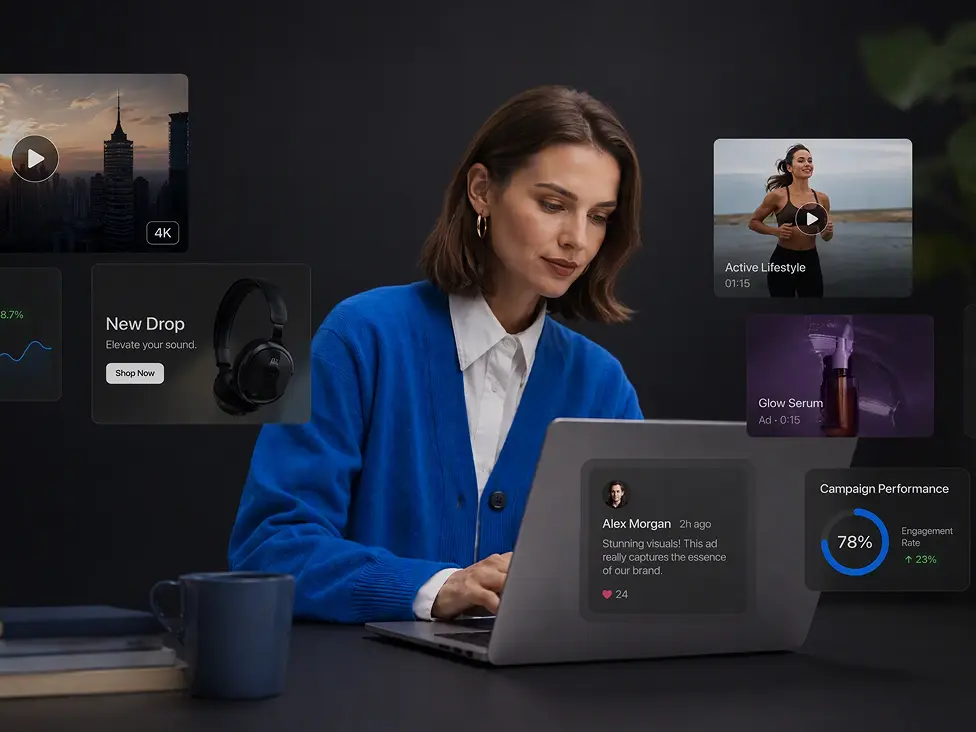
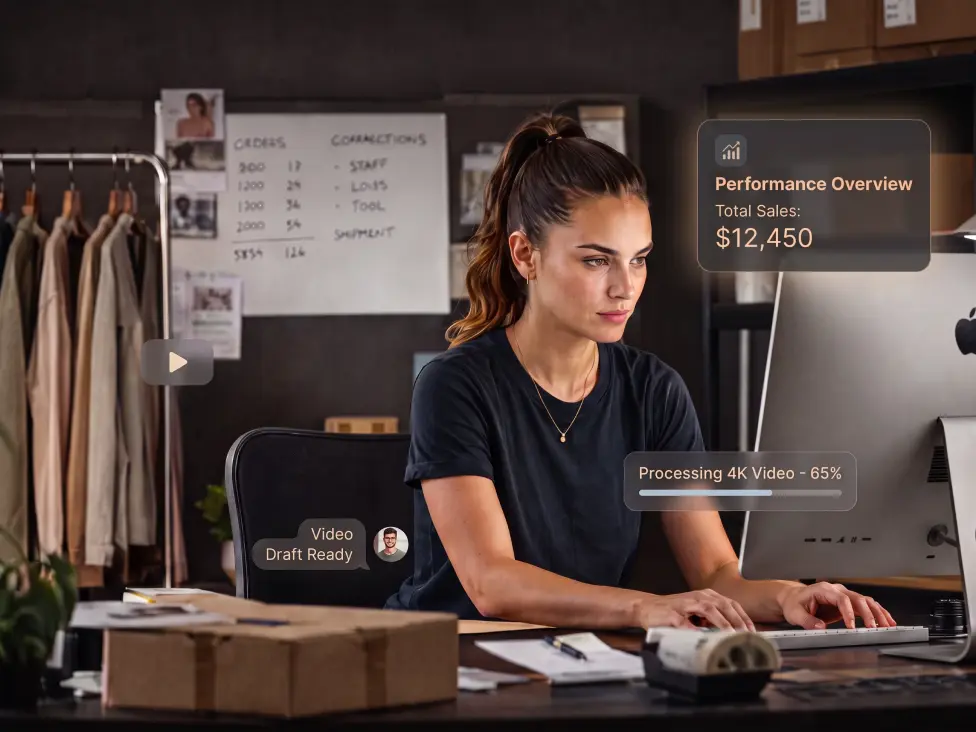
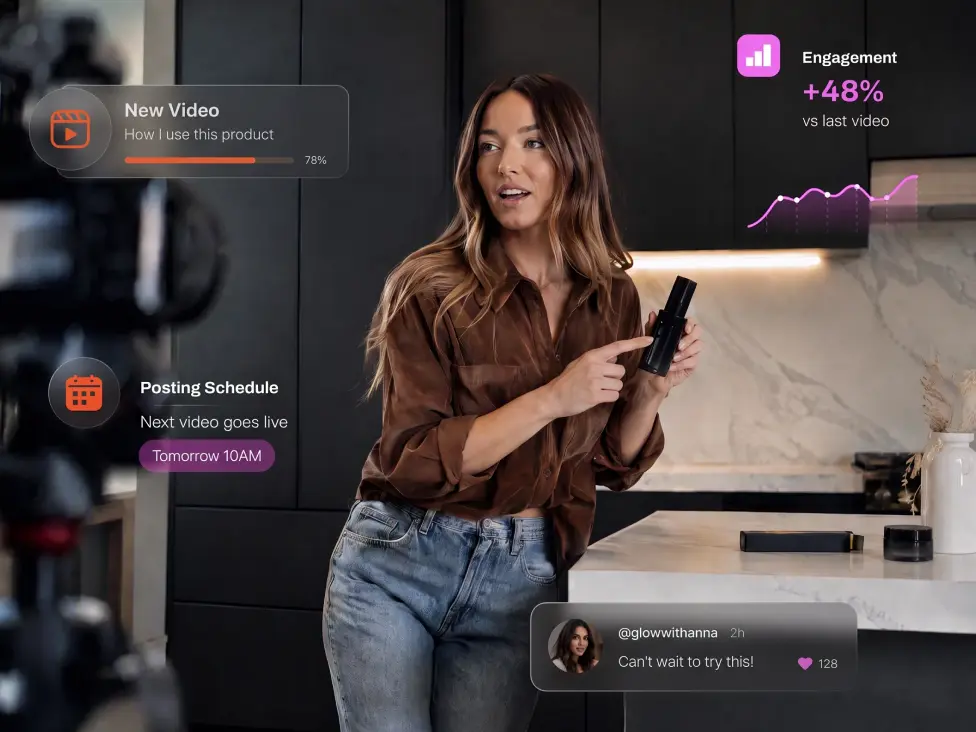
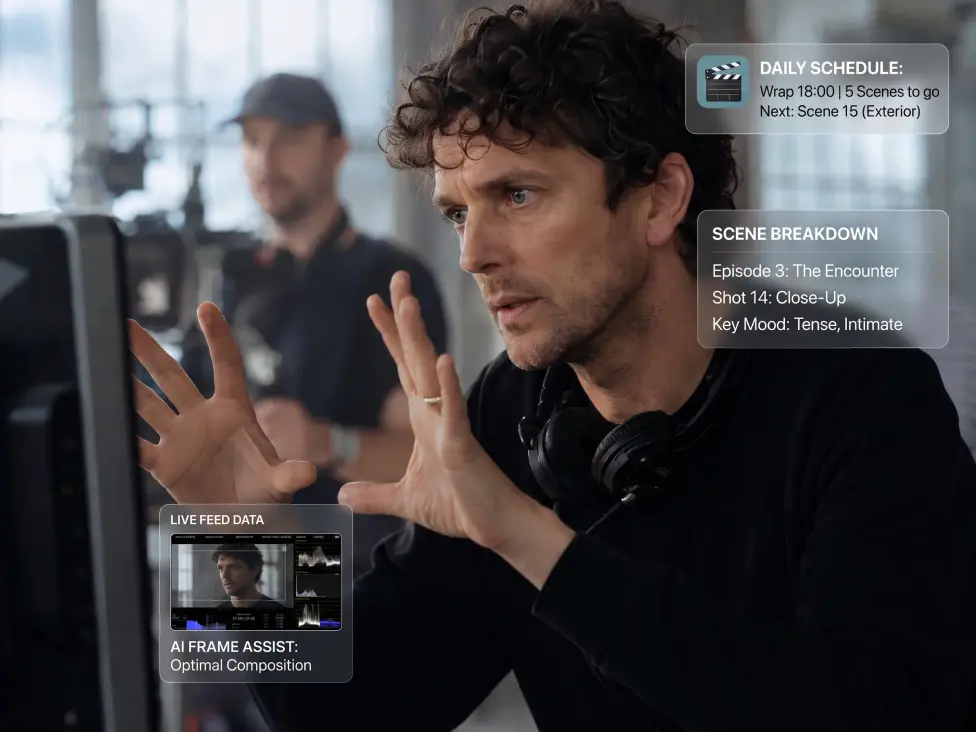


探索逐步設定指南、平台比較與實用工作流程,了解如何在 ChatGPT、Claude 等平台中使用 Pollo AI 進行創作。

把你最喜愛的 AI agent 變成影片、圖像與音訊的創意中心。只要用 Pollo 登入,不需要 API 金鑰。