




Kling 4.0
最多可設定 10 個關鍵影格。性能出色。
用 AI 影片增強器拯救值得再利用的舊素材
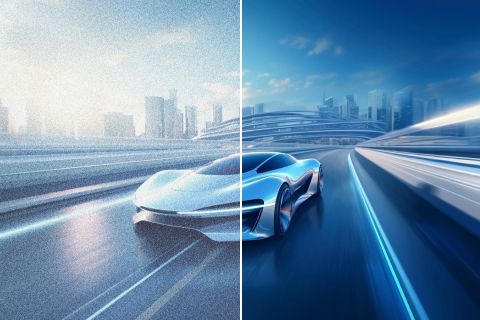
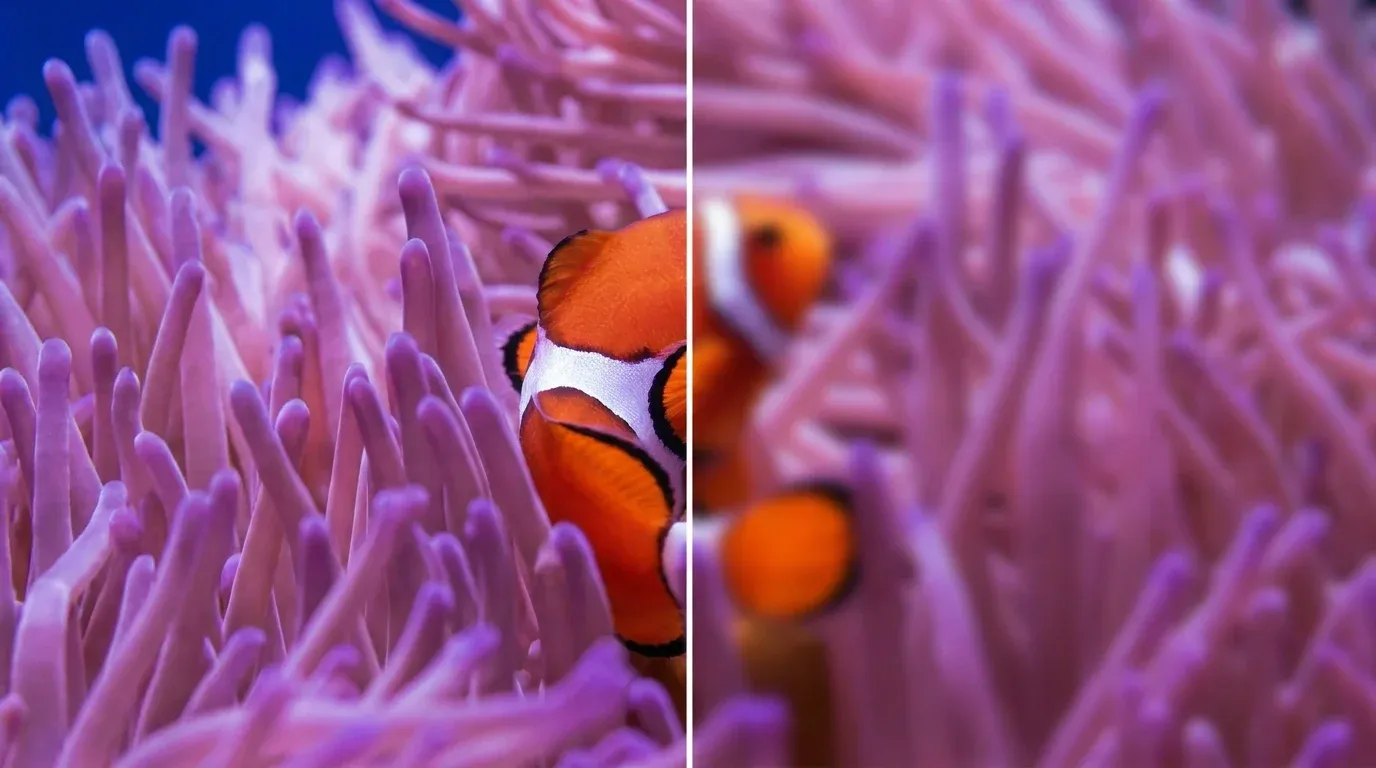
修復因過於模糊、雜訊過多、畫面平淡或色偏而難以安心使用的素材。影片增強器可在 vlogs、行銷活動片段、課程、動漫素材與家庭影片中還原細節、色彩與對比。你可以獲得更乾淨的來源素材,用於發布、編輯或保存,無需反覆逐幀校正。



誰在使用 AI 影片增強器?




如何提升影片畫質
第 1 步
上傳需要改善細節、噪點、色彩或對比度的影片片段。
第 2 步
讓增強器分析素材並改善細節、雜訊、色彩與對比。
第 3 步
下載或分享增強後的片段。
一站式 AI 影片創作平台
從基礎腳本一路升級到高轉換內容。可在自動化 AI 智能體、由主持人帶領的數字人、聲音設計與客製化影片 Apps 之間無縫切換。
讓照片動起來
讓你的靜態圖像透過電影級動態與景深鮮活起來。把你的照片製作成引人入勝的短篇影片故事,開啟全新的視覺敘事層次。
從任何概念製作專業影片
終極多模態影片生成器。結合文字、圖像或音訊,在幾分鐘內就能產出完整且可直接投入製作的影片內容。
生成逼真的 AI 配音與音效
使用錄音室級音訊提升你的視覺效果。生成聽起來自然的語音和自訂音效,完美契合你影片的氛圍。
無需剪輯即可製作影片
從一個簡單的想法到完成影片,一切即刻實現。描述你的構想,讓 Pollo 智能體自動化整個製作流程,打造無可挑剔的成果。



深受全球領先品牌信賴









10M+使用者
使用 Pollo AI 進行創作與啟發靈感


深受全球超過1000萬名創作者和行銷人員信賴
成千上萬的滿意用戶在 Trustpilot 上分享了他們使用Pollo AI 的體驗,並給予我們「優秀」的評價。看看他們喜歡我們平台的哪些方面。
- witt lowryNov 14, 2025Amazing how it works great 👍 thanks so…Amazing how it works great 👍 thanks so much
- Richard QuickOct 15, 2025Awesome websiteAwesome website. loads of options and a great way to learn how to work with 'AI' my reasoning for 5 stars is based upon price, versatility and ease of use. Also I would like to add, Pollo AI runs a lot of promos on different AI products as well. I rate their customer service at 5 stars, when I purchased my first subscription my computer crashed the following weekend and I lost all my data and info passwords you name it I lost it, contacted pollo by email they responded quickly and found my info/username and account, and I was able to restore my account.
- armourdudeNov 19, 2025I have been using Pollo AI for short…I have been using Pollo AI for short videos. It is easy to use and works well with simple prompts. Other generators seem to need long drawn out complicated explanations to get even close to what I want.
- DuduJan 14, 2026I'm just amazed by the level of quality…I'm just amazed by the level of quality output that Pollo AI can produce from a simple image. The motion, the realism, It's too good!!

- Ray WarnesDec 30, 2025A fabulous journeyI find Pollo easy to use, it gives me great results and I'd recommend it to anyone. It has been a wonderful experience for me.
- lawless clanNov 22, 2025i tried 220 online img to vid in 2…i tried 220 online img to vid in 2 months, and this is the best online video.I will subscribe for a year; there are many reasons. But freedom is the most important.


- Istvan LajosDec 10, 2025ThanksThanks, This is the Best A.I. site in the net! I can try it with free coin, and if I like it I subscribe.And alwas have free limited oportunities.You are the Best.
- Santiago SaenzNov 20, 2025AmazingI use it for multiple angles and they always have revolving deals that help so much its a great tool

- Pasties McCoolNov 23, 2025intuitiveintuitive and user friendly
- Alex KhanJan 4, 2026Great greatGreat great. Works well even in the past.


- Norma PonceMar 21, 2026AI Chicken is excellentAI Chicken is excellent, easy to use, and delivers unbeatable results.
- Sarah StokesMar 20, 2026Fabulous so glad I used it amazingFabulous so glad I used it amazing


- Sudipta SahaMar 20, 2026Perfect image editorPerfect image editor
- Luiz GuyzMar 19, 2026Excelent app the videos os Very goodExcelent app the videos os Very good


- Swishadoptme SwishadoptmeMar 18, 2026Very cool experienceVery cool experience

常見問題解答
什麼是 AI 影片增強器?
AI 影片增強器可提升可見細節、雜訊、色彩與對比。它能讓偏柔、經壓縮或不均勻的影片在不需逐格手動修正的情況下更易於使用。
提升影片品質的最佳 AI 影片增強工具是什麼?
Pollo AI 的 AI 影片增強器是用來提升影片畫質的最佳 AI 影片增強器,因為它結合了細節還原與降噪。它也能在同一個工作流程中改善色彩。
有免費的線上影片增強工具嗎?
是的。免費的 AI 影片增強器可以測試提升效果,而免費的線上 4K 影片增強器選項則取決於目前方案的限制。
我該如何提升影片品質?
先找出問題:畫面偏糊就需要更銳利的細節、顆粒感重的畫面需要降噪清理,而平淡的畫面則需要更好的色彩與對比。Pollo AI 的影片增強器可在單一工作流程中一次處理這些問題,所以在再次使用前,先將結果與原始影片比較。
支援哪些影片格式和輸出畫質?
常見的來源格式包括 MP4、MOV 和 MKV。你可以產出更清晰的 HD 影片,在工作流程和目前方案支援的情況下,輸出最高可達 4K。
免費影片畫質增強工具和影片升頻工具有什麼差別?
免費的影片畫質增強工具可提升細節、雜訊、色彩或對比,而影片升頻工具則著重於提高輸出解析度。可用設定取決於來源影片素材和你目前的方案。之後可在影片轉影片 AI 中處理風格重塑。

在 Pollo AI 上增強你的影片
提升片段的可見品質,並將其準備好用於發布、編輯或保存。