Edit, Enhance & Reimagine Your Images with Our AI Photo Editor
Turn rough images into ready-to-use visuals with simple text prompts. Our AI photo editor helps you quickly enhance product shots, personalize social content, refine campaign images, or improve personal photos 10x faster. Just type what you want to change, and get high-quality results now.
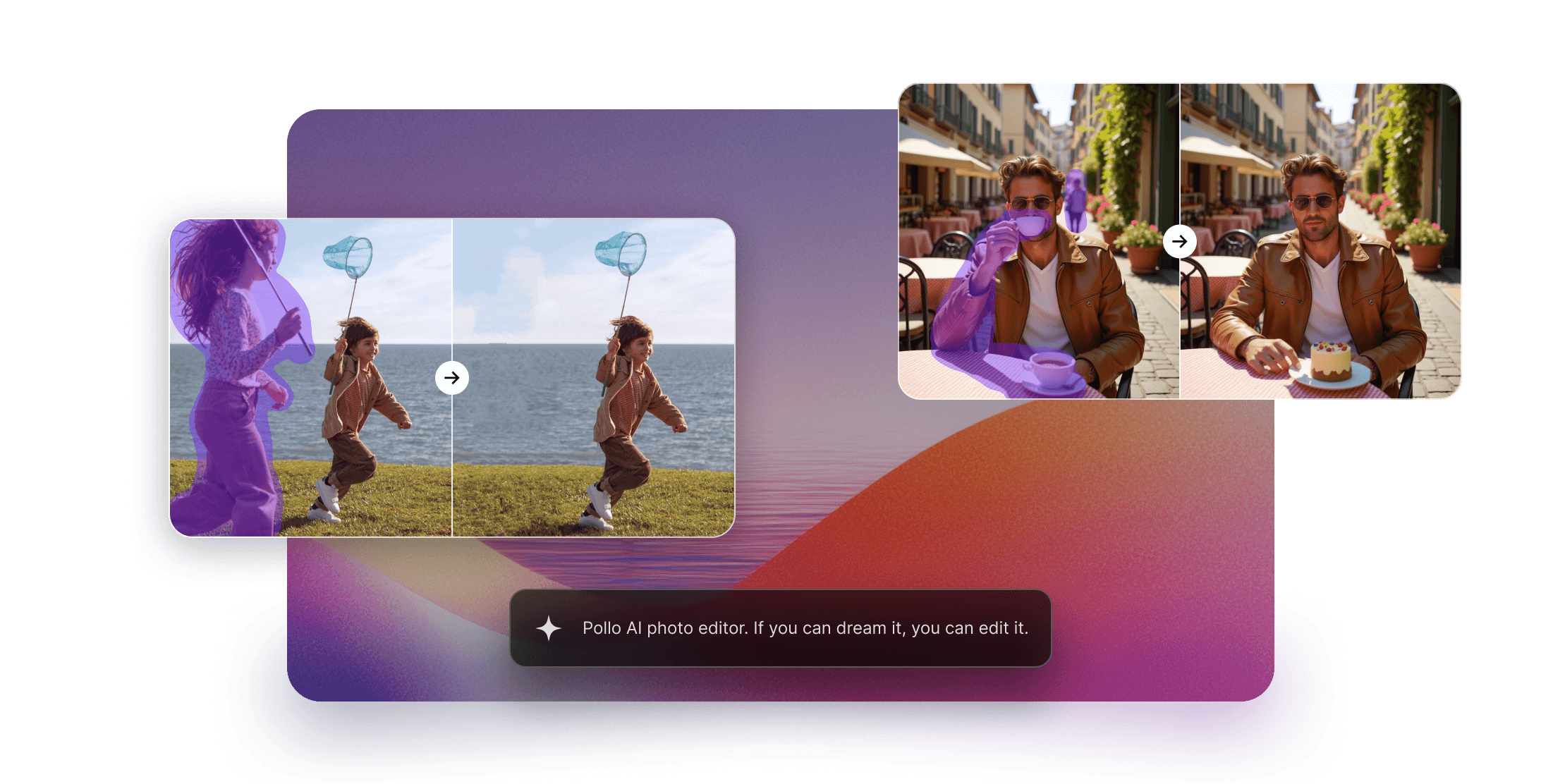
All the Edits You Need, In One Place
Remove backgrounds for clean product shots, erase distractions instantly, add effects for social and ads, transform styles from casual to pro, and enhance quality— sharpen, relight, refine—10x faster with our AI photo editor.
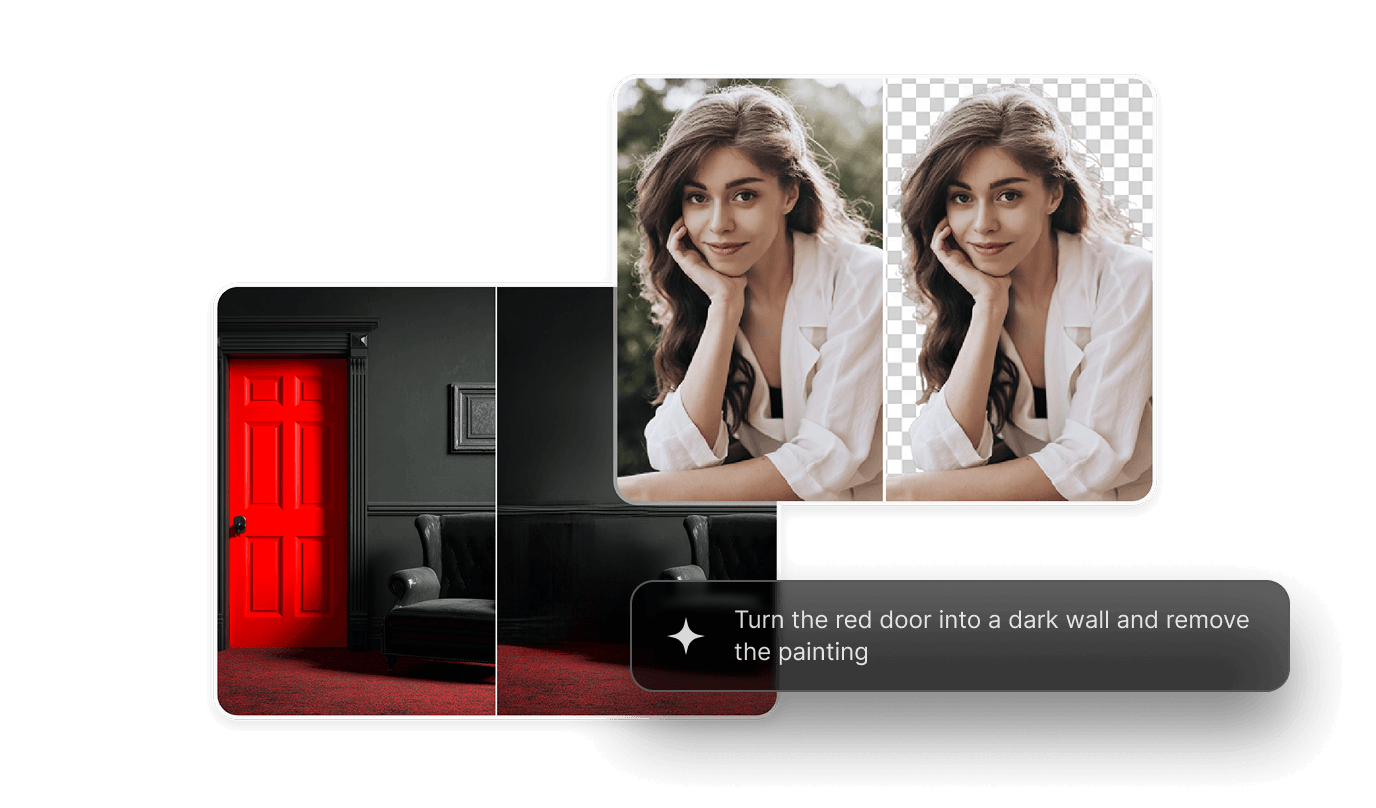
Edit Multiple Images in One Go
Stop processing photos one by one. Upload an entire folder of product shots, portraits, or campaign assets and apply the same edits, styles, or enhancements to dozens of images simultaneously.
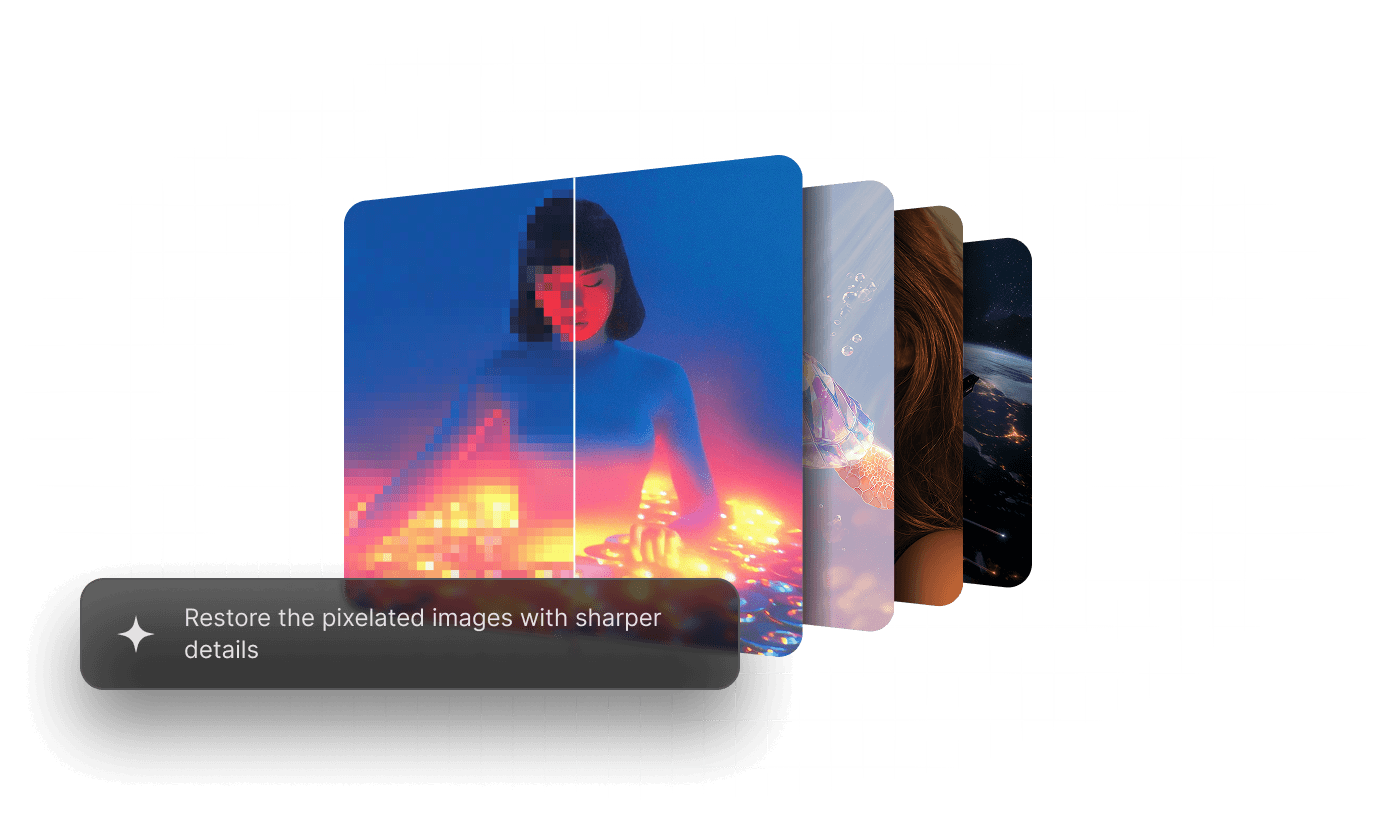
Stay Consistent Across Every Edit
Keep your images looking cohesive from start to finish. Maintain consistent backgrounds, lighting, colors, and overall style across product photos, social posts, ads, and branded visuals.
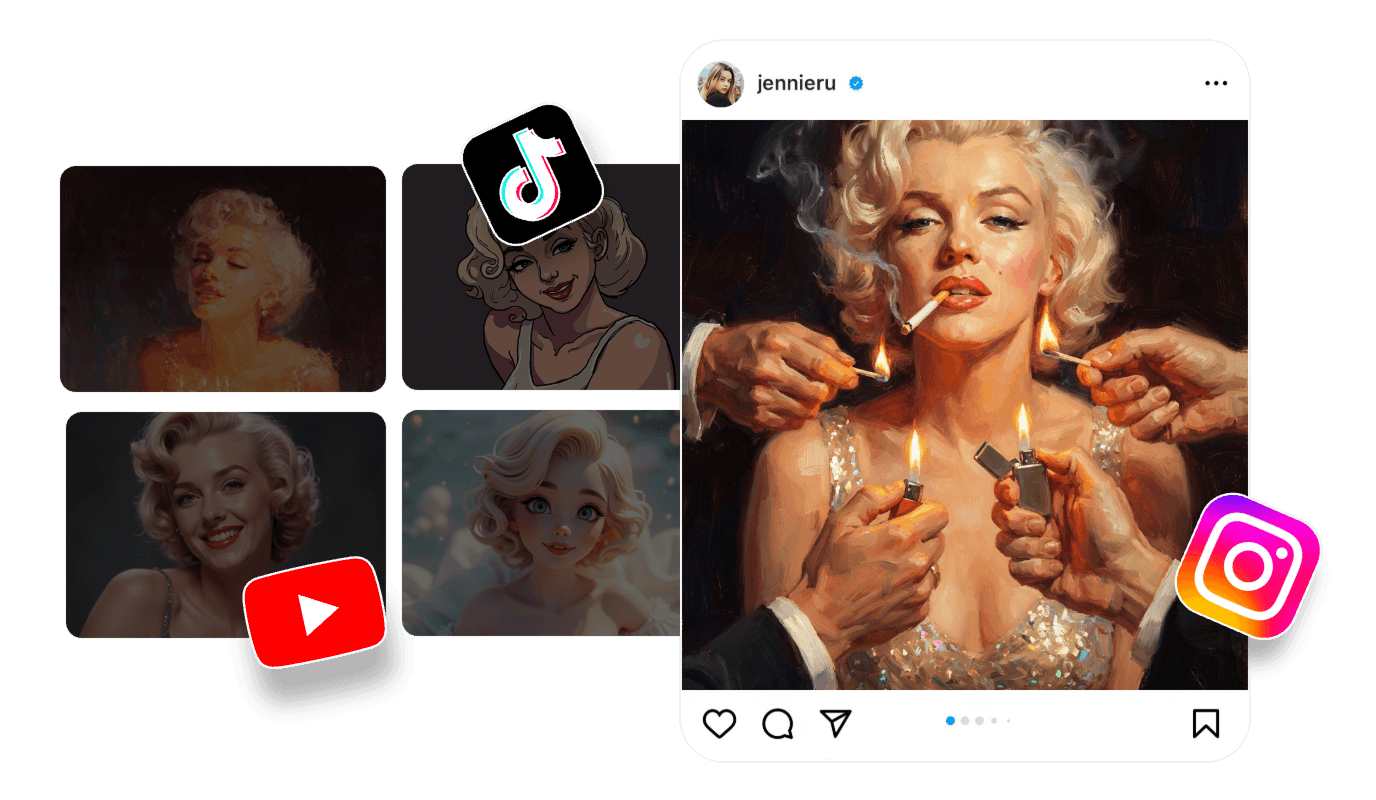
Built for Every Creator, From Every Industry
Ship Listings Faster. Sell More.
Turn raw product photos into sales-ready listings instantly. Remove cluttered backgrounds, enhance lighting, and create consistent branding across your entire catalog.
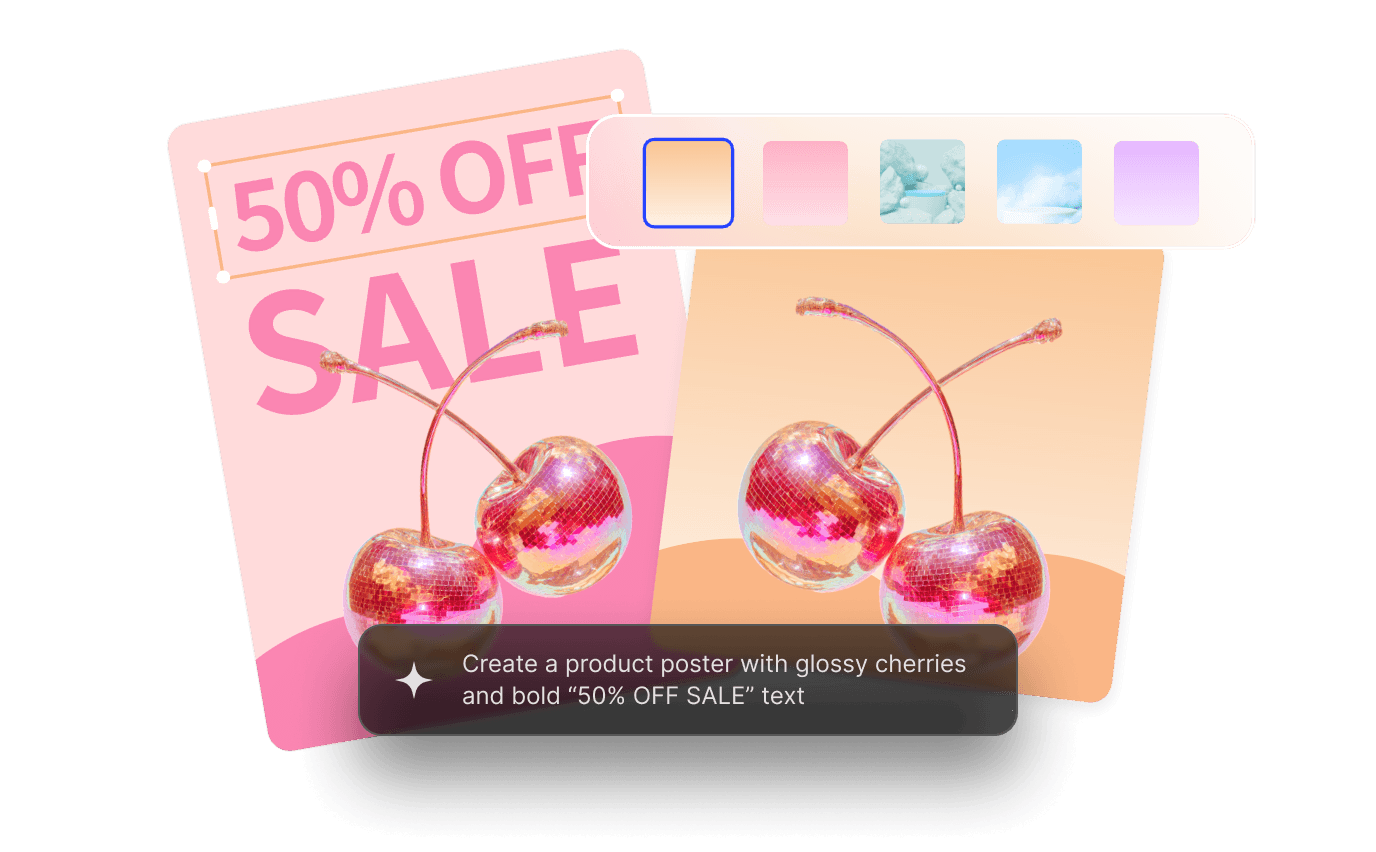
Post More. Edit Less. Get More Engagement.
Stop scrolling past boring posts. Apply trending styles, swap backgrounds, or turn casual phone shots into eye-catching content for Instagram, TikTok, and YouTube.
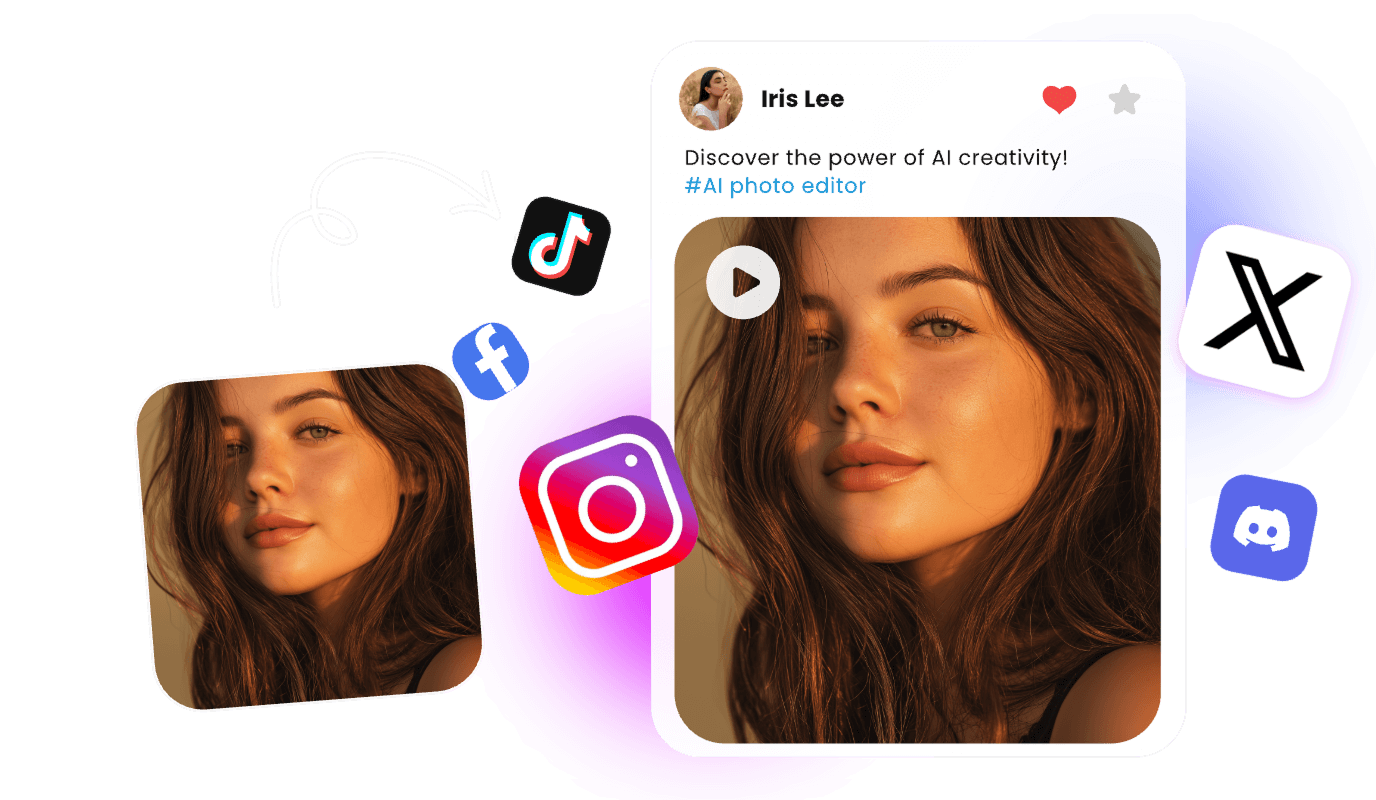
More Creatives. Less Budget. Zero Bottlenecks.
Scale campaigns without scaling costs. Generate ad creatives, banners, and marketing visuals on demand. No more waiting on design teams or paying agency fees.
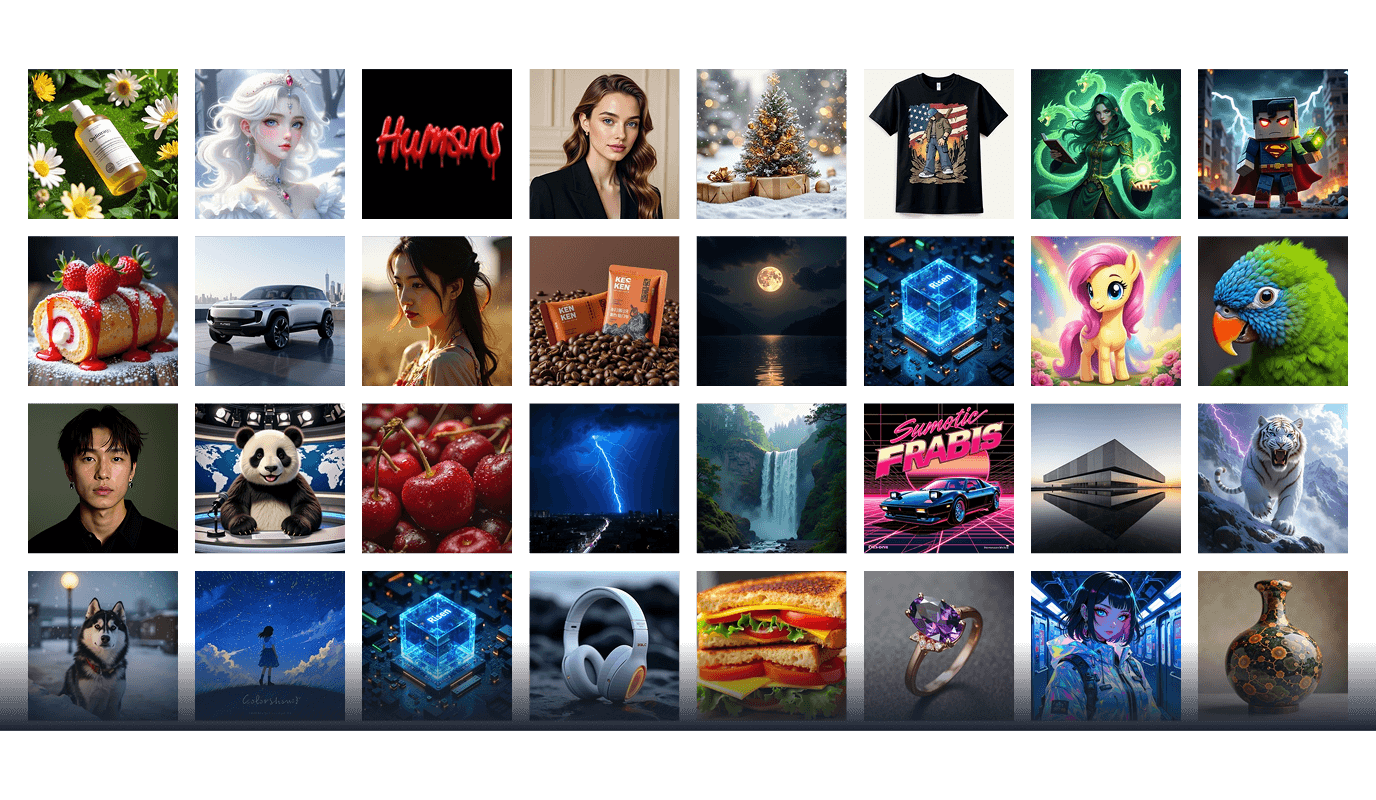
Your Best Shots, Made Even Better.
Restore your old family photos, retouch portraits, or enhance travel memories. Professional-grade editing without the steep learning curve.
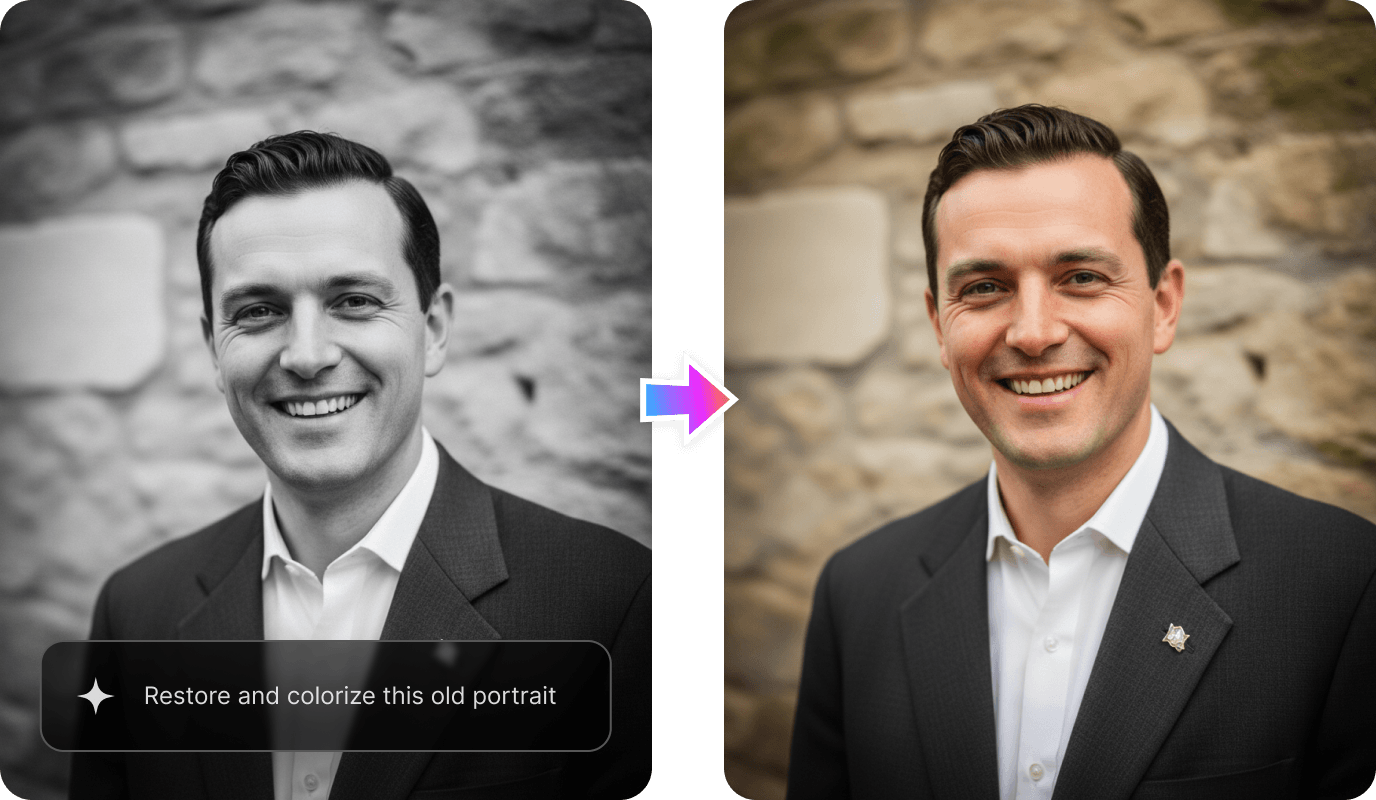
How to Use Pollo AI Image Editor
With only three steps, you can easily create videos from images with Pollo AI.
Step 1: Upload & Describe
Upload your image and type the prompt into our AI photo editor.
Step 2: Choose & Customize
Select your preferred model and configure the customization options.
Step 3: Transform & Download
Watch the transformation happen in seconds. Download in high resolution.
Experience the Full Power of Other AI Image Generators
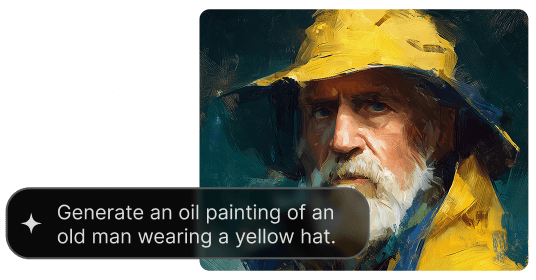
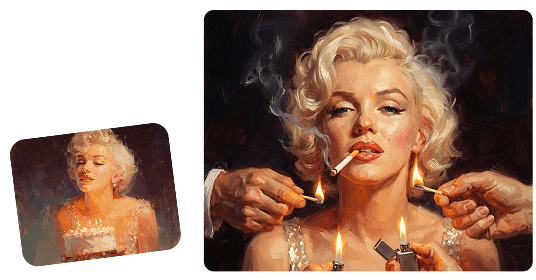
Discover Our Advanced AI Image Tools


 3600+ reviewsExcellentTrustscore 4.4
Loved by 10M+ Creators and Marketers Globally
Thousands of satisfied users have shared their Pollo AI experiences on Trustpilot, rating us as "Excellent." See what they love about our platform.
Liz Cassidy Dec 15, 2025Richard QuickOct 15, 2025armourdudeNov 19, 2025
 DuduJan 14, 2026
 Ray WarnesDec 30, 2025
 lawless clanNov 22, 2025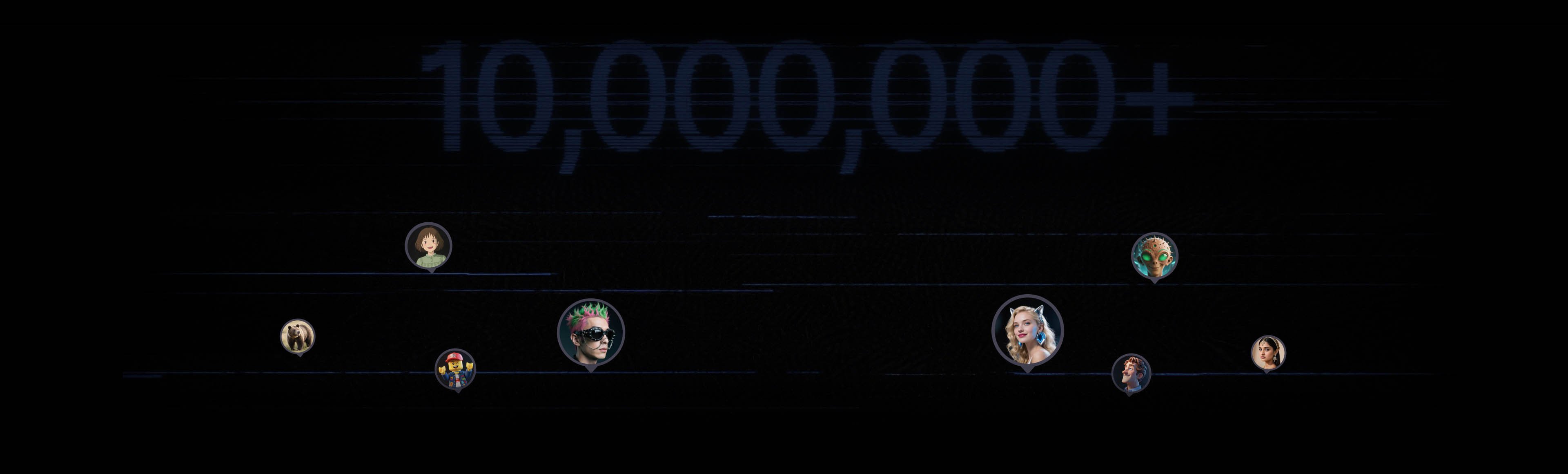
Join 10M+ Users Using Pollo AI to Create and Inspire
FAQs
What is an AI photo editor, and how does it work?
An AI photo editor uses artificial intelligence to modify images based on text descriptions. Instead of manually adjusting sliders and layers, you type what you want to change—like "remove the background" or "add warm lighting"—and the AI applies the edit instantly.
Is Pollo AI really a free AI photo editor?
Yes. You can start editing photos with our free AI image editor. We offer free daily credits so you can test background removal, style transfers, and image enhancements before committing to any paid plan.
What makes our free AI photo editor stand out?
Our AI image editor is designed around text-to-edit technology. Simply describe what you want changed in natural language, and the AI interprets your request and applies the accurate transformation to your images at once, saving hours of manual work.
What types of edits can I make with this free AI image editor?
You can erase unwanted objects, remove backgrounds, enhance image resolution, adjust lighting and colors, apply artistic styles, add text overlays, and generate new visual elements—all using simple text prompts. Start using our AI image editor free!
How is AI photo editor different from Photoshop or traditional software?
Traditional software requires technical skills and manual adjustments. When you edit photos with a free AI photo editor, you work with concepts and descriptions rather than pixels and layers, making professional results accessible even if you have zero design experience.
Can I use this AI image editor to edit product photos for e-commerce?
Absolutely. Pollo AI's photo editor is built for e-commerce sellers who need clean, consistent, and professional product images fast. Remove backgrounds, enhance lighting, and create catalog-ready visuals without a design team.
Do I need design or editing skills to use the AI photo editor?
No. Pollo AI's free AI photo editor is designed for everyone — from beginners to professionals. If you can type what you want to change, the AI does the rest.
Can I edit multiple images consistently using this AI image editor?
Yes. Pollo AI's free AI image editor lets you apply the same edits across multiple images, making it easy to keep your branding, backgrounds, and visual style consistent across all your content.
What image formats does the AI photo editor support?
Pollo AI image editor supports all major image formats. You can upload your photos, apply AI-powered edits, and download the final results in high resolution — ready to use across any platform.
Can I use the generated images for commercial purposes?
Yes! While users can explore our free AI image editor for personal projects, full commercial usage rights are a premium feature. By subscribing to any of our paid plans, you gain the legal rights to use your AI-generated masterpieces for branding, marketing, and other commercial ventures.
Ready to Edit Smarter? Try Pollo AI Photo Editor Free
Stop wrestling with clunky software. Turn your images into ready-to-use visuals instantly with simple text prompts.