Google Gemini Omni brings a major shift to AI video generation.
Once widely assumed to be named Veo 4, Gemini Omni is Google’s native multimodal model for creating, editing, and remixing videos with greater creative control.
This guide will walk you through how to leverage Gemini Omni's powerful capabilities to transform your creative visions into stunning cinematic realities. Discover its key features, master its workflow, and elevate your content creation to new heights.
Key Features of Gemini Omni (Veo 4)
Google Gemini Omni isn't just another video generation tool. It's a leap forward in bringing imaginative concepts to life with unprecedented fidelity and control.
Its importance lies in its ability to generate high-quality, long-form videos with precise audio and customized avatar. You can read our full overview of Gemini Omni to understand how it offers creators unparalleled creative freedom and efficiency.
Here are key features that make Gemini Omni shine:
- Native Multimodal Video Generation: Create videos with prompts, images, clips, audio, or templates in one unified creative workflow.
- Natural Language Video Editing: Refine scenes, motion, style, and details through simple text instructions.
- Video Remixing: Rework existing videos into fresh versions without starting from scratch.
- Targeted Scene Editing: Fix specific parts of a video while preserving the original shot, motion, and style.
- Consistent Visual Narratives: Keep characters, environments, styles, and written details consistent across longer video sequences.
- Knowledge-Based Scene Creation: Understand context, subject matter, and meaning, creating scenes with stronger internal logic.
- Precise Audio Control: Generate intentional, scene-specific audio that perfectly matches your video's mood and tone.
- Diverse Camera Angles: Capture dynamic, cinematic shots from multiple perspectives for a more immersive experience.
- Tailored Avatar Generation: Craft expressive avatars that bring your digital self to life.
Now that you have a solid understanding of what makes Gemini Omni such a powerful and versatile tool, it's time to put that knowledge into action.
In the following steps, we'll walk you through exactly how to use Gemini Omni—from crafting your very first prompt to polishing your final video output.
How to Use Gemini Omni (Veo 4) on Pollo AI
Gemini Omni is coming soon to Pollo AI! While the full rollout is just around the corner, you can get a head start by familiarizing yourself with the workflow so you're ready to create from day one.
You can follow these steps to produce high-quality, controlled video content.
Step 1: Select Gemini Omni Model
Navigate to the video generation section on Pollo AI and select Gemini Omni as your model. Here, you'll find the interface to input your prompts and customize your generation settings.
Step 2: Craft Your Prompt & Utilize Advanced Controls
The foundation of exceptional video generation begins with a well-structured prompt—think of it as your screenplay. Be specific about subject, actions, setting, style, and camera movements.
For example, instead of "a cat", try "A fluffy orange cat gracefully leaping over a sun-drenched fence in a whimsical cottage garden, captured with a smooth cinematic tracking shot."
Boost results with two powerful techniques:
Layered Prompting: Break complex scenes into steps (character → environment → action) for better clarity and consistency.
Negative Prompting: Tell Gemini Omni exactly what to exclude, ensuring production-ready quality.
For a deeper dive into pro prompts that consistently deliver cinematic results, explore our Gemini Omni prompt guide.
Then define aspect ratios, camera angles, and motion types. Use seed values to maintain a consistent aesthetic. Small changes can dramatically transform your output.
Prompt: A cinematic close-up of a confident businesswoman walking through a sleek, modern city at golden hour. The streets are alive with soft bokeh lights, gentle lens flares, and the warm glow of the setting sun reflecting off glass skyscrapers. Her expression is determined and powerful. The camera follows her in a smooth, steady tracking shot with subtle depth of field. Photorealistic, 4K quality, professional color grading, cinematic widescreen format. No motion blur, no shaky or unstable camera movement, no overexposed or washed-out lighting, no distorted facial features, no unnatural body proportions, no duplicate or ghost-like figures, no pixelation, no watermarks, no low-resolution textures, no cartoonish or animated style, no cluttered or distracting background elements, no abrupt cuts or flickering frames.
Step 3: Generate and Review the Output
Once your prompt is ready and settings are configured, initiate the generation process. Gemini Omni will process your input and produce the video. Review the output carefully, noting areas that meet your vision and those that might need adjustment.
Step 4: Iterate and Refine
Rarely will your first prompt yield the perfect video. Effective use of Gemini Omni involves an iterative process of generation, evaluation, and refinement.
Generate a short clip with your initial prompt, then critically analyze the results. Did the AI understand the action? Is the style correct? Adjust your prompt based on the output.
If a character's action isn't quite right, modify the action verb or add more descriptive adverbs. If the lighting is off, specify the time of day or light source more clearly.
This continuous feedback loop helps you “teach” the AI your desired outcome.
| Iteration 1 | Iteration 2 | Iteration 3 |
| A busy city street at night | Low angle looking up at a busy city street at night, with glowing neon signs | Low angle looking up at a busy city street at night. A yellow taxi splashes through a rain puddle, sending droplets scattering across the wet pavement under flickering neon lights. |
Step 5: Export and Use Your Video
Once you're satisfied with your generated video, you can export it in your desired format. Gemini Omni's output is optimized for seamless integration into various platforms, ready for your audience.
Insider Tips for Enhanced Video Quality
Achieving a smooth, natural-looking video with Gemini Omni often comes down to attention to detail and a strategic approach:
- Start Simple, then Elaborate: Begin with a basic prompt to establish the core scene, then progressively add more detail (motion, lighting, sound cues, camera control) in subsequent iterations.
- Control Pacing: Use words like “slow”, “fast”, or “gradual” to guide Gemini Omni's understanding of desired movement and temporal flow.
- Match Aspect Ratio to Platform: Always consider your target platform from the outset to avoid cropping or reframing later.
- Plan for Sound: Conceptualize the desired soundscape (music, Foley, dialogue with lip-sync) early in your prompting process to ensure the output aligns with your overall auditory vision.
- Experiment with Avatar Expressions: Try different emotional states or actions in your prompts to see how Gemini Omni renders their expressions with accurate facial movements and lip-sync.
Real-World Applications of Gemini Omni (Veo 4)
Gemini Omni's versatility makes it invaluable across a wide range of applications, moving AI video from experimental clips to "client-ready" output:
- Filmmakers & Animators: Rapidly prototype scenes, visualize complex effects, or generate entire animated shorts, significantly cutting down production time and costs. Help to create richer storytelling without rebuilding entire scenes.
- Marketers & Advertisers: Create compelling ad creatives, product demonstrations, and branded stories at scale and with mood-matched audio, maintaining consistent branding.
- Content Creators & YouTubers: Produce engaging intros, outros, B-roll footage, and full narrative videos for their channels, maintaining consistent branding with custom avatars and intentional audio.
- Educators & Trainers: Develop dynamic instructional videos, simulations, and interactive learning content, capturing attention and enhancing understanding.
- VTubers & Digital Performers: Craft highly customized, lifelike avatars with precise voice synchronization and emotional expressions for a unique and engaging digital presence.
- Agencies and Studios: Achieve professional workflows for broadcast-quality output, consistent rendering, and precise creative control.
These are just the highlights. Explore a deeper look at expert use cases with Gemini Omni and find the workflows most relevant to your industry.
Create Your Masterpiece with Gemini Omni (Veo 4) on Pollo AI
Pollo AI stands as the definitive platform for AI video and image generation, bringing together the most powerful models available today, including Seedance 2.0, Kling 3.0 and Runway Gen-4.
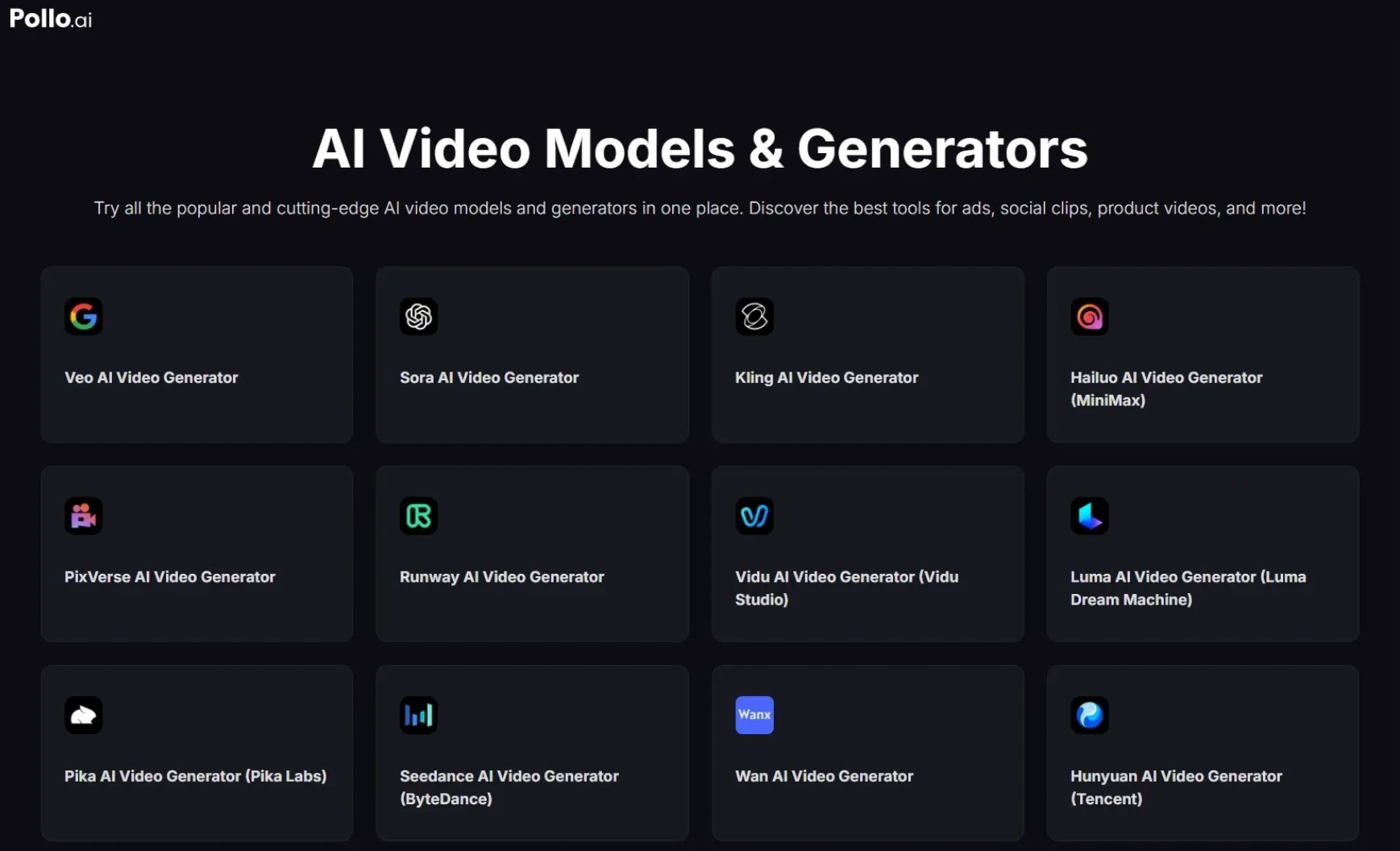
When Gemini Omni makes its public debut, Pollo AI is positioned to be one of the first platforms to bring it into the fold. That means when the moment arrives, you will find it exactly where you already work—no searching, no waiting, no redirecting elsewhere.
And for those who move early, there is a strong likelihood of gaining first access to explore everything it offers—free of charge, for a limited window of time.
Beyond raw model access, Pollo AI brings Pollo Agent to the table. This is a purpose-built tool engineered to take your creative output from rough generation to distribution-ready video.
Once Gemini Omni officially lands on the platform, its full capabilities will be accessible directly through Pollo Agent, making the experience as seamless as it is powerful.
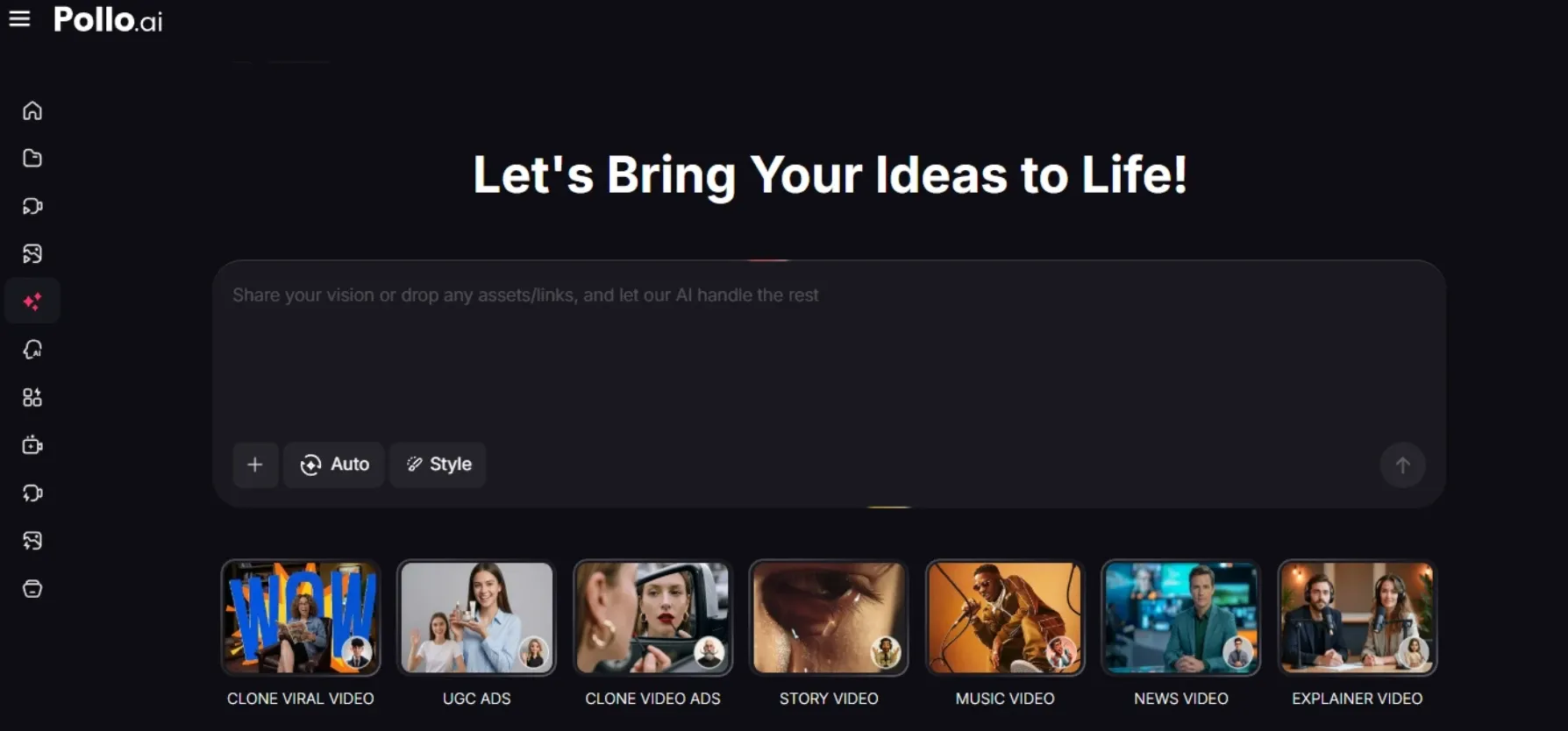
The future of AI video creation is already taking shape and Gemini Omni's arrival promises a revolution. Pollo AI is where it will unfold.
Whether you are a creator pushing the limits of storytelling, or a brand crafting compelling visuals, Pollo AI gives you the tools, models, and the edge to stay ahead.