



Kling AI's Best Practices for Content Creators
If you struggle to maximize Kling AI’s potential, this article is for you! From inputting text prompts, video customization to make use of its free credits, all of these tips will help you master Kling AI better. Read on and find out more!
Crafting Useful Text Prompts
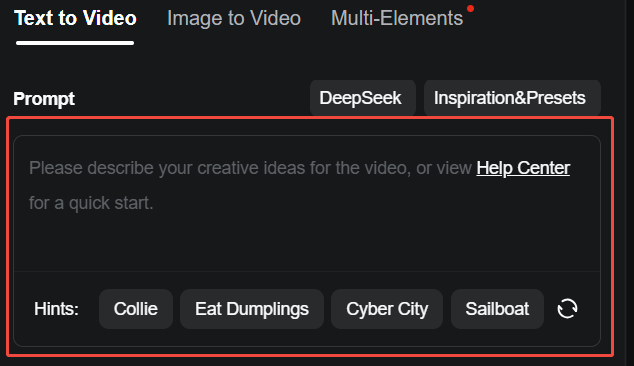
Kling AI works best when text prompts are specific. Including precise details such as characters, objects, backgrounds, and movements will help ensure that the generated videos align closely with your own vision.
For instance, “Make a fitness video” is too vague and may result in additional credits spent on revisions.
A more effective text prompt would be: “Create a video featuring a group of individuals participating in a high-intensity interval training (HIIT) workout in a bright, modern gym. Include close-up shots of different exercises such as burpees, jumping jacks, and squats.”
Here’s another example: “Create a cinematic video of a serene sunrise over a mountain range, then transition to a lively forest with birds chirping. Vibrant and natural.”
Negative Prompts Refinement
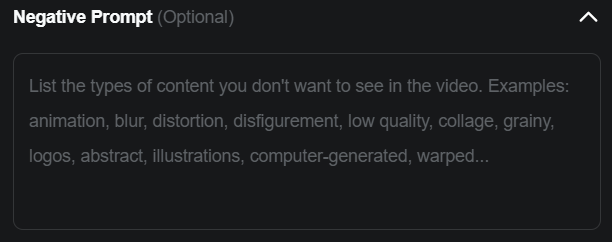
Negative prompts remove unwanted elements from Kling AI's output. Here are some categories and examples:
Quality Issues
- Purpose: Prevent low-quality video outputs.
- Prompts: low quality, low resolution, blurriness, grainy, etc.
Color and Lighting
- Purpose: Control color tones and lighting conditions.
- Prompts: dark tone, mixed color style, overly vibrant colors, etc.
Unwanted Elements or Objects
- Purpose: Exclude specific objects or features from the video.
- Prompts: people, cars, buildings, text, logos, etc.
Video Customization
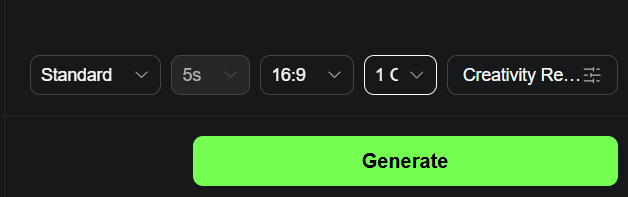
After you become an expert in prompts, the next thing to master is video customization. Here's what to keep in mind:
- Aspect Ratio: Pick 16:9 for YouTube, 1:1 for Instagram posts, or 9:16 for TikTok. Each ratio ensures platform-specific compatibility.
- Prompt Weight: The Creativity vs. Relevance slider adjusts how closely the generated video adheres to your prompt. Sliding toward Relevance ensures the output strictly follows your description, ideal for precise results. Sliding toward Creativity allows the AI more freedom to interpret and add new elements, enhancing artistic or unexpected outcomes.
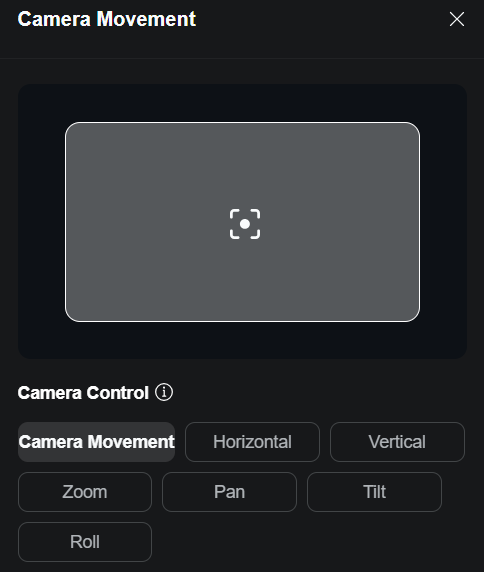
- Camera Movement: If you wish to make your videos more visually appealing, then you can utilise the Camera Movement feature and select settings such as horizontal, vertical, zoom or pan.
- Motion Brush : This feature lets you manually control the movement of items or parts of subjects within a static image by drawing motion pathways directly onto it. To create realistic movement, focus on one element at a time and carefully position the start and end points of the pathway.
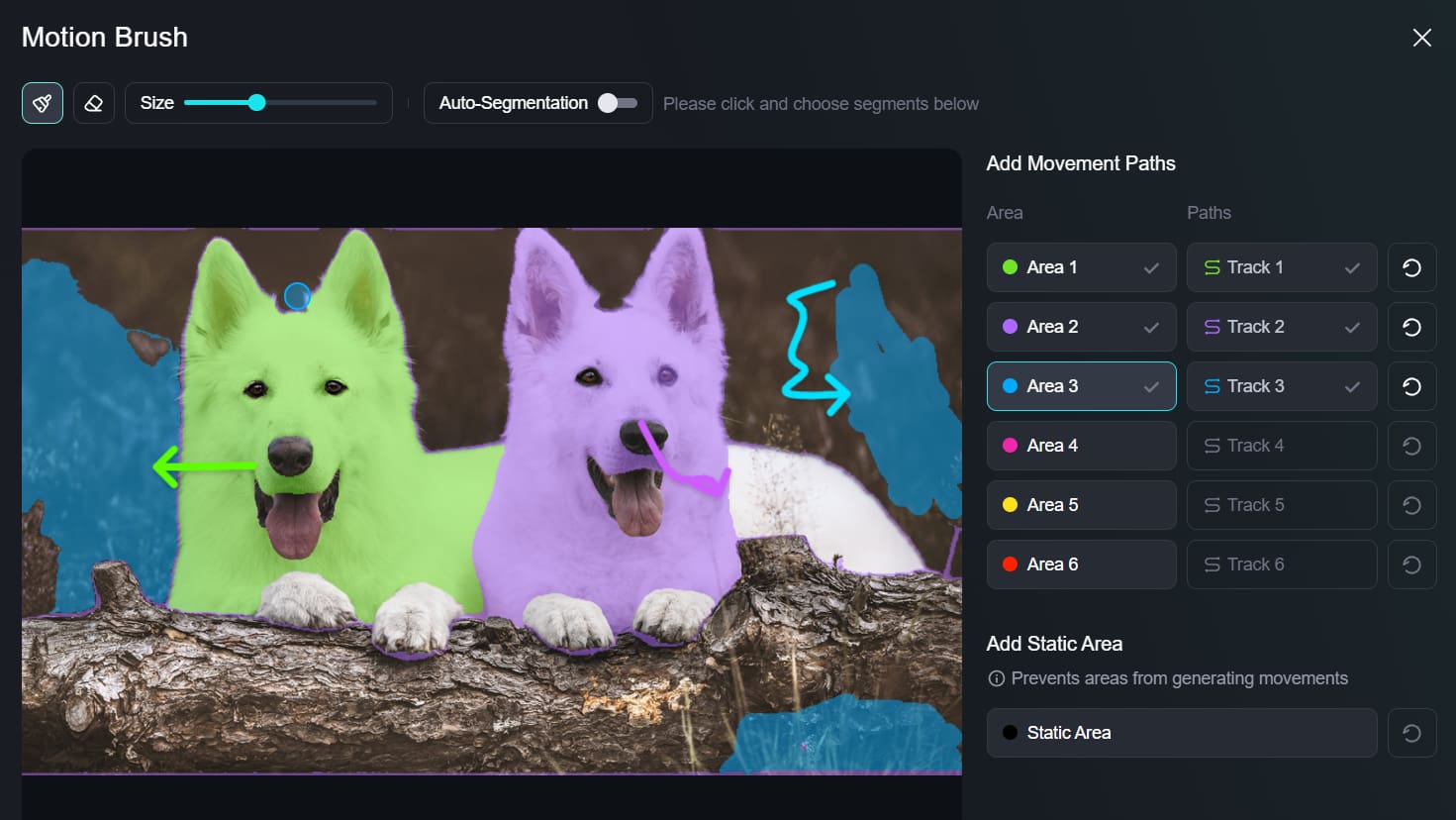
All of these settings make Kling AI videos ready for any platform or purpose.
Maximize Daily Free Credits
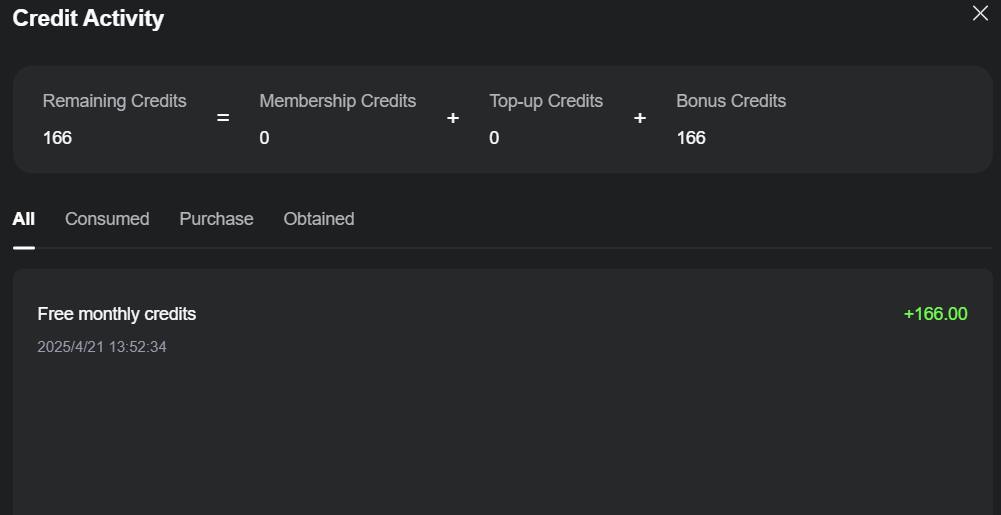
To get the most from Kling AI's daily free credits, follow these simple tips:
- Login Daily: Kling AI gives 66 free credits to its users who log in daily, but it is important to note that these free credits expire after 24 hours if not used.
- Prioritize Tasks: Focus credits on high-value tasks first, like creating polished video ads.
- Start Small: Test ideas with short clips or drafts to use fewer credits. For example, preview a 5-second clip before scaling to 10 seconds.
- Track Usage: Monitor your credits and plan accordingly to avoid running out before completing important tasks.
Experience Kling AI's Models on Pollo AI

As an all-in-one video generator, Pollo AI integrates all of the Kling AI models: Kling 1.0, Kling 1.5, Kling 1.6 and Kling 2.0. You can make use of these models to generate videos that cost around 4-8 minutes without any generation issues.
On top of Kling AI models, Pollo AI also supports Runway, Hailuo AI, PixVerse AI, etc. That means you can generate videos with any top models you want just by visiting this one platform.
Some other standout features such as image-to-video, video-to-video and video effects have indeed made it super easy to turn your own ideas into visual content that you can share instantly.
Conclusion
Kling AI is a one-of-a-kind platform for content creators, but it works best when you know how to use it properly. Spend some time learning all the useful methods that we have discussed above.
However, the best way to use Kling AI is via Pollo AI. You will get access to all the main models of Kling AI along with other powerful generation features. So, visit the Pollo AI website right now and start experimenting!