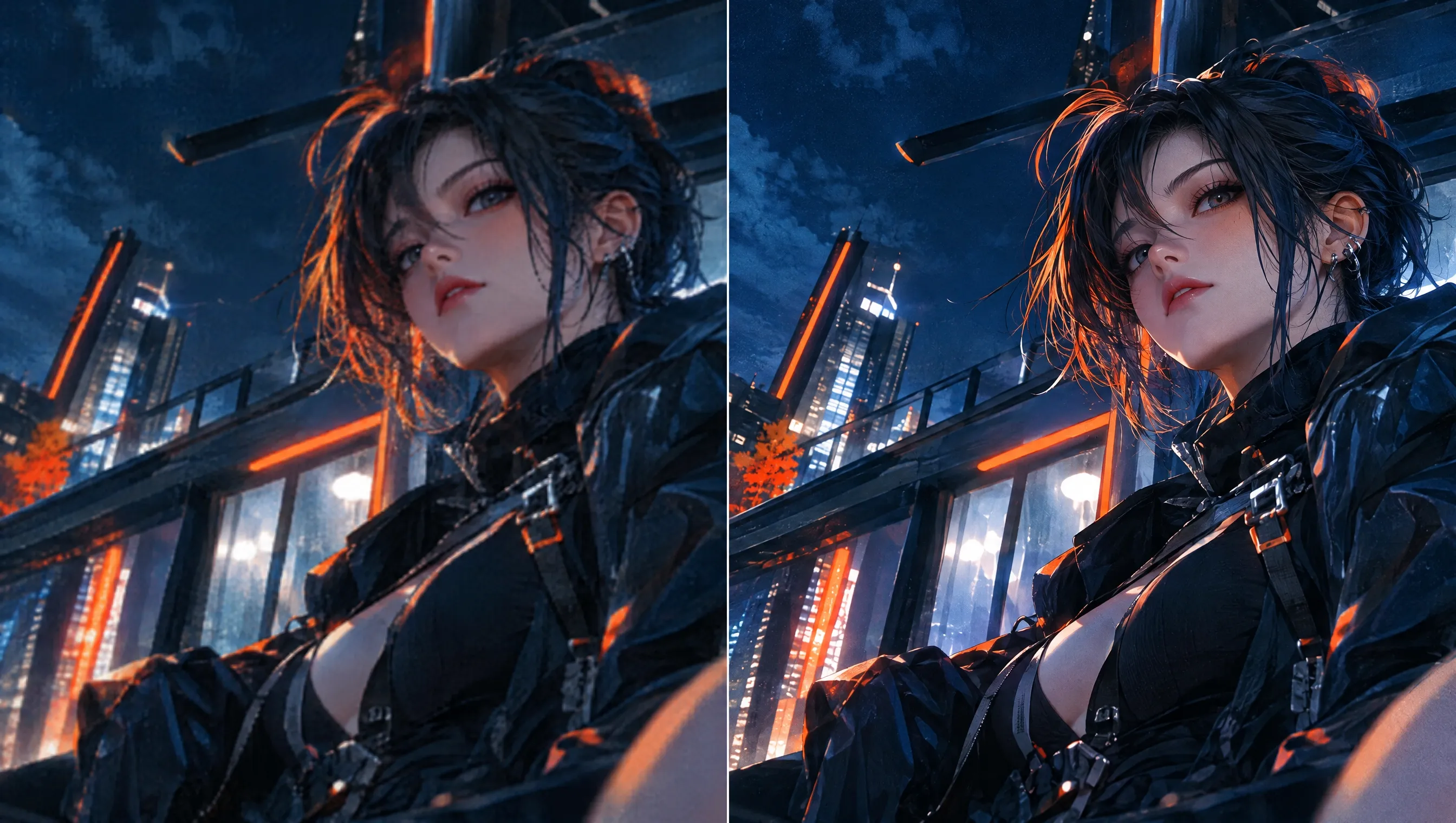
Upscale Your Videos for Greater Visual Impact on Any Screen
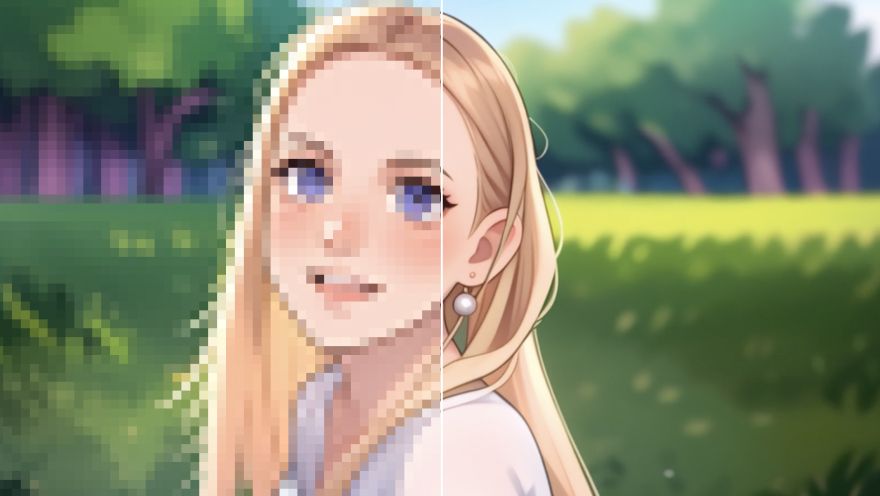
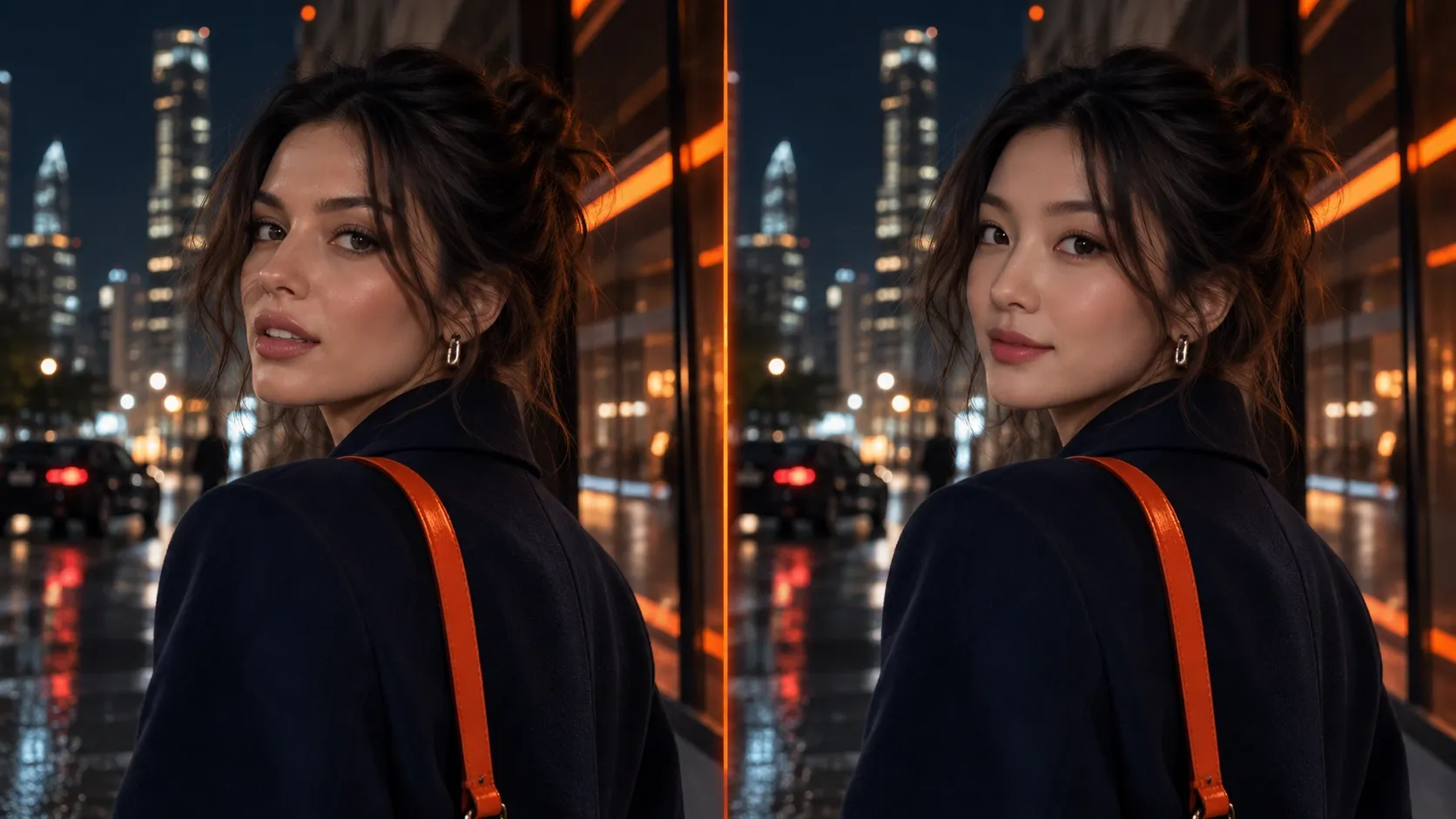
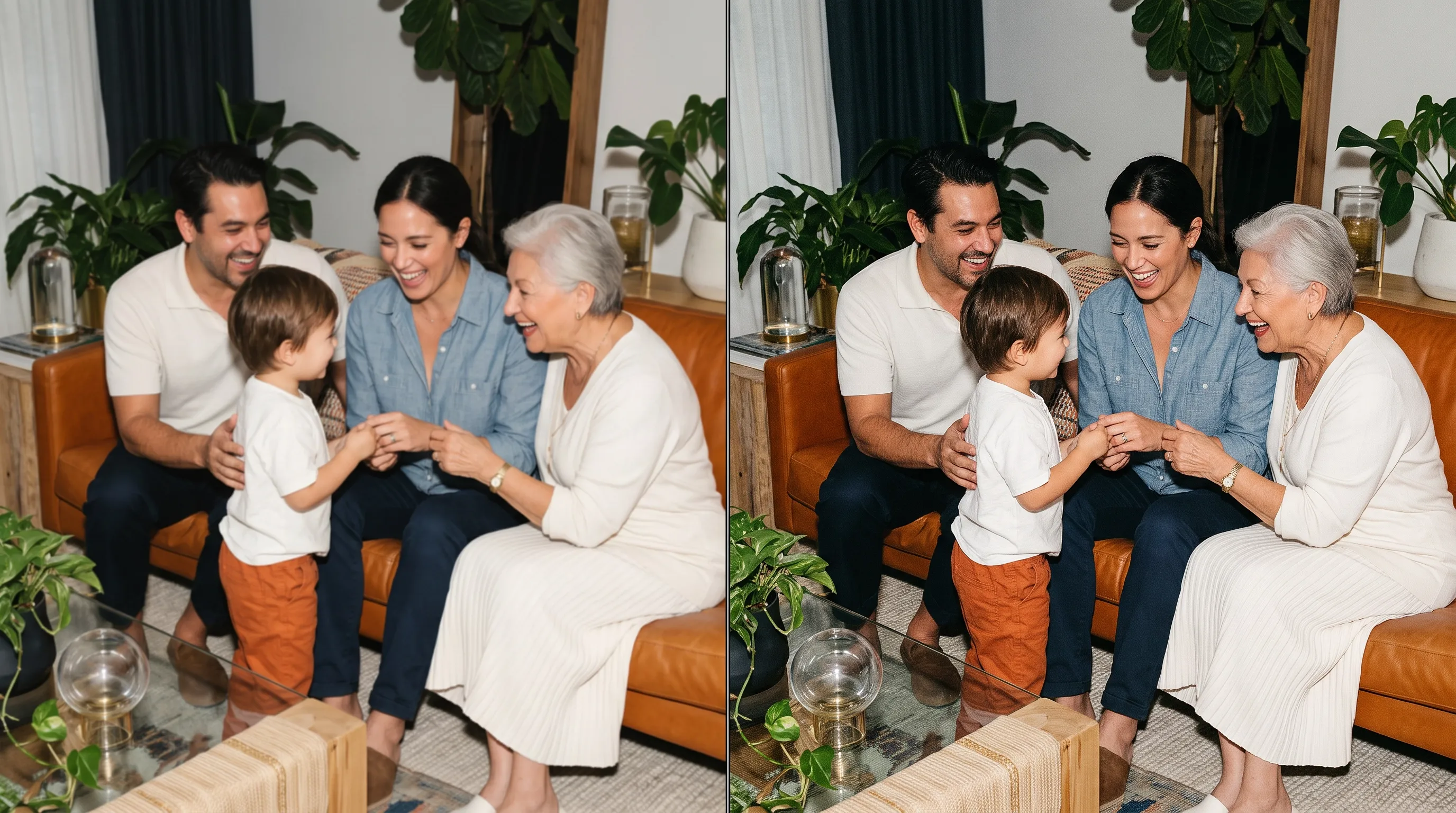
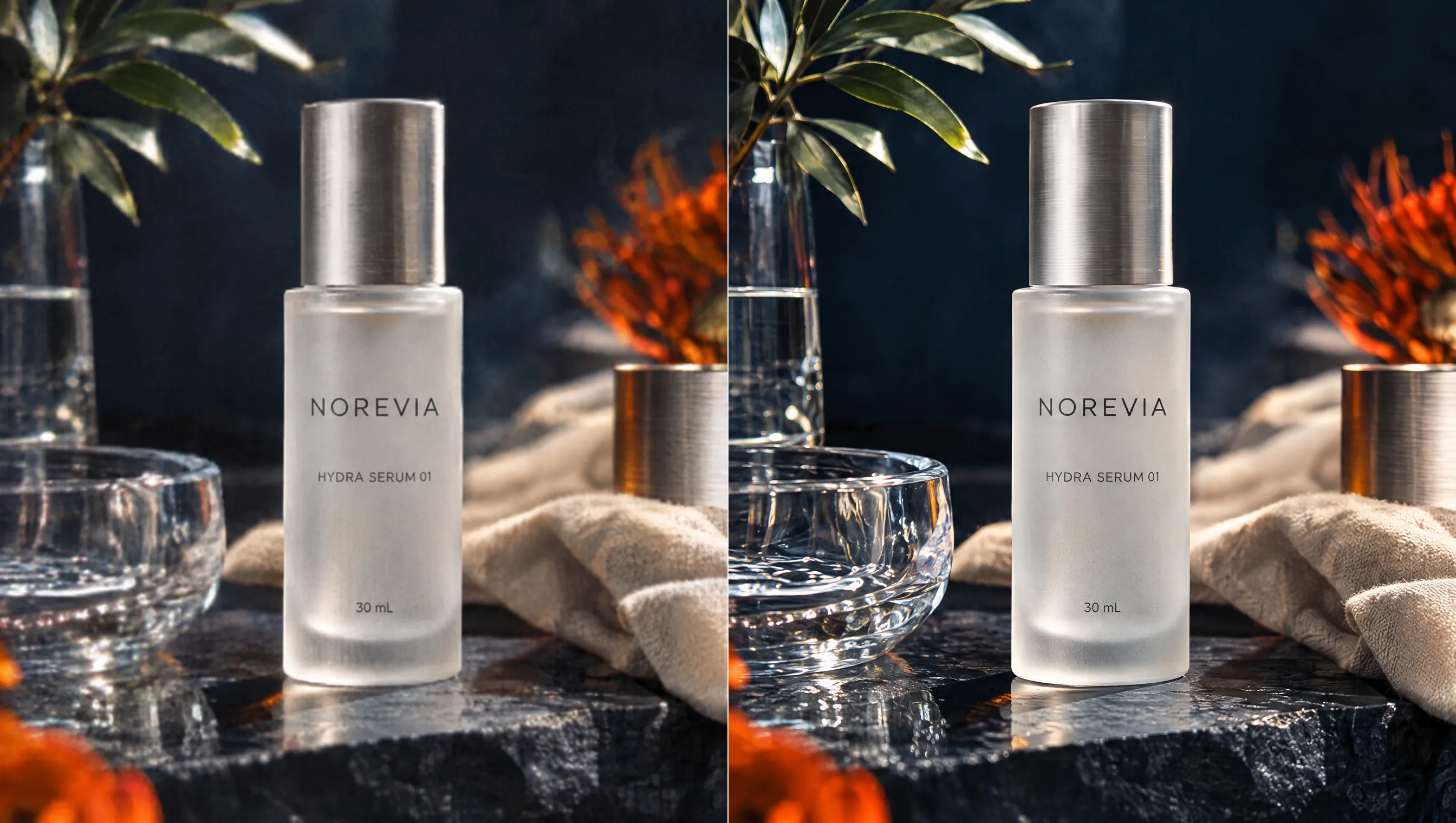
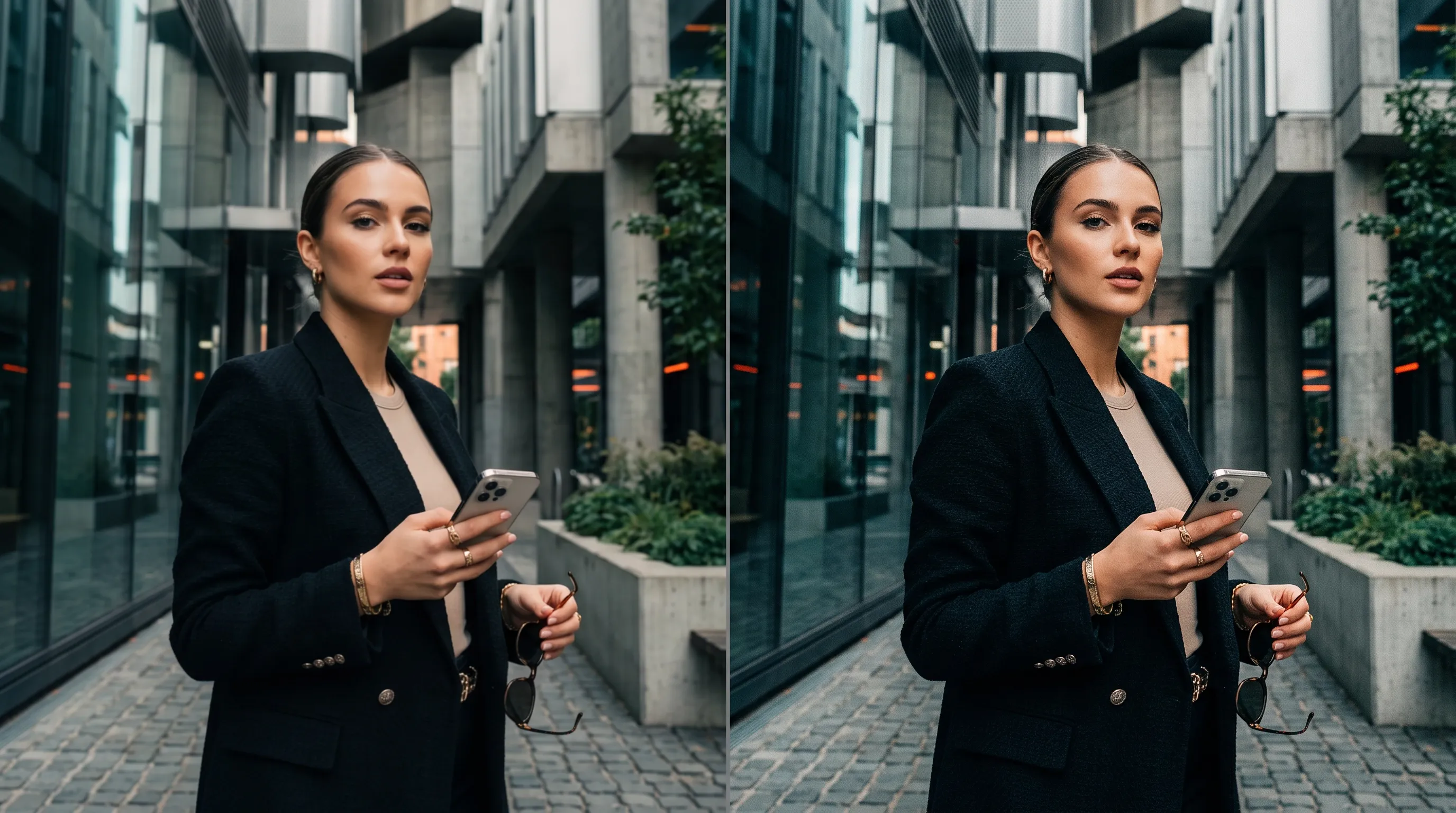
Revive your low-resolution footage with sharper detail and a cleaner finish. Try our AI video upscaler to boost resolution to 1080p or 4K in a few clicks. Ideal for family memories, travel footage, gameplay, product showcases, event recordings, and more. Keep viewers engaged longer and make your videos more polished and watchable.
Make Videos More Watchable
Upscale your footage to 1080p or 4K for a cleaner, more engaging viewing experience.
Keep Important Details Clear
Reduce blur and noise so viewers can follow faces, text, and action more easily.
Spend Less Time Editing
Let AI improve video quality without complex settings or frame-by-frame editing.


See What You Can Do with Our Video Upscaler
How to Upscale Videos with Pollo AI?
Step 1
Upload the video you would like to enhance and upscale.
Step 2
Select the available scale and mode that best fit your footage.
Step 3
Create your upscaled video, review the result, then download it.
The All-in-One AI Video Creation Platform
Go from basic scripts to high-converting content. Seamlessly transition between automated AI agents, presenter-led avatars, sound design, and tailored video apps.
Animate Photos Into Motion
Bring your still images to life with cinematic motion and depth. Create captivating short video stories from your photos for a new level of visual storytelling.
Transform Text Into Visual Stories
Turn simple text prompts into stunning cinematic sequences. Generate highly detailed, smooth-motion video clips ready for any professional timeline.
Create Professional Video From Any Concept
The ultimate multi-modal video generator. Combine text, images, or audio to produce complete, production-ready video content in minutes.
Generate Realistic AI Voiceovers & SFX
Elevate your visuals with studio-quality audio. Generate natural-sounding speech and custom sound effects to perfectly match your video's mood.
Cast Lifelike Avatars Without a Camera
Create engaging presenter-led videos instantly. Generate hyper-realistic AI spokespersons with natural voices, fluid gestures, and precise lip-sync for your brand.
Use Purpose-Built Apps For Instant Videos
Explore a library of purpose-built video apps. Instantly generate YouTube intros, invitation videos, and formatted promo videos with ready-to-use apps.
Explore Pollo Al's Other Cutting-Edge Al Video Tools

10M+Users
Using Pollo AI to Create and Inspire
Used by 10M+ Creators and Marketers
Awesome website
I have been using Pollo AI for short…
I'm just amazed by the level of quality…
Great and accurat to propmt
It replaced Pixverse V4.5 Fusion
very fast and perfect coverter ina any…
great customer service
Very good app all of the trends are…
A fabulous journey
AI Chicken is excellent
Fabulous so glad I used it amazing
Perfect image editor
Excelent app the videos os Very good
Very cool experience
FAQs About Our AI Video Upscaler
What is AI video upscaler?
AI video upscaler increases video resolution while improving clarity and visible detail. Instead of only enlarging frames, AI video upscaling analyzes your footage and enhances visual information so low-resolution videos look cleaner when viewed or exported at higher resolutions.
What is the best AI video upscaler?
Pollo AI is the best AI video upscaler because it combines a simple online workflow with flexible upscaling controls and clearer 1080p or 4K output. You can improve resolution, reduce blur or noise, and refine your footage without advanced editing skills.
How does Pollo AI's video upscaler work?
To upscale a video, upload your footage, select the available scale and mode, then start the process. During video upscaling, Pollo AI analyzes your footage frame by frame to improve resolution and clarity while preserving important visual details.
Can I upscale a video to 4K?
Yes. You can upscale your video to 4K with Pollo AI, as well as other supported higher resolutions such as 1080p. Results depend on your source footage, so clearer input usually provides more useful visual information for restoring detail at higher resolutions.
Is Pollo AI's video upscaler free?
Yes. Pollo AI offers a free video upscaler so you can try the workflow before deciding whether you need more usage. Upload your footage, select the available settings, and create an upscaled result online. Free availability and usage limits may vary by plan.
What video formats can I upload?
Our video upscaler currently supports common formats including MP4, MPG, FLV, AVI, and MOV. Upload a supported file, select your settings, and process it online. Available format support may expand as Pollo AI updates the tool.
Will upscaling change the original look of my video?
No. AI video upscaling is designed to improve resolution and clarity while keeping your video's subjects, colors, composition, and overall visual style recognizable. Results can vary by source quality, but the goal is to enhance detail without making your footage look unnecessarily altered.

Upscale Videos and Bring More Impact to Every Frame!
Upscale videos online with less manual editing and get clearer results ready to share, save, or refine.