Rescue Old Footage Worth Reusing With an AI Video Enhancer

Recover footage that looks too soft, noisy, flat, or color-shifted to use confidently. The video enhancer restores detail, color, and contrast across vlogs, campaign clips, lessons, anime footage, and family videos. You get a cleaner source to publish, edit, or preserve without repeated frame-by-frame correction.

Recover Details Viewers Can See

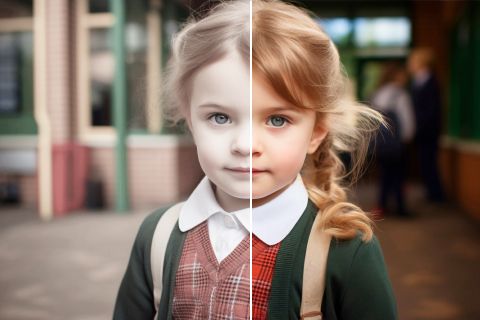
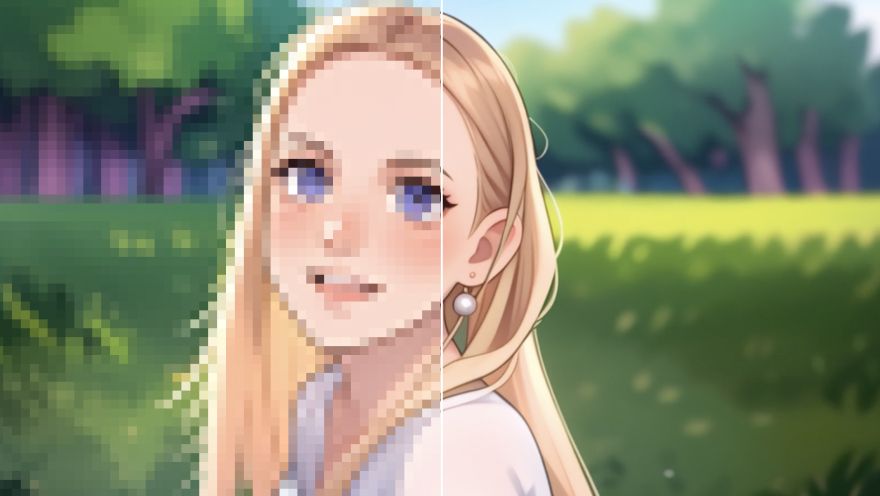
Recover sharper detail from soft or compressed footage with the video enhancer. Faces, products, and scene edges look clearer in HD, with output up to 4K when available. For higher resolution alone, continue with a video upscaler.

Recover Details Viewers Can See

Make Noisy Footage Easier to Watch

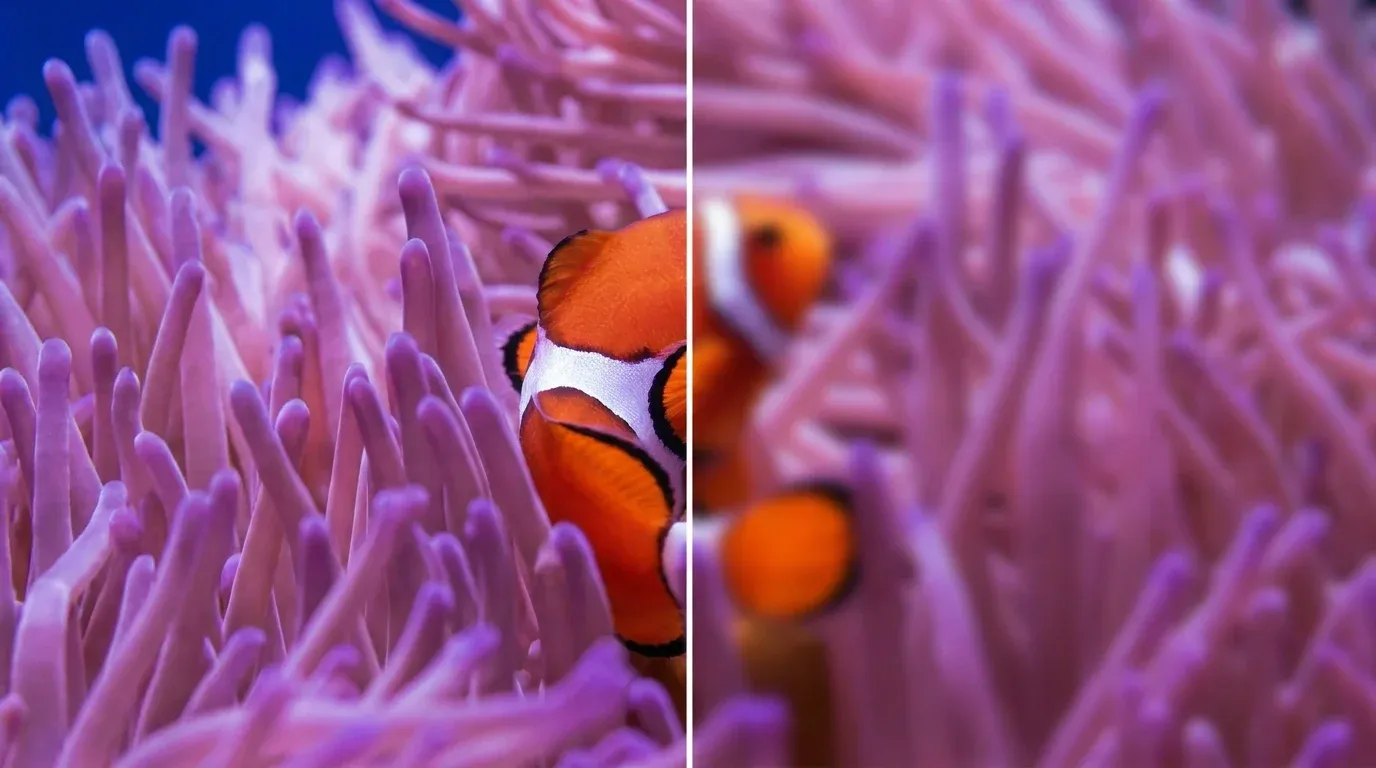
Clean visible noise, grain, and compression marks with a video denoiser. Older footage becomes easier to watch, and the subject stays clear before publishing or sharing. For final assembly, continue in an AI video editor.

Make Noisy Footage Easier to Watch

Bring Flat Colors Back to Life

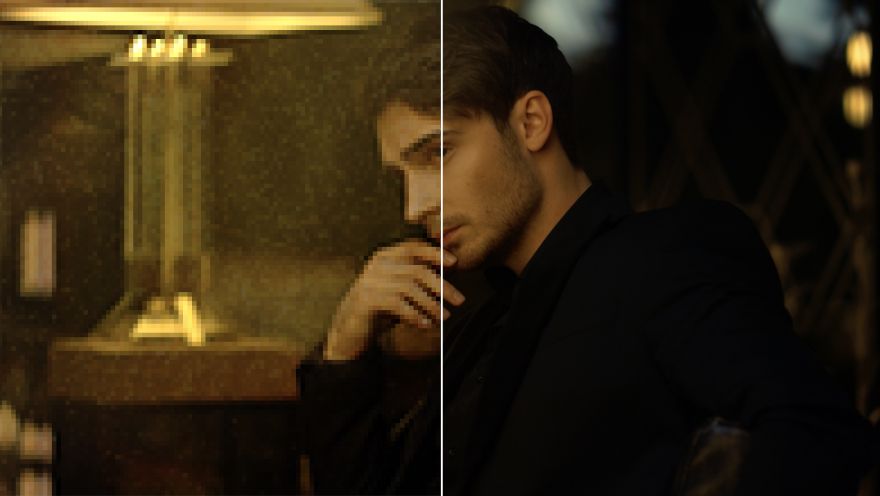
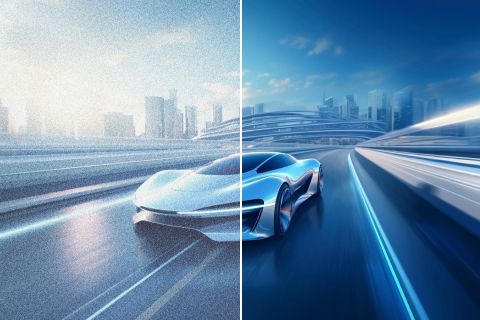
Bring back balanced brightness, color, and contrast with a video color enhancer. When low-light footage looks flat or uneven, the restored image stays faithful to its original intent. Another crop can follow in AI video reframe.

Bring Flat Colors Back to Life

Keep Enhanced Footage Looking Believable

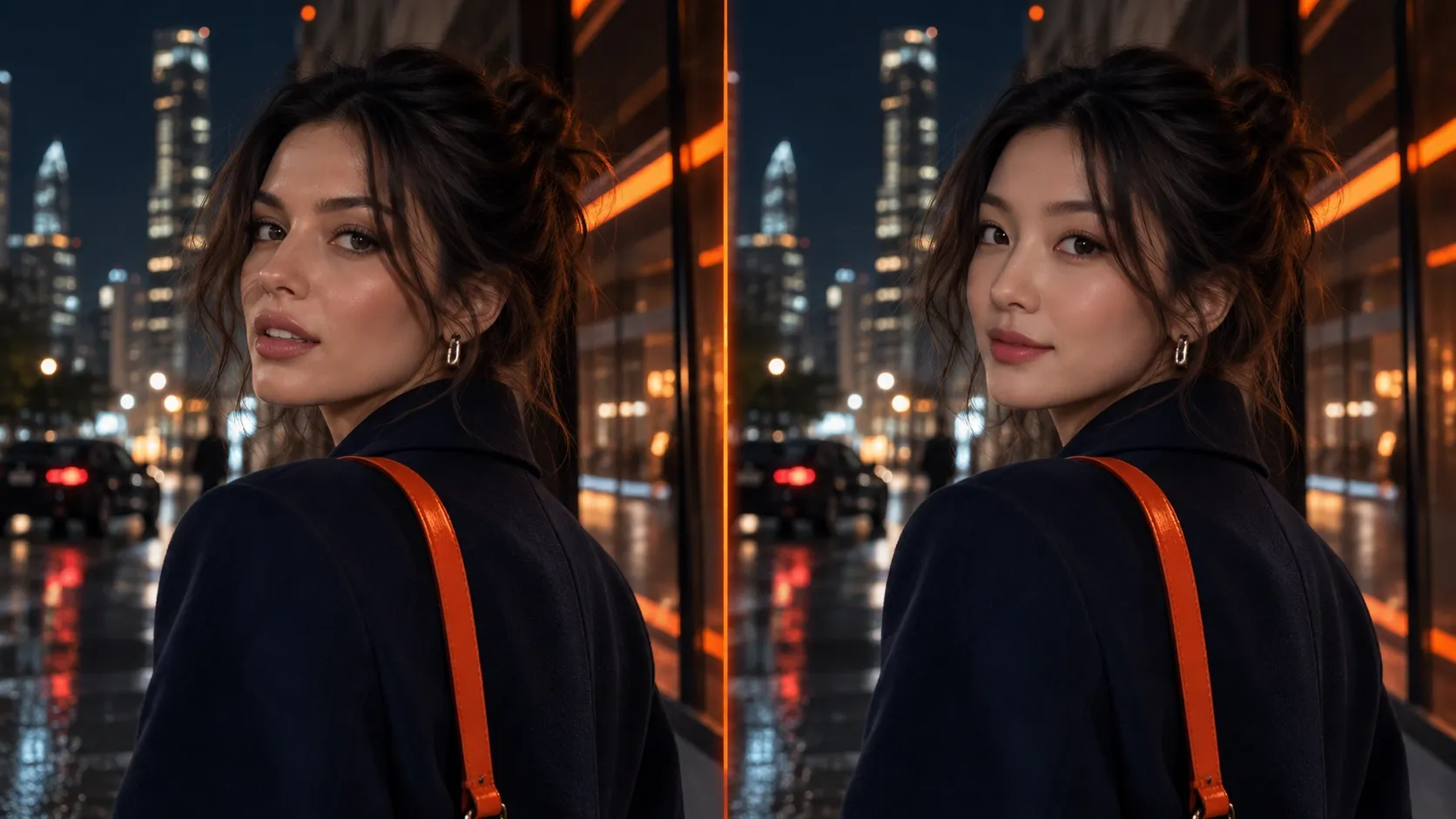
Match detail, noise, and color correction to vlogs, lessons, product clips, and home footage. Each result stays believable across different audiences and placements without over-processing the source. For drawn footage, continue with anime video enhancer.

Keep Enhanced Footage Looking Believable

Who Uses an AI Video Enhancer

Sharper Vlogs and Shorts
Creators and YouTubers

Sharper Vlogs and Shorts

Improve an interview, vlog, or tutorial until faces and small details read clearly for mobile viewers. Build it with an AI YouTube Shorts generator.

Cleaner Campaign Footage
Marketers and Sellers

Cleaner Campaign Footage

Refine creator footage so the product and claim feel credible at conversion and purchase. Build it as a UGC video ad.

Readable Lessons and Demos
Educators

Readable Lessons and Demos

Clean recorded demonstrations so learners can follow every important visual step without losing context. Shape it as an explainer video.

Remastered Old Footage
Archive and Family Video Owners

Remastered Old Footage

Remaster video memories before outdated text blocks family sharing, archiving, or localization for new audiences. Clear it with a video subtitle remover.

How to Enhance Video Quality

1

Step 1

Upload the video clip whose detail, noise, color, or contrast needs improvement.

2

Step 2

Let the enhancer analyze the footage and improve detail, noise, color, and contrast.

3

Step 3

Download or share the enhanced clip.

The All-in-One AI Video Creation Platform

Go from basic scripts to high-converting content. Seamlessly transition between automated AI agents, presenter-led avatars, sound design, and tailored video apps.

Animate Photos Into Motion

Bring your still images to life with cinematic motion and depth. Create captivating short video stories from your photos for a new level of visual storytelling.

Try Image to Video Free

Refine Your Raw Footage

Streamline your editing process effortlessly. Instantly swap faces, adjust colors, remove objects, and add effects with one click.

Try AI Video Editor Free

Create Professional Video From Any Concept

The ultimate multi-modal video generator. Combine text, images, or audio to produce complete, production-ready video content in minutes.

Try AI Video Generator Free

Generate Realistic AI Voiceovers & SFX

Elevate your visuals with studio-quality audio. Generate natural-sounding speech and custom sound effects to perfectly match your video's mood.

Try AI Voice Generator Free

Accelerate Video Creation With Video Apps

Deploy purpose-built video apps for instant results. Generate video slideshows, music videos, and social shorts in just seconds.

Explore All Video Apps

**Create Videos With No Editing Required**

Go from a simple idea to a finished video instantly. Describe your vision, and let the Pollo Agent automate the full production process for flawless results.

Try Pollo Agent Free
Sony
Mercedes-Benz
Coca-Cola
Microsoft
Nike
P&G
Lancôme
Zoom
Pollo AI creators using text to video tools

10M+Users

Using Pollo AI to Create and Inspire

Trusted by 10M+ Creators and Marketers Worldwide

Thousands of satisfied users have shared their Pollo AI experiences on Trustpilot, rating us as "Excellent." See what they love about our platform.
witt lowry photowitt lowry
Nov 14, 2025

Amazing how it works great 👍 thanks so…

Amazing how it works great 👍 thanks so much
Richard Quick photoRichard Quick
Oct 15, 2025

Awesome website

Awesome website. loads of options and a great way to learn how to work with 'AI' my reasoning for 5 stars is based upon price, versatility and ease of use. Also I would like to add, Pollo AI runs a lot of promos on different AI products as well. I rate their customer service at 5 stars, when I purchased my first subscription my computer crashed the following weekend and I lost all my data and info passwords you name it I lost it, contacted pollo by email they responded quickly and found my info/username and account, and I was able to restore my account.
armourdude photoarmourdude
Nov 19, 2025

I have been using Pollo AI for short…

I have been using Pollo AI for short videos. It is easy to use and works well with simple prompts. Other generators seem to need long drawn out complicated explanations to get even close to what I want.
Dudu photoDudu
Jan 14, 2026

I'm just amazed by the level of quality…

I'm just amazed by the level of quality output that Pollo AI can produce from a simple image. The motion, the realism, It's too good!!
Ray Warnes photoRay Warnes
Dec 30, 2025

A fabulous journey

I find Pollo easy to use, it gives me great results and I'd recommend it to anyone. It has been a wonderful experience for me.
lawless clan photolawless clan
Nov 22, 2025

i tried 220 online img to vid in 2…

i tried 220 online img to vid in 2 months, and this is the best online video.I will subscribe for a year; there are many reasons. But freedom is the most important.
Istvan Lajos photoIstvan Lajos
Dec 10, 2025

Thanks

Thanks, This is the Best A.I. site in the net! I can try it with free coin, and if I like it I subscribe.And alwas have free limited oportunities.You are the Best.
Santiago Saenz photoSantiago Saenz
Nov 20, 2025

Amazing

I use it for multiple angles and they always have revolving deals that help so much its a great tool
Alex Khan photoAlex Khan
Jan 4, 2026

Great great

Great great. Works well even in the past.
Norma Ponce photoNorma Ponce
Mar 21, 2026

AI Chicken is excellent

AI Chicken is excellent, easy to use, and delivers unbeatable results.
Sarah Stokes photoSarah Stokes
Mar 20, 2026

Fabulous so glad I used it amazing

Fabulous so glad I used it amazing
Sudipta Saha photoSudipta Saha
Mar 20, 2026

Perfect image editor

Perfect image editor
Luiz Guyz photoLuiz Guyz
Mar 19, 2026

Excelent app the videos os Very good

Excelent app the videos os Very good
10M+ creators use Pollo AIView more

FAQs

What is an AI video enhancer?

An AI video enhancer improves visible detail, noise, color, and contrast. It helps soft, compressed, or uneven footage look more usable without manual frame-by-frame correction.

What is the best AI video enhancer for improving video quality?

Pollo AI's AI video enhancer for improving video quality is the best AI video enhancer for improving video quality because it combines detail recovery and noise reduction. It also improves color in the same workflow.

Is there a free online video enhancer?

Yes. A free AI video enhancer can test improvements, while a 4K video enhancer online free option depends on current plan limits.

How can I improve video quality?

Identify the problem first: soft footage needs sharper detail, grainy footage needs noise cleanup, and flat footage needs better color and contrast. Pollo AI's video enhancer handles all of these in one workflow, so compare the result with the original before reusing it.

Which video formats and output qualities are supported?

Common source formats include MP4, MOV, and MKV. You can produce clearer HD footage, with output up to 4K when the workflow and current plan support it.

What is the difference between a free video quality enhancer and a video upscaler?

A free video quality enhancer improves detail, noise, color, or contrast, while a video upscaler focuses on increasing output resolution. Available settings depend on the source footage and current plan. Handle restyling later in video to video AI.

Enhance Your Video on Pollo AI

Improve the clip's visible quality and prepare it for publishing, editing, or preservation.