



How to Get Access to Kling AI
Kling AI is not limited to China anymore and it is available globally now for any public users.
But how to get access to Kling AI exactly? In this detailed guide, we’ll show you how to get access to Kling AI (with steps and images) through 3 different approaches. As a bonus, we’ll also answer some FAQs at the end. Let’s get started!
How to Get Access to Kling AI
You can access it in 3 main ways: official website, downloading its app, or using it through Pollo AI. Let’s look at them in details:
Access Kling AI on its Official Website
One of the easiest ways to use Kling AI is through its website. Here’s how you can do it:
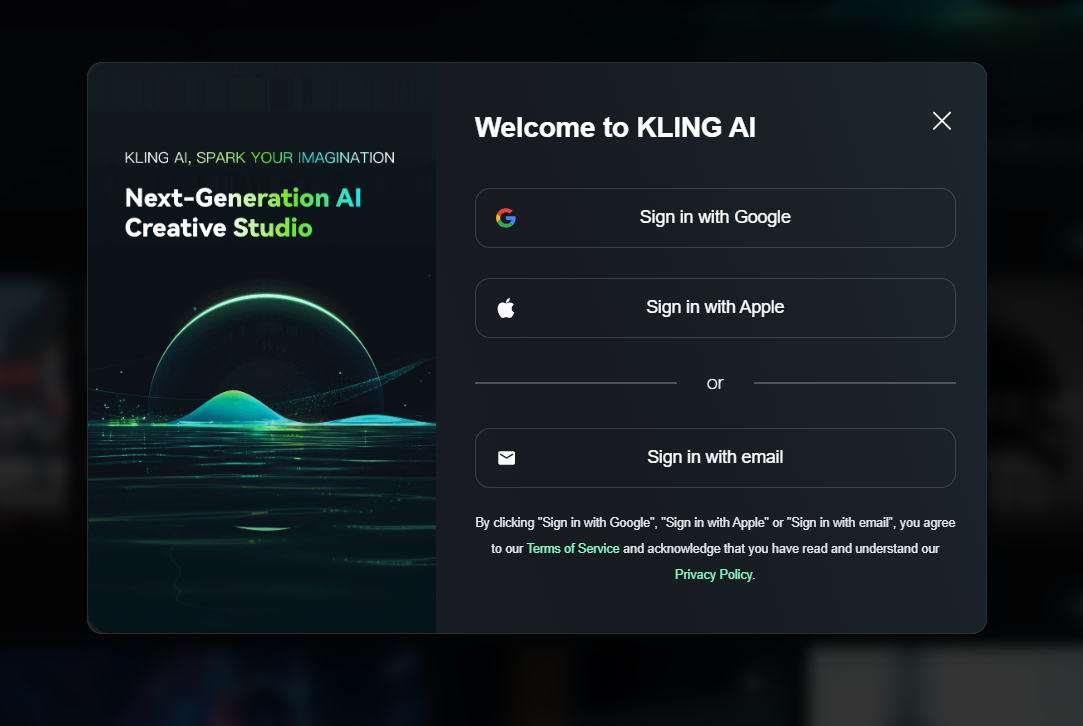
Pay a visit to the Kling AI website. If you already have an account, directly sign in through Google, Apple or an email. Otherwise, you should sign up for a new account with an email address and a solid code. After this process, you are free to explore its functions.
Use the Kling AI Mobile App
Here is how to get access to Kling AI through its mobile application:
1. Download the App: For example, you can search for Kling AI in the App Store of Apple or Google Play and directly download its application.
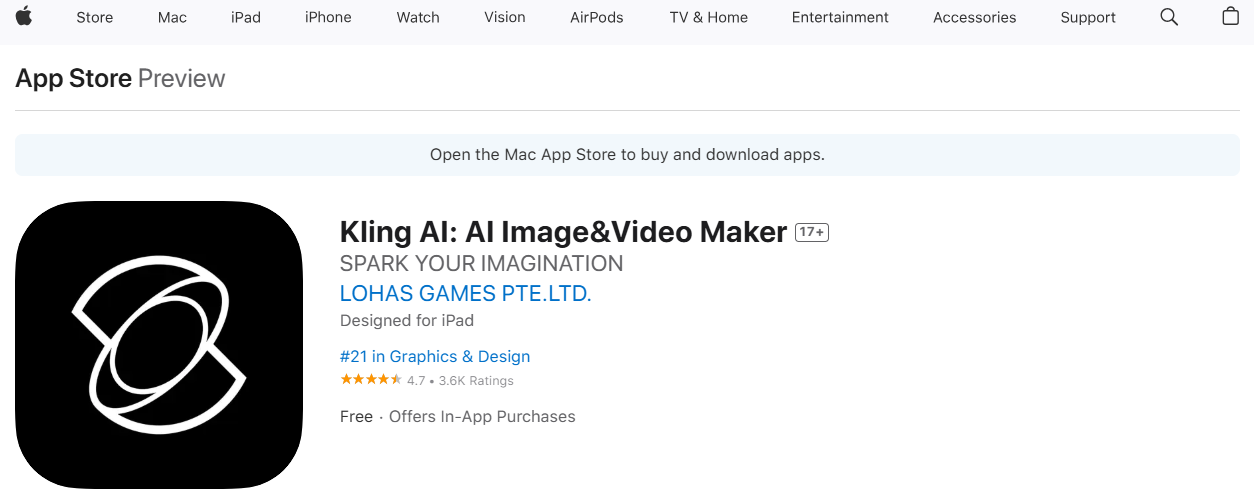
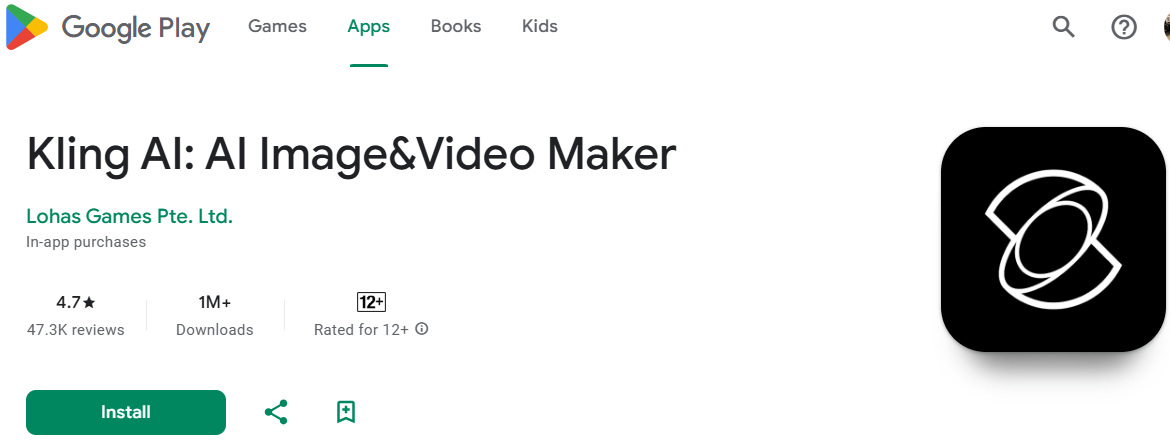
2. Set Up Your Account: When you open the app, you’ll need to log in or create an account. Sign up using your mobile number or social media accounts. Then you can get access to Kling AI’s features on your mobile phone.
Use Kling AI Through Pollo AI
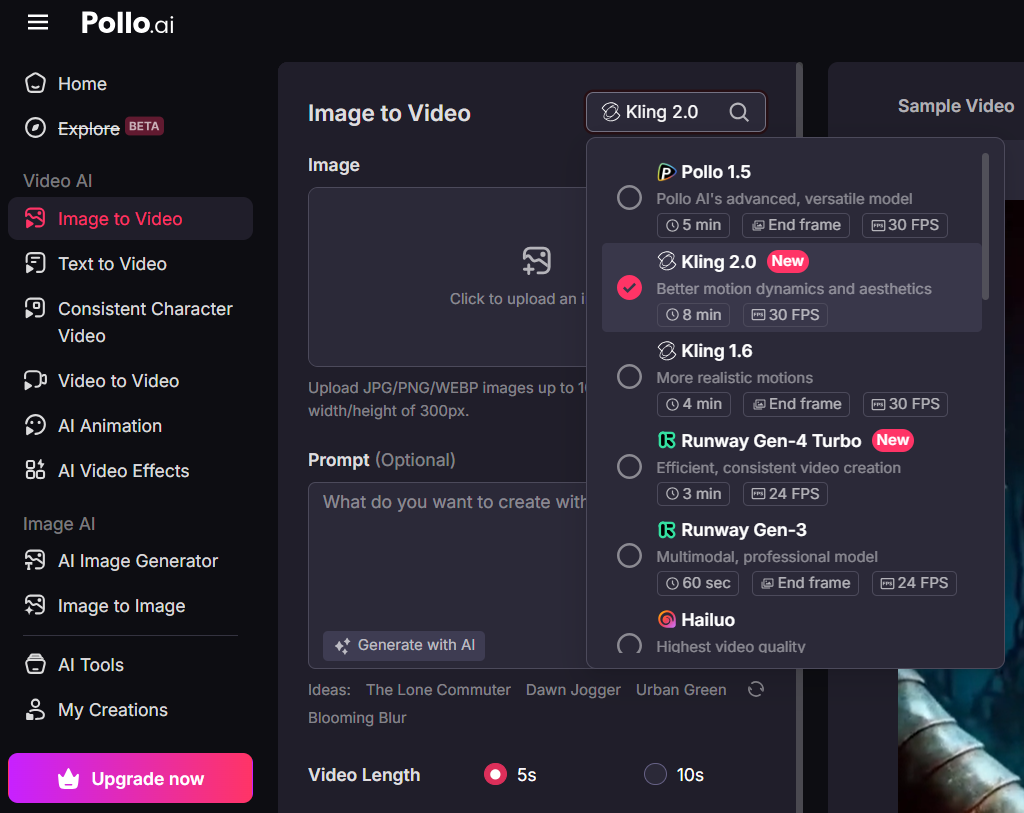
The best way to access Kling AI is via Pollo AI. You can directly select different Kling AI models to convert images into video. It’s fast, user-friendly, and designed for everyone. If you want high-quality videos without complexity, Pollo AI will be the one to opt for.
To help with all kinds of creative generation needs, it offers these Kling AI models:
- Kling 1.0: This is the very first version. It’s perfect for creating basic videos. If you’re just starting, Kling 1.0 is a great place to begin.
- Kling 1.5: This version is a step up from 1.0. It provides higher resolution and comes with more advanced features for better results.
- Kling 1.6: The 1.6 model understands text prompts better and creates visuals with improved effects.
- Kling 2.0: This latest model features enhanced character motion dynamics, greater visual quality, with more efficient generation ability.
Besides Kling AI, you can also get access to other top video models such as Runway, Hailuo AI, PixVerse AI, Vidu AI and much more.
Moreover, a lot of people appreciate its video effects. With these interesting AI video effects, you can start to create any fun videos based on your uploaded images.
To sum up, you can definitely try out all of the Kling AI models in Pollo AI, and with a more fluid, seamless creation experience without any common generation issues.
Conclusion
All in all, you can access Kling AI in three ways: via its official website, via its application, and via Pollo AI. Each method is simple, but the best of all is through Pollo AI. The reason most people prefer it is that it supports all of the Kling AI’s models with other powerful features without any generation problems.
Therefore, Pollo AI is a must-try for anyone looking to create visual content smarter and faster.