




AI Event Recap Video Maker
Turn event briefs, schedules, photos, key moments, or recap notes into branded recap videos for follow-up and social sharing.
Create AI Event Recap Videos People Remember
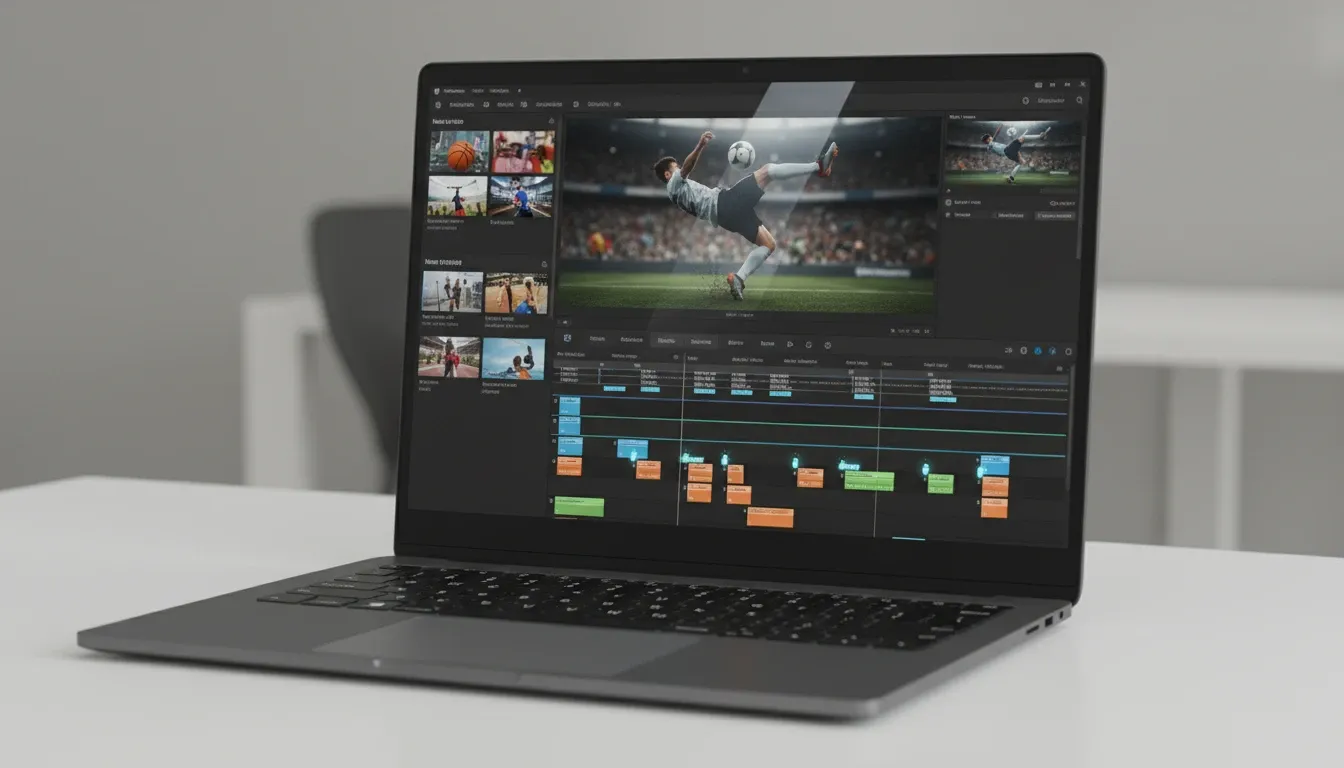
A strong recap does more than say the event happened; it shows why it mattered. Pollo AI's event recap video maker turns your briefs, scripts, outlines, or event pages into post-ready highlight videos.
Key Moments Into a Clear Event Story
Turn your event briefs, agendas, and must-include moments into a recap flow for structured narration.
Branded Highlights for Post-Event Follow-Up
Create recap videos with logos, titles, speaker moments, and an AI captions so viewers catch the message fast.
Social Cuts From One Recap Direction
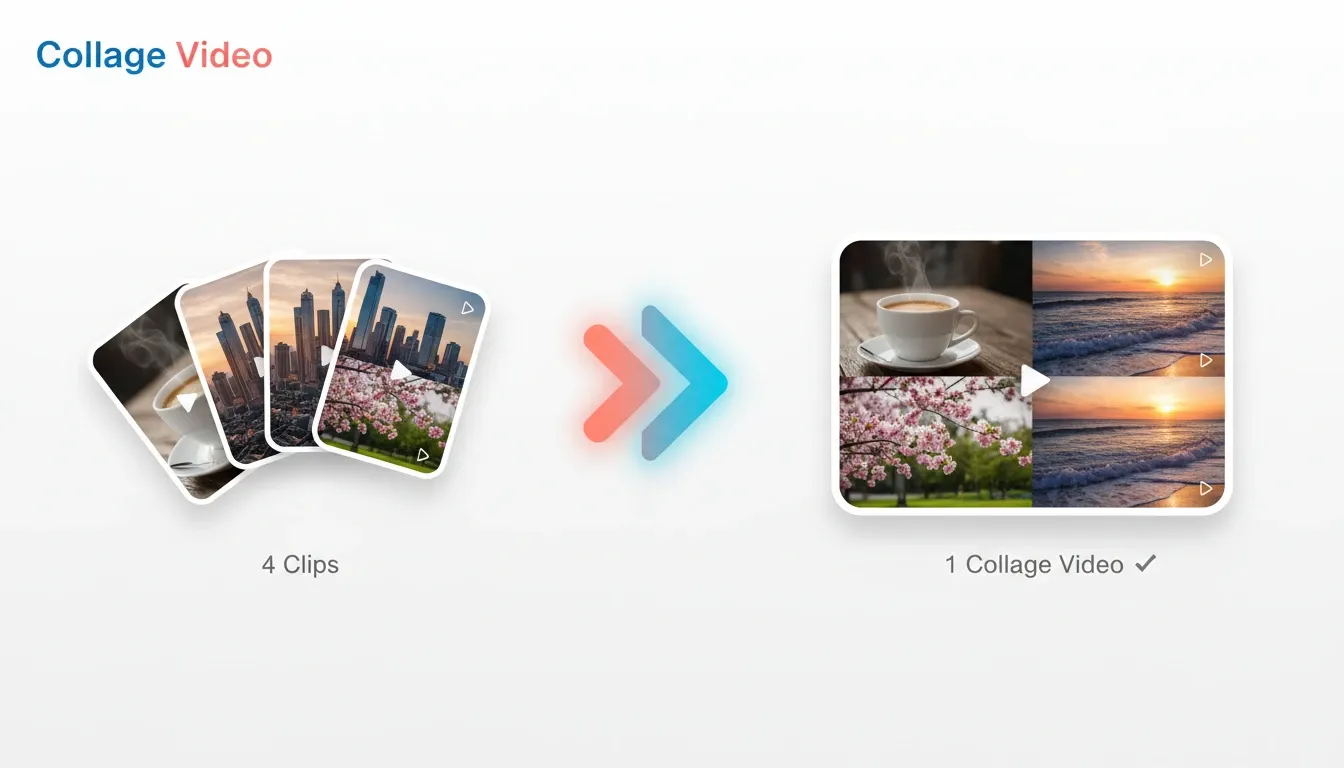
Adapt your event story for follow-up emails, landing pages, and a social media video maker workflow.
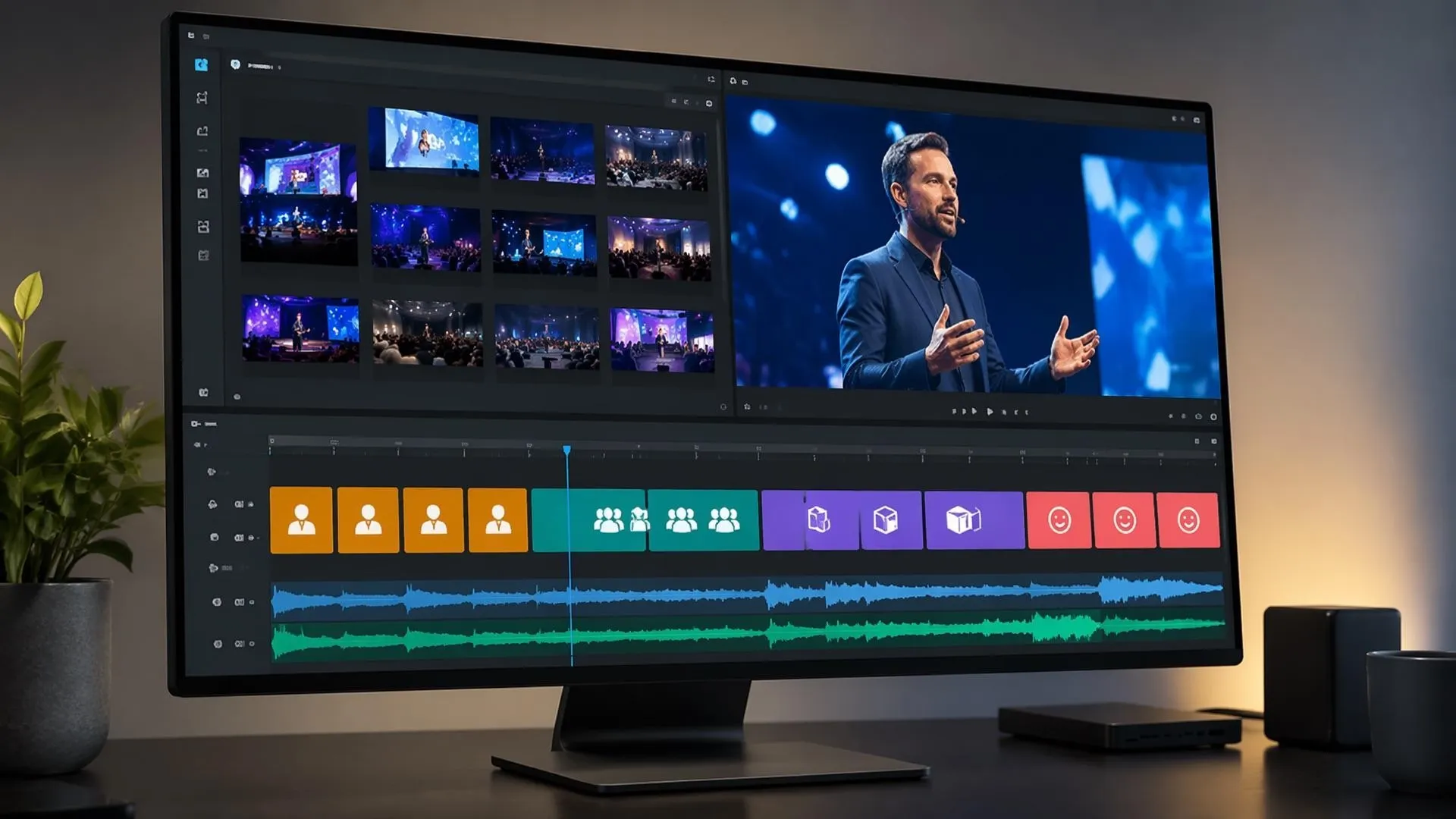
Prioritize Your Event Moments That Deserve Screen Time
Guide your recap around keynotes, panels, demos, sponsor moments, audience reactions, or quotes so multi-session events become a focused story instead of a random montage.
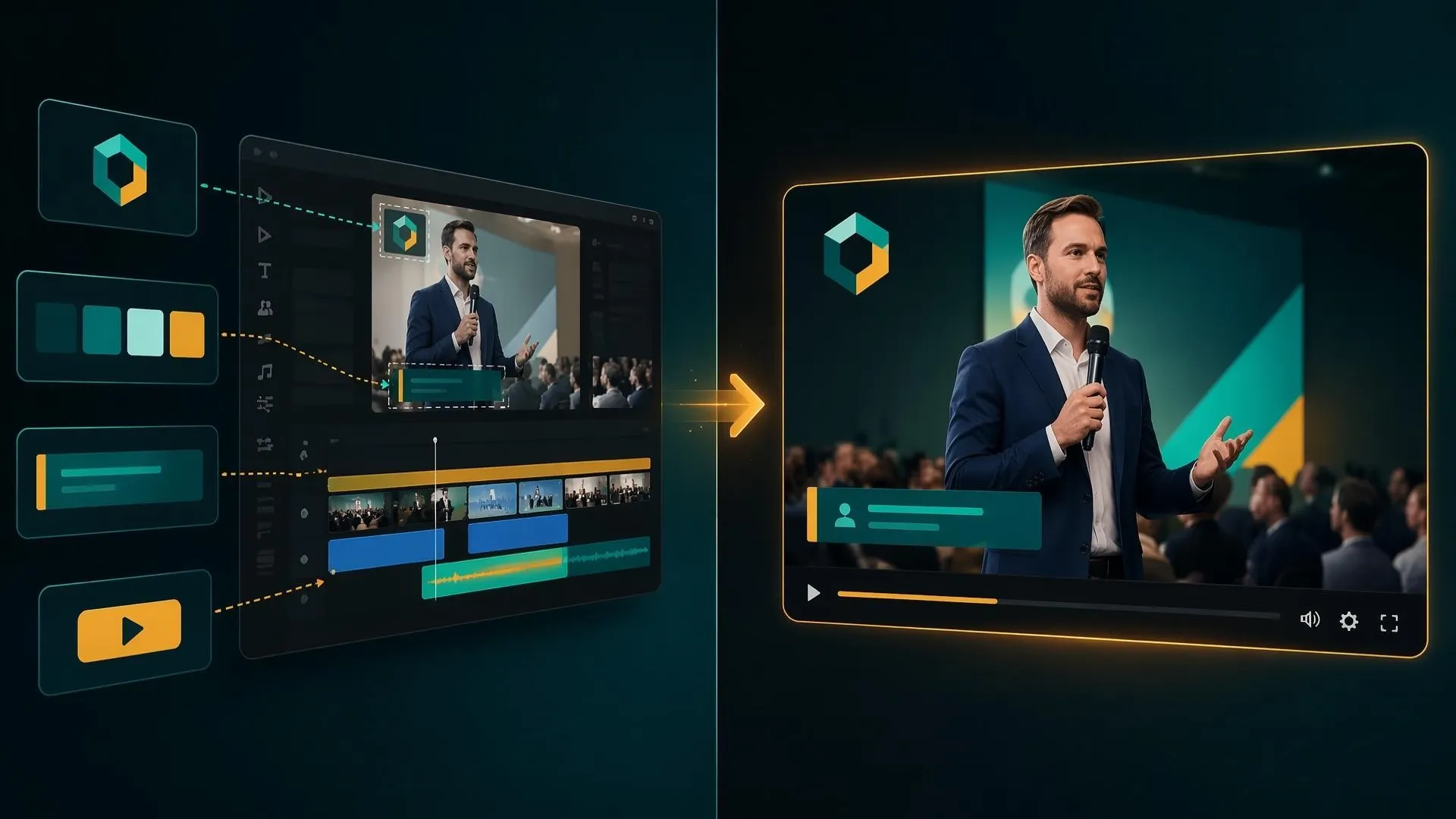
Keep Your Recap On Brand After the Event
Use logos, color cues, speaker names, lower thirds, and post-event CTAs so corporate videos feel consistent with the event brand.
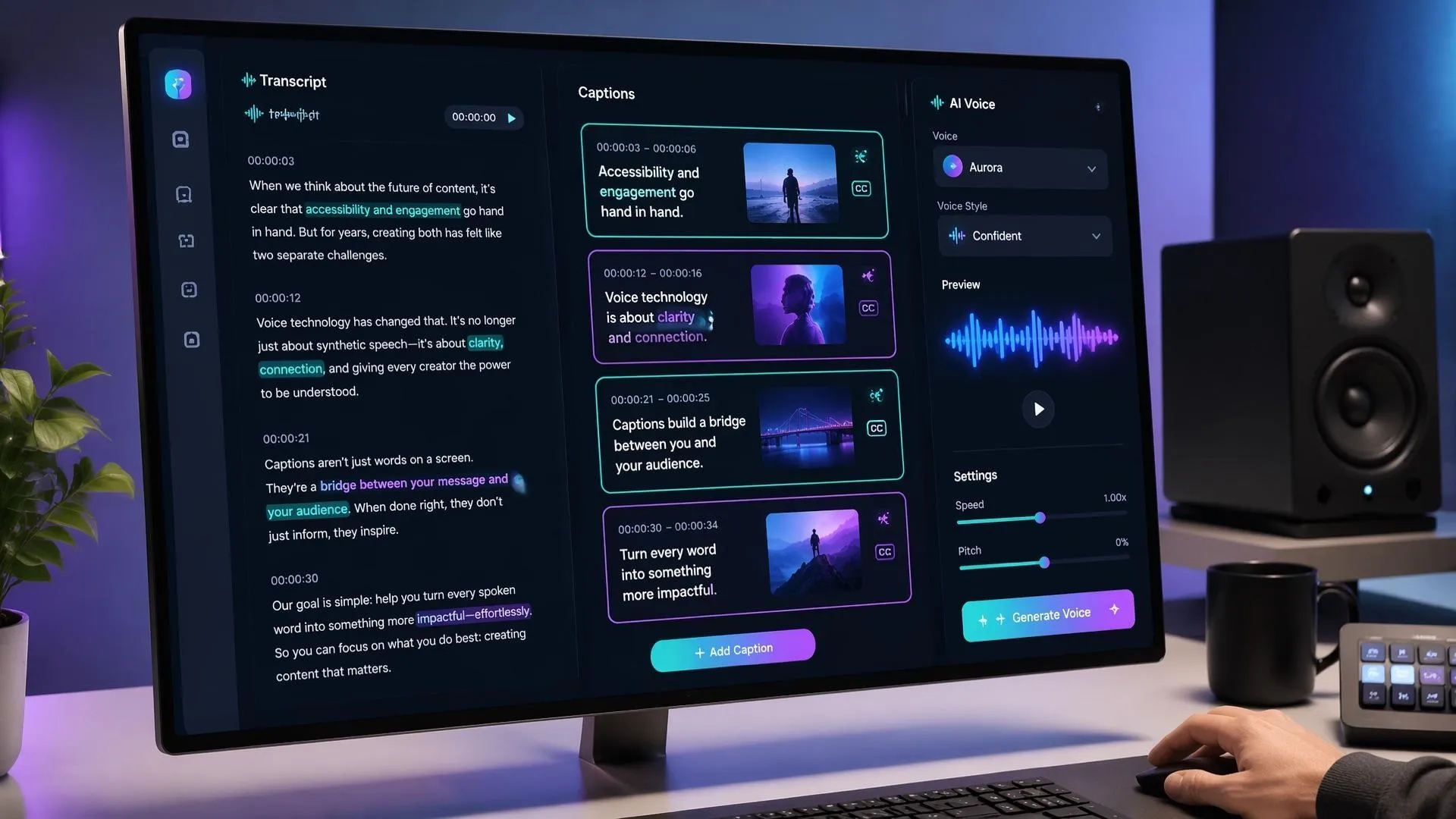
Make Your Speeches and Panels Easier to Watch
Turn your long talks, session notes, or recap scripts into tighter voiceover, captions, and scene pacing.
Create Follow-Up Assets Without Rebuilding Everything
Repurpose one event recap direction into promo videos, thank-you posts, stakeholder updates, or landing-page clips for the next campaign cycle.
Who Uses an AI Event Recap Video Maker

Post-event highlight reels
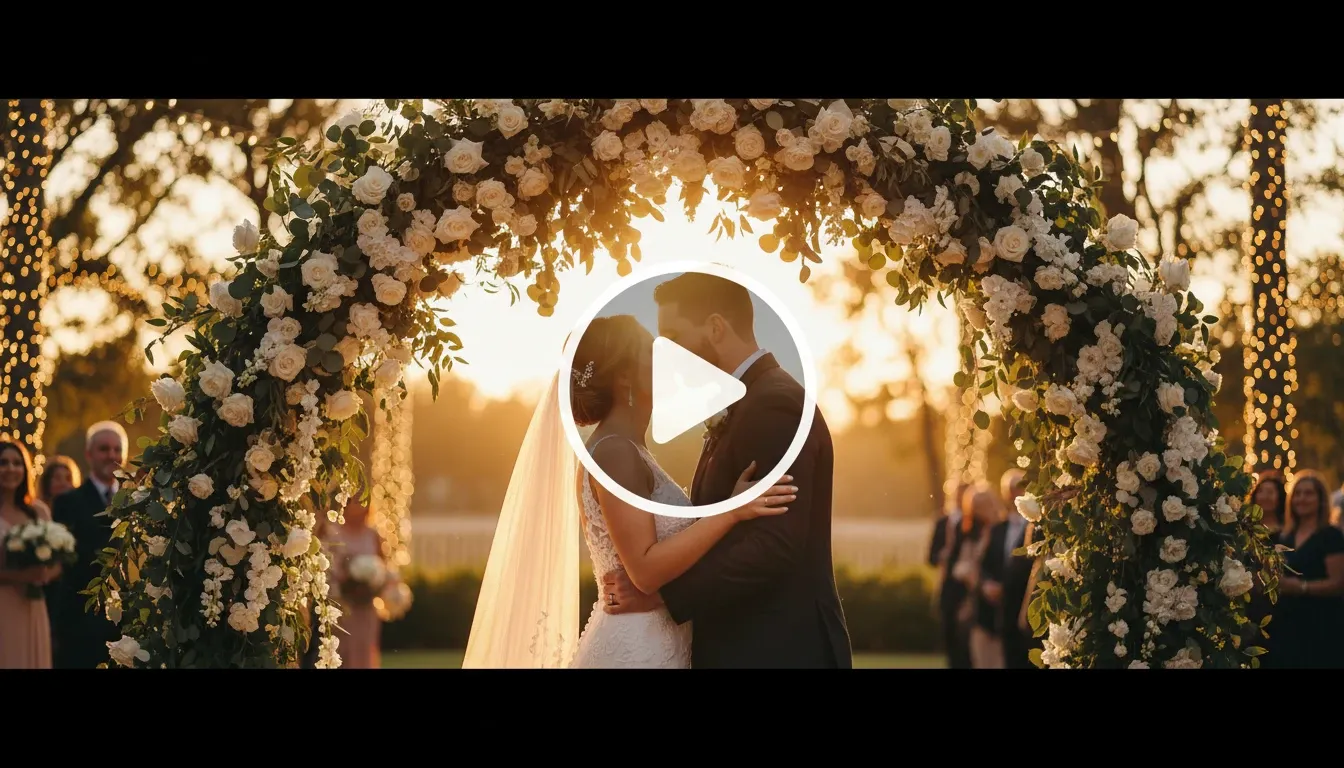
Turn your conferences, launches, webinars, or community events into concise highlight reels for email follow-up, landing pages, and social media videos.
Stakeholder recap videos
Create polished internal communication videos that summarize company events, town halls, offsites, or leadership sessions for employees and partners.

Launch event recap videos
Show demos, announcements, audience interest, and proof moments in product launch videos that keep momentum going after the event ends.

Community event recap clips
Build short recap clips with audience moments, speaker takeaways, and B-roll footage that make community events easier to share.
How to Make an AI Event Recap Video
Step 1
Paste an event brief, agenda, script, recap notes, or page link.
Step 2
List the keynote, demo, panel, sponsor, quote, or CTA moments you want.
Step 3
Let Pollo AI create the recap video, then export it for email, social, landing pages, or internal updates.
Explore More Event Video Tools on Pollo AI


 4000+ reviewsTrustscore 4.4
Trusted by 10M+ Creators and Marketers Worldwide
Thousands of satisfied users have shared their Pollo AI experiences on Trustpilot, rating us as "Excellent." See what they love about our platform.
Liz Cassidy Dec 15, 2025Richard QuickOct 15, 2025armourdudeNov 19, 2025
 DuduJan 14, 2026
 Ray WarnesDec 30, 2025
 lawless clanNov 22, 2025
FAQs
What is an AI event recap video maker?
An AI event recap video maker is a tool that turns your event briefs, scripts, outlines, photos, or recap links into polished highlight videos for post-event sharing.
What is the best AI event recap video maker?
Pollo AI's AI event recap video maker is the best AI event recap video maker because it helps compress agendas, speakers, reactions, and brand moments into a clear post-event story.
Can I try an AI event recap video maker for free?
Yes. You can try an AI event recap video maker for free to test event briefs, recap notes, visual direction, and publish-ready highlight output.
How to make a better recap for a multi-day event?
You can make a better recap for a multi-day event by naming the priority keynote, demo, panel, sponsor, quote, and CTA moments before generation.
Can I use event recap videos for social media and email follow-up?
Yes. Event recap videos can be used in email follow-up, landing pages, stakeholder updates, and LinkedIn to Video style post-event promotion.
Do I need finished footage to create an event recap video?
No. You can start with briefs, scripts, outlines, images, or links, then use B-roll footage or brand assets when you want a more specific recap.

Create an AI Event Recap Video After the Moment
Create an AI event recap video while the moments, speakers, and audience reactions are still fresh.