Step 1
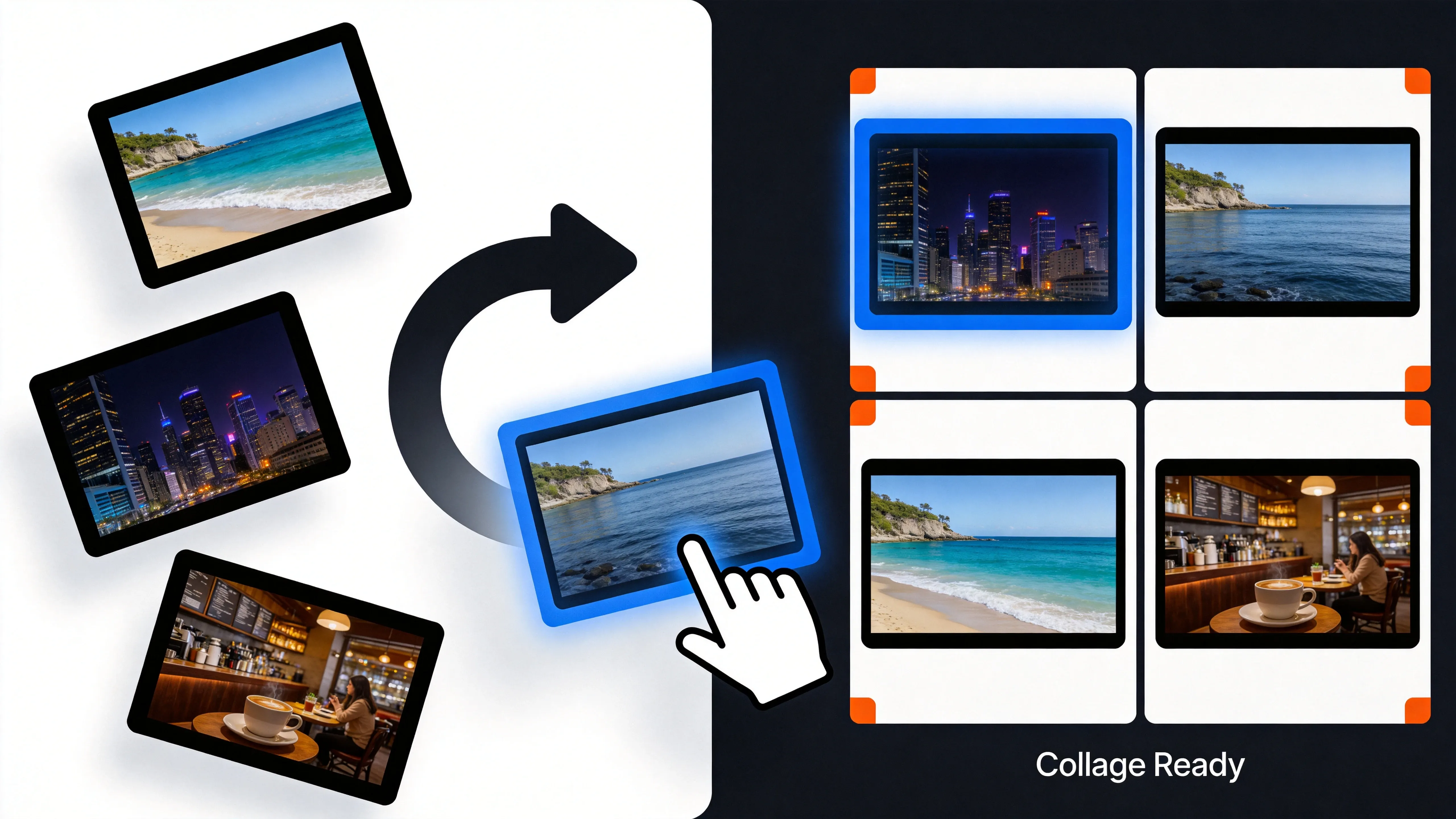
Select and upload the video clips or photos you want to combine together.
AI Video
Transform text and images into cinematic videos with lifelike avatars and studio-quality SFX.

AI Image
Turn ideas and images into stunning visuals, or perfect any photo with a complete suite of AI tools.

Agent
Create production-ready videos with SFX, consistent characters, and polished scenes. No Editing.

Marketing Studio
Built for marketers and sellers to create winning ads, UGC videos and product visuals faster.

Combine multiple video clips and photos into one polished collage with AI. No editing skills needed.
Kling 4.0
Up to 10 keyframes. Unlimited for 10 days with Ultra.
Our AI video collage maker gives you the power to combine videos into stunning collages. Tell better stories, showcase products more dynamically, and keep your audience hooked. Use it to create high-impact visual content faster, and with greater ease than ever before.
Deliver multiple messages and visuals within a single video.
Simply provide your media and our tool gives you publication-ready results directly.
Control how long each clip plays within your final collage video.
Combine portraits, events, product photos, and before-and-after shots into polished visuals. This can be especially useful for portfolios, client previews, and promotional content.
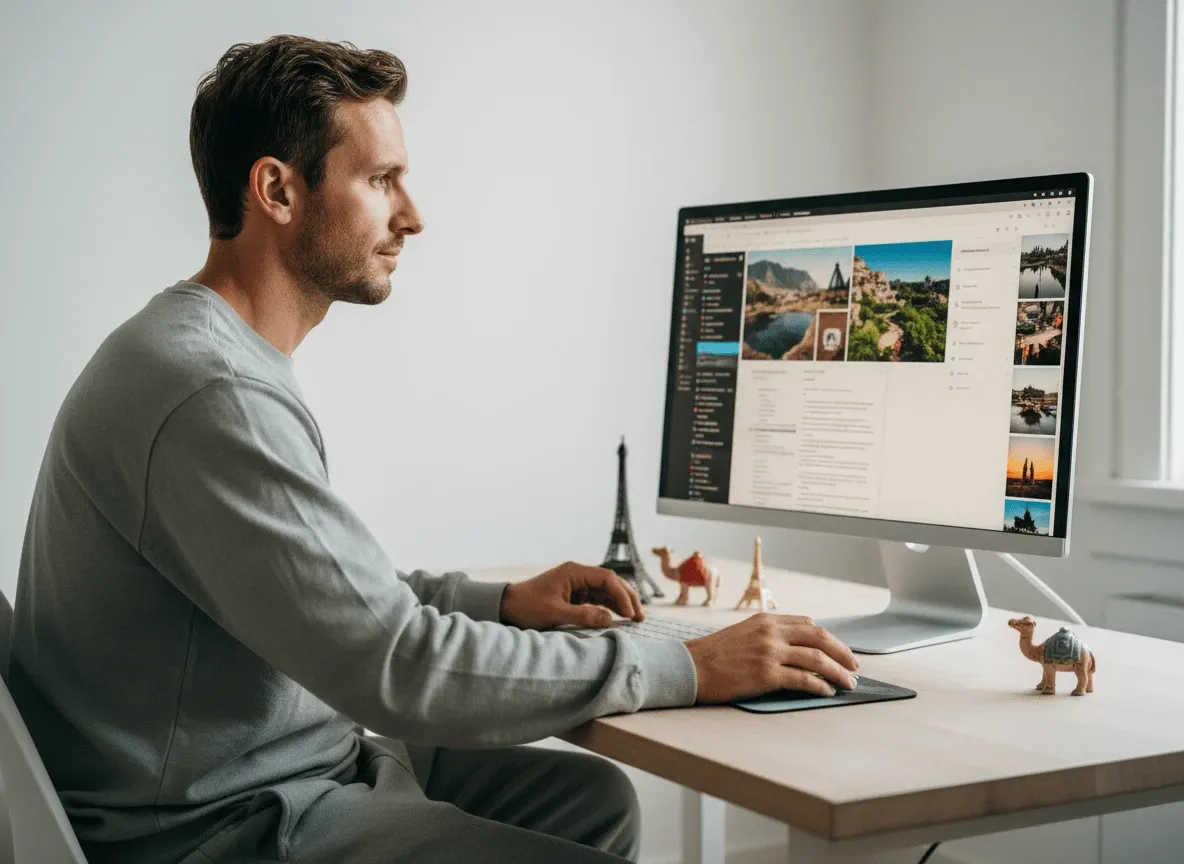
Create immersive content that showcases destinations, stays, itineraries, and traveler experiences. These layouts communicate atmosphere, variety, and value. Inspire travelers and support stronger promotional storytelling.
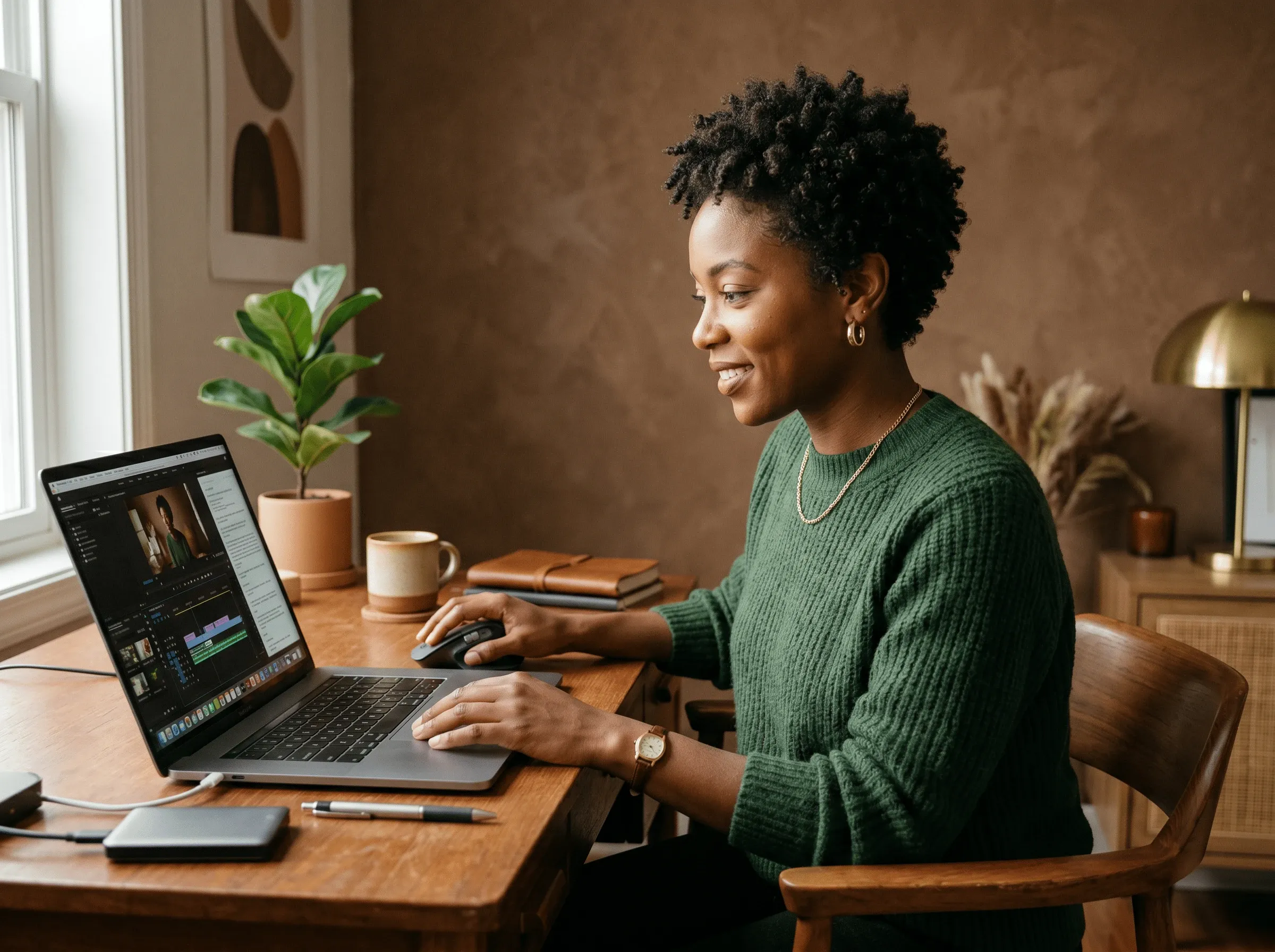
Create attractive visuals that showcase meals, ingredients, and dining experiences. Whether for social media, online menus, or advertising, present food in a more engaging way to increase interest.
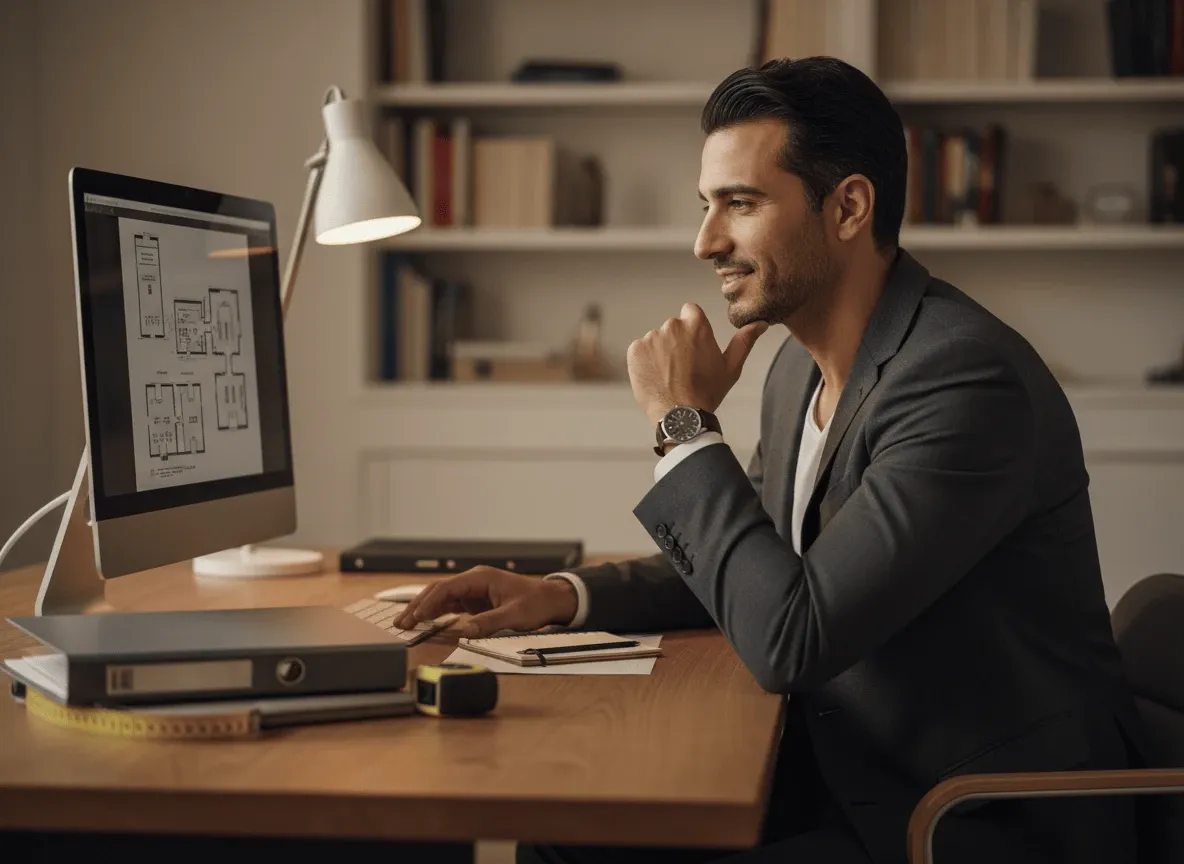
Present homes and commercial spaces through more informative, attractive image layouts. Give potential buyers a clearer sense of the property by combining exterior shots, interior views, and detailed images into one cohesive visual.
Select and upload the video clips or photos you want to combine together.
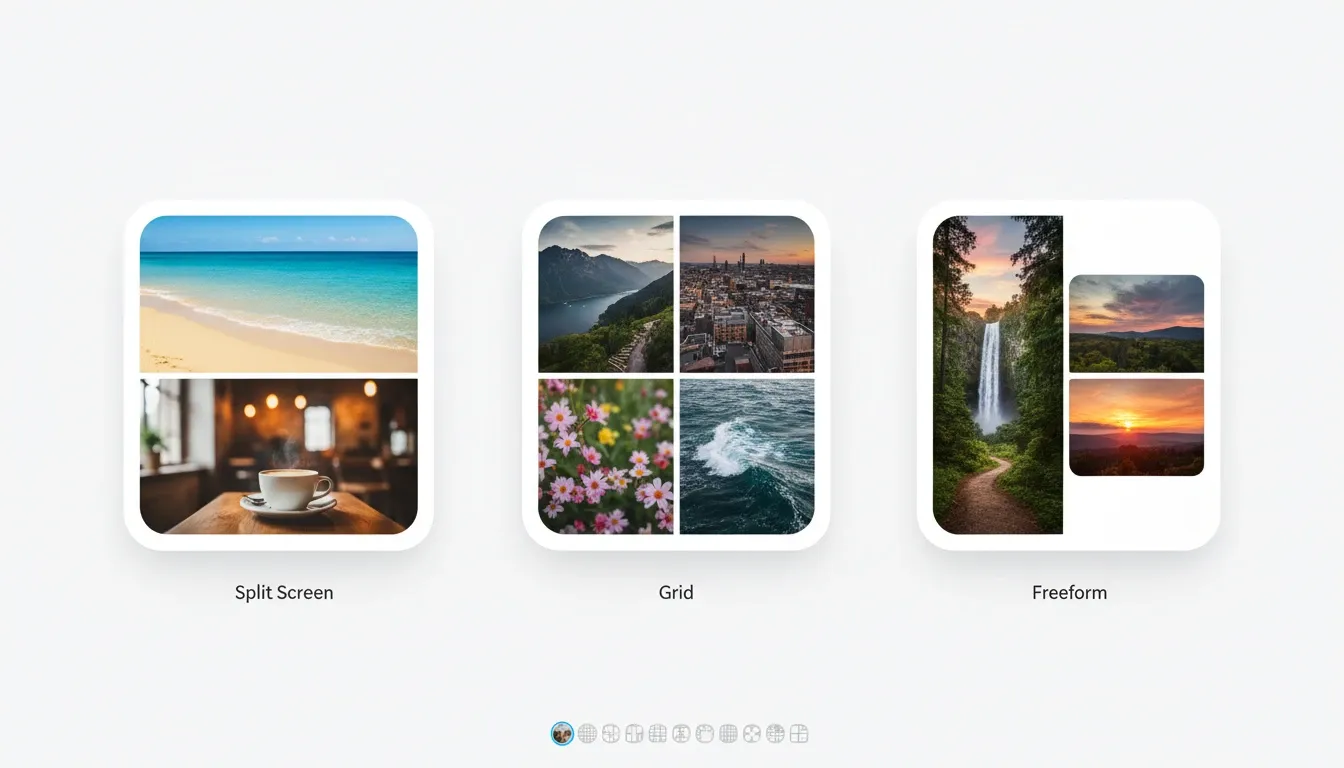
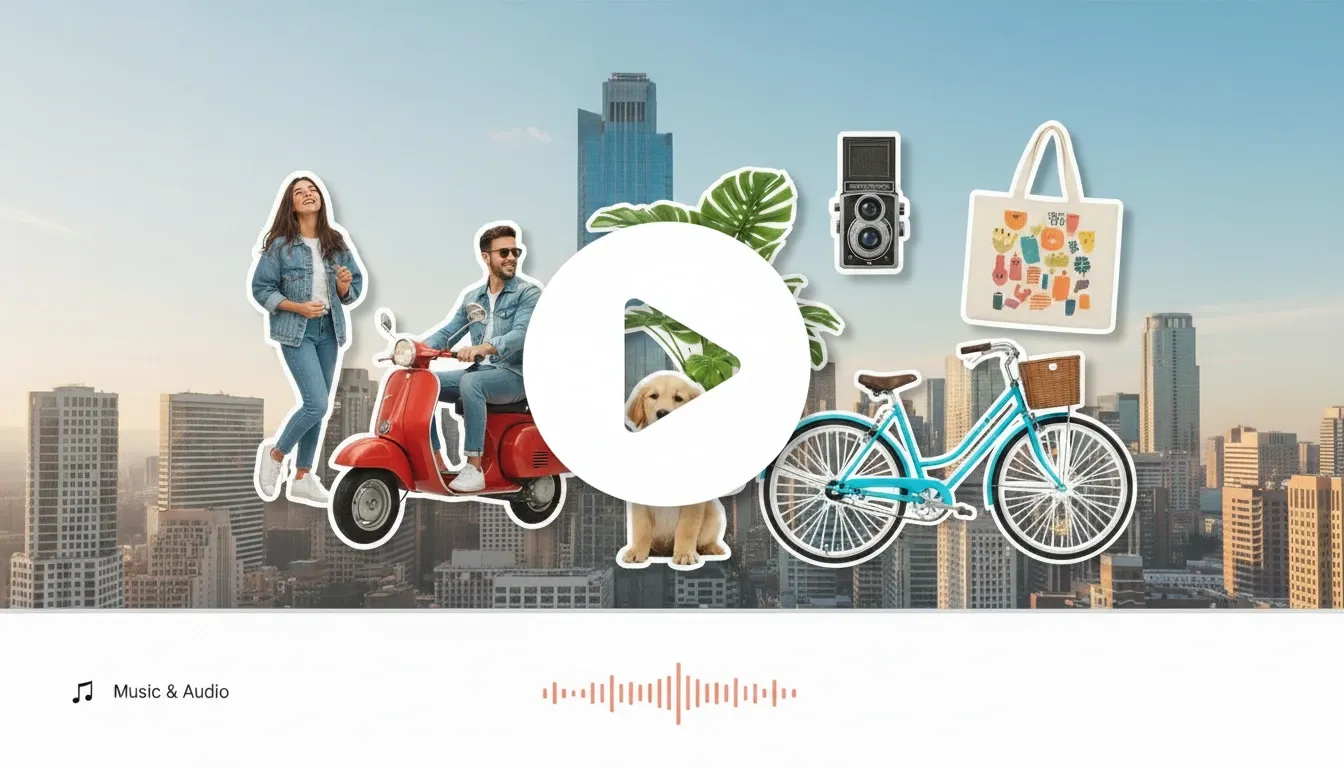
Choose your preferred layout, adjust the arrangement, and add background music.
Export your video collage and publish it across your platforms.
Go from a single concept to a finished video. Combine generation, avatars, sound, and editing into one seamless production process.
Bring your static images to life with cinematic motion. Add lifelike camera pans and fluid transitions to maximize viewer engagement and visual impact.
Turn simple text prompts into compelling visual narratives. Generate highly accurate, continuous motion sequences that seamlessly bring your scripts to life.
Build professional video assets without a camera. Generate incredibly realistic scenes and smooth footage to elevate your brand's visual storytelling.
Put your entire creative workflow on autopilot. Go from a text prompt to a production-ready video with zero editing, delivering studio-grade results fast.
Cast professional digital actors without a studio shoot. Sync your scripts to hyper-realistic avatars with flawless lip-sync and human gestures.
Access a comprehensive suite of video tools. Easily apply video filters, clean up messy audio, and reframe videos for any platform.









Using Pollo AI to Create and Inspire
 Liz Cassidy
 Richard Quick
 armourdude
 Dudu
Dudu Ray Warnes
 lawless clan
 Istvan LajosSantiago Saenz
 Gen Zee
 萱兒
萱兒 Norma Ponce
 Sarah Stokes
 Sudipta Saha
 Luiz Guyz
 Swishadoptme Swishadoptme
A video collage is a creative format that combines multiple video clips or photos into a single, unified visual display. Unlike a regular video, a video collage arranges different footage side by side or in a grid layout, allowing viewers to experience multiple perspectives, moments, or stories all at once. It is widely used by content creators, marketers, and brands to showcase highlights, tell richer stories, and create more visually engaging content for social media and beyond.
Yes. If you create an account with Pollo AI, you can make collage videos at no cost via the free trial plan. You will get limited credits to start generating collage videos, but to keep using the tool, you will eventually need a paid plan.
Once you have uploaded your video clips and arranged your preferred layout, navigate to the audio settings panel and click “Add Music”. You can either upload your own audio file or choose from our built-in library of royalty-free music tracks. Adjust the volume, trim the audio to fit your collage length, and preview the result before exporting.
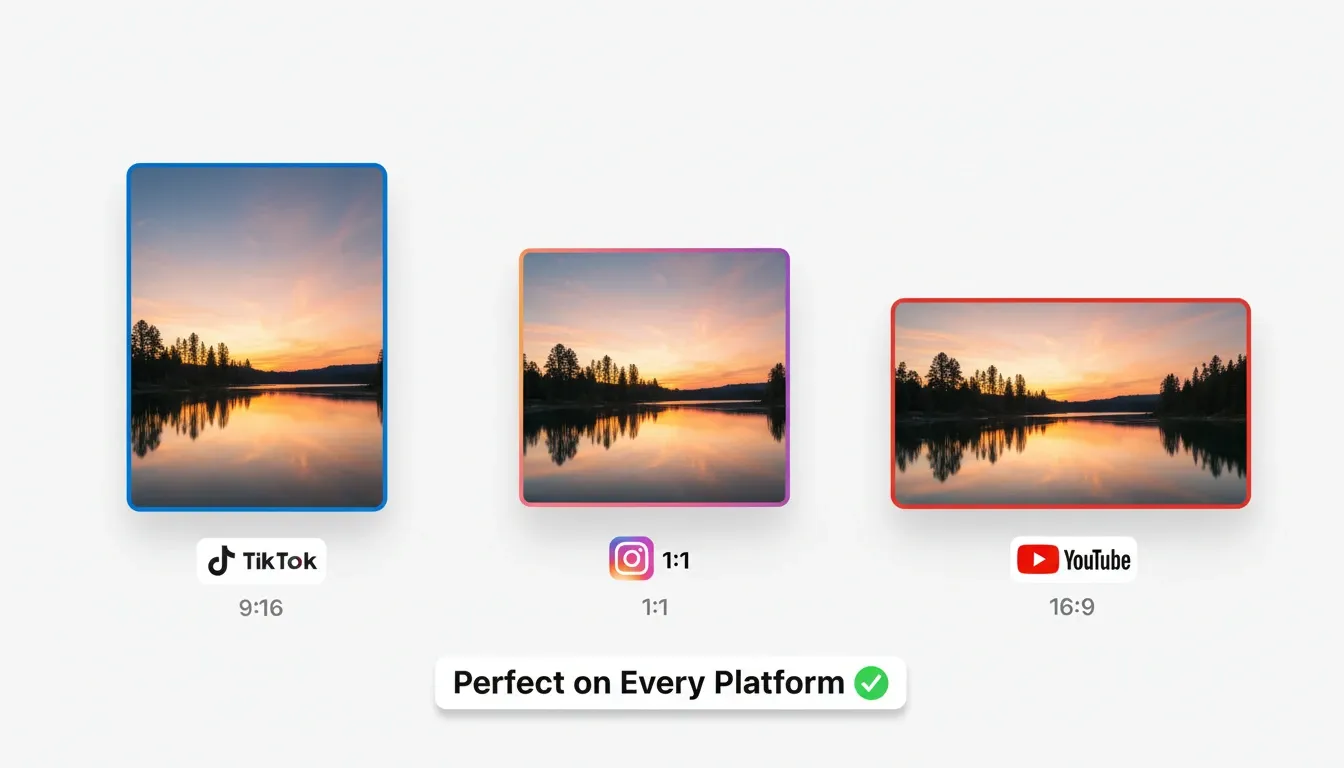
Upload the video clips, and select a layout that suits your target platform. You can choose a vertical format for TikTok and Instagram Stories, a square format for Instagram Feed, or a horizontal format for YouTube. Customize your collage by adding text, music, etc. If you are satisfied with the result, export and share it directly with your audience.
We support a wide range of popular video and photo formats to ensure a smooth and flexible experience for all users. For video files, you can upload formats such as MP4, MOV, AVI, MKV, and FLV. For photo files, supported formats include JPG, JPEG, PNG, GIF, and WEBP.

Turn multiple clips into one captivating collage and wow your audience instantly!