eBay Sellers
Turn Listings Into Buyer-Friendly Videos
Paste your eBay listing and create a short video that explains the item faster. Show condition, included accessories, and key value points.
AI Video
Transform text and images into cinematic videos with lifelike avatars and studio-quality SFX.

AI Image
Turn ideas and images into stunning visuals, or perfect any photo with a complete suite of AI tools.

Agent
Create production-ready videos with SFX, consistent characters, and polished scenes. No Editing.

Marketing Studio
Built for marketers and sellers to create winning ads, UGC videos and product visuals faster.

Paste an eBay product link and create listing videos with product details, item condition, and promo scenes for store updates to boost sales.
eBay shoppers often compare products quickly. Use our AI eBay URL to video maker to create a clean product overview video from your URL. Showcase the item and key selling points in a clear flow that helps buyers make decisions faster.
Show product value, condition, accessories, and details more clearly.
Create social clips, listing videos, and ad assets from one product URL.
Make marketplace-ready product videos without editing tools or extra help.
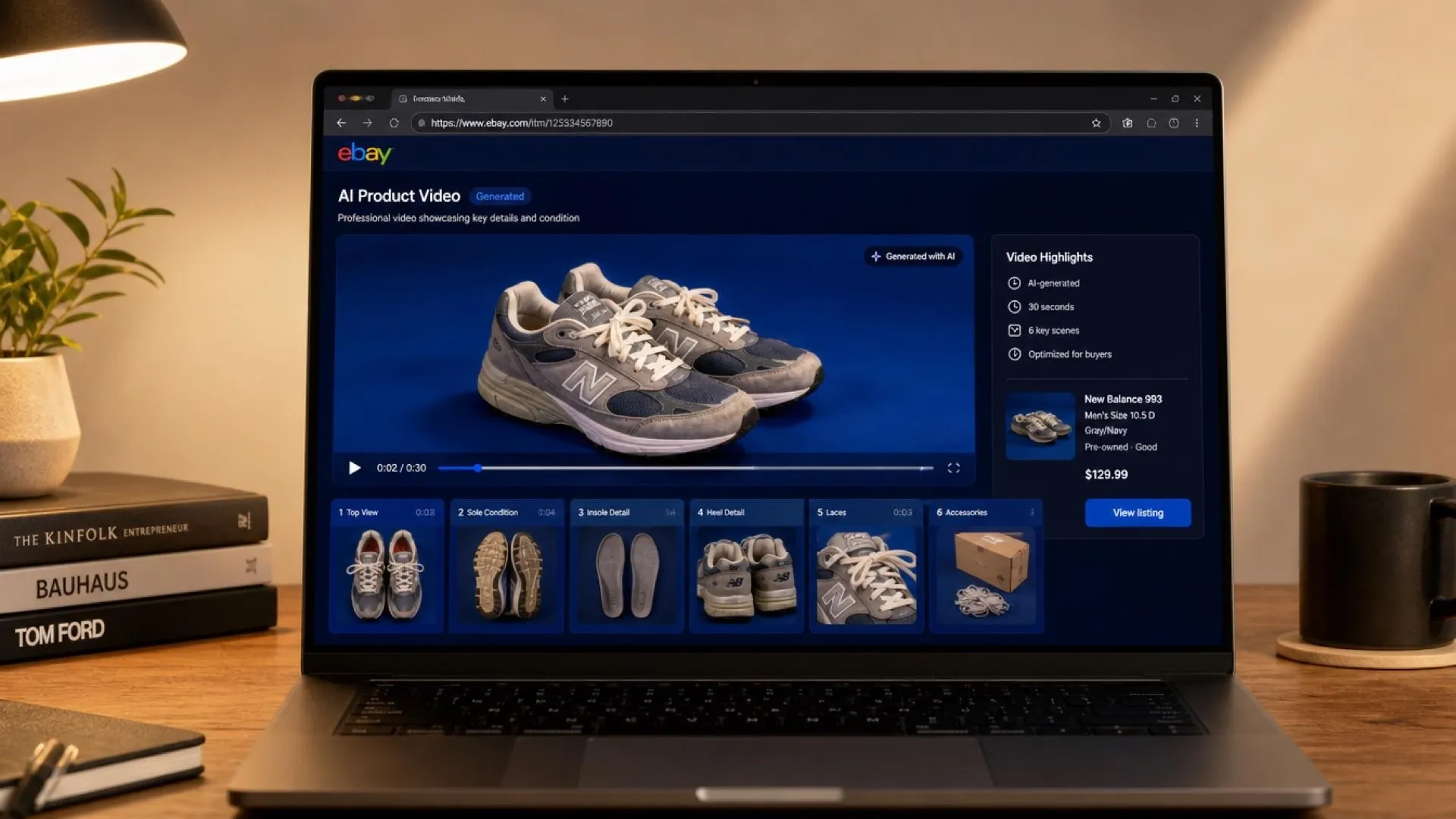
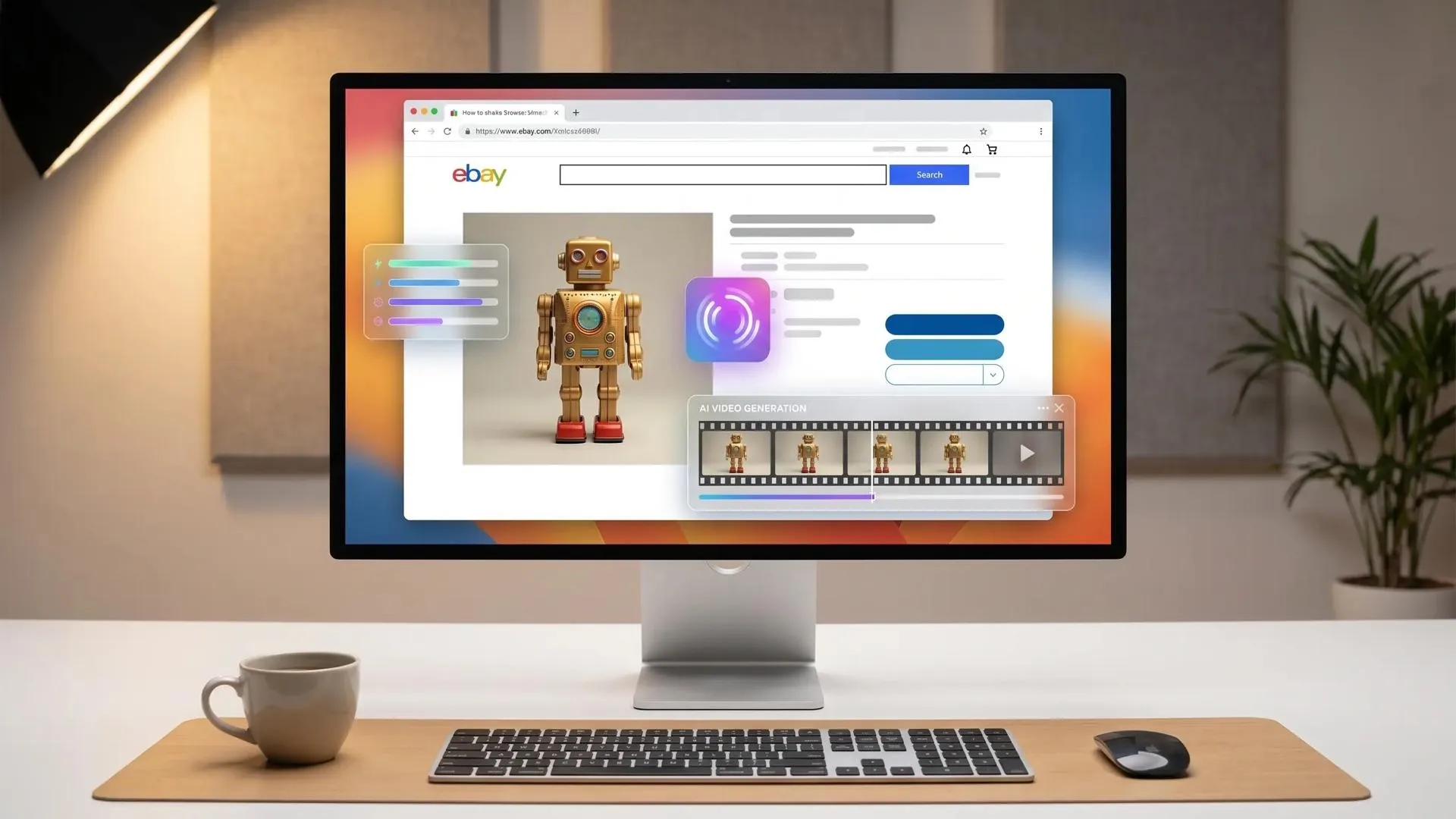
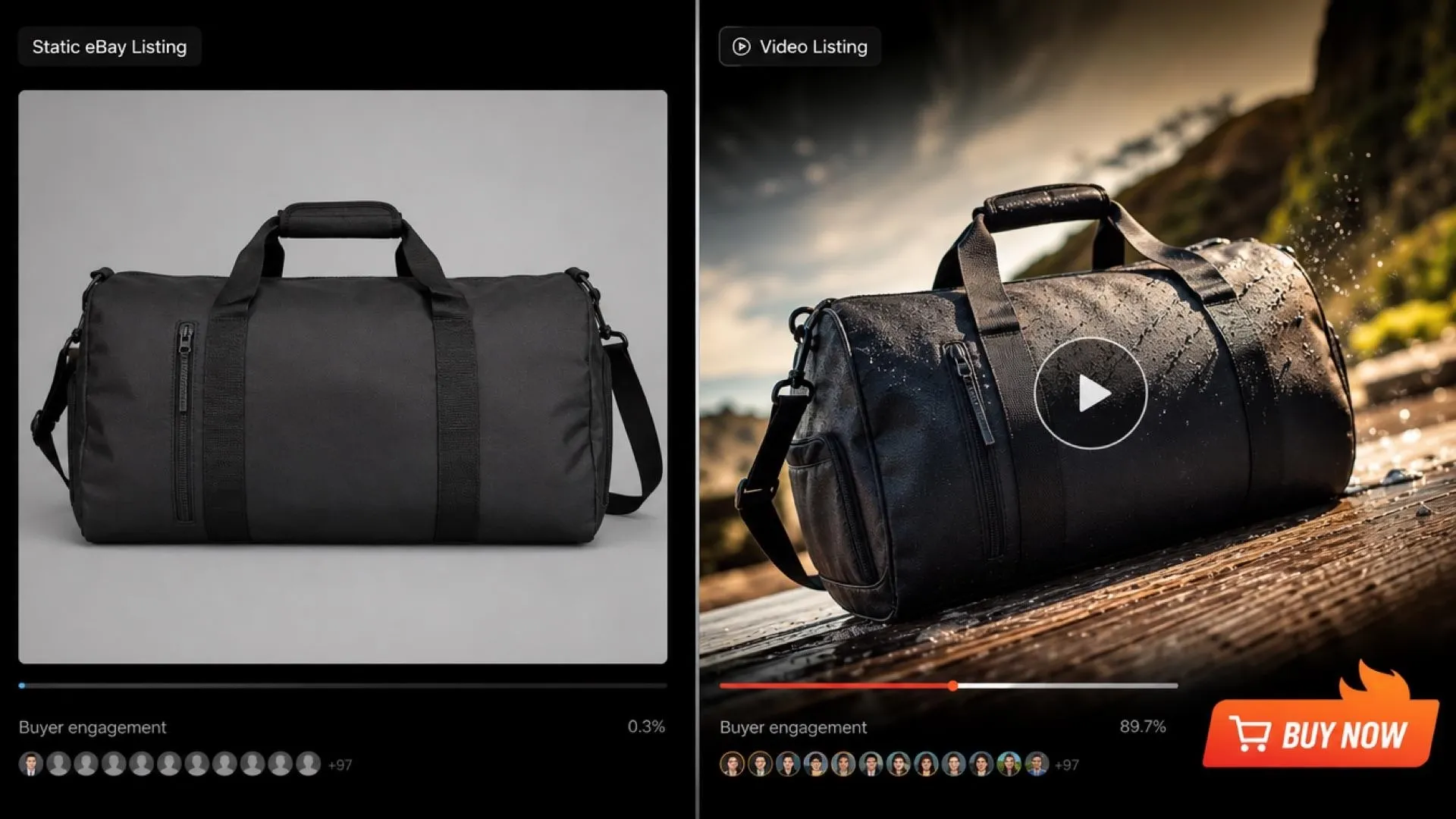
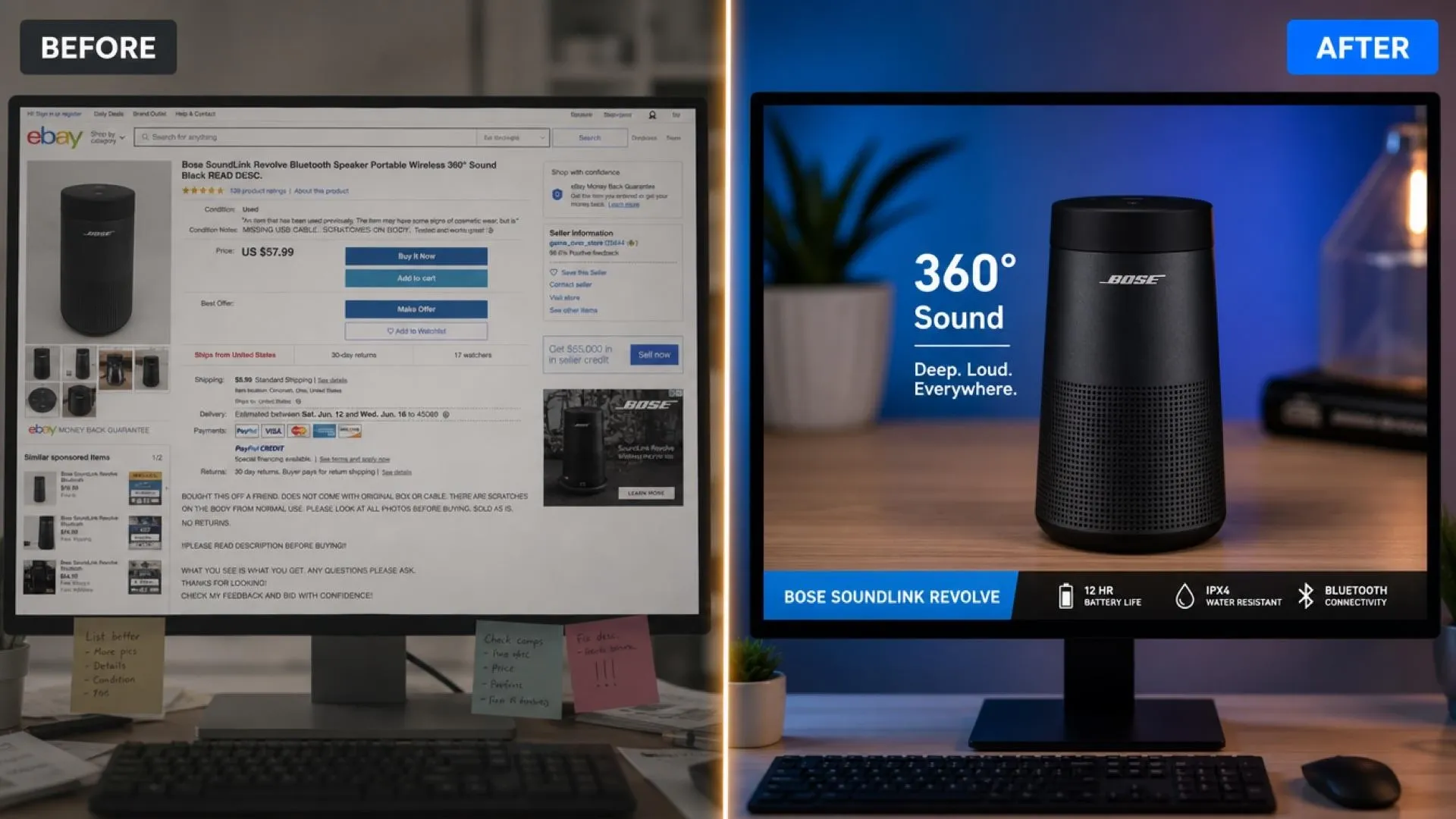
Paste your eBay listing and create a short video that explains the item faster. Show condition, included accessories, and key value points.

Use product videos to make crowded listings easier to understand. This works well for electronics, collectibles, refurbished items, and bundles. For paid campaigns, turn product pages into URL-based ad videos.

If you sell the same item on eBay, Amazon, or your own store, video saves time. Create listing videos for eBay first, then adapt similar assets into Amazon listing videos for marketplace shoppers.

Use eBay listing content to create product videos for your own storefront. This helps shoppers see condition, value, and product details before checkout. You can also create Shopify product videos for owned-store campaigns.
Paste your eBay listing URL and short prompt.
Let the AI create the product angle and scene style.
Generate and share your eBay product video.
Go from a single concept to a finished video. Combine generation, avatars, sound, and editing into one seamless production process.
Bring your static images to life with cinematic motion. Add lifelike camera pans and fluid transitions to maximize viewer engagement and visual impact.
Turn simple text prompts into compelling visual narratives. Generate highly accurate, continuous motion sequences that seamlessly bring your scripts to life.
Build professional video assets without a camera. Generate incredibly realistic scenes and smooth footage to elevate your brand's visual storytelling.
Put your entire creative workflow on autopilot. Go from a text prompt to a production-ready video with zero editing, delivering studio-grade results fast.
Cast professional digital actors without a studio shoot. Sync your scripts to hyper-realistic avatars with flawless lip-sync and human gestures.
Access a comprehensive suite of video tools. Easily apply video filters, clean up messy audio, and reframe videos for any platform.









Using Pollo AI to Create and Inspire
An AI eBay URL to video maker turns eBay listing links into short product videos. It helps sellers promote marketplace items on social channels, ads, and store pages.
Pollo AI's AI eBay URL to video maker allows new users to receive limited free credits. You can try our AI and test listing-to-video output before choosing a professional plan.
Yes. The AI eBay URL to video maker can help promote used items, refurbished products, collectibles, electronics, accessories, and niche marketplace goods.
No. The AI eBay URL to video maker creates post-ready product videos from listing links without editing software.
Yes. An AI eBay URL to video maker can create a product video from one eBay listing URL, including listing photos, title, details, and your prompt direction.

Paste a product URL and create videos for marketplace pages, ads, and social promotions.