




Pyksel AI Video Generator (Formly Pykaso)
After bringing Pykaso under Pyksel, the platform now focuses on short UGC-style ad videos built from uploaded images, with controls for motion, duration, quality, and format. For creators who need more than a single animated clip, Pollo AI offers leading video models and Pollo Agent to turn scripts, products, and story ideas into ads, social videos, story videos, and publish-ready content. Try Pollo AI video generator for free now!
Key Features
- Image-Based Video Ad Creation: Turns uploaded images into short UGC-style ad videos.
- Prompt-Guided Motion for Clips: Lets users describe how movement should appear in the generated video.
- AI Prompt Video Editing: Edits uploaded videos through prompt-based instructions.
- Audio to Video Lipsync: Syncs audio with video for talking content.
- AI Image Editor: Adjust existing images through prompt-based editing.
- AI Face Swap Videos: Supports face swaps for videos.
- UGC Video Ad Workflow: Offers a dedicated flow for creating UGC-style video ads.
Image-Based Video Ad Creation
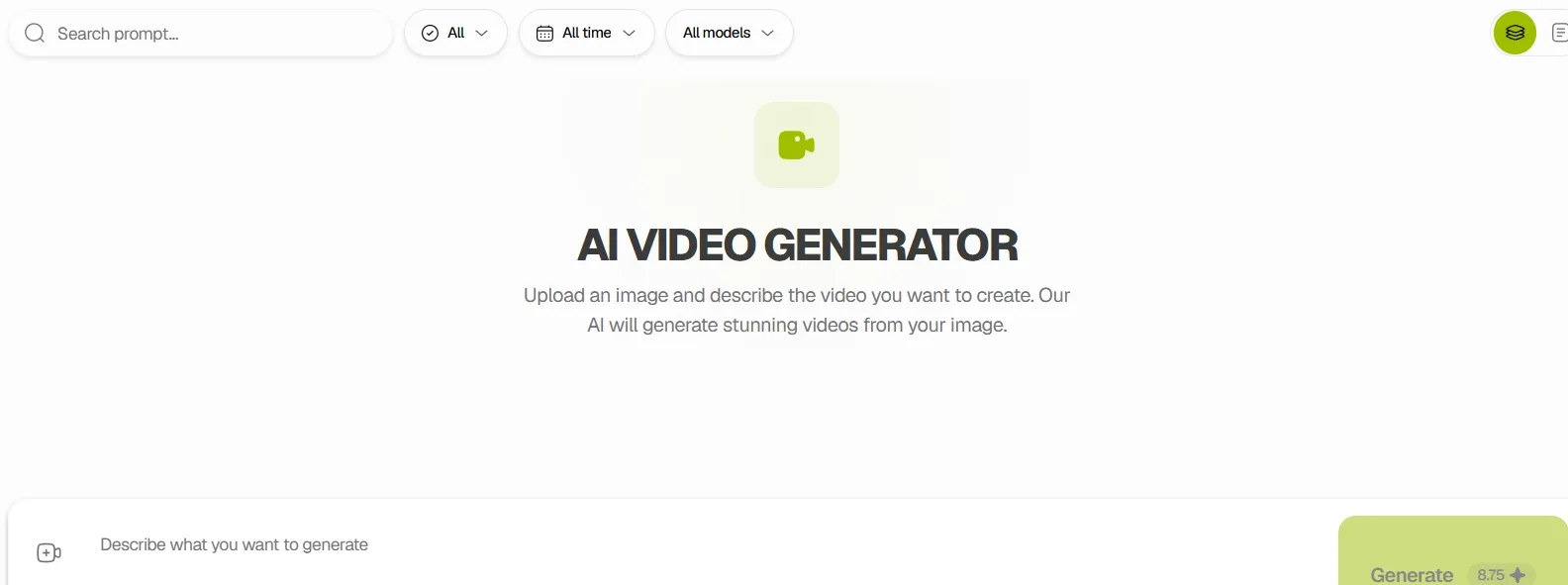
For teams with existing product shots, creator images, or branded visuals, Pyksel provides an image to video workflow that turns static assets into short ad clips.
This is useful for TikTok ads, Reels ads, landing page, or paid social tests where the team needs motion content without planning a full shoot.
When a static asset needs to become more than a short motion test, Pollo AI’s AI video agent, Pollo Agent gives the workflow a fuller path.
It can start from ideas, assets, or links, analyze viral hooks and pacing, and build complete, cohesive videos without manual stitching. Simple chat revisions also make iteration easier, so teams can move from a product photo or campaign brief to post-ready ads, social clips, or promo videos with less editing work.
Prompt-Guided Motion for Clips
In short-form ad testing, Pyksel supports motion prompts that guide how the uploaded image is animated. This helps creators add simple gestures, camera movement, product focus, or scene energy to the same base image, making it practical for testing different hooks from one visual asset.
AI Prompt Video Editing
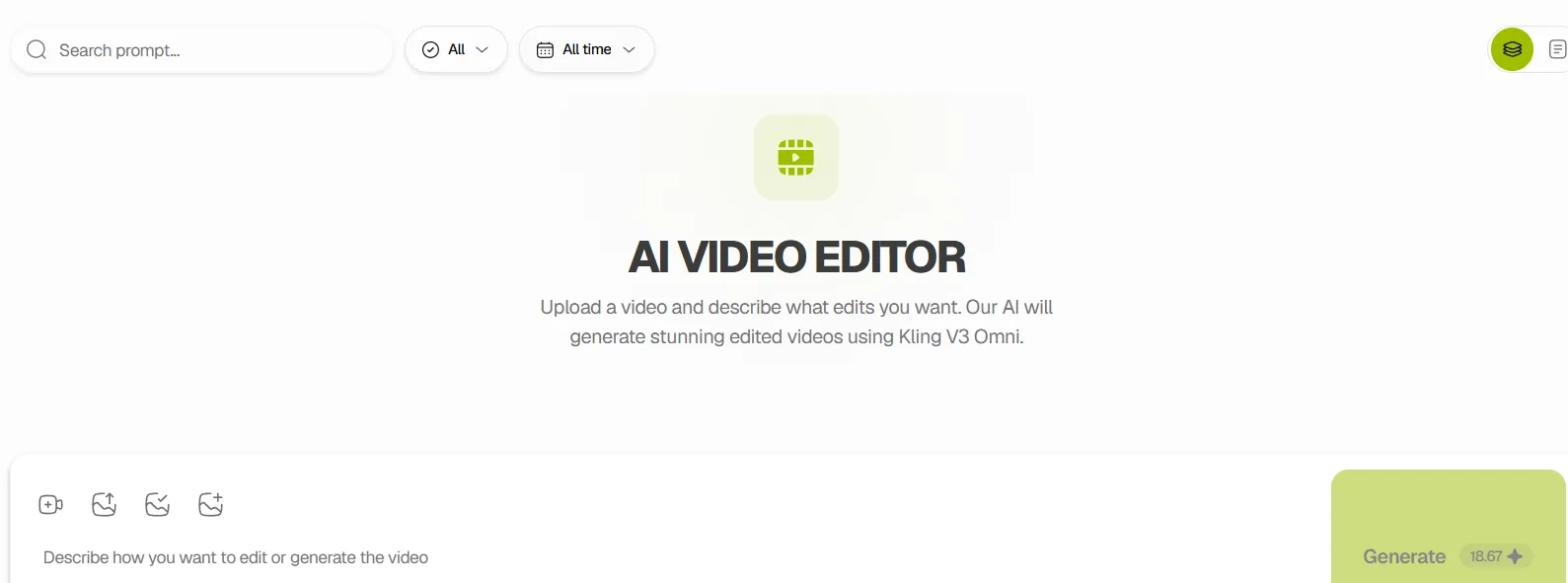
Inside its AI video editor, Pyksel lets users upload a video and describe the edits they want, with settings for duration, aspect ratio, and 720p or 1080p output.
This fits quick creative revisions, such as changing the style of a short ad clip, adjusting a social video version, or testing a new visual direction before a campaign review.
Audio to Video Lipsync
For creator-led clips, Pyksel includes a lip-sync tool designed to match audio with video. This can help teams localize short ads, adapt a spoken product message, or create talking UGC-style content from prepared voice tracks, especially when the visual asset needs to feel closer to a real on-camera delivery.
AI Face Swap Videos
With its faceswap tool, Pyksel allows users to upload a source face and target photos or videos, then generate face swaps in batch.
This is practical for creator-style ad variations, brand ambassador concepts, and campaign drafts where the same performance format needs to be tested with different faces or characters.
UGC Video Ad Workflow
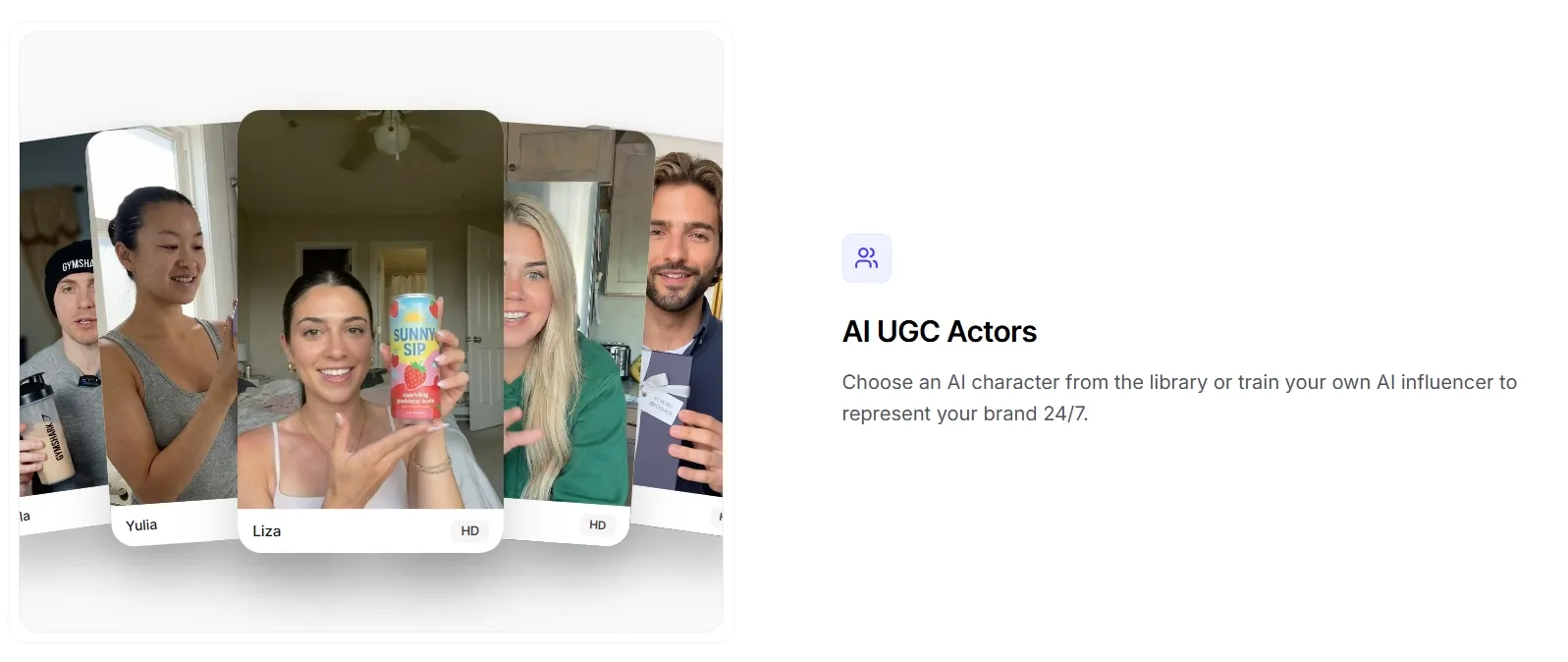
Rather than treating UGC as a general video format, Pyksel separates UGC video ads into its own workflow. This makes the tool more relevant for performance marketers who need creator-style ad concepts, product-led social clips, and fast creative variations for testing across TikTok, Instagram Reels, or short-form paid placements.
When UGC testing moves from one clip to a real campaign, Pollo AI’s Marketing Studio gives the workflow more structure.
It can turn URLs, photos, scripts, and product ideas into different ad variations, including UGC videos, clone video ads, product demos, and TVC-style creatives. This helps marketers test hooks, selling points, and platform formats faster without rebuilding every creative from scratch.
Where Does Pyksel Fit
- Performance marketing teams: Pyksel’s UGC and AI ad focus fits short creative tests for TikTok, Reels, and paid social, especially when teams need several product-led ad angles from the same campaign brief.
- E-commerce brands: Pyksel’s image to video workflow can turn product photos or branded stills into short showcase clips for launch pages, retargeting ads, and marketplace promotions.
- Social media creators: Pyksel’s prompt-guided video generation gives static visuals enough movement for daily Shorts, Reels, or TikTok posts without rebuilding the scene from scratch.
- Localization teams: Pyksel’s lip-sync tool fits translated voice tracks, regional UGC ads, and talking product explainers where the spoken message needs to match an on-camera face.
- Creative agencies: Pyksel’s video editor and faceswap tools support early campaign mockups, talent variations, and client review versions before a full production budget is committed.
Pyksel vs Krea AI vs Pollo AI
| Feature | Pyksel | Krea AI | Pollo AI |
| Video generation | Image or prompt to video | Text/image to video | Text/image/reference to video |
| Input options | Images, prompts, videos | Text and images | Text, images, videos, links |
| Ad video workflow | UGC ad focus | General creative clips | Multiple ad variations: UGC, clone, TVC ads, product ads |
| Editing workflow | Prompt video editor | Extend, merge, refine | Prompt video editor and various video editing tools, like subtitle remover |
| Talking video tools | Lipsync, faceswap, AI actors | Not the main focus | Avatar video up to 2 minutes, lip sync, face swap |
| Agent workflow | Not clearly provided | Nodes Agent for workflows | Pollo Agent for finished videos |
Do Users Trust Pyksel
Trustpilot reviews for Pykaso, now linked to Pyksel, suggest that users find the tool useful for basic AI production and creator-style visual work. Positive comments mainly mention ease of use, realistic-looking outputs, and support for consistent character creation.
The more useful takeaway is in the mixed feedback. Some users mention face bugs, unstable face-swap results, and paid features that did not work as expected.
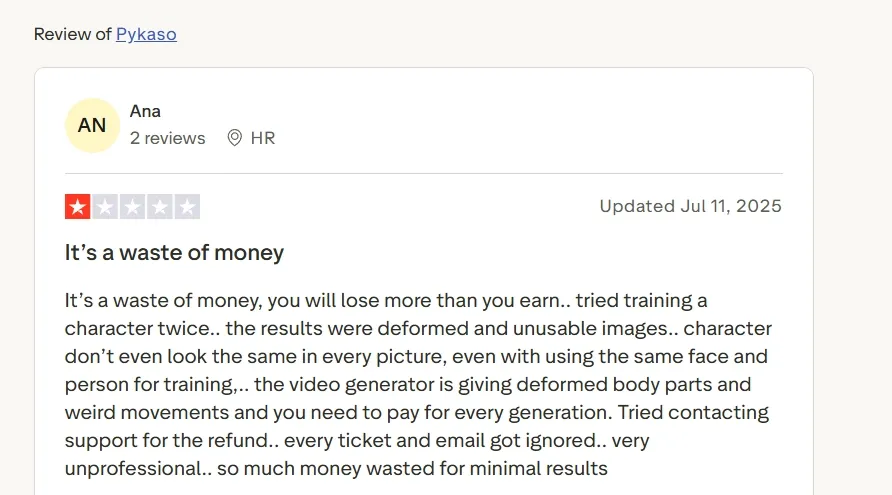
Overall, user reviews suggest that Pyksel’s video-related tools can help with quick AI character and UGC-style content, but output quality and feature reliability may still depend heavily on the task.
Where Does Pyksel Sit
Pyksel sits in the performance marketing corner of AI video: fast, realistic, ad-minded, and built for volume. Its market role is not broad creative filmmaking, but the quick production of UGC-style ads, AI actors, and campaign variations from existing assets.
That makes Pyksel closer to an ad creative engine than a general video studio. Its value is clearest when speed, repeatable characters, and scalable short-form testing matter more than full narrative control.
How Does Pollo AI Go Further
Pollo AI is the ultimate creative suite for marketers, creators, and sellers who need more than incomplete clips. With multiple leading video models, like Seedance 2.5 and Veo 3.1 in one place, teams can test different looks for product promos, social ads, avatar videos, and story-led content without jumping between separate tools.
Pollo Agent takes that further. A script, product idea, campaign brief, or viral video link can become a full video with scenes, pacing, captions, sound, and polished structure handled together. For brands moving from fast ad drafts to publish-ready videos, Pollo AI gives the workflow more room to grow.

Why Does Pollo AI Pull Ahead
Leading Video Models
Kling 3.0 and Happy Horse support cinematic storytelling, native sync, and varied campaign testing.
One photo becomes a lifelike avatar video with expressive motion, natural lip sync, and up to 2-minute delivery.
Marketing Studio
UGC, clone, TVC, and product ad workflows help marketers turn assets into campaign-ready ad variations.
Discover Other AI Video Generators on Pollo AI
FAQs
What is Pykaso AI?
Pyksel is an AI content platform focused on realistic AI UGC and AI ads. For video users, its value lies in fast ad-style creation, AI actors, image to video generation, and campaign variation testing.
What Can Pyksel Video Generator Make?
Pyksel can create short AI videos from an image or a prompt. It is better suited for UGC-style ad clips, creator-style visuals, product promos, and quick social video drafts than long-form storytelling.
Is Pyksel Good for UGC Ads?
Yes, that is one of its clearest use cases. Pyksel focuses on AI UGC actors, AI ads, and repeatable brand ambassadors, which makes it useful for testing creator-style ad concepts at scale.
Can Pyksel Edit Existing Videos?
Pyksel includes an AI video editor, but its broader positioning is still closer to fast AI ad creation than full video production. It works best for short edits, visual changes, and campaign draft testing.
What Is the Best Pyksel Alternative?
Pollo AI is the best Pyksel alternative for users who need a wider video workflow. It supports leading video models, Pollo Agent, Marketing Studio, and tools for ads, product videos, social videos, stories, avatars, and explainers.

Create Full Videos Faster with Pollo AI
From idea to publish-ready video with leading models and Pollo Agent.