




AI Circuit Diagram Generator
Create clear circuit diagrams instantly without drawing every symbol and connection manually.
Create Clean Circuit Diagrams for Better Understanding Instantly
Build clear circuit visuals to explain and share. Describe components and connections, and let our AI circuit diagram generator make a clean diagram. Perfect for learning, presentations, planning, and personal projects. You can see how every element connects, spot missing details sooner, and make your ideas easier to understand.
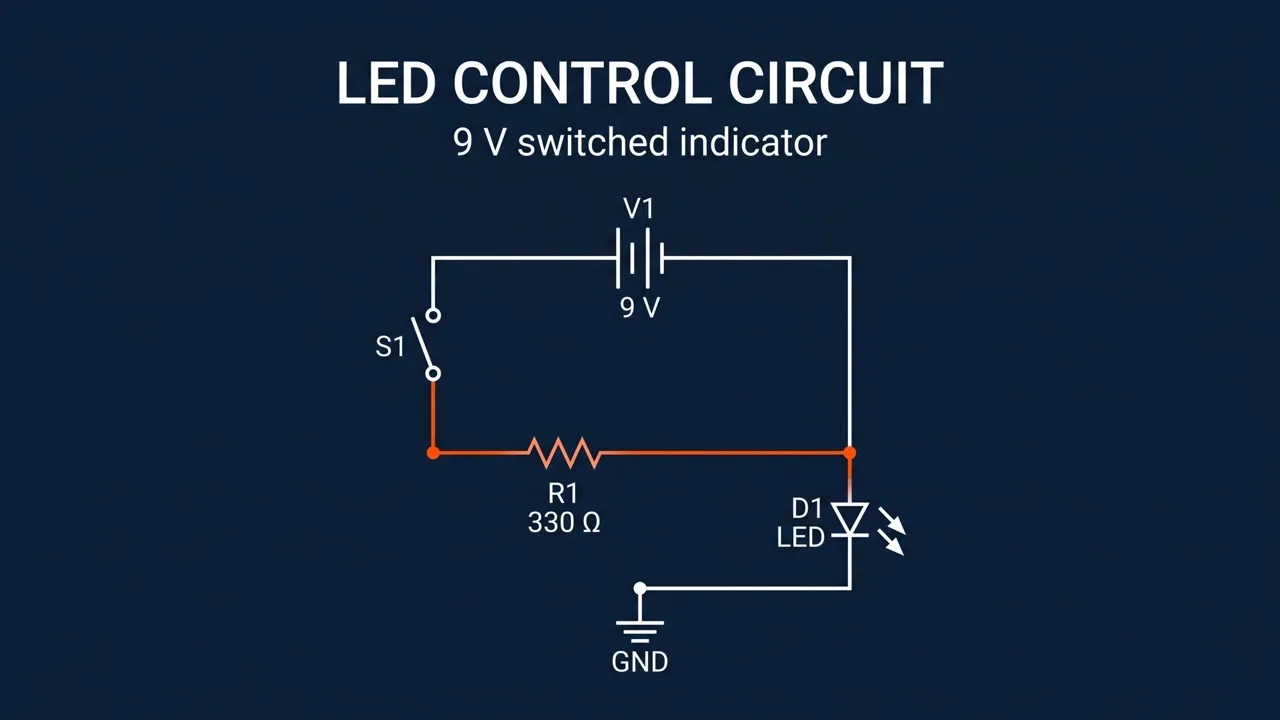
Less Effort Required
Turn simple descriptions into clear circuit diagrams without drawing every symbol manually.
Flexible Diagram Control
Guide symbols, labels, layout, colors, line styles, and overall presentation.
Clearer Versions Faster
Compare different layouts to find the clearest way to communicate your circuit diagram.
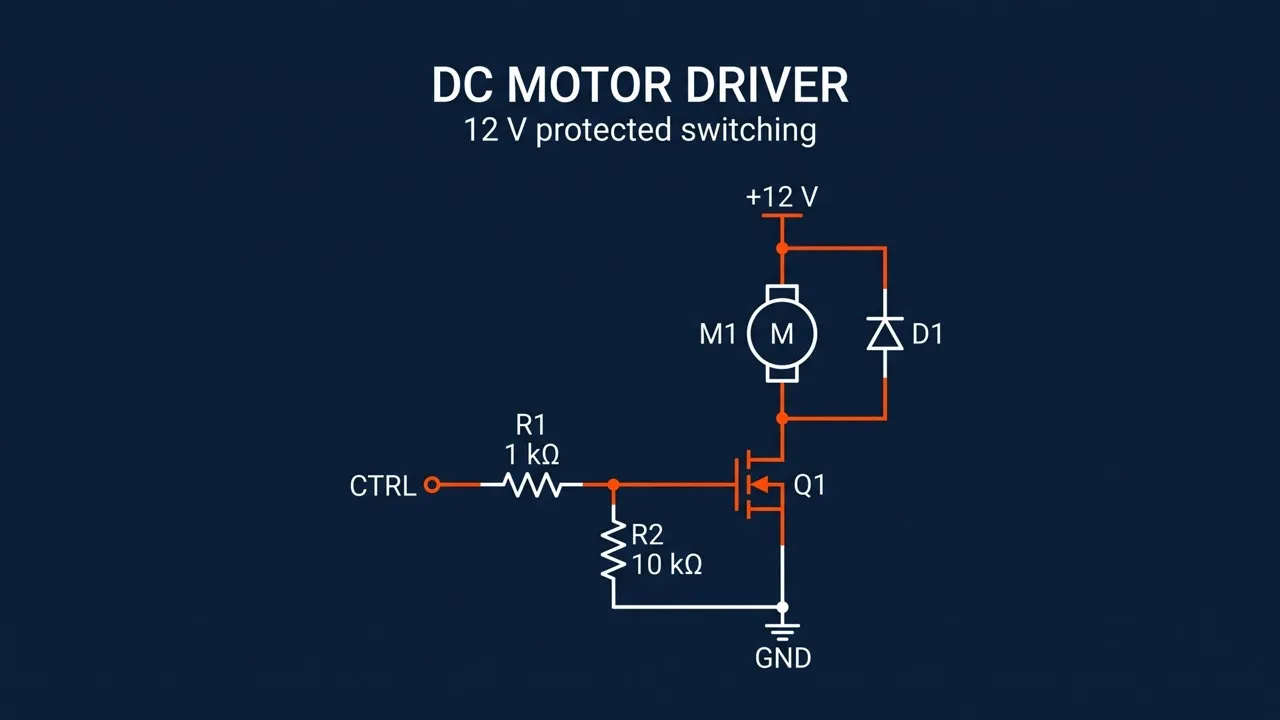
Make Complex Connections Easier to Follow
Turn dense relationships into a clear circuit diagram that shows how each component connects to the rest. Use familiar circuit diagram symbols to reduce interpretation time, strengthen your understanding, and help collaborators reach agreement faster.
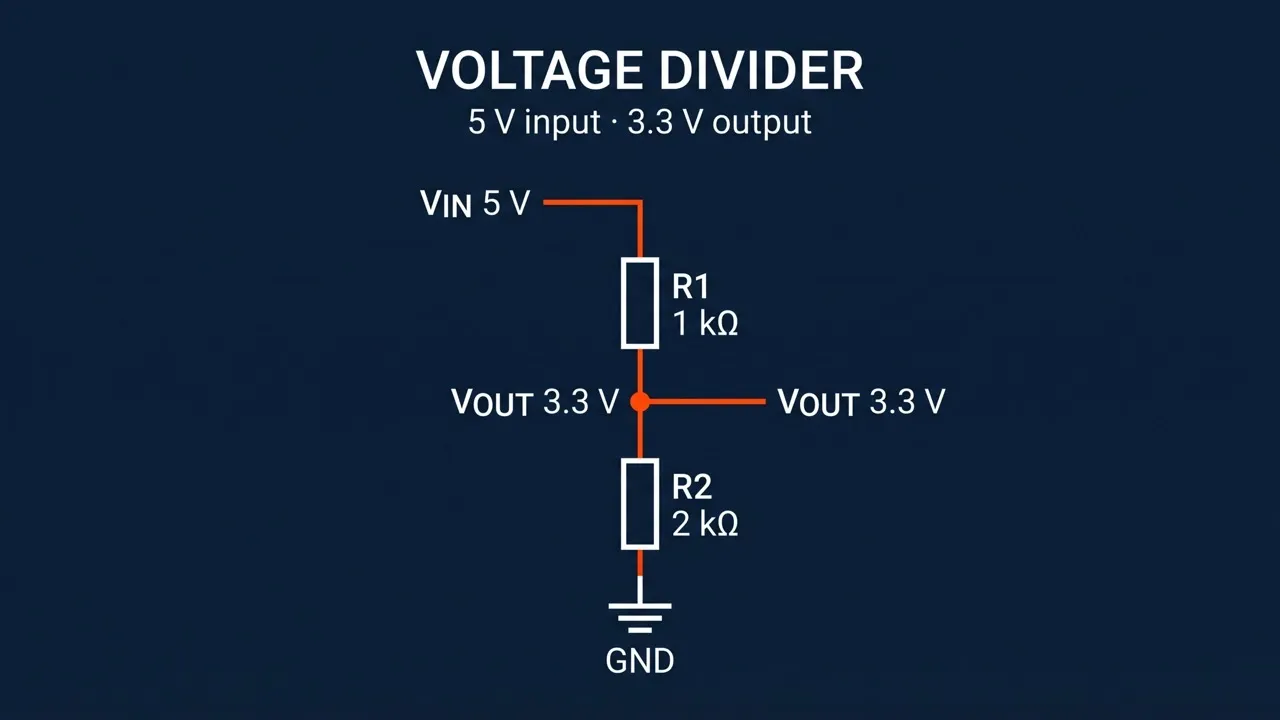
Adapt Diagrams to Any Audience
Shape each electrical circuit diagram for beginner lessons, team discussions, or educational flyers by adjusting detail, labels, and visual emphasis. Give your audience the context they need, reduce repeated explanations, and keep technical discussions focused and productive.
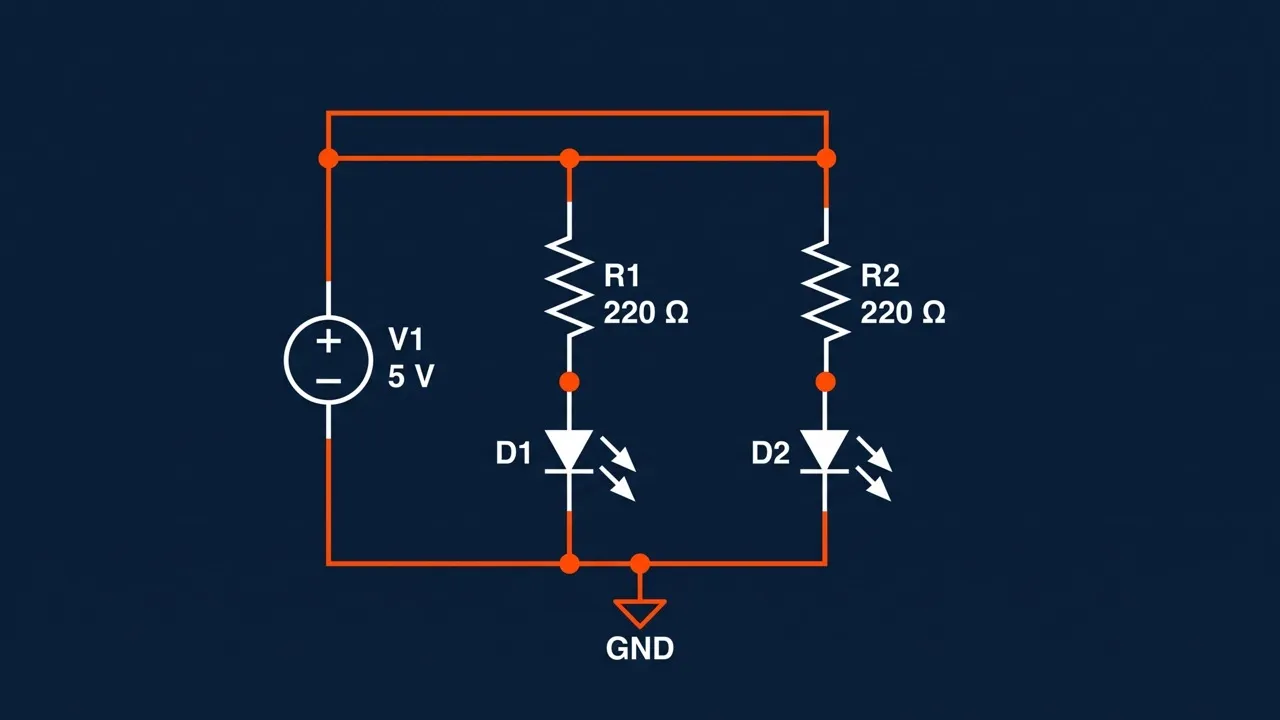
Explore Alternative Circuit Approaches
Use our AI circuit diagram generator to compare topologies, component combinations, and placement ideas for one design goal. You can assess alternatives before deeper development, uncover overlooked directions, and narrow your focus to concepts worth validating further.
Reduce Ambiguity Before Moving Forward
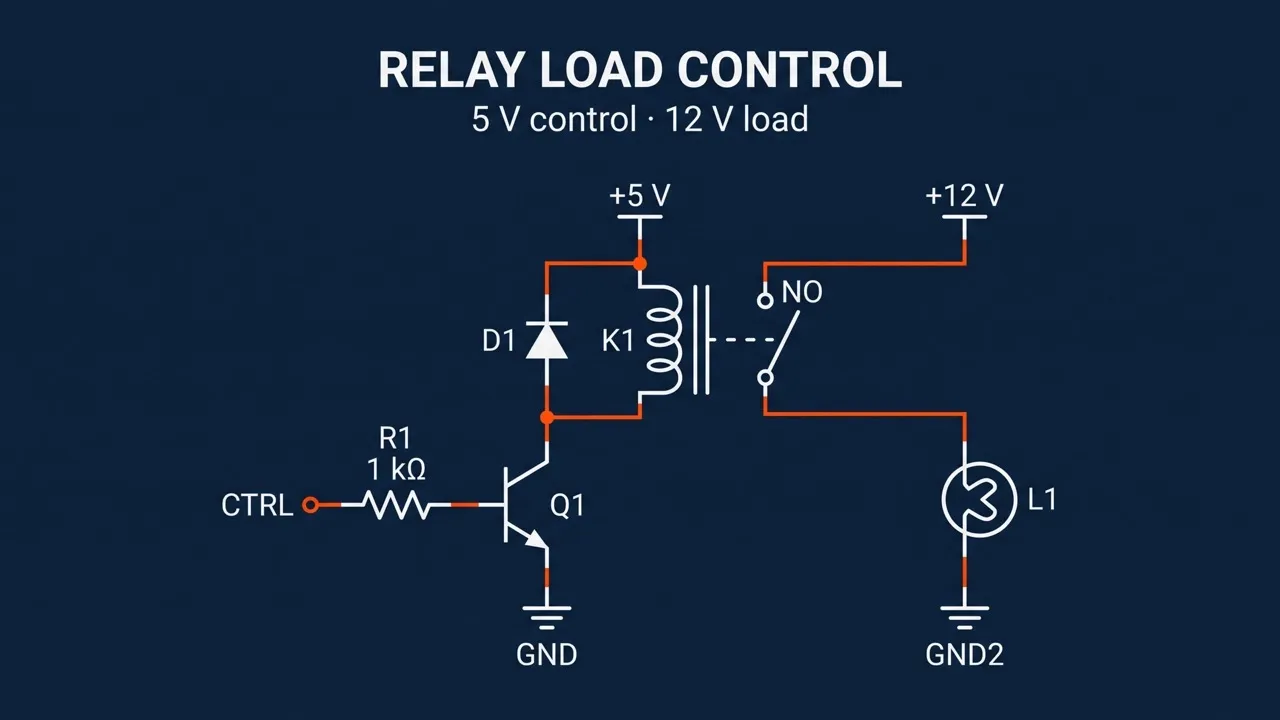
Turn written ideas into a schematic circuit diagram for planning sessions, lessons, presentations, or technical posters. Spot missing links and conflicting assumptions early, reduce avoidable rework, and give everyone a clear basis for the next step.
See Where to Use Your AI Circuit Diagram

Understand Circuit Concepts Faster
Turn written problems into a simple circuit diagram for worksheets or study notes, alongside technical sketches. Compare a series circuit diagram with other structures to understand current flow, voltage, and component relationships more easily.

Present Projects More Clearly
Generate a basic circuit diagram for demonstrations, competitions, and group projects. Feature it in event tickets or presentations to show how your build works and help others grasp your idea quickly.

Plan Builds with Greater Clarity
Visualize Arduino projects, switches, LEDs, sensors, or a battery circuit diagram before assembling components. Review it alongside CAD drawings to compare layouts, flag uncertain connections, and identify what requires testing.

Explain Technical Ideas Visually
Create a circuit diagram for videos, tutorials, articles, or content banners. Give viewers a useful reference when explaining how to read a circuit diagram, making each technical point easier to follow and remember.
How to Use Our AI Circuit Diagram Generator for Free
Step 1
Describe components, values, connections, and the type you need.
Step 2
Add your preferred schematic style, layout, labels, colors, and details.
Step 3
Generate your circuit diagram and use it for your project instantly.
Explore More AI Image Tools to Develop Every Visual Idea






 4000+ reviewsTrustscore 4.4
Chosen by 10M+ Creators and Marketers Worldwide
Thousands of satisfied users have shared their Pollo AI experiences on Trustpilot, rating us as "Excellent." See what they love about our platform.
Liz Cassidy Dec 15, 2025Richard QuickOct 15, 2025armourdudeNov 19, 2025
 DuduJan 14, 2026
 Ray WarnesDec 30, 2025
 lawless clanNov 22, 2025
FAQs About Our Free AI Circuit Diagram Generator
What is AI circuit diagram generator?
AI circuit diagram generator is an AI image generator which turns written descriptions of components, values, and connections into a structured circuit diagram. It helps you visualize ideas for lessons, project planning, presentations, technical content, and personal electronics projects without drawing every symbol and connection manually.
What is the best AI circuit diagram generator?
Pollo AI is the best AI circuit diagram generator because it combines an easy prompt-based workflow, flexible style control, clear image quality, and creative freedom. It helps you create customized schematic visuals and explore multiple directions without drawing each component manually.
Is Pollo AI’s circuit diagram generator free to use?
Yes. Pollo AI lets you start using its AI circuit diagram generator for free, so you can test different prompts, diagram styles, and visual directions before choosing a paid plan.
How do I read a circuit diagram?
First, identify the power source and common component symbols. Trace each connection through switches, resistors, LEDs, and other components. Then check labels, values, polarity, and junction points to see how current flows and how the circuit operates.
What circuit diagrams can I create?
You can create circuit visuals for many learning, planning, and presentation needs. Options include simple, series, parallel, LED, battery, switch, amplifier, sensor, and stylized technical circuit diagrams. Use them to explain concepts and explore ideas, then verify every connection before construction.
Do I need circuit design or editing skills?
You do not need design or image-editing skills because the tool creates the visual from your written instructions. After generation, you can use our AI photo editor to refine colors, backgrounds, clarity, or presentation with simple prompts. Always verify component values, polarity, and connections before construction.

Make Every Circuit Diagram Easier to Understand with Pollo AI!
Create clean circuit diagrams that reveal key connections, reduce confusion, and support better project decisions.