




AI iPad Mockup Generator
Show app, website, dashboard, or artwork screens inside realistic iPad mockups without manual perspective editing.
Turn Your Screens Into Polished iPad Mockups
Show the product inside a device instead of asking viewers to imagine how a flat screenshot will look. Our iPad mockup generator fits app, website, dashboard, or artwork screens into portrait, landscape, handheld, desk, or floating scenes for launch pages, portfolios, sales decks, and client presentations.
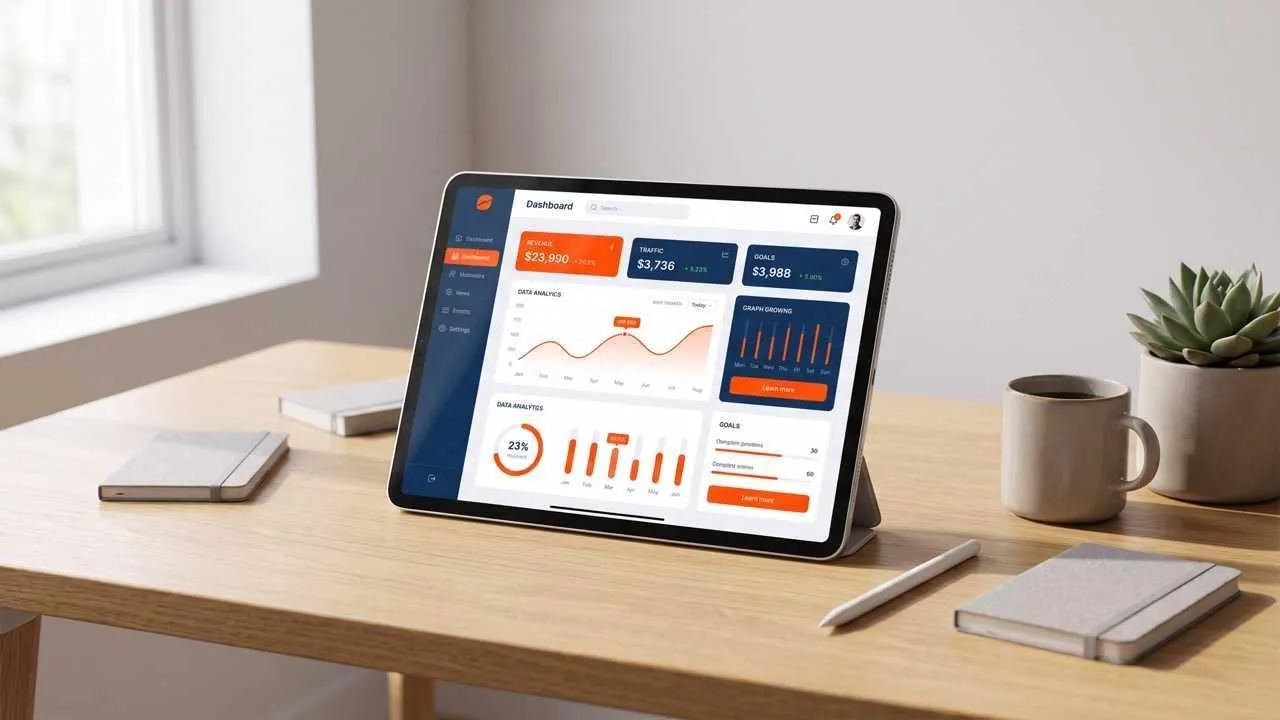
Raw Screens Become Launch-Ready Visuals
Show interface captures as polished device visuals without masking by hand.
Product Context Beyond a Flat Screenshot
Show viewers where the screen belongs and how the product is used.
One Visual Story Across Several Screens
Connect onboarding, feature, and results screens in one visual direction.
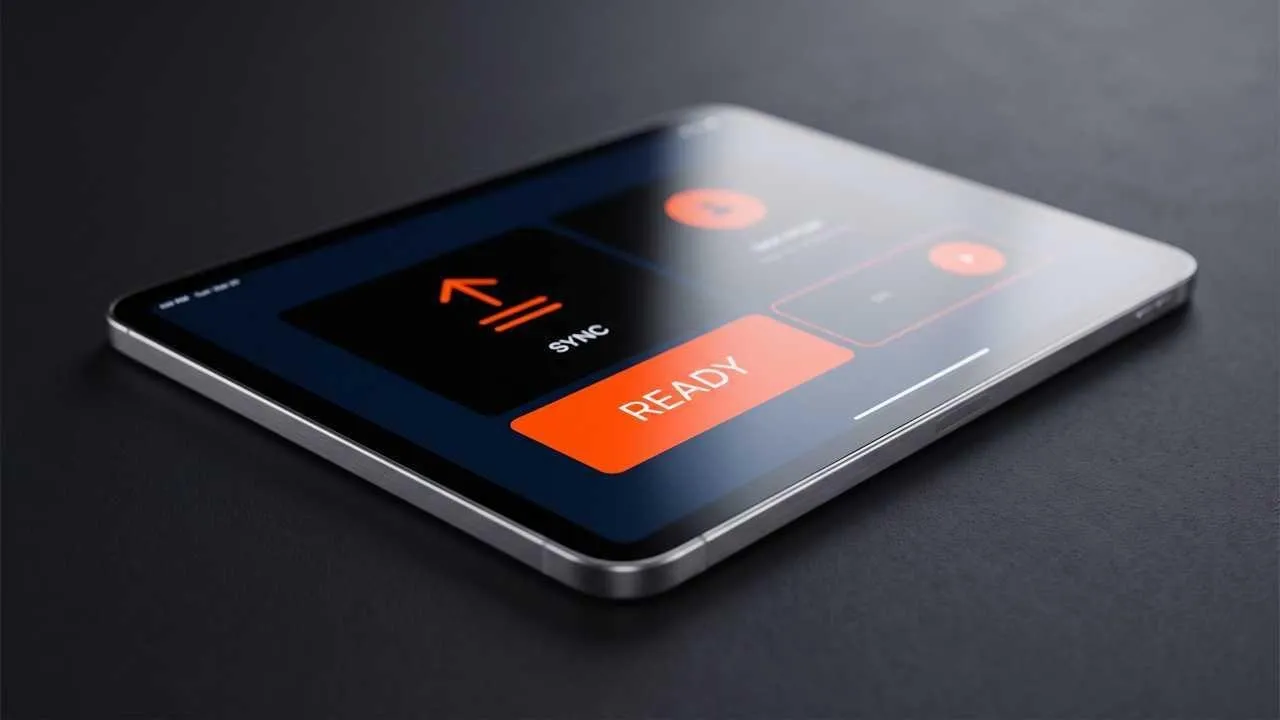
Screens That Sit Naturally Inside the Frame
Fit the interface to the visible display so the edges, angle, and perspective feel native to the device. If a screenshot lacks enough detail for a close view, an image upscaler can prepare a clearer source before mockup generation.
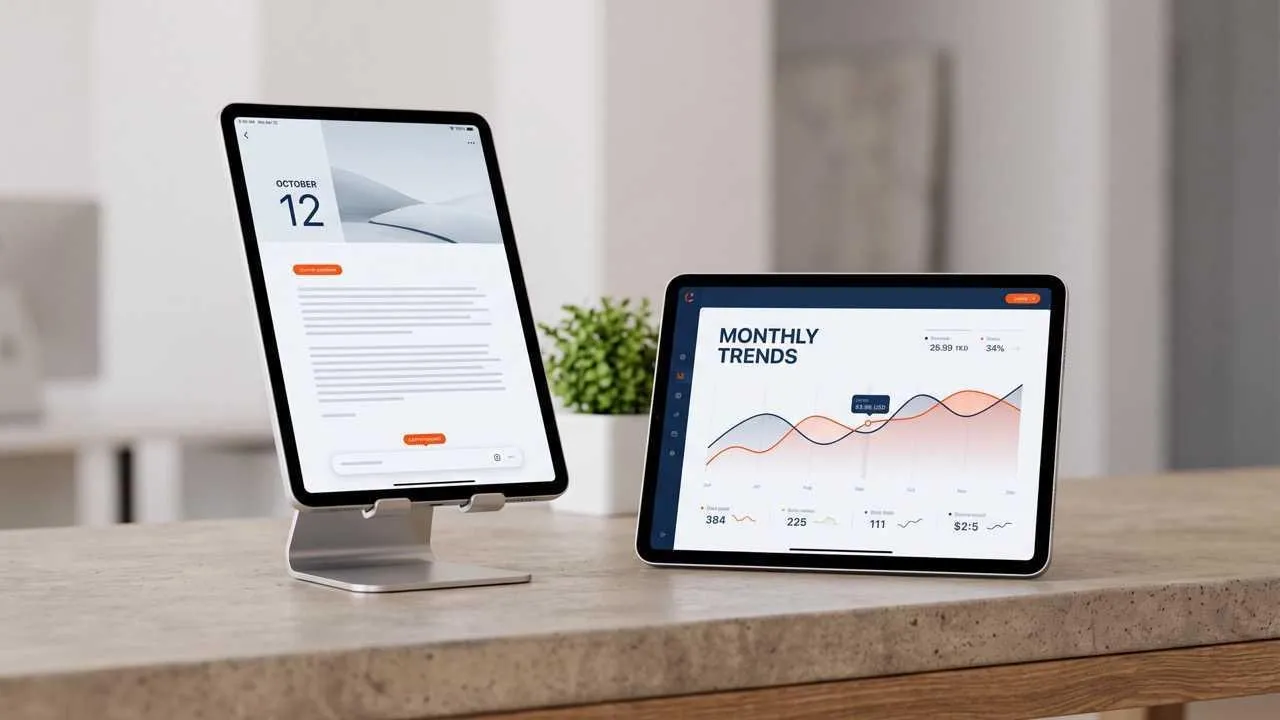
Portrait and Landscape for Different Products
Use portrait for journals, reading apps, calendars, and feeds, or landscape for dashboards, drawing tools, and media. When the wider scene needs more breathing room, an AI image extender can expand supporting artwork without shrinking the screen.
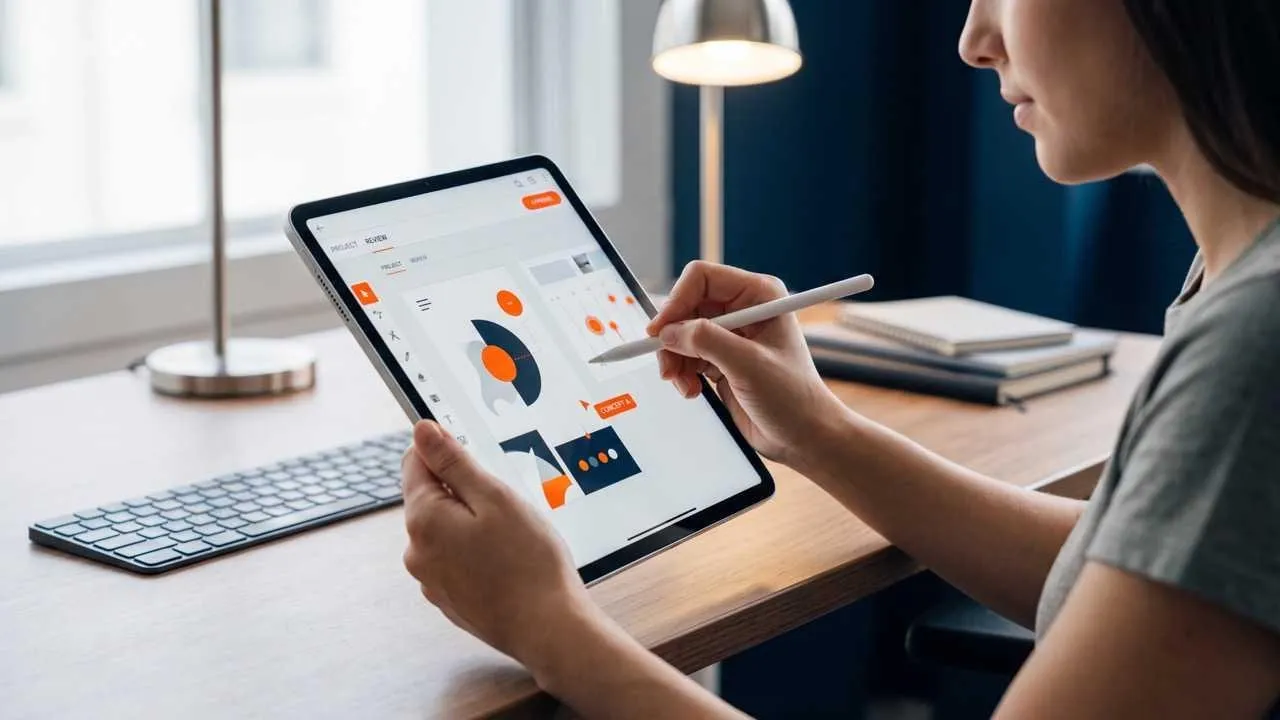
Handheld, Desk, and Floating iPad Scenes
Choose a handheld scene for natural use, a desk for workflow context, or a floating frame for feature focus. If a supplied mascot or illustration needs clean edges, a background remover can isolate it before it joins the presentation.
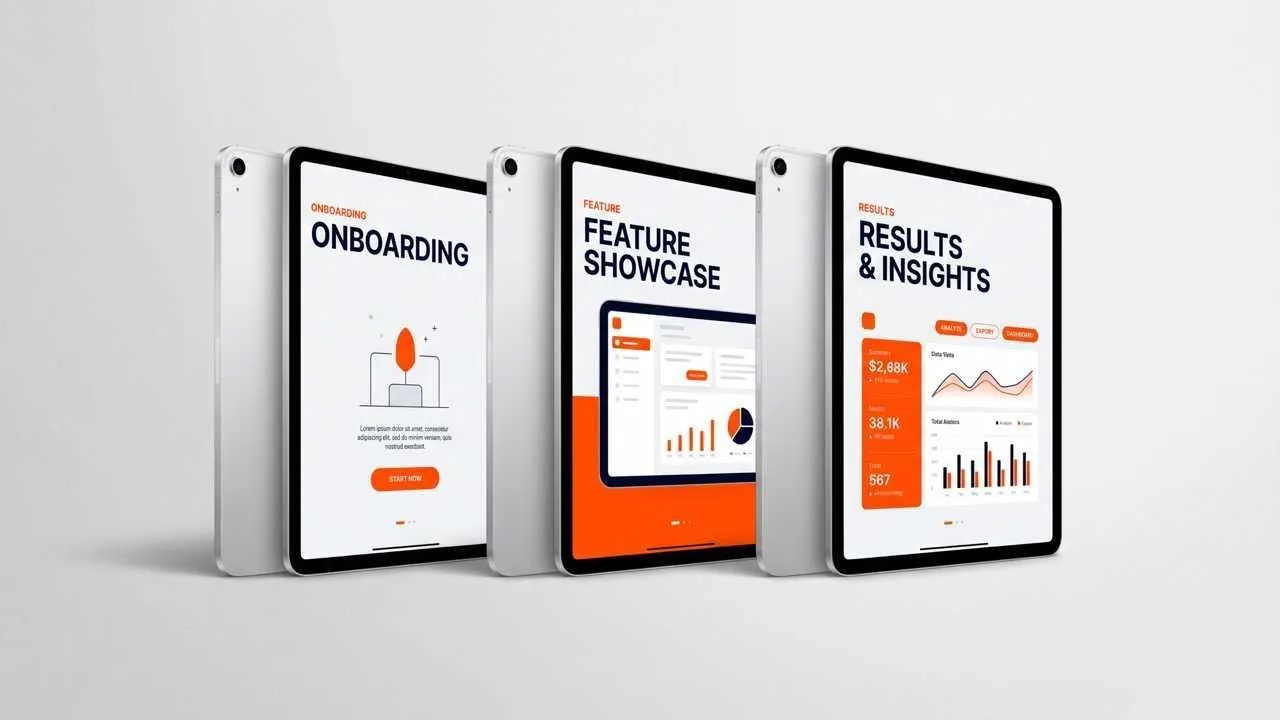
Consistent iPad Mockup Sets for Launch Assets
Keep the same device finish, lighting, and visual mood across onboarding, feature, and results screens. The consistent presentation helps viewers follow one launch narrative instead of processing a collection of unrelated screenshots in different frames.
Who Creates iPad Mockups?

App launch screen mockups
Show onboarding, core actions, and results as a three-screen story for a launch page or investor update without handing over raw screenshots.

iPad interface case studies
Show a landscape dashboard beside a portrait reading flow so reviewers can understand how the product adapts across orientation and task.

Digital artwork iPad mockups
Frame a finished illustration as an on-device portfolio piece, and use an image enhancer when the original artwork needs clearer texture before presentation.

iPad campaign visuals
Build hero and feature-section mockups for a product launch, and use an AI photo editor when separate lifestyle photography needs cleanup before it appears beside the device.
How to Create an iPad Mockup
Step 1
Add the app, website, illustration, dashboard, or product interface you want shown inside the device.
Step 2
Choose portrait or landscape plus a handheld, desk, floating, or minimal presentation style.
Step 3
Create the mockup, check screen fit and visual hierarchy, and refine the scene for your final placement.
Discover More AI Product Design Tools on Pollo AI



 4000+ reviewsTrustscore 4.4
Loved by 10M+ Creators and Marketers Globally
Thousands of satisfied users have shared their Pollo AI experiences on Trustpilot, rating us as "Excellent." See what they love about our platform.
Liz Cassidy Dec 15, 2025Richard QuickOct 15, 2025armourdudeNov 19, 2025
 DuduJan 14, 2026
 Ray WarnesDec 30, 2025
 lawless clanNov 22, 2025
FAQs
What Is an AI iPad Mockup Generator?
An AI iPad mockup generator places your screen inside a polished device scene, saving you from manually masking the display, correcting perspective, and rebuilding the surrounding presentation.
What Is the Best AI iPad Mockup Generator?
Pollo AI's AI iPad mockup generator is the best AI iPad mockup generator for presenting app or website screens in focused portrait, landscape, handheld, desk, and floating scenes.
Can I Create iPad Mockups for Free?
Yes. Add your screen and preferred device scene in Pollo AI, then review the generated iPad mockup before using it.
Can I Make iPad Pro Mockups?
Yes. Describe the iPad Pro look, orientation, finish, angle, and surrounding scene you want the mockup to communicate.
Should I Use Portrait or Landscape for an iPad Mockup?
Use portrait for reading, journaling, feeds, or calendar screens and landscape for dashboards, drawing, media, or workspace views.
Can I Use iPad Mockups for App Store Screenshots?
You can create promotional concepts, but check Apple's current screenshot dimensions and content requirements before publishing any App Store asset.

Create iPad Mockups That Explain the Product
Put every screen in an intentional device context.