



Gencraft AI Review: I Tested Gencraft AI for 10 Days. Here's What I Found
I spent 10 days testing Gencraft AI around the image tasks I usually care about: portraits, character ideas, fantasy concepts, sketch to image prompts, and quick image edits.
My honest impression: Gencraft AI is easy to start with and useful for visual exploration, but it feels less reliable when the goal is to create something polished, controlled, and ready to use.
Gencraft AI Review: TL;DR
| Review Area | My Take |
| Testing period | 10 days |
| Best for | Casual AI art, portraits, character ideas, sketch-based concepts, style experiments |
| Less ideal for | Commercial visuals, repeatable brand assets, precise edits, polished image workflows |
| What I liked | Easy setup and quick style exploration |
| What frustrated me | Outputs often needed re-prompting, cleanup, or extra refinement |
| My verdict | Good for first drafts, weaker for production-ready image work |
What Is Gencraft AI
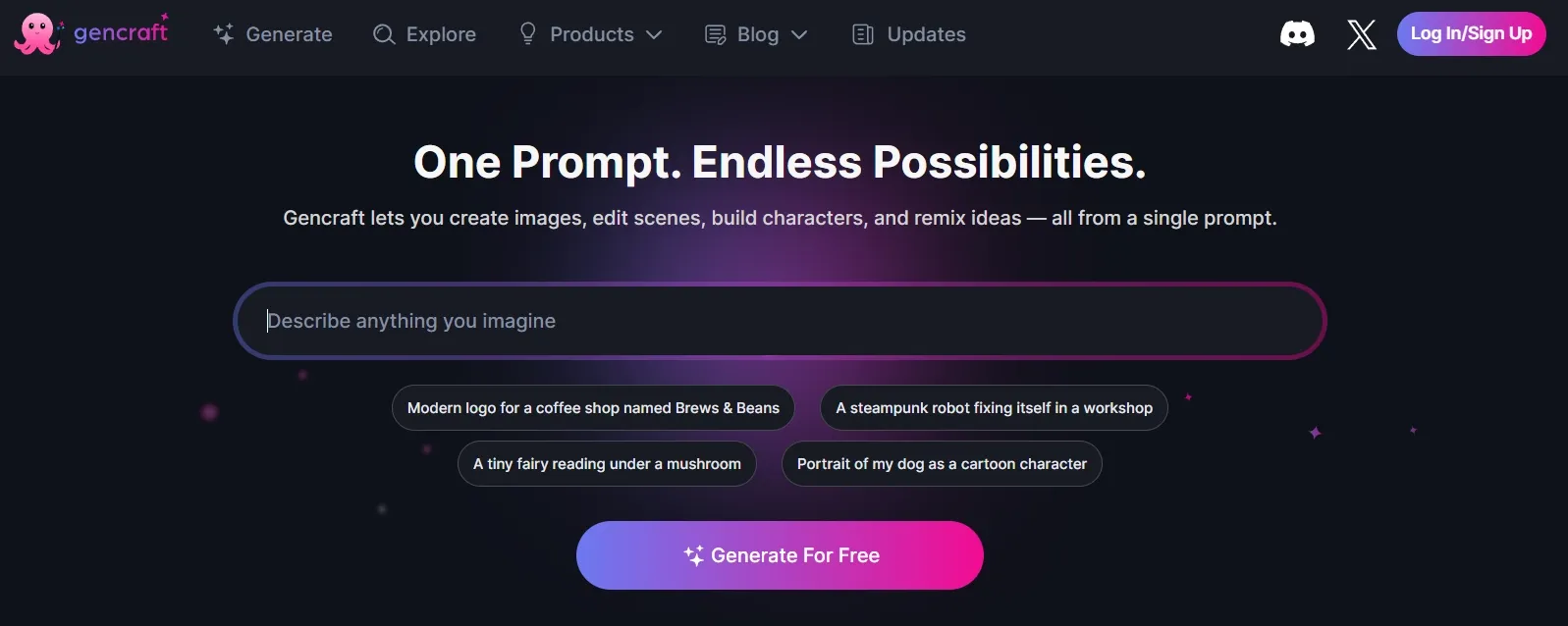
Gencraft is an AI image generator that turns text prompts into digital artwork. It focuses on style-based image creation, portraits, character visuals, sketch to image generation, face swap, and prompt-based editing.
I would describe it as a creative playground for image ideas. It is approachable, but it feels more useful for experimenting than for finishing polished assets.
How I Tested Gencraft AI
I tested Gencraft AI with five practical tasks: a fantasy poster concept, a consistent character prompt, a portrait restyle, a rough sketch conversion, and a simple product-style visual.
I was not only checking whether it could make one good-looking image. I wanted to see how much work it took to get a result that felt controlled, repeatable, and usable.
Key Features of Gencraft AI I Tested
1. Custom AI Image Models
Gencraft’s custom AI image models are meant to help users generate visuals around specific styles, themes, or aesthetics.
I tested this with a fantasy campaign idea: one recurring character, a dark magical setting, and a similar painterly mood across several prompts. The setup was not difficult, and I could get a few interesting directions fairly quickly.
Still, the results needed review. Some images matched the mood, while others drifted in facial details, costume details, or lighting. For early ideation, it helped. For strict consistency, it felt less dependable.
2. Art Style Selection
The style options are one of the easier parts of Gencraft to like. I tried realistic, anime, cinematic, and fantasy-style prompts, and the tool made it simple to move between different looks.
For a quick product-style test, I used a prompt for a futuristic perfume bottle on a reflective table. Switching styles helped me explore different moods without rewriting everything.
The limitation is that style presets can only take you so far. A stylish image is not always a usable image.
Sometimes I got a nice mood, but the object shape, lighting logic, or background still needed more control. For more focused fantasy scenes, I won’t choose Gencraft for the final creation.
3. AI Character Guide
Gencraft’s AI character guide is designed to help maintain a character across different images.
I tested it with a female explorer character in three scenes: a jungle, a city street, and a snowy mountain path. The feature made sense for this kind of use case, especially compared with generating every scene from a blank prompt.
But I still had to inspect the outputs carefully. The face, outfit, and proportions did not always feel fully stable. For early character development, it was useful. If I want a finished character series, I would expect the generation could have more iteration like a professional character generator.
4. AI Photo Booth
Gencraft’s AI photo booth focuses on portrait restyling. I tested it as if I were creating profile images, creator avatars, and stylized social portraits.
This was one of the simpler and more enjoyable parts of the tool. It is direct, and it works best when the goal is personal or social-style visual experimentation.
The weakness is that it feels mostly casual. If I needed a portrait for a brand page, campaign image, or professional profile, I would still want more control over the face, background, lighting, and final polish. In that kind of scenario, a focused AI portrait generator is often a better starting point.
5. AI Sketch Guide
The AI sketch guide turns rough sketches into more finished images. I tested it with a rough cafe storefront concept and tried to turn it into a warm evening street scene.
This feature has a clear use case. If you start with a messy idea but know the structure you want, it can help you visualize the idea faster.
The output still felt like a draft, though. Some details needed sharpening, and the final image needed more refinement before I would treat it as a polished visual. For drawing-based ideas, a task-specific AI sketch generator can be a cleaner fit.
6. Instant AI Face Swap
Gencraft AI also includes face swap. I tested it lightly because it is not the main reason I would use an AI image generator.
It can be useful for entertainment, character experiments, or playful social visuals. But I would use it carefully because identity, consent, and image rights matter.
As a feature, it is interesting, but it did not change my overall view of the product. I care more about consistent quality, editability, and control.
7. AI Magic Editor
Gencraft’s magic editor lets users make prompt-based edits to existing images.
I tested this with a simple cleanup task: change the background, remove a distracting object, and make the lighting feel cleaner. The idea is good because it makes editing feel accessible.
In practice, prompt-based editing still needed trial and error. Sometimes it fixed the target area but changed another part of the image.
Pros and Cons of Gencraft AI
| Pros | Cons |
| Easy to start using | Better for ideas than finished assets |
| Useful style options | Style control can feel broad |
| Character Guide is helpful when exploring early character inspiration | Character consistency still needs checking |
| Photo Booth is simple and fun | Portrait results may need extra polish |
| Sketch Guide is good for concepting | Sketch outputs can feel draft-like |
| Magic Editor adds flexibility | Prompt edits can be inconsistent |
Real Use Cases for Gencraft
| Use Case | How Gencraft Performed | What I’d Usually Need Next |
| Fantasy artwork | Produced interesting moods and styles | More control over composition and details |
| Portrait restyling | Easy to test different looks | Cleaner facial details and lighting polish |
| Character concepts | Helped keep a rough character direction | More reliable consistency across scenes |
| Sketch to image | Turned rough ideas into more complete visuals | Sharper details and stronger final refinement |
| Product-style visuals | Could create attractive first drafts | Cleaner cutouts with a background remover |
| Image cleanup | Magic Editor helped with simple changes | More exact edits with an object remover |
| Draft visuals | Good for idea testing | Extra polish with an image enhancer |
Where Gencraft AI Falls Short
Gencraft AI gave me the fastest value when I was still exploring an idea. I could test a portrait style, fantasy scene, or sketch-based concept without much setup.
The gap showed up when I tried to turn one decent result into a small set of usable visuals. I wanted the same lighting, background mood, and overall style to carry across more than one image.
Creative Images Generation Starts Here
Join 10M+ creators using Pollo AI to generate usable creative images with every top model.
Start Creating Images with Pollo AI
That is where Pollo AI photo editor feels stronger. It is also prompt-based, but it is built more for editing whole batches and keeping product photos, social posts, and ad creatives visually consistent.
So instead of treating each image as a separate experiment, I can use Pollo AI to refine a group of visuals with the same direction. That makes it more useful when the goal is not just one nice image, but a set of assets that feel ready to use.
Why I’d Use Pollo AI Instead of Gencraft AI
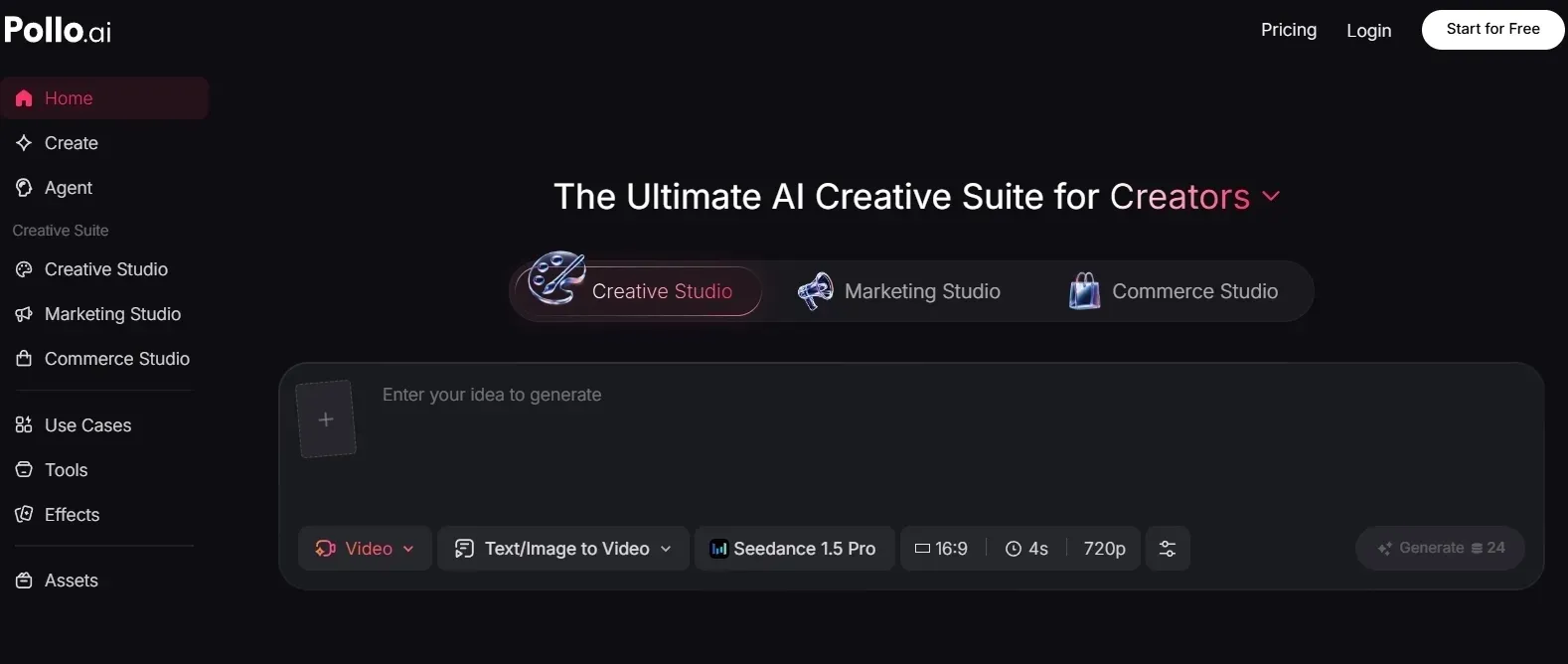
1. Pollo AI Is Better for Sets of Images
Gencraft AI worked best when I judged one image at a time. But real content work often needs a group of visuals that look like they belong together.
That is where Pollo AI feels more practical. I can use the same creative direction across product photos, social posts, or ad creatives instead of treating every image as a separate experiment.
2. Its Photo Editor Fits Real Content Work Better
When I tested Gencraft AI’s magic editor, it helped with simple changes, but I still saw it as a lightweight editing step.
Pollo AI photo editor is also prompt-based, but it is built around batch editing and keeping product photos, social posts, and ad creatives visually consistent.
3. It Gives Me Better Follow-Up Tools
Some Gencraft results were close, but not quite usable. I might like the subject, but still need to clean up the scene or make the image feel more finished.
That is where tools like the object remover and image enhancer make more sense than endlessly regenerating the same prompt.
4. It Starts from More Specific Image Goals
Gencraft is useful when I want open-ended AI art. Pollo AI feels stronger when I already know the type of image I need before I start.
Instead of beginning with a blank prompt every time, I can start from a specific workflow such as portrait creation, map-drawing, or Disney poster concepts.
Final Verdict
After testing Gencraft AI for 10 days, I would say it is a useful AI image generator for visual exploration. It is easy to use, and it helped me move quickly from a prompt or rough idea to an image direction.
But I would not make it my main tool for serious image production. It feels best when I only need one interesting draft, not when I need a group of visuals with the same polish, direction, and usability.
That is why Pollo AI feels like the better long-term choice for me. It gives me more room to generate, edit, refine, and keep related visuals consistent instead of stopping at the first decent image.
My honest take: Gencraft is good for creating first drafts. Pollo AI is better when I want to turn those image ideas into usable creative assets.
FAQs about Gencraft AI
Is Gencraft AI good for AI image generation?
Yes. Gencraft AI is good for casual AI image generation, especially for portraits, fantasy images, character ideas, and quick style experiments.
Is Gencraft AI good for professional image work?
It can help with early drafts, but I would not rely on it alone for polished professional assets. It works better for exploration than for repeatable production work.
Can Gencraft AI create consistent characters?
Gencraft AI has an AI Character Guide, and it can help with character consistency. In my testing, I still had to check details carefully across different outputs.
What is the best Gencraft AI alternative?
Pollo AI is a strong Gencraft AI alternative if you want image generation plus editing, consistency, and more task-specific image workflows.