



AI Vintage Filter
Turn any photo into a vintage image with retro color, film grain, old camera tones, and nostalgic photo effects.
Add a Vintage Filter to Photos Online
Turn portraits, product shots, and everyday images into retro photo effects with film grain, old camera tones, softened contrast, and warm color. Our AI vintage filter helps you create nostalgic posts, mood boards, keepsakes, and product visuals without hunting for manual presets or color curves.
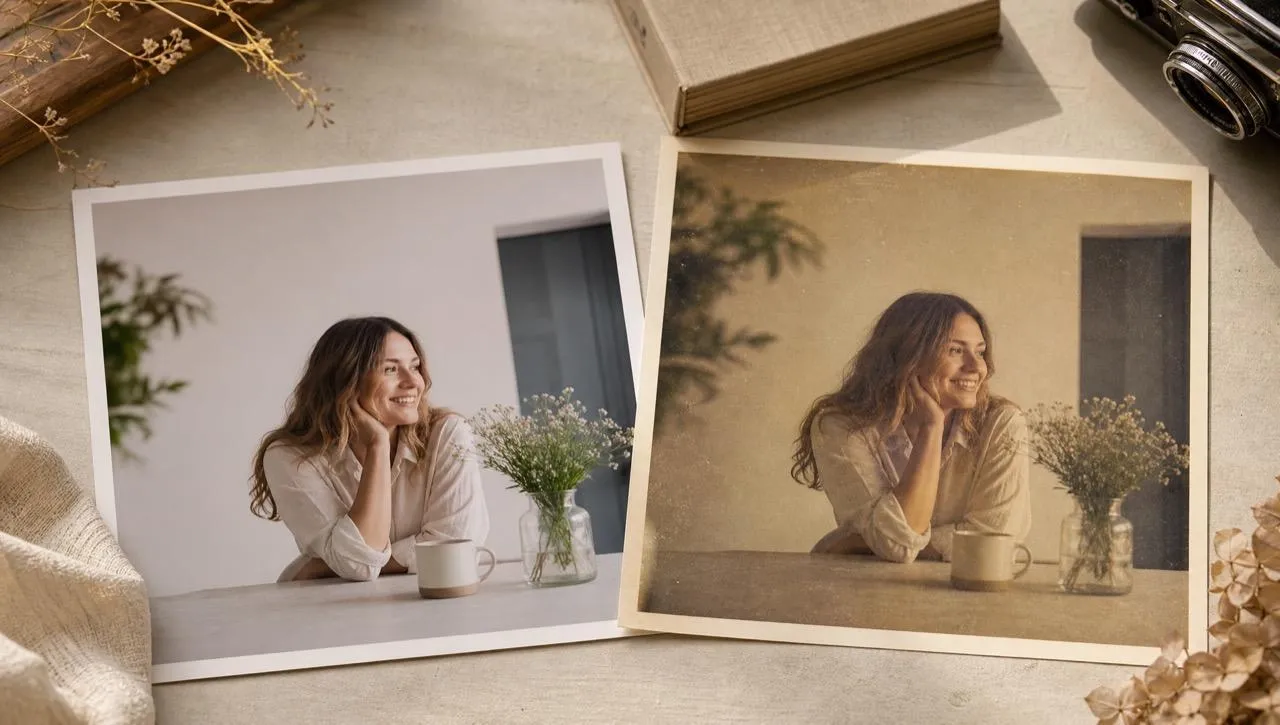
Vintage Style Without Preset Hunting
Upload a clean photo and get a retro look without building manual presets.
Decade Looks That Feel Intentional
Use 60s, 70s, or 80s tones when the era matters.
Ready for Profiles and Product Moods
Make portraits, handmade goods, or social photos feel warmer and more memorable.
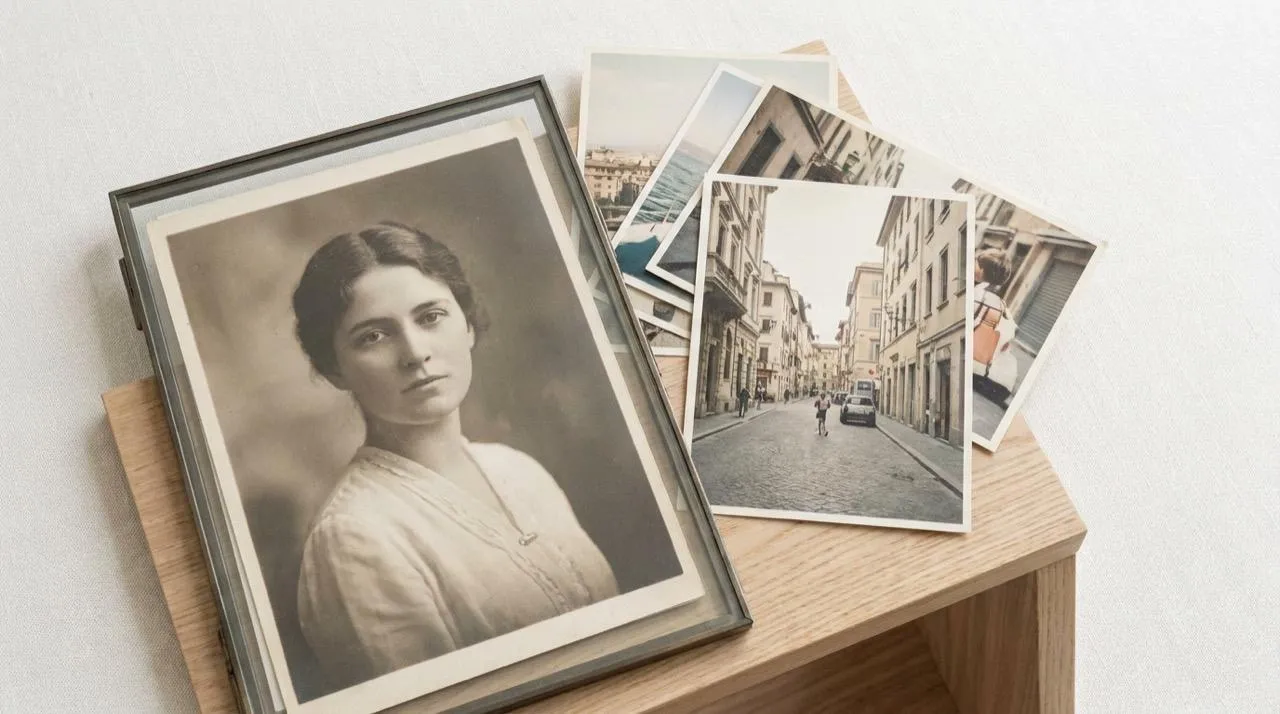
Retro Color With a Clear Mood
Turn a modern photo into a retro image with faded color, grain, and soft contrast while keeping the subject usable for posts, covers, keepsakes, or shop visuals. For a product campaign needing a period setting, use an AI background changer separately.
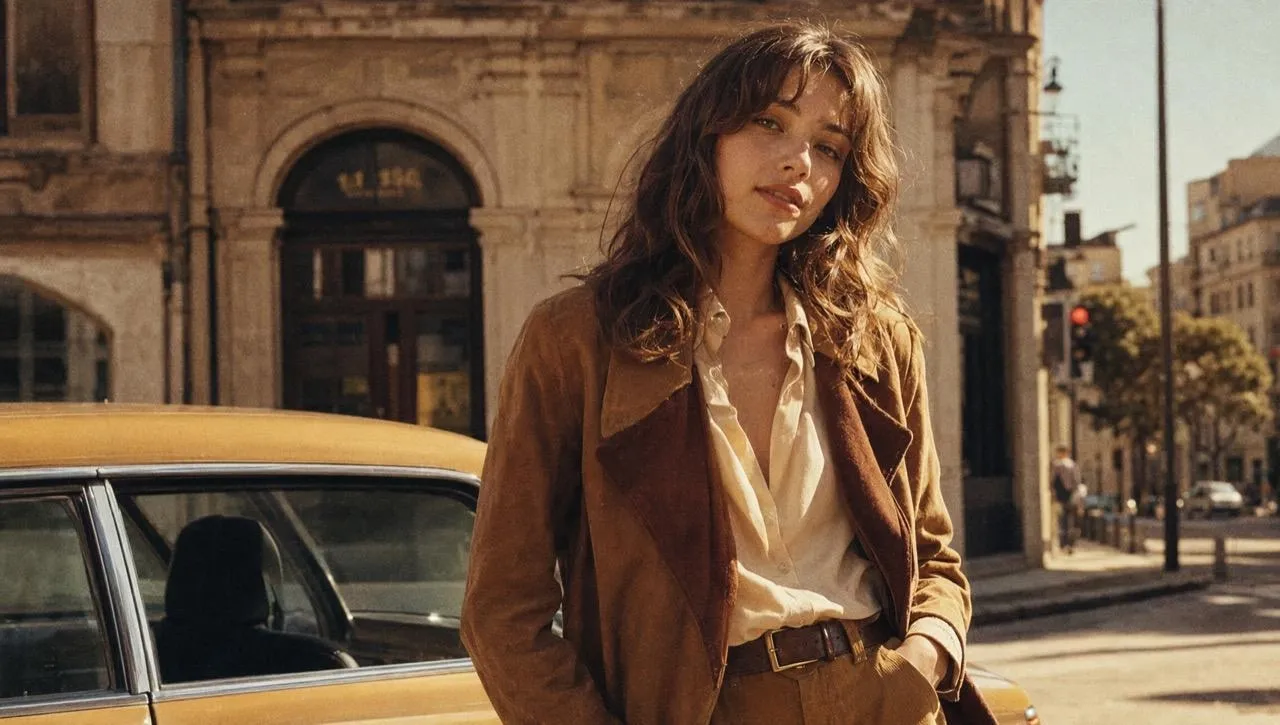
Decade-Specific Vintage Looks
Create vintage photo filter looks when a 1960s, 70s, or 80s mood matters. Old camera tones, muted palettes, and film grain help match a memory, product mood, social theme, or nostalgic campaign without mixing eras randomly.
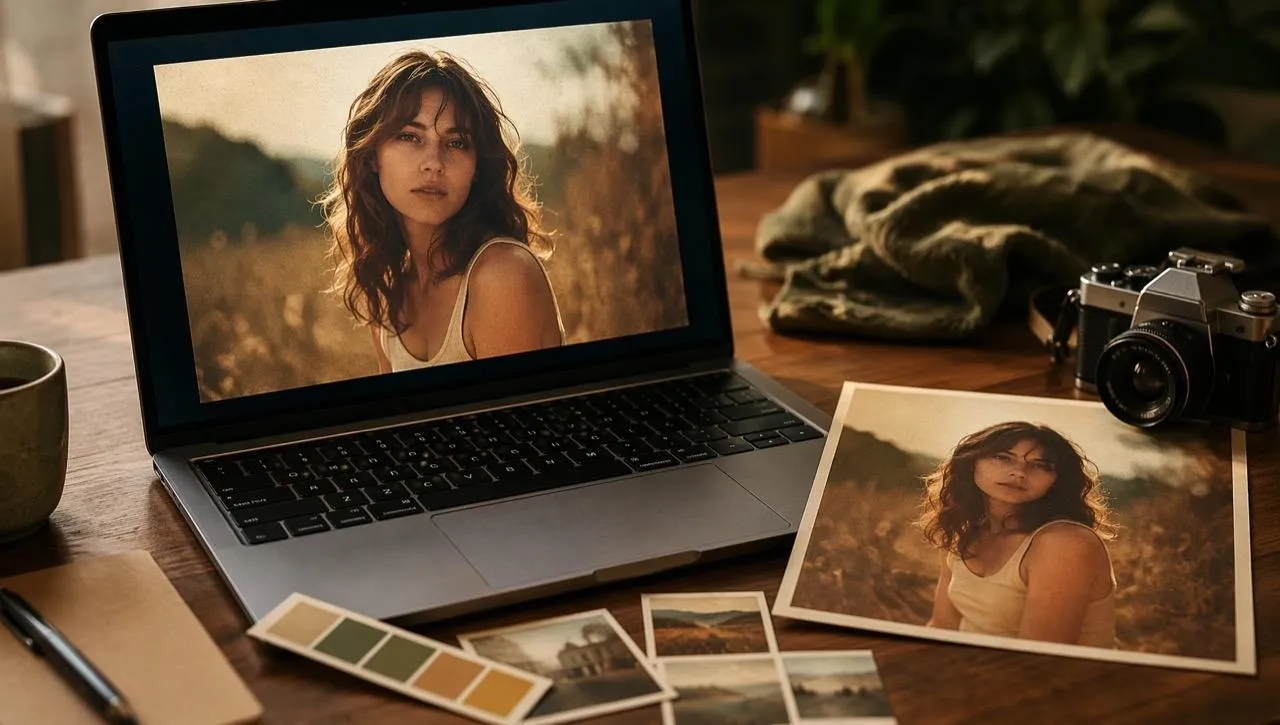
Analog Feel Without Manual Presets
Get an analog mood without building grain, fade, and color curves by hand. The vintage look appears quickly enough for mood boards and social drafts, while an AI photo editor can support extra retouching afterward.
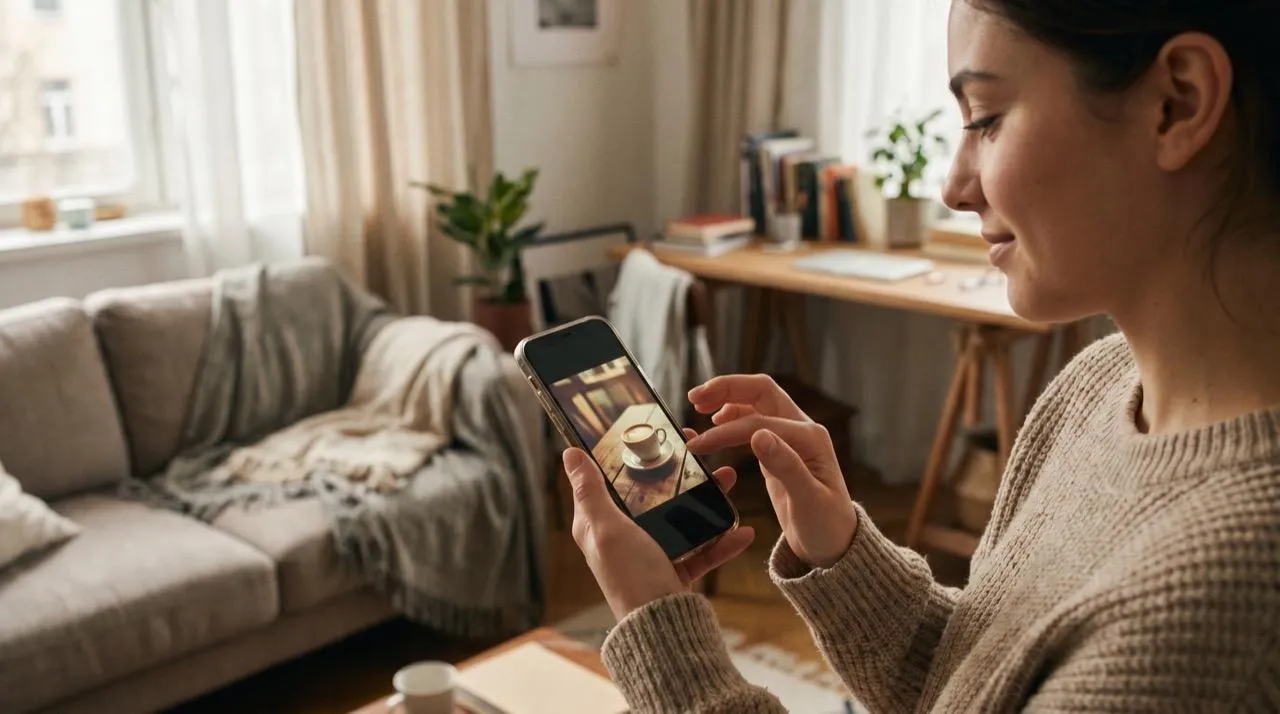
Subtle Aging Without Hiding the Subject
Create vintage effects that keep faces, product details, and the original scene visible. Controlled grain, fade, and warmth preserve clarity; genuinely damaged archival images can go through photo restoration before the vintage style is applied.
Where an AI Vintage Filter Fits
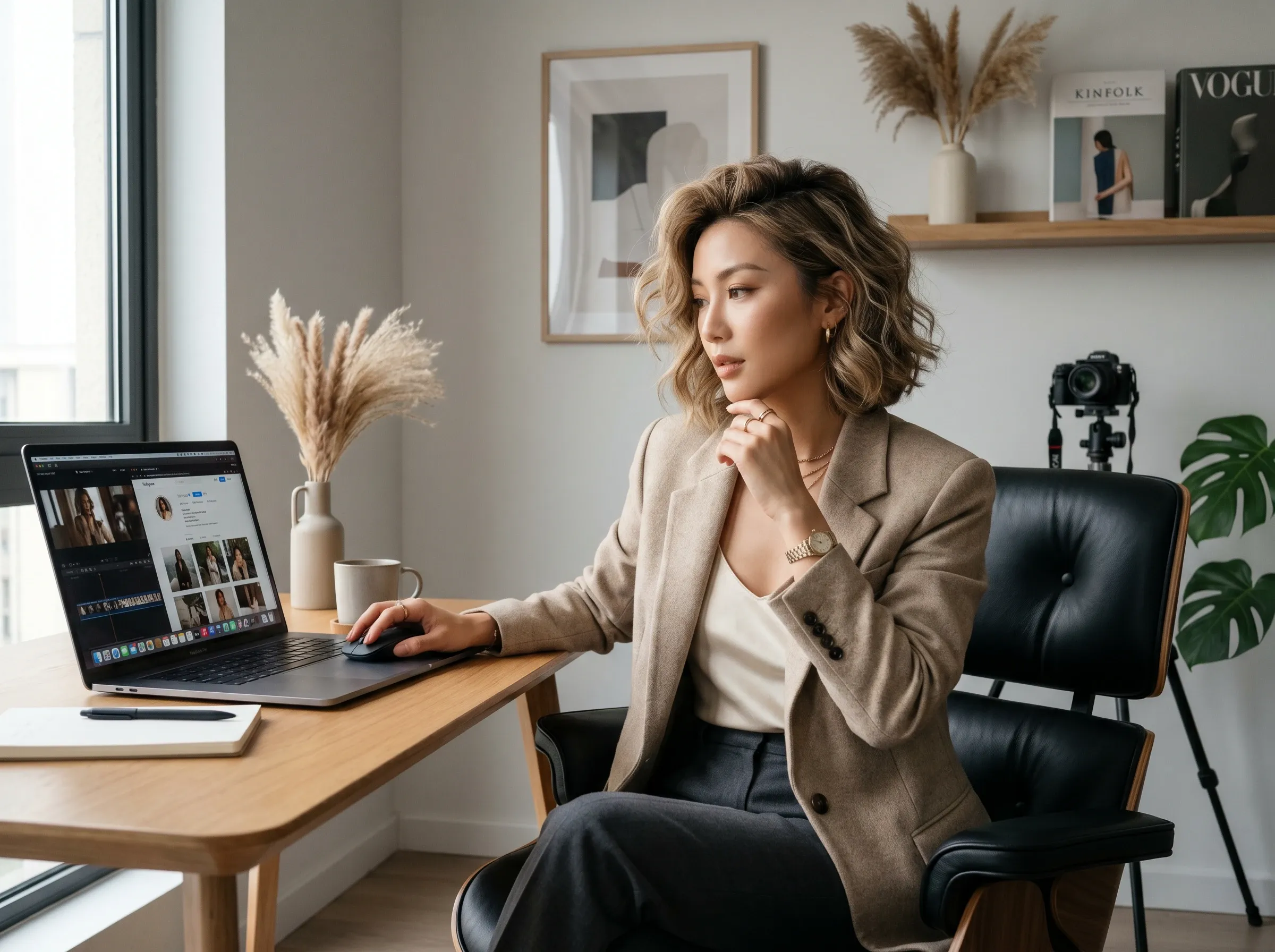
Retro profile and feed images
Turn a weekend travel photo or selfie into a retro profile image before updating Instagram, Pinterest, or a personal portfolio.
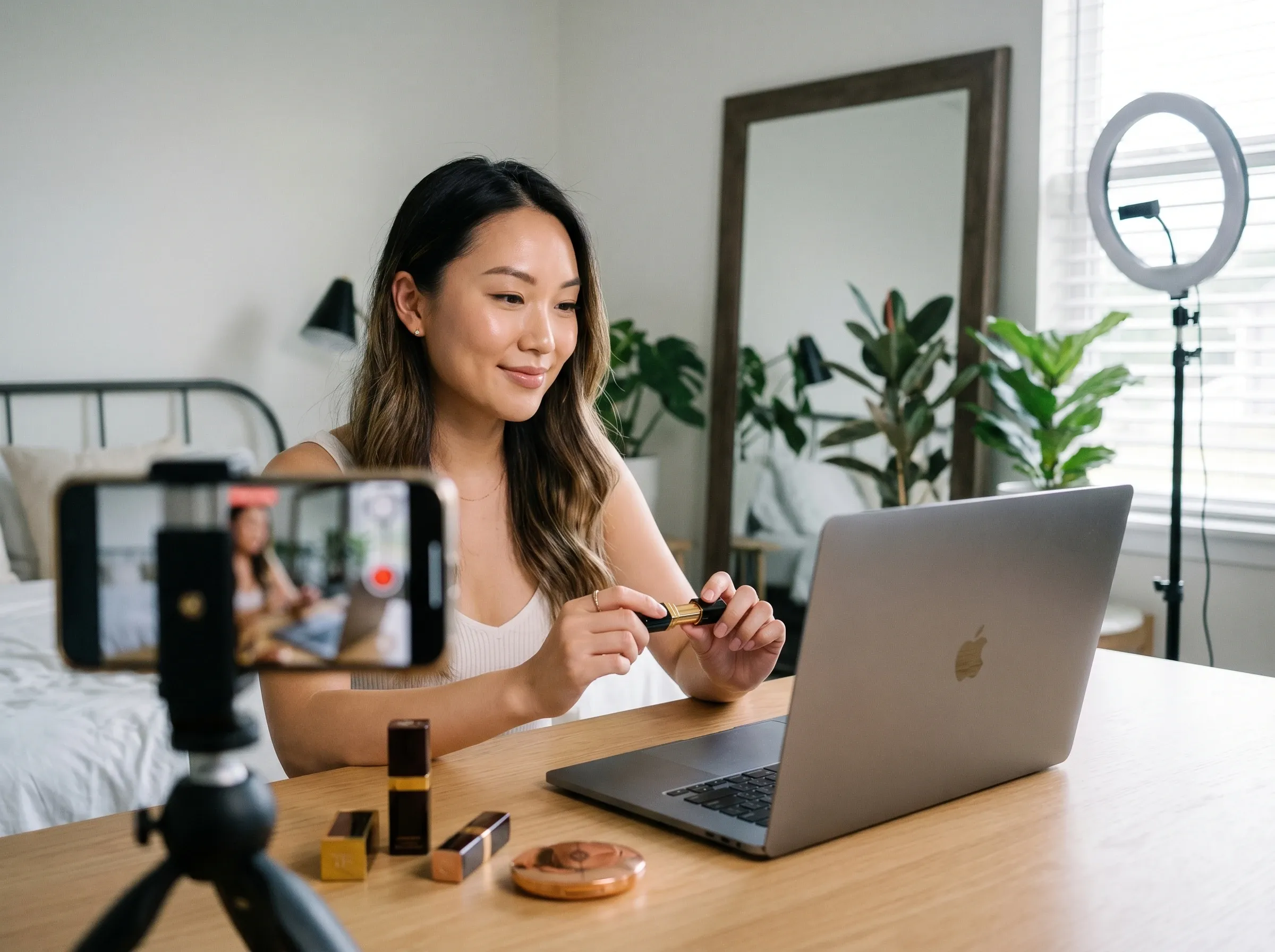
Nostalgic product images
Give handmade goods, thrift finds, or seasonal product shots a softer tone for a shop update or launch mood board; an AI product photo generator can support separate product scenes.
Old-photo style keepsakes
Make a new family photo feel closer to an old album image before sending it to relatives. For soft scans, an image enhancer can help before the vintage style is applied.

Mood board references
Create quick references for posters, covers, thumbnails, or client mood boards when the direction needs retro warmth. For a brand-new retro scene, use an AI image generator separately.
How to Make Photos Look Vintage
Step 1
Add the portrait, product shot, family image, or social photo you want to restyle.
Step 2
Pick a retro tone such as film grain, old camera color, faded contrast, or a 60s, 70s, or 80s look.
Step 3
Apply the vintage filter, compare the result, and download the photo for posts, keepsakes, or design use.
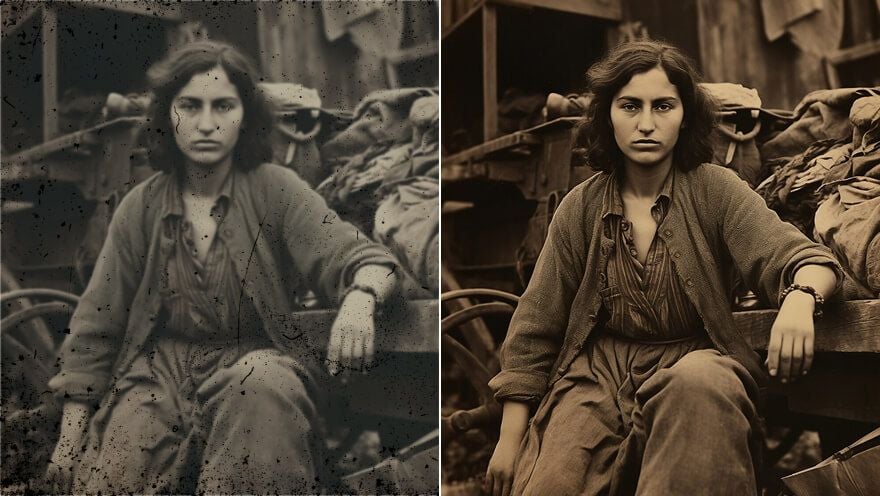
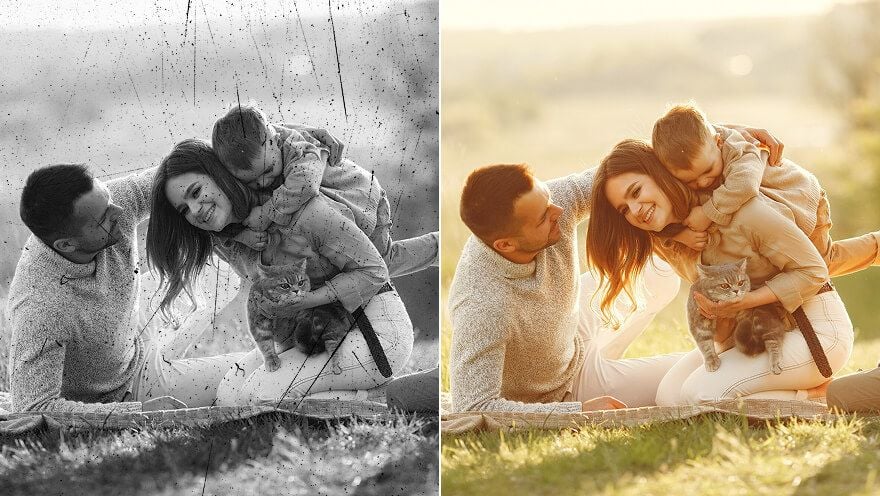
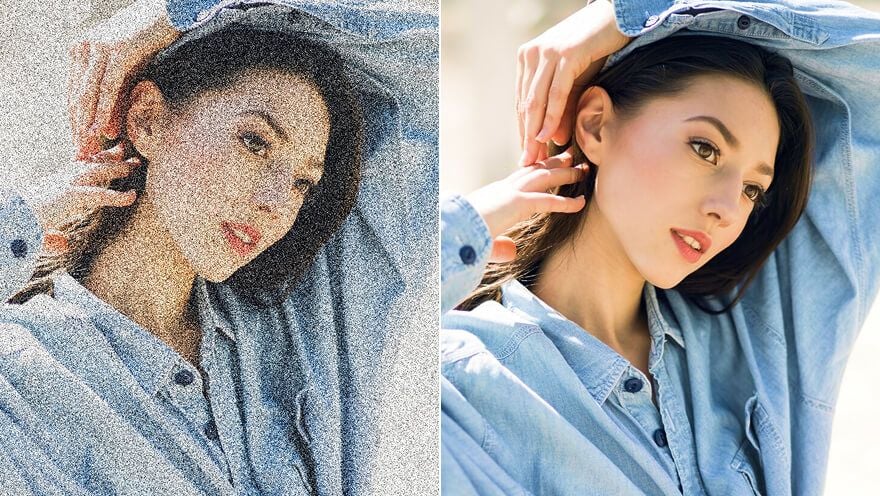
Restore Detail Before or After a Vintage Makeover with Pollo AI


 4000+ reviewsTrustscore 4.4
Trusted by 10M+ Creators and Marketers Worldwide
Thousands of satisfied users have shared their Pollo AI experiences on Trustpilot, rating us as "Excellent." See what they love about our platform.
Liz Cassidy Dec 15, 2025Richard QuickOct 15, 2025armourdudeNov 19, 2025
 DuduJan 14, 2026
 Ray WarnesDec 30, 2025
 lawless clanNov 22, 2025
FAQs
What is an AI vintage filter?
An AI vintage filter applies retro color, grain, and old camera tones to a photo, so you can get a vintage look without building layers or presets manually.
What is the best AI vintage filter?
Pollo AI's AI vintage filter is the best AI vintage filter because it focuses on photo-ready retro effects, decade-inspired looks, and old camera tones without requiring manual presets.
Can I add a vintage filter for free?
Yes. You can try a vintage filter for free and test retro color, grain, and old photo looks before downloading your image.
How do I make a photo look vintage online?
Upload your photo, choose a vintage or retro effect, generate the result, and save the image once the tone feels right.
What is the difference between a retro filter and an old photo filter?
A retro filter usually recreates a style era, while an old photo filter often focuses on faded color, grain, and aged texture.
Can I add a vintage filter to iPhone photos?
Yes. Upload your iPhone photo and apply a vintage filter online to create an old camera look without using a separate mobile app. For larger prints, an image upscaler can help afterward.

Add an AI Vintage Filter Free
Give new photos the feeling of old memories. Create retro portraits, product shots, and social images without building the effect by hand.