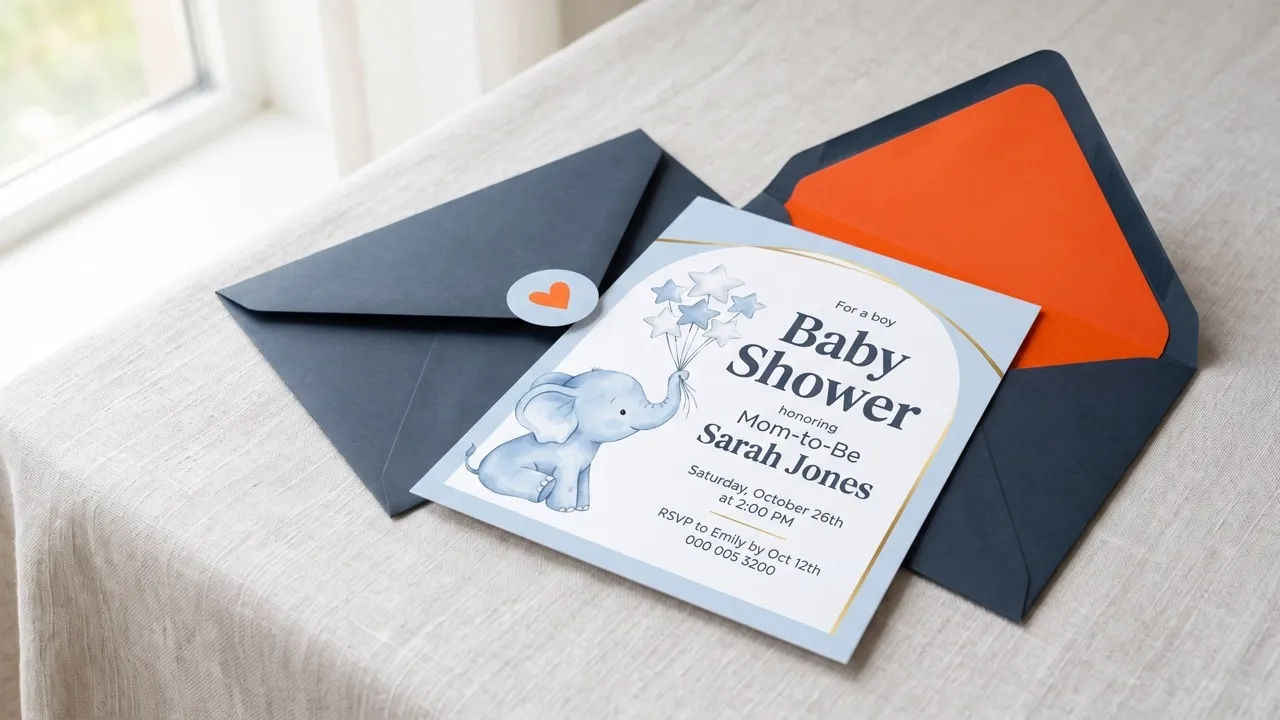
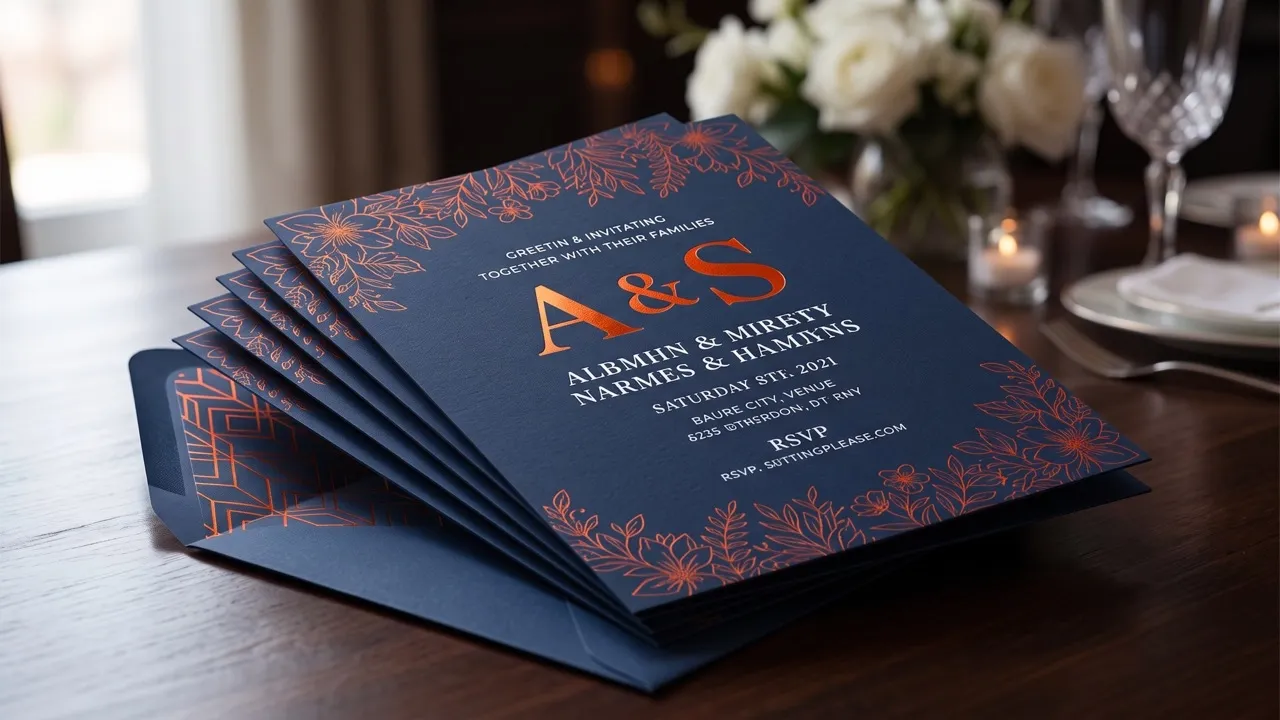
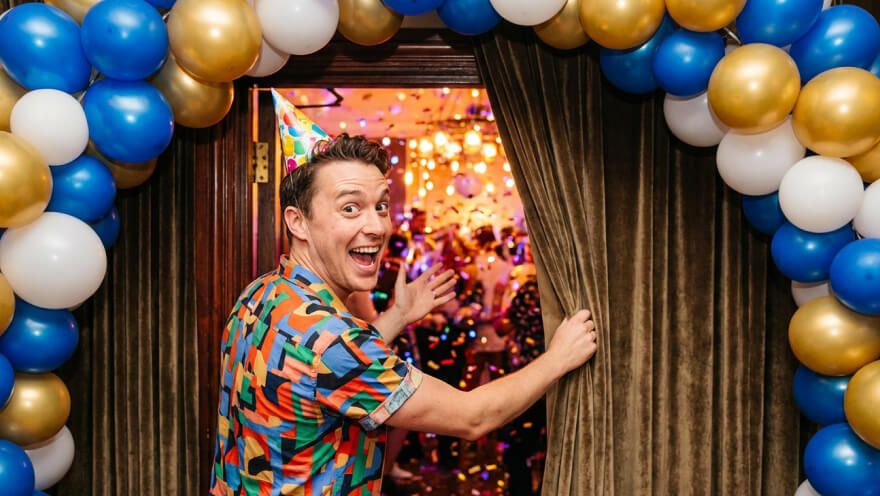
Step 1
Enter the celebration name, date, time, venue, host, and any dress or RSVP note you want displayed.
AI Video
Transform text and images into cinematic videos with lifelike avatars and studio-quality SFX.

AI Image
Turn ideas and images into stunning visuals, or perfect any photo with a complete suite of AI tools.

Agent
Create production-ready videos with SFX, consistent characters, and polished scenes. No Editing.

Marketing Studio
Built for marketers and sellers to create winning ads, UGC videos and product visuals faster.

Turn dates, venues, and celebration ideas into festive Diwali invitations with clear details and meaningful motifs.
Set the tone for the celebration before guests arrive. Our AI Diwali invitation card maker brings your date, venue, host, dress note, and visual ideas into a festive design that feels warm without becoming crowded, giving you a polished invitation for WhatsApp, print, email, or social sharing.
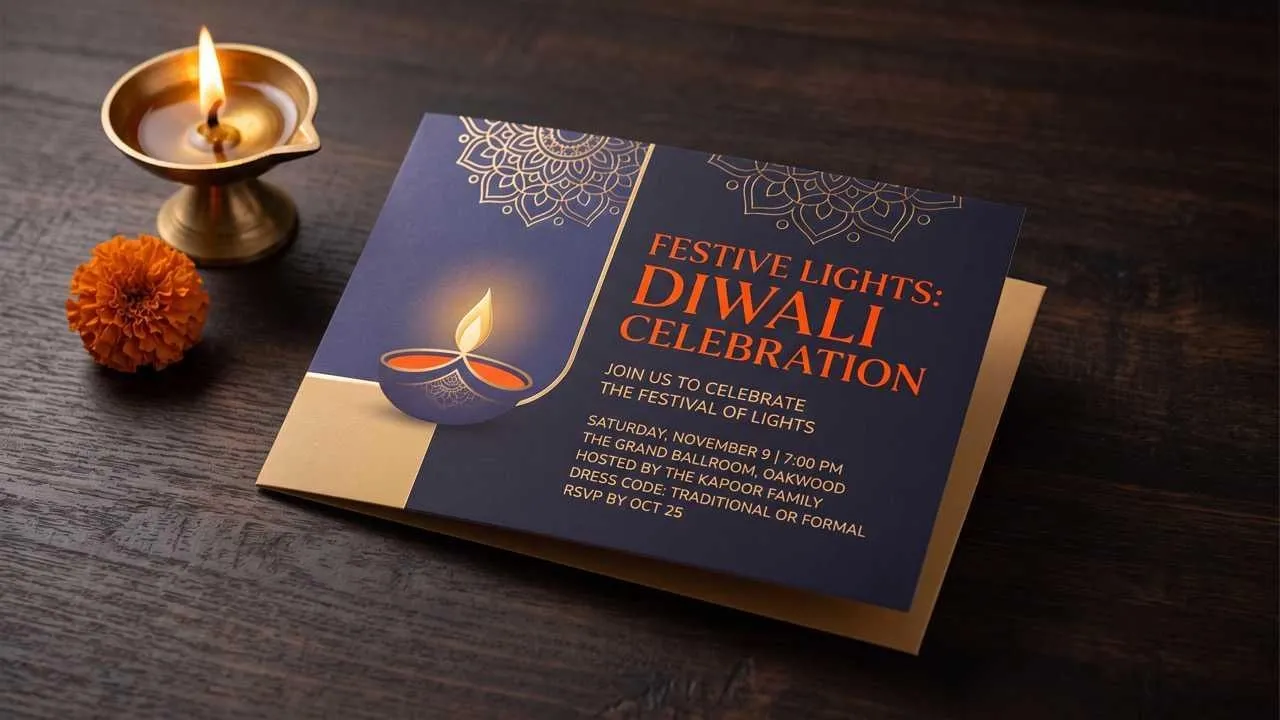
Turn the date, venue, and host into a celebration-ready layout.
Bring in light and color without making guests search for essential details.
Share one recognizable design in family chats, printouts, and social posts.
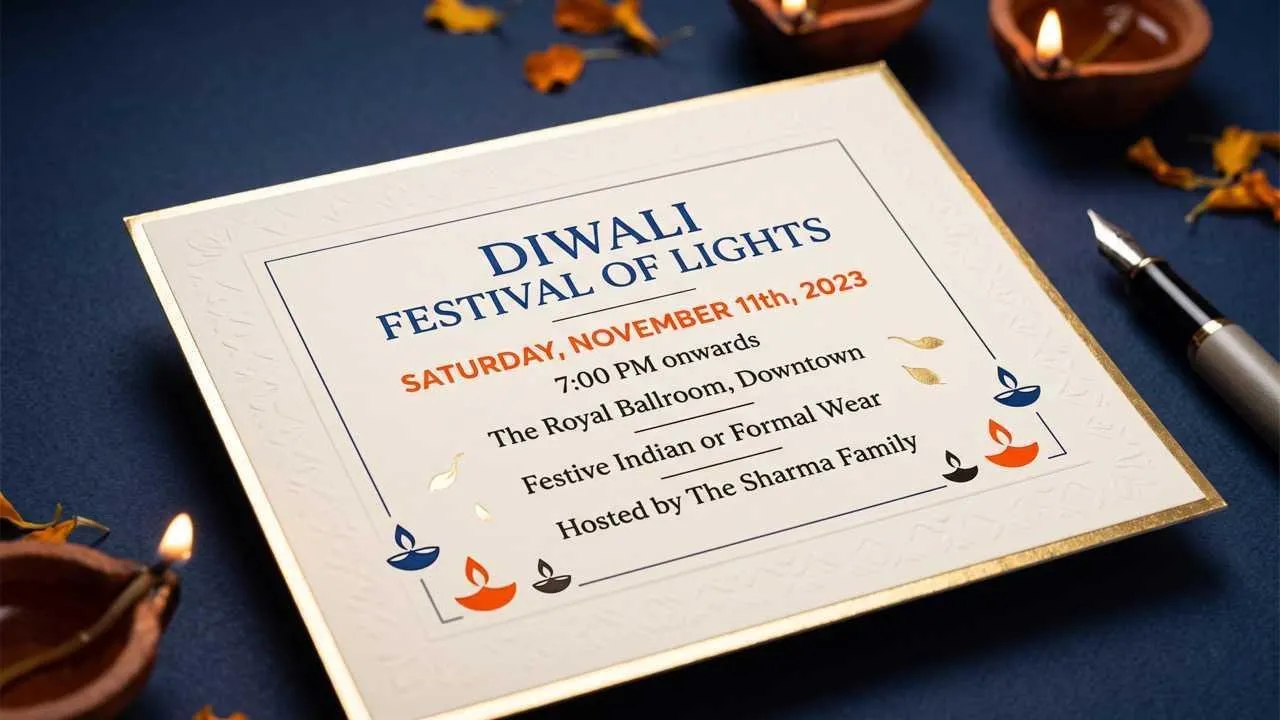
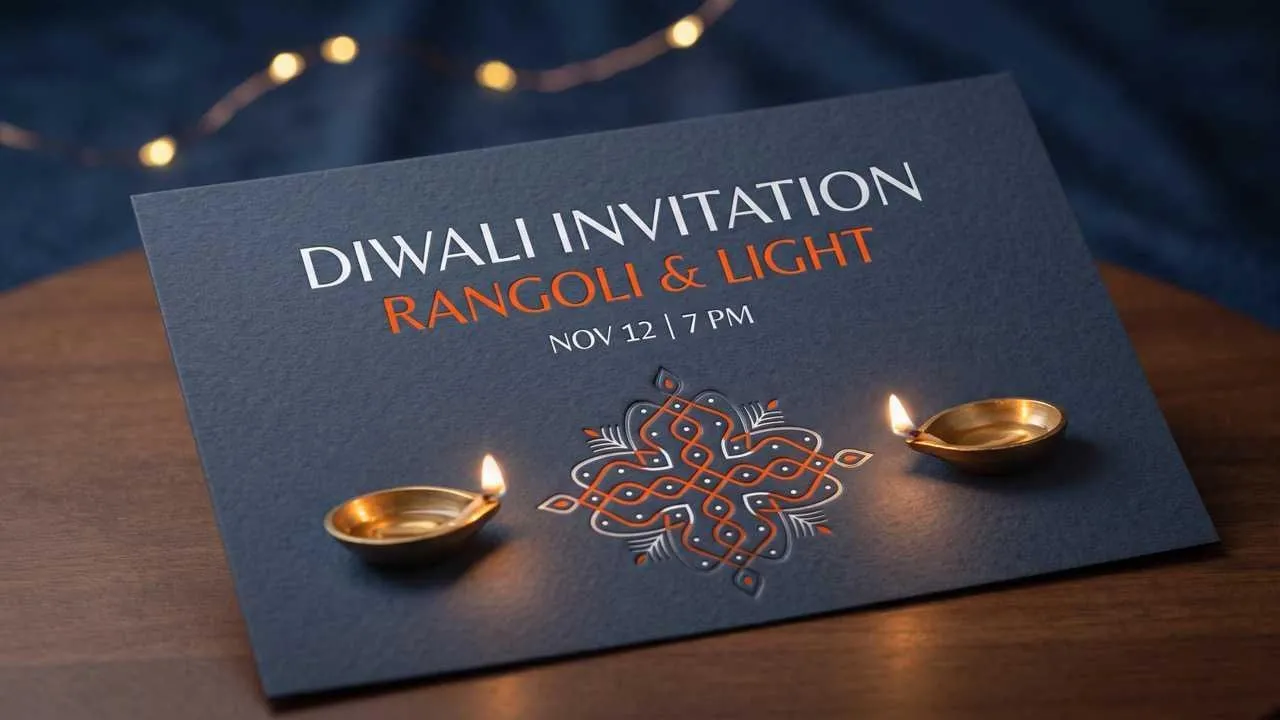
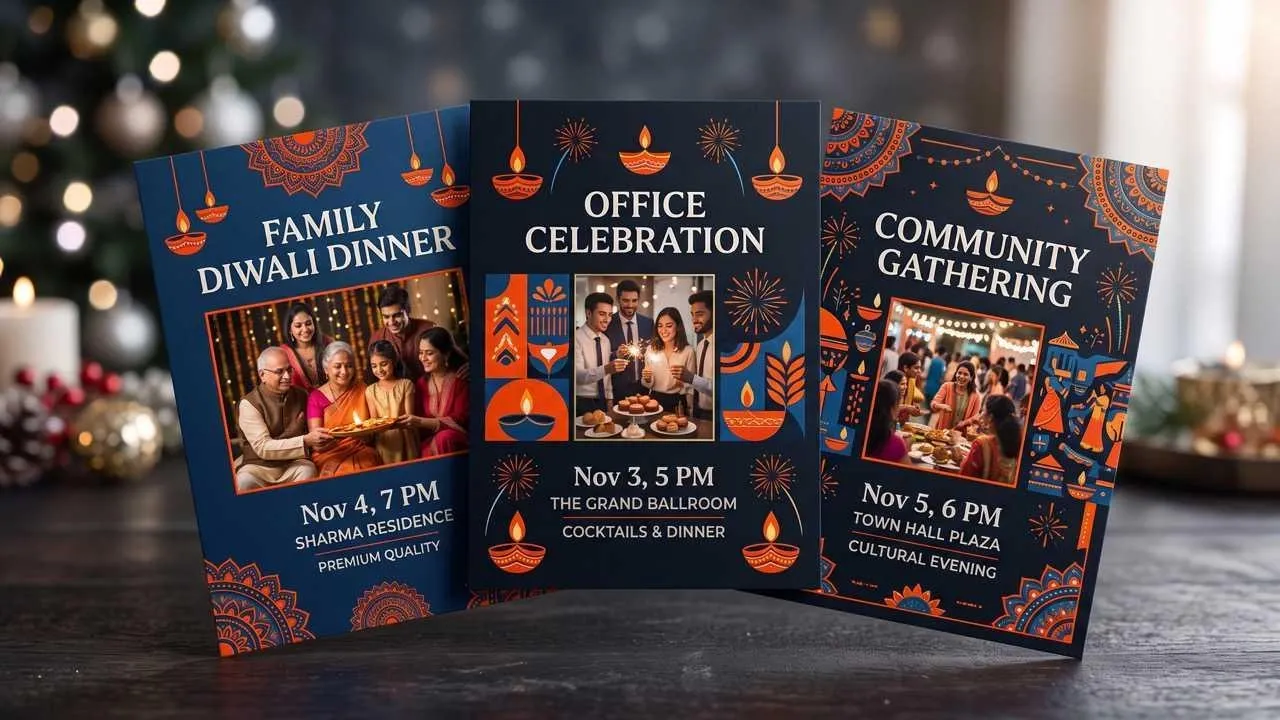
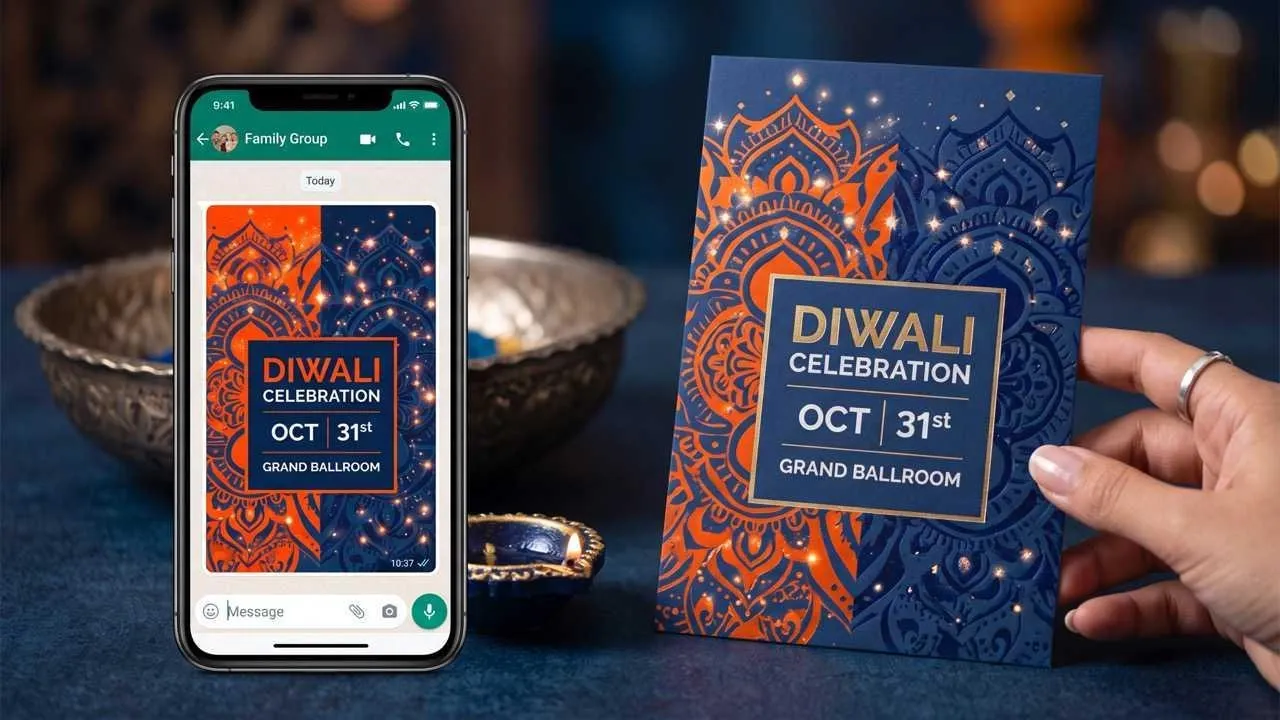
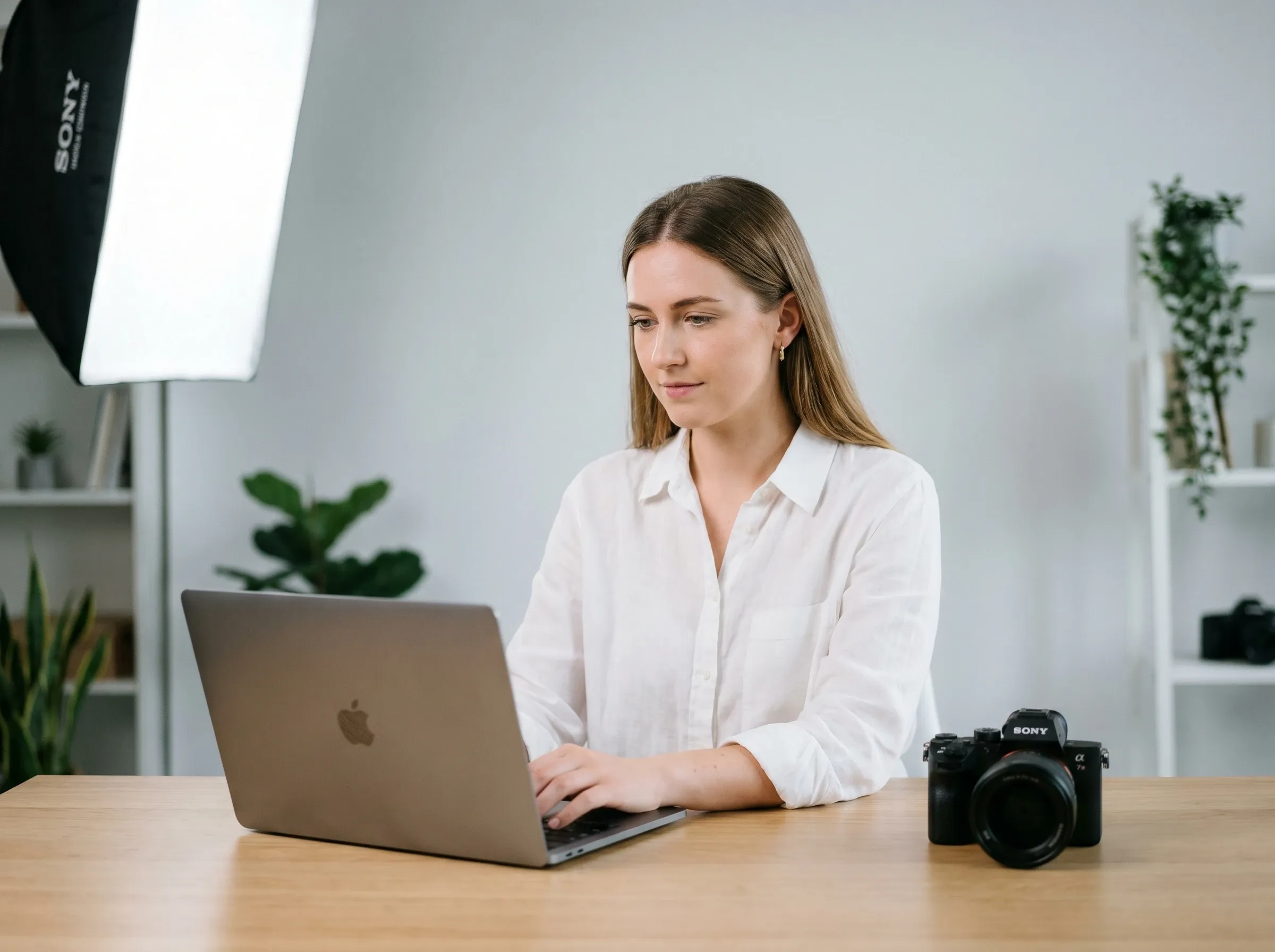
Invite relatives and friends several days ahead with the meal time, home address, dress note, and one warm line from the host family.
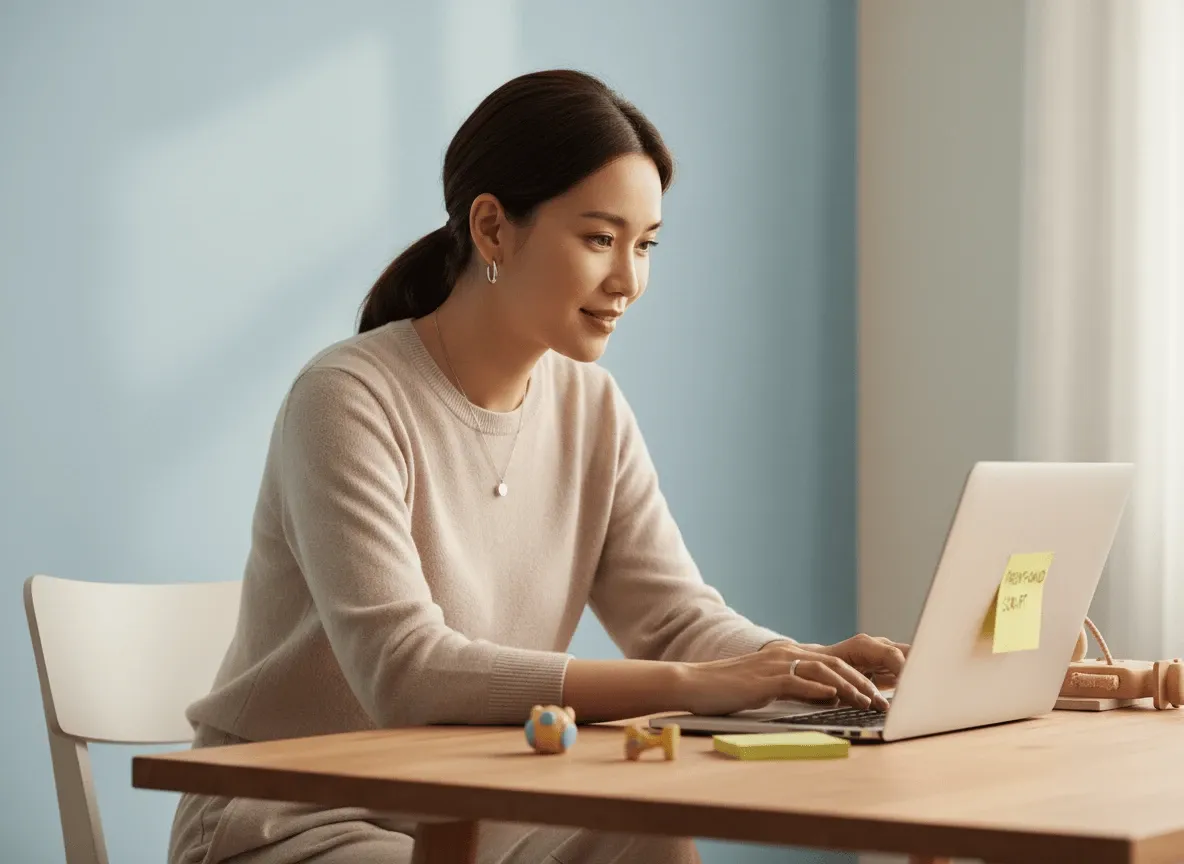
Announce a lunch, diya-lighting moment, or cultural program with a design colleagues can scan quickly in email or a team chat.
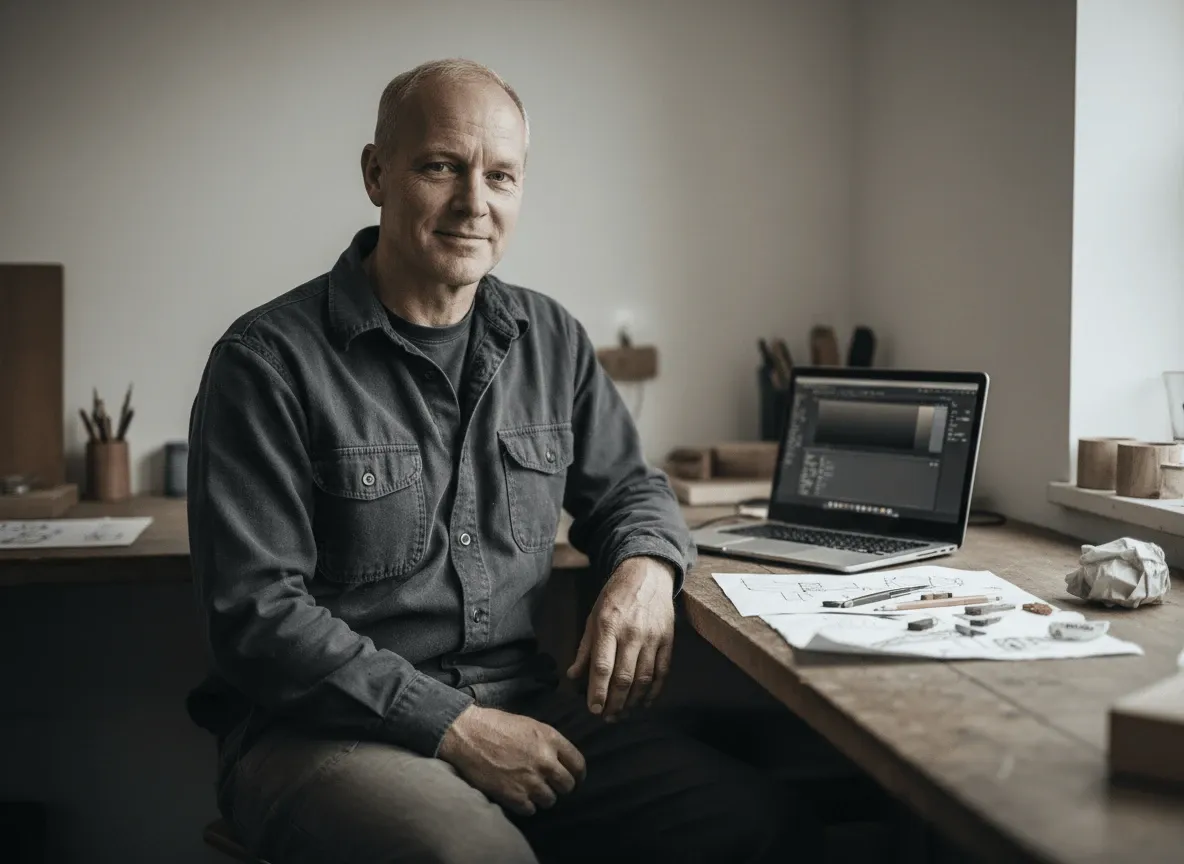
Promote a student program, mela, or neighborhood celebration; use an AI background generator when the event also needs a separate decorative scene outside the invitation.
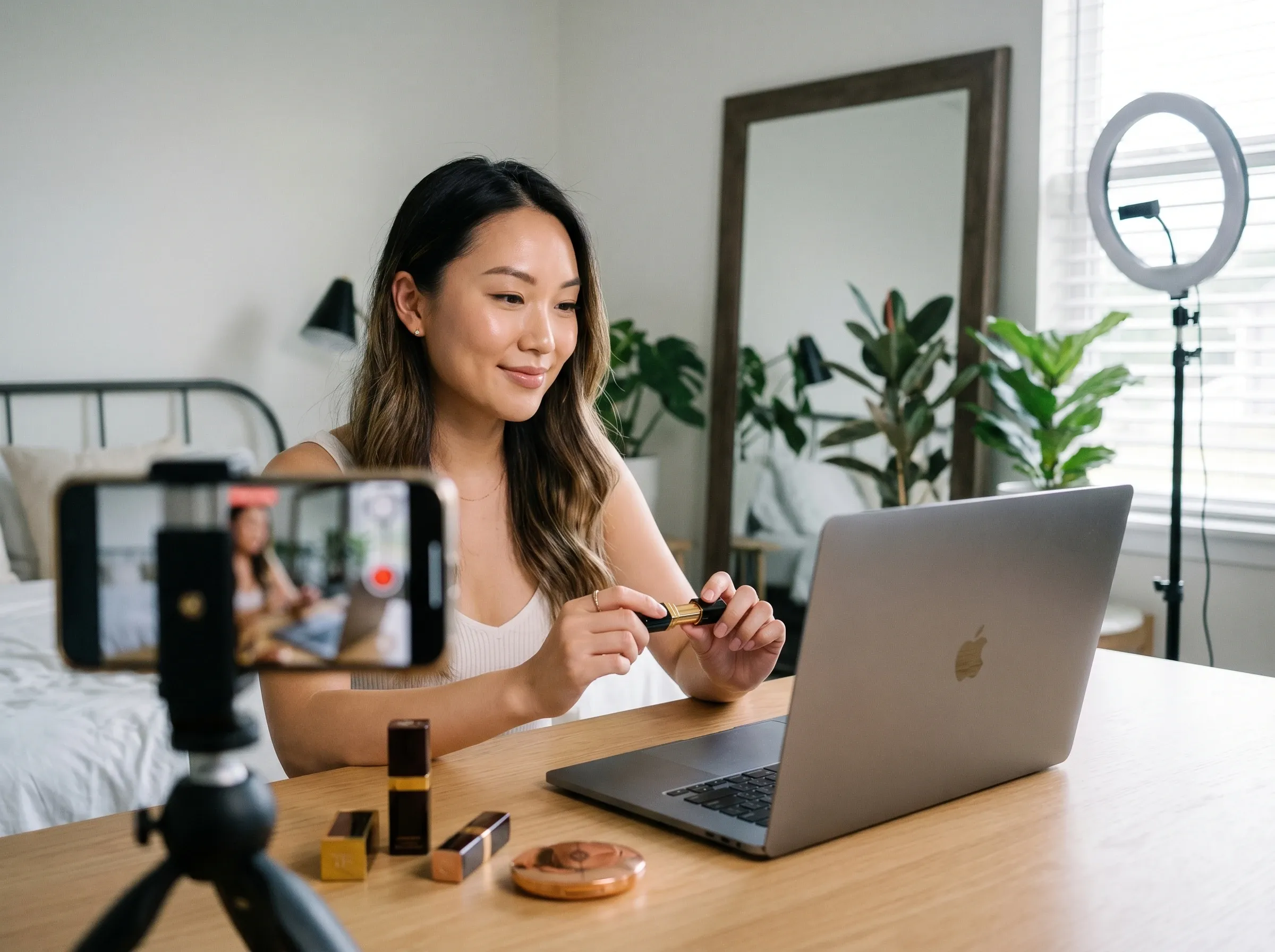
Invite local customers to a festive sale or in-store evening, and prepare a separate campaign visual with an AI product poster maker when promotion extends beyond the invitation itself.
Enter the celebration name, date, time, venue, host, and any dress or RSVP note you want displayed.
Choose traditional, modern, minimal, colorful, or elegant cues and name the motifs you want included.
Create the card, verify every event detail, and refine the wording or decorative balance before saving it.









Using Pollo AI to Create and Inspire
 Liz Cassidy
 Richard Quick
 armourdude
 Dudu
Dudu Ray Warnes
 lawless clan
 Istvan LajosSantiago Saenz
 Gen Zee
 萱兒
萱兒 Norma Ponce
 Sarah Stokes
 Sudipta Saha
 Luiz Guyz
 Swishadoptme Swishadoptme
An AI Diwali invitation card maker organizes your event information and festive direction into a finished invitation, so you do not have to balance every text block and decorative element by hand.
Pollo AI's AI Diwali invitation card maker is the best AI Diwali invitation card maker for pairing warm festive motifs with clear details for dinners, offices, schools, and community events.
Yes. Add your Diwali event details and preferred style in Pollo AI, then review the generated invitation before sharing it.
Include the host, occasion, date, time, venue, dress guidance, and any reply or contact information guests need.
Yes. Create a card with concise wording and large key details so it remains readable when shared in a WhatsApp chat.
No. An invitation gives guests event details, while a greeting card focuses on wishes and may not ask the recipient to attend anything.

Bring every event detail into one welcoming design.