



LTX Studio Review: I Tested It for 15 Days, Here's What I Found
LTX Studio stood out to me because it is built more like an AI video production workspace than a simple prompt to video tool. I reviewed it for 15 days to see how well its storyboard, timeline, elements, and audio features work for structured video creation.
LTX Review: TL;DR
LTX Studio is useful if you want a more controlled way to plan AI videos. It gives you storyboard structure, timeline control, visual elements, and audio direction, which makes it more organized than a basic prompt box.
But after testing it, I would not call it the easiest or fastest way to create finished videos. The workflow can feel heavy, and the more complete the project becomes, the more manual decisions you need to make.
Review Point | My Take |
|---|---|
| Best for | Planned AI video concepts |
| Strongest feature | Scene-by-scene production control |
| Biggest limitation | Manual setup slows everything down |
| Learning curve | Easy to start, but noticeable for longer projects |
| My verdict | Useful for planning, weaker for finishing |
What Is LTX Studio
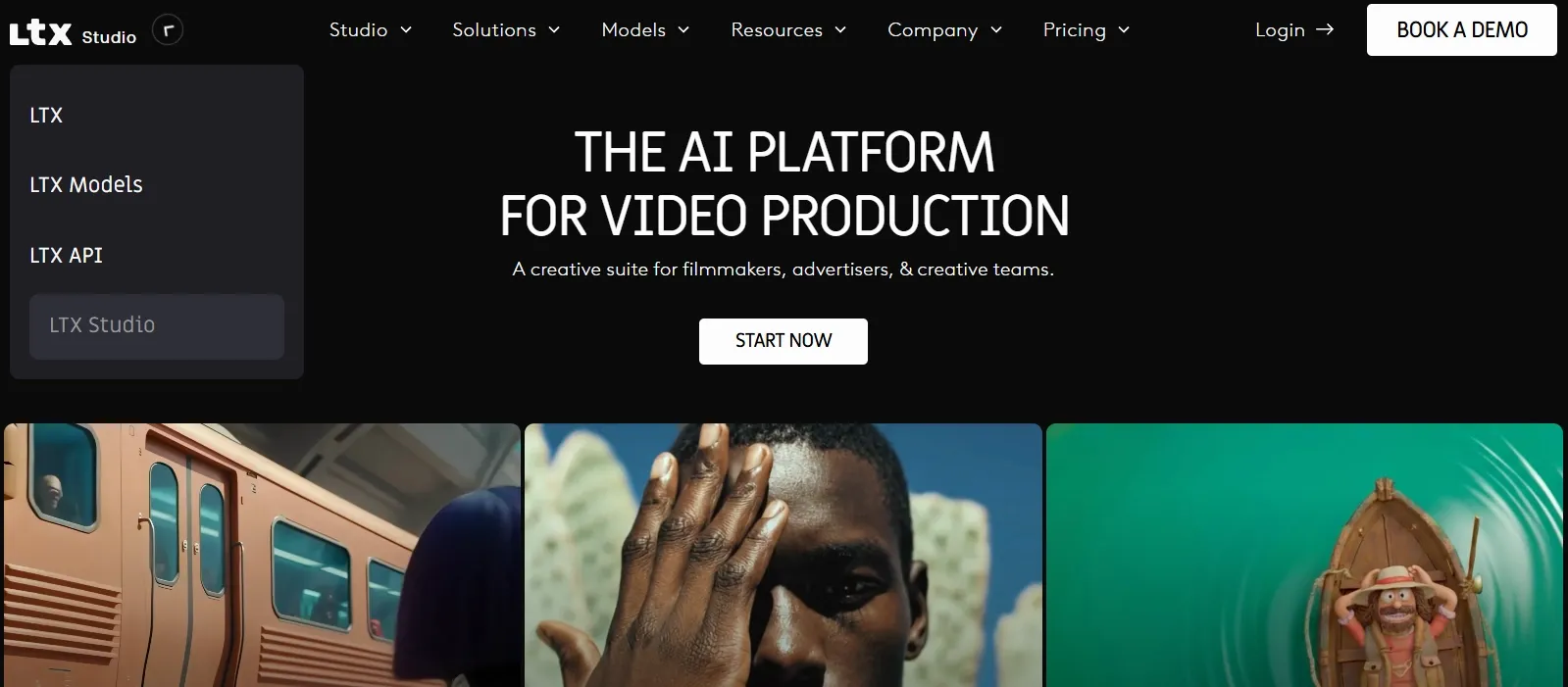
LTX Studio is an AI video creation platform for building AI videos with storyboards, scenes, visual elements, timelines, and audio. It is designed for users who want more control than a basic text to video generator usually provides.
Its main use cases include short films, music videos, brand videos, product videos, social clips, explainer content, and campaign concepts. The key difference is that LTX treats AI video as a planned production process instead of a one-prompt generation.
How Do Real Users Comment on LTX Studio
I checked LTX Studio’s Trustpilot reviews and focused only on product-related comments, not billing or support issues.
On the positive side, some users like LTX Studio for quick creative experimentation. They mention that it can help generate short AI clips, stylized visuals, and early video concepts without starting from a blank page.
The negative comments are more pointed. Several users complain that the generated results are inconsistent and do not always match the polished examples shown in demos.
Other users mention workflow problems around storyboards, timelines, failed generations, character consistency, lip sync, voice quality, and audio reliability.
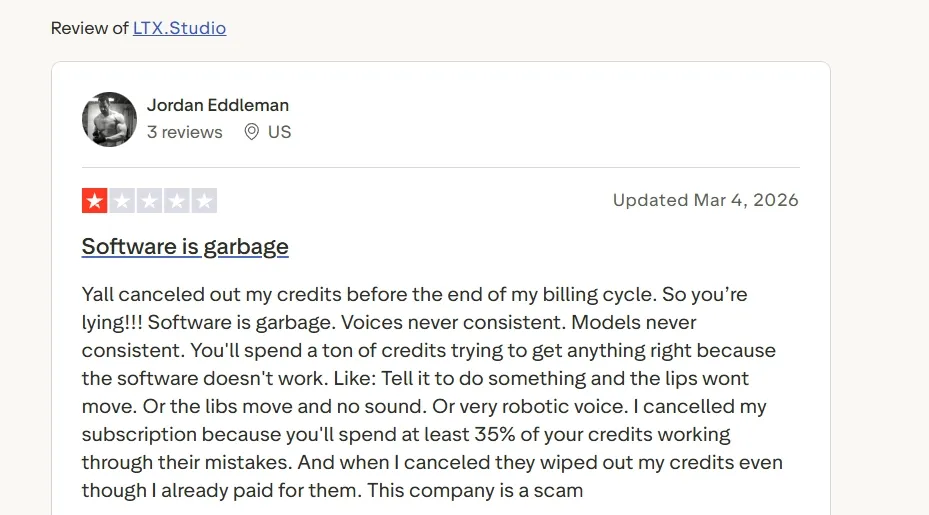
My takeaway is that real users see some creative value in LTX Studio, but many do not find it stable enough for serious production work.
Key Features of LTX Studio I Reviewed
Storyboard-Based Video Creation
The storyboard workflow is the feature that defines LTX. Instead of typing one prompt and waiting for a clip, I could plan the video scene by scene. That made it useful for a structured story video, short film concept, or brand narrative where the order of scenes matters.
I also found it relevant for planning a product video, especially when the video needs to move from problem to product, to benefit, to a closing shot. The storyboard format gives the project a clearer direction before generation starts.
The downside is significant: this workflow is slow if you are not already committed to detailed planning. LTX gives you structure, but it also makes you responsible for building that structure. For quick social videos or simple marketing clips, that extra setup can feel like friction rather than help.
Visual Style Presets and Custom Direction
LTX gives users a way to shape the look of a video before everything is generated. I found this useful for projects where mood and visual consistency matter, such as a cinematic concept, a fashion promo, or a music video.
This also helps with social content that needs a recognizable style. For example, a creator making a recurring YouTube outro or branded short video can use visual direction to keep the tone more consistent across scenes.
This feature is helpful, but it is not enough on its own to make the whole workflow feel polished. Style direction can guide the output, but users still need to spend time refining the scene structure and checking whether the final video feels cohesive.
Elements for Character, Product, and Object Consistency
The elements system is built for keeping important subjects consistent across scenes. I found this useful for a product showcase video, where the same item needs to appear in different angles, settings, or moments.
It also fits narrative videos where a character, location, or recurring object needs to stay recognizable. For a brand story video, this kind of consistency helps the video feel more connected from scene to scene.
This is one of LTX’s more practical ideas for multi-scene work. It gives users a better foundation for continuity before the final sequence comes together.
Timeline Editor for Scene Refinement
The timeline editor makes LTX feel closer to a production tool. I could think about order, pacing, and flow instead of treating each generated scene as a separate asset.
This is useful for an explainer video, where the sequence needs to move clearly from setup to explanation to takeaway. It also works for tutorial video concepts where timing and scene progression matter.
The problem is that timeline control adds another layer of work. It does not remove editing effort; it shifts more of that effort into the LTX workspace. For users who want AI to handle structure automatically, this can become tiring fast.
Built-In Sound and Audio Design
LTX treats sound as part of the video workflow, which is a sensible direction. Many AI video clips feel incomplete when visuals and audio are handled separately.
This feature is relevant for a music video, cinematic short, or social promo where rhythm and mood shape the viewer’s impression. It also helps when creating a dance music video, where motion and sound need to feel aligned.
I liked that the audio feels connected to the broader production process. It makes LTX more useful for videos where sound is part of the creative direction rather than something added at the very end.
AI Music Video Workflow
The AI music video workflow is one of LTX’s clearer use cases. Music videos need rhythm, visual style, pacing, and mood to work together, and LTX’s structured approach fits that kind of project.
I found it useful for early creative direction, especially when planning a narrative music video or a performance-style singing video. The storyboard and timeline tools make it easier to think about how the visuals should follow the track.
That said, the quality of the final result still depends heavily on how clearly the scenes and visual direction are set up. If the project direction is loose, the video can feel disconnected. LTX gives a framework, but it does not fully solve the creative assembly problem.
Team Collaboration and Project Sharing
LTX also feels built for collaborative video work. Its project-based structure makes sense for agencies, brand teams, and creators who need to share ideas, review scenes, and refine a concept together.
I found this relevant for campaign planning, especially around a script to ad video workflow where multiple people may care about messaging, visuals, and pacing.
This makes LTX more serious than a casual clip generator. It supports a review-and-revision process, which matters when the video is part of a larger creative or marketing project.
Real Use Cases for LTX Studio
Use Case | How LTX Fits |
|---|---|
| Short films | LTX’s toryboard workflow helps shape scene order, visual continuity, and cinematic pacing before generation. |
| Music videos | LTX combines style direction, timeline pacing, and audio-aware creation, which fits a cover art music video concept. |
| Product launches | LTX can support launch-focused scenes where the same item needs to appear across different shots, benefits, and reveal moments. |
| Explainer content | LTX fits explainers that need a clear sequence, such as introducing a problem, showing a process, and ending with a takeaway for a SaaS explainer video. |
| Social ad concepts | LTX can help shape campaign concepts when a brand wants to plan message flow, creator-style scenes, and visual style before production. |
LTX Studio Pros and Cons
What I Liked:
- Storyboard workflow helps organize multi-scene ideas
- Visual direction supports more consistently styled videos
- The Elements system is useful for recurring subjects
- Timeline control gives more pacing control
- Audio support makes the workspace feel more complete
What Held It Back:
- Manual setup can slow down even simple projects
- Timeline editing adds more work, not less
- Longer videos require careful planning and revision
- Beginners may find the workflow too involved
- Final polish still depends heavily on user effort
Where LTX AI Video Generator Falls Short
LTX works when the goal is controlled planning. The problem is that control comes at a cost. The workflow asks for scene decisions, visual direction, element setup, timeline adjustments, audio choices, and repeated review. That is a lot of work for users who simply want finished content.
The biggest weakness I noticed is that LTX does not feel production-light. It can help structure a project, but it does not remove enough of the production burden. For short experiments, this may not matter. For ads, social videos, product launches, or repeatable creator content, the extra manual work becomes a real bottleneck.
This is where Pollo AI feels more practical to me. Its AI video agent, Pollo Agent, can turn an idea, text, image, asset, or URL into a full video with structure, pacing, music, captions, and opening hooks handled automatically.
Full Video Creation Starts Here
Join 10M+ creators using Pollo Agent to generate ready-to-use videos.
Try Pollo Agent for Free
For marketing videos, Pollo AI’s Marketing Studio is also more direct. Instead of manually building every campaign concept from scratch, it can turn URLs, product photos, scripts, and ad ideas into multiple video ad directions, including product launch videos, tutorial ads, and UGC-style campaigns.
LTX Studio vs Pollo AI
Dimension | LTX Studio | Pollo AI |
|---|---|---|
| Main workflow | Storyboard and timeline-based production | AI generation, editing, agent-driven creation, and publishing workflows |
| Editing flexibility | Timeline-based refinement that still needs manual work | Prompt-based refinement with an AI video editor |
| Consistency | Uses reusable elements and a structured setup | Supports reference to video to keep subjects and settings in the video consistent |
| Audio workflow | Helps with sound direction inside a project | Offers an AI voice generator, voice cloning, and AI sound effects for fuller audio production |
| Creation depth | Better for planned drafts than fast output | Stronger for generation, refinement, and publishing |
| Ad production | Useful for campaign concepts, but setup-heavy | Better for campaign-ready variations through Marketing Studio |
Why I’d Choose Pollo AI Instead of LTX
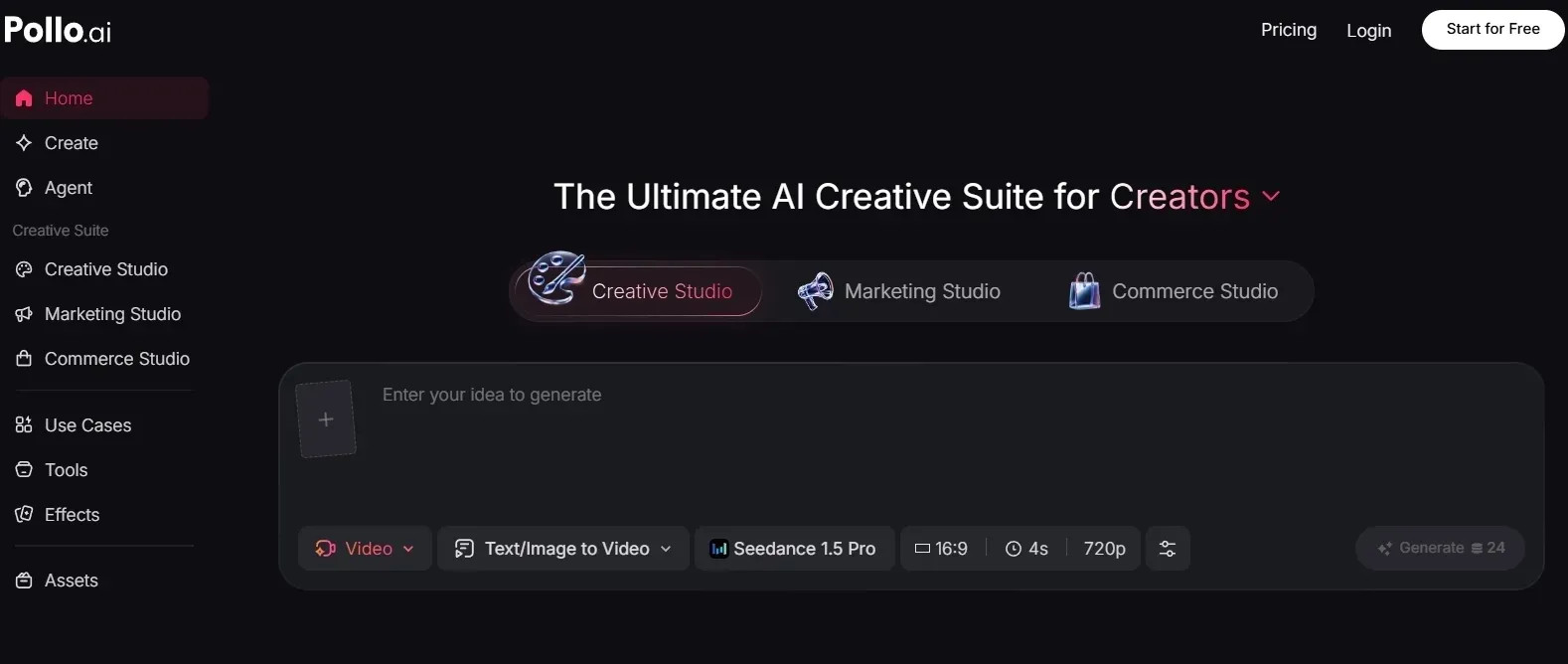
Multi-Model AI Video Generation
The first reason I would choose Pollo AI is model flexibility. LTX gives me a structured workspace, but Pollo AI gives me more ways to generate videos through multiple leading video models in one place, including Seeedance 2.5 and Veo 3.1.
That matters because different video tasks need different strengths. Sometimes I want cinematic motion, sometimes I want faster drafts, and sometimes I need stronger image to video control. With Pollo AI’s AI video generator, I can work from different inputs without locking myself into one workflow.
Better Post-Generation Refinement
The second reason is editing flexibility. LTX leans more on timeline-based control, while Pollo AI’s AI video editor gives me a faster way to refine generated videos with prompt-based changes.
This is useful when a clip is close but not finished. I can adjust the look, clean up parts of the video, or improve the result without treating every revision like a full timeline editing task.
Stronger AI Audio Tools for Complete Videos
Pollo AI is also stronger when the video needs finished audio, not just general sound direction.
- Text to speech turns scripts into natural voiceovers, which is useful for explainers, tutorials, ads, and narration-led videos.
- Voice cloning helps creators and brands reuse a consistent voice across multiple videos without recording every take again.
- AI Sound effects generator adds custom sound effects for scenes, transitions, product moments, and cinematic details, making the final video feel more complete.
These audio tools are supported by leading models such as Eleven v3, which helps make voice output sound more natural and production-ready.
Marketing Studio for Business Videos
For marketing teams, Marketing Studio is a major advantage because it is built for ad production, not just general video creation. It can turn product URLs, product photos, scripts, and campaign ideas into multiple video ad directions.
This is useful for e-commerce sellers, brands, and agencies that need to test different angles quickly. It supports ad formats like product launches, UGC-style unboxing ads, before and after ads, and selling-point videos.
The core benefit is speed at scale. Marketers need repeatable ad output they can test, revise, and launch across channels, and Marketing Studio connects AI generation with practical campaign production.
Final Verdict
LTX Studio is a decent choice if you want to plan AI videos with storyboards, timelines, reusable elements, and sound direction. I would use it for structured concepts, but not for fast finished content.
Its biggest weakness is that the workflow becomes too manual as the project gets more serious. Scene setup, timeline decisions, audio direction, and final refinement can slow down creators who need repeatable, publish-ready videos.
Pollo AI feels like the more practical choice when the goal is finished content, not just controlled planning. It gives me more ways to generate, refine, add voice or sound, and turn business ideas into videos without stretching the workflow across too many manual steps.
LTX Studio Review FAQs
What is LTX Studio used for?
LTX Studio is used for creating structured AI videos with storyboards, scene planning, visual styles, reusable elements, timeline editing, and audio-aware workflows. It is mainly useful for multi-scene projects, music videos, short films, product concepts, and campaign drafts.
Is LTX Studio good?
LTX Studio is useful if you want more control than a basic prompt-to-video tool provides. I found it better for planning and concept development than for fast finished video creation.
Is LTX Studio good for beginners?
It can work for beginners, but I would not call it the easiest option. Beginners who want quick results may find the storyboard, timeline, and element setup more involved than expected.
What are the main limitations of LTX Studio?
The main limitation is workflow speed. LTX Studio gives control, but it also requires storyboards, element setup, timeline edits, audio decisions, and manual refinement. That makes it less ideal for fast publishing.
Is LTX Studio good for marketing videos?
It can help with marketing video concepts, especially if a team wants to plan a campaign scene by scene. But for faster ad creation and campaign variations, Pollo AI’s Marketing Studio is more practical.