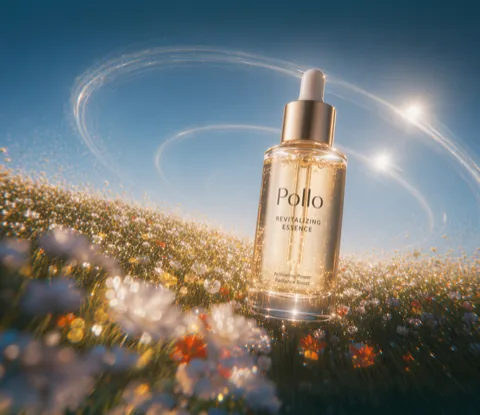

Meet Our All-in-One Image to Video AI
Pollo AI is an ultimate, all-in-one image to video AI generator. Besides our flagship Pollo 2.5, we offer access to all the industry-leading video models, all in one single place. Try them seamlessly and create stunning visuals without juggling multiple platforms!
Animate Your Images with Pollo AI Image to Video Generator
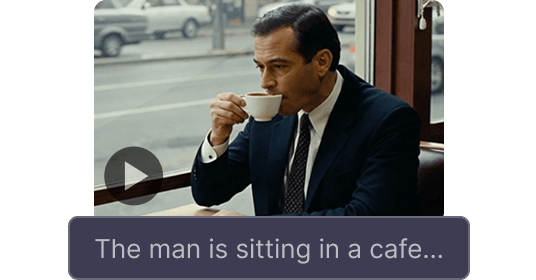
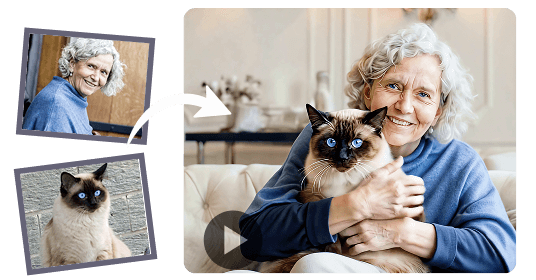
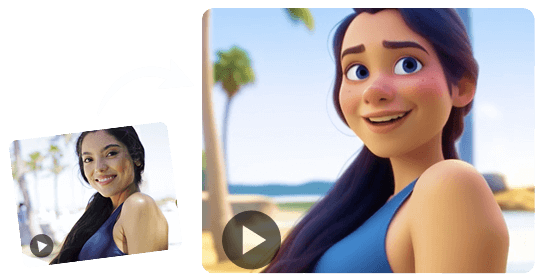
Turn any image into a vivid story with our AI image to video generator. Upload your photos or generate AI images with Pollo AI, then transform them into creative videos with audio using our AI image to video generator. Whether it's a realistic scene or animation, we can create it quickly and exactly as you want.
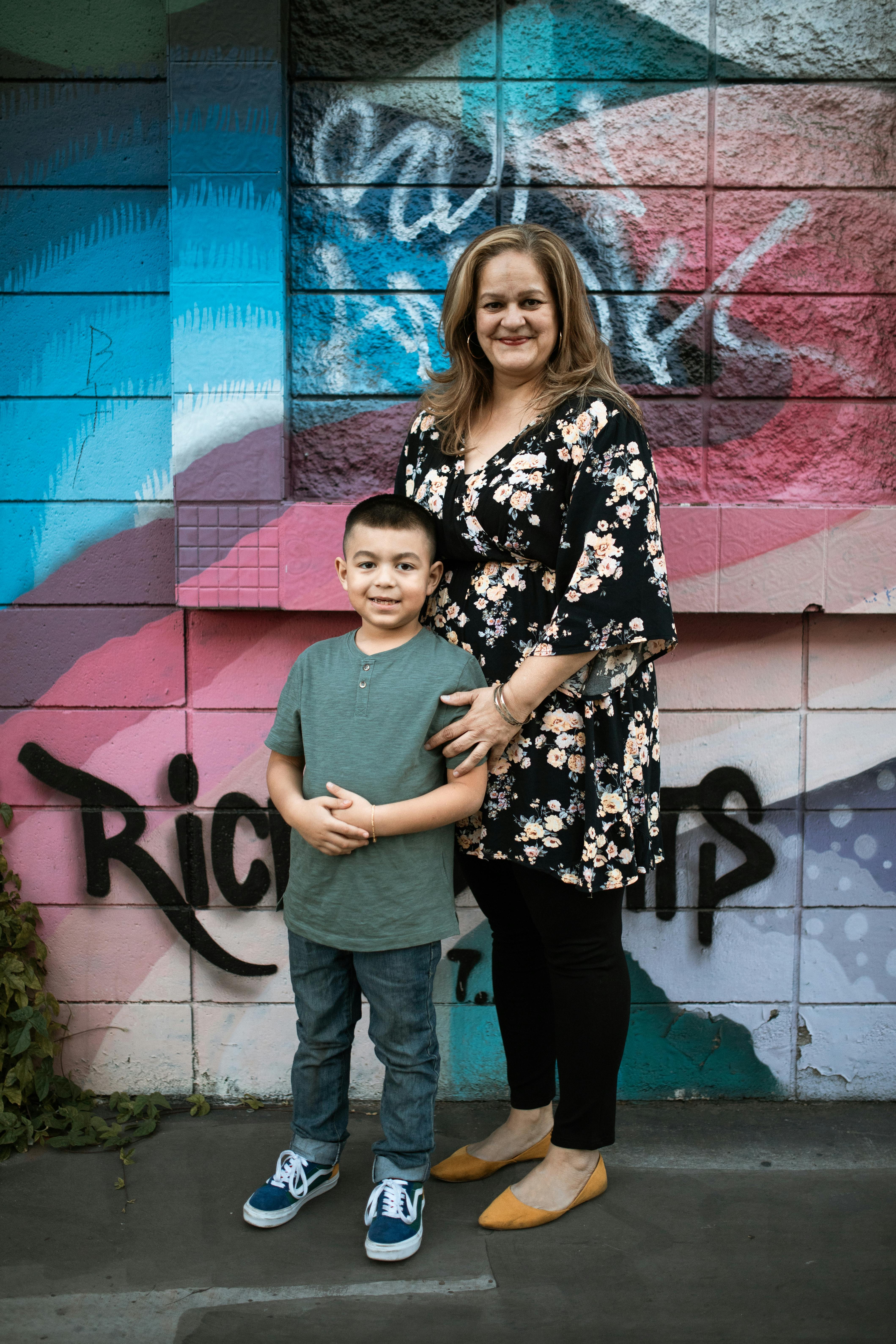
Prompt
Two people hug each other in the picture.
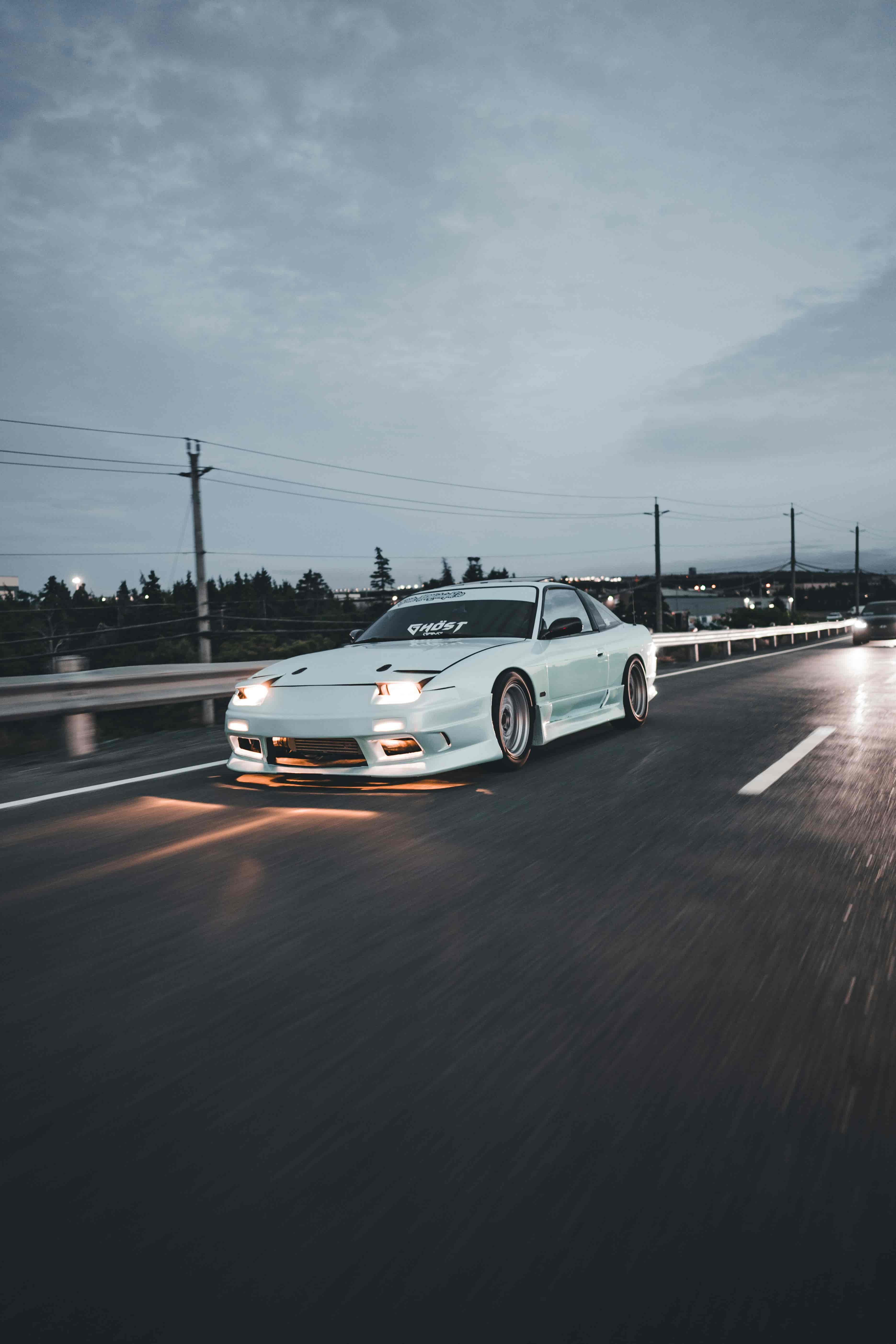
Prompt
A car running on the road.
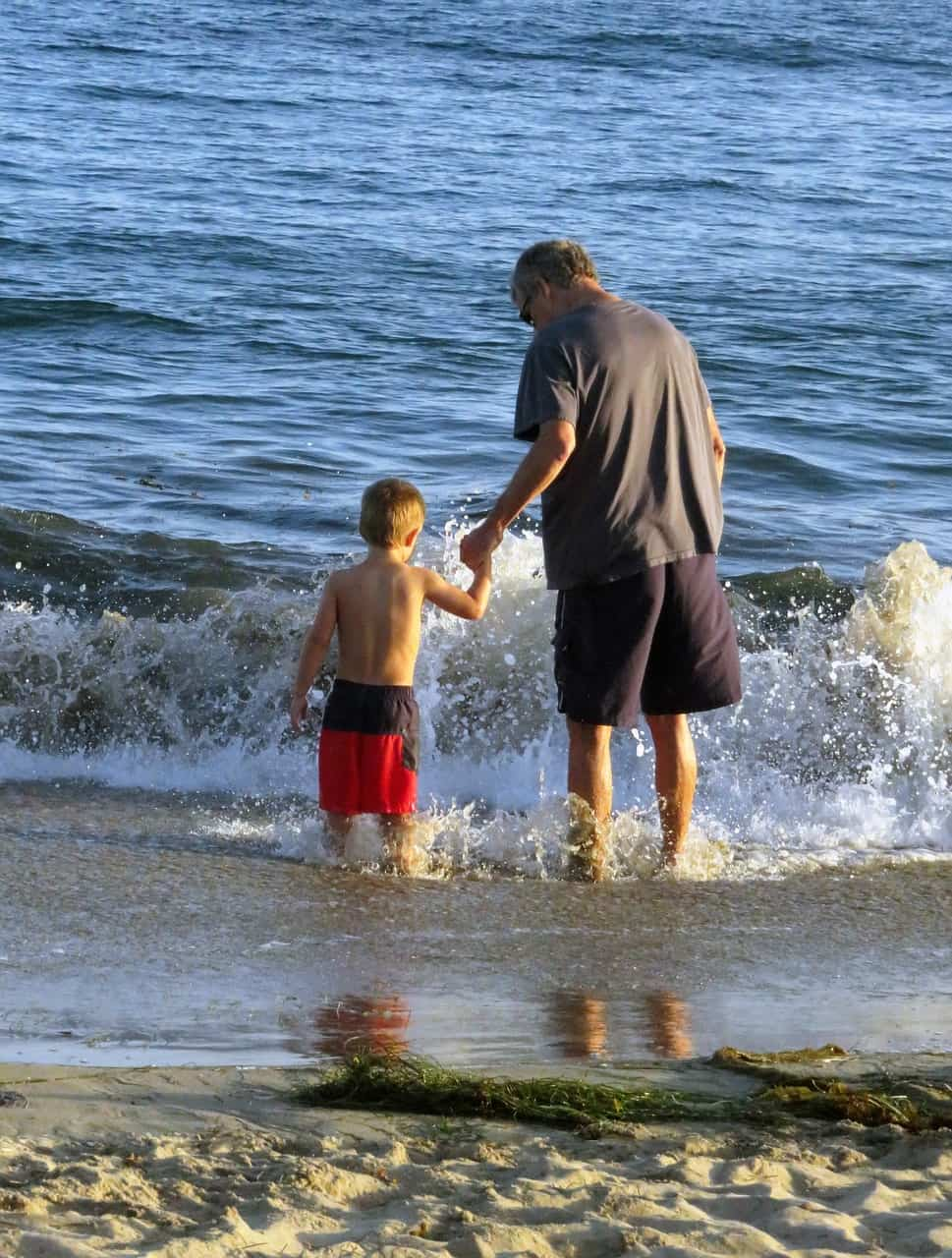
Prompt
A man holding his grandson walking towards the sea.
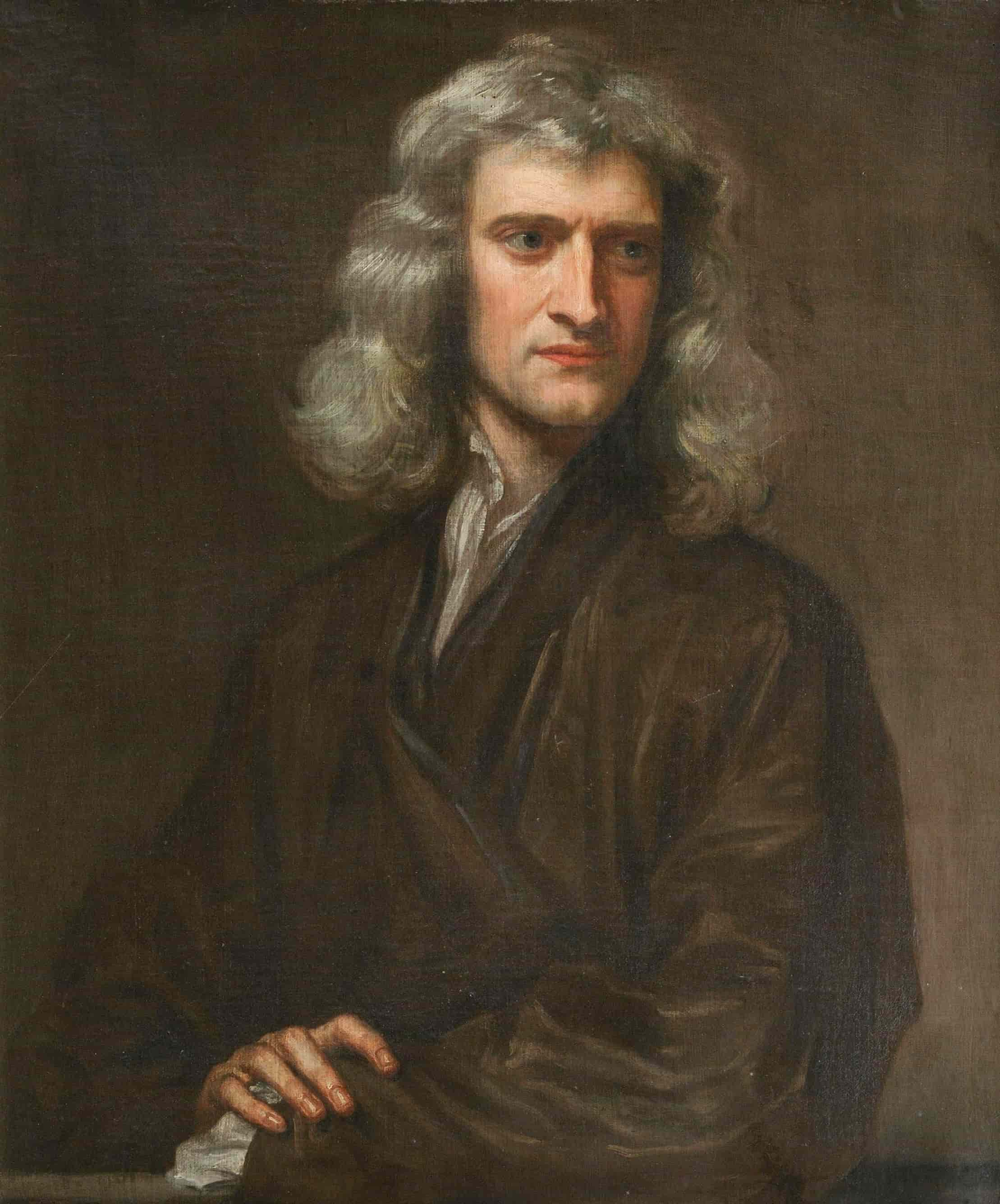
Prompt
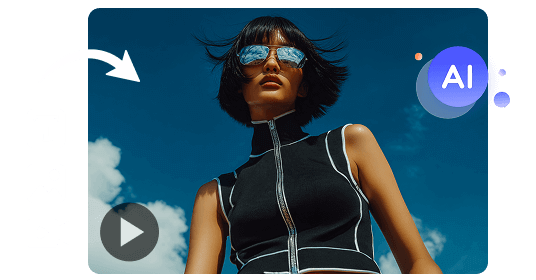
A man wearing sunglasses.
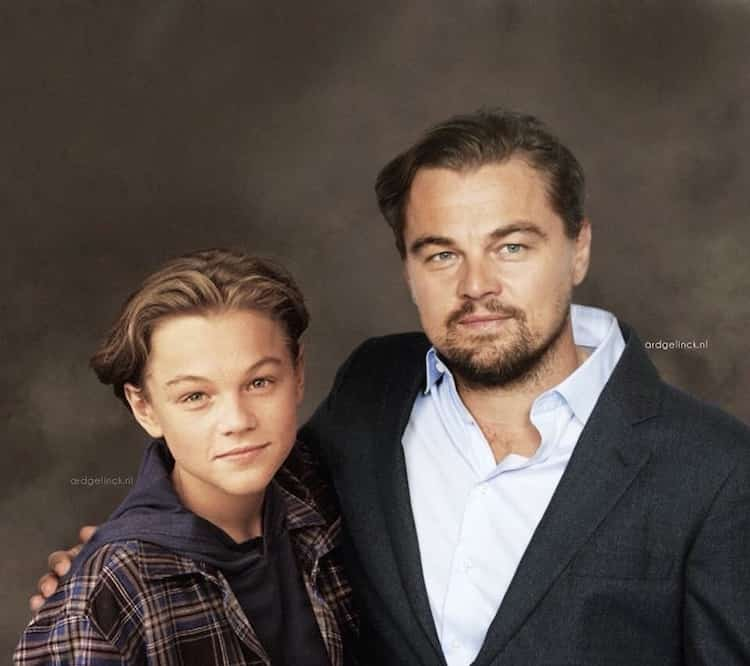
Prompt
Automated generation without prompts.
Next-Gen Image to Video AI With Cinematic Audio
Bring every scene to life with perfectly matched audio. Our image to video AI can generate custom background music and immersive sound effects, transforming your visuals into deeply immersive and unforgettable video experiences.
Best Prompt Adherence, Consistency & Motion
Pollo image to video AI generator keeps your visuals and characters coherent and true to your original image and instructions, delivering smooth, believable motion without losing detail or context that matters.
The Most Versatile Image to Video AI Generator
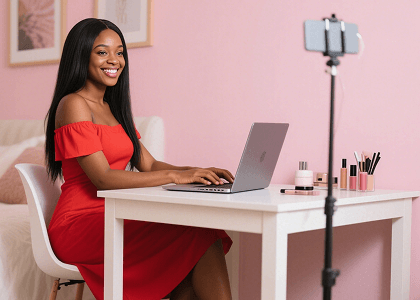
Create trendy, visually striking videos effortlessly. Use AI to turn your images into dynamic content, like viral videos and YouTube outros that keep your followers hooked and your profile fresh.

Convert basic product images into eye-catching visuals for UGC video ads. Start capturing the attention of online audiences and watch how your online conversions start to scale upwards.
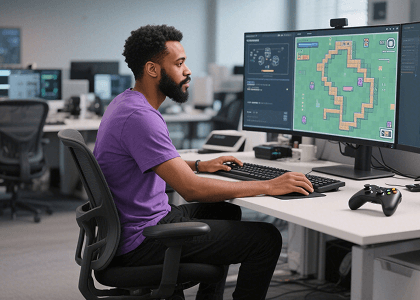
Animate static character sketches, concept art, or illustrations into expressive motion clips, from short story scenes to anime videos, without building every frame manually.
Your AI Video Studio for Literally Everything
Pollo AI provides 100+ AI video apps for every creator — from fast social clips and ads to cinematic trailers, music visuals, and playful mini-games. No filming, no editing experience required.
How to Use Pollo AI Image to Video Generator
With only three steps, you can easily create videos from images with Pollo AI.
Step 1
Upload your image.
Step 2
Input your text prompt and set the additional customization settings.
Step 3
View and share the generated video.
Unlock the Full Potential of Other AI Video Generators

Helpful Resources About Image to Video AI
Learn more about AI image to video generation with these articles.
Join 10M+ Users Using Pollo AI to Create and Inspire


 4000+ reviewsTrustscore 4.4
Chosen by 10M+ Creators and Marketers Worldwide
Thousands of satisfied users have shared their Pollo AI experiences on Trustpilot, rating us as "Excellent." See what they love about our platform.
Richard Quick Oct 15, 2025armourdudeNov 19, 2025DuduJan 14, 2026
 Ray WarnesDec 30, 2025
 lawless clanNov 22, 2025
 Istvan LajosDec 10, 2025
FAQs
What is Pollo AI Image to Video Generator?
Pollo AI image to video generator is a cutting-edge AI-powered tool that transforms static images into dynamic videos by following your text instructions. It allows creators to bring still visuals to life with smooth, realistic motion and cinematic immersive audio, whether you want to create B-roll videos, movie trailers, or music videos from your existing images.
What Makes The Best Image to Video AI Generator?
The ideal AI image to video generator offers a blend of unparalleled customizability, high-quality output, and powerful editing features. Pollo AI checks all these boxes by giving you the ability to create breathtaking visual masterpieces. It also provides a wide selection of top-tier models in the industry to help you push creative boundaries.
What Makes Pollo AI Image to Video Generator Stand Out?
Pollo AI Image to Video Generator uniquely combines multiple industry-leading AI models in one platform, such as Veo 3, Kling AI, etc. It also enables you to convert images into lifelike videos with smooth, believable animation and audio, without losing fidelity or coherence.
What Images Can Pollo AI Image to Video Generator Work With?
Pollo AI supports common image formats, including JPG and PNG, with a minimum resolution of 300 x 300 pixels, making it accessible and versatile for various creative needs.
Is Pollo AI's Image to Video Generator Free?
Yes! Pollo AI offers a free trial with credit-based access to its image to video features, so you can explore the platform’s impressive video creation capabilities without any upfront cost.
How to Add Audio With Image to Video AI?
Pollo AI's image to video AI generator makes it simple to enhance your videos with fully customizable audio. All you need to do is upload your image, add a text prompt for motion, and enable the Generate Audio option, creating immersive, realistic experiences that bring your stories to life.
How Many Video Models Does Pollo AI's Image to Video AI Offer?
Pollo AI's image to video AI generator offers access to more than 50 state-of-the-art video models, making it one of the most comprehensive AI video solutions available. This includes cutting-edge models like Veo 3, Kling AI, Hailuo AI, Runway, Pixverse, and others.
We continuously integrate the latest models as soon as they're released, ensuring you always have cutting‑edge creative tools at your fingertips.
Can I enhance and edit videos further?
Absolutely! After generating your video from images, you can take your creation to the next level using our dedicated AI video editor. This powerful editor allows you to transform your video with text and perfect it in just minutes.
Can I generate AI images before using AI image to video generator?
Yes. If you want a clearer visual reference before making a video, you can use Pollo AI's free AI image generator to create an image from your prompt first. Then, use that image as inspiration or upload it to Pollo AI's image to video tool for a more controlled result.