



Visla Review: I Tested Visla for 14 Days and Found Its Best Fit
I tested Visla for 14 days because it presents itself as an AI video generator for business teams, especially users who want to turn ideas, scripts, webpages, and recordings into videos faster.
I focused on whether Visla could actually support real business video work: product explainers, training content, sales videos, internal updates, and marketing drafts.
Visla Review: TL;DR
Visla works best when I already have a script, webpage, recording, or clear business message. It helps turn prepared content into a structured video draft faster than starting from a blank editor.
But I found its output still needed close review. The workflow is useful for business video drafts, but less convincing when I needed stronger creative direction or post-ready results.
Review Point | My Take |
|---|---|
| Best for | Business clips from prepared content |
| Not Useful for | Ready-to-post video output |
| What I liked | Clear script-based workflow |
| Biggest issue | Output needs careful manual review |
| Learning curve | Easy, but tool-dense |
| My verdict | Useful for drafts, limited for production |
What Is Visla
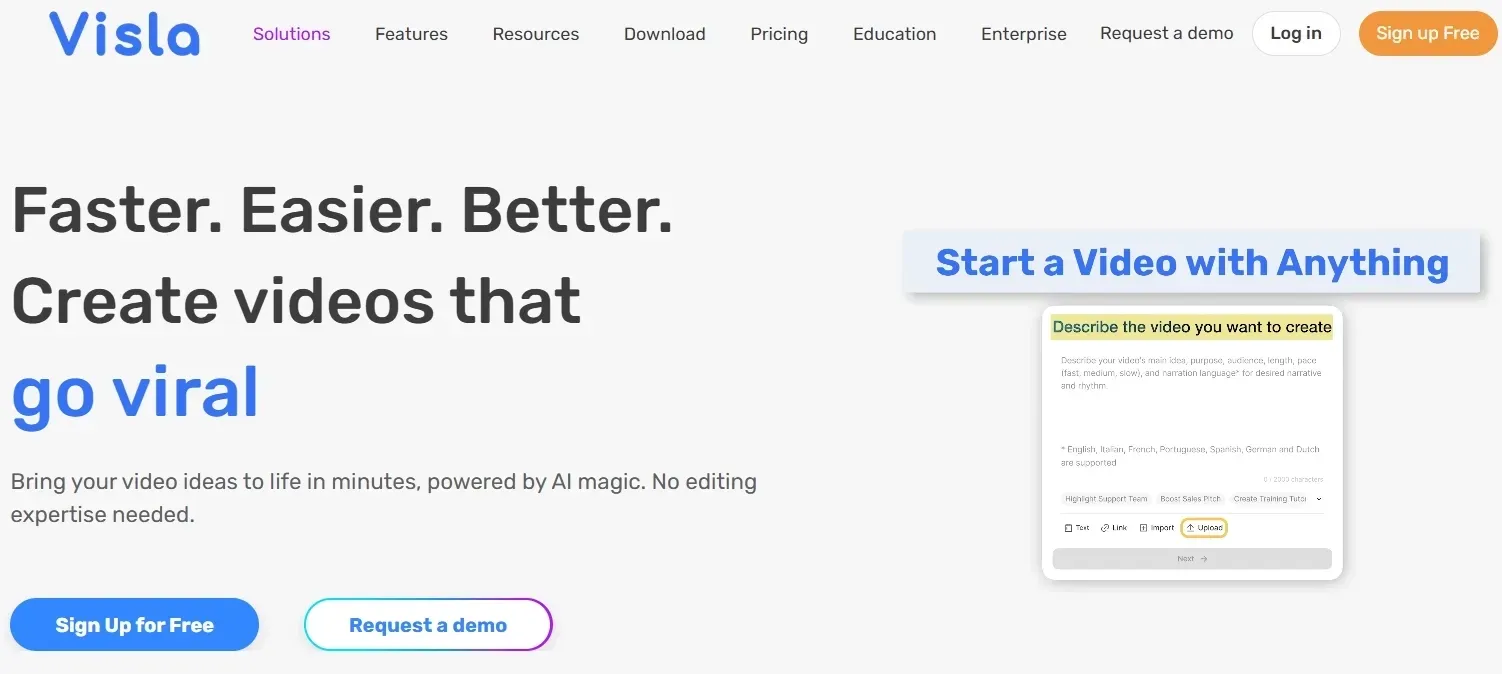
Visla is an AI video generator for business users. It combines script to video tools, text to video creation, image to video creation, screen recording, stock media suggestions, scene editing, branding, and team collaboration.
The platform is mainly built for teams that need practical videos, such as product demos, training clips, internal updates, sales videos, and business communications. Its workflow feels guided and structured, but still requires review when the output needs to look polished or highly specific.
What Other Users Say About Visla
Trustpilot shows a much more mixed side of Visla than the polished product story.
Some users like how quickly it helps them move from an idea or script into a video draft, especially for training and business communication. One positive reviewer said Visla helped them create internal and external training videos even without a marketing or video background.
But the critical reviews are hard to miss. Several users complain that the generated videos did not follow their scripts closely, relied too much on generic B roll, or felt clunky after generation. Others mention technical issues, slow support, refund frustration, and billing problems.
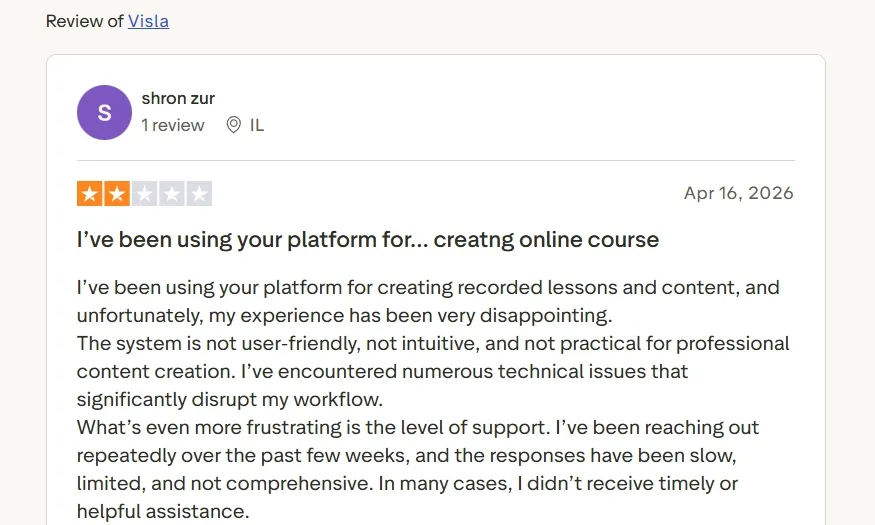
That feedback matches my own hesitation. Visla can be useful when I need a quick starting point, but I would not treat the first output as ready to publish. The video still needs review, cleanup, and sometimes a lot of replacement work before it feels professional.
Visla’s Key Features I Reviewed
AI Video Agent
Visla’s AI video agent is designed to guide users from an idea or short prompt into a video draft. I used it as a starting point when I wanted the platform to help shape a business message into a more visual format.
This worked best for straightforward business communication. For example, I found it useful for company updates, product announcements, customer education content, and basic corporate videos where the main goal was to explain something clearly.
The limit showed up in how much direction I still had to provide. The agent helped organize the draft, but I still needed to check the structure, rewrite weak sections, and decide whether the visual flow matched the message.
Script to Video Workflow
Visla’s script to video workflow was one of the more practical parts of the platform. When I had a clear script, Visla could break it into scenes and suggest a video structure around it.
This is useful for business users because many teams already work from written material. A product marketing team can start with launch copy, a customer success team with an onboarding script, and a training team with process documentation. For short explainer videos, this workflow saved real setup time.
The limitation is that the feature relies heavily on script quality. If the script is too general, the video draft can become flat quickly. I still had to tighten the message, adjust scene breaks, and make the pacing feel less mechanical.
Text to Video and Image to Video Creation
Visla also supports text to video and image to video style creation, which gives users more ways to start when they do not have a finished script.
I found this useful for early drafts. Text input worked better when I gave it a clear business goal, while image input helped when I wanted to build around an existing product visual, brand asset, or presentation image. It can support simple product videos when the visual source is already strong.
The output still was not stable enough for me to trust as a final production result. Some visuals felt broad or not specific enough to the product or audience. A reference to video workflow would help to make this kind of creation more reliable because it gives the model a clearer style, subject, composition, and visual direction to follow.
Stock Footage and B-Roll Matching
Visla’s stock footage matching helps pair script sections with supporting visuals. This reduces the time spent searching for B-roll, especially when the subject is hard to film directly.
I found this useful for training content, internal explainers, customer education videos, and general business topics where clean supporting footage can make a video feel less empty. For AI training videos, this kind of visual support can help make dense information easier to watch.
The limitation is relevance. Stock footage can fill a scene, but it does not always communicate a specific product, interface, customer problem, or brand context. I often still needed to replace broad visuals with more precise ones.
Screen Recording and Teleprompter Tools
Visla includes recording tools for screen capture, webcam videos, and teleprompter-supported presentations. This is useful for tutorials, walkthroughs, and team communication.
I found this helpful when the video depended on a real process. A SaaS walkthrough, dashboard explanation, support answer, or tutorial video benefits from screen recording because the viewer can follow the actual steps.
The limitation is that the recording workflow still needs more post-recording support. A raw walkthrough usually needs trimming, pacing, captions, zoom focus, and cleanup before it feels finished. Visla keeps the workflow in one place, but the recording tools do not remove enough of that polishing work.
Brand Hub and Team Collaboration
Visla includes branding and collaboration tools such as workspaces, brand assets, team review, sharing, comments, and transcription.
This is useful for teams that need recurring videos with a consistent look. Internal communication, customer education clips, sales enablement videos, and simple marketing videos all benefit from shared assets and review comments.
For me, this feature is more operational than creative. It helps teams manage assets and review cycles, but it does not solve deeper creative needs like stronger visual generation, presenter-style videos, or more distinctive scene design.
Real Use Cases for Visla
Use Case | How Visla Fits |
|---|---|
| Product demos | Useful for turning feature scripts into simple demo videos. |
| Training videos | Fits process explanations and internal learning content. |
| Sales enablement | Helps turn talking points into prospect-friendly videos. |
| Internal communications | Useful for leadership updates and team messages. |
| Presentation summaries | Can help reshape slide content into simple PPT videos. |
| LinkedIn content | Useful when written posts need short LinkedIn videos. |
Visla’s Pros and Cons
What I Liked:
- Script to video saves early setup work
- Scene structure is easy to follow
- Recording tools fit demos and training
- Stock matching speeds up rough drafts
- Team review features help business users
What Held It Back:
- AI visuals often need replacement
- Scene pacing still needs manual review
- Stock footage can feel too generic
- Editing control is not deep enough
- Output quality is not always predictable
How I Reviewed Visla
I reviewed Visla from the perspective of a marketer or business team that needs useful videos without a full production team.
- Tested AI generation from scripts, prompts, and visuals
- Reviewed output quality, scene flow, and visual relevance
- Checked recording, editing, branding, and team workflow
- Compared my experience with public user feedback
Where Visla Falls Short
Visla falls short when I need more than a guided business video draft.
During my testing, I kept noticing the same pattern: Visla helped me organize scripts, match stock visuals, record screens, and edit by scenes. That was useful. But I still had to review visual fit, fix pacing, replace weak footage, and decide whether the final video was actually ready to publish.
That is the first major gap with Pollo AI. With Pollo Agent, the AI video agent of Pollo AI, I can start from an idea, image, URL, or asset and get a structured, post-ready video with pacing, captions, music, hooks, and video flow handled automatically.
Cohesive Video Creation Starts Here
Join 10M+ creators using Pollo Agent to generate post-ready videos with every top model.
Try Pollo Agent for Free
Visla also feels limited when I need videos for more varied creative tasks. Pollo AI offers 100+ specialized AI video apps, covering storytelling, education, business, entertainment, and other task-specific video workflows. That makes the workflow feel more purpose-built instead of relying mainly on a general business video generator.
For business users, an AI avatar is another important gap. Visla can help with recordings and scripted videos, but Pollo AI can turn one photo into a lifelike talking avatar with lip sync, facial expressions, and gestures.
That is useful for product explainers, training modules, onboarding videos, and sales messages because teams do not need to film a person every time, re-record the whole video for tiny script changes, or shoot separate presenter footage for different languages and markets.
Visla helps me assemble and refine business videos. Pollo AI gives me a broader path for generating, editing, presenting, and publishing AI videos with less manual production work.
Visla vs Pollo AI: Who is The Winner
Dimension | Visla | Pollo AI |
|---|---|---|
| Main workflow | Business drafts from scripts and assets | Creative AI video generation, editing, and post-ready creation for marketers, creators, and sellers |
| Starting input | Scripts, pages, recordings, visuals | Text, image, reference, URL, video, or idea |
| Business presentation | Recording and teleprompter tools | AI Avatar for talking business videos |
| Use case coverage | Only business communication workflows | 100+ scenario-based video workflows, including business, marketing, education, and so on |
| Editing flexibility | Scene-based adjustments | Prompt-based AI video editing after generation |
| Output depth | Useful drafts often need review | Built for more finished AI video output |
Why Pollo AI Is Stronger Than Visla
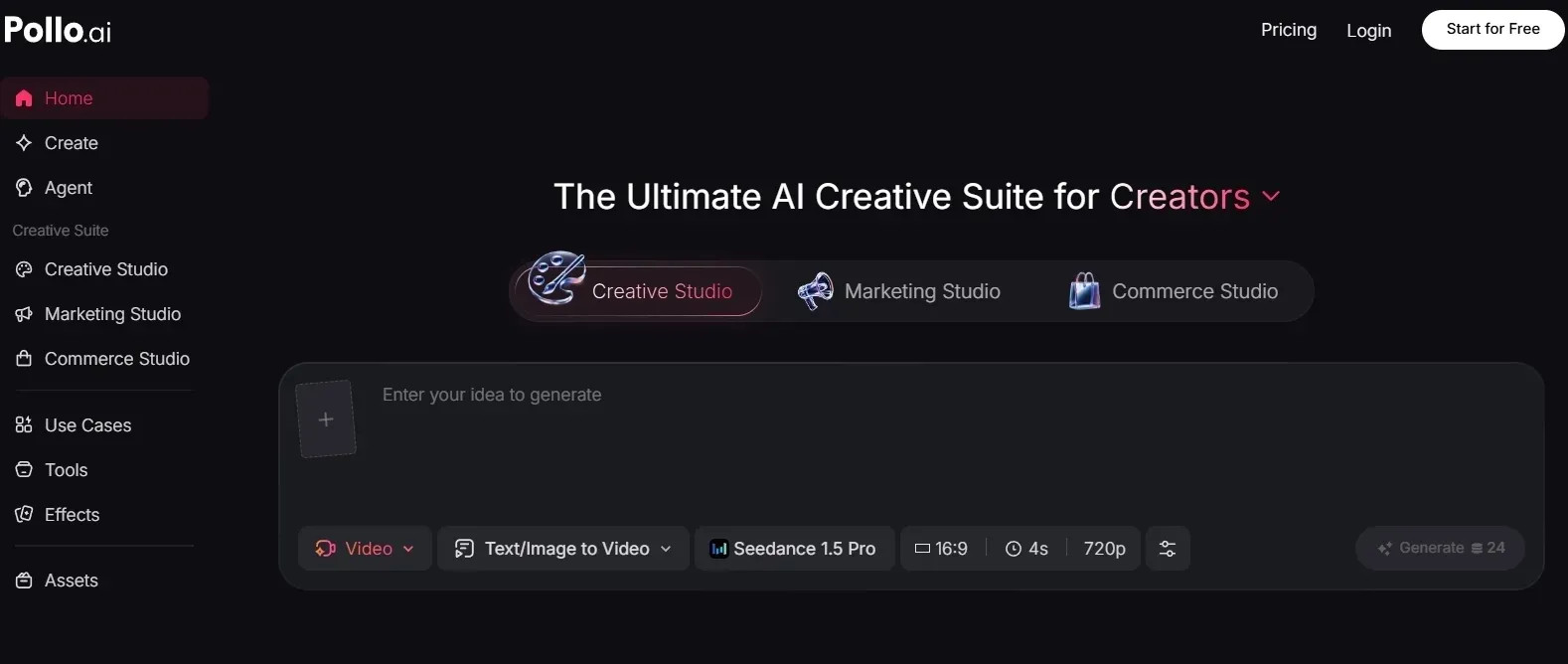
AI Video Generator With Industry-Leading Video Models
Pollo AI gives me a more flexible way to create videos from different starting points, especially when I need more than a simple edited draft.
With its text to video, I can turn an idea, scene description, story direction, or short script into a video with generated scenes, motion, and visual flow. That is useful when I want a fresh video concept instead of only matching stock footage to written content.
With its image to video, I can take a product photo, character image, brand visual, or scene reference and turn it into a moving video. This works well when the original visual already matters, and I want the final video to stay connected to that subject.
Model choice also matters. Seedance 2.0 is useful when I want dynamic motion, expressive camera movement, and visually engaging scenes. Veo 3.1 is stronger when I need more realistic detail, polished composition, and a cleaner cinematic look. That gives me more control over the visual direction of each video.
The AI video editor matters because real production rarely ends with the first output. I need a way to keep improving the video after it is generated.
That can mean changing the look, refining a scene, cleaning up the background, improving the visual direction, or making the final result feel more polished without rebuilding the whole project.
This gives me a clearer path from a rough output to a video that feels ready to publish.
Marketing Studio and Commerce Studio for Video Workflows
Marketing Studio by Pollo AI is useful when I need to turn URLs, product photos, and ad ideas into multiple ad variations.
That includes formats like TVC ads, UGC video ads, and other campaign-ready creatives. I can start from a campaign input and move toward different video variations for testing, instead of building one generic draft and reshaping it by hand.
Pollo AI’s Commerce Studio is also useful for sellers and brands working on product showcase videos, especially when they need studio-level product visuals that look more polished, commercial, and ready to reuse across e-commerce channels.
AI Avatar for Business-Facing Videos
An AI avatar is especially useful for business videos because not every company wants to film a presenter for every update, explainer, or training module.
Pollo AI can turn one photo into a lifelike talking avatar video up to 2 minutes long, with lip sync, facial expressions, and gestures.
For recurring business communication, that means a team can update scripts, localize messages, or create presenter-led versions without booking another shoot or recording the same person again.
I would use it for product explainers, onboarding videos, training modules, and multilingual videos where the same core message needs to work across markets. It gives business teams a more scalable way to create presenter-style videos without filming, pre-recorded footage, or long training.
Final Verdict
After 14 days of testing, I found Visla useful for business videos, especially when I already had a script, webpage, screen recording, or training message ready to turn into an AI video.
But I would not choose it as my main tool for deeper AI video generation, presenter-led business videos, multilingual communication, or ready-to-publish output. It still asks me to review scenes, manage visual fit, replace weak footage, and polish the final result manually.
Pollo AI gives me a more complete path from idea to finished video, with flexible video generation, industry-leading model options, AI video editing, and task-specific workflows in one place.
Its AI avatar also makes it stronger for recurring business communication, since teams can create presenter-style videos, update scripts, and localize messages without filming again.
My verdict: Use Visla if you want a guided business video draft tool. Use Pollo AI when you want a more complete AI video workflow that can generate, refine, present, and publish stronger videos faster.