



Dzine AI Review: I Tested Dzine AI for 14 Days and Found the Tradeoff
I tested Dzine AI for 14 days because it offers more control than a basic AI video generator. I wanted to see how far its style transfer, character lock, frame editing, and video workflow tools actually go.
I focused on short videos, product video assets, social clips, and marketing workflows. My goal was to find out whether Dzine AI helps me finish full videos or mainly helps me refine visual pieces.
Dzine AI Review: TL;DR
After testing Dzine AI for 14 days, I found it useful for controlled video styling and frame-level refinement. I do not treat it as my main workflow for ready-to-post videos, because structure, pacing, captions, and final assembly still need too much manual work.
Review Point | My Take |
|---|---|
| Best for | Stylized short clips, character-led scenes, and controlled video edits |
| Not suitable for | Complete ads, longer brand stories, and ready-to-publish campaign videos |
| Strongest feature | AI video style transfer, because it changes the look of footage while keeping the motion base |
| Most useful control | Character consistency lock, especially for recurring hosts, mascots, and story characters |
| Biggest workflow issue | I still had to manage the full message, scene order, captions, and final flow myself |
| Learning curve | The first tests felt approachable, but consistent results took more review and credit awareness |
| My verdict | Dzine AI is good for visual video control; it is less direct for full video production |
What Is Dzine AI
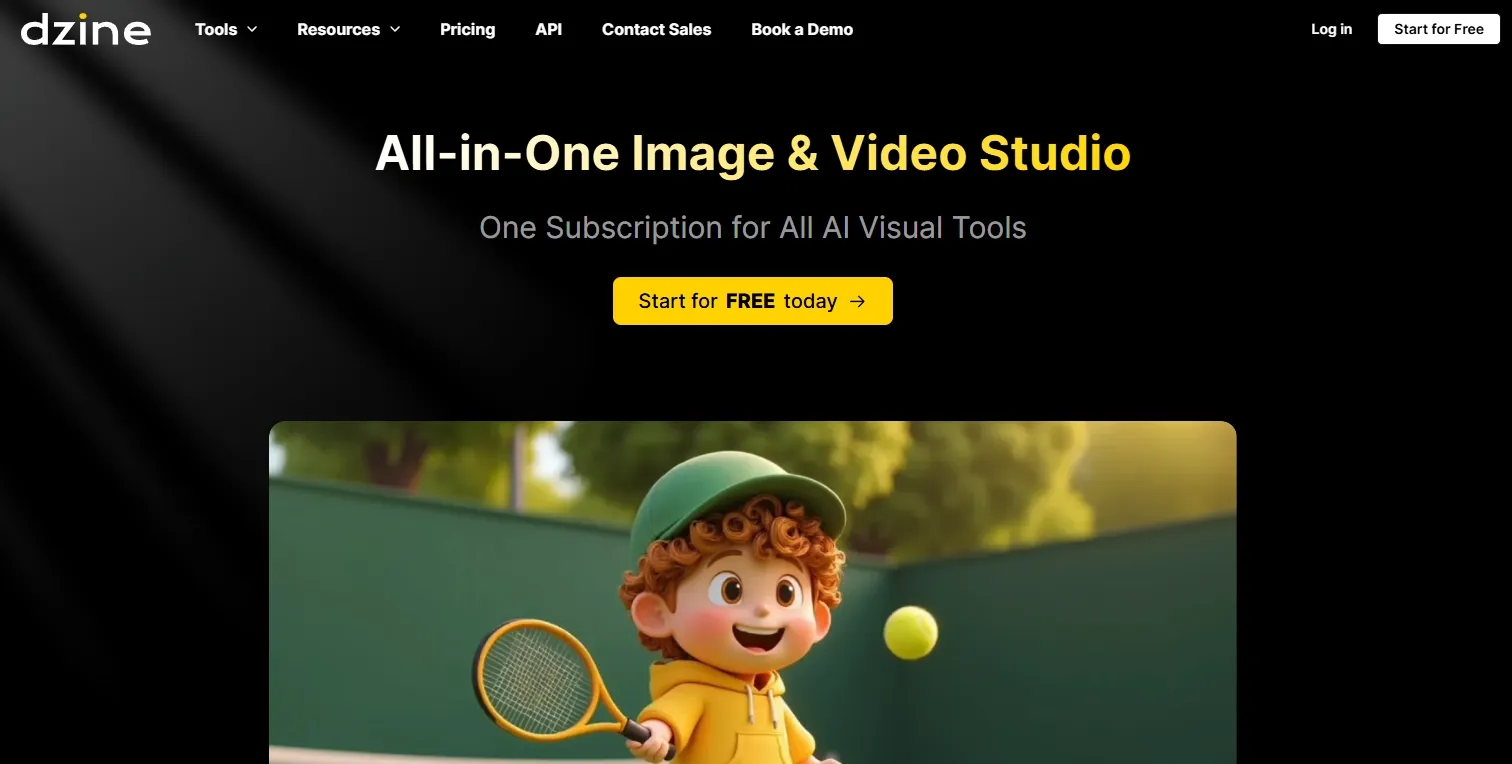
Dzine AI is built for controlled AI video generation and editing. As an AI video generator, it focuses on video style transfer, generative fill and inpainting for video frames, AI face swap, sketch to life video planning, and multi-model logic.
The workflow is more hands-on than a simple prompt box. Users guide the footage, subject, frame area, style direction, and editing layer instead of relying on one generation result.
What Other Users Say About Dzine AI
I also checked user feedback before finalizing my review. On Trustpilot, Dzine AI has a 3.3 out of 5 TrustScore when I checked.
Positive users often praise Dzine AI for its intuitive workflow, broad creative tools, and usefulness for people who care about visual precision.
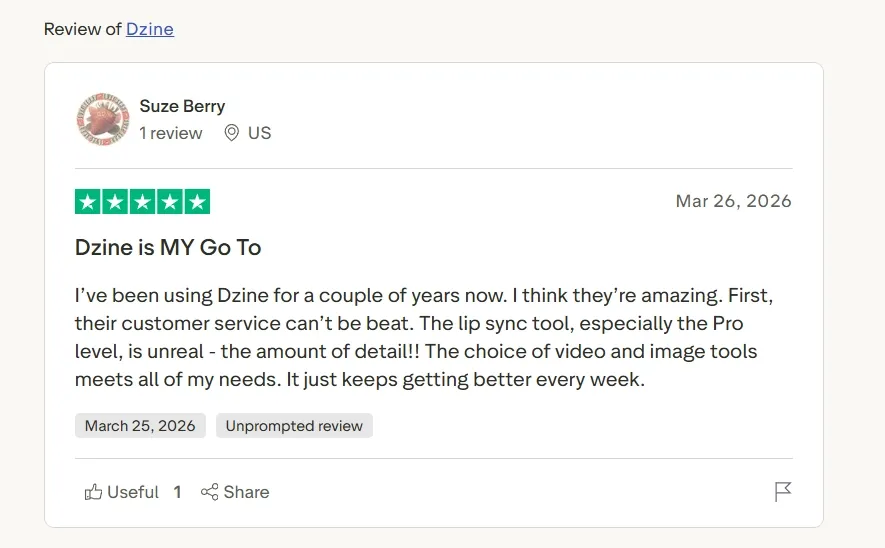
The negative feedback is also important. Some users describe credit pressure, subscription friction, and frustration when repeated attempts do not produce the result they expected. That matched the part of my review where deeper refinement took more patience than the first clean demo.
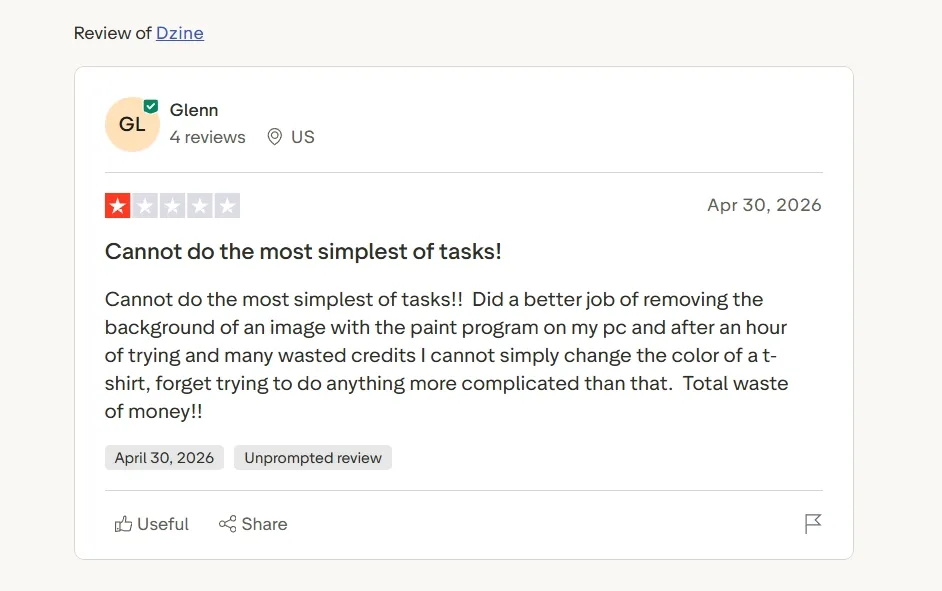
My takeaway is balanced: Dzine AI has clear value for creators who enjoy hands-on control over video style and frames. It becomes harder to love when the project needs predictable output, fast revision, and a finished marketing video.
Key Features I Tested in Dzine AI
AI Video Style Transfer
AI video style transfer was the most central feature of Dzine AI in my review. It lets me take existing footage and restyle it into a stronger artistic direction, which works well when the motion is already useful but the look feels too plain.
I found it strongest for creator clips, fashion-style edits, and short music video ideas. A normal phone clip felt more intentional after the style pass because the tool gave the footage a clearer visual identity.
The limitation is: style transfer improves the surface of a clip, but it does not create the full story. I still had to handle the hook, scene rhythm, and final message outside the style change.
Character Consistency Lock
Character consistency lock was one of the most practical parts of Dzine AI. It focuses on keeping the same person, outfit, or character identity recognizable across project frames.
I found this helpful for recurring hosts, brand mascots, and character-driven story video. When a video depends on the same face or look appearing more than once, this feature gives the project a stronger sense of continuity.
This was one of the features that made Dzine AI feel more controlled than a plain prompt workflow. I liked that the tool treats character identity as something to preserve across the project.
Generative Fill and Inpainting
Dzine AI’s generative fill and inpainting helped when a video frame was close but not finished. I used it as a correction tool for changing a specific visible detail without restarting the whole asset.
This felt useful for product scenes, presenter outfits, and small prop changes. In a product video, one distracting object can pull attention away from the item, so local correction has real value.
The limitation is precision. I got the cleanest workflow when I kept edits narrow; broad changes turned the feature into a slower repair process.
AI Face Swap
AI face swap of Dzine is built for replacing faces in video content while keeping the original scene structure. I reviewed it as a personalization and localization feature rather than a novelty tool.
It fits creator ads, regional campaign versions, and presenter-style short videos. For UGC video ads, the value is clear when a brand needs different people to appear in the same basic video format.
The limitation is that face replacement does not carry the whole performance. I still judged the final result by expression, timing, scene quality, and whether the spoken or visual message felt natural.
Sketch-to-Life Video Planning
Sketch-to-life transformation helped with early video direction. I reviewed it as a way to move from a rough scene idea into a clearer visual plan.
This feature fits creators who think in layouts before they think in prompts. A rough product setup, scene angle, or character placement becomes easier to communicate when the tool follows a guided visual base.
I liked this most as a planning feature. It gave me a more concrete starting point before committing to a full video direction.
Multi-Model Logic Integration
Multi-model logic integration is Dzine AI’s broader control layer. I reviewed it as the system that connects style, canvas logic, and video transformation instead of hiding everything behind one prompt.
This made the workflow feel more deliberate. I had more control over the visual baseline before applying changes to the video asset.
The limitation is the setup time. This feature rewards users who want detailed control, but it slows down creators who need the fastest path from idea to finished video.
Real Use Cases of Dzine AI
Use Case | How Dzine AI Fits |
|---|---|
| Restyling supporting footage | Dzine AI works well when a plain clip needs a more stylized look before it becomes supporting footage for a B-roll video. |
| Presenter-style social proof | Dzine AI helps when a video needs a consistent speaker or customer-style presenter, which fits the early asset stage of a testimonial video. |
| Product launch teasers | I found Dzine AI useful for testing the look of short visual scenes before shaping them into a sharper teaser video. |
| Broader campaign clips | Dzine AI can help with visual experiments and short styled assets, but a complete marketing video still needs a stronger structure and messaging. |
| Social feed variations | For platform content, Dzine AI is useful for quick visual variations before building a more finished social media video. |
Dzine AI’s Pros and Cons
Pros:
- Strong control over video style and frame details
- Useful character consistency for recurring people or mascots
- Helpful inpainting and frame-level correction
- Good fit for design-led creators and agencies
- Face swap helps with content variations
Cons:
- Complete videos still need manual assembly
- Longer video stories take extra planning
- Revisions can increase credit pressure
- Less direct for campaign-ready video production
- The workflow focuses more on assets than on the full video structure
Where Dzine AI Falls Short
Dzine AI works well when I need to control the visual layer of a video. I can restyle footage, preserve a character, adjust a frame, or personalize a presenter-style clip.
The gap appears when I need the entire video to work as a finished piece. For example, a complete marketing video needs a clear hook, scene order, pacing, captions, music, and a final CTA. Dzine AI helps with the visual material, but I still have to shape the full message myself.
This is where Pollo AI works better for me. Pollo AI gives me a fuller production path: I can start from text to video, image to video, or reference to video, then continue into editing, agent-led creation, and marketing video workflows.
Seamless Video Creation Starts Here
Join 10M+ creators using Pollo Agent to generate ready-to-use videos with every top model.
Create Videos with Pollo Agent Now
I also find Pollo AI stronger for business video output. Pollo Agent handles structure, pacing, music, captions, and hooks, while Marketing Studio gives me dedicated workflows for URL/ photo/ script to video ads.
How I Reviewed Dzine AI
I reviewed Dzine AI as a creator who needs usable video assets, not just interesting test clips.
- Visual control: I focused on whether style, character identity, and frame edits stayed coherent across video work.
- Production fit: I tested whether the workflow helped with social clips, product video assets, and short campaign materials.
- Workflow cost: I paid attention to revisions, credits, and user feedback because those details affect real production speed.
Dzine AI vs Pollo AI
Dimension | Dzine AI | Pollo AI |
|---|---|---|
| Main strength | Visual control, style transfer, and frame editing | Full AI video creation for creators, marketers, and sellers |
| Best workflow | Restyle footage, adjust frames, and prepare video assets | Create, refine, and publish full videos |
| Story structure | User controls scene order and final assembly | Pollo Agent handles hooks, pacing, captions, music, and scene flow |
| Editing depth | Strong local video edits, such as inpainting and frame correction | AI video editor supports post-generation refinement inside a broader workflow |
| Marketing fit | Useful for preparing short visual assets and campaign variations | Marketing Studio supports UGC video ads, product promos, and campaign-ready content |
Why I Prefer Pollo AI for Full Video Production
Multiple Industry-Leading Video Models in One Place
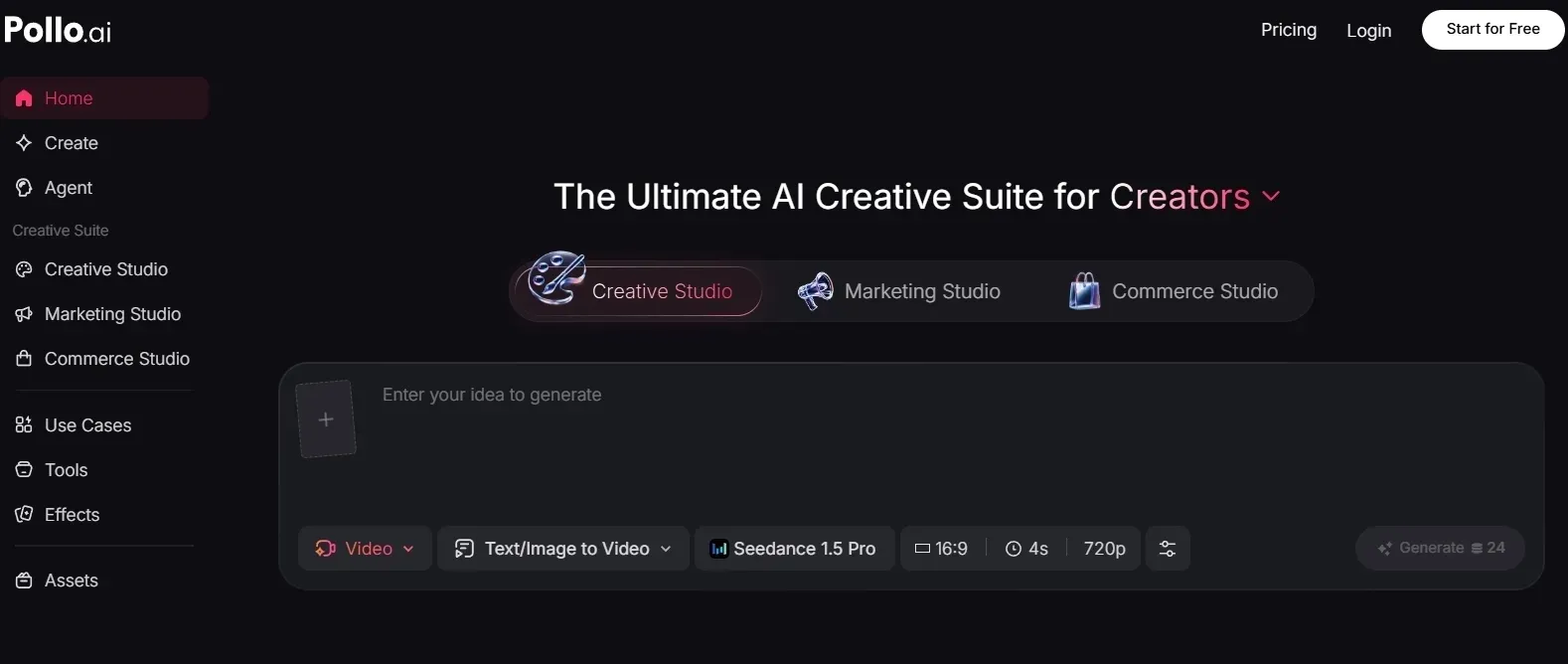
After testing Dzine AI, I prefer Pollo AI when I want more room to choose the right video model for the job. Instead of working inside one fixed generation path, Pollo AI gives me access to multiple industry-leading video models in one place, including Seedance and Veo.
That matters in real video work. Some projects need stronger motion, some need a cleaner cinematic feel, and some need a better balance between speed and polish. I like being able to test different model directions without leaving the same platform.
Pollo AI also gives me useful creation paths beyond a single prompt. I can start from text, existing footage, or a visual reference, and the reference to video workflow is especially helpful when I want characters, scenes, or visual details to stay consistent throughout the whole video.
Pollo Agent for Ready to Publish Videos
Pollo Agent is the feature I value most when I want a finished video instead of separate generated clips. I can give it an idea, asset, or link, and it builds the video around structure, pacing, music, captions, hooks, and scenes without manual editing.
What I like here is the shift from generating material to shaping a complete result. The video is not just a clip waiting for me to organize it; it already has a clearer beginning, rhythm, and ending.
That saves real production time. I spend less energy planning the scene order from scratch and more time reviewing whether the final video fits the goal.
Marketing Studio for Ad Workflows
For ads and business content, I use Marketing Studio by Pollo AI. It is built around practical marketing inputs like product URLs, scripts, and campaign ideas, so the workflow feels closer to how ad teams actually work.
A good ad needs more than attractive motion. It needs a hook, product angle, proof point, and CTA, and Marketing Studio keeps those pieces inside the creation process instead of leaving me to assemble them afterward.
I also like it for repeated campaign testing. When I need several ad directions for the same product, Marketing Studio lets me explore formats like try-on ads, unboxing video ads, and TVC ads in a more organized workflow instead of treating each version as a one-off generation.
AI Video Editor for Follow-Up Refinement
I also prefer Pollo AI’s AI video editor when a generated video is close but still needs cleanup. Instead of exporting the clip and fixing it in a separate timeline, I can keep editing inside the same AI workflow with simple prompt-based changes.
That matters when small issues block a video from being publishable. If an unwanted object pulls attention away from the main subject, I can remove object from video without rebuilding the whole clip. If a reused clip has burned-in captions that no longer fit the new version, I can remove the video subtitle before adding the right messaging.
This is the kind of editing workflow I find more practical for AI video generation. The first generation gives me a direction, and the editor helps me keep refining that direction until the result feels ready to post.
My Personal Take Overall
I see Dzine AI as a useful tool for controlling parts of a video workflow. Its style transfer, character consistency, inpainting, and face swap tools helped when I wanted to adjust the look of a clip or keep a visual element more stable.
But once I moved from asset control to complete video production, Pollo AI felt stronger. It gives me more model choices, a clearer path for generating full videos, Pollo Agent for ready-to-publish structure, Marketing Studio for ad workflows, and an AI video editor for follow-up refinement.
My final take is simple: Dzine AI is useful for controlled video edits, but Pollo AI is the better choice when I want to create, refine, and publish a complete video workflow in one place.
Final Verdict
Dzine AI is useful for creators who want hands-on control over stylized video assets. I found its best value in short clips, character consistency, frame edits, and video preparation.
I do not choose it as my main workflow for finished marketing videos. For social videos, product promos, UGC ads, and campaign content, I choose Pollo AI because it connects generation, editing, agent-driven creation, and marketing workflows more smoothly.