



D-ID Review: I Tested D-ID for 14 Days and Found What Works
I tested D-ID because it promises a simple way to turn scripts, photos, and presenters into talking avatar videos without filming. Over 14 days, I reviewed how well that workflow fits training, sales, support, localization, and real production needs.
D-ID Review: TL;DR
D-ID is useful if your main goal is creating presenter-led AI videos for sales messages, learning content, onboarding, support clips, or localized announcements. I found the workflow direct, but also very dependent on the script and presenter format.
It is a weaker choice when the video needs scene generation, post-generation editing, ad variations, richer visual storytelling, or publishing-ready social formats. That is why I see Pollo AI as the better alternative for a fuller video workflow, while D-ID remains useful only for narrower avatar video needs.
Review Point | My Take |
|---|---|
| Best for | Avatar-led explainers, training, sales, and support videos |
| Not useful for | Full social, ad, or multi-scene video production |
| Strongest feature | Simple talking avatar workflow |
| Biggest limitation | Too narrow beyond the presenter's content |
| Learning curve | Easy to start, but scripts need care |
| My verdict | Useful for avatar video, weak as a full studio |
What Is D-ID
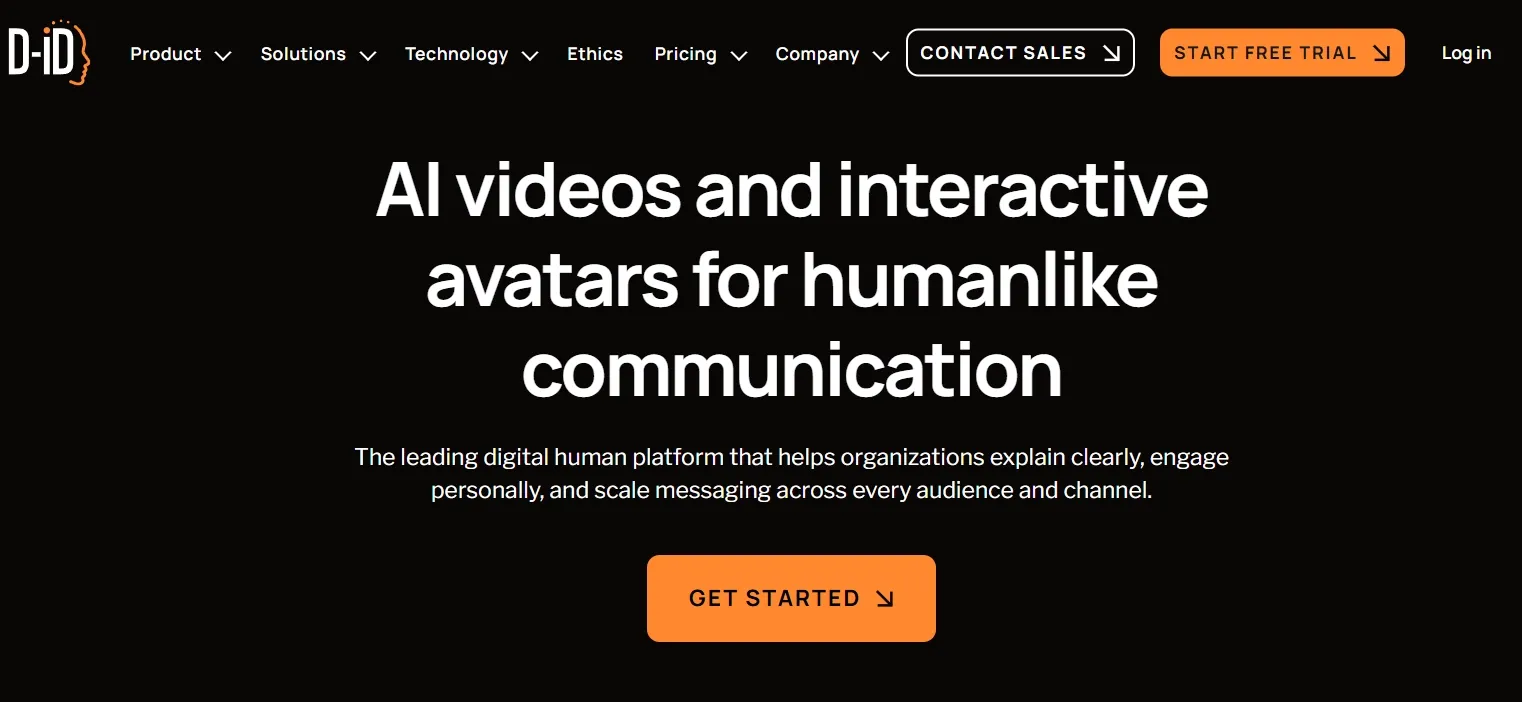
D-ID is an AI video generator focused on digital presenters, talking avatars, and interactive video experiences. Its core appeal is simple: start with text or media, choose or create a presenter-style visual, add voice, and generate a video where the person on screen appears to speak.
That makes D-ID a better fit for messages that need a face, voice, and direct address. It belongs closer to the avatar video and business communication category than to cinematic text to video creation.
What Other Users Say About D-ID
Some users praise D-ID for being easy to use, fast, and reliable, especially when the goal is to make simple AI videos more efficiently. That matches the best part of my review: the tool can feel straightforward when the job is narrow, and the input is already clean.
But the harsher feedback is more important. I also saw complaints about video generation not working, avatar generation failing after multiple tries, credits being consumed too quickly, and support not being helpful.
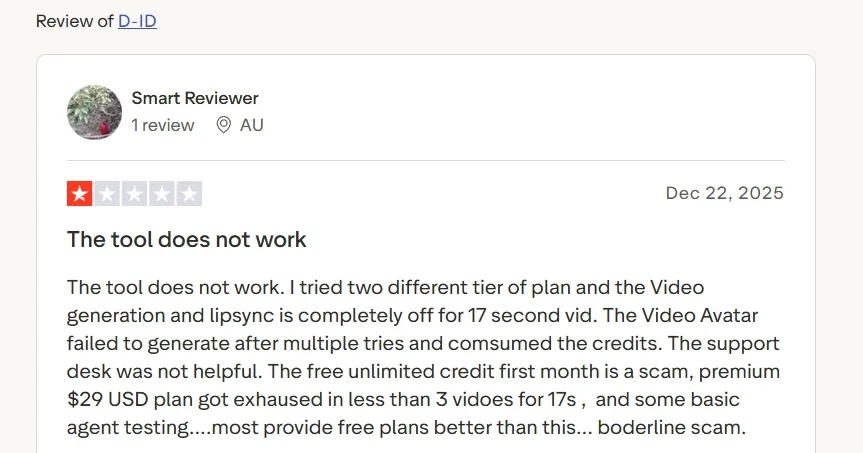
So the user pattern is clear to me: D-ID can be convenient when it works, but reliability, credit value, lip-sync quality, and support are serious risks for anyone using it beyond light experiments.
Key Features I Reviewed
Avatar-Led AI Video Generation
The main reason to use D-ID is its talking avatar workflow. Instead of starting with a blank cinematic prompt, I worked around a person speaking to the viewer. That made it usable for explainer videos, sales updates, intros, and simple support clips because the format is already clear.
I found the weakness quickly when the video needed more than a speaker. If the job needs product motion, b-roll, camera movement, or several connected scenes, the avatar format starts to feel boxed in, especially for richer product videos.
Script, Voice, and Lip-Sync Workflow
D-ID works best when the script is already structured. I found the script becomes the real creative foundation, which fits teams that already have sales copy, training notes, FAQ answers, or onboarding material ready to adapt into tutorial videos or internal training clips.
The problem is that weak writing shows immediately. A talking avatar can make a message easier to watch, but it cannot rescue a flat hook, a long intro, or a vague offer. For me, D-ID rewarded tight scripting and punished casual drafts.
Multilingual and Localized Video Messaging
D-ID's multilingual angle is practical for recurring messages. I found it most relevant for localized announcements, support updates, sales notes, and internal communication videos where the same core message needs to reach different audiences.
This part of the workflow felt useful because it reduces the need to refilm the same presenter message for every language or team update.
Presenter Consistency for Repeated Content
D-ID also fits recurring content. If a company wants the same presenter style across onboarding videos, help-center clips, customer updates, or AI news videos, the avatar-led structure is easier than filming a person every time.
This is also where the format becomes repetitive. A long series needs cutaways, examples, product shots, captions, and changes in structure. D-ID gives me the presenter, but it does not give me enough visual rhythm for story videos.
Business and Developer-Friendly Use Cases
D-ID also makes sense for business workflows where AI video is part of a larger customer experience. A digital presenter can support product education, customer service, onboarding, internal communication, or interactive content without requiring a new shoot for every brand story video or product message.
That business-friendly direction is the clearest reason I would consider D-ID for teams that need repeatable face-to-camera communication rather than broad creative video production.
Real Use Cases for D-ID
Use Case | How D-ID Fits |
|---|---|
| Sales outreach and account messages | Fits short, direct presenter messages for sales outreach. |
| Training and onboarding | Useful for lesson intros and policy explainers. Broader tutorial videos need more structure. |
| Product education | Works for spokesperson-style product videos with simple benefit explanations. |
| Customer support and FAQ videos | Fits repeated help-center answers with one consistent presenter. |
| Localized announcements | Helps localize recurring updates without refilming each version. |
| Ad and social testing | Can support presenter-led creative, but UGC-style video ads need stronger hooks and variation. |
D-ID Pros and Cons
What I Liked:
- The avatar workflow is easy to understand.
- It reduces the need for basic presenter filming.
- It fits training, support, and sales messages.
- It helps with repeatable localized communication.
- Its business use case is clear, not vague.
What Held It Back:
- It is not a full AI video production workspace.
- The presenter's format gets repetitive fast.
- Weak scripts produce weak videos immediately.
- Post-generation editing feels too limited.
- Ad variations and social formats need another workflow.
Where D-ID Falls Short
D-ID started to fall short the moment I needed more than a talking presenter. It can deliver a face-to-camera message, but it does not give me enough scene depth, editing control, social pacing, or campaign variation. For real publishing work, that gap is hard to ignore.
That is where I preferred Pollo AI. Its AI video generator, supported by Seedance 2.5 and other leading video models, can create professional multilingual videos instead of stopping at a single presenter-style clip.
AI Video Creation Starts Here
Join 10M+ creators using Pollo AI to generate full AI videos.
Try Pollo AI for Free
Pollo AI's AI avatar can create lifelike talking avatar videos up to 2 minutes long from one photo, with lip sync, facial expressions, and gestures. For business and marketing videos, Pollo Agent can generate post-ready product explainers, training videos, UGC ads, sales videos, and campaign creatives with structure, pacing, captions, hooks, and music handled automatically.
D-ID vs Pollo AI: Which AI Video Generator Wins
Dimension | D-ID | Pollo AI |
|---|---|---|
| Main workflow | Avatar-led videos and digital presenters | Full AI video generation, editing, and post-ready workflows |
| Avatar video | A core part of the product experience | Available through AI avatar with a broader surrounding video workflow |
| Editing flexibility | Best when the first presenter-led output is close to final | Stronger follow-up refinement with the AI video editor |
| Ad production | Useful for presenter-led business messages | Better for campaign variations through Marketing Studio by Pollo AI |
| Use case coverage | Narrower fit for communication, support, training, and sales | Broader coverage for ads, explainers, social videos, music videos, story videos, and training |
| Best fit | Teams that need digital presenters | Creators and marketers who need finished AI videos, not only avatars |
Why I Would Choose Pollo AI for Long-Term Video Generation
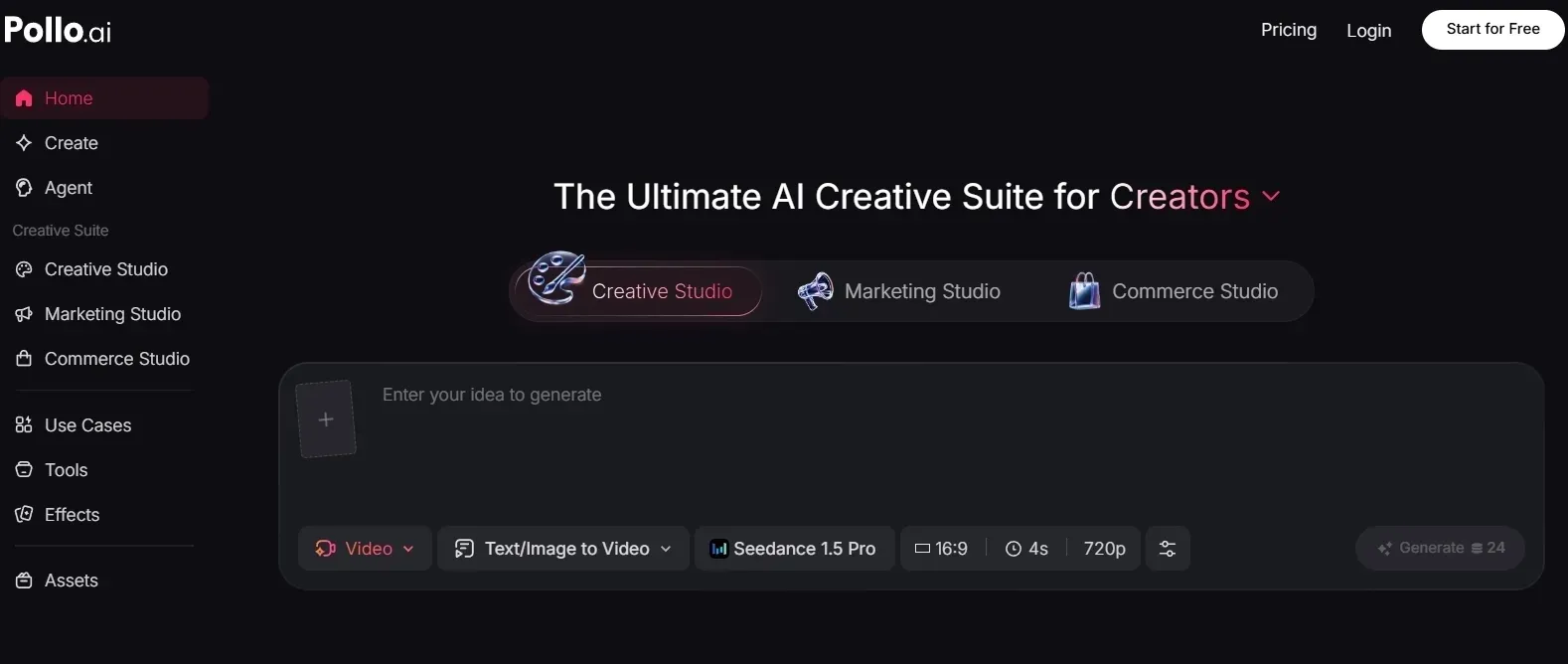
A Broader AI Video Generator, Not Only Presenter Clips
After testing D-ID, I would only use it when the video revolves around a speaker. For most real content work, I also need scenes, movement, product context, and visual direction. Pollo AI gives me more room because I can start from a prompt, a still image, or a visual reference instead of building every video around a talking head.
The practical advantage is flexibility. I can use text to video for fast concepting, image to video to animate product photos or character visuals, and reference to video when I want the result to follow a specific subject, style, composition, or visual direction.
Flexible AI Video Creation Starts Here
Join 10M+ creators using Pollo AI to generate polished AI videos.
Try Pollo AI for FreePollo AI also brings together leading video models, such as Veo 3.1, which matter when I want to choose the right generation style for the project.
Avatar Videos That Sit Inside a Full Production Flow
For person-led content, I do not want the avatar to be the whole workflow. I prefer that Pollo AI's AI avatar sits next to other video tools. It can turn one photo into a lifelike talking avatar with lip sync, facial expressions, and gestures, without filming, pre-recorded footage, or a long training process.
That setup matters for product explainers, tutorials, brand messages, and social ads because the talking avatar can become one scene inside a fuller video, not the entire asset. Once the avatar clip is closed, I can continue with the AI video editor to make prompt-based changes instead of jumping into a separate editing setup.
More Task-Specific Starting Points
Pollo AI gives me more practical starting points for real video goals. I can begin from a specific task instead of rebuilding the same structure from scratch: explain this product, teach this process, turn this story into a short clip, or shape this idea for a social feed.
That is why I like Pollo AI's specialized workflow apps. Instead of starting from a generic generator every time, I can begin closer to the actual content goal, such as explainer videos, meme videos, or bedtime story videos. That saves time because the workflow already understands the kind of output I am trying to make.
A Better Fit for Marketing Videos and Repeatable Campaigns
Pollo AI is stronger for marketing videos because its Marketing Studio is built around full campaign output, not just a single generated clip. Ads, launches, and product promos need hooks, variations, offers, pacing, visuals, and a format that fits the channel.
It can help turn URLs, product photos, and ad ideas into campaign-ready variations, including comparison UGC ads, TVC ads, and product launch videos. That is a different value from simply generating one presenter-led clip.
Final Verdict
D-ID is acceptable for presenter-led AI videos, especially when the message is clear, and the format needs a digital face. That is the main use case where I would still consider it.
It becomes much less suitable when I need a full video production workflow. Social videos, campaign assets, product explainers, and ad variations need more than a talking presenter.
For me, Pollo AI is the better long-term choice because it combines AI video generation, avatar creation, post-generation editing, and Pollo Agent for post-ready videos.
D-ID Review FAQs
What is D-ID used for?
D-ID is used for creating AI videos with digital presenters, talking avatars, and face-to-camera messages. I see it fitting for training, support, sales, onboarding, localization, and customer communication better than cinematic or multi-scene video production.
Is D-ID good enough for marketing videos?
It can be good enough for presenter-led marketing messages, sales explainers, product education, and localized announcements. For ads that need multiple hooks, formats, visual scenes, and fast variations, I would use a broader campaign workflow instead.
Where does D-ID feel most limited?
D-ID feels most limited when the video needs to move beyond a digital presenter. The workflow is not as strong for scene generation, post-generation editing, social pacing, product-focused visuals, or multi-version campaign production.
What is the best D-ID alternative?
For me, Pollo AI is the better D-ID alternative if you want a complete AI video workflow. It covers avatar video, AI video generation, editing, business video workflows, and post-ready video creation in one place.