Step 1
Upload a photo, drawing, old photo, or teaching diagram you want to animate.
AI Video
Transform text and images into cinematic videos with lifelike avatars and studio-quality SFX.

AI Image
Turn ideas and images into stunning visuals, or perfect any photo with a complete suite of AI tools.

Agent
Create production-ready videos with SFX, consistent characters, and polished scenes. No Editing.

Marketing Studio
Built for marketers and sellers to create winning ads, UGC videos and product visuals faster.

Kling 4.0
Up to 10 keyframes. Unlimited for 10 days with Ultra.
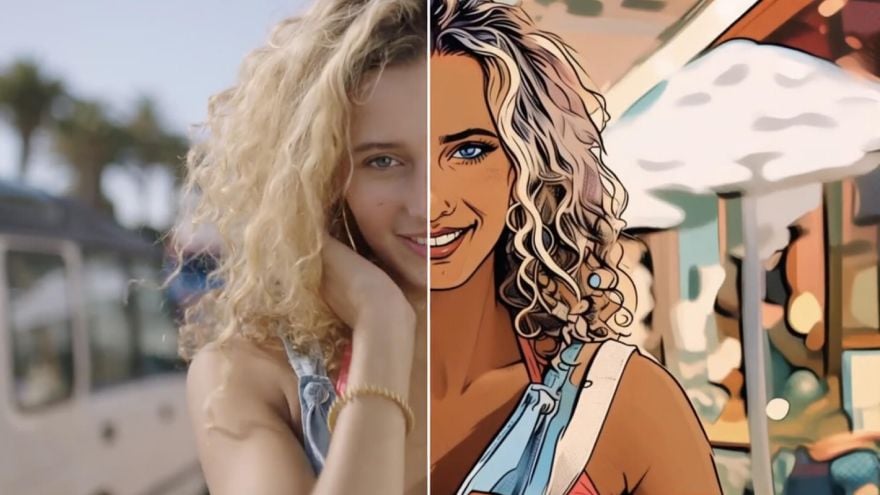
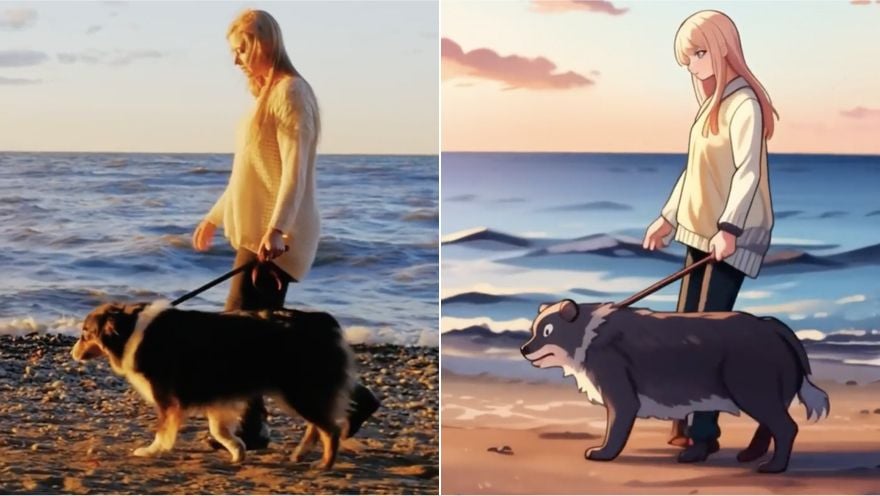
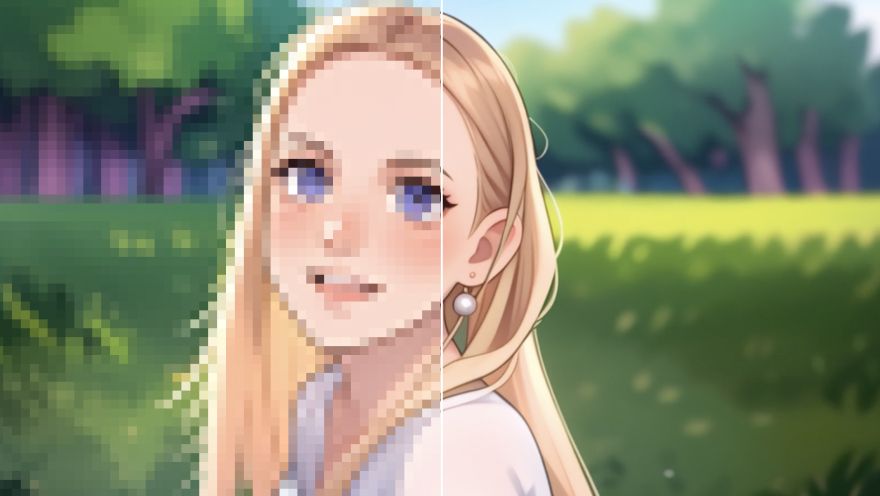
Bring a portrait, product shot, old photo, or teaching visual to life while keeping its subject easy to recognize. The AI image animator follows your motion prompt and creates a downloadable short clip. Use it for social posts, presentations, stories, or product showcases without drawing every frame by hand.

Animate selfies, portraits, memes, or character images into expressive clips that feel more alive on TikTok, Instagram, and Shorts. Use it to create more eye-catching viral videos from simple image ideas.
Animate pictures of products into compact moving showcases for listings or seasonal launch posts that help shoppers notice key details. Expand the demonstration with an AI product video.
Turn cover art, portraits, or character drawings into expressive motion for a song teaser, creative pitch, or serialized post. Build more expressive music videos with less production work.
Animate a teaching diagram, slide visual, or black-and-white photo into clear explanatory motion for classroom lessons and presentations. Expand a longer narrative with an AI story video.
Upload a photo, drawing, old photo, or teaching diagram you want to animate.
Write a prompt describing a push-in, pan, orbit, or subject action.
Preview, download, and share the clip.
Go from basic scripts to high-converting content. Seamlessly transition between automated AI agents, presenter-led avatars, sound design, and tailored video apps.
Bring your still images to life with cinematic motion and depth. Create captivating short video stories from your photos for a new level of visual storytelling.
Streamline your editing process effortlessly. Instantly swap faces, adjust colors, remove objects, and add effects with one click.
The ultimate multi-modal video generator. Combine text, images, or audio to produce complete, production-ready video content in minutes.
Elevate your visuals with studio-quality audio. Generate natural-sounding speech and custom sound effects to perfectly match your video's mood.
Deploy purpose-built video apps for instant results. Generate video slideshows, music videos, and social shorts in just seconds.
Go from a simple idea to a finished video instantly. Describe your vision, and let the Pollo Agent automate the full production process for flawless results.









Using Pollo AI to Create and Inspire
 萱兒
萱兒 Dragan Koprivica
 Liz Cassidy
 Richard Quick
 armourdude
 Dudu
Dudu Ray Warnes
 lawless clan
 Istvan LajosSantiago Saenz
 Norma Ponce
 Sarah Stokes
 Sudipta Saha
 Luiz Guyz
 Swishadoptme Swishadoptme
An AI image animator adds prompt-guided movement to a still photo, drawing, or product image. It turns a static source into a short video without frame-by-frame animation.
Pollo AI's AI image animator is the best AI image animator for turning a photo into video because it combines image upload and motion guidance. The same workflow produces practical short-video output.
Yes. You can make photo animation online free with the access available on your current plan. Preview the result before saving it or trying a revised motion prompt.
To learn how to animate a photo or animate a photograph, upload the image and describe one subject action or camera move. Try a push-in, pan, or orbit, and keep the prompt to a single action so the subject stays recognizable. Then preview the result and revise the prompt if the motion needs adjusting.
To make pictures move while keeping the subject recognizable, start with clear portraits, landscapes, product shots, sketches, or teaching diagrams. Sources with heavy occlusion, tiny details, or blur may need more review.
Yes. Create the animation online, then download MP4 or GIF output when those options appear in the current interface. Choose an aspect ratio that fits the mobile destination. For a stylized version, continue with video to anime.

Upload one image, guide its movement, and create a short video ready for your next post.