Step 1
Choose a JPG or PNG file and then upload it to our uncrop &expand Image AI.
AI Video
Transform text and images into cinematic videos with lifelike avatars and studio-quality SFX.

AI Image
Turn ideas and images into stunning visuals, or perfect any photo with a complete suite of AI tools.

Agent
Create production-ready videos with SFX, consistent characters, and polished scenes. No Editing.

Marketing Studio
Built for marketers and sellers to create winning ads, UGC videos and product visuals faster.

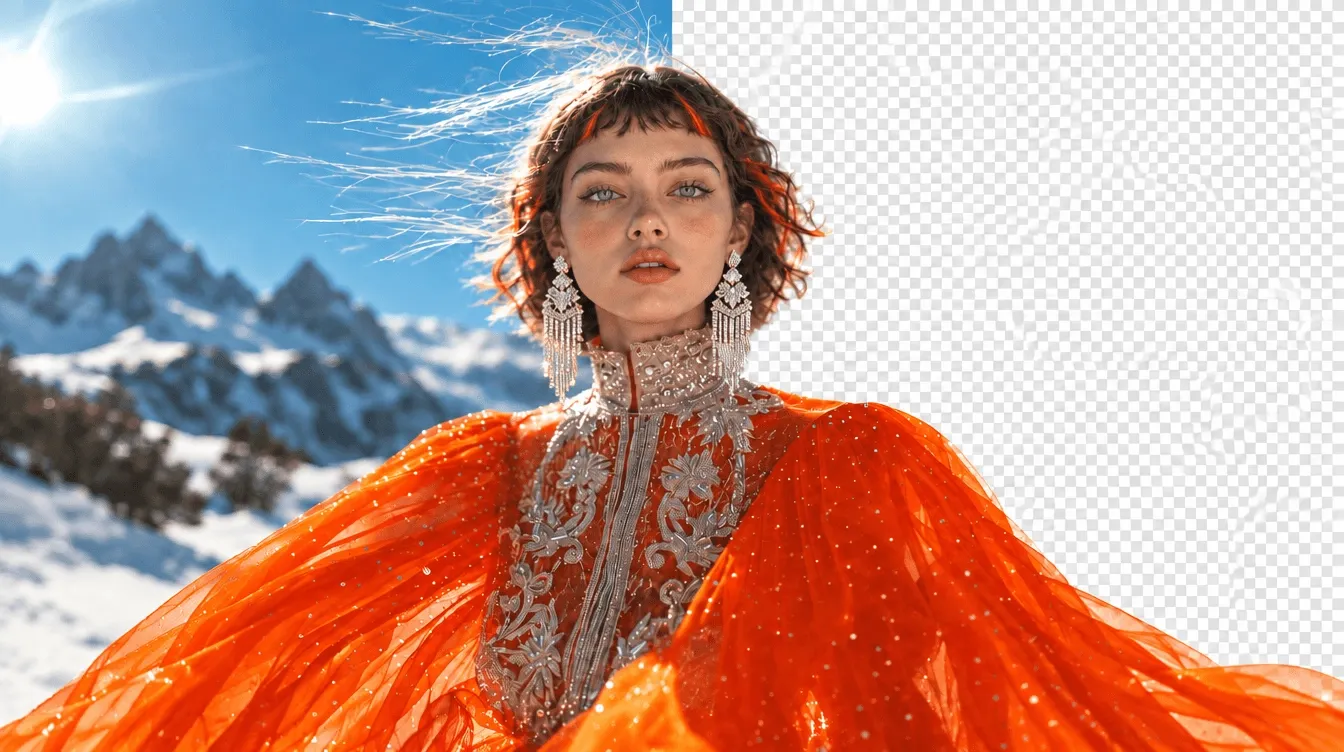
Uncrop and expand images in seconds with our advanced AI image extender! Whether you need to restore missing details from your image or outpaint your image for better composition, our tool ensures seamless results every time.
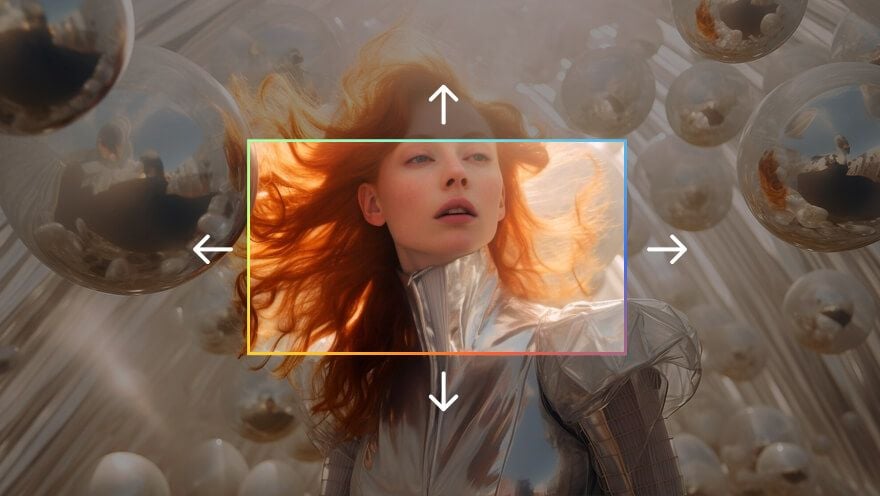
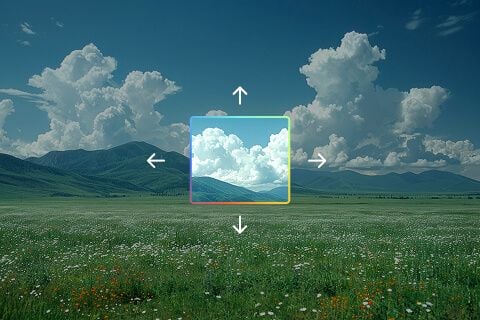
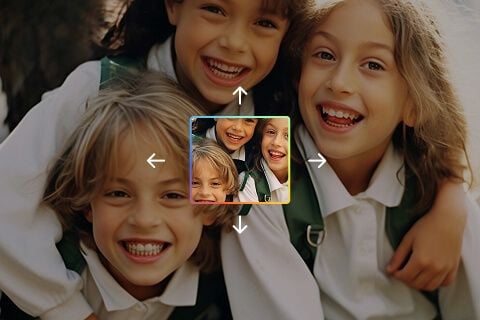
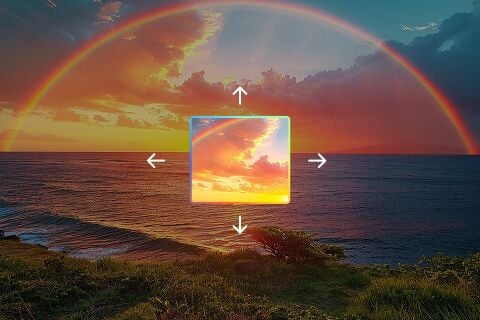
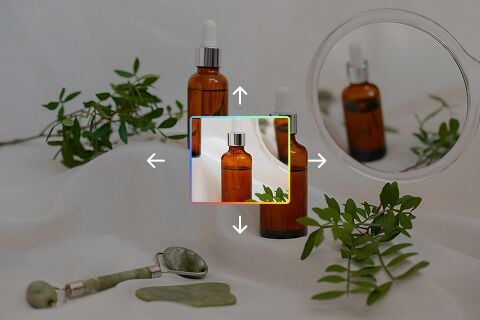
Choose a JPG or PNG file and then upload it to our uncrop &expand Image AI.
Select your preferred expanding size and aspect ratio for our tool to process.
Download your newly painted image and use it on social media, websites, or print materials.









Using Pollo AI to Create and Inspire
 Aboohlal
 Dragan Koprivica
 Norma Ponce
 Sarah Stokes
 Sudipta Saha
 Luiz Guyz
 Swishadoptme Swishadoptme
 MrWookiee
 Gamal Amer
 marcel desille bousquet
 Wilson Sotomonte
 Sasa Dobricic
 Katarpint
Our image expand & uncrop AI tool allows users to expand photos and recover missing details. It seamlessly fills in the gaps in the background for a natural and high-quality result. Whether you need to restore missing details from an image or expand an image for better composition, our tool ensures seamless results every time.
Yes! Our advanced AI image extender is free to try, but it works with a credit-based system. Once your free credits are used, upgrading to a paid plan is required for continued access.
Our uncrop AI tool analyzes your uploaded image, detects patterns, and reconstructs missing areas intelligently. Pollo AI ensures smooth blending so the expansion looks natural and realistic.
Our AI image extender supports commonly used file formats like JPG and PNG. It works best with high-resolution images to ensure clear and precise results.
Our image expand AI is trained to generate visually consistent expansions. While results may vary depending on the image, our tool ensures smooth blending with minimal artifacts.
Yes! If you received a cropped photo, you can use our uncrop AI tool to attempt expansion of the missing parts. Just upload your photos and then our tool will analyze the available data and expand photos accordingly.
Absolutely! Many photographers, designers, and marketers use our AI image extender to refine compositions, expand photos, and create high-quality visuals for professional projects.
For the best outcome, upload high-resolution images with clear backgrounds. Our image expand AI performs best when there is enough data to predict and reconstruct missing areas accurately.
Currently, our uncrop AI determines how the missing parts can be reconstructed. Future updates may offer more customization options for users.
Once your image has been expanded, simply click the download button to save your high-quality, restored image instantly.