Discord Server Owners
Define Your Community
Create a Discord server icon that reflects your group’s topic, energy, and shared interests. Carry its colors and symbols into server banners to build a clearer identity that members can recognize.
AI Video
Transform text and images into cinematic videos with lifelike avatars and studio-quality SFX.

AI Image
Turn ideas and images into stunning visuals, or perfect any photo with a complete suite of AI tools.

Agent
Create production-ready videos with SFX, consistent characters, and polished scenes. No Editing.

Marketing Studio
Built for marketers and sellers to create winning ads, UGC videos and product visuals faster.

Create distinctive Discord logos quickly with flexible styles and no design skills required.
Your Discord server deserves more than a generic icon. Describe your theme or upload a reference image, and our AI Discord logo maker will generate custom logo concepts with matching symbols, colors, moods, and visual styles. Perfect for gaming servers, fan groups, study communities, and creator spaces. You can explore more creative directions, personalize your result, and attract more attention.
Create polished Discord logos without manual drawing or complex design software.
Guide colors, symbols, mood, composition, and the overall community aesthetic.
Generate and compare multiple logos for Discord in less time.
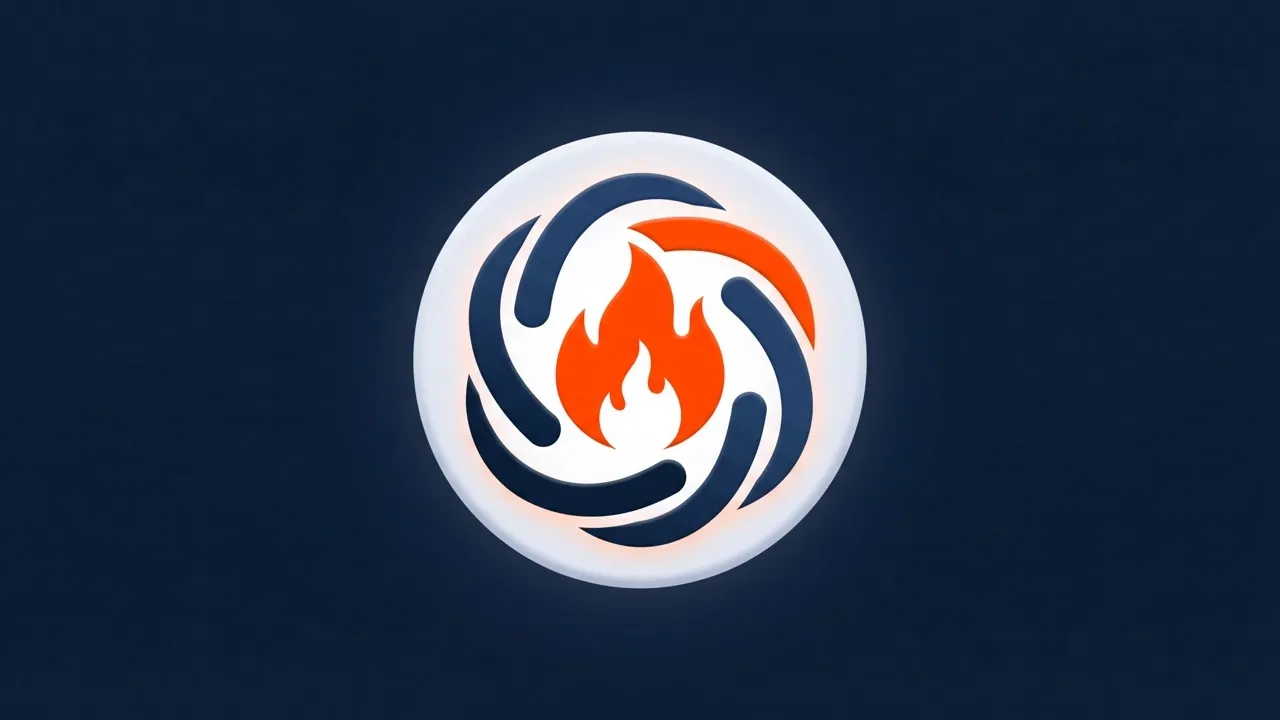
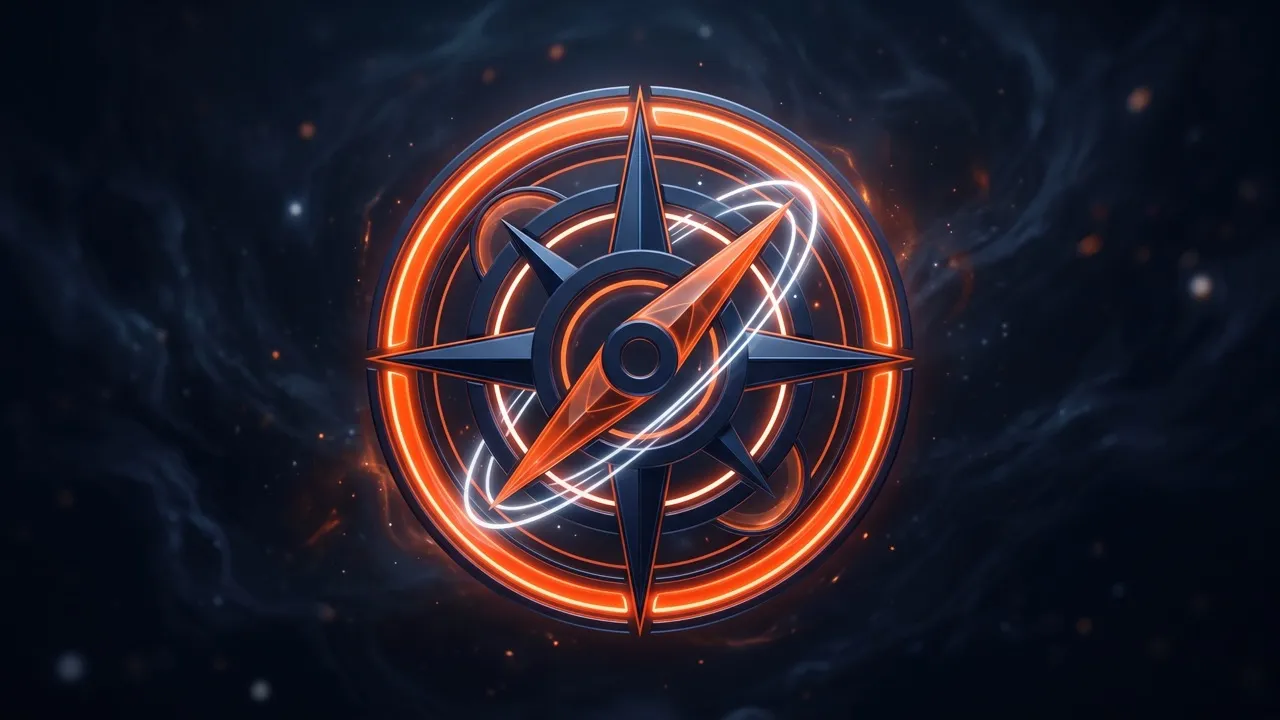
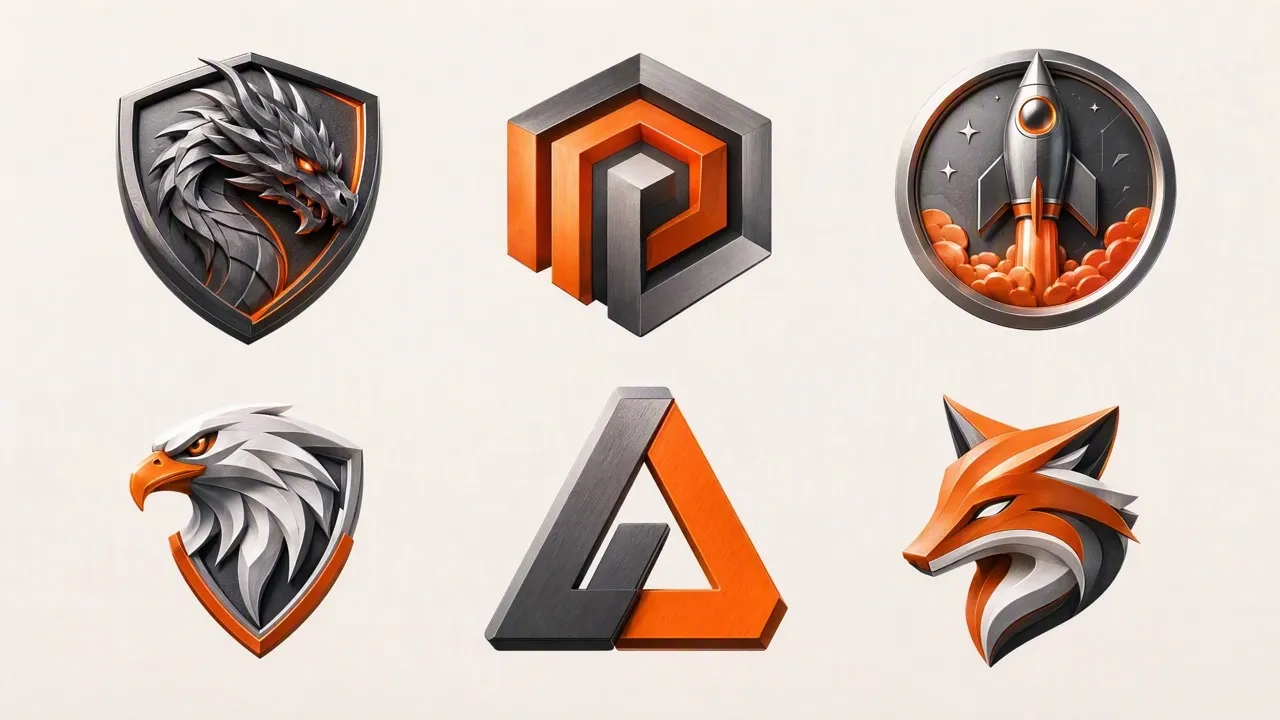
Create a Discord server icon that reflects your group’s topic, energy, and shared interests. Carry its colors and symbols into server banners to build a clearer identity that members can recognize.
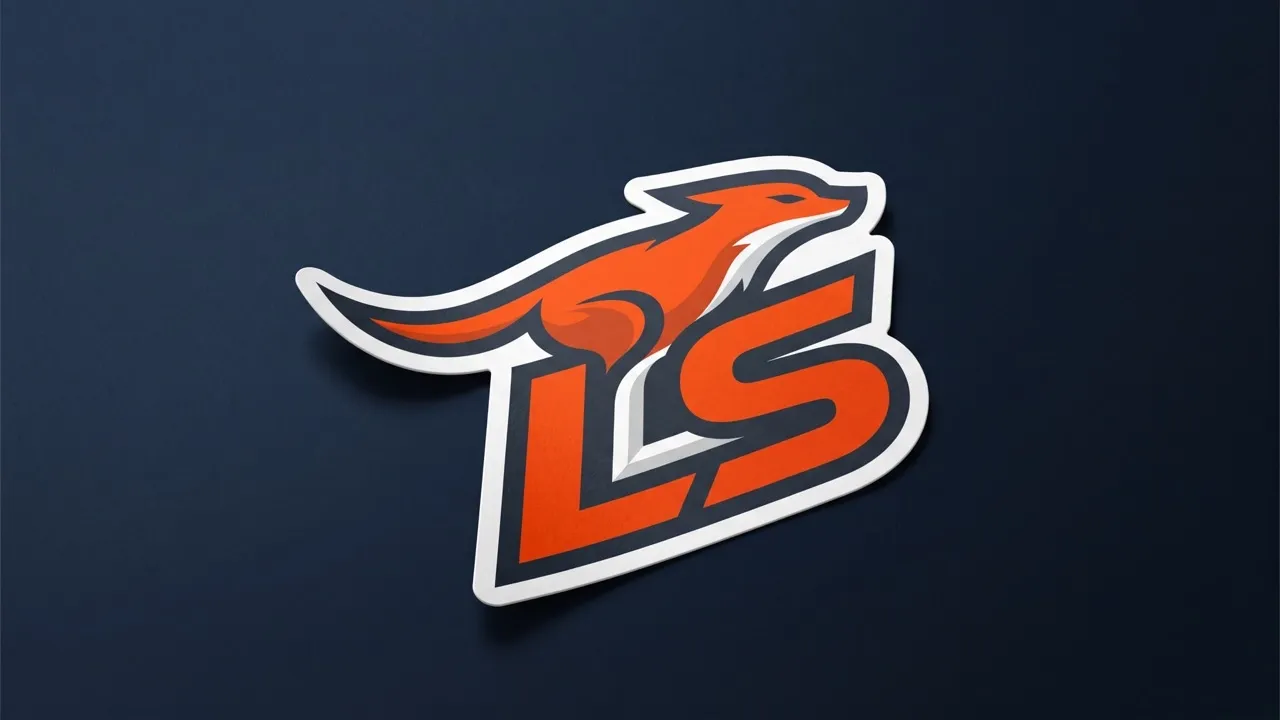
Generate a Discord logo that fits your existing avatar, channel art, or creator aesthetic. Build a consistent visual identity that makes your community more recognizable across different online spaces.

Turn rough ideas, sketch concepts, or moodboard references into focused Discord icons. You can compare compositions and styles faster, narrow down the strongest option, and spend less time exploring concepts that do not fit the project.
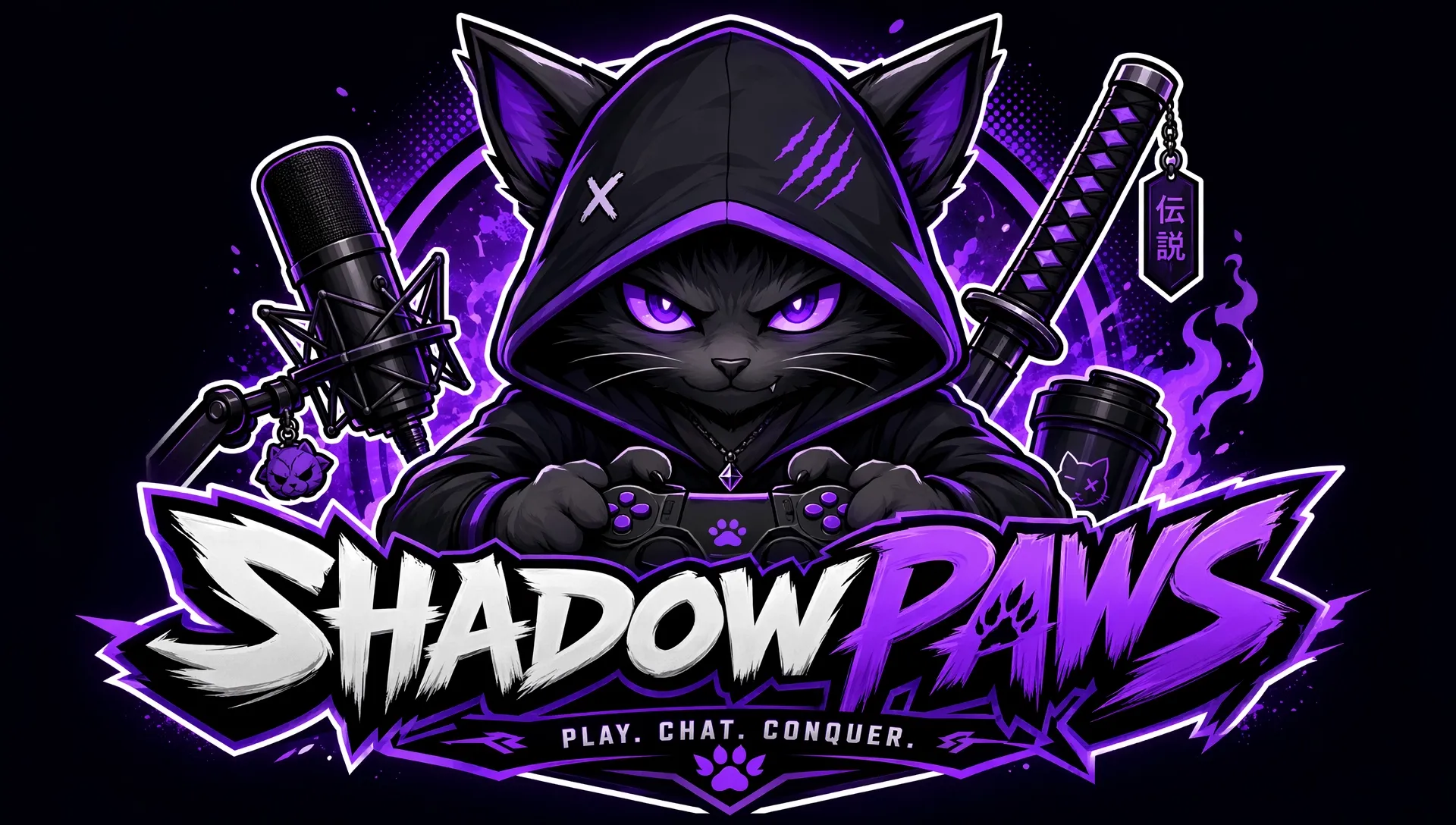
Design Discord logos for role-playing groups, book clubs, music communities, fan spaces, or shared hobbies. Incorporate custom DnD characters or imaginative mascots to express what brings your members together and create a stronger sense of belonging.
Enter a prompt or upload an image for your Discord logo.
Describe the style, mood, colors, etc. you want the logo to follow.
Create your logo instantly. Download and use it anywhere you like.
Go from a single idea to a polished asset. Combine generation, editing, and specialized apps to create any visual you need, without switching platforms.
Go from simple text prompts to studio-quality art in seconds. Generate hyper-realistic visuals and pristine typography for any professional project.
Create images conversationally, from first idea to final render. Use simple, natural language to generate, refine, and perfect your visuals in a step-by-step chat.
Evolve your visuals with absolute precision. Transform image styles and enhance cinematic lighting while preserving the exact layout of your original.
Elevate your workflow with a complete AI photo editing suite. Instantly retouch details, reimagine scenes, and transform raw assets into flawless masterpieces.
Unlock hundreds of specialized image generators. Instantly generate detailed DnD maps, vibrant chibi characters, and custom gaming logos for your brand.
Streamline your daily workflow with dedicated visual utilities. Instantly change backgrounds, erase distractions, and sharpen images in a single click.








Using Pollo AI to Create and Inspire
AI Discord logo maker is a specialized AI logo generator that creates custom server logo for Discord from text prompts, uploaded images, or visual references. You can describe your community theme, preferred symbols, colors, and style, then generate icons for gaming servers, clubs, study groups, fan communities, and other online spaces.
Pollo AI is the best AI Discord logo maker for users who want an easy workflow, flexible style control, quality visual results, and room to explore different concepts. It supports prompt-based creation, reference-guided generation, and photo editor, making it practical for beginners and experienced creators alike.
You start by describing the Discord icon you want or uploading an image for visual guidance. This AI image generator interprets the subject, mood, colors, composition, and style, then generates matching logo concepts. You can compare the results, revise your prompt, or use editing tools to refine a preferred version.
Pollo AI lets you start creating Discord icons for free, so you can test prompts, references, and visual directions before choosing a final design. But if you want to generate more Discord icons, you may need to upgrade to a paid plan.
You can create Discord server icons, gaming emblems, community mascots, minimalist symbols, fantasy crests, anime-inspired logos, neon graphics, and other custom visual identities. The tool works well for new servers, community refreshes, personal groups, creator spaces, role-playing communities, and hobby-based channels.
Yes. After generating your design, you can save it as a transparent PNG for convenient use across your server, profile, banners, and related community visuals.
Yes. Describe the artistic direction you want, including colors, lighting, mood, symbols, background, level of detail, and overall composition. You can explore clean minimalist Discord logos, bold gaming logos, illustrated mascots, futuristic emblems, cute characters, or other styles that match your community’s personality.
No. You can create a useful starting point by describing your idea in everyday language. Clear details about the server theme, symbol, palette, and style help guide the result. After generation, you can make simple prompt-based edits instead of rebuilding the logo manually in complex design software.
Transform your idea into a distinctive Discord logo with flexible styles and faster creative exploration—no design skills needed!