Step 1
Upload a photo, or use an AI image extender first when a tight crop needs more room for a vertical layout.
AI Video
Transform text and images into cinematic videos with lifelike avatars and studio-quality SFX.

AI Image
Turn ideas and images into stunning visuals, or perfect any photo with a complete suite of AI tools.

Agent
Create production-ready videos with SFX, consistent characters, and polished scenes. No Editing.

Marketing Studio
Built for marketers and sellers to create winning ads, UGC videos and product visuals faster.

Turn your photos and everyday moments into personal Facebook Stories with readable text and a layout that fits mobile stories.
Turn a favorite photo, quick update, birthday wish, or weekend memory into a story that feels made for the moment. Our Facebook Story maker builds a balanced vertical layout around your image and message, keeping the subject central and leaving room for Facebook's own music, polls, text, or location tools after upload.
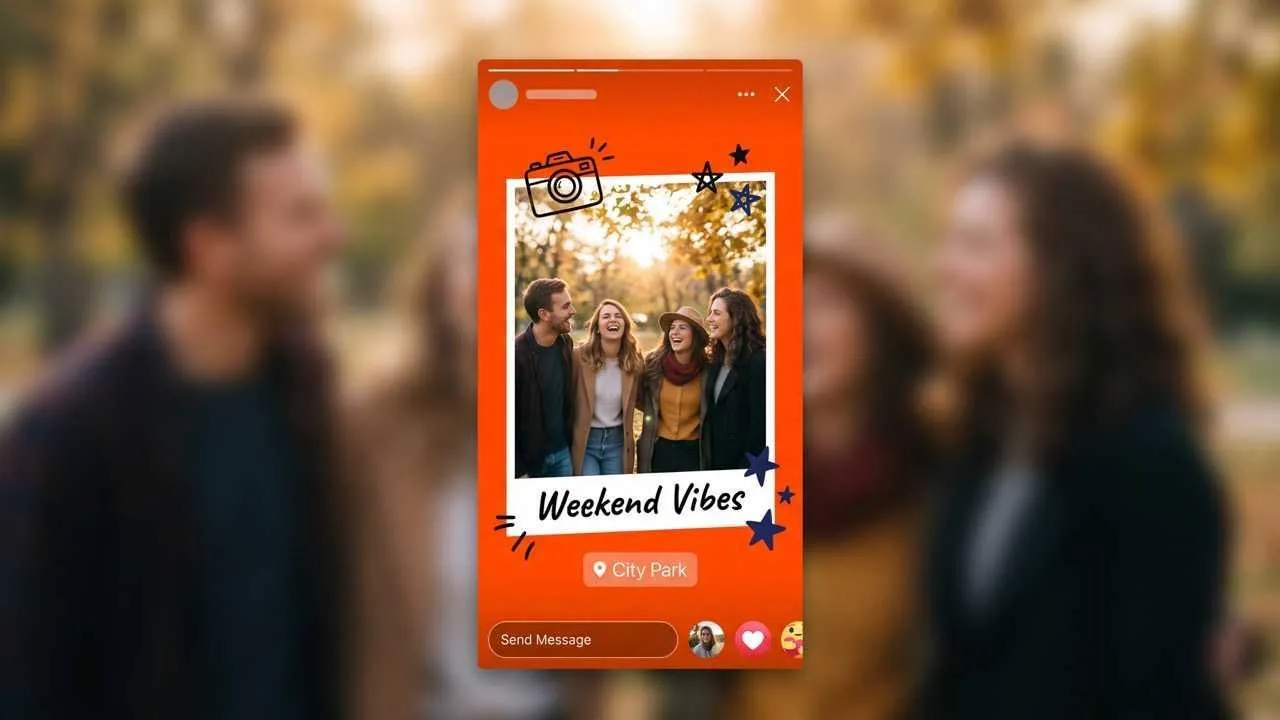
Turn a favorite image into a vertical story without rebuilding the layout from scratch.
Keep a birthday wish, location, or quick update readable beside your photo.
Shape birthdays, trips, hobbies, and small updates around the moment you want to share.
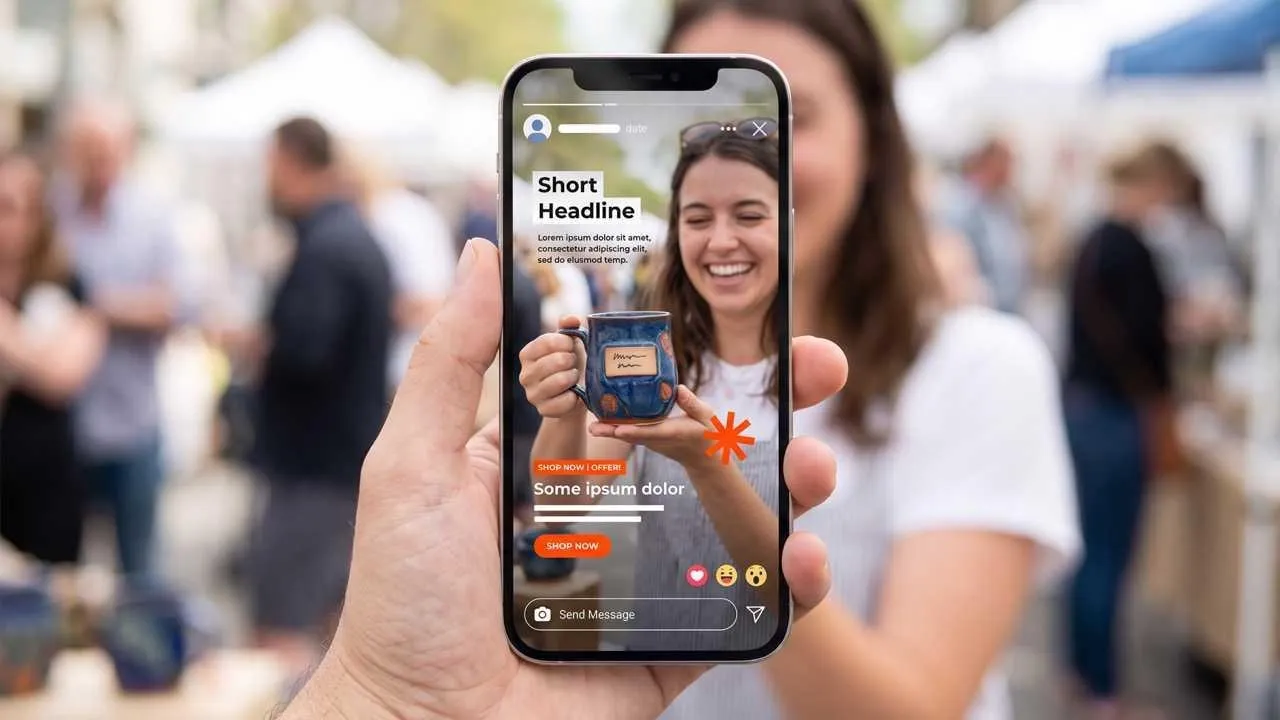
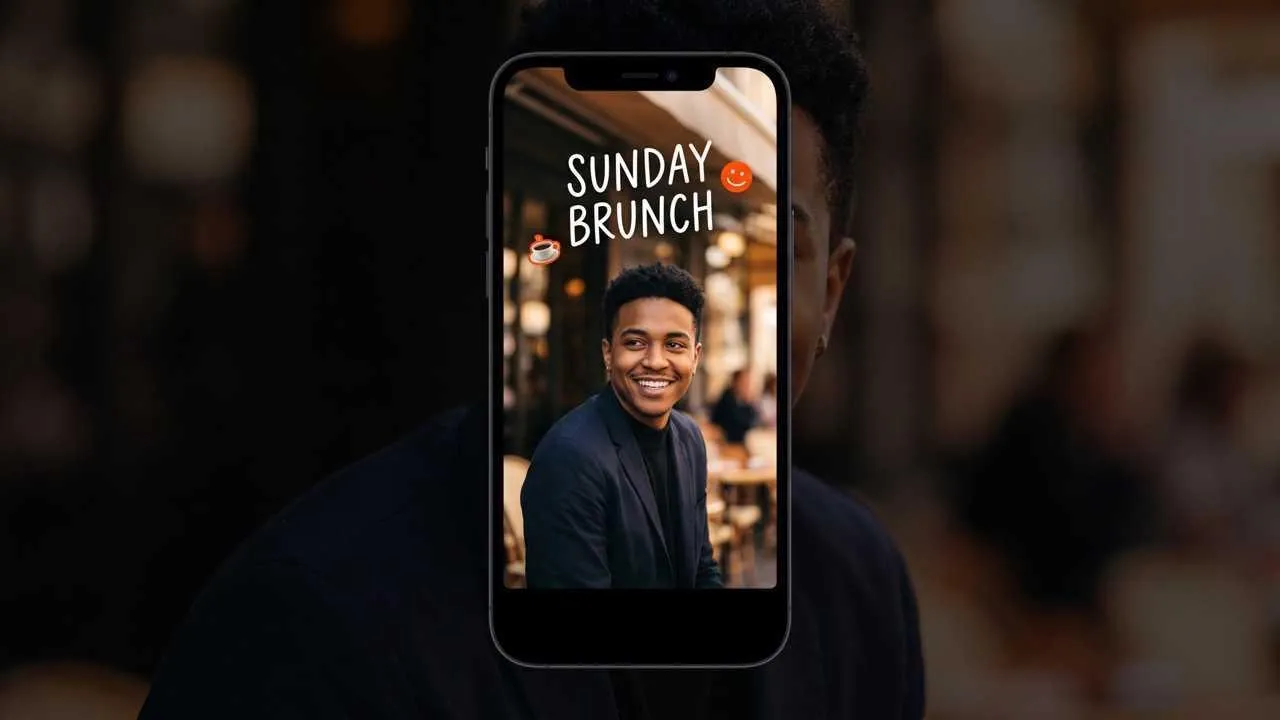
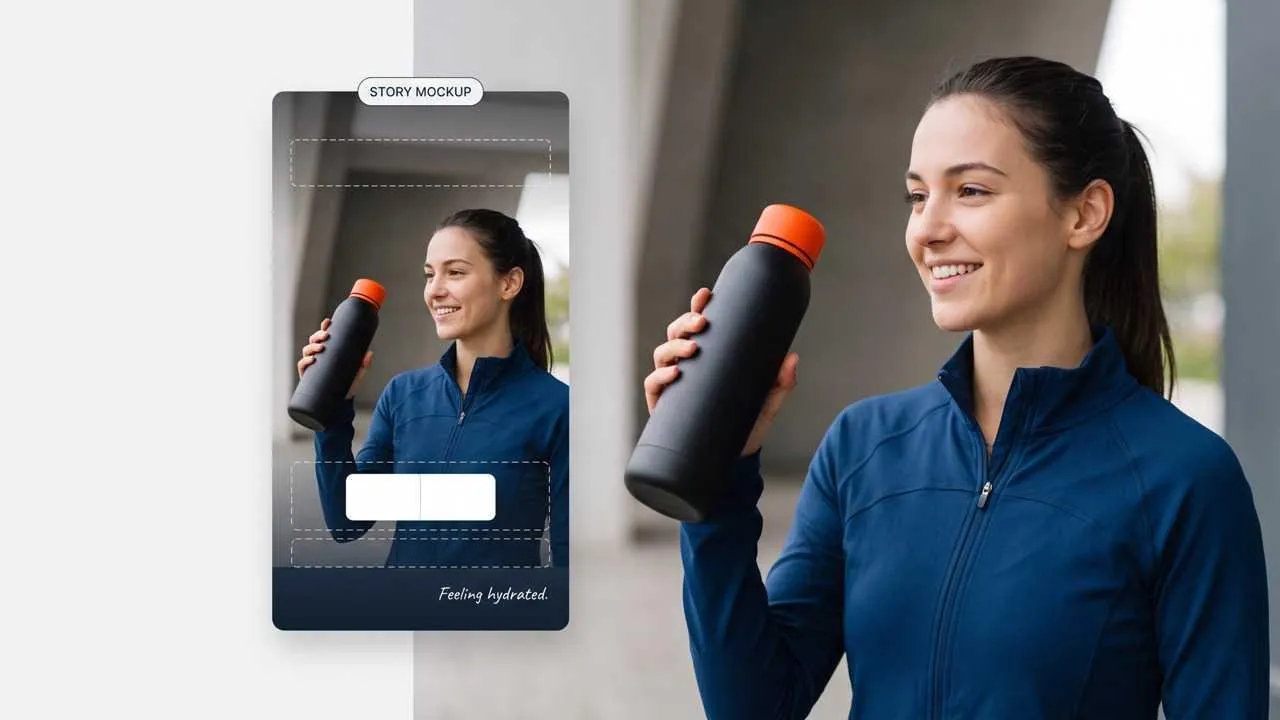
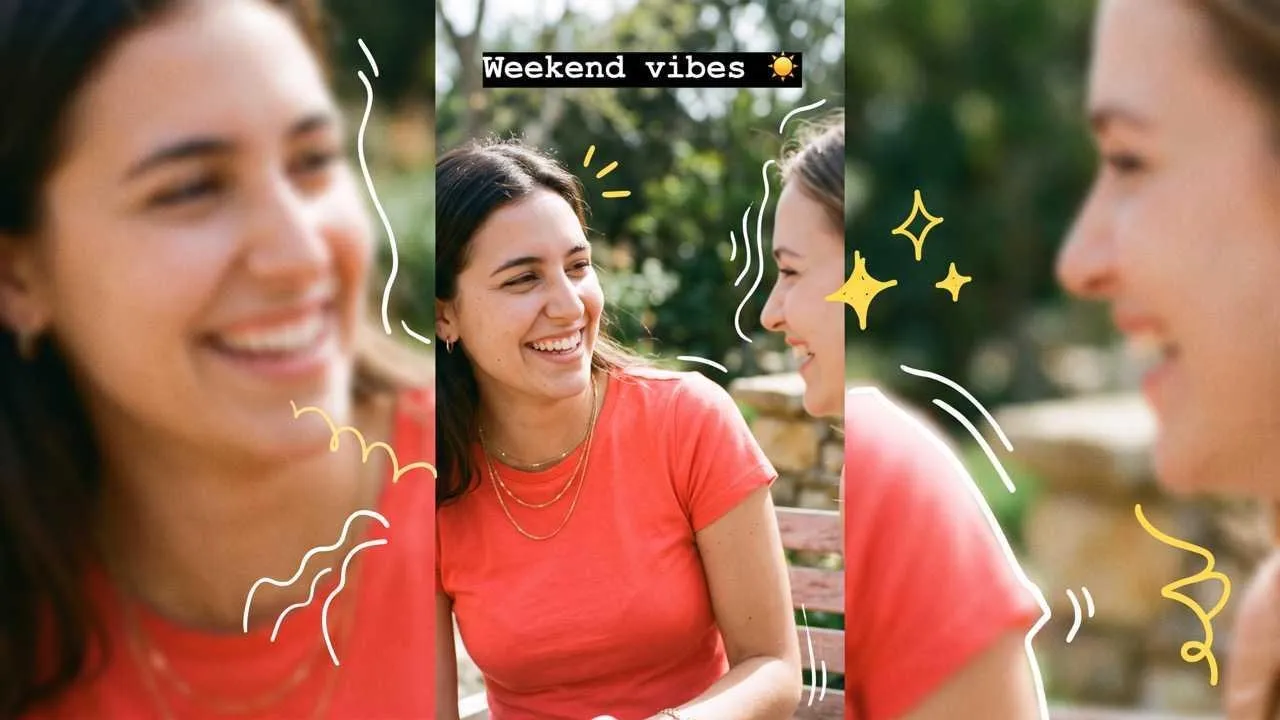

Turn one favorite photo into a warm birthday wish, family milestone, or congratulations update that feels personal enough to share with close friends.
Frame a cafe stop, sunset, day trip, or small win with a short caption; an AI photo editor can tidy the source before you shape the story.

Share a recipe attempt, craft project, workout milestone, or event setup while the moment is fresh and easy for friends or followers to react to.

Post opening hours, new arrivals, event reminders, or quick community news for followers; create a separate Page mark with an AI logo generator when needed.
Upload a photo, or use an AI image extender first when a tight crop needs more room for a vertical layout.
Add a caption, wish, location, mood, or small detail that gives the moment meaning.
Download your preferred design, upload it to Facebook, then choose your audience and add native Story tools if desired.
Go from initial idea to ready-to-publish designs. Instantly access AI image generators, precise photo editing, and professional image tools.
Turn creative briefs into breathtaking visuals instantly. Generate photorealistic marketing assets, flawless typography, and bespoke art without a camera.
Generate stunning visuals through natural conversation. Simply chat to brainstorm concepts, refine intricate details, and create perfect artwork instantly.
Reimagine your existing photos with advanced style transfer. Protect core subject identity while upgrading lighting, textures, and native 4K details.
Access an all-in-one AI image editing suite for limitless creativity. Retouch details, reimagine entire scenes, and polish visuals into flawless masterpieces.
Bring your static images to life with cinematic motion. Seamlessly transition from AI photos to fluid, high-framerate video sequences in just seconds.
Simplify your design process with versatile utilities. From magic erasers to transparent backgrounds, access everything needed to refine raw assets quickly.









Using Pollo AI to Create and Inspire
 Liz Cassidy
 Richard Quick
 armourdude
 Dudu
Dudu Ray Warnes
 lawless clan
 Istvan LajosSantiago Saenz
 Gen Zee
 萱兒
萱兒 Norma Ponce
 Sarah Stokes
 Sudipta Saha
 Luiz Guyz
 Swishadoptme Swishadoptme
An AI Facebook Story maker turns your photo, message, and visual direction into a vertical story design, so you do not have to crop, position text, and balance the layout by hand.
Pollo AI's AI Facebook Story maker is the best AI Facebook Story maker for turning personal photos and quick updates into balanced vertical visuals without layout by hand. It keeps the moment central, fits short text around the image, and leaves room for Facebook's native creative tools.
Yes. You can start free with a photo or everyday update, explore a personal visual direction, and download the result you prefer.
A 9:16 vertical canvas is a practical choice for filling a phone screen. Keep important faces and text away from the edges, then preview the design before posting.
Facebook Stories are visible to the selected audience for 24 hours. If story archiving is enabled, you can revisit your past stories after they disappear from public view.
Yes. Use Pollo AI to create the base story visual, then add Facebook's native music, poll, text, or location tools after uploading it to your personal profile or Page.

Turn one photo into a story worth sharing. Keep the moment clear, warm, and easy to notice.