Home Cooks & Families
Family recipe collections
Preserve handwritten favorites, holiday dishes, and inherited recipes in a clearer format that relatives can recognize, keep, and use again.
AI Video
Transform text and images into cinematic videos with lifelike avatars and studio-quality SFX.

AI Image
Turn ideas and images into stunning visuals, or perfect any photo with a complete suite of AI tools.

Agent
Create production-ready videos with SFX, consistent characters, and polished scenes. No Editing.

Marketing Studio
Built for marketers and sellers to create winning ads, UGC videos and product visuals faster.

Turn ingredients and cooking steps into recipe cards for family dishes, baking, gifts, and meal prep.
Give every recipe a clear place in your kitchen or collection. Our AI recipe card maker turns dish names, ingredients, instructions, serving notes, and a visual theme into polished recipe cards with readable hierarchy, useful spacing, and a style that suits family favorites, baking projects, meal prep, or food gifts.
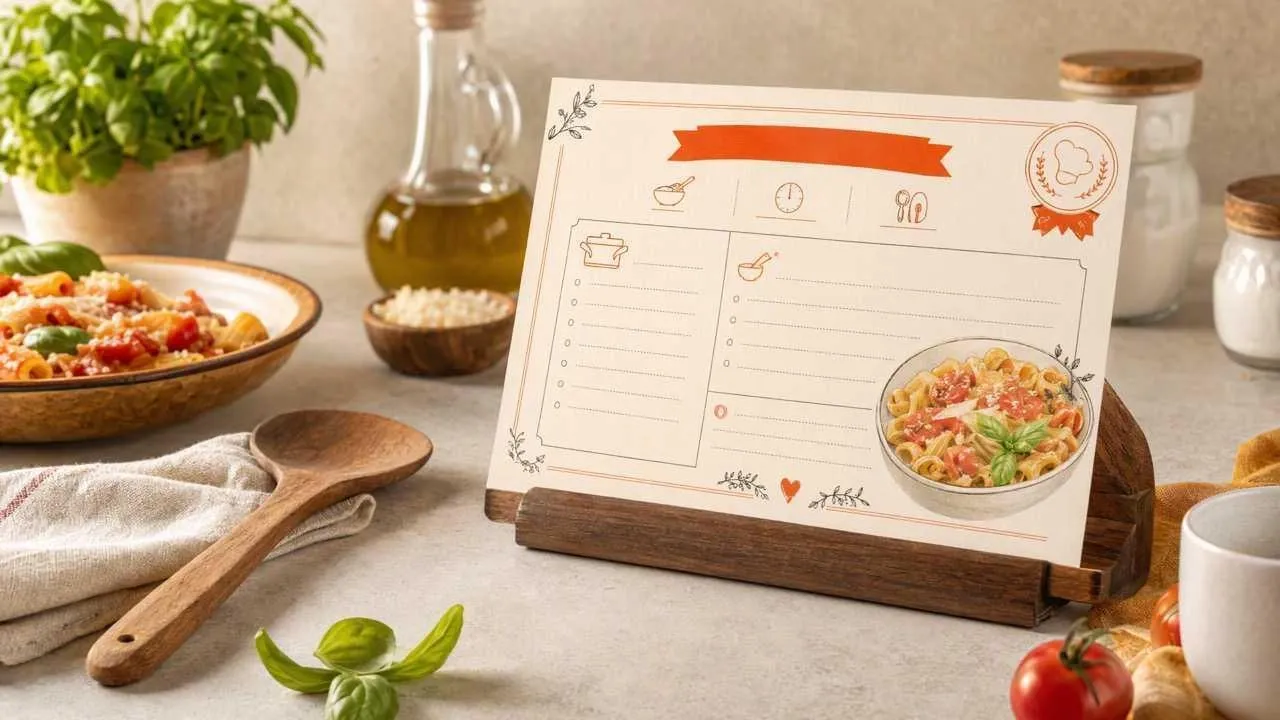
Separate quantities, instructions, and notes into a practical reading order.
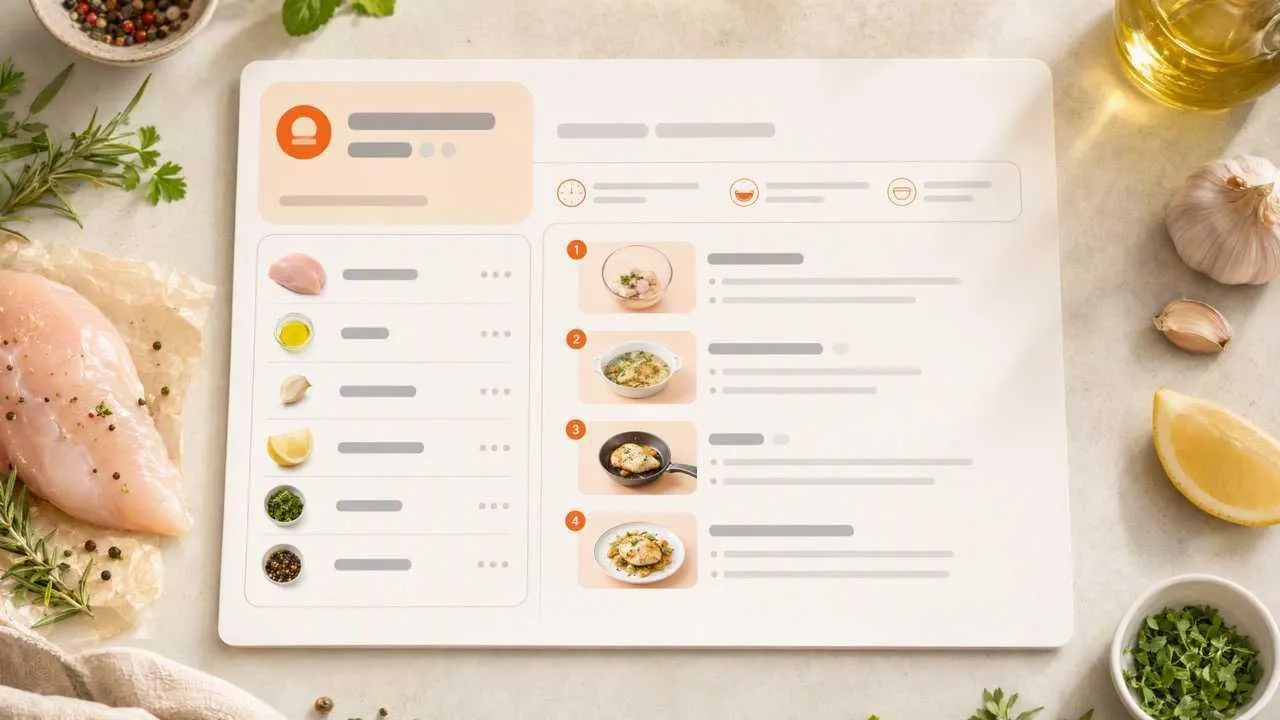
Move from recipe notes to a balanced design without arranging every element.
Match family recipes, desserts, drinks, or meal prep with the right mood.
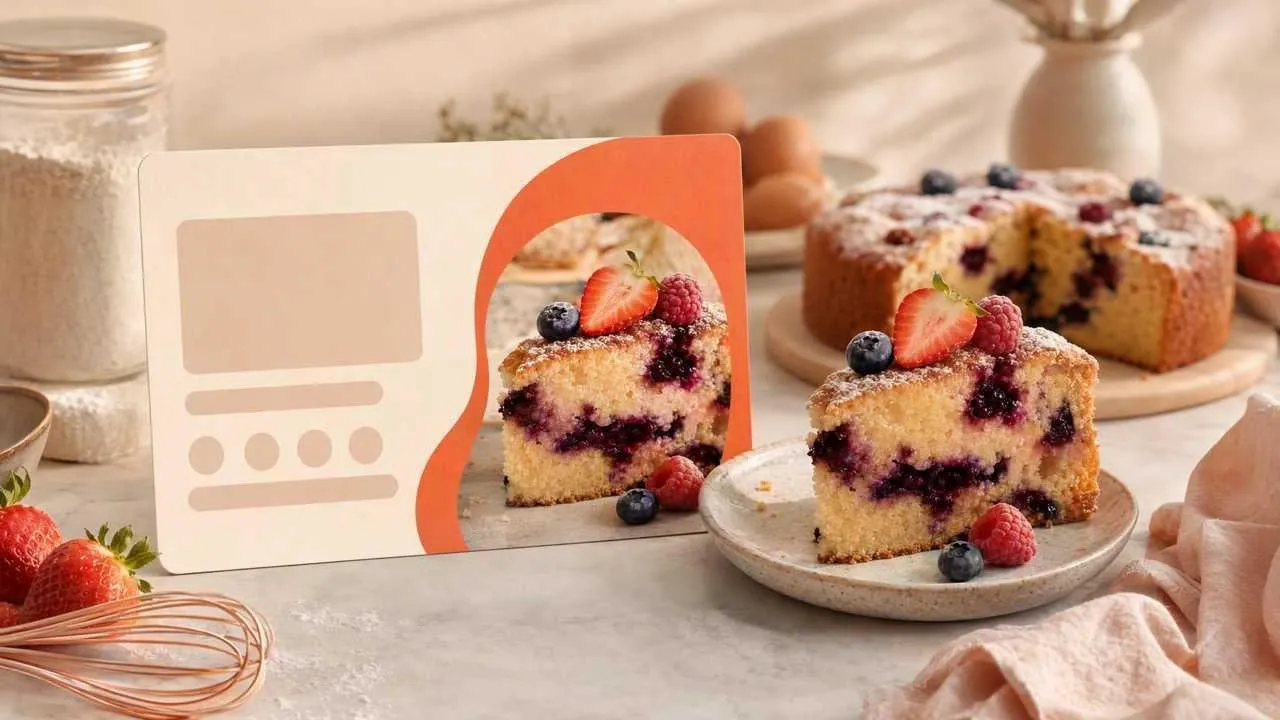
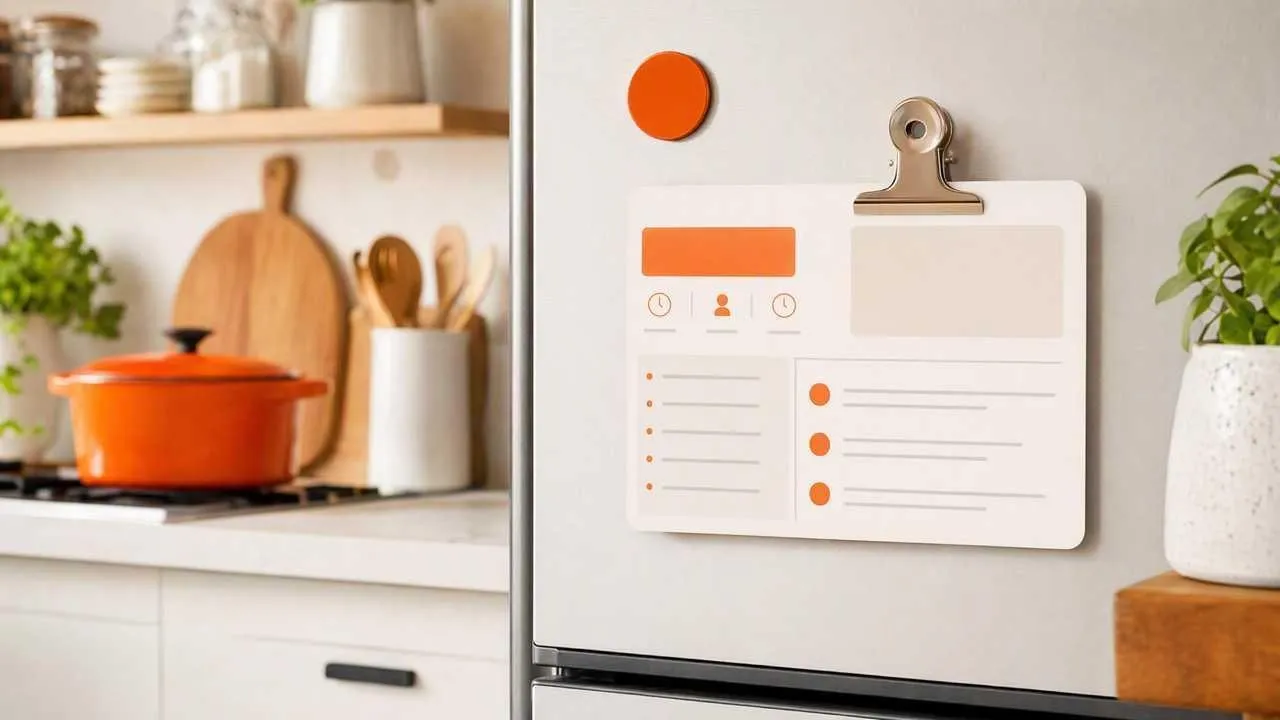
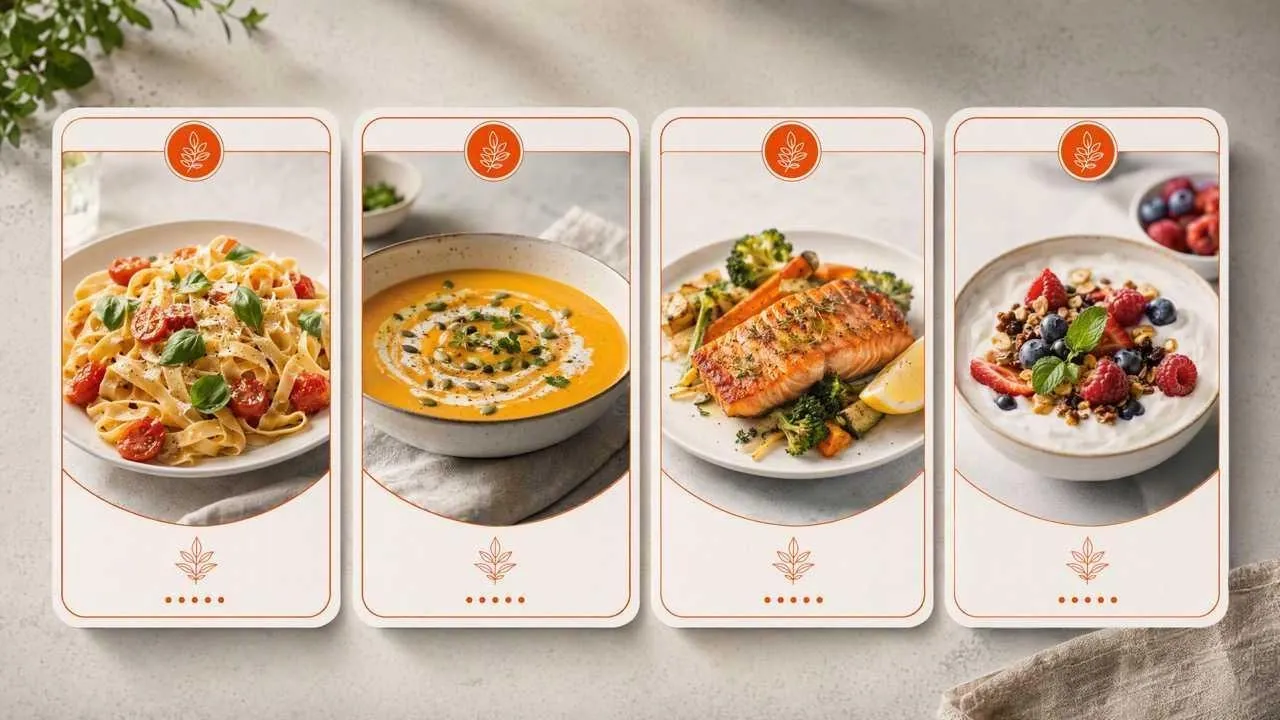
Preserve handwritten favorites, holiday dishes, and inherited recipes in a clearer format that relatives can recognize, keep, and use again.

Turn tested recipes into consistent visual assets for newsletters or content series, then echo the card style in a campaign header with an AI banner generator.
Explain serving, reheating, pairing, or preparation ideas around a product, with an AI product image generator supplying separate promotional imagery for the wider campaign.

Create readable recipe references for workshops, fundraisers, or cooking clubs, and clean up supporting food photos in an AI photo editor before sharing.
Enter the dish name, ingredients, quantities, instructions, and any timing or serving notes.
Choose a family, modern, baking, meal-prep, or gift-ready visual direction.
Generate the card, verify every ingredient and instruction, then download the version you want to keep.
Go from a single idea to a polished asset. Combine generation, editing, and specialized apps to create any visual you need, without switching platforms.
Go from simple text prompts to studio-quality art in seconds. Generate hyper-realistic visuals and pristine typography for any professional project.
Create images conversationally, from first idea to final render. Use simple, natural language to generate, refine, and perfect your visuals in a step-by-step chat.
Evolve your visuals with absolute precision. Transform image styles and enhance cinematic lighting while preserving the exact layout of your original.
Elevate your workflow with a complete AI photo editing suite. Instantly retouch details, reimagine scenes, and transform raw assets into flawless masterpieces.
Unlock hundreds of specialized image generators. Instantly generate detailed DnD maps, vibrant chibi characters, and custom gaming logos for your brand.
Streamline your daily workflow with dedicated visual utilities. Instantly change backgrounds, erase distractions, and sharpen images in a single click.









Using Pollo AI to Create and Inspire
An AI recipe card maker turns a recipe's ingredients, instructions, and style notes into a structured visual card, so you do not have to arrange every text block manually.
Pollo AI's AI recipe card maker is the best AI recipe card maker because it combines readable recipe hierarchy, dish-specific styling, and collection-ready layouts in one focused workflow.
Yes. Start free with one recipe, then test different card hierarchies, colors, and dish-specific styles before selecting a result.
A recipe card should include the dish name, ingredient quantities, preparation notes, step-by-step instructions, yield, and any useful cooking or serving details.
Common recipe cards use compact formats such as 4 x 6 inches, but choose the final dimensions for your intended display or printing method.
Yes. Use the same title treatment, colors, and information order across the collection, then vary the dish imagery and personal notes for each recipe.

Turn cooking notes into a clear, polished recipe card. Build a collection that is easier to keep, share, and use.