Brides
Personalized bridesmaid proposal cards
Ask each friend before the engagement party or dress appointment, using her name and one relationship detail that makes the moment unmistakably personal.
AI Video
Transform text and images into cinematic videos with lifelike avatars and studio-quality SFX.

AI Image
Turn ideas and images into stunning visuals, or perfect any photo with a complete suite of AI tools.

Agent
Create production-ready videos with SFX, consistent characters, and polished scenes. No Editing.

Marketing Studio
Built for marketers and sellers to create winning ads, UGC videos and product visuals faster.

Turn names, memories, and shared photos into bridesmaid proposal cards that feel personal and wedding-ready.
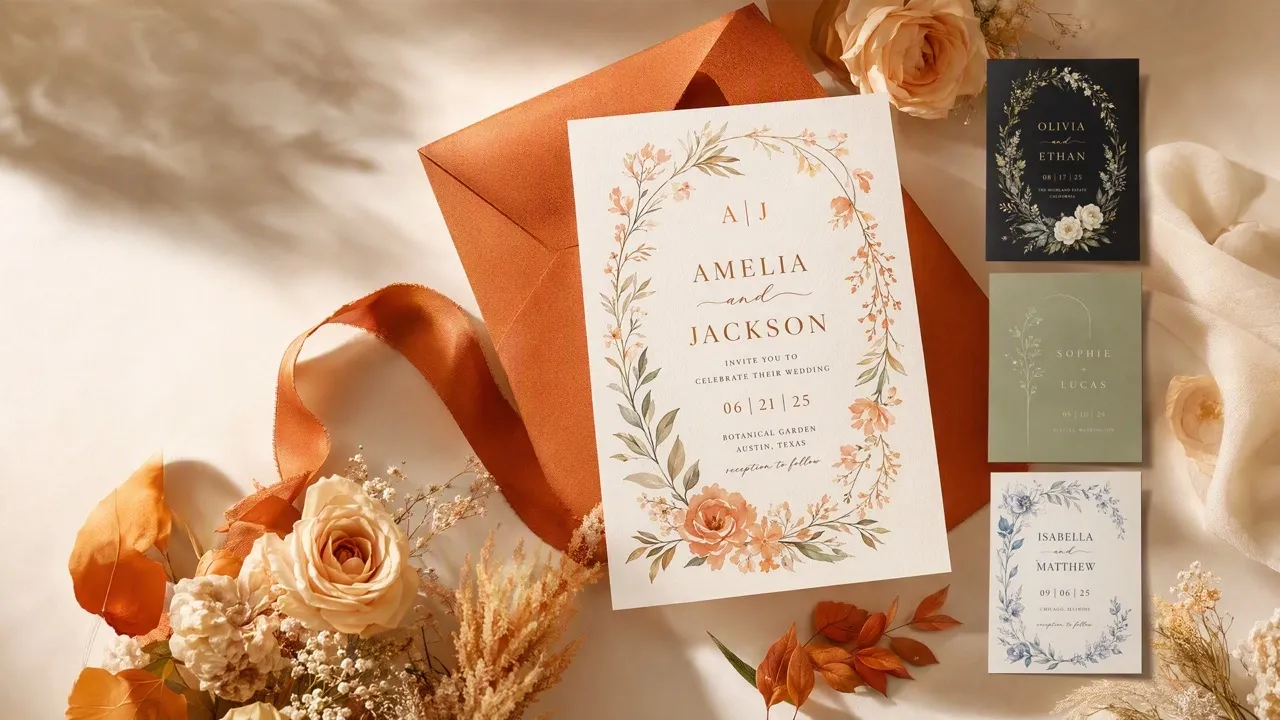
Ask the question in a way that sounds like your friendship, not a copied line. Our AI bridesmaid proposal card maker brings together wedding colors, shared photos, names, and personal wording, creating a coordinated bridal-party set while letting every relationship feel different and every card feel worth keeping.
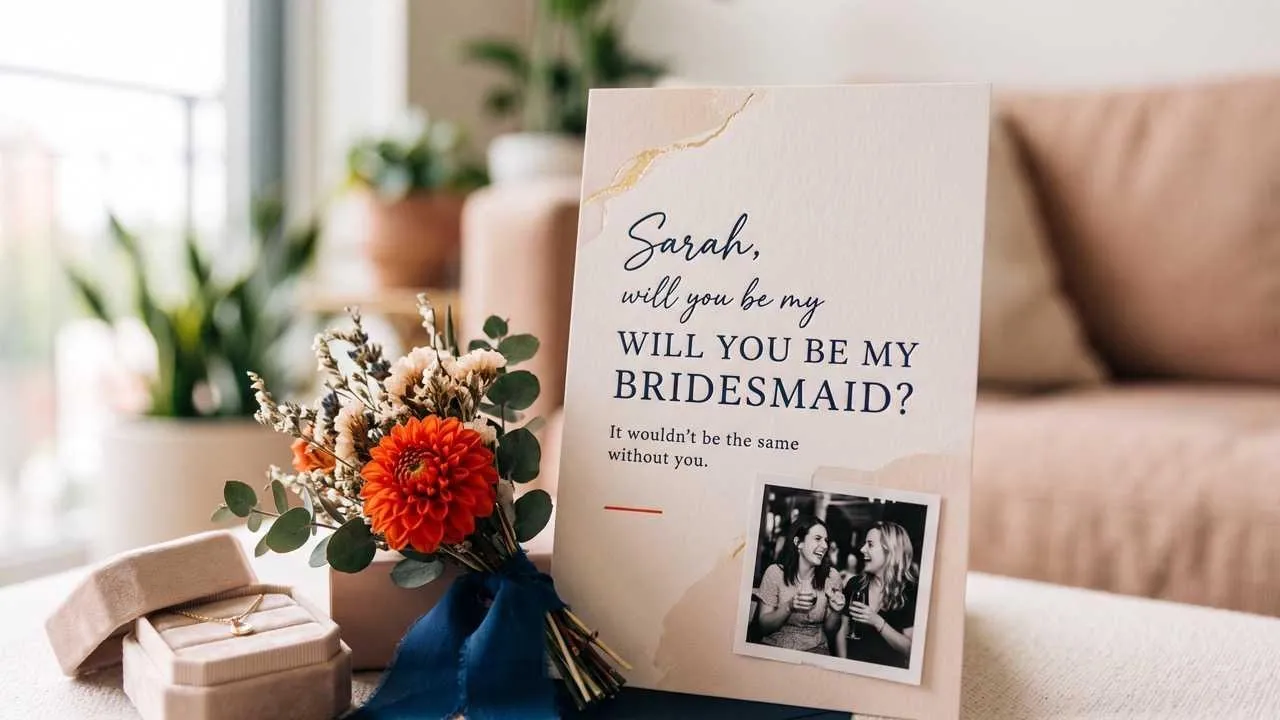
Start with one meaningful detail and get a card that already feels considered.
Repeat the wedding style while giving every friend her own message.
Make a favorite memory part of a proposal she will want to keep.
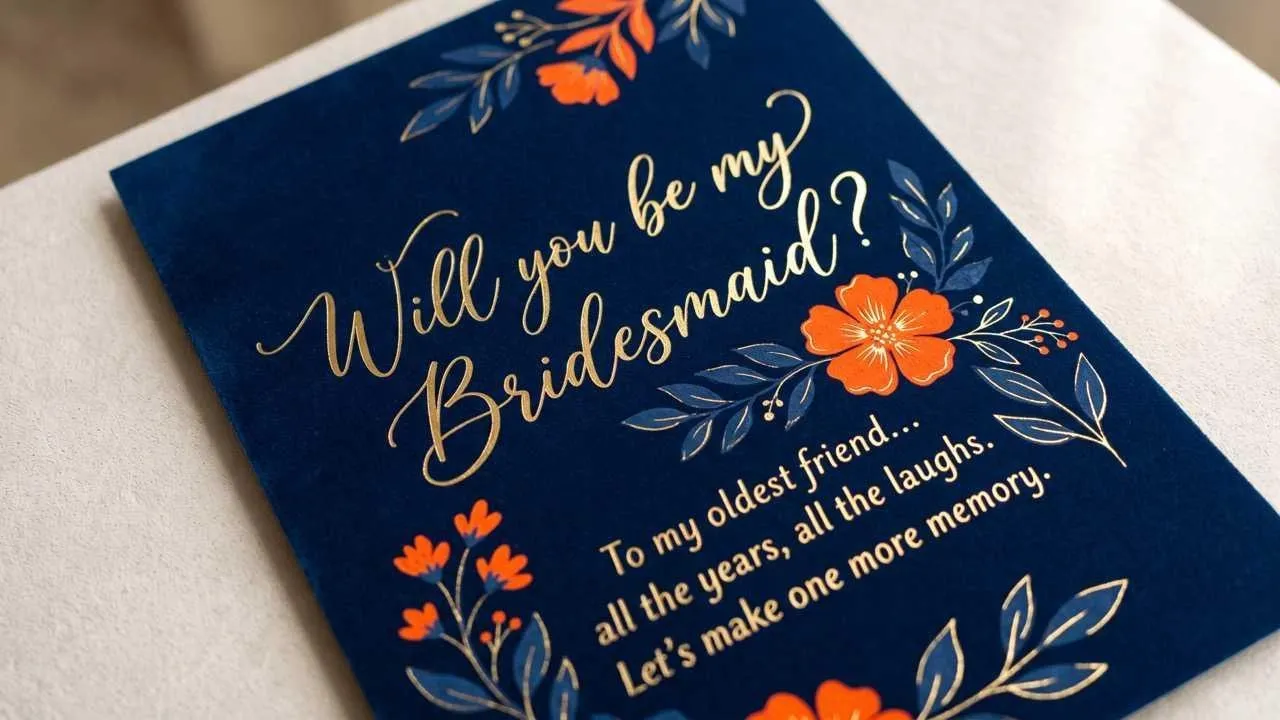
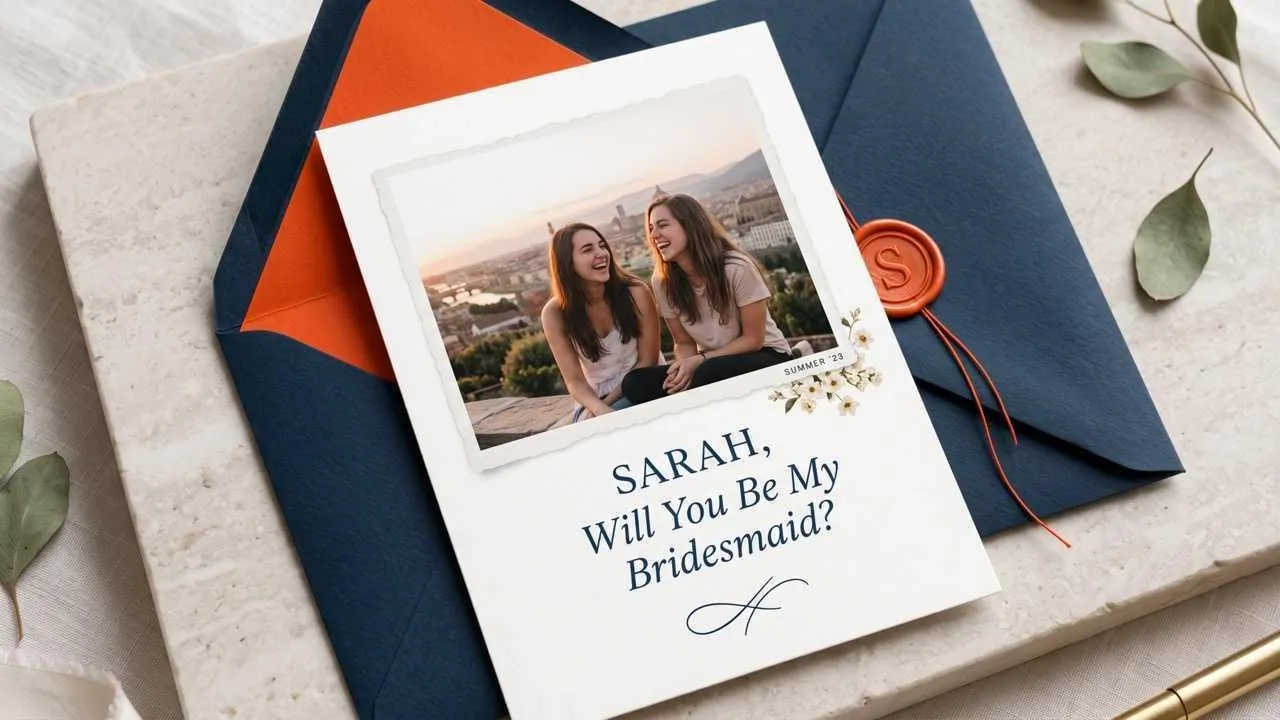
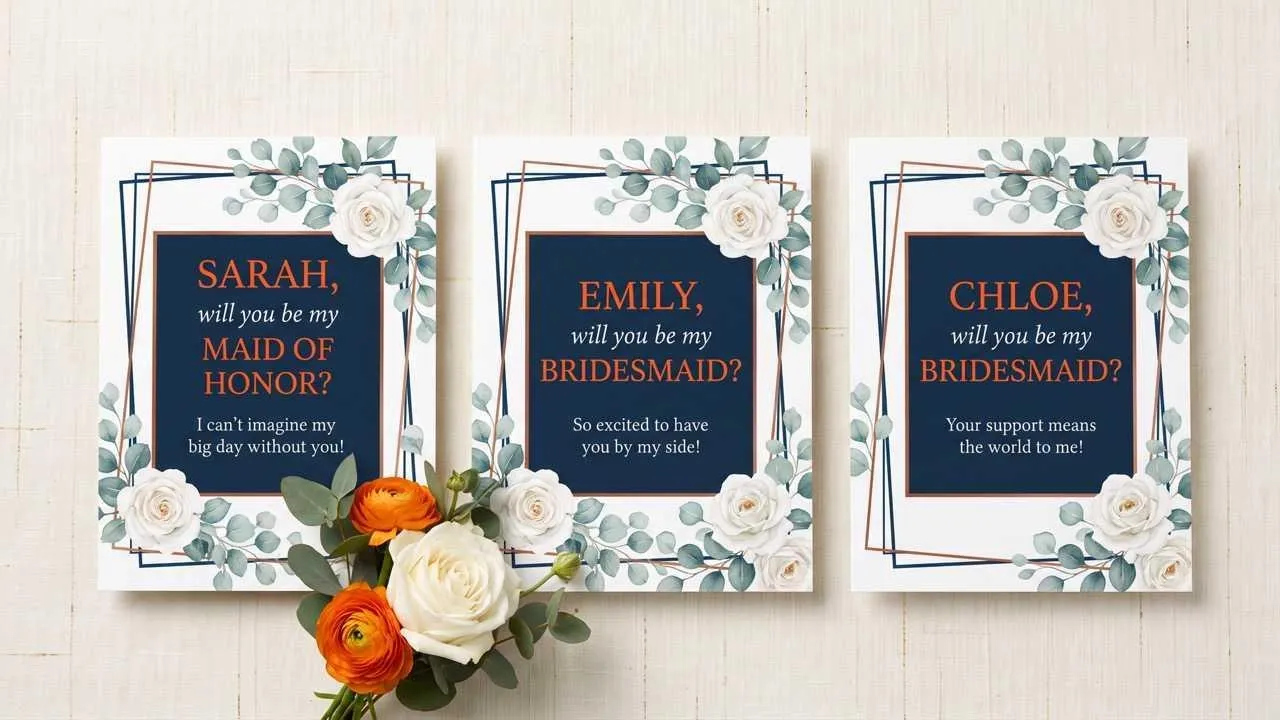
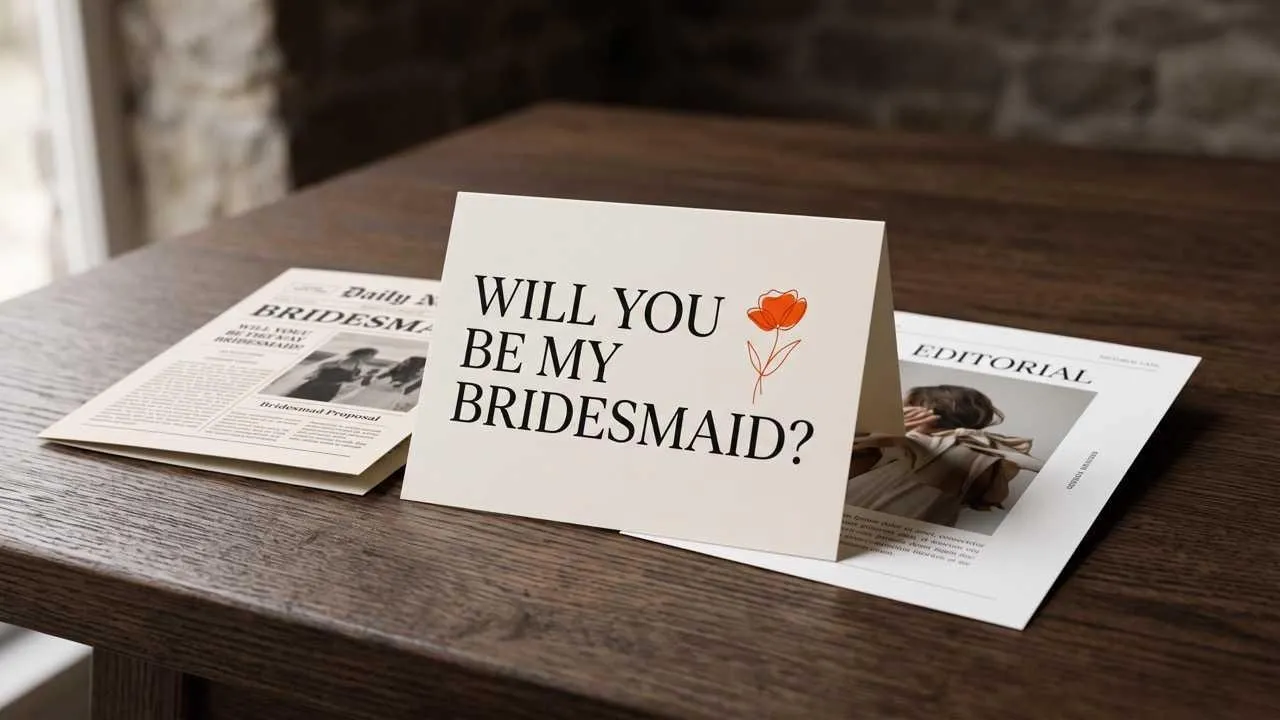
Ask each friend before the engagement party or dress appointment, using her name and one relationship detail that makes the moment unmistakably personal.

Help prepare a matching set for bridesmaids, junior bridesmaids, and the maid of honor when the wedding timeline leaves little design time.

Show sentimental, funny, and luxury directions during a planning meeting; use an image enhancer when an approved client photo needs clearer detail before layout.
Show buyers how names and roles change across one collection, and use an image upscaler when supplied artwork is too small for a close client preview.
Enter the recipient's name, wedding role, and the personal idea or memory you want the card to express.
Choose a sentimental, funny, floral, minimal, luxury, or editorial direction that fits the celebration.
Create the first design, then adjust names and wording while keeping the bridal party set visually coordinated.
Go from a single idea to a polished asset. Combine generation, editing, and specialized apps to create any visual you need, without switching platforms.
Go from simple text prompts to studio-quality art in seconds. Generate hyper-realistic visuals and pristine typography for any professional project.
Create images conversationally, from first idea to final render. Use simple, natural language to generate, refine, and perfect your visuals in a step-by-step chat.
Evolve your visuals with absolute precision. Transform image styles and enhance cinematic lighting while preserving the exact layout of your original.
Elevate your workflow with a complete AI photo editing suite. Instantly retouch details, reimagine scenes, and transform raw assets into flawless masterpieces.
Unlock hundreds of specialized image generators. Instantly generate detailed DnD maps, vibrant chibi characters, and custom gaming logos for your brand.
Streamline your daily workflow with dedicated visual utilities. Instantly change backgrounds, erase distractions, and sharpen images in a single click.









Using Pollo AI to Create and Inspire
An AI bridesmaid proposal card maker brings your names, message, photos, and wedding style into a finished card, so you can focus on the question instead of arranging every design element.
Pollo AI's AI bridesmaid proposal card maker is the best AI bridesmaid proposal card maker for turning one wedding style into personal cards without making every friendship sound the same.
Yes. Start with a name, message, and style in Pollo AI, then review the generated bridesmaid proposal card before using it.
Use the recipient's name, a personal line about your relationship, the question itself, and the wedding role you are inviting her to accept.
Yes. Change the role and message while keeping the same visual direction as the rest of the bridal party set.
No. The card carries the personal question and message, while a proposal box may include separate gifts or keepsakes.

Ask with a card that feels true to your friendship.