



Wan 3.0 Review: I Tested It for 10 Days and Here’s What I Found
Wan 3.0 is the latest generation of the Wan AI video model, built for longer and more controlled creation. It natively generates 30-second videos from text, images, audio, or existing footage, with stronger coherence, realistic physics, and flexible sequence control.
I tested Wan 3.0 for 10 days across longer character scenes, fast physical action, and audio-led UGC. I wanted to see whether its upgrades actually made the results easier to use, not just more impressive on paper.
TL;DR
After testing Wan 3.0, I found its native 30-second generation, stronger coherence, and more believable physics made complex scenes feel much more complete. I recommend using it on Pollo AI, where it fits into a complete creative workflow with other leading models and video tools.
I liked it most for character stories, product campaigns, action scenes, and talking videos. You can try Wan 3.0 on Pollo AI for free.
What Is Wan 3.0?
Wan 3.0 is a multimodal AI video model that creates and continues videos from text, images, audio, and existing footage. Its main upgrades include native 30-second generation, stronger temporal coherence, more realistic physics, faster output, and more flexible sequence control.
For me, the longer duration is the biggest change. It gives me enough time for a setup, action, and clear ending. I can also guide the AI videos with first-frame animation, start-and-end frames, video continuation, and audio-driven lip sync.
Wan 3.0 Upgrades at a Glance
Capability | What Wan 3.0 Offers | Why It Mattered in My Tests |
|---|---|---|
| Video length | Native generation up to 30 seconds | I could develop a full video without stitching several clips together |
| Temporal coherence | More stable characters, objects, and visual details | I saw less distracting drift during longer movement |
| Physics simulation | Better fluids, fabrics, collisions, and multi-object motion | Fast action and product interaction felt more grounded |
| Generation speed | Approximately 40% faster on equivalent hardware | I could test revisions and alternate shots with less waiting |
| Supported inputs | Text, image, audio, and video | I had more ways to define appearance, motion, rhythm, and continuity |
| Sequence control | First frame, start and end frames, and video continuation | I could plan transitions and extend scenes more deliberately |
| Audio control | Audio-guided character motion and lip synchronization | Dialogue and UGC performances followed the soundtrack more closely |
The Three Upgrades I Noticed Most
Wan 3.0 has many improvements, but three had the clearest effect on my results. They changed how I planned each test and how much of the output I could actually use.
Thirty Seconds Gives the Story Room
I no longer had to squeeze an entire idea into one quick action. I could build a hook, develop the scene, show a reveal, and finish on a clear closing image. I found that especially useful for story ads, product demonstrations, and short dramas.
Coherence and Physics Hold Up Better
I noticed stronger stability in faces, clothing, products, and important props. Physical motion also carried more weight. Fabrics reacted to movement, collisions felt clearer, and several moving elements worked together more naturally.
Multimodal Control Makes Directing Easier
I used images to establish appearance, video to guide motion, keyframes to define transitions, and audio to shape movement and lip sync. I liked having these controls because I did not have to explain every visual detail through text alone.
Try Wan 3.0 Free on Pollo AI Now
Bring your boldest ideas to life with Wan 3.0 and turn them into publish-ready videos on Pollo AI.
Start Creating Free
Performance Test: Can Wan 3.0 Handle Real Creative Work?
I chose three tests that usually reveal AI video problems quickly. The first focused on subject consistency across a longer take. The second pushed physical action and contact. The third tested whether a character could perform naturally to audio.
Test 1: A Longer Character Shot
I started with a woman walking through a crowded night market while holding a transparent iced drink. The camera moved backward. She looked at a stall, took a sip, and kept walking as the lighting and background changed.
This scene put a lot of pressure on continuity. I watched her face, red jacket, cup, hand position, camera distance, and the moving crowd. All of them needed to stay connected throughout the shot.
I found the longer take much more useful than a short isolated action. The scene had time to establish the location and follow the character. Her small actions also felt like part of one continuous moment.
What impressed me most was how confidently Wan 3.0 handled the smaller interactions. The hand-to-cup motion stayed readable, and the character remained stable against the busy background. Even as the lighting and crowd changed, the shot kept its visual focus.
My Verdict
I liked Wan 3.0 for travel videos, UGC story ads, and short films. It kept the subject recognizable as the camera moved and the lighting and busy background changed throughout the shot.
Test 2: Motion, Contact, and Physical Realism
For my second test, I generated a sequence about a young football player moving from an emotional opening into a fast match. The scene included running, dribbling, passing, clothing movement, ball contact, and a teammate interaction.
I picked this sequence because sports action is unforgiving. The body, clothes, ball, ground contact, and camera must move together. One weak interaction can make the entire shot feel fake.
What surprised me most was the momentum. The clothes and limbs reacted as parts of the same movement. The ball also felt more connected to the action instead of floating through it.
Wan 3.0 handled the short chain of running, dribbling, passing, and contact well. When I added more action beats or stretched the sequence longer, slight deformation began to appear around fast footwork and body contact. I found that complex physical interactions worked best when the shot stayed focused and relatively brief.
My Verdict
I would use Wan 3.0 for sports videos, fitness product ads, and action scenes built around one clear physical interaction. It sells speed, weight, and momentum convincingly, but longer sequences with many linked actions still need tighter prompting and review.
Test 3: Audio-Led UGC Performance
My third test was a skincare-style UGC video. A presenter spoke to the camera, showed a sunscreen product, applied it, and ended with a casual recommendation. I used audio with natural pauses and changing emphasis.
Here, I cared less about cinematic polish and more about timing. I watched the mouth, facial expression, hand movement, and product demonstration. They all needed to follow the delivery without making the presenter look mechanical.
I liked the rhythm of the result. Gestures supported the spoken points, while the mouth and facial movement shared the same timing reference. The performance felt more connected than a clip with audio added afterward.
When the presenter applied the sunscreen and the camera focused on her hand, I noticed that the skin texture on the back of her hand looked less realistic. The close-up was brief, so it did not disrupt the overall UGC rhythm. Her delivery, gestures, and lip sync still held the video together.
My Verdict
Wan 3.0 delivered a convincing UGC performance with natural pacing, coordinated gestures, and strong audio timing. I would add clearer prompt constraints for body parts outside the main visual focus, which can make the final video feel even more natural without disrupting its overall rhythm.
What I Liked Most About Wan 3.0
After the three tests, these were the strengths I kept coming back to:
- Longer scene construction: I could develop a real sequence instead of compressing one idea into a few seconds.
- Stronger visual continuity: I found characters, products, clothing, and important props easier to follow across the shot.
- More believable motion: Fabrics, collisions, liquids, and multi-object movement felt more connected to the scene.
- Clearer reference direction: I could use text, images, audio, and video for different parts of the creative brief.
- Better audio-led performance: I liked how movement and lip sync followed the soundtrack from the start.
- Faster creative testing: I spent less time waiting and more time comparing prompts, shots, and endings.
The Projects I Would Create With Wan 3.0
Once I finished testing, seven uses stood out immediately. These are the projects where I would reach for Wan 3.0 first.
Project | Why I Would Use Wan 3.0 |
|---|---|
| Short character stories | I can fit setup, action, camera development, and an ending into one 30-second scene |
| Story-driven ads | I have enough time for a hook, product moment, benefit, and closing image |
| Fashion campaigns | More natural fabric response helps garments move with the model instead of around them |
| Beverage and beauty visuals | Improved liquid motion and product stability support polished close-ups |
| Product demonstrations | Stable objects and visual references help me preserve the product while showing its use |
| Sports and action concepts | Better momentum, collisions, and multi-object motion support faster sequences |
| Dialogue and UGC videos | Audio-guided movement and lip sync help the presenter follow natural speech |
My biggest takeaway is simple. I choose Wan 3.0 when I need a video to carry an idea across time. It does more than create one impressive moving image.
How I Use Wan 3.0 on Pollo AI
I use Wan 3.0 on Pollo AI because I can move from model generation to real marketing work in one place. After creating a 30-second product scene, I can refine it with the AI video editor by removing distractions, changing the background, or adding effects.
Once the clip is polished, I can carry it into Marketing Studio and adapt it into UGC ads, product demos, unboxing videos, or launch creatives for a wider campaign. The workflow is simple:
Step 1: Open the AI video generator and choose Wan 3.0.
Step 2: Enter a detailed prompt or add an image, audio file, or video reference.
Step 3: Use start-and-end frames or continuation controls for a planned sequence.
Step 4: Choose the generation settings and create the video.
Step 5: Preview and download the generated video.
Want to create stunning videos with Wan 3.0? Read our guide on how to use Wan 3.0.
I got better results when I clearly described the timing, camera movement, subject action, and ending. For reference-heavy tests, I also gave each uploaded asset one clear purpose. That worked better than leaving the model to interpret every reference on its own.
Why I Prefer Using Wan 3.0 on Pollo AI
When I generate with Wan 3.0, I get the core footage: a 30-second hero scene, product moment, or character sequence. Inside Pollo AI, that clip can become part of a finished video or wider campaign.
I can send the Wan 3.0 output to the AI video editor to remove unwanted objects, replace the background, add effects, or adjust camera angles. If the video needs a presenter, you can add a lifelike talking avatar from one photo.
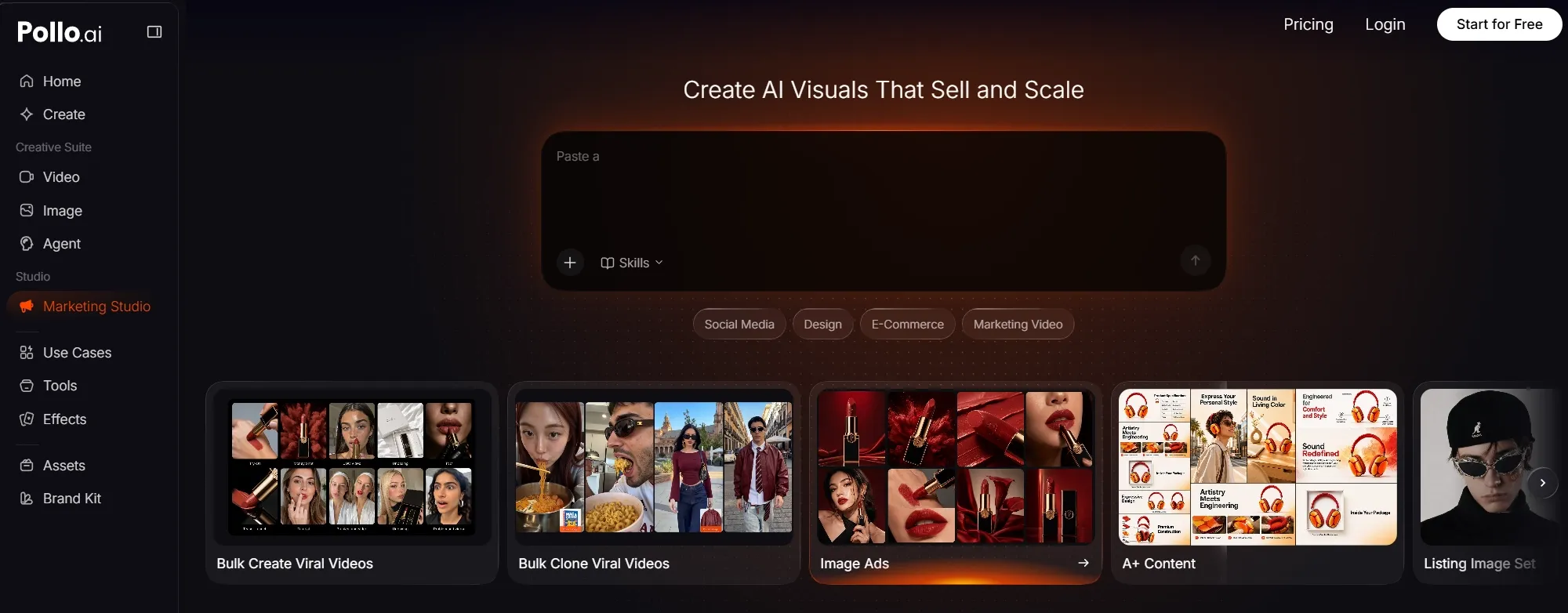
Once the main direction works, Marketing Studio helps me adapt the same creative into UGC ads, product showcases, unboxing videos, launch creatives, and other campaign variations. Wan 3.0 creates the core visuals, while Pollo AI turns them into ready-to-use marketing content for a complete campaign. Try Wan 3.0 on Pollo AI for free.
My Final Take
After testing Wan 3.0, I found its biggest strength was carrying a fuller idea across 30 seconds. My character shot stayed coherent, the sports test delivered convincing momentum, and the UGC clip kept gestures and audio connected. Focused prompts still helped when a scene involved several linked actions or secondary details.
I prefer using Wan 3.0 on Pollo AI because generation is only the starting point. I can clean up the core clip in AI video editor, and adapt the same creative into video ads, product demos, or launch assets through Marketing Studio.
For me, this connected workflow turns a strong Wan 3.0 result into content I can actually use. Try Wan 3.0 on Pollo AI for free.
FAQs about Wan 3.0:
What is Wan 3.0?
Wan 3.0 is a multimodal AI video model that generates videos from text, images, audio, or existing footage. Its main strengths include native 30-second generation, stronger coherence, realistic physics, faster output, and flexible sequence control.
What is the biggest Wan 3.0 upgrade?
The biggest upgrade is native 30-second generation. It provides enough time for a setup, camera movement, subject action, and clear ending without stitching several short clips together.
Can Wan 3.0 keep characters consistent in longer videos?
Wan 3.0 keeps key character and object details more stable across longer movement. Clear references and consistent descriptions can further reduce identity drift.
What types of input does Wan 3.0 support?
Wan 3.0 supports text, image, audio, and video inputs. These inputs can guide subject appearance, visual style, camera rhythm, movement, audio timing, and scene continuation.
What is Wan 3.0 best used for?
I would use Wan 3.0 for character stories, product videos, fashion and beverage campaigns, sports concepts, talking videos, and video continuation. It works best when I need longer timing, stable subjects, or multimodal direction.
Why should I use Wan 3.0 on Pollo AI?
On Pollo AI, Wan 3.0 becomes more than a standalone video generator. Its 30-second output can move straight into editing and campaign production, making it easier to create polished, publish-ready marketing content in one place.