VidMage video generator is an AI face swap and video creation platform for creators. Beyond face replacement, creators seeking model variety can leverage Pollo AI as an all-in-one solution that combines advanced face-swapping capabilities with diverse AI models and unlimited creative possibilities. Switch to Pollo AI and step into further production.
One upload in. Your viral video out. Unlimited rewards await.
WIN iPHONE DUO
Capture a city in one minute. Join the challenge now.
Pollo MCP
End-to-end content creation. Up to 4 Videos/ 20 Images for FREE.
Get Unlimited GPT Image 2.5
Faster. Sharper. Smarter. Go Unlimited with Ultra.
Key Features of VidMage
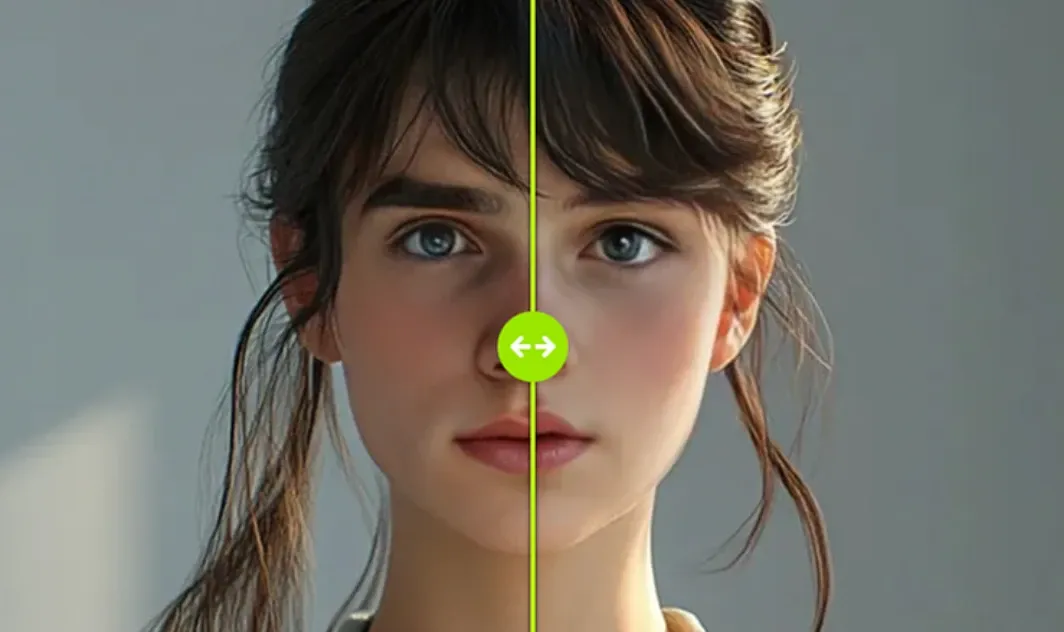
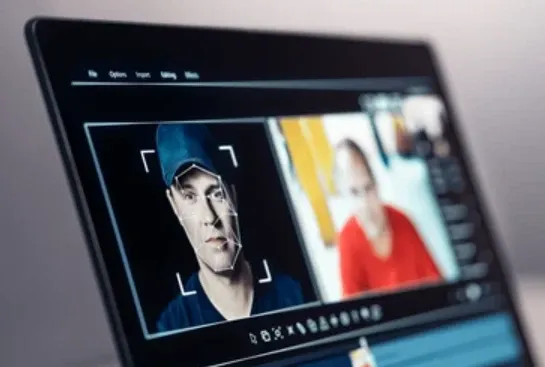
Cinematic Video Face Swap: Effortlessly upload and swap faces in any video with studio-quality results, ensuring smooth skin-tone blending and natural expressions.
Real-Time Live Streaming Overlay: Seamlessly overlay chosen faces live during Zoom, FaceTime, or OBS sessions for instant digital persona transformation.
Multi-Subject Video Processing: Support for swapping multiple faces within a single video, perfect for group scenes, cinematic clips, and dynamic storytelling.
High-Fidelity Lip-Sync Accuracy: Maintain perfect synchronization between audio and mouth movements, ensuring your face-swapped videos look and feel authentic.
Apple Silicon Optimized Performance: Leverage the power of local hardware for lightning-fast video rendering and real-time processing on Mac devices.
Privacy-First Offline Operation: Process all video data completely locally on your device, safeguarding sensitive content with a 100% offline workflow.
Selective Feature Editing: Fine-tune specific facial elements—such as eyes, nose, or mouth—to achieve the exact look required for your video project.
Automated Batch Video Swaps: Streamline your workflow with robust batch-processing capabilities, allowing you to apply face swaps across multiple video files simultaneously.
Cinematic Video Face Swap
Effortlessly upload and swap faces in any video with studio-quality results that rival professional post-production. VidMage AI ensures smooth skin-tone blending and preserves natural expressions, making the transition between the original and the new face virtually undetectable.
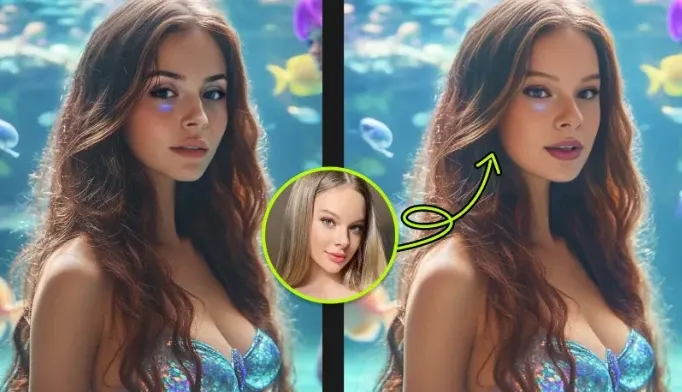
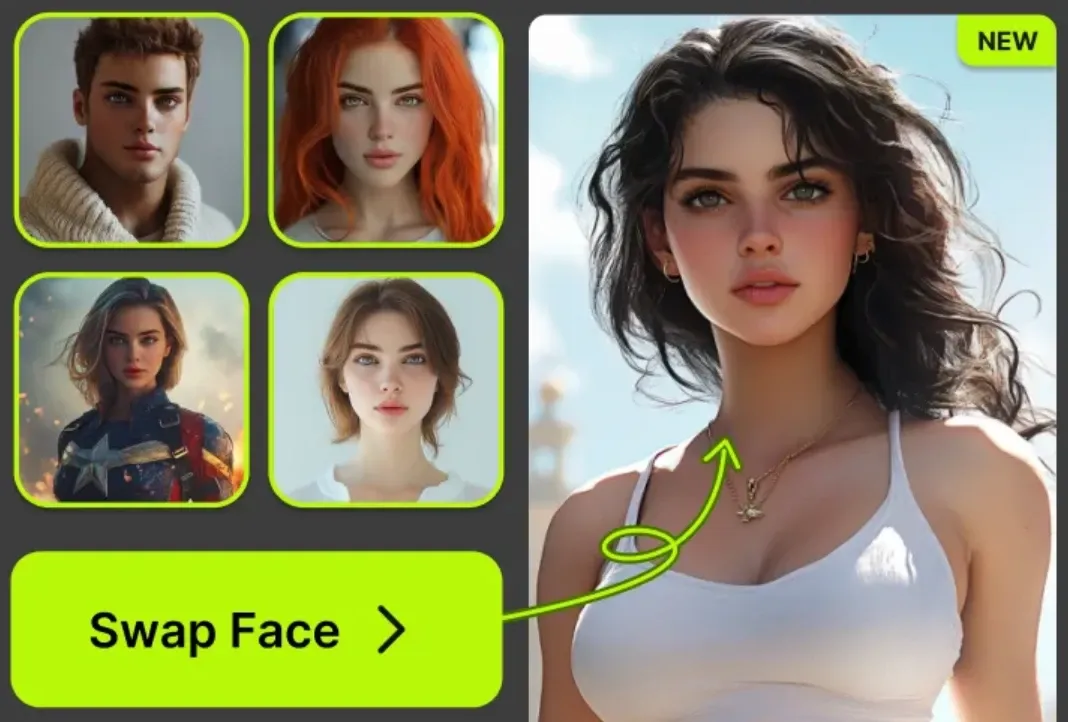
Compared to this, Pollo AI video face swap allows you to seamlessly replace faces in virtually any type of video - from anime and movies to GIFs and beyond. It ensures the results maintain the essence of the original clip, making the transitions almost not noticeable to human eyes.
Real-Time Live Streaming Overlay
Transform your digital persona instantly by seamlessly overlaying chosen faces during live Zoom, FaceTime, or OBS sessions. VidMage AI allows for dynamic identity shifts in real-time, perfect for interactive streaming and creative virtual meetings.
Multi-Subject Video Processing
Take control of complex scenes with support for swapping multiple faces within a single video file. One of VidMage AI’s features is ideal for group scenes and cinematic clips, enabling creators to tell dynamic stories involving various characters without multiple rendering passes.
High-Fidelity Lip-Sync Accuracy
Maintain perfect synchronization between audio tracks and mouth movements for an incredibly authentic viewing experience. By precisely mapping speech patterns to the swapped face, VidMage AI ensures that every word looks and feels as though it were spoken by the new persona.
Apple Silicon Optimized Performance
Leverage the full power of your Mac’s local hardware for lightning-fast video rendering and smooth real-time processing. Specifically tuned for M-series chips, this VidMage AI’s optimization ensures peak efficiency and reduced wait times during even the most demanding editing tasks.
Privacy-First Offline Operation
Safeguard your sensitive content with a 100% offline workflow that processes all video data completely on your local device. By eliminating the need to upload files to the cloud, VidMage AI enables you to maintain total ownership and security over your personal and professional media.
Selective Feature Editing
Fine-tune your results with precision by editing specific facial elements such as the eyes, nose, or mouth independently. This VidMage AI’s granular control allows you to achieve the exact aesthetic required for your project, ensuring the final look meets your creative vision.
Automated Batch Video Swaps
Streamline your production workflow using robust batch-processing capabilities that apply face swaps across multiple files simultaneously. This VidMage AI’s automation saves hours of manual labor, making it easy to manage large-scale video projects or consistent content series.
Use Cases of VidMage AI Video Generator
1. Social Media Face Swap Content
Create eye-catching face-swapped videos for TikTok, Instagram Reels, YouTube Shorts, and X. VidMage makes it easy to turn ordinary clips into entertaining, shareable content that grabs attention fast.
2. Live Streaming Persona Transformation
Use VidMage’s real-time live streaming overlay to transform your on-screen identity during Zoom, FaceTime, or OBS sessions. It is ideal for virtual events, interactive streams, and creative online presentations.
3. Group Scene Editing
Swap multiple faces in a single video to handle team content, family videos, or group scenes with ease. VidMage helps creators produce multi-subject edits without needing complex post-production workflows.
4. Lip-Synced Character Videos
Generate face-swapped videos with high-fidelity lip-sync accuracy for more authentic results. This is a strong fit for character performances, dubbing-style content, and narrative video projects.
Pros & Cons of Vidmage
Pros
Cons
Sleek, intuitive interface for both web & Mac platforms
Mac app is Apple-exclusive—no Windows/Linux desktop support yet
Real-time swapping and selective feature editing
Requires decent hardware—can be slower on older Macs
Full offline privacy for Mac users
Web interface demands uploads—calls for trust in their data handling
While VidMage operates within the narrow confines of facial coordinates, Pollo AI strives to understand the entire physical world. This "difficulty" is precisely why it is superior—it isn't just playing a game of digital stickers; it is performing true generative synthesis.
For those who find simple tools too restrictive, Pollo AI’s "complexity" is actually its greatest strength: it offers a creative ceiling that a single-model tool simply cannot reach.
What Pollo AI Delivers That VidMage Cannot
Step 1
Multi-Model Ecosystem
Unlike VidMage’s single-task algorithm, Pollo AI aggregates 70+ elite models like Kling 3.0 and Veo 3, offering an unlimited creative ceiling beyond simple face swapping.
I’ve been using Pollo AI mainly for short videos and quick image-to-video tests. The interface is straightforward and it works well even with simple prompts, which is a big plus compared to tools that need long, complicated instructions. The results can be really impressive, and it’s honestly been fun to experiment with. I’d love a bit more consistency on faces when there’s movement, but overall it’s been a solid experience for what I needed.
Awesome website. loads of options and a great way to learn how to work with 'AI' my reasoning for 5 stars is based upon price, versatility and ease of use. Also I would like to add, Pollo AI runs a lot of promos on different AI products as well. I rate their customer service at 5 stars, when I purchased my first subscription my computer crashed the following weekend and I lost all my data and info passwords you name it I lost it, contacted pollo by email they responded quickly and found my info/username and account, and I was able to restore my account.
I have been using Pollo AI for short videos. It is easy to use and works well with simple prompts. Other generators seem to need long drawn out complicated explanations to get even close to what I want.
i tried 220 online img to vid in 2 months, and this is the best online video.I will subscribe for a year; there are many reasons. But freedom is the most important.
VidMage is an AI-powered tool designed to support content and productivity workflows. It typically combines generation, rewriting, and helper features so users can produce clearer, more consistent outputs. It works best when you provide a solid starting point and use the tool to refine structure, wording, and tone.
What kinds of users and organization types does VidMage work with?
VidMage works with various users and organization types, including mid-size businesses, small businesses, enterprises, freelancers, nonprofits, and startups.
How does VidMage work on my Mac?
VidMage uses powerful AI to swap faces locally on your Mac. Simply upload a photo or video, choose the face you want to swap in, and the AI will handle the rest. It's easy, fast, and works directly on your Mac with no internet required for processing.
What video formats are supported for face swapping?
VidMage online tool supports MP4, MOV, and M4V video formats for face swapping. You can swap faces in videos up to 100MB and 15 seconds long for free users, or 1024MB and 300 seconds for premium users, making it perfect for quick edits.
Is face swap safe?
VidMage emphasizes safety by processing data locally on Mac devices. This means photos and videos remain on the user's hardware rather than being sent to the cloud, providing a higher level of control over personal media
Go Beyond VidMage and Unleash Creativity with Pollo AI








 Liz Cassidy


