



Turn Still Images Into Dynamic Videos With Pollo AI Camera Movement
Upload any photos and animate them using our camera movement effects tool that gives the subjects a new level of depth and dynamism. Transform images into engaging videos with smooth, dynamic camera movements in just a few simple clicks.
Smooth and Dynamic Camera Movements
Using advanced AI algorithms, our tool can implement dynamic camera movement effects to create realistic visuals that flow naturally and seamlessly, adding depth and realism to your photos and making them more exciting to watch.
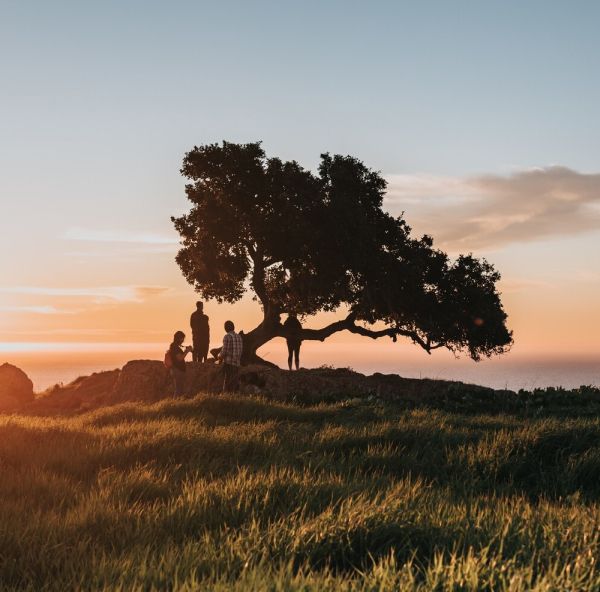
Control Camera Movement To Create Visually Compelling Stories
Produce customized videos that can engage viewers by using unique camera movement effects. You can use detailed text prompts to create immersive viewing experiences focused on any person or character using detailed prompts.
How To Use Pollo AI Camera Movement Effect Generator
With only three steps, you can easily create videos from images with Pollo AI.
Step 1
Upload the images and customize your desired video using the text prompt box.
Step 2
Click Create and wait a few minutes for Pollo AI to produce your video.
Step 3
Preview the output before downloading or sharing the video online.
Other Popular Templates and Effects
FAQs
What is Pollo AI's camera movement effect generator?
AI camera movement effects generator allows you to animate static images by using advanced camera movement effects. These can make any character in the uploaded image come to life and allow you to simulate realistic motion-like footage.
Is Pollo AI's camera movement effect generator free to use?
Yes! Our tool offers a free trial period, allowing you to create custom videos with dynamic camera movements without needing to provide any credit card information. If you wish to continue generating more videos after the trial, a paid plan will be required.
Can I freely publish these AI camera movement videos online in Pollo AI?
Absolutely! Once your AI camera movement video is ready, you can preview and download it before sharing. Since the content features original camera movements and effects, it belongs to you, so you don't have to worry about any copyright issues.
How can Pollo AI's camera movement effects be used?
You can use these camera movement effects to bring images of characters to life, creating stunning marketing and promotional videos for online publication. The tool also helps enhance social media content by transforming static images into engaging videos with smooth camera movements, making them more appealing to your audience.
