



Create Immersive Intermission AI Video with Pollo AI
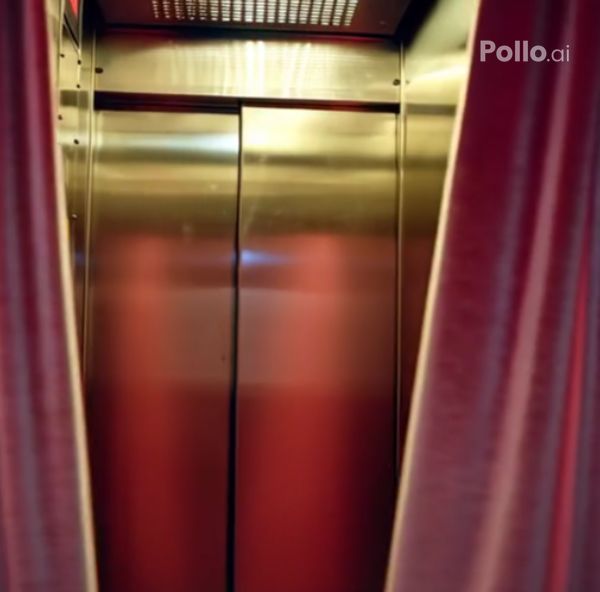
Add a touch of theatrical mystery to your images with the Pollo AI intermission effect, powered by our AI video generator. Upload your photo, and watch as elegant pink velvet curtains close from both sides to obscure your photo subject—then slowly reopen to reveal their enchanting disappearance in a captivating AI video.
Theatrical Intermission in Seconds
You upload any image to Pollo AI, and instantly create a spellbinding video where pink velvet curtains dramatically close and reopen, making your original subject vanish like magic—no editing expertise needed for instant showstopper results.
Crystal-Clear Mystery Magic
Elevate your intermission videos to flawless perfection by pairing them with our denoise video tool. You can remove grain, sharpen details, and eliminate noise post-generation, delivering a smooth, professional masterpiece ready to mesmerize any audience.
How to Use the Pollo AI Intermission Video Effect?
With only three steps, you can easily create videos from images with Pollo AI.
Step 1
Upload one image of your target subjects to Pollo AI.
Step 2
Let Pollo AI create your AI intermission video instantly.
Step 3
Preview and then download the AI video to your device.
Try Other Popular Video Effects From Pollo AI
FAQs
How does the curtain animation work in this intermission effect?
You’ll see luxurious pink velvet curtains elegantly close from both sides to hide your photo subjects, then slowly reopen to reveal their mysterious disappearance—creating pure theatrical magic in every video.
Is this intermission effect ideal for storytelling content?
Absolutely! You can use it to add suspenseful transitions in stories, ads, or social posts, making your narrative pop with the Pollo AI intermission effect’s enchanting vanish act.
What file formats does the output video support?
Your generated video comes in versatile MP4 format, so you can effortlessly share it on TikTok, Instagram, or YouTube—ready to captivate in seconds.
How can I denoise my intermission video for better quality?
Pair it with Pollo AI’s denoise video tool! You simply upload your original clip, and it erases grain and noise instantly, transforming your mysterious reveal into a crisp, ultra-smooth masterpiece.
