Step 1
Add the portrait, selfie, product image, or lifestyle picture you want to restyle.
AI Video
Transform text and images into cinematic videos with lifelike avatars and studio-quality SFX.

AI Image
Turn ideas and images into stunning visuals, or perfect any photo with a complete suite of AI tools.

Agent
Create production-ready videos with SFX, consistent characters, and polished scenes. No Editing.

Marketing Studio
Built for marketers and sellers to create winning ads, UGC videos and product visuals faster.

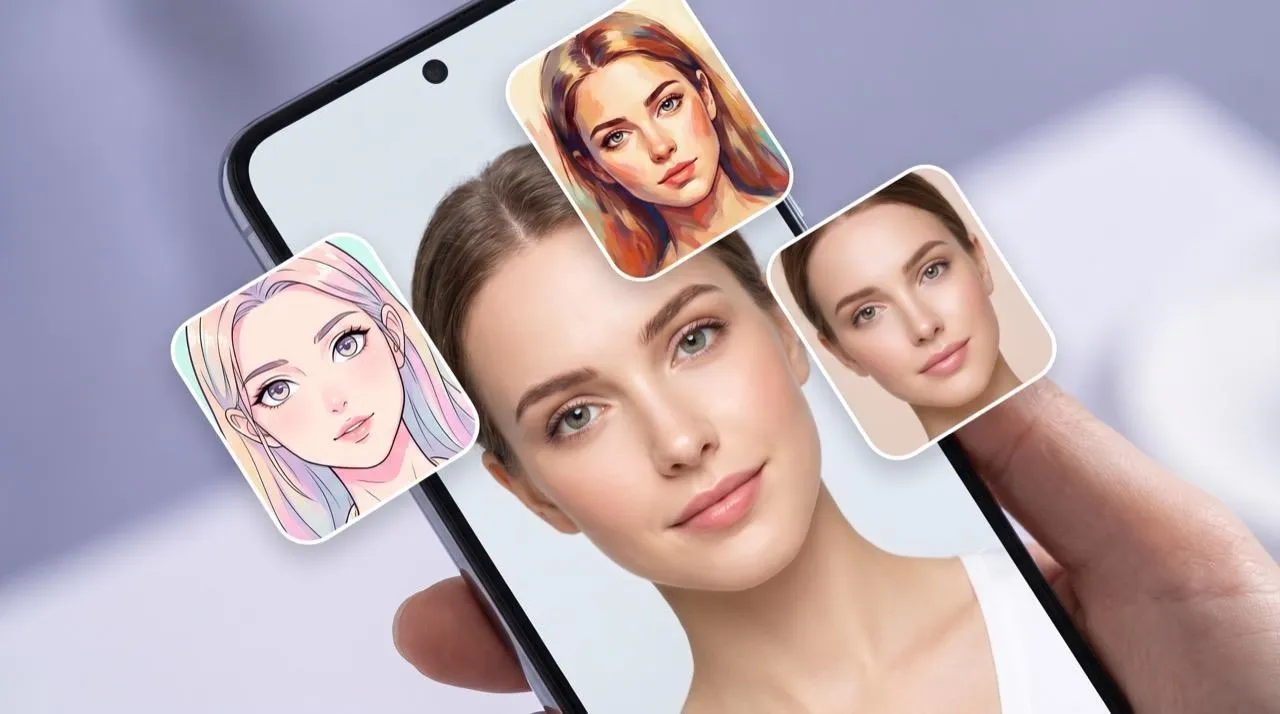
Upload a photo and apply AI filters for portraits, selfies, anime looks, art styles, cartoon edits, and realistic image effects.
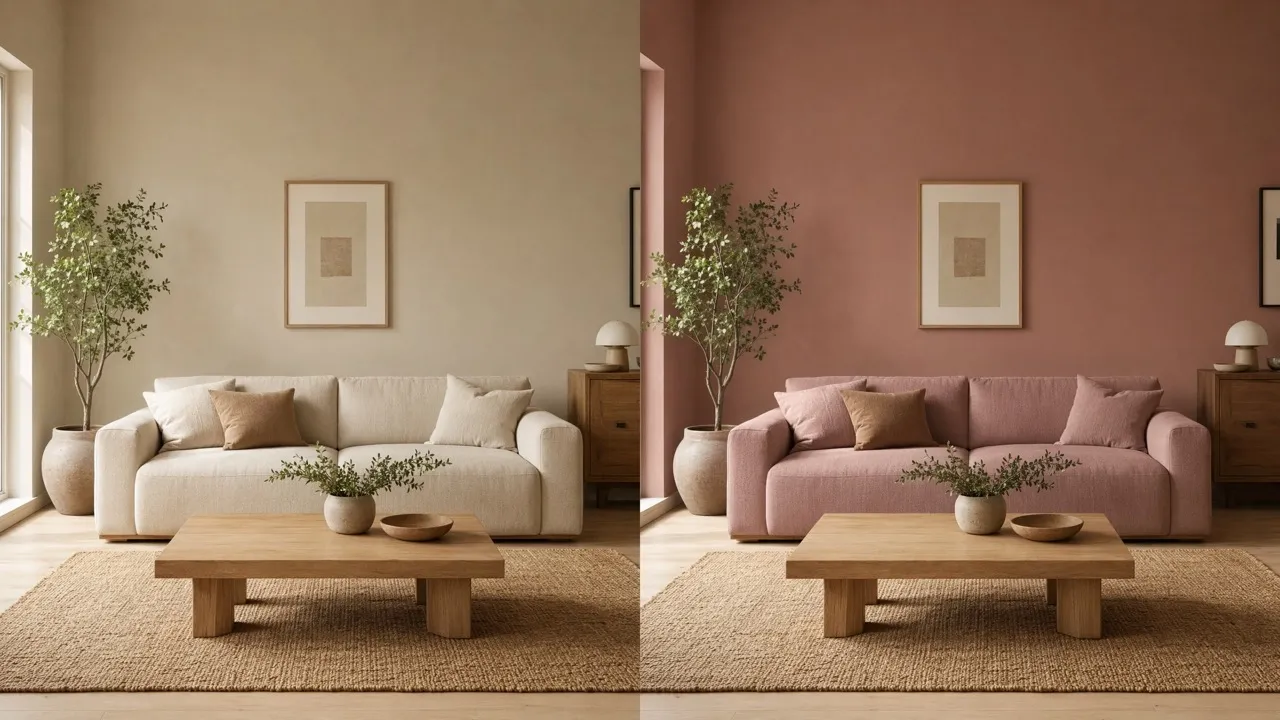
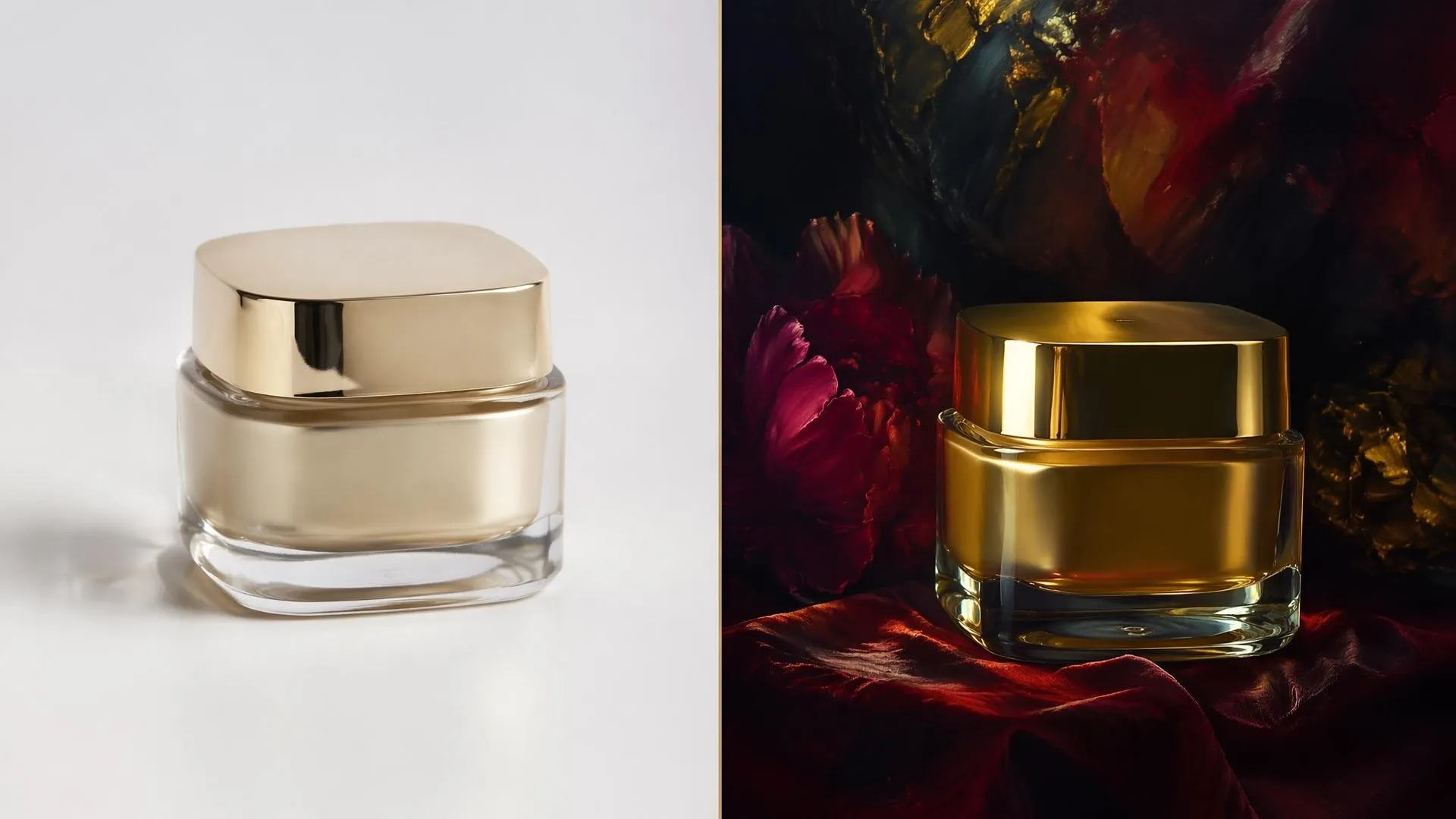
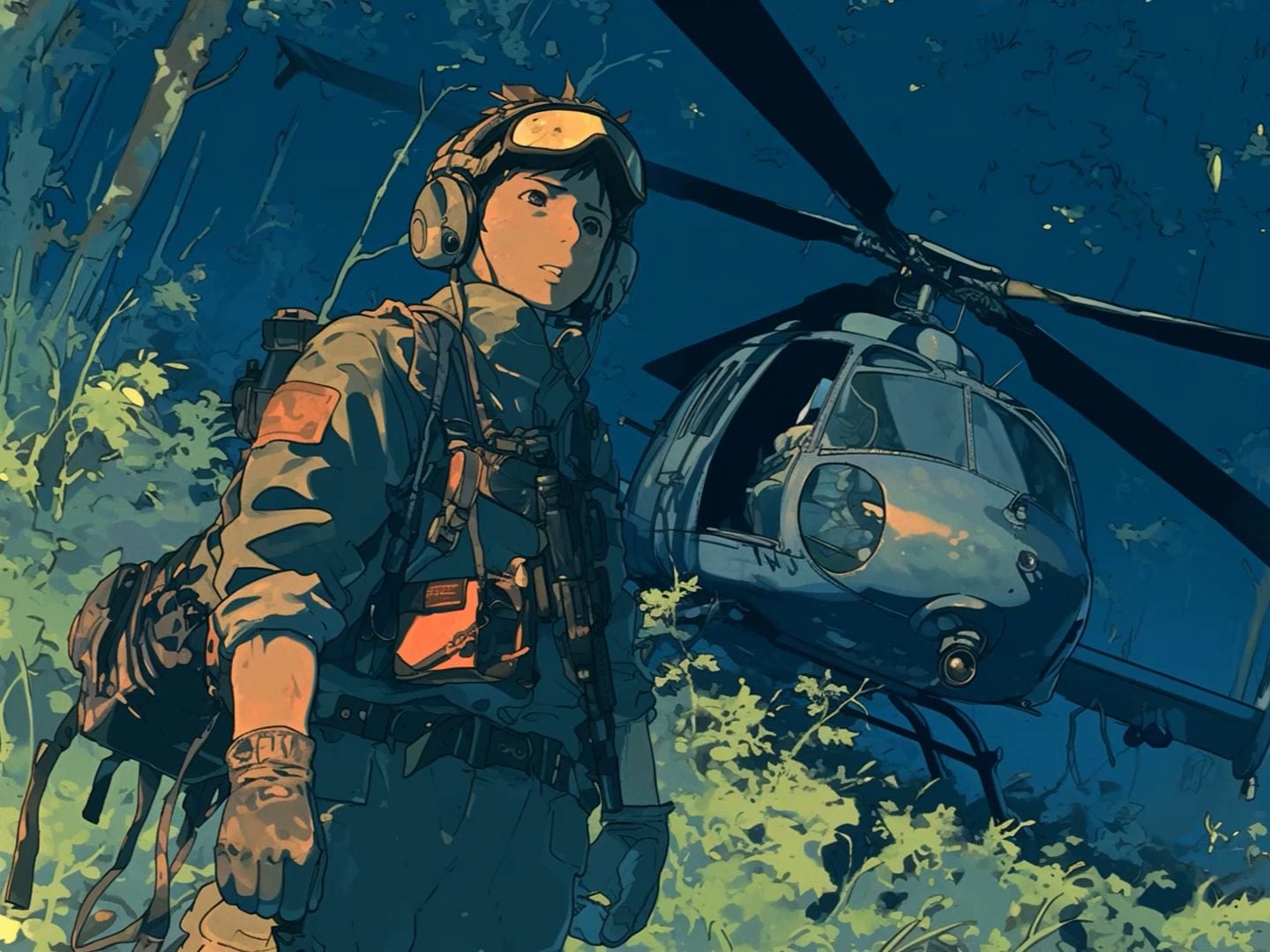
Turn portraits, selfies, product shots, and everyday images into anime, art, cartoon, beauty, or realistic looks without making the photo feel overprocessed. Our AI photo filter helps you test profile styles, campaign moods, and creative concepts faster while keeping the original image easy to recognize.
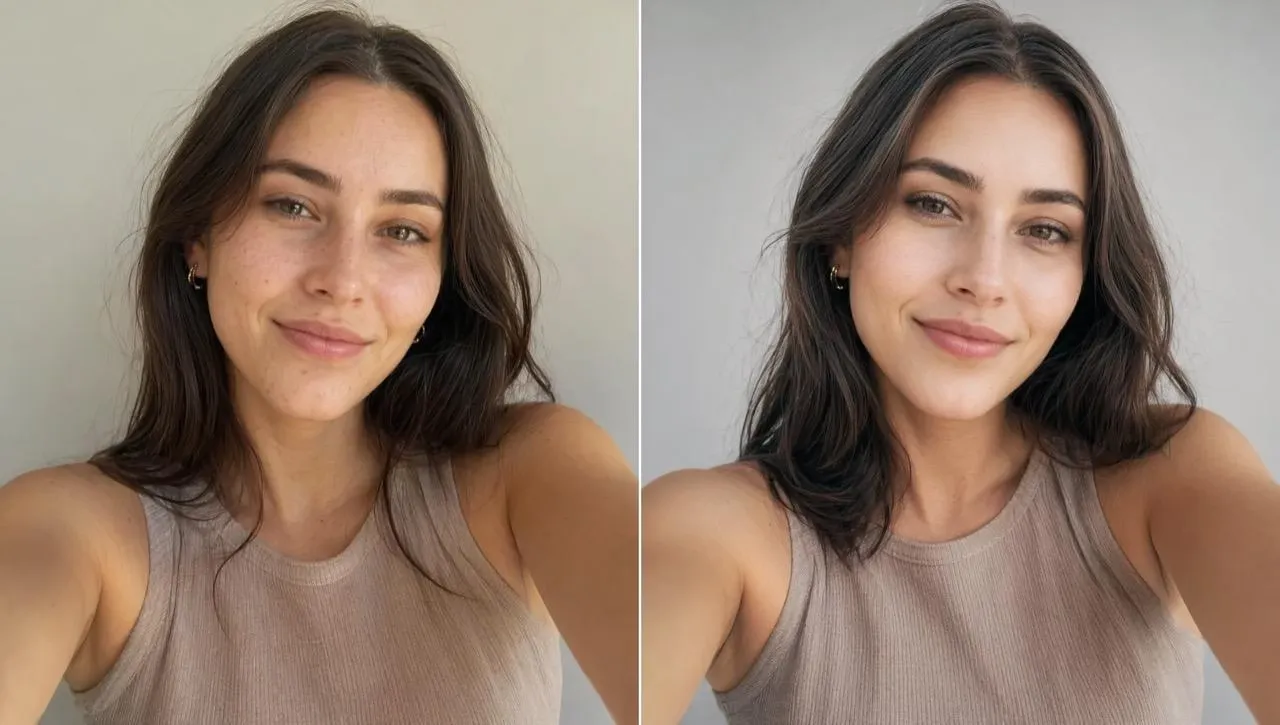
Upload one photo and test fresh looks without opening a full editor.
Change the mood while keeping identity, expression, and key portrait details clear.
Get profile, campaign, mood-board, or concept visuals that feel easier to choose.
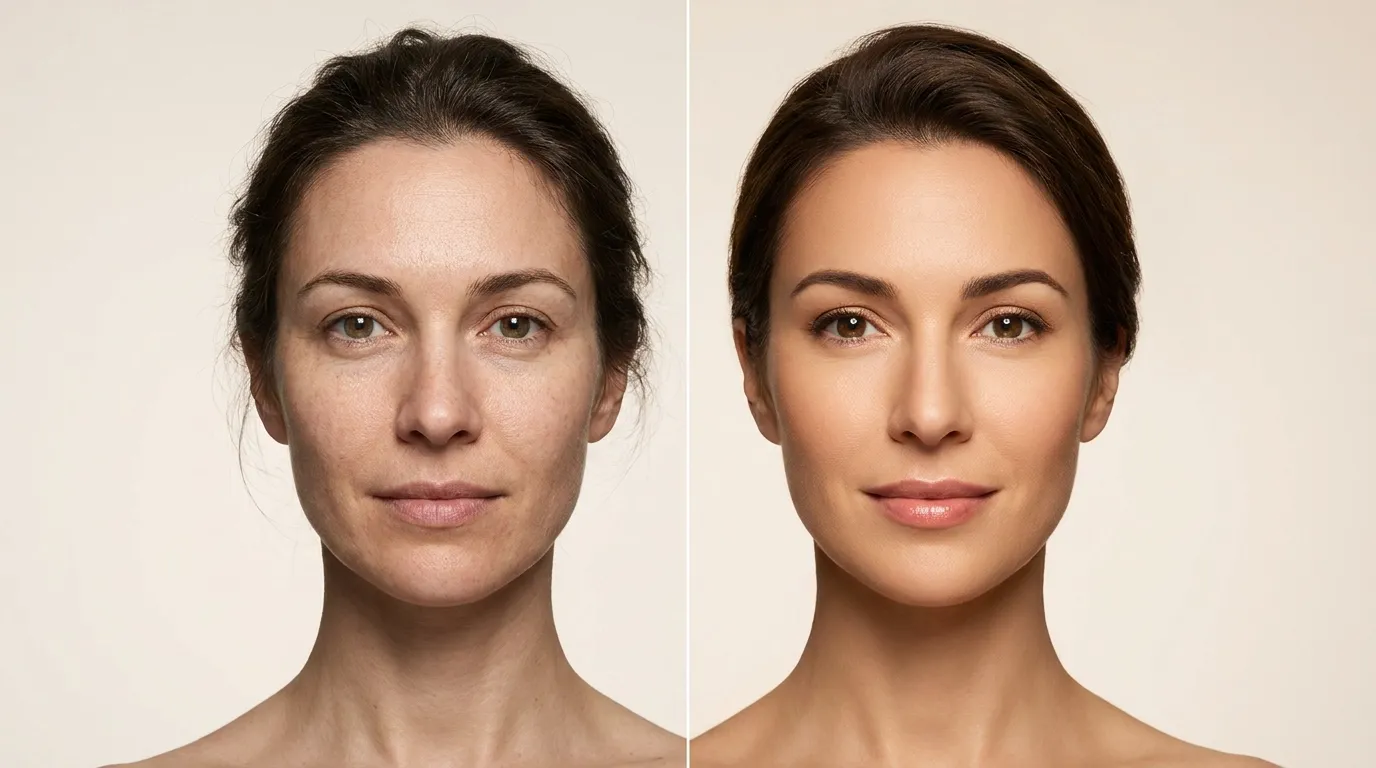
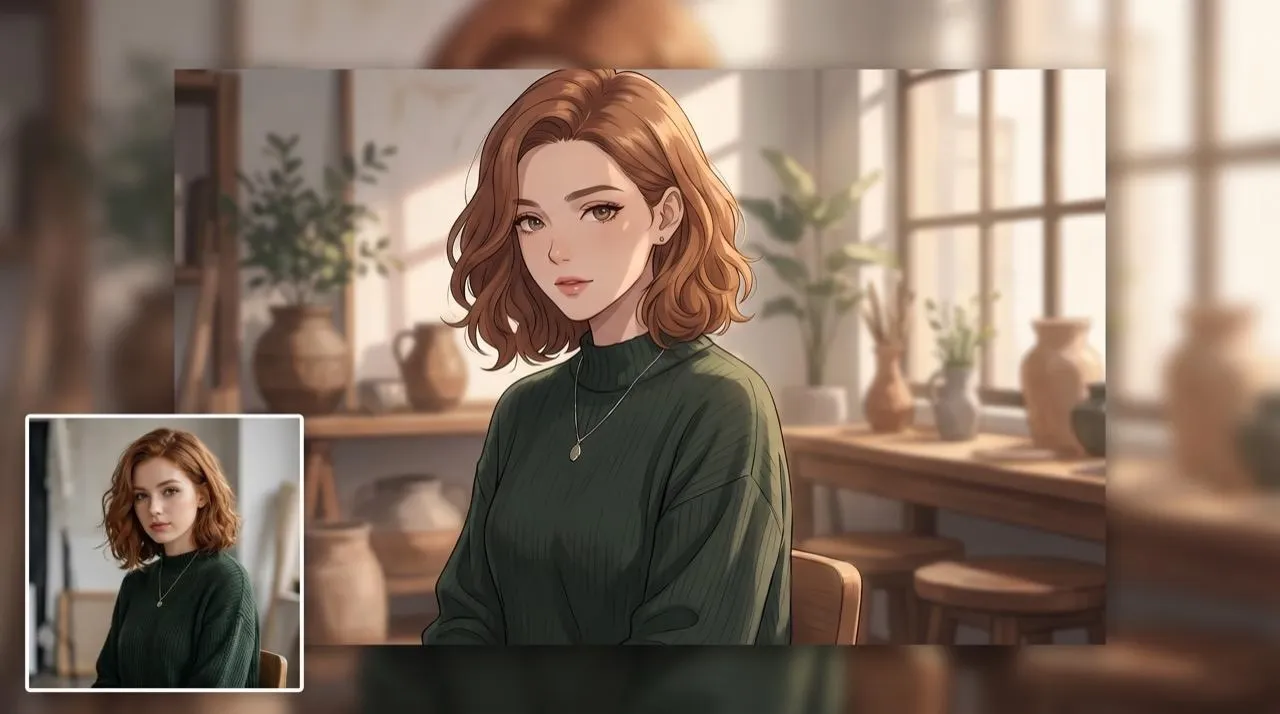
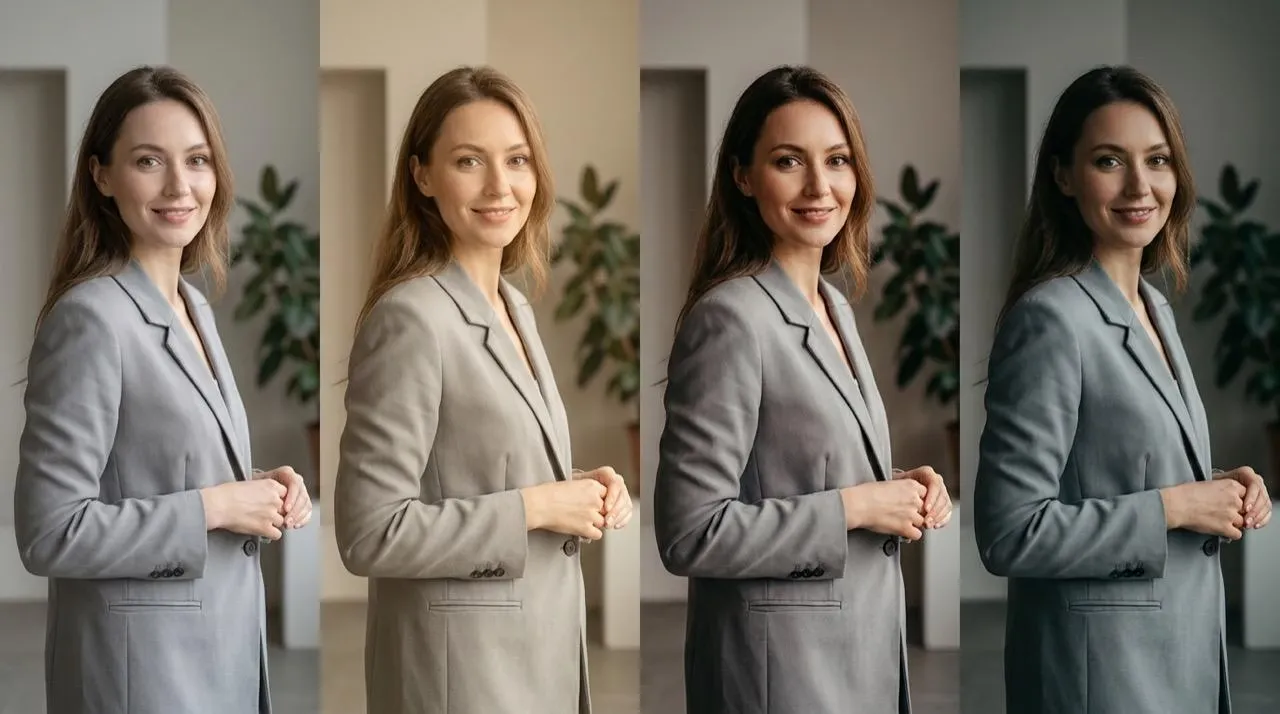
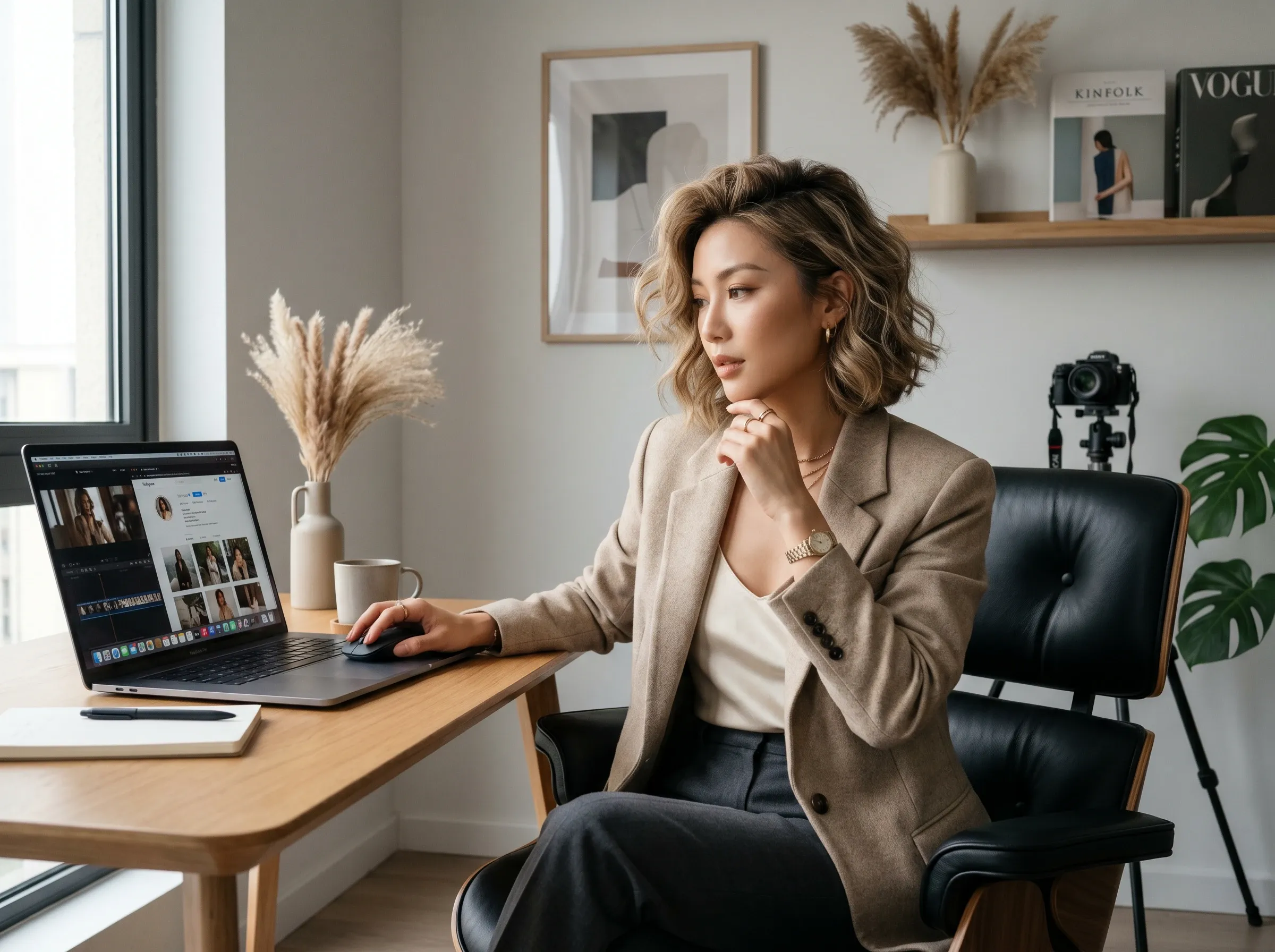
Test a new look before updating LinkedIn, Instagram, Discord, or dating profile images where one face photo needs a stronger style.
Compare anime, beauty, realistic, or art looks for a weekly content theme without editing every post by hand.
Try a consistent filter on product or lifestyle photos before choosing the visual direction for a launch week; broader cleanup can continue in an AI photo editor.
Create before-and-after references for clients when a concept needs color, genre, or portrait style options while keeping the original subject easy to compare.
Add the portrait, selfie, product image, or lifestyle picture you want to restyle.
Choose a look such as anime, beauty, cartoon, art, realistic, age, or retro style.
Apply the AI filter, review the result, and download the version that fits your post or project.
Go from a rough concept to a finished asset in minutes. Generate, edit, enhance, and adapt images with tools built for real creative workflows.
Generate studio-grade visuals from text prompts in seconds, from realistic scenes to clean graphics and in-image text.
Accelerate visual production with hundreds of apps. Instantly design platform-ready Instagram posts, book mockups, and 3D characters.
Recreate, restyle, and upscale photos while preserving the structure and details that matter.
Refine your AI artwork effortlessly. Remove watermarks, seamlessly expand borders, and fix minor details for flawless final compositions in seconds.
Evolve your static scenes into dynamic narratives. Add lifelike motion, camera pans, and fluid transitions to your images with flawless rendering.
Scale your visual output effortlessly. Automate complex design tasks and generate high-volume, consistent assets ready for immediate deployment.









Using Pollo AI to Create and Inspire
 Liz Cassidy
 Richard Quick
 armourdude
 Dudu
Dudu Ray Warnes
 lawless clan
 Istvan LajosSantiago Saenz
 Gen Zee
 萱兒
萱兒 Norma Ponce
 Sarah Stokes
 Sudipta Saha
 Luiz Guyz
 Swishadoptme Swishadoptme
An AI photo filter applies a chosen style to an uploaded photo and adjusts color, texture, face detail, or mood without requiring manual brush work or layered editing.
Pollo AI's AI photo filter is the best AI photo filter because it focuses on photo-ready style changes, recognizable portraits, and social-ready results instead of generic image editing.
Yes. You can try an AI filter for free and test different looks on portraits, selfies, or images before choosing the best result.
Upload your image, choose the filter style, generate the result, and download the edited photo for profiles, posts, or creative projects.
Yes. AI filters can make images look more realistic when the style improves natural color, texture, lighting, and facial detail without adding heavy effects.
Portraits usually work best with beauty, realistic, anime, age, smile, or hairstyle filters; for more stylized artwork, an AI art generator can support a separate original image idea.

Give one photo a clearer style direction without learning a full editor. Test profile looks, campaign moods, and creative effects in minutes.