Performance Marketers and Ad Teams
Believable UGC-Style Ads
Create believable UGC-style angles when stiff product videos could weaken your clicks, trust, and conversion intent.
AI Video
Transform text and images into cinematic videos with lifelike avatars and studio-quality SFX.

AI Image
Turn ideas and images into stunning visuals, or perfect any photo with a complete suite of AI tools.

Agent
Create production-ready videos with SFX, consistent characters, and polished scenes. No Editing.

Marketing Studio
Built for marketers and sellers to create winning ads, UGC videos and product visuals faster.

Create lifelike videos from prompts or images with natural motion, believable faces, real-world lighting, and coherent scene context.
Kling 4.0
Up to 10 keyframes. Unlimited for 10 days with Ultra.
Your audience can spot stiff motion, strange faces, and fake product scenes fast. Pollo AI's realistic AI video maker helps create lifelike product demo videos, UGC video ads , and product video ads with natural movement, believable context, and fewer AI-looking distractions.
Turn your still images or prompts into movement that follows believable body, camera, and object logic.
Create your presenter-style clips with an AI avatar and clean lip sync so speech feels less robotic.
Show products in believable rooms, hands, angles, lighting, and usage moments so your video feels closer to filmed content.
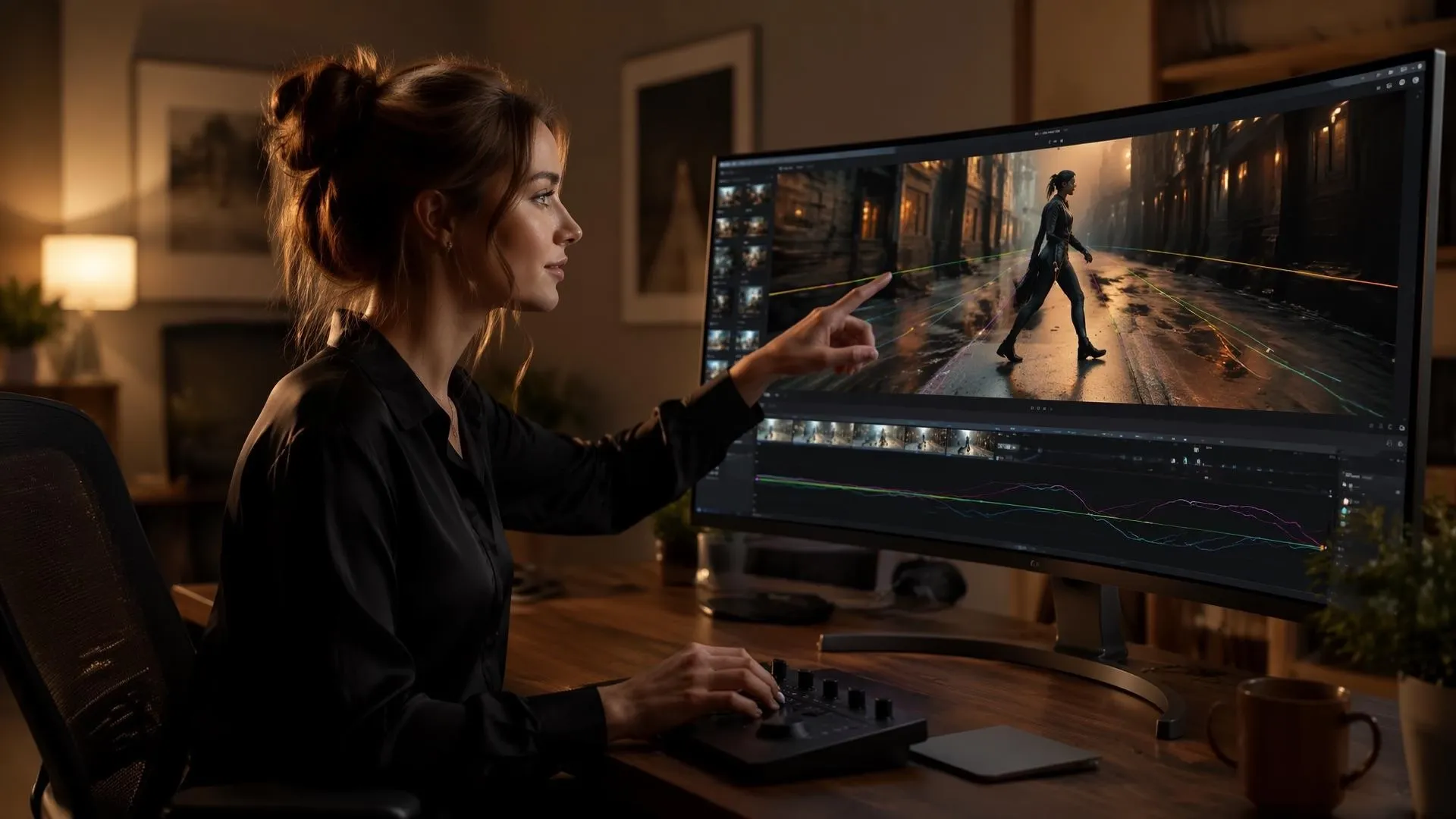
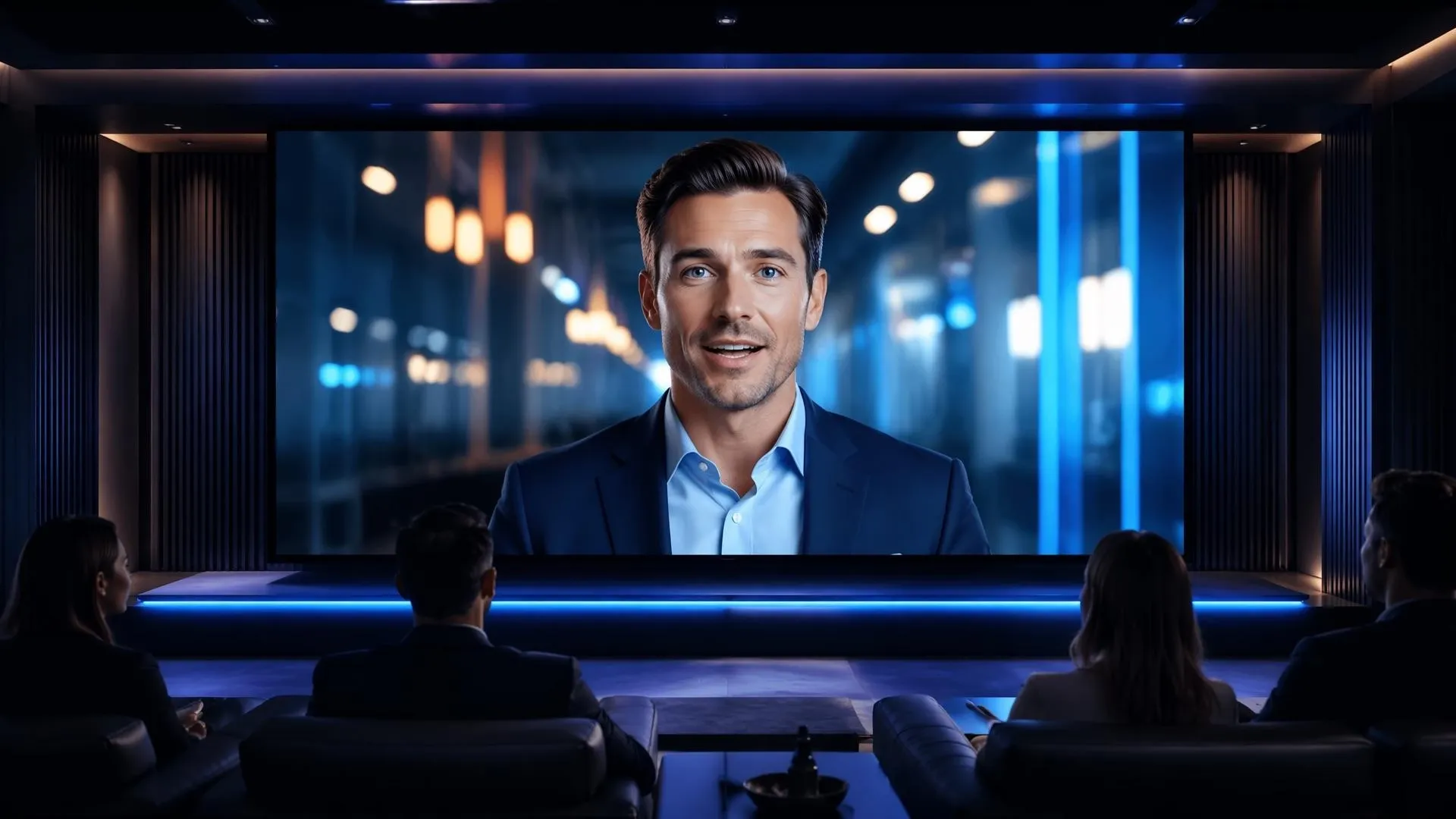

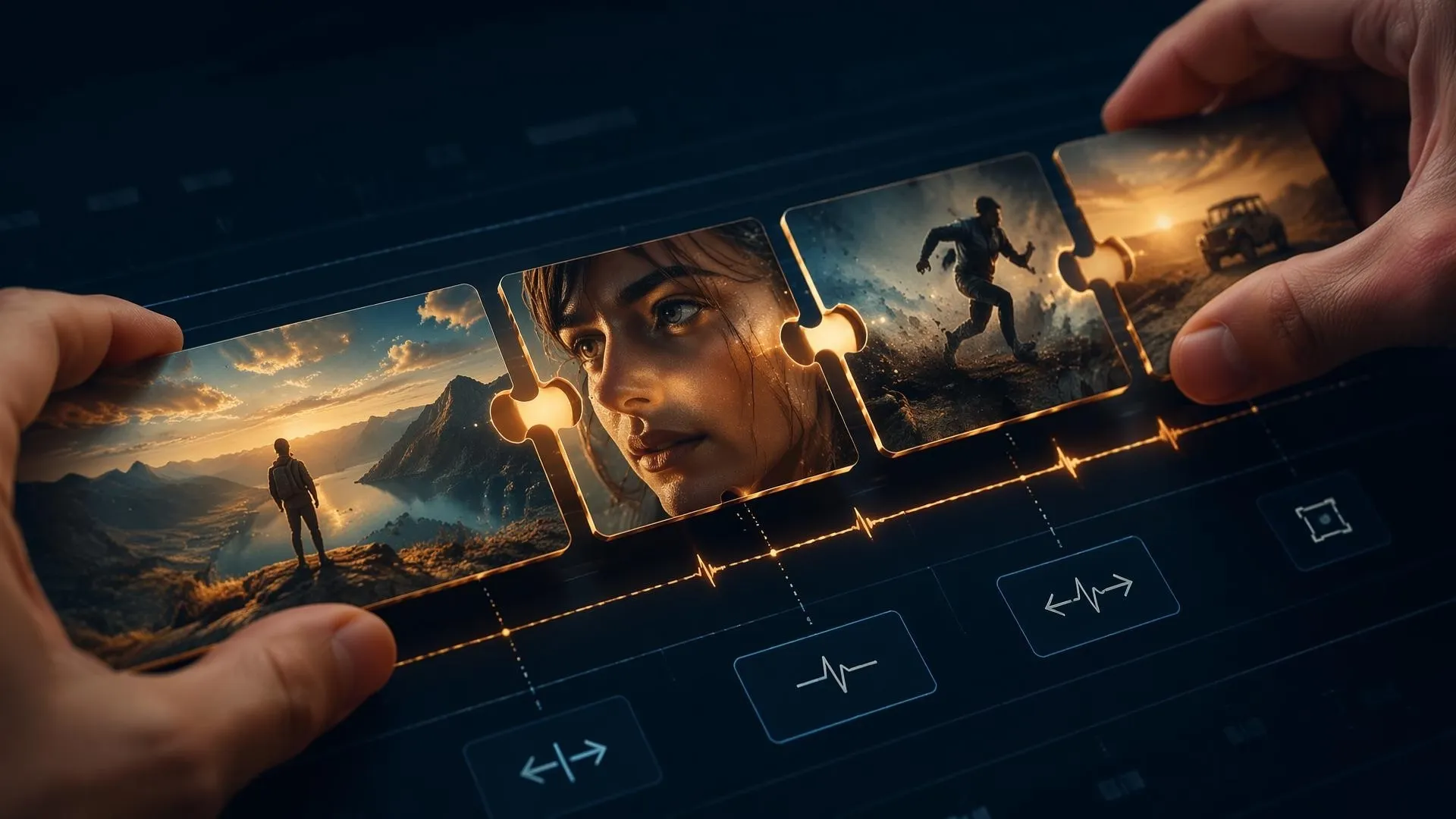
Create believable UGC-style angles when stiff product videos could weaken your clicks, trust, and conversion intent.

Use Commerce Studio to show product size, texture, handling, setup, and everyday use without paying for a fresh studio shoot.
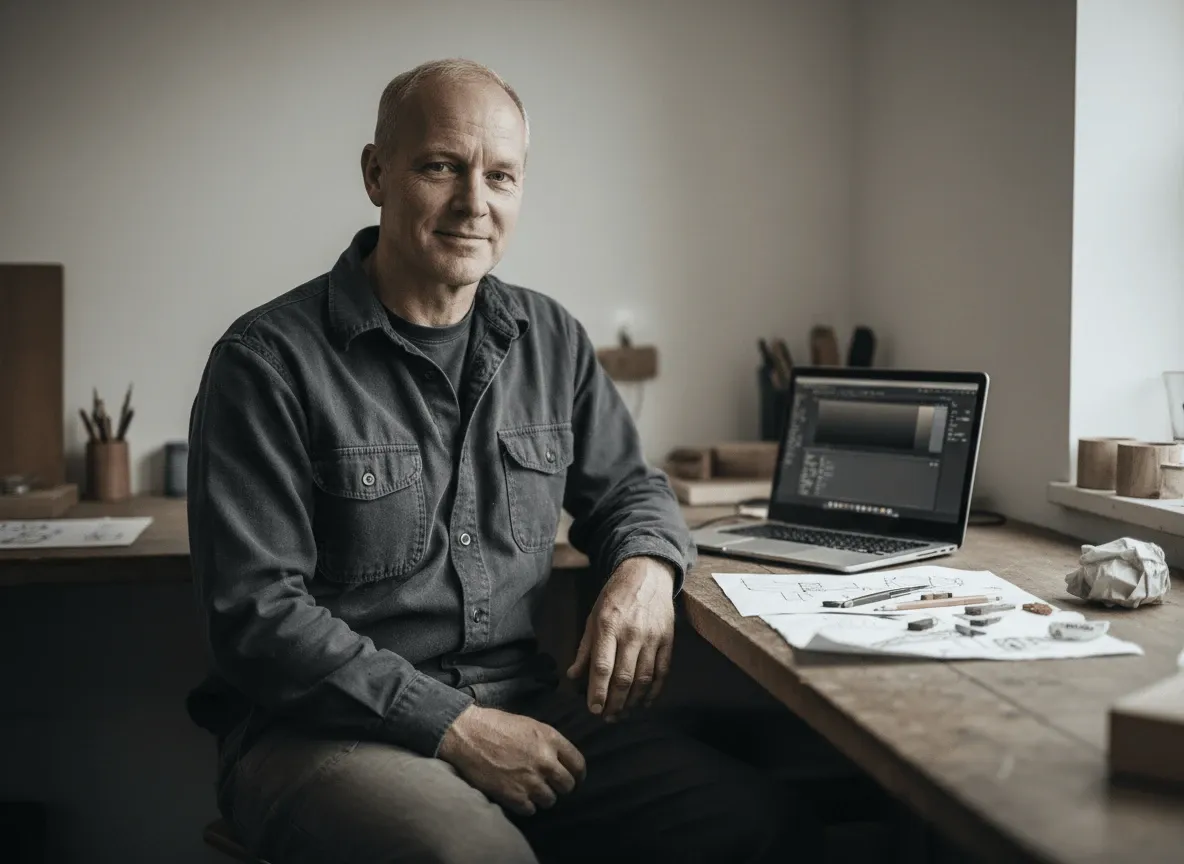
Create social media videos with human delivery, natural pacing, and believable scenes when your audience needs content that feels personal.
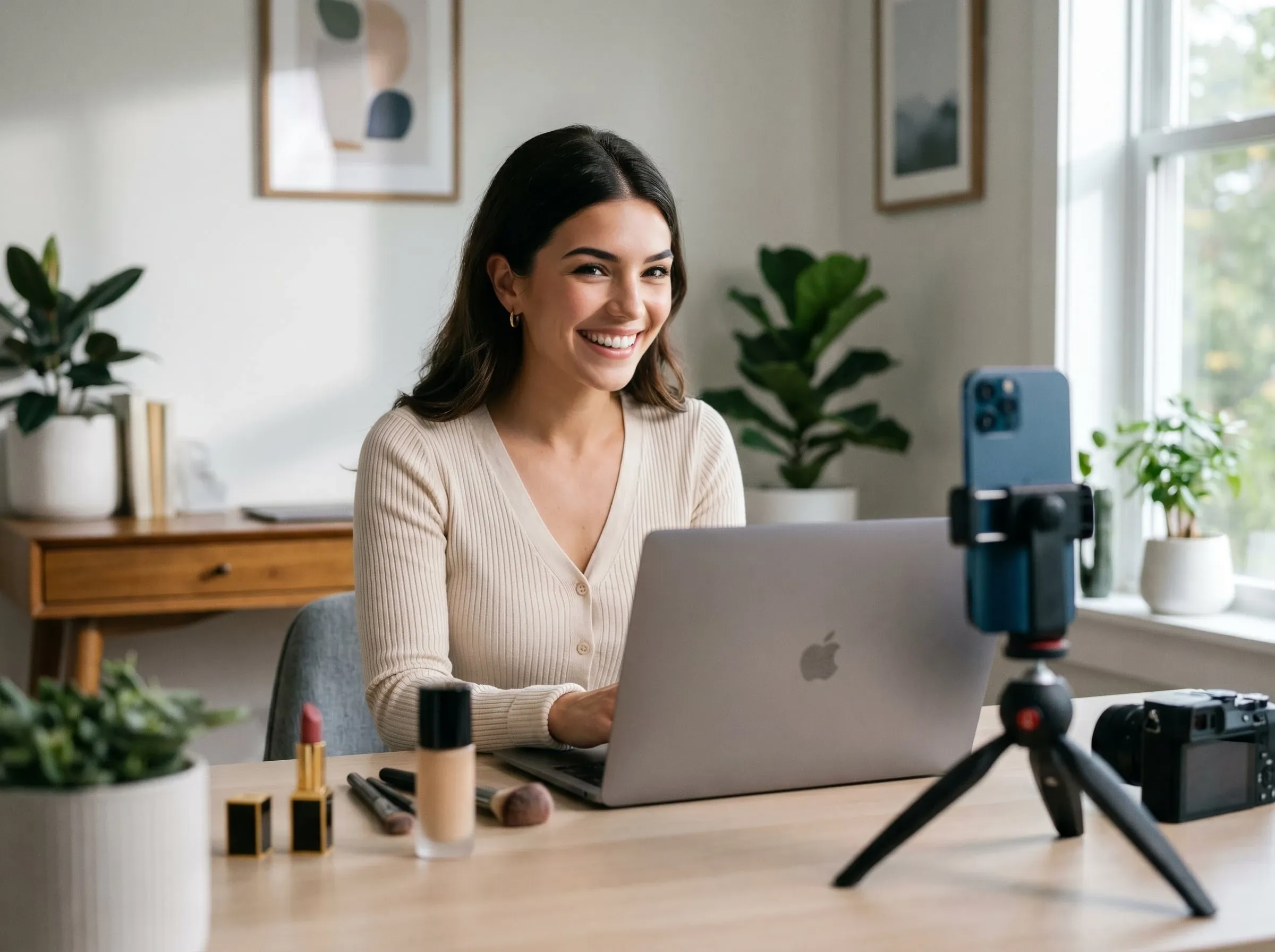
Turn your instructions and explainers into realistic demonstrations where gestures, object handling, and scene continuity make each step easier for your audience to understand.
Upload an image and describe the video you want in plain words.
Add a few notes about the look, action, or product moment you want.
Refine the result, then download your realistic video when it feels ready.
Go from a single concept to a finished video. Combine generation, avatars, sound, and editing into one seamless production process.
Bring your static images to life with cinematic motion. Add lifelike camera pans and fluid transitions to maximize viewer engagement and visual impact.
Turn simple text prompts into compelling visual narratives. Generate highly accurate, continuous motion sequences that seamlessly bring your scripts to life.
Build professional video assets without a camera. Generate incredibly realistic scenes and smooth footage to elevate your brand's visual storytelling.
Put your entire creative workflow on autopilot. Go from a text prompt to a production-ready video with zero editing, delivering studio-grade results fast.
Cast professional digital actors without a studio shoot. Sync your scripts to hyper-realistic avatars with flawless lip-sync and human gestures.
Access a comprehensive suite of video tools. Easily apply video filters, clean up messy audio, and reframe videos for any platform.









Using Pollo AI to Create and Inspire
A realistic AI video maker is a tool you can use to create lifelike videos with natural motion, believable faces, coherent scenes, realistic lighting, and usable visual flow.
Pollo AI's realistic AI video maker is the best realistic AI video maker because it focuses on the details that make AI clips feel filmed: natural motion, believable faces, synced speech, and real-world lighting.
Yes. You can try realistic AI video maker for free by testing prompts, images, subjects, scenes, and motion directions before choosing the final workflow.
You can make AI videos look more realistic by describing physical movement, lighting, camera angle, facial expression, voice tone, and scene context clearly.
Yes. Realistic AI videos can show products naturally in product demo videos when they include scale, hands, texture, lighting, and believable use moments.
Pollo AI differs from basic AI clip generators by combining scene direction, avatar delivery, explainer videos, voice, captions, and Creative Studio tools for more complete realistic output.

Create realistic AI videos from prompts, images, or product scenes that need to look filmed, not artificial.