Step 1
Enter the names, reply deadline, attendance options, and any meal or guest information you want shown.
AI Video
Transform text and images into cinematic videos with lifelike avatars and studio-quality SFX.

AI Image
Turn ideas and images into stunning visuals, or perfect any photo with a complete suite of AI tools.

Agent
Create production-ready videos with SFX, consistent characters, and polished scenes. No Editing.

Marketing Studio
Built for marketers and sellers to create winning ads, UGC videos and product visuals faster.

Turn event details into RSVP cards with clear reply options and a matching invitation style.
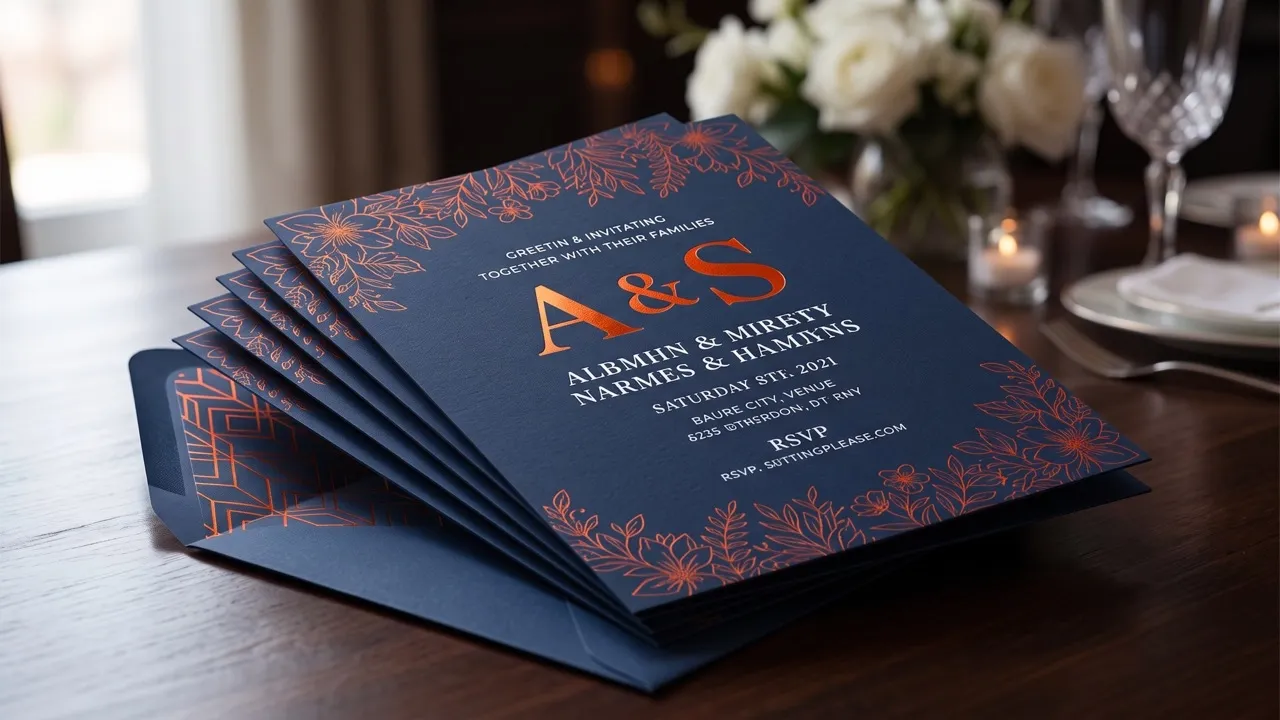
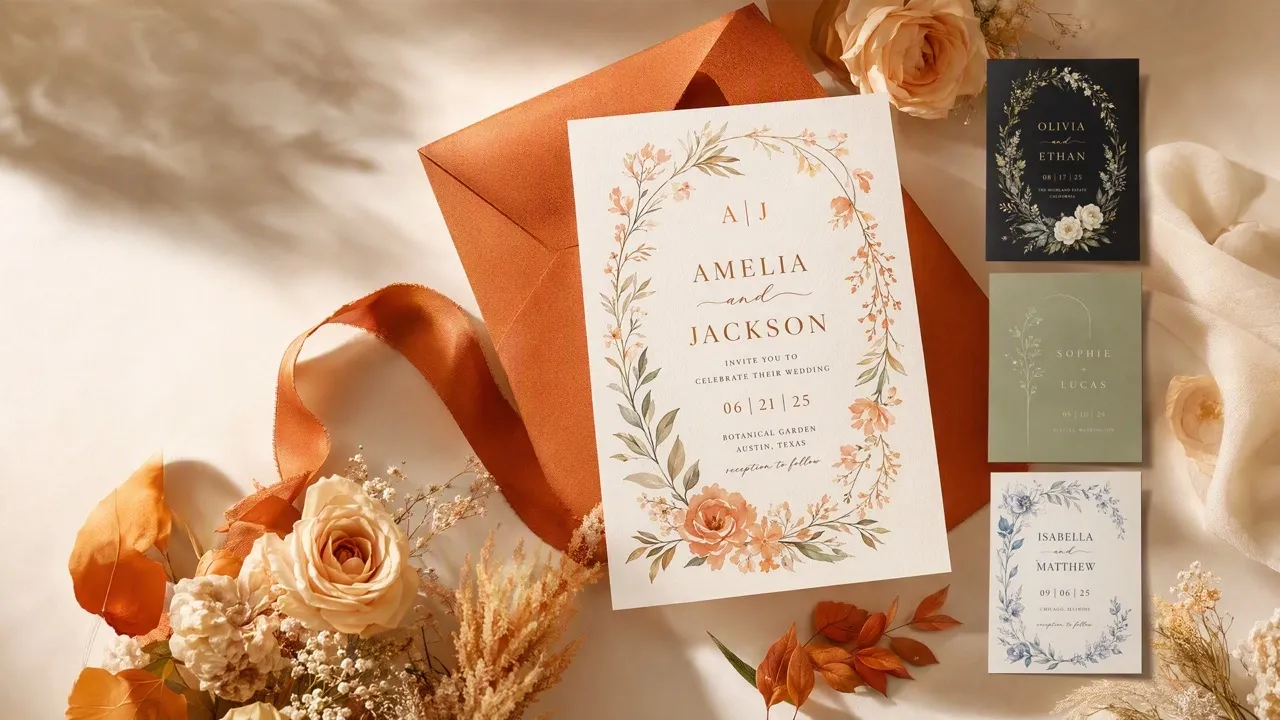
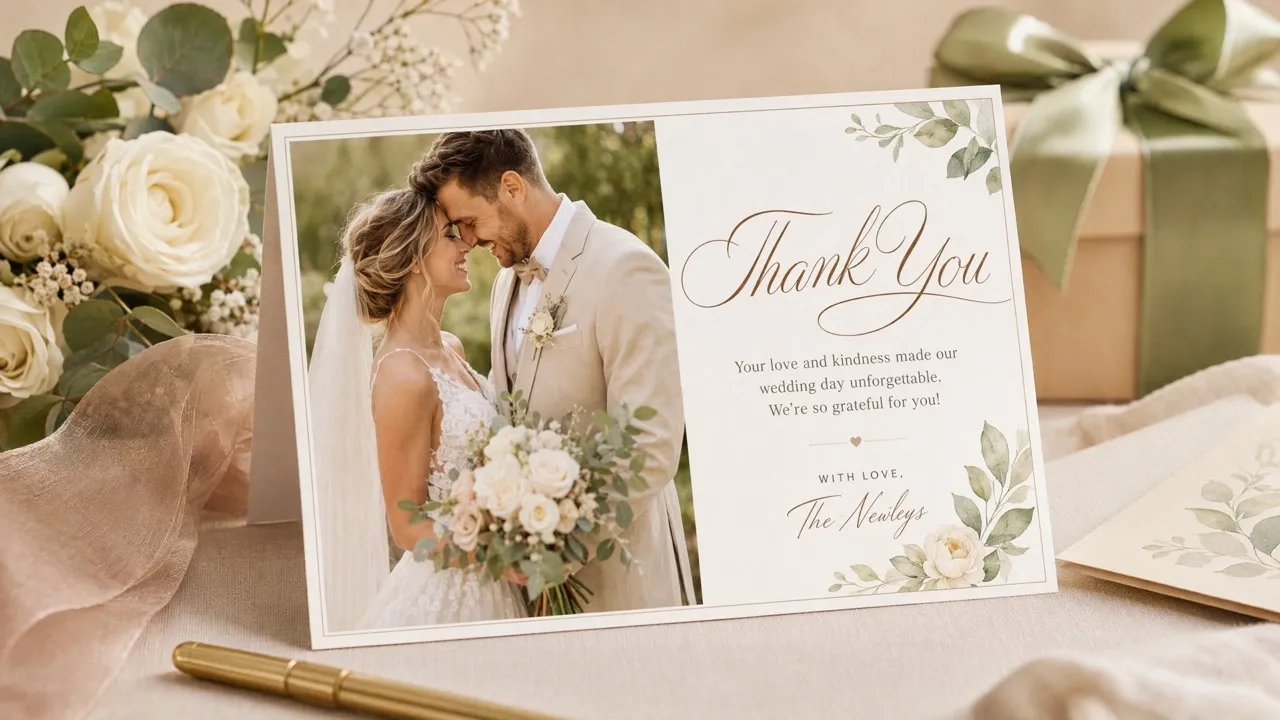
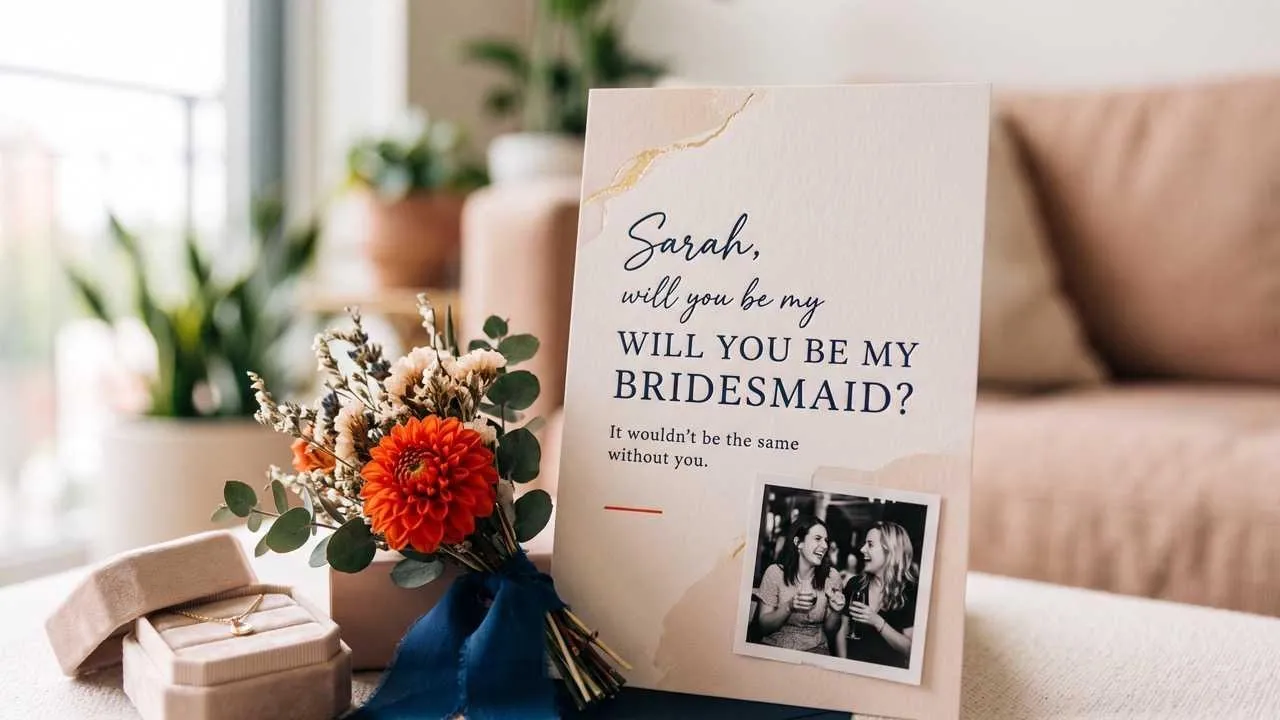
Make it easy for guests to respond without squeezing every detail into a tiny card. Our AI RSVP card maker organizes names, deadlines, attendance choices, and meal notes in a polished design that matches your invitation suite and works as a printed insert, email attachment, or message share.
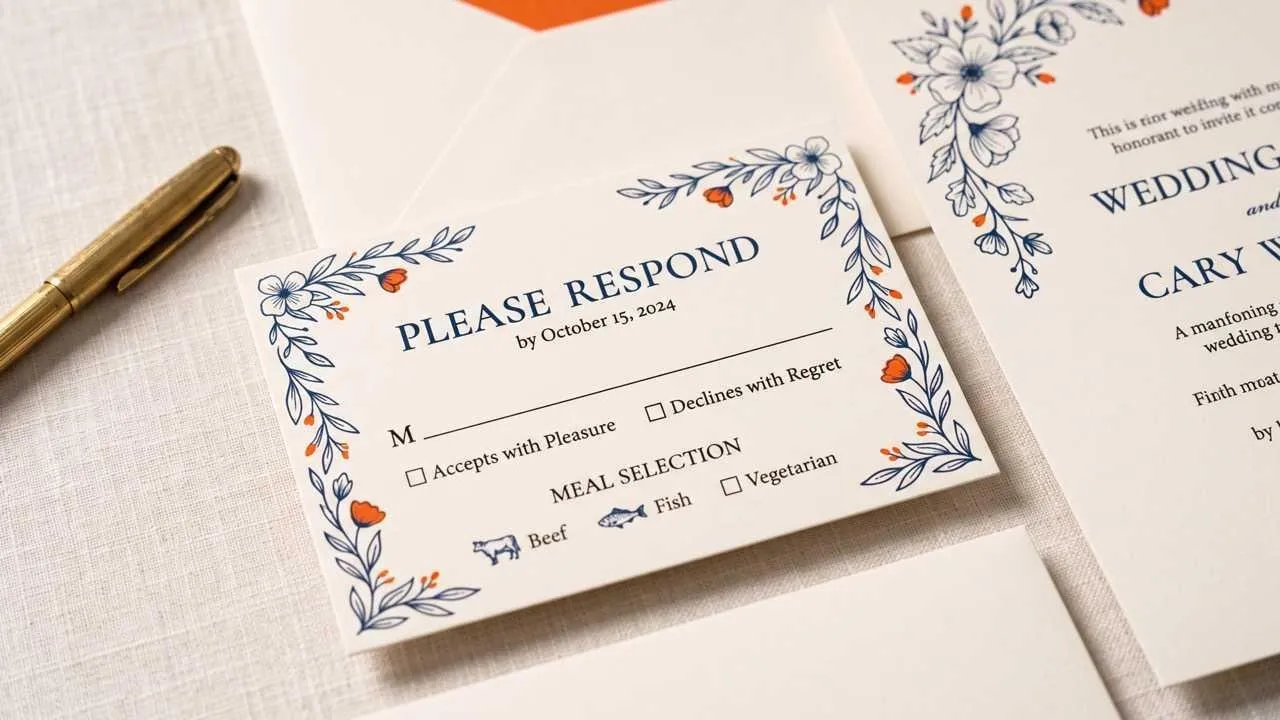
Go from guest details to a finished response card without arranging every field.
Put the reply deadline and attendance choice where guests see them first.
Match the invitation suite while adapting details for couples, families, or plus-ones.
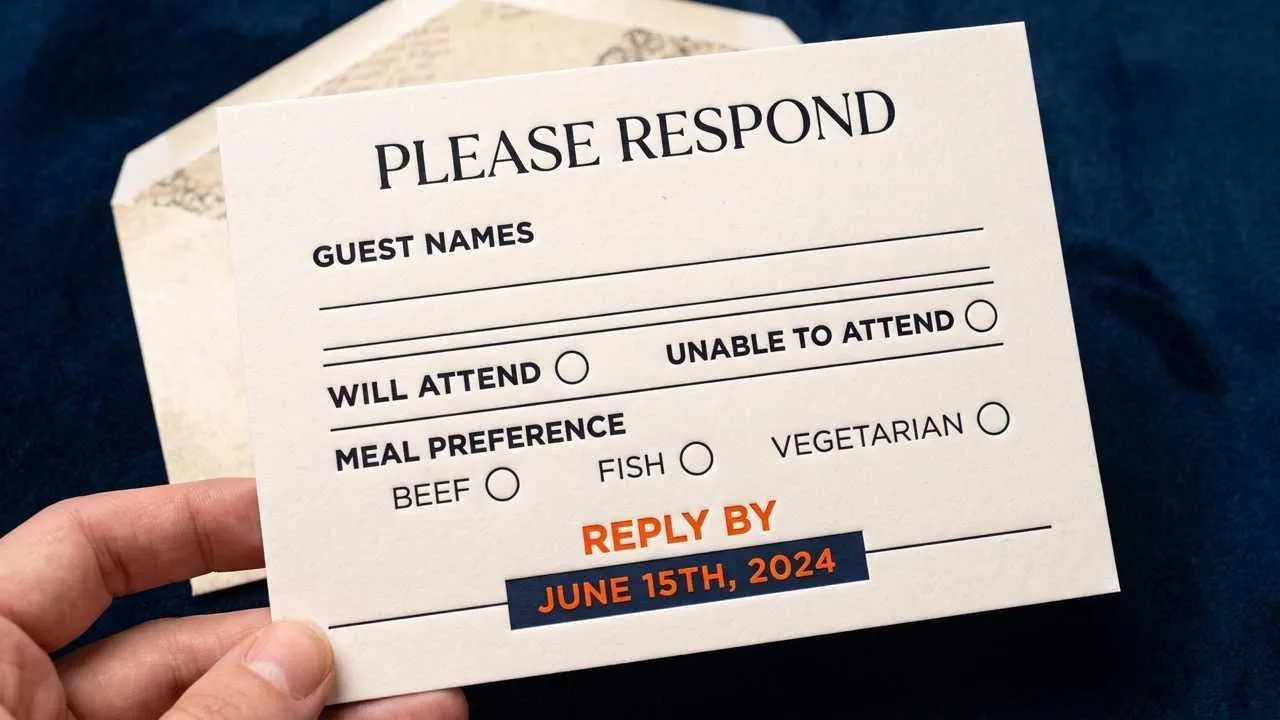
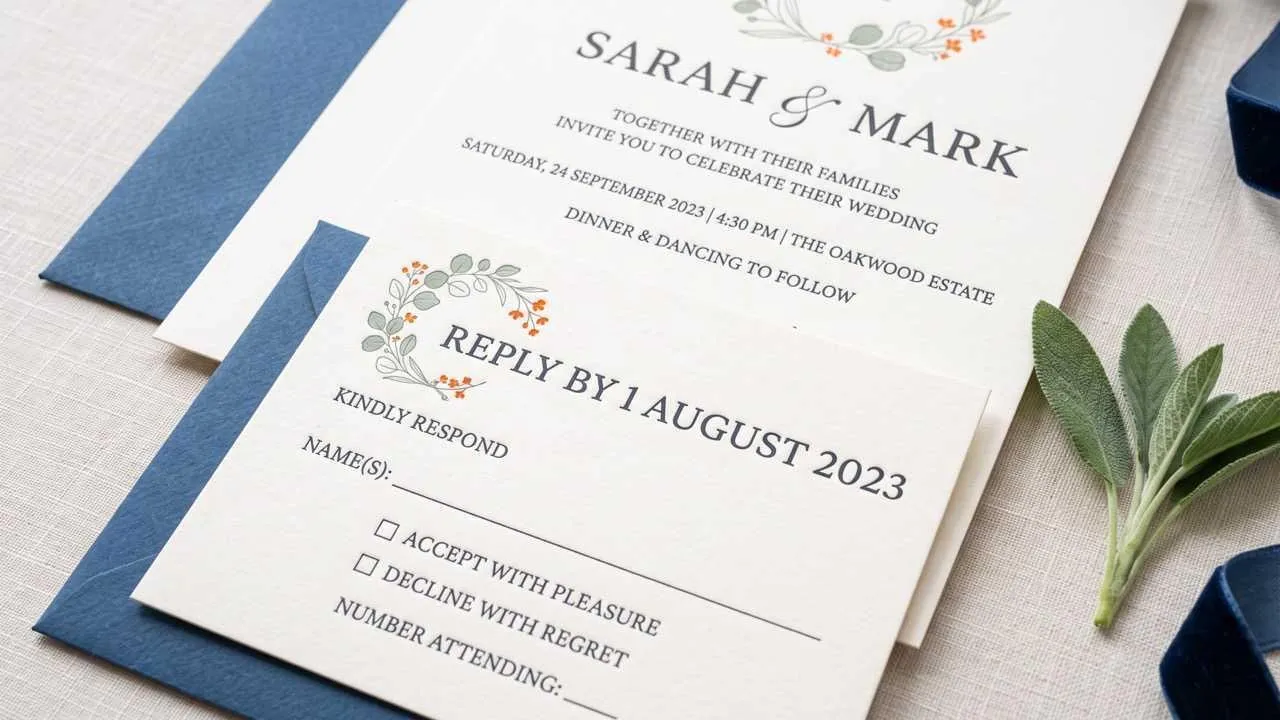
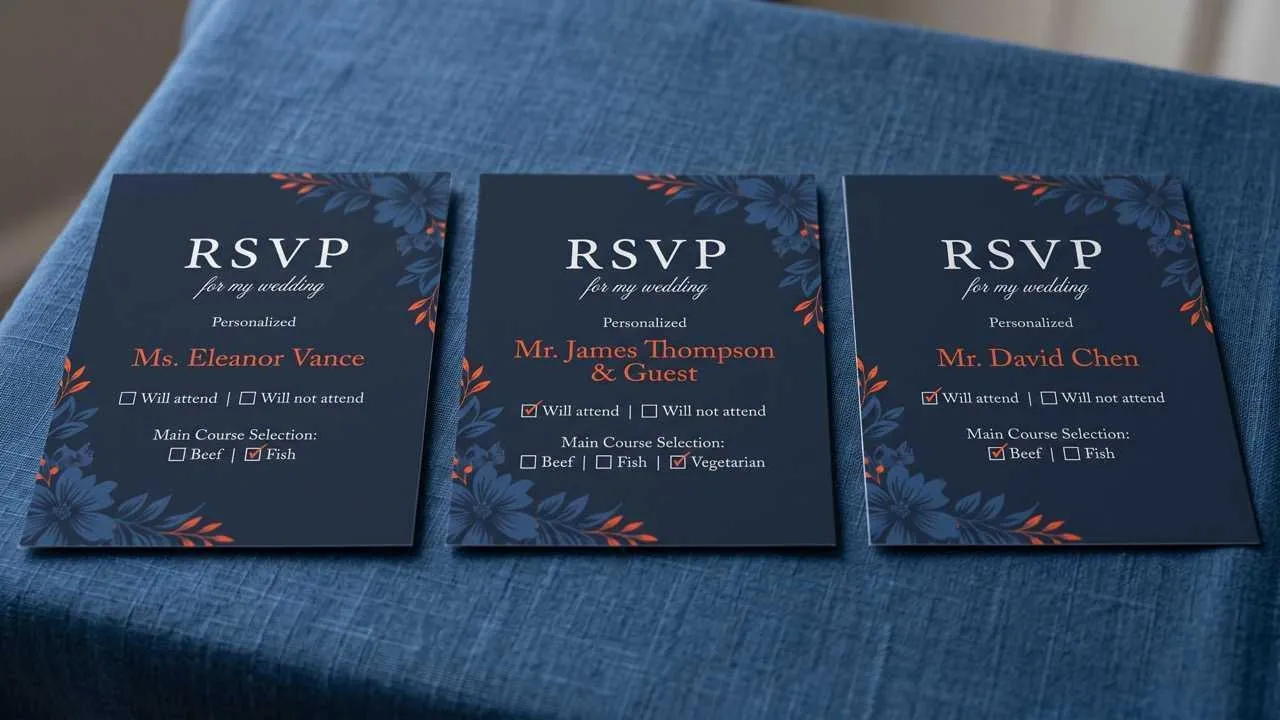
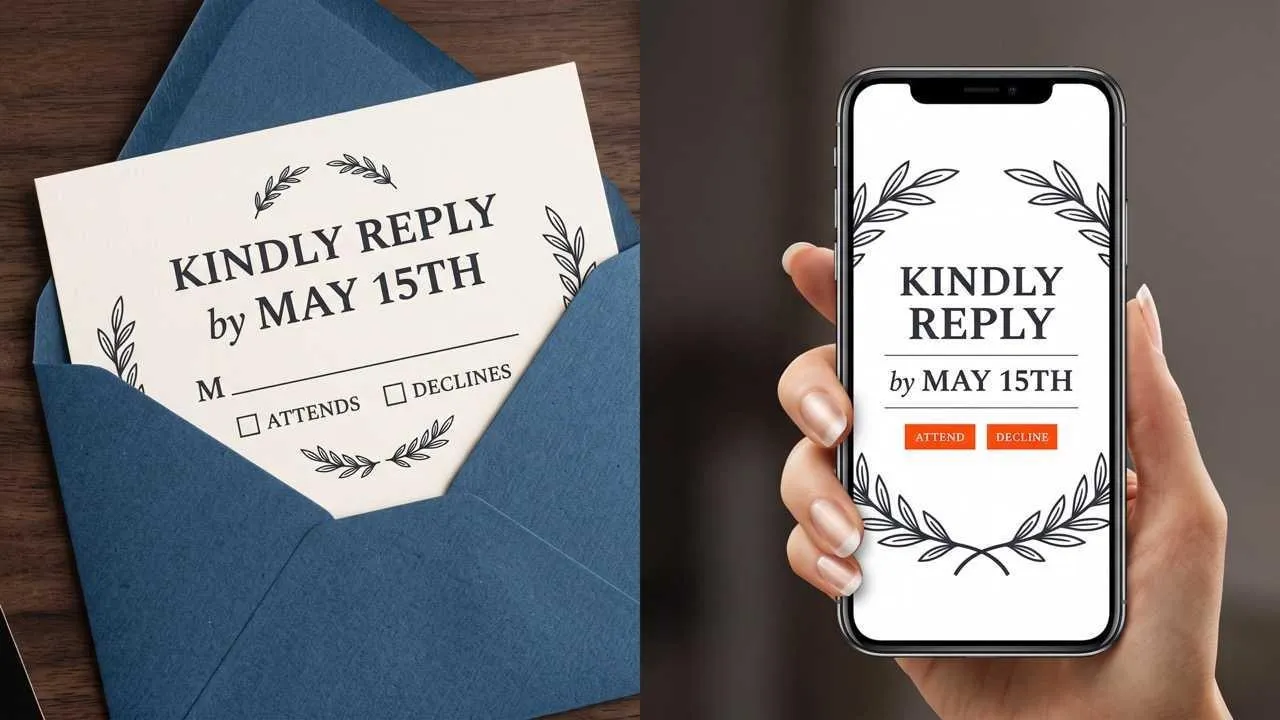

Prepare a mailed RSVP insert for a destination weekend, including a reply date, meal choice, and space for each household name.

Build matching response cards for several ceremonies or guest tiers while keeping the couple's palette and typography recognizable across every version.

Turn a themed event idea into a clear response card, using an image enhancer first when a scanned motif or older event photo needs cleaner source detail.

Show several response-card directions before print approval, using a background remover to isolate photographed motifs or keepsakes when source images need cleaner edges.
Enter the names, reply deadline, attendance options, and any meal or guest information you want shown.
Choose a wedding mood, palette, typography direction, and decorative details that match the invitation suite.
Create the card, check every response detail, and refine the wording or visual direction before saving it.
Go from a single idea to a polished asset. Combine generation, editing, and specialized apps to create any visual you need, without switching platforms.
Go from simple text prompts to studio-quality art in seconds. Generate hyper-realistic visuals and pristine typography for any professional project.
Create images conversationally, from first idea to final render. Use simple, natural language to generate, refine, and perfect your visuals in a step-by-step chat.
Evolve your visuals with absolute precision. Transform image styles and enhance cinematic lighting while preserving the exact layout of your original.
Elevate your workflow with a complete AI photo editing suite. Instantly retouch details, reimagine scenes, and transform raw assets into flawless masterpieces.
Unlock hundreds of specialized image generators. Instantly generate detailed DnD maps, vibrant chibi characters, and custom gaming logos for your brand.
Streamline your daily workflow with dedicated visual utilities. Instantly change backgrounds, erase distractions, and sharpen images in a single click.









Using Pollo AI to Create and Inspire
 Liz Cassidy
 Richard Quick
 armourdude
 Dudu
Dudu Ray Warnes
 lawless clan
 Istvan LajosSantiago Saenz
 Gen Zee
 萱兒
萱兒 Norma Ponce
 Sarah Stokes
 Sudipta Saha
 Luiz Guyz
 Swishadoptme Swishadoptme
An AI RSVP card maker organizes your event details and chosen style into a finished response card, saving you from placing each field and decorative element by hand.
Pollo AI's AI RSVP card maker is the best AI RSVP card maker for giving deadlines, attendance choices, meal notes, and wedding styling a clear hierarchy in one compact design.
Yes. Start with your event details and preferred style, then review the generated RSVP card in Pollo AI before deciding how to use it.
Include the reply deadline, guest name field, attendance choice, and any relevant meal, plus-one, website, or contact details.
A compact 3.5 x 5-inch format is common for mailed response cards, but confirm the final size with your invitation suite, envelope, and printer.
No. This page creates the RSVP card design; it does not send invitations, track replies, or manage a guest list.

Give guests a clear, polished way to reply.